
Signature Add-On Detailed Documentation
The Signature Add-On allows users to digitally sign documents directly within the system, eliminating the need for manual signatures or external tools.
Introduction
The Signature Management Add-On enables seamless management of digital signatures for sales and purchase documents. It allows companies to manage and control the signing process for both invoices and purchase orders. The add-on ensures that signatures are collected from authorized users, including vendors and customers, based on predefined permissions. It provides a straightforward method for recording, viewing, and downloading signed documents, with clear status indicators for signed and unsigned documents. This solution enhances the efficiency and security of transaction approvals, offering a streamlined approach to managing electronic signatures throughout the purchasing and invoicing workflows.
How to Install the Add-On?
To Set Up the Signature Add-On, you can follow this link: Setup Add-On
How to Use the Signature Management Add-On?
- Go to the general settings, and enable the signature toggle to activate the Add-On. The signature Add-On will be available on the dedicated pages.
Sales Invoice
- The company can click on this button to add its signature without needing any special permission.
-
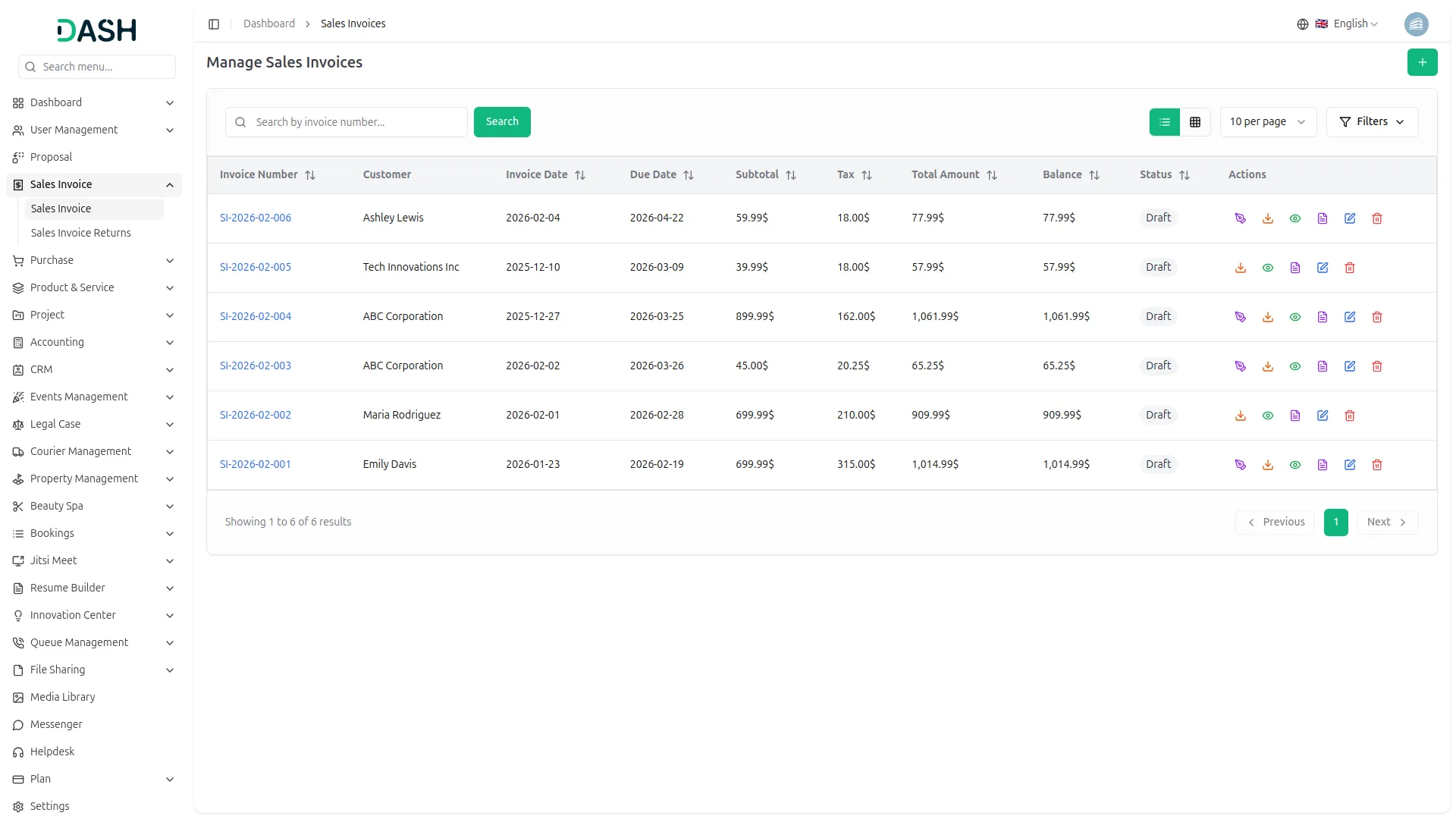
- The customer can also sign the invoice, but only if the company has given signature permission to the customer’s role.
- If you click on the signature button given in the action column, a pop-up will be opened where you can add the signature, clear it out if it is wrong, cancel it if you want, and if you click on the sign, the signature will be recorded easily.
-
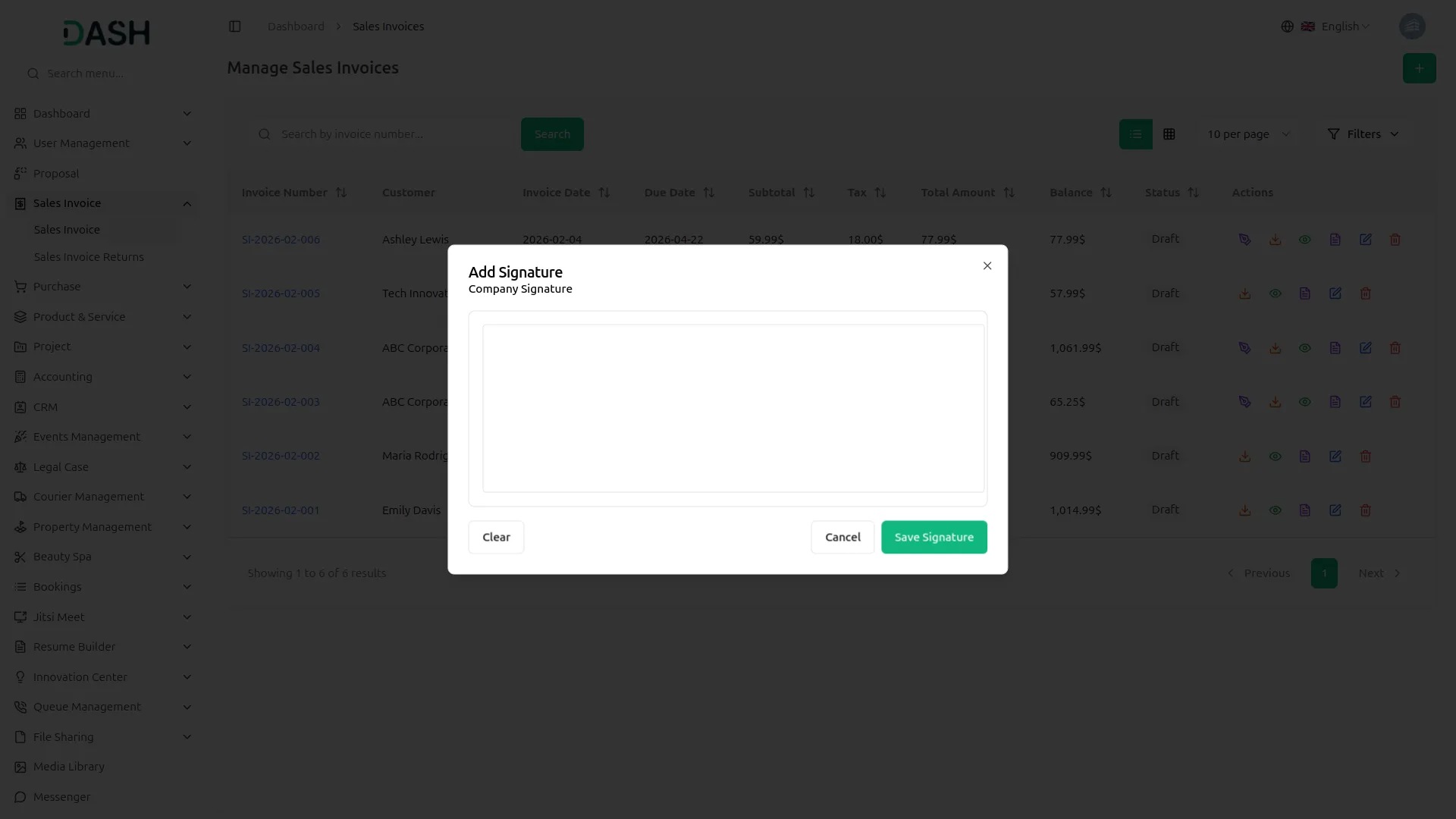
- Note that each user can only add their signature once.
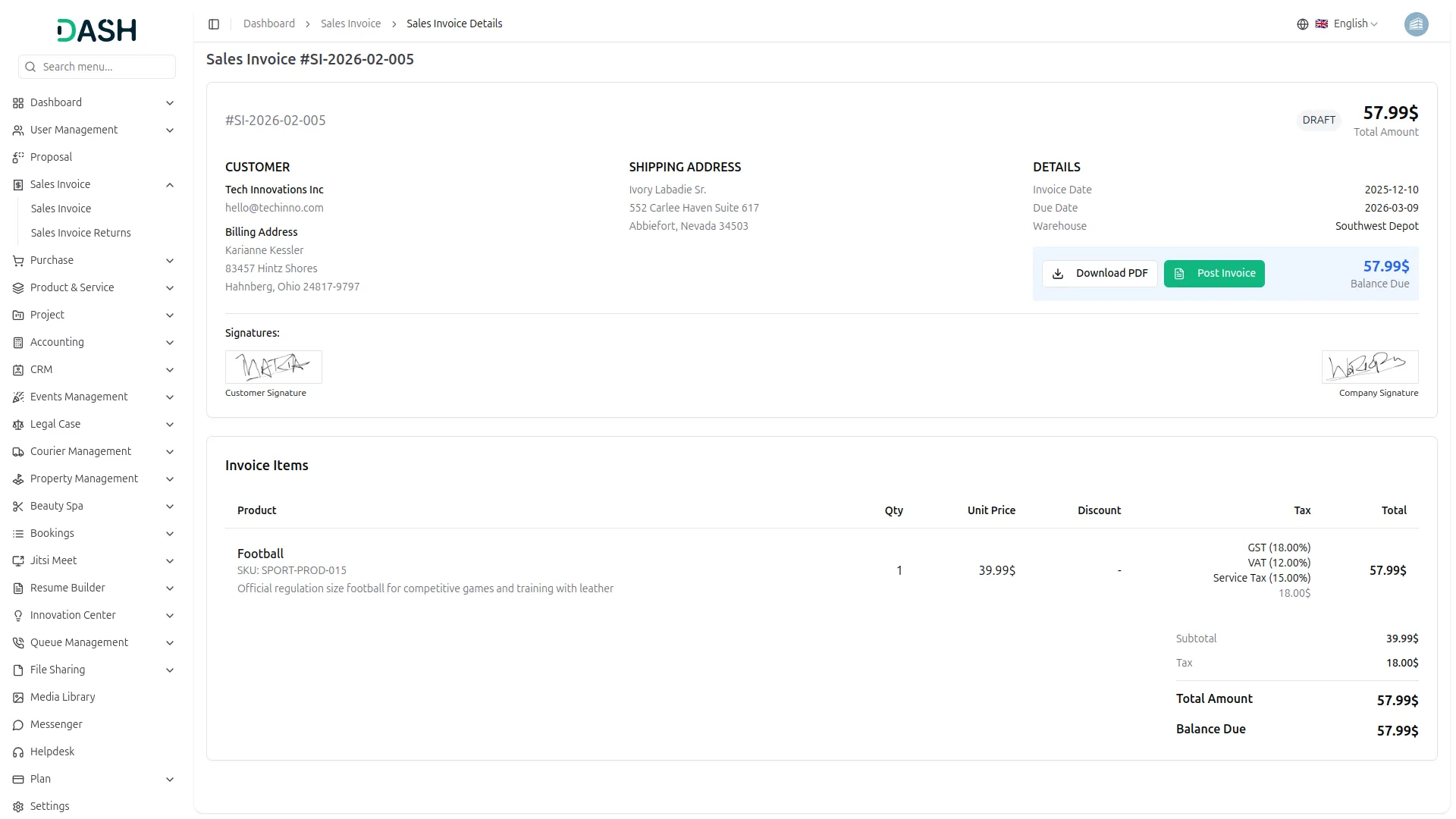
- You can see the signature by clicking the View button. Additionally, the signature will be displayed when you download the invoice as a PDF.
- The customer must log in using their own account to add the signature.
-
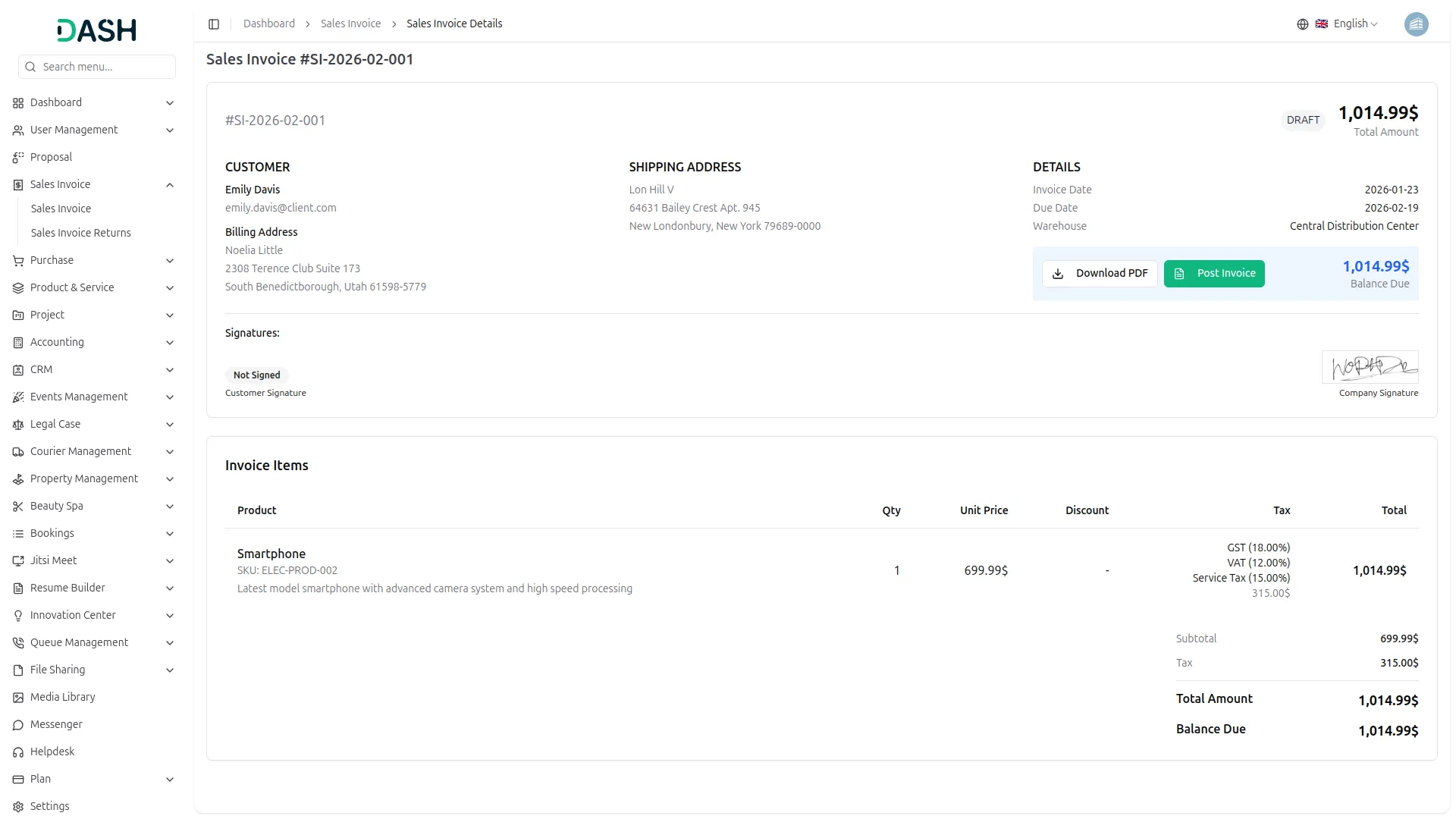
- If the customer has not signed the purchase yet, the system will show the status as “Not Signed.”
-
Purchase Signature
- On the purchase list page, you’ll find the signature option in the action column. Click it to add your signature. A pop-up will be opened where you can add the signature, clear it out if it is wrong, cancel it if you want, and if you click on the sign, the signature will be recorded easily.
-
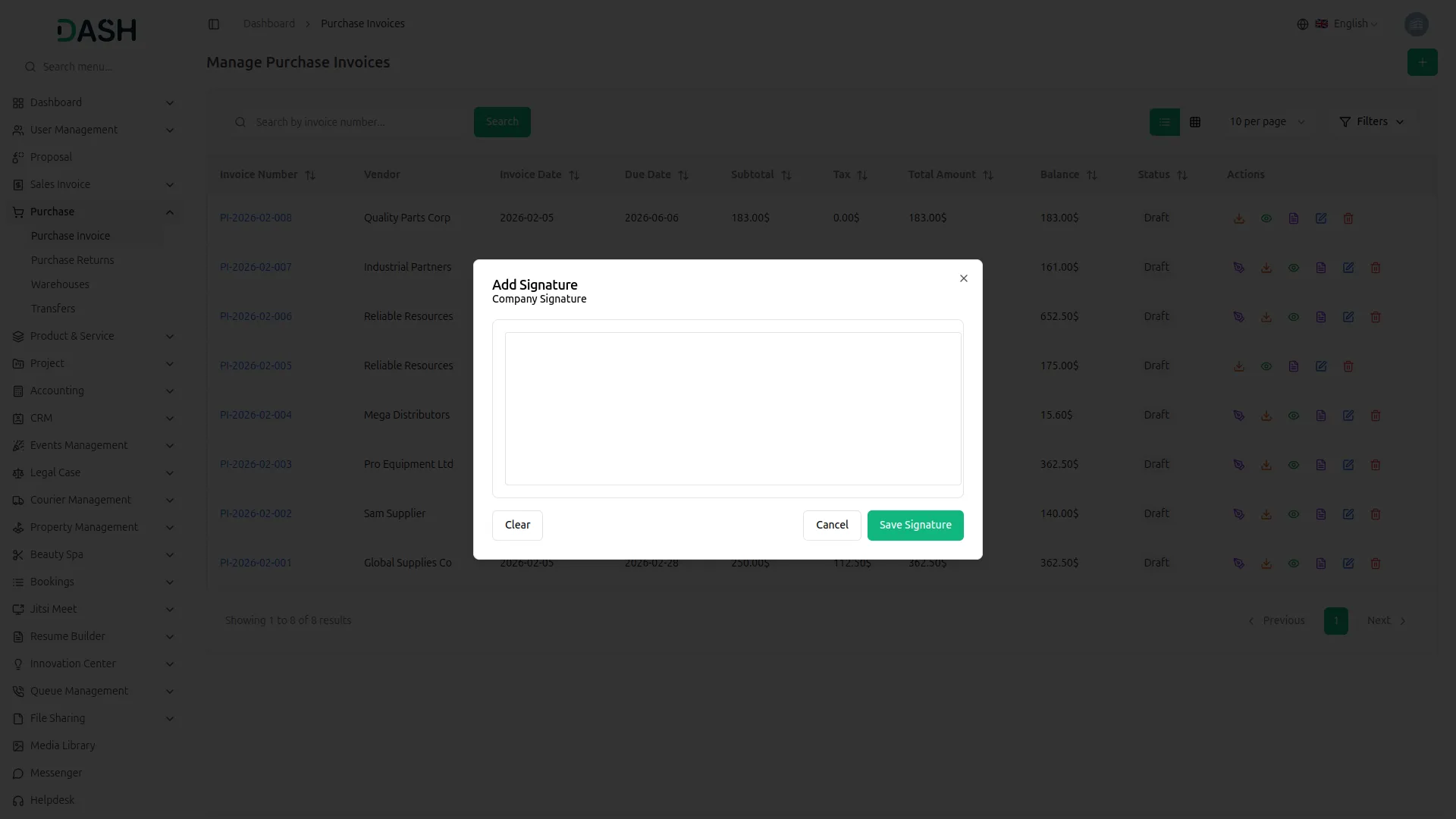
- Note that each user can only add their signature once.
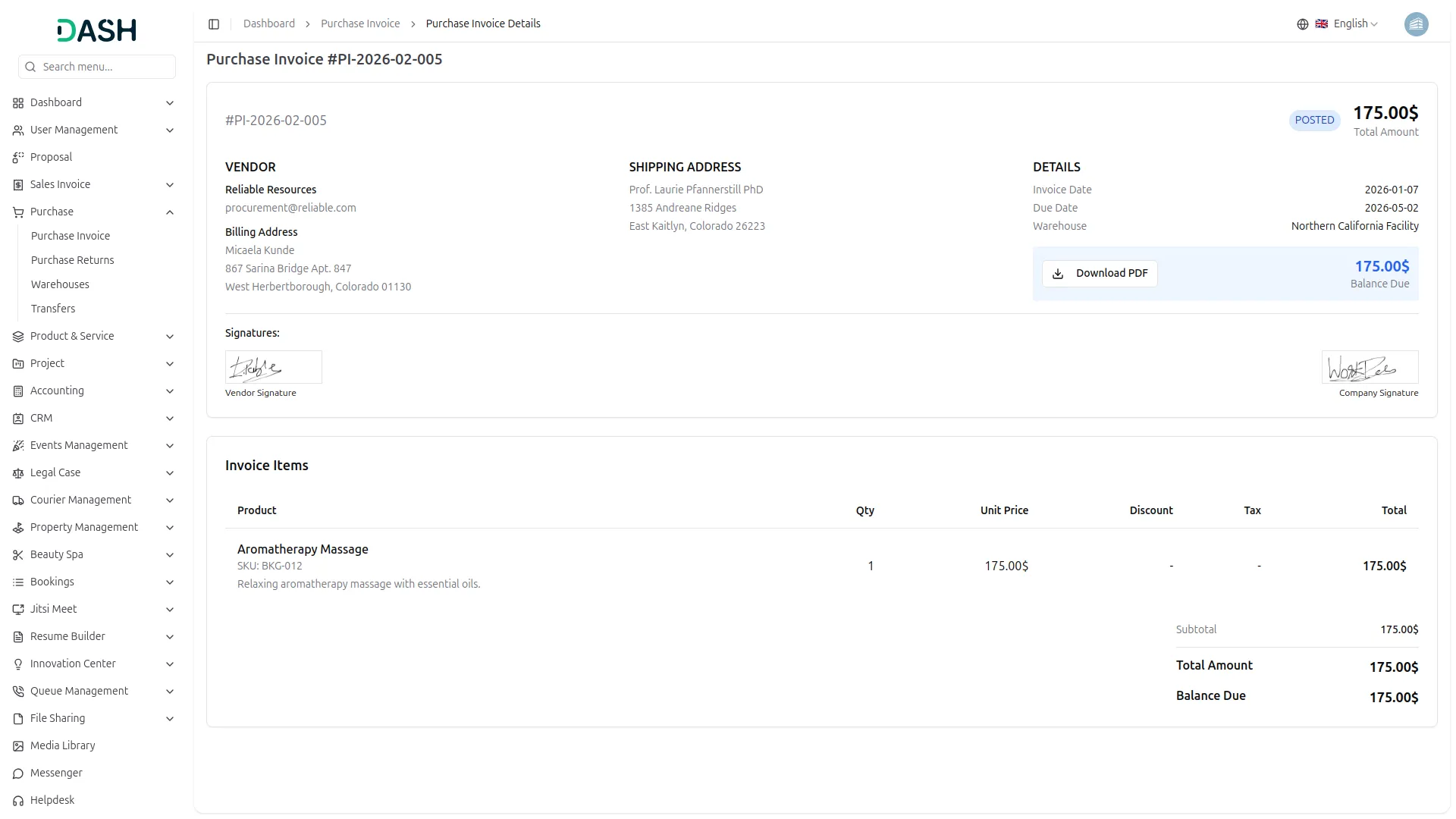
- You can see the signature by clicking the View button. Additionally, the signature will be displayed when you download the invoice as a PDF.
- The signature option will appear beside the purchase, and the company can use it anytime, as no permission is needed.
-
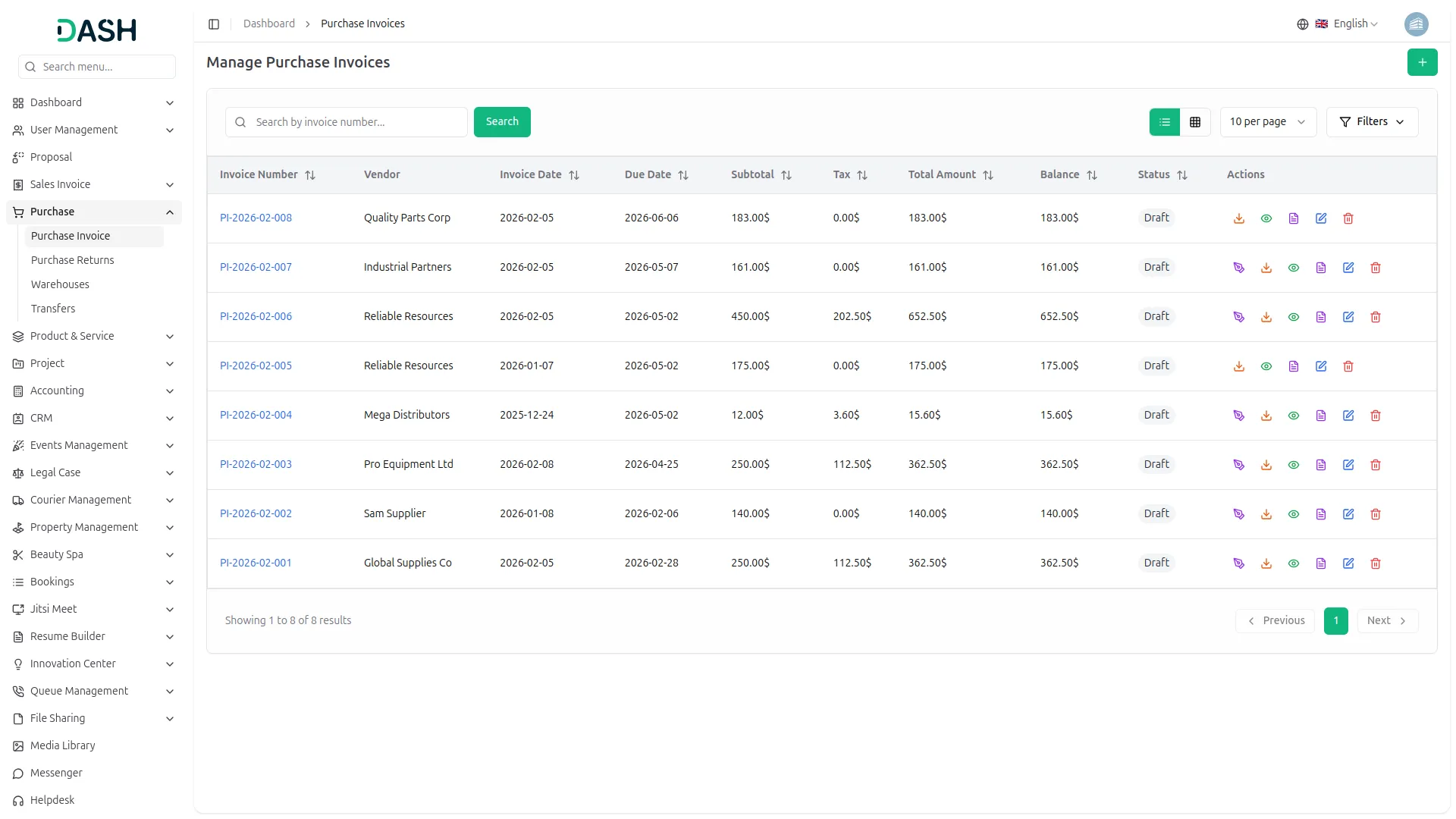
- Vendors can sign the purchase after logging into the system, but only if the company has allowed them to sign by giving permission to their role.
- The vendor will see the signature option once they are logged in and the Add-On is active.
-
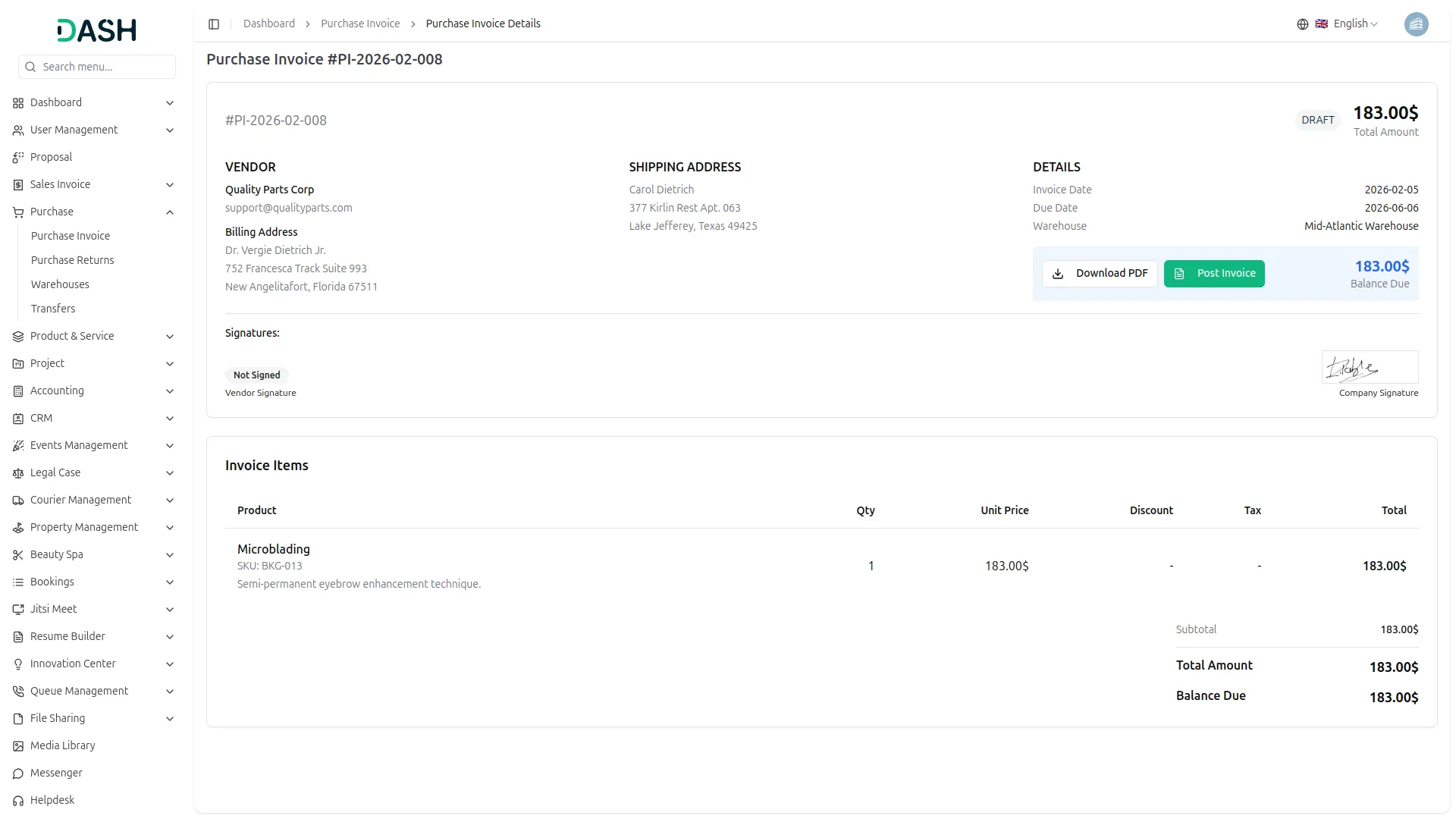
- If the vendor does not sign the purchase, it will clearly show as “Not Signed.”
- This helps in completing the purchase process with the company’s official approval.
-
Categories
Related articles
- Tiffin Service Manager Integration in Dash SaaS
- NGO Management Integration in Dash SaaS
- AI Document Integration in Dash SaaS
- Freight Management System Integration in Dash SaaS
- SMS Integration in Dash SaaS
- Newsletter Integration in Dash SaaS
- Zulip Chat Add-On Detailed Documentation
- Nepalste Integration in Dash SaaS
- Google Authentication Integration in BookingGo SaaS
- Wizzchat Messenger Module Detailed Documentation
- Garden Management Integration in Dash SaaS
- Coworking Space Management Detail Documentation
Reach Out to Us
Have questions or need assistance? We're here to help! Reach out to our team for support, inquiries, or feedback. Your needs are important to us, and we’re ready to assist you!

Need more help?
If you’re still uncertain or need professional guidance, don’t hesitate to contact us. You can contact us via email or submit a ticket with a description of your issue. Our team of experts is always available to help you with any questions. Rest assured that we’ll respond to your inquiry promptly.
Love what you see?
Do you like the quality of our products, themes, and applications, or perhaps the design of our website caught your eye? You can have similarly outstanding designs for your website or apps. Contact us, and we’ll bring your ideas to life.