
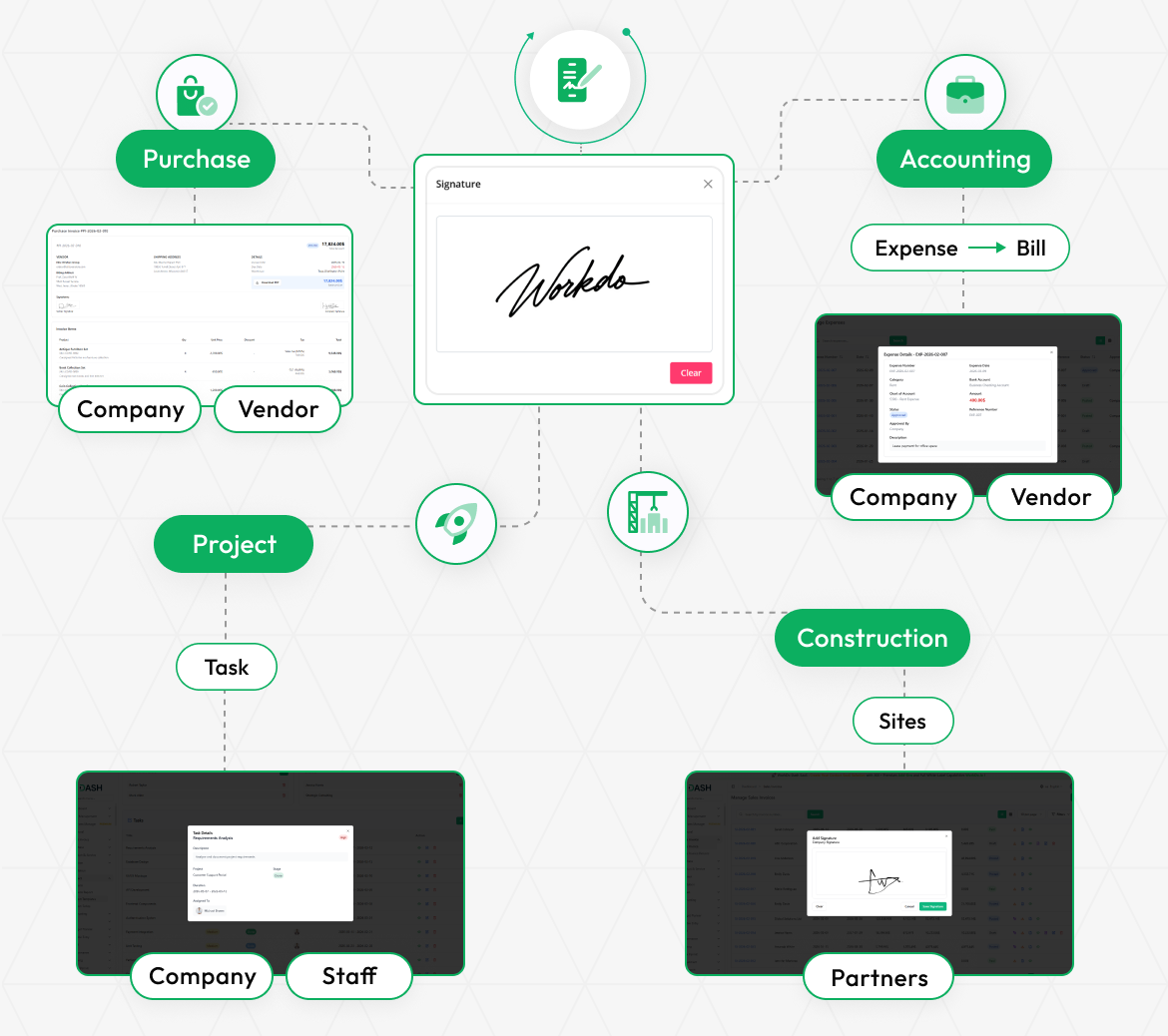
The Signature Management Add-On streamlines digital signature collection for sales and purchase documents, ensuring only authorized users can sign based on their permissions. It allows easy tracking, viewing, and downloading of signed documents, with clear status indicators. Users can add, clear, or cancel signatures, and signed documents are reflected in the "View" section and downloadable as PDFs, improving efficiency and security in transaction approvals.
Streamline Your Document Signing Process
The Signature Management Add-On streamlines the process of collecting digital signatures for sales and purchase documents. It ensures signatures are gathered from authorized users, such as vendors and customers, based on set permissions. The tool allows easy tracking, viewing, and downloading of signed documents with clear status indicators. This solution boosts efficiency and security in transaction approvals, improving the overall invoicing and purchasing workflows.
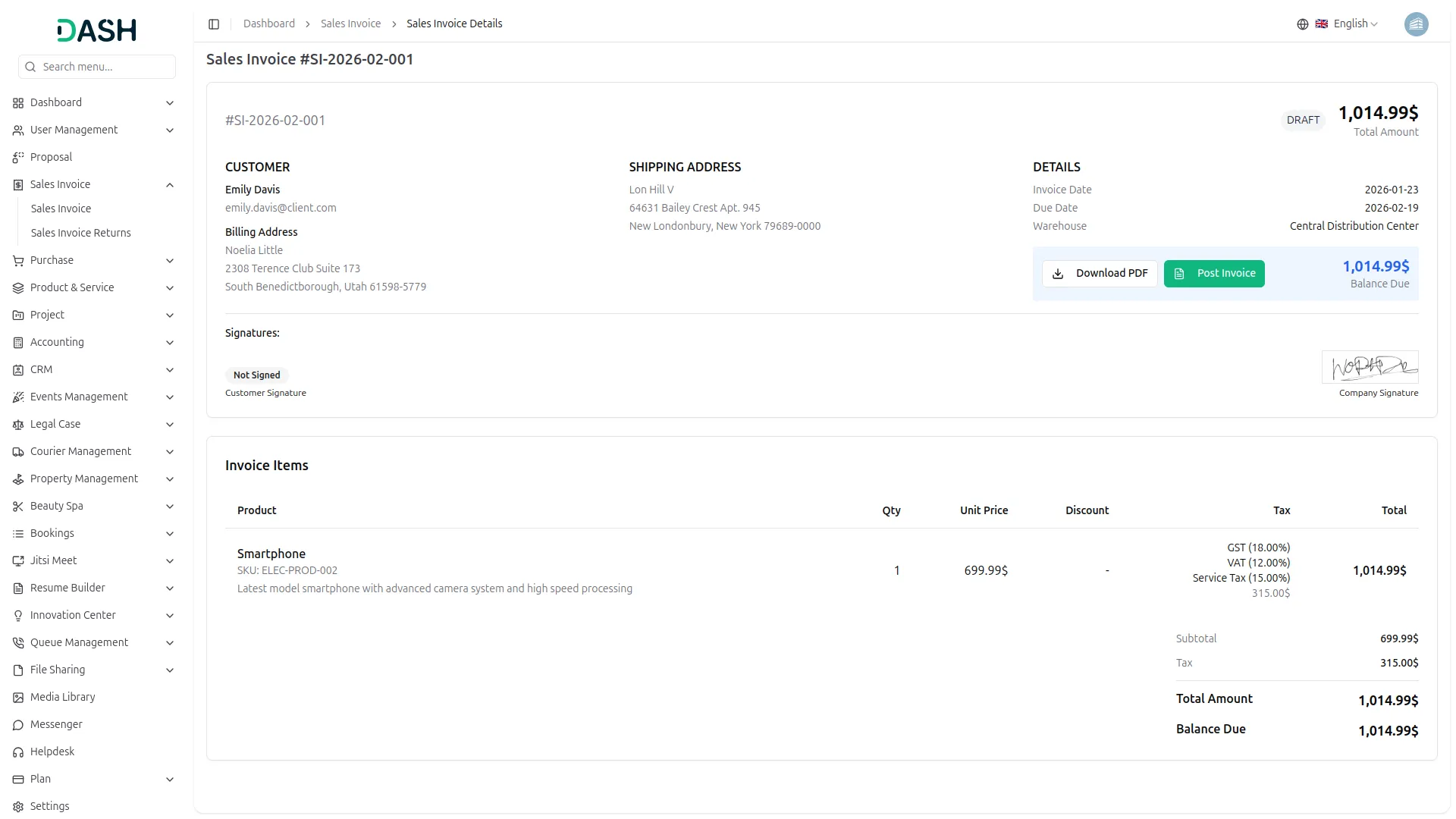
Sales Invoice Signature Management
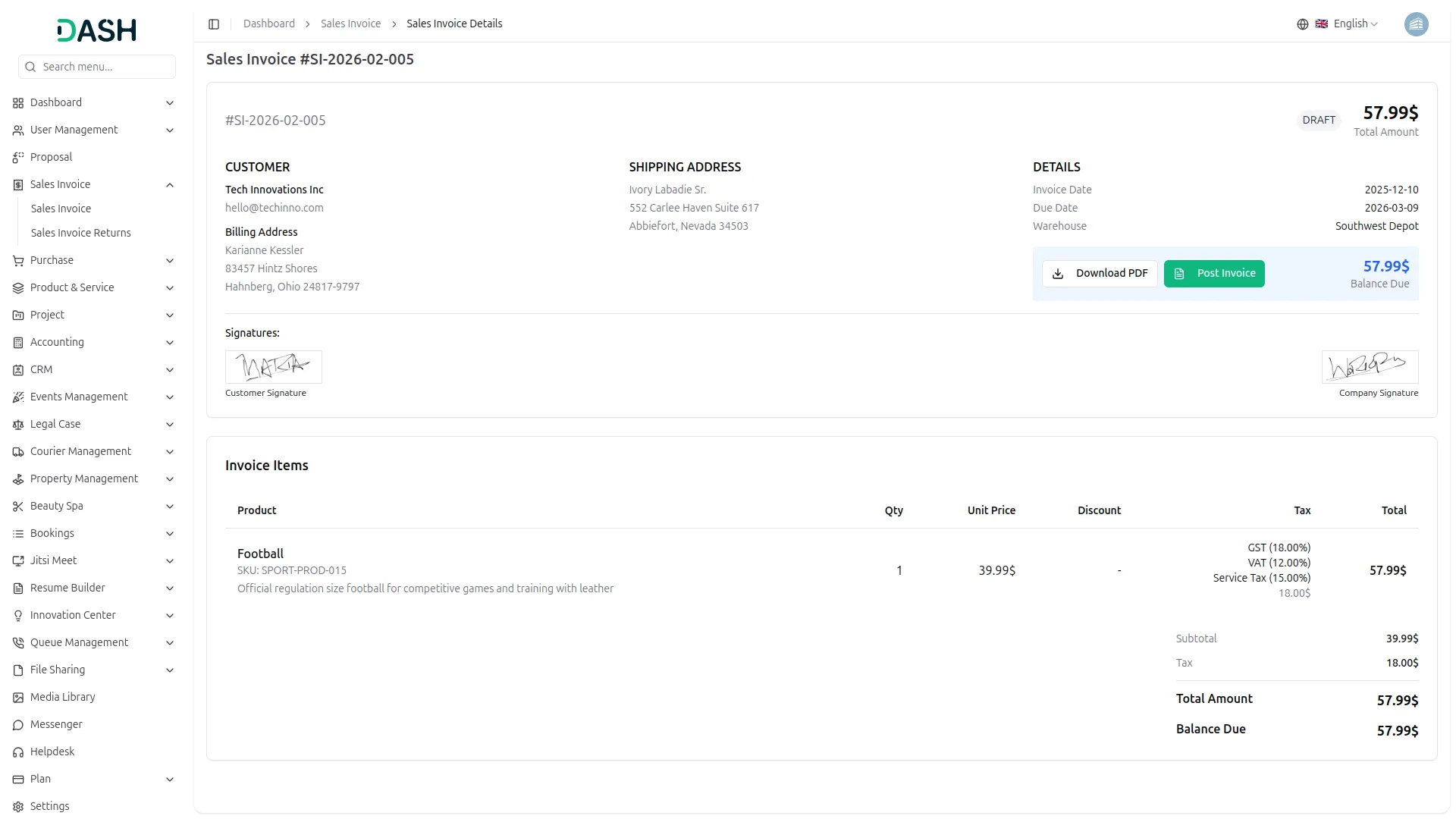
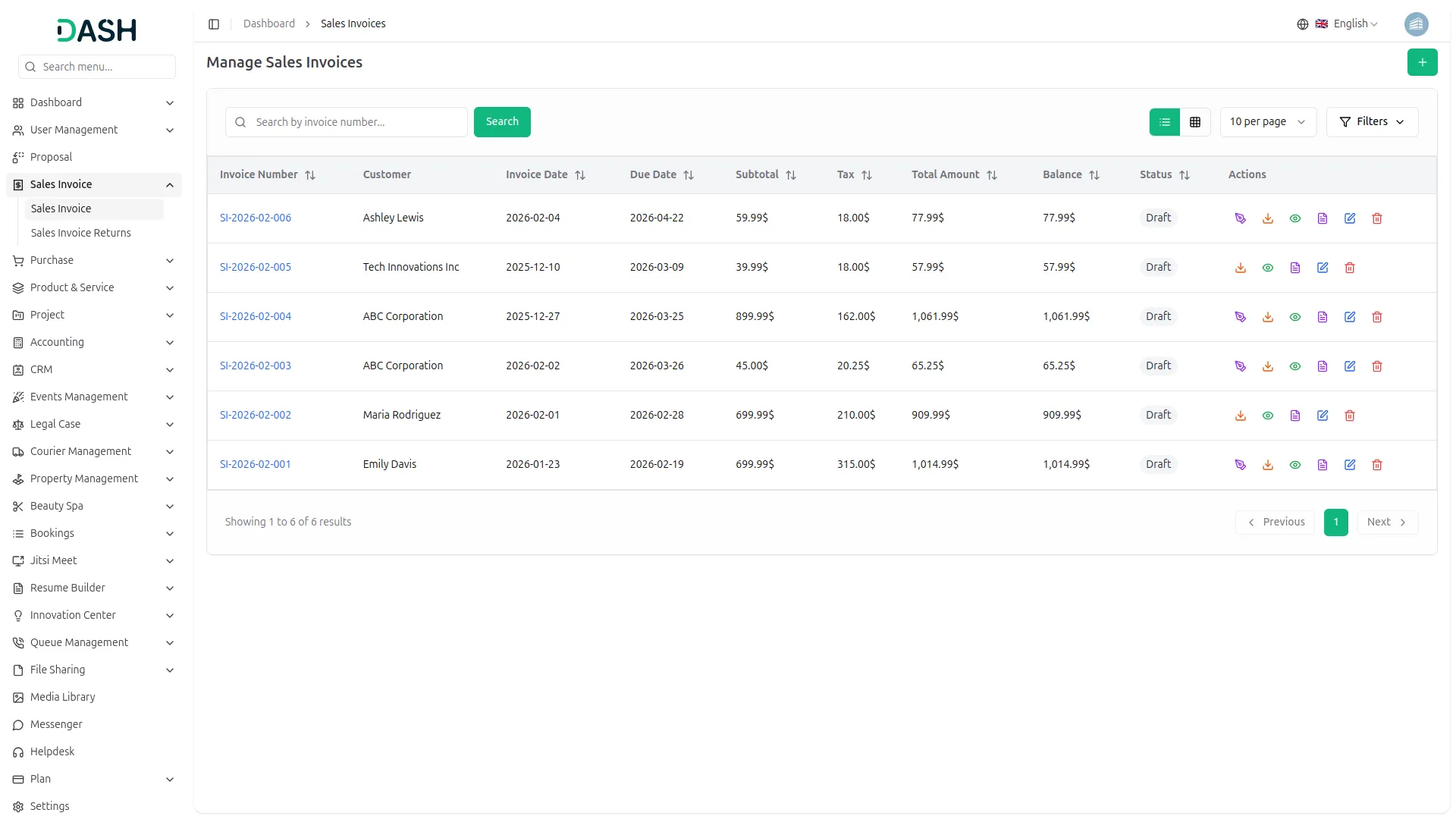
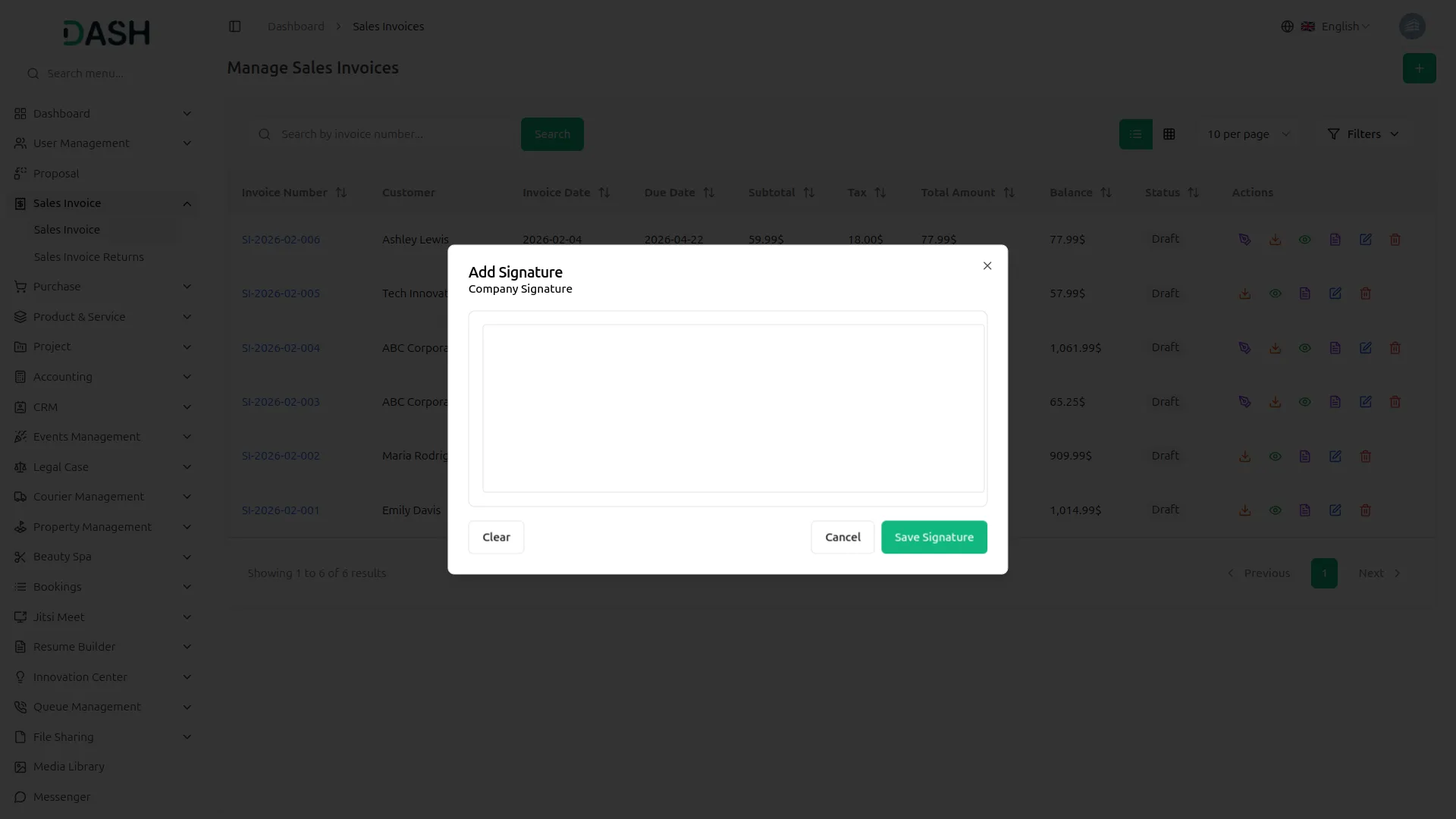
To activate the Signature Add-On, enable the signature toggle in the general settings, making it accessible on dedicated pages. Both the company and customer can sign invoices, with customers needing permission based on their role. A pop-up allows users to add, clear, or cancel their signature, and each user can sign only once. The signature will be visible in the "View" section and included when downloading the invoice as a PDF.
Purchase Invoice Signatures
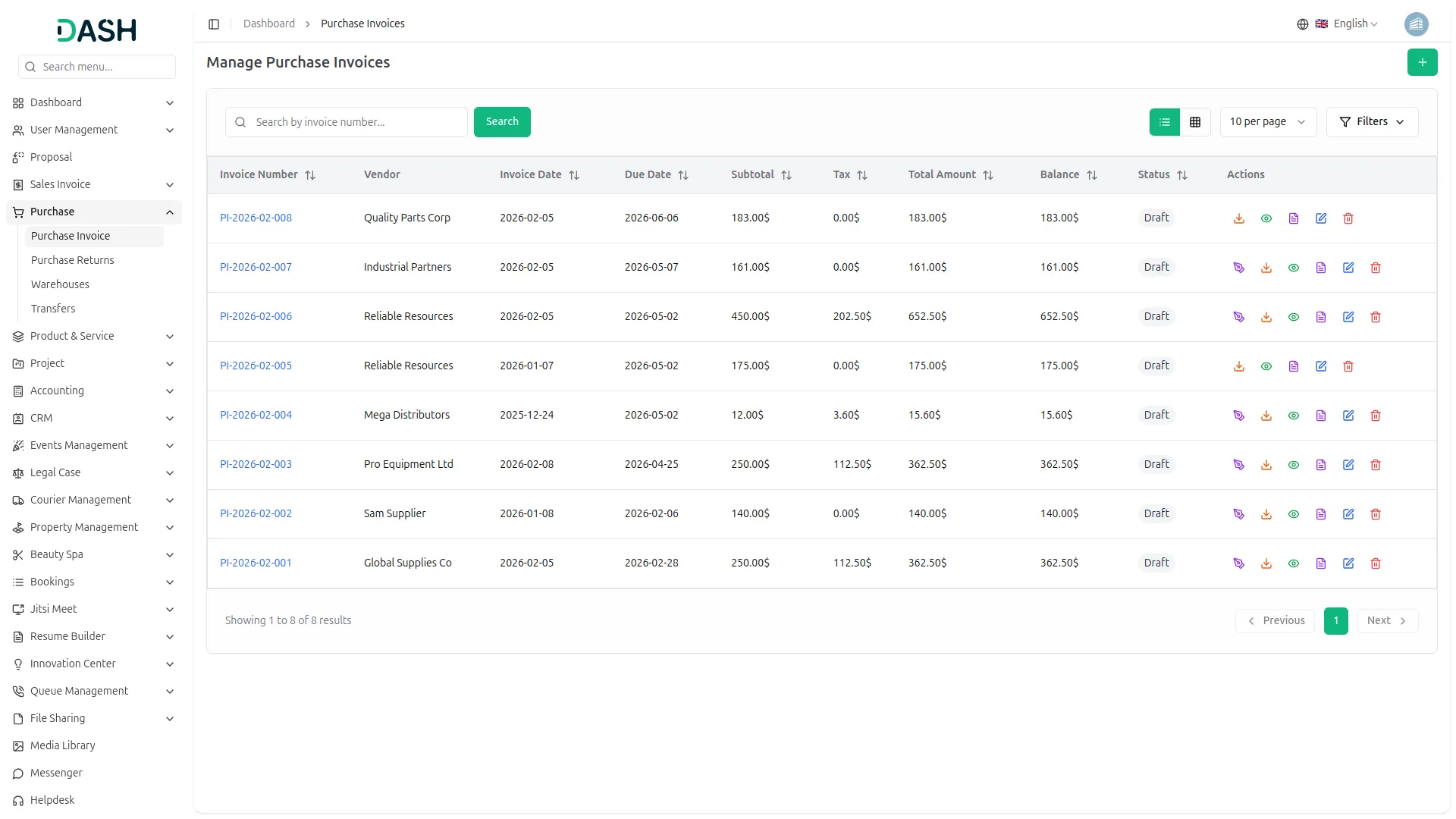
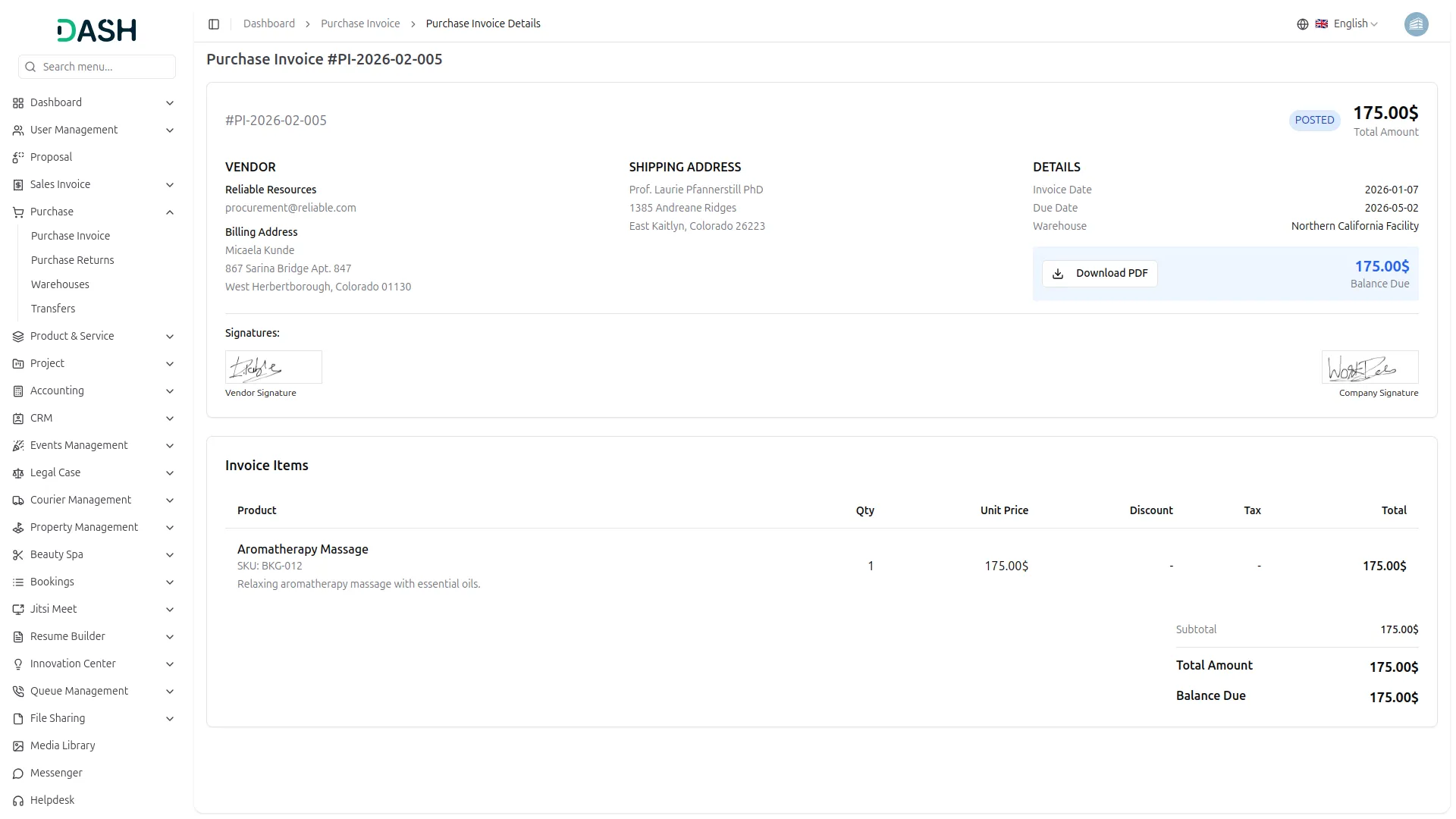
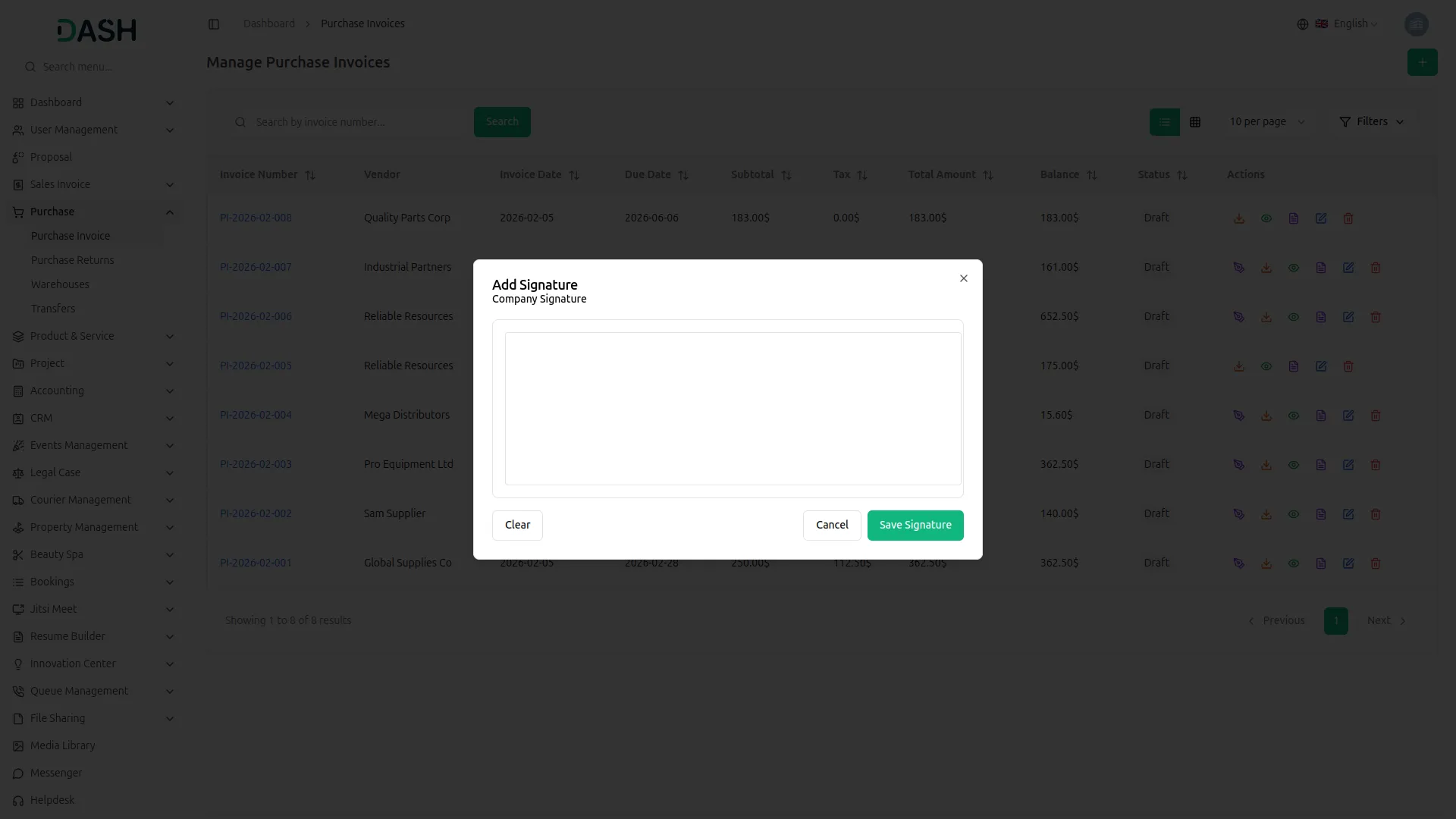
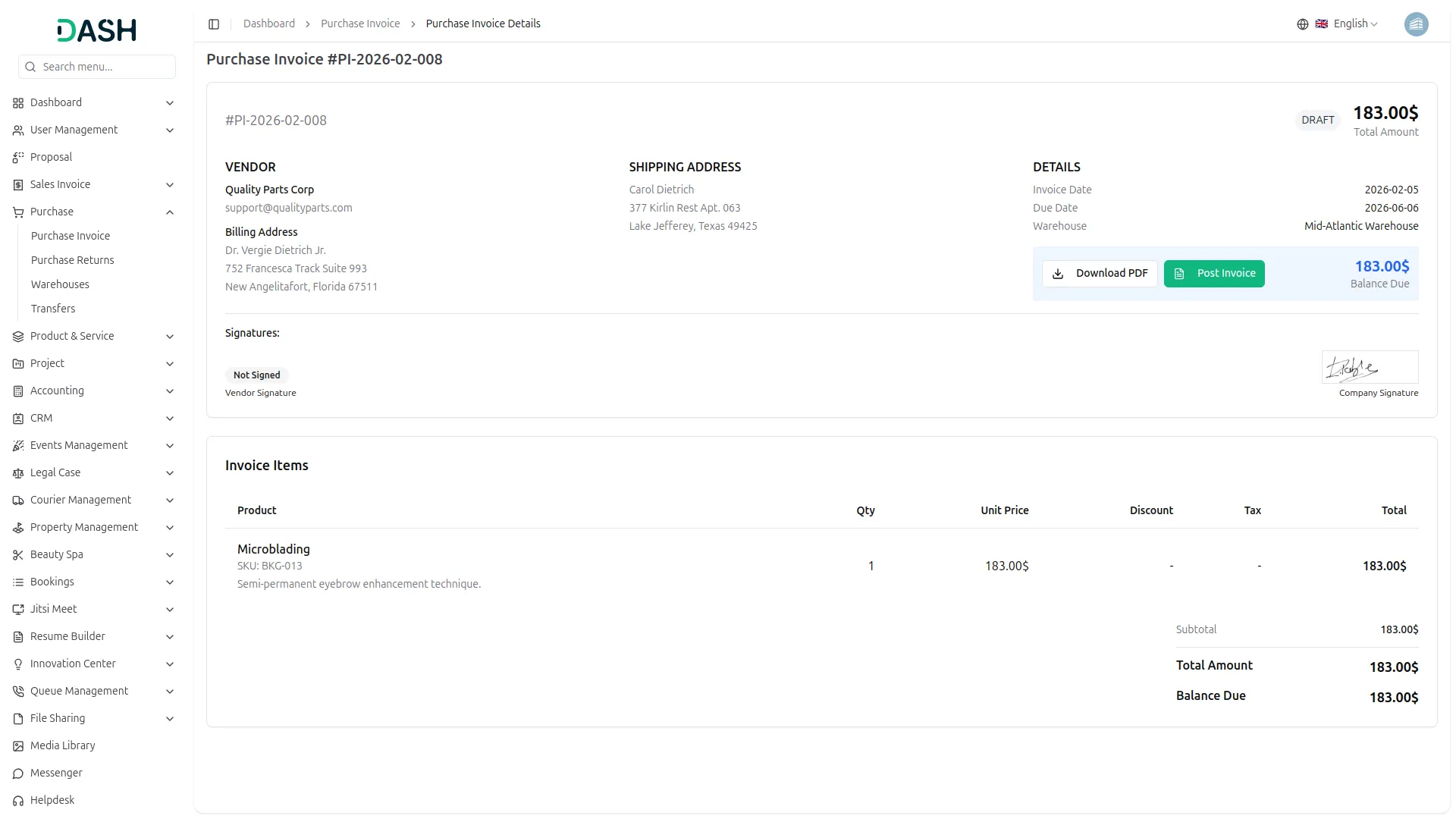
On the purchase list page, you can find the signature option in the action column. Clicking it opens a pop-up where you can add, clear, or cancel your signature, and once you click "Sign," it’s recorded. Each user can sign only once, and the signature will appear in the "View" section and in the downloaded PDF. Vendors can sign after logging in, but only if the company has granted them permission through their role, and the status will show as "Not Signed" if they haven’t signed.
Construction Partner Signatures
The Construction Sites section gives signing authority only to construction partners. Construction partners must log in and have signature permissions assigned by the company to sign site-related documents. The Company cannot sign in this section, they can only view signatures submitted by construction partners. This keeps signing responsibility with field partners while giving the company oversight without interference.
Screenshots from our system
To explore the functionality and usage of these Add-Ons, refer to the accompanying screenshots for step-by-step instructions on how to maximize their features.
Discover More Add-Ons
Unlock even more functionality with additional Add-Ons, providing enhanced networking and customization options for your Dash SaaS experience.

vCard
Designing your business card has never been this easy. With vCard, you can compose your business card within minutes, and it’s effortless, elegant, and free. vCard is always in your pocket without running or tearing out. Easily update your digital business card with our user-friendly dashboard, so you won’t need to re-print your business card again.


Vehicle Trade
The Vehicle Trade Management addon offers a complete end-to-end solution for handling vehicle listings, transactions, and ownership records. It streamlines the entire lifecycle from adding detailed vehicle specs and condition reports to tracking buyer-seller interactions, financial breakdowns, and insurance coverage.

WhatsApp Chat
The WhatsApp Chat module on Dash SaaS helps businesses communicate with customers easily and efficiently. Instead of switching between multiple apps, you can handle all your WhatsApp conversations directly from the Dash portal. Whether it's answering customer queries, resolving issues, or sharing important updates, this integration allows you to manage everything from one place. With a structured approach to messaging, you can stay organized, reduce response time, and ensure that no customer message goes unanswered. This makes it easier to provide excellent customer service while keeping all conversations in a single, convenient platform.
Efficient background automation reduces manual workload
The interface feels polished and thoughtfully designed which makes using it a pleasant experience
The system has noticeably improved our daily workflow by making each task smoother and more structured
The features were well-built and optimized to support high workload environments
Code is optimized for speed
No bugs even after updates
Code is easy to extend