
This Add-On provides a comprehensive solution for creating and managing dynamic forms with advanced conversion capabilities. Users can customize form fields from 12 different field types, collect responses with real-time analytics, track submissions, and automatically convert form data into records across various Add-Ons. With role-based access, workspace management, secure public form sharing, and intelligent field mapping, it ensures an efficient and organized approach to form handling and workflow automation.
Form Builder for Seamless Integration
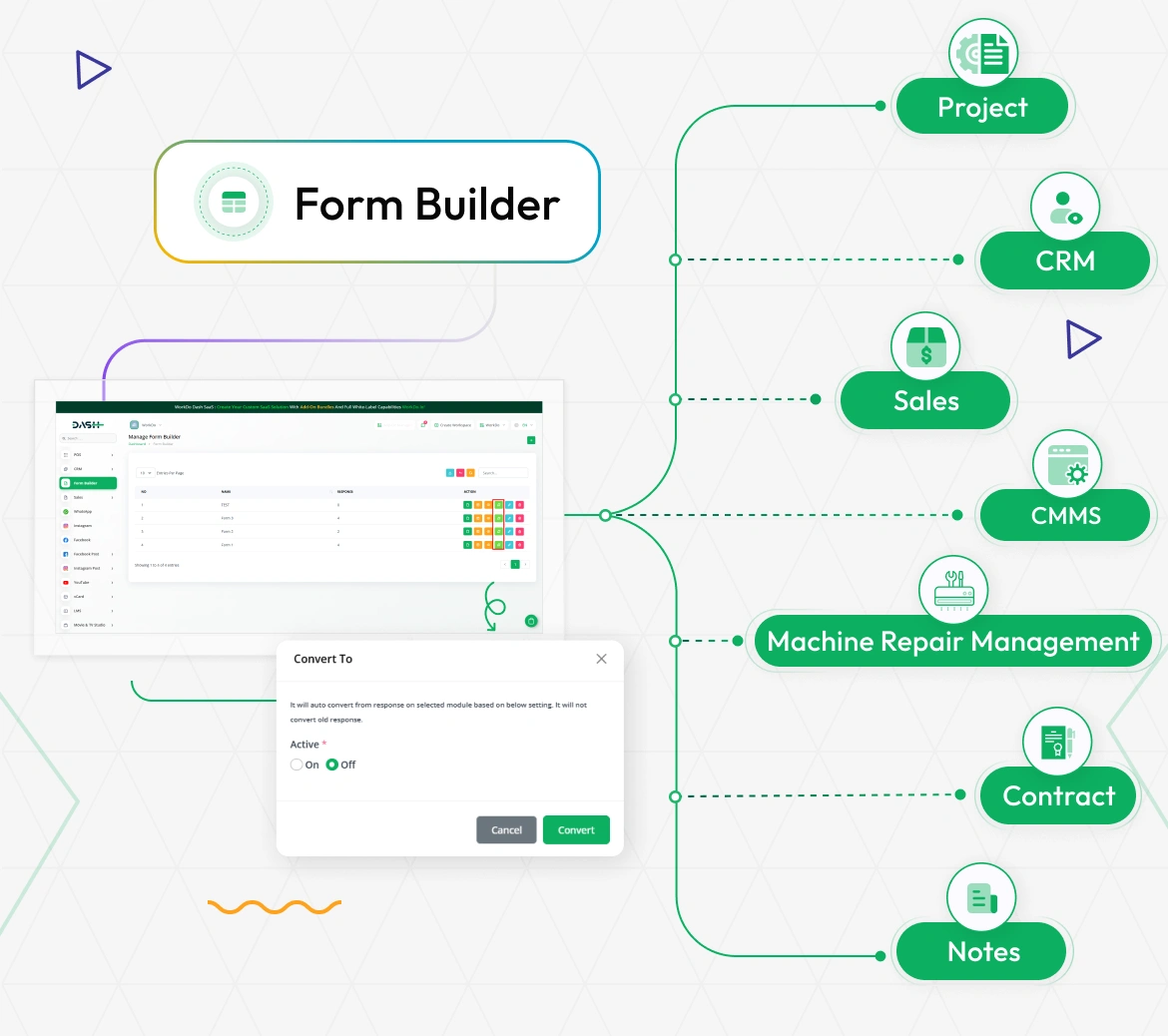
The Form Builder Add-On empowers users to create custom forms tailored to their business needs with click-to-add field interface. Seamlessly integrate forms with various Add-Ons like Projects, CRM, Sales, CMMS, Machine Repair Management, Contracts, Internal Knowledge, and Notes through intelligent field mapping and automatic conversion. Enhance workflow automation and data collection efficiency with an intuitive form-building interface featuring multiple layout options and comprehensive field validation.
- Project
- CRM
- Sales
- CMMS
- Machine Repair Management
- Contract
- Notes
Advanced Form Creation & Layout Management
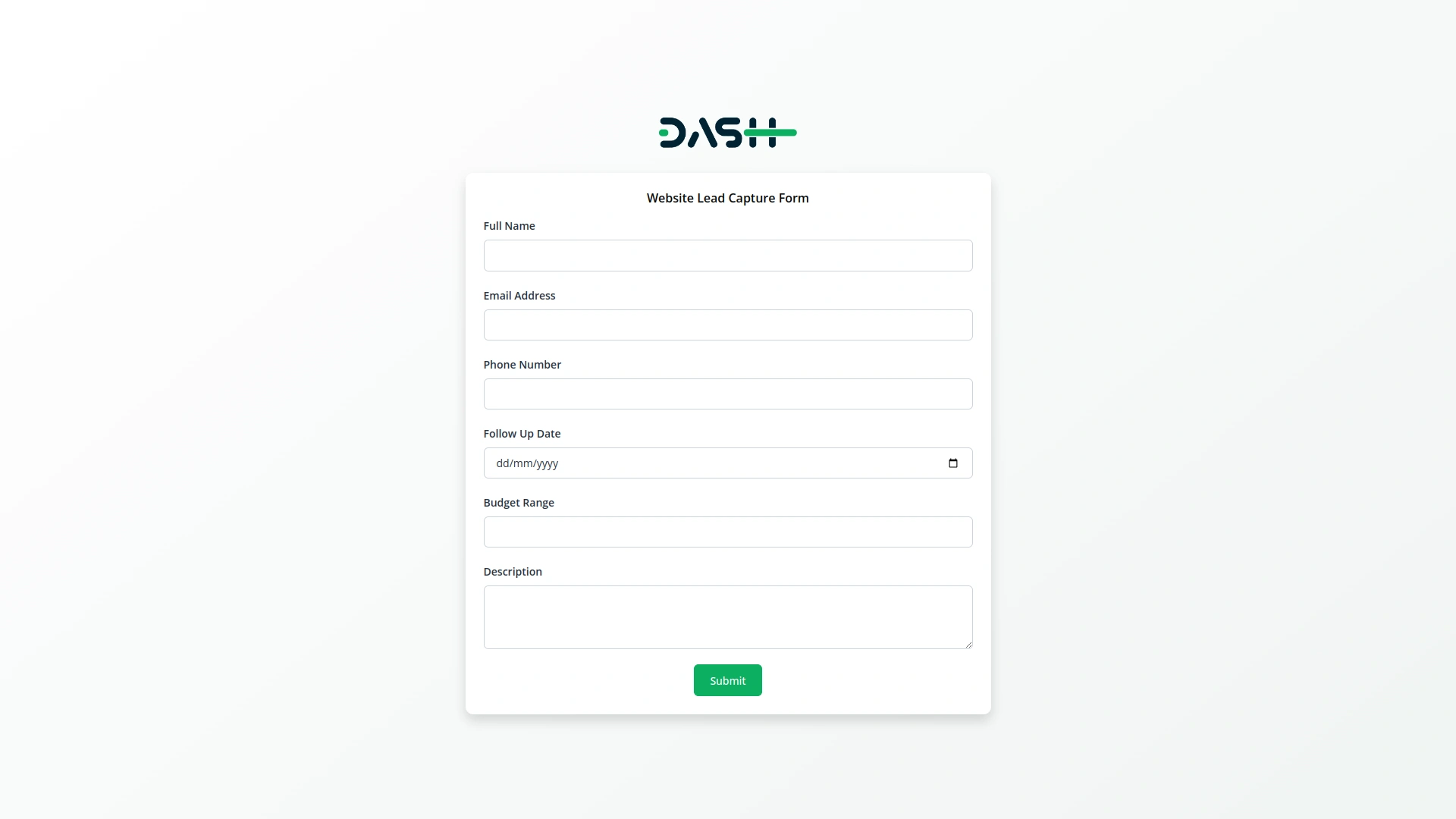
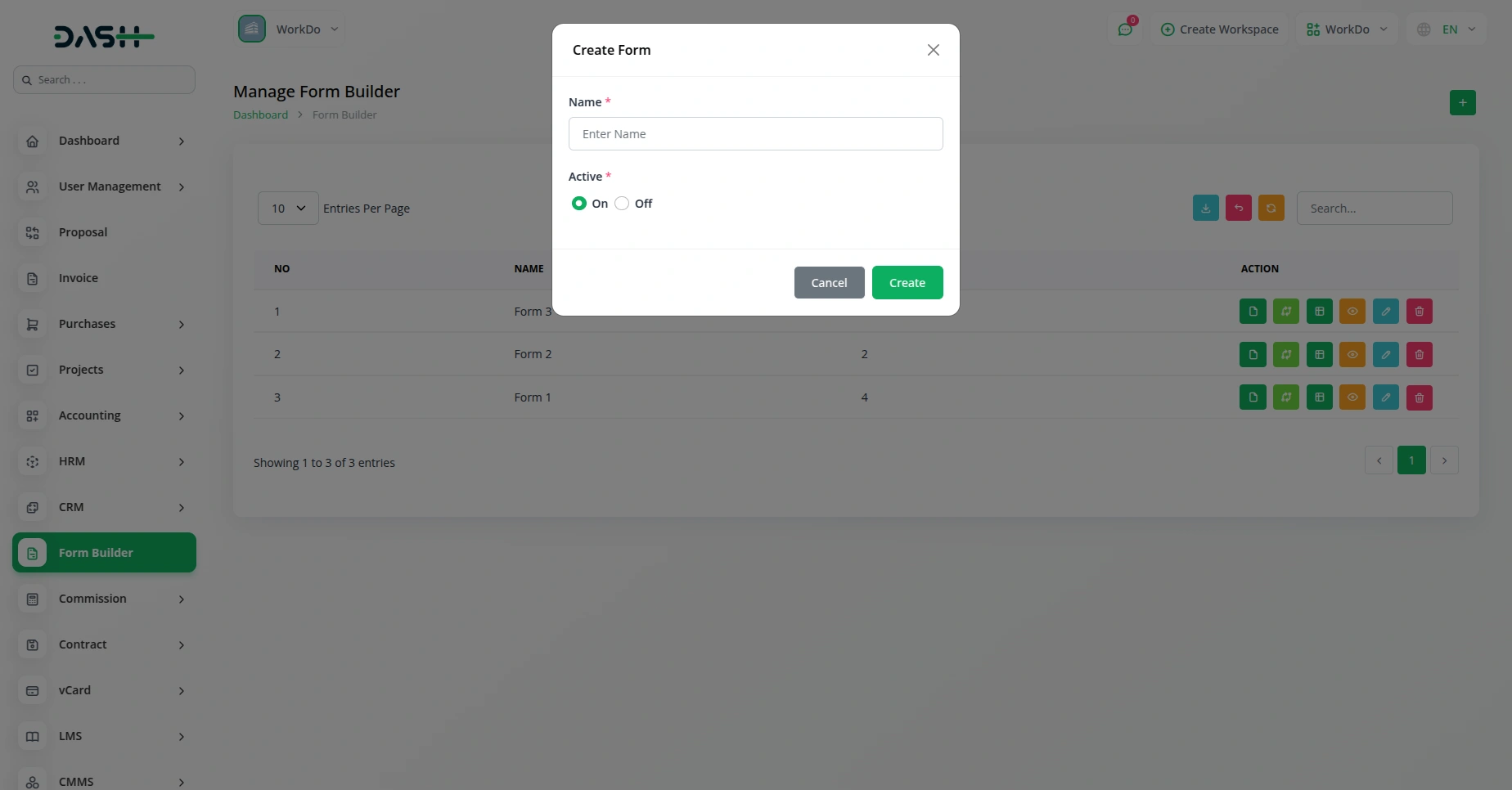
Create sophisticated forms using an intuitive click-to-add field interface with real-time preview functionality. Choose from Single Column, Two Column, or Card layout options to match your design preferences. Define form fields with different field types including Text, Email, Number, Phone, URL, Password, Textarea, Select, Radio, Checkbox, Date, and Time. Forms can be activated or deactivated with toggle controls, offering complete accessibility management with secure public URL generation.
- Create and manage multiple dynamic forms easily
- Activate or deactivate forms based on needs
- Visual form preview with click-to-add field functionality
- Secure public URL generation with activation controls
Comprehensive Field Configuration & Management
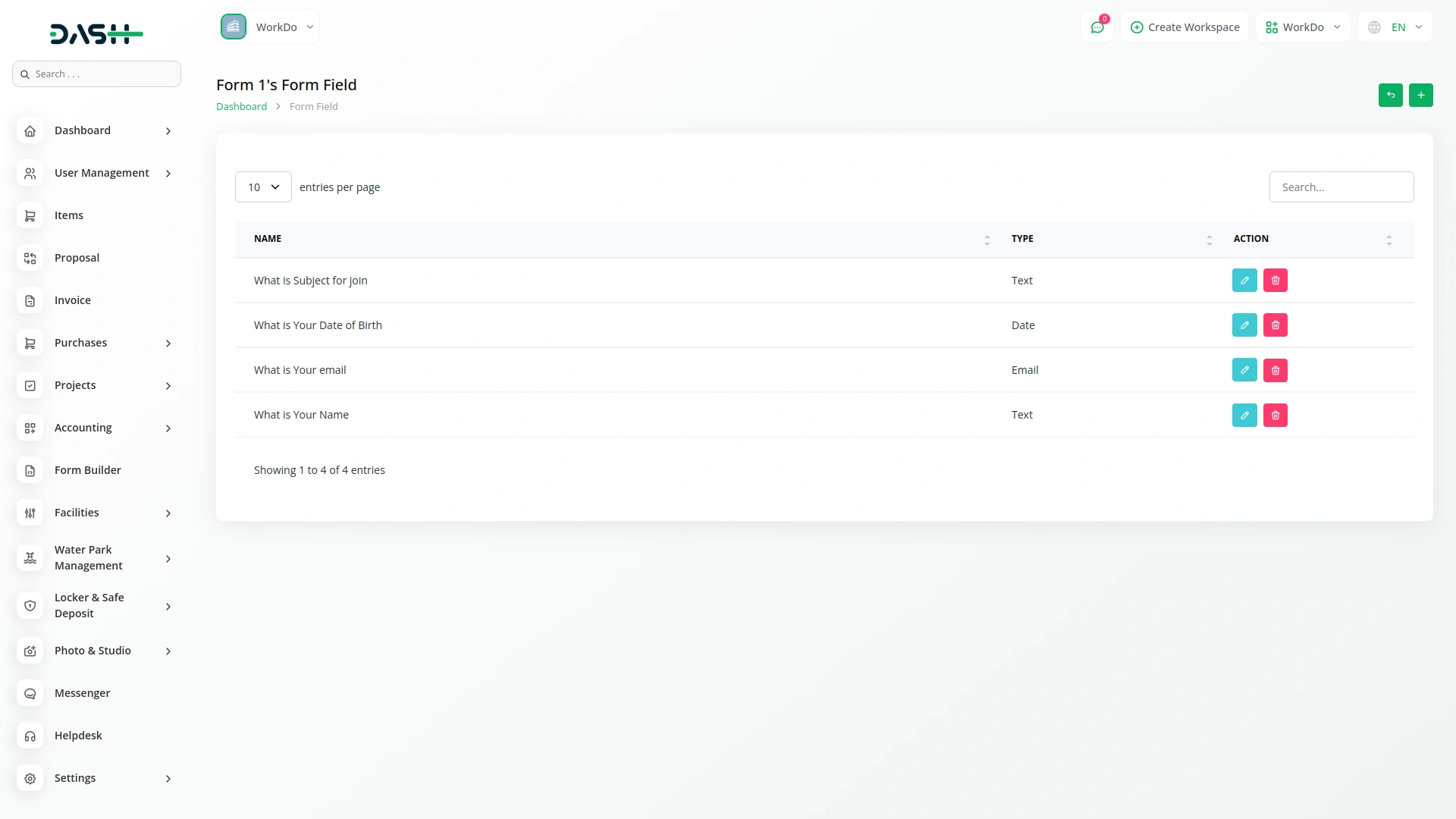
Configure detailed field properties including labels, placeholders, validation rules, and required field settings. Manage complex field options for Select and Radio button fields with add/remove/reorder capabilities. Utilize field ordering controls to arrange form sequence with visual up/down movement. Each field supports unique naming, type selection, and custom validation settings to ensure precise data collection requirements are met.
- Configure field labels, placeholders, and validation rules
- Manage Select and Radio field options with reordering
- Visual field arrangement with up/down movement controls
- Custom validation settings for precise data collection
Real-Time Form Response Management
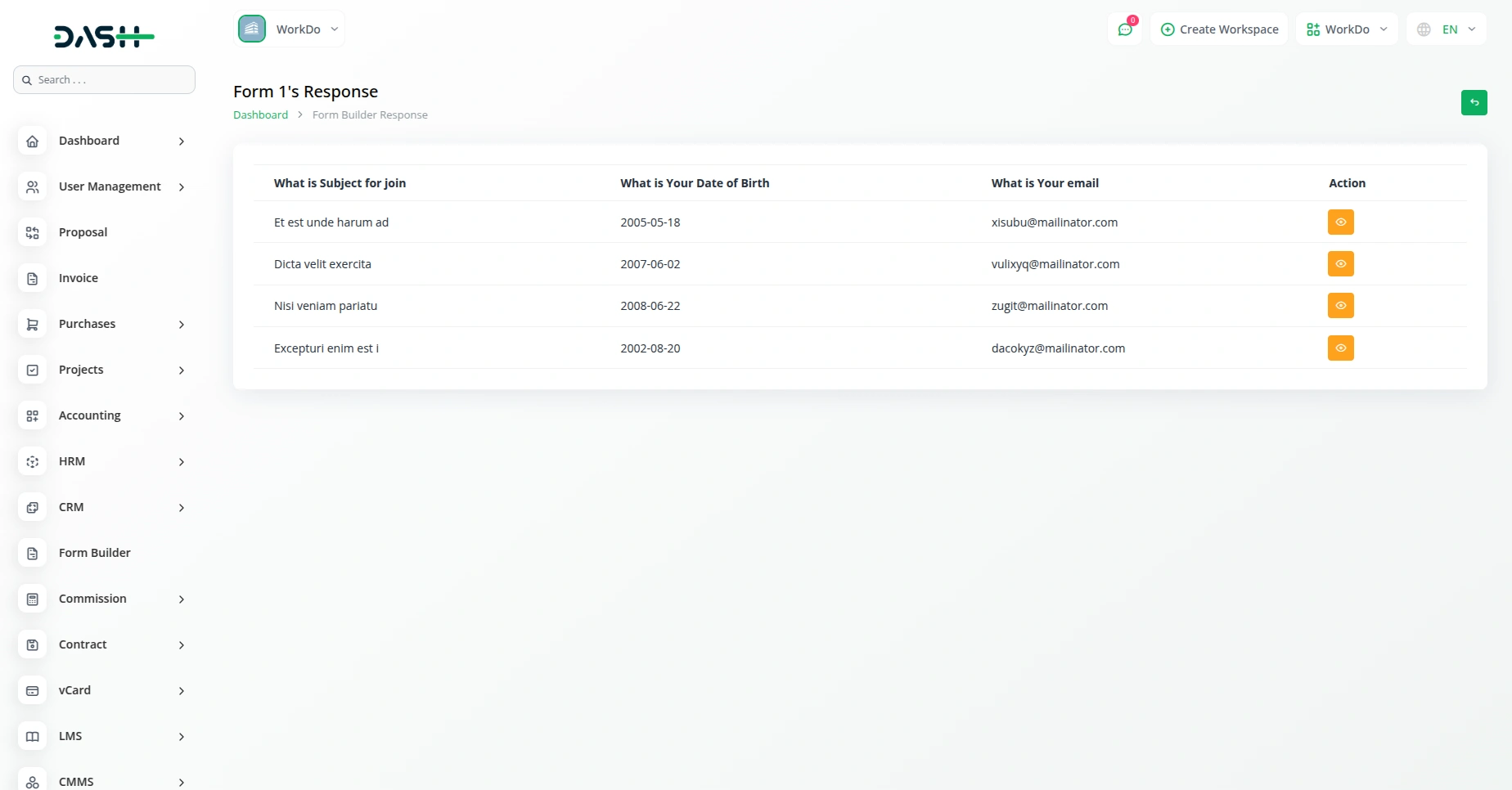
Track and manage form submissions with comprehensive analytics dashboard featuring response counts, completion rates, and submission timelines. Responses are securely stored with searchable data tables. Users can view submitted responses instantly with detailed response data, delete individual submissions, and access real-time statistics. The system maintains accurate timestamps and provides filtering options for efficient response management.
- Real-time analytics with response counts and completion rates
- Store response data securely and efficiently for analysis
- Enhances workflow efficiency and decision-making
- Secure data storage with filtering and management options
Effortless Forms with Powerful Actions
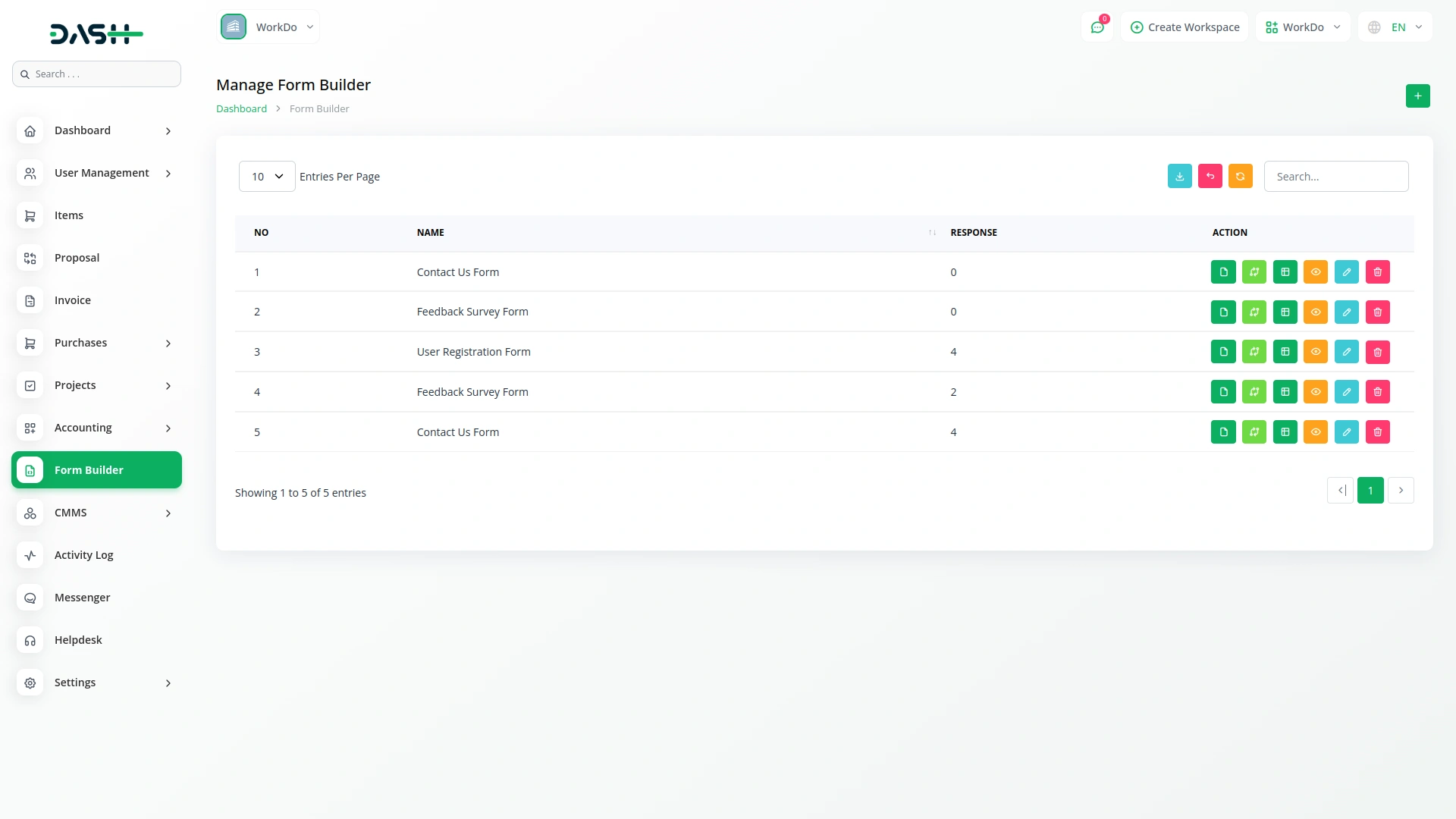
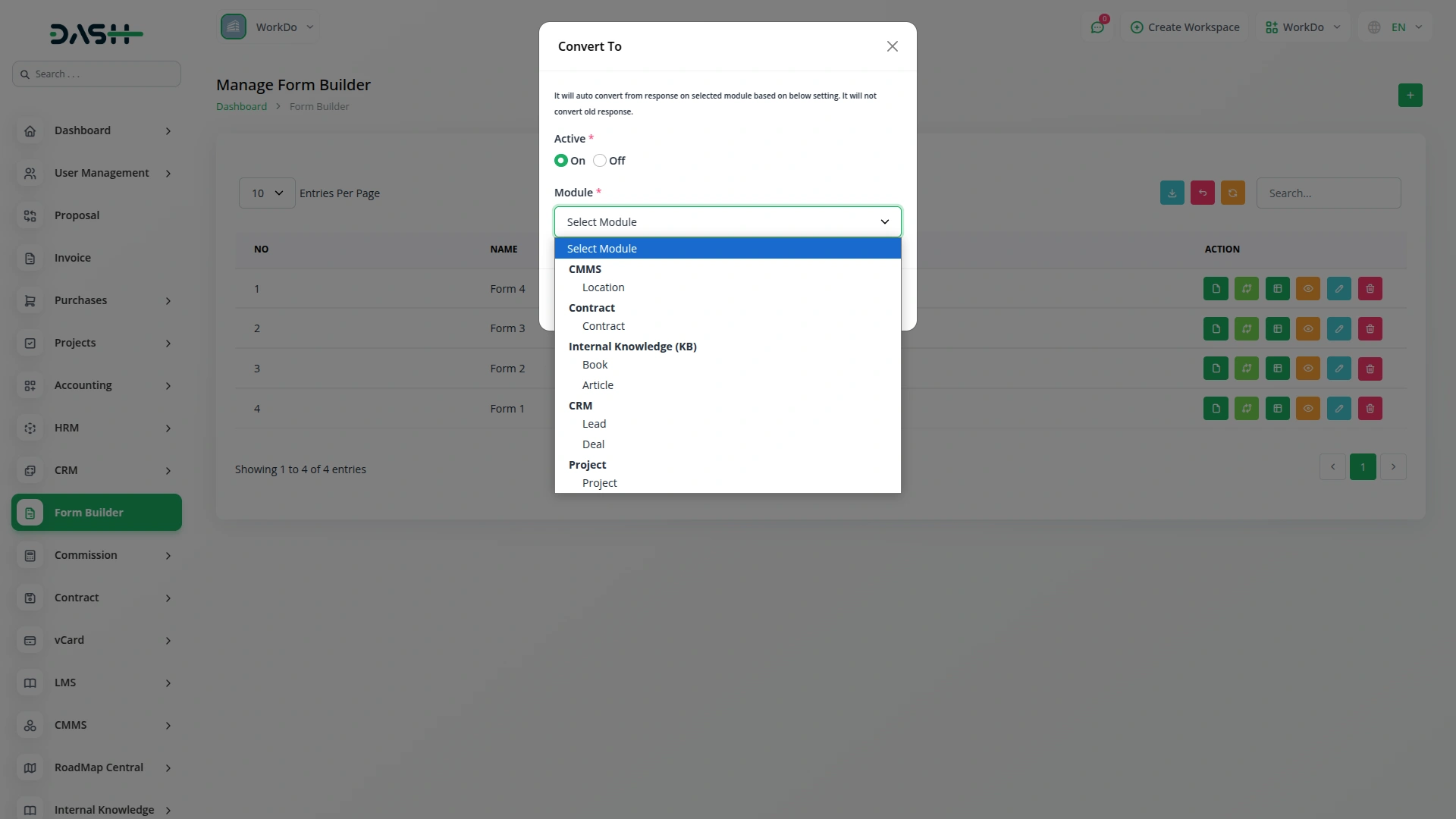
Within our platform's "Convert to" section, you'll find a range of functionalities tailored to streamline your workflow. Here, you can effortlessly copy the form link, access form field editing or viewing options, review responses, and edit the form name to suit your preferences. Additionally, many Add-Ons are integrated with this system, including Lead, Project, Machine Repair Management, CMMS, Sales, Contract, and Internal Knowledge Notes, ensuring seamless connectivity and enhanced functionality.
- Effortlessly copy form links and edit fields
- Integrated with Lead, Project, and other Add-Ons
- Seamless connectivity for enhanced functionality
- Intelligent field validation and data integrity checks
Screenshots from our system
To explore the functionality and usage of these Add-Ons, refer to the accompanying screenshots for step-by-step instructions on how to maximize their features.
Discover More Add-Ons
Unlock even more functionality with additional Add-Ons, providing enhanced networking and customization options for your Dash SaaS experience.

Insurance Management
Streamline your insurance operations effortlessly with our comprehensive module in Dash SaaS. From client management to policy administration, access all your insurance-related tasks in one centralized dashboard, ensuring efficiency, accuracy, and compliance at every step.
View More
cybersource
cybersource is a leading payment gateway service provider that facilitates the secure and efficient processing of online payments for businesses.
View More
Music Institute
The Music Institute Management System is a complete solution for managing music schools and academies.
View More
Garage/Workshop Management System
Garage/workshop management is an integrated technology platform designed specifically for automotive service businesses.
View More15 reviews for Form Builder – Dash SaaS Add-On
| 5 star | 80% | |
| 4 star | 20% | |
| 3 star | 0% | |
| 2 star | 0% | |
| 1 star | 0% |
Comments
You must be logged in to post a comment.
There are no comment yet.
Contact Us for Support :
-
You will get immediate support from our support desk. Please visit here https://support.workdo.io/
Item support includes:
- Answer pre-sale questions or query
- Answering technical questions about item's features
- Assistance with reported bugs and issues
- Help with included 3rd party assets
- Free Installation services in some cases
However, item support does not include:
- Customization services
Check Documents & Tutorials
Design feels modern and elegant
The product meets all performance expectations with no issues
Design is visually appealing and modern
Code is well documented and maintainable
Flexible and user-friendly interface
Documentation is very detailed and helpful
Product is high quality and dependable
the Team deserve 5 Star for following reason; 1- Customer Support2- Feature Availability3- Design Quality 4- Documentation Quality
I really like the feature
Very good system
Very Satisfied with the All Addon
Works perfectly across devices and platforms
Las funciones son innovadoras y muy útiles