
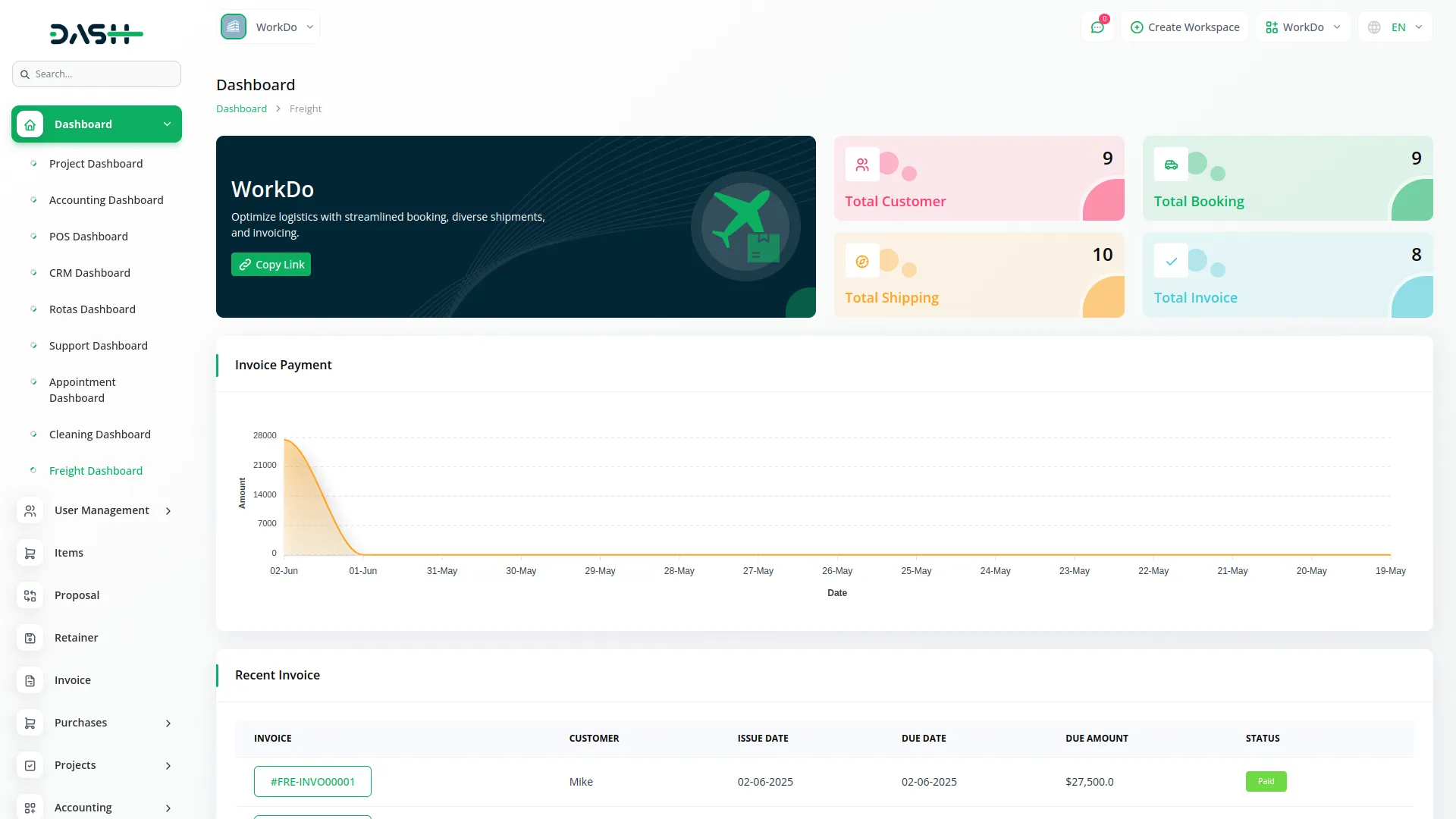
The Freight Management System streamlines the entire freight workflow, from customer bookings and shipments to invoicing and payments. It features multi-tab shipping details, real-time dashboards, and customizable pricing settings. With organized Add-Ons and automation, it ensures efficient and accurate freight operations. You can also view the latest invoices and shipments directly, keeping you updated without leaving the main screen.
Booking Request Link
- Booking Request Link
- Customer Management
- Booking Management
- Shipping Management
- Invoice Tracking
- Price Configuration
- Container Management
- Service Management
- Invoice Payment Overview
- Multi-Tab Shipping Details
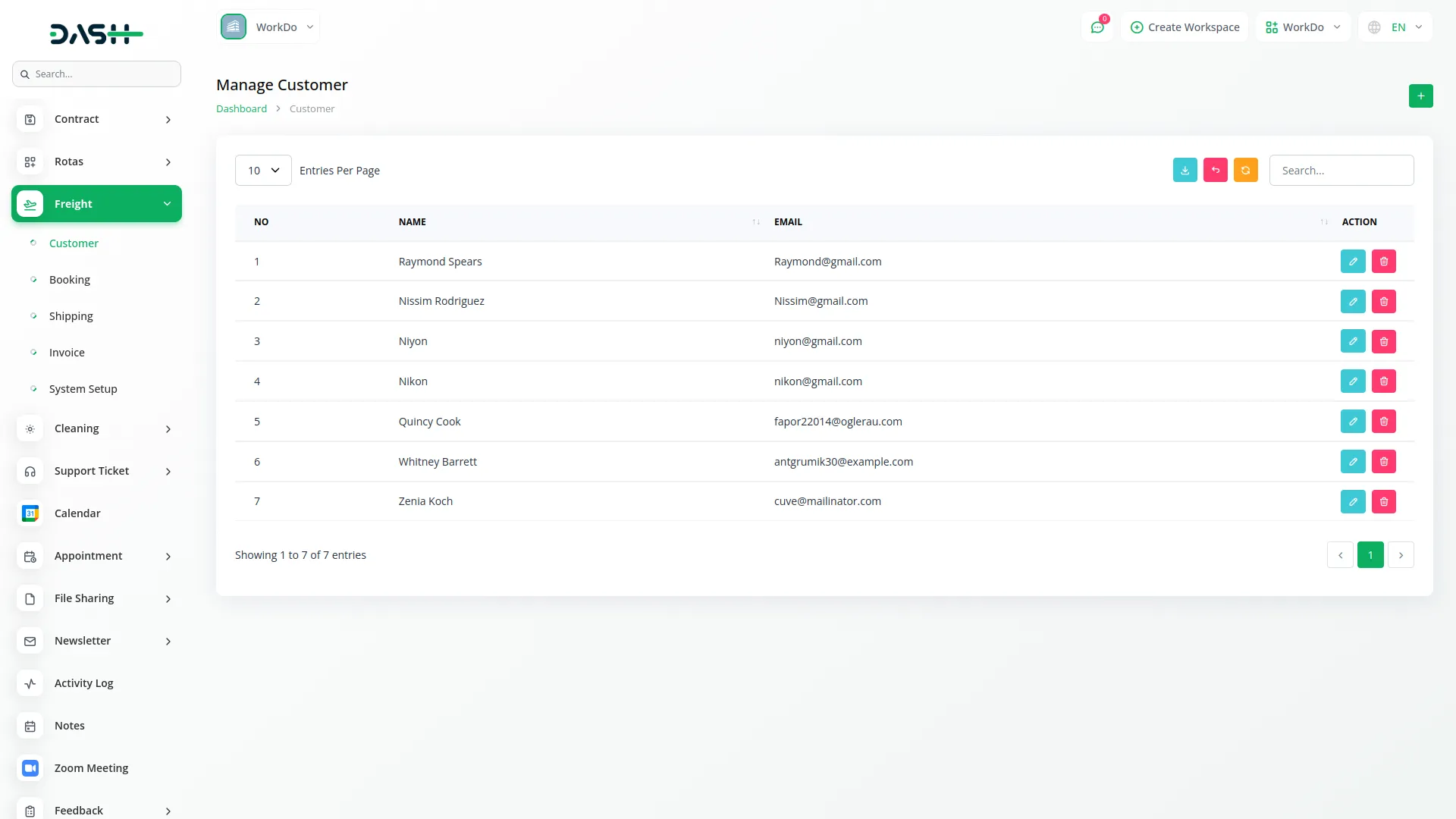
Customer Management
Start your freight workflow by establishing a comprehensive customer database. Create detailed customer profiles with complete contact information, addresses, and business details. This foundational step enables seamless communication and accurate billing throughout the entire freight process.
- Create comprehensive customer profiles with contact and business details
- Search and filter customer database for quick access and reference
- Edit and update customer information as business relationships evolve
- Delete inactive customer records to maintain clean database
Booking Management
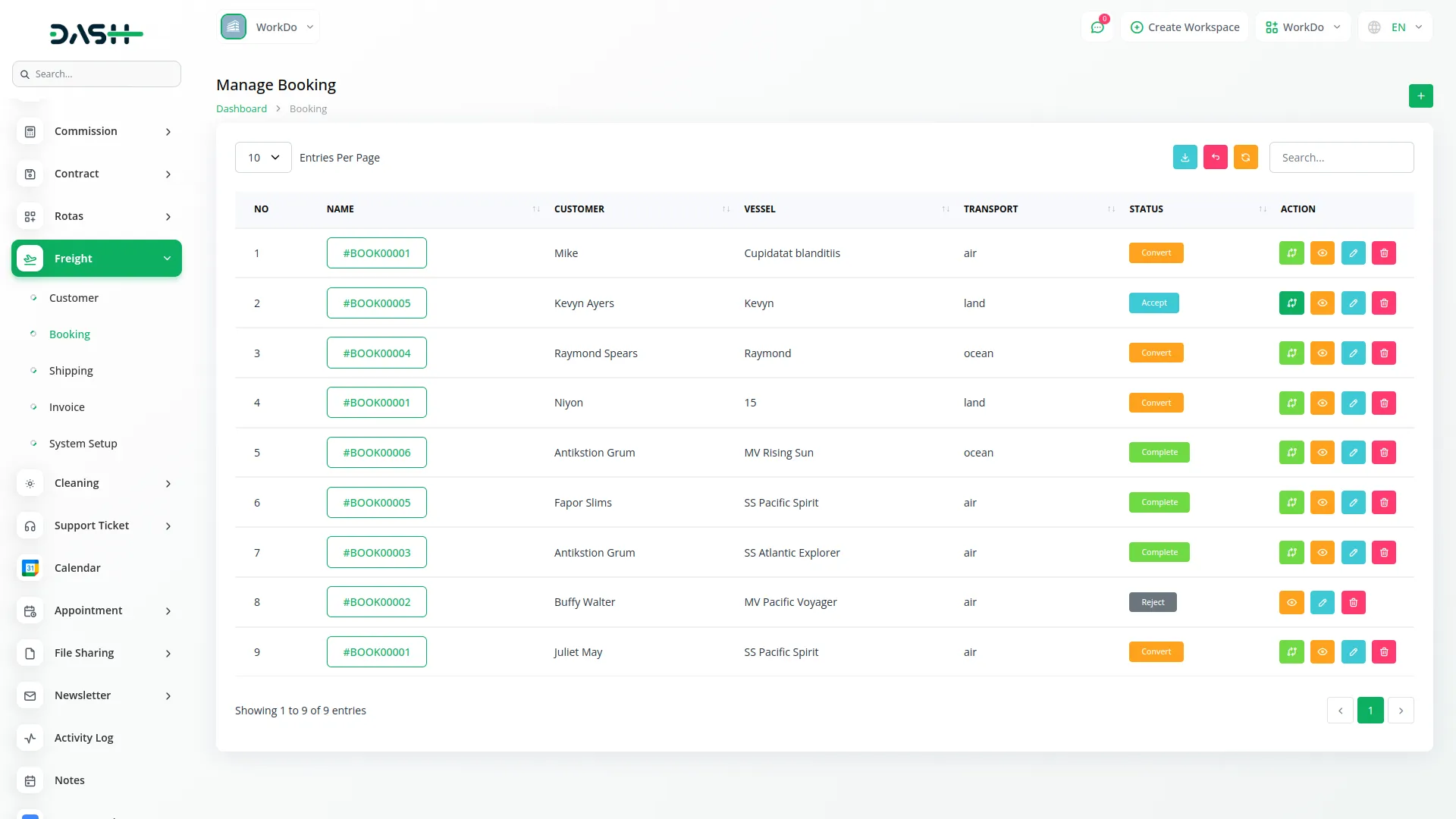
Process freight requests through a structured booking workflow. Capture detailed shipment requirements, upload supporting documents, and manage booking status progression from initial request to final approval. Convert approved bookings directly into active shipments for seamless workflow continuity.
- Process booking requests with detailed shipment specifications
- Track booking status from draft through acceptance to completion
- Upload and manage supporting documents for each booking
- Convert approved bookings into shipments with one-click workflow
Shipping Management
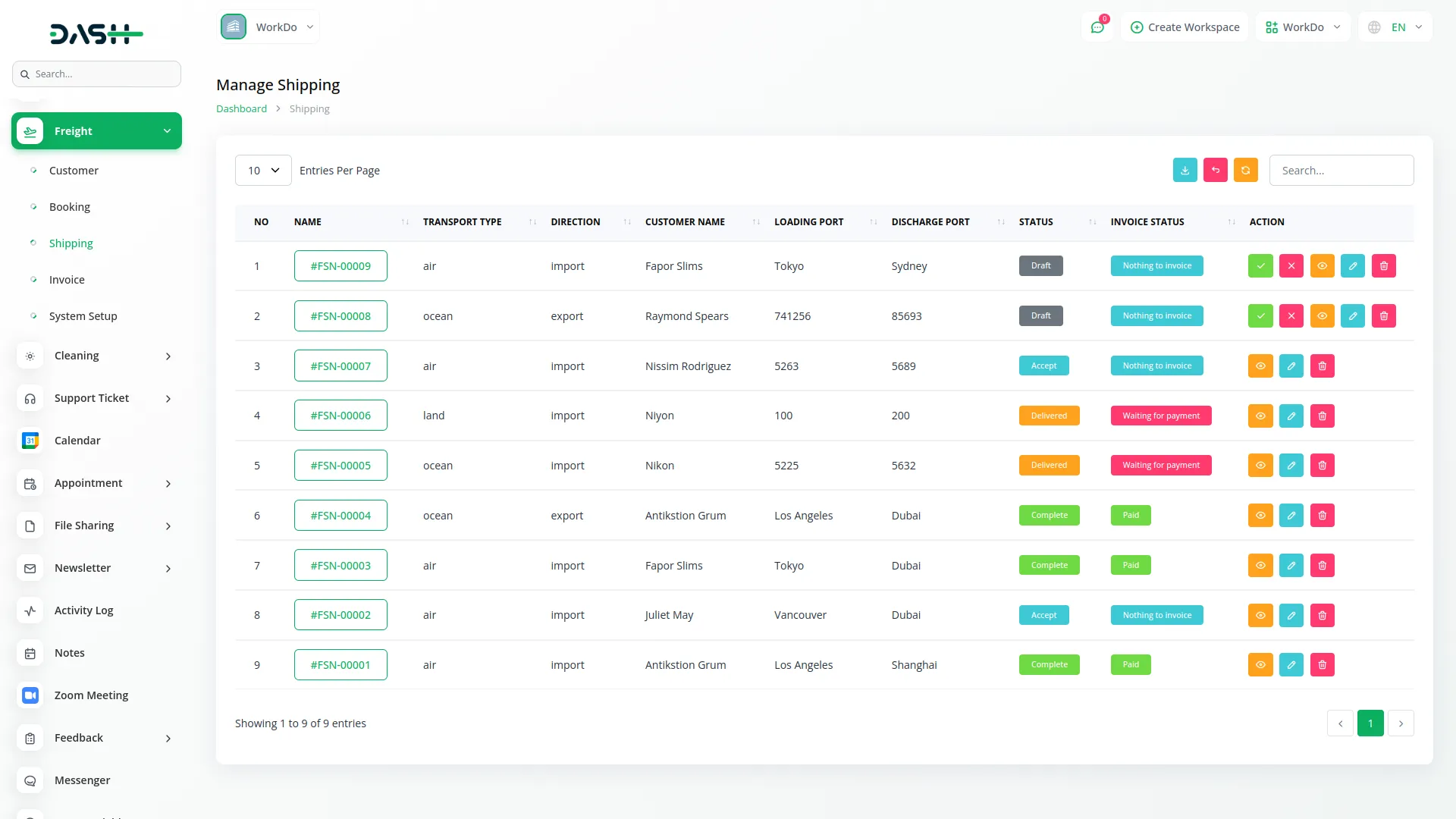
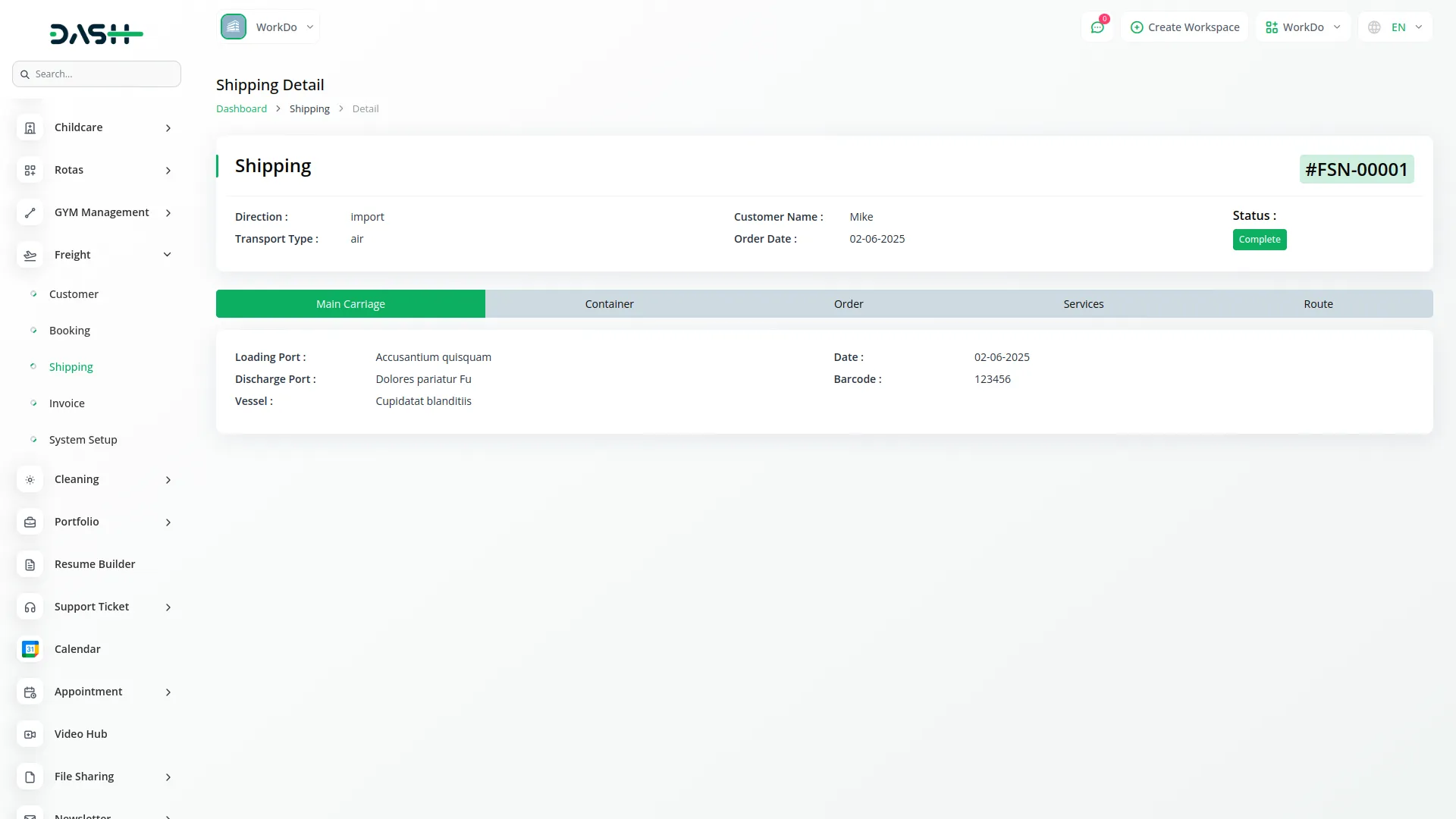
Execute shipments using an organized multi-tab interface covering all aspects of freight operations. Manage carriage details, container specifications, service requirements, and routing information. Automated calculations ensure accurate pricing and efficient resource allocation throughout the shipping process.
- Organize shipment data across carriage, container, and service tabs
- Track transport modes, directions, ports, and delivery schedules
- Automate volume, weight, and pricing calculations based on configurations
- Manage multiple services with real-time total cost calculations
Invoice Management
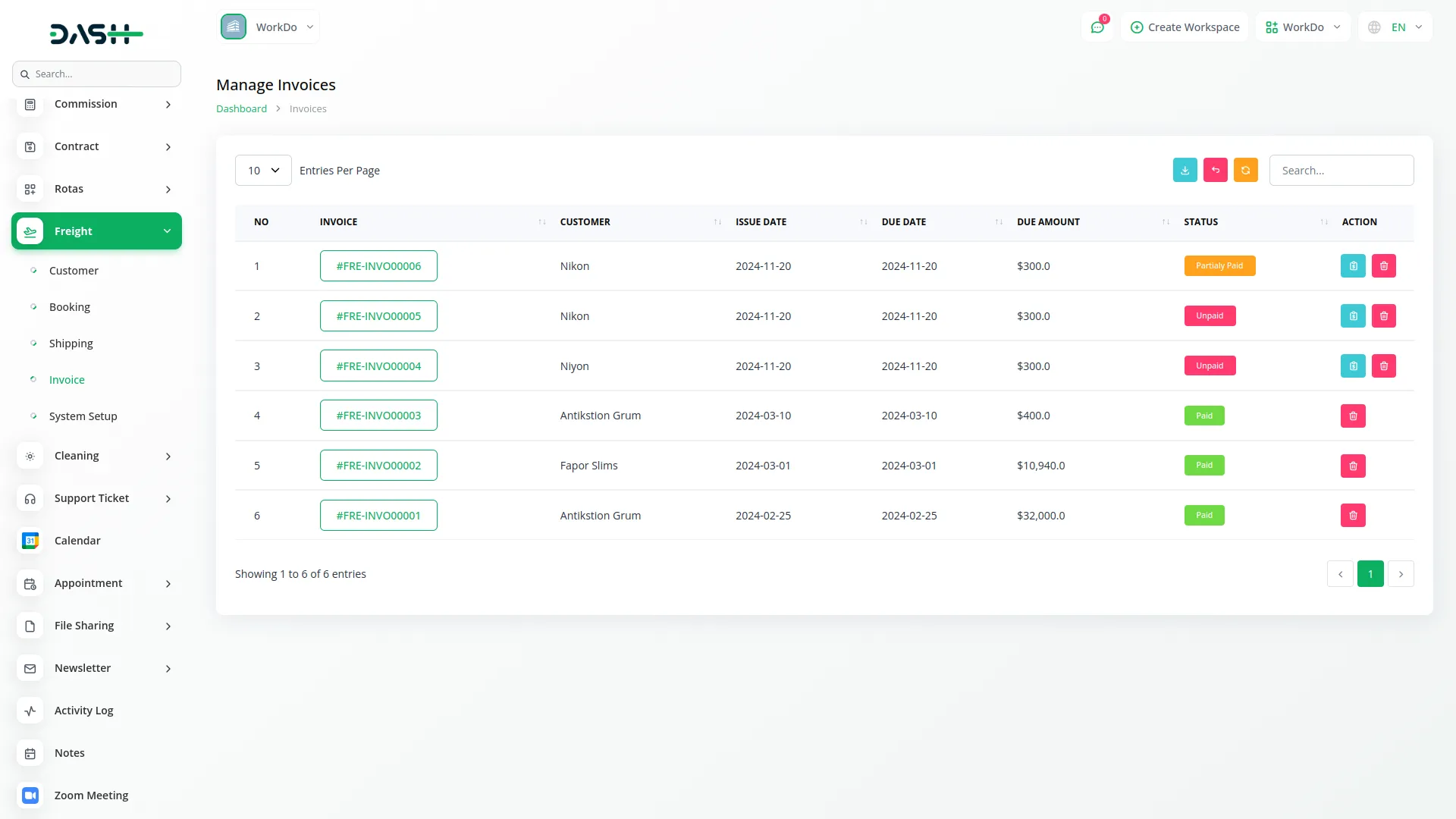
Complete the freight cycle with comprehensive billing and payment management. Generate detailed invoices based on shipment data, track payment statuses, and process payments efficiently. Customize pricing structures for containers, services, and routes to match your business model.
- Generate invoices automatically from completed shipment data
- Track payment status and process payments through integrated interface
- Customize pricing for containers, services, and route configurations
- Maintain clean financial records with invoice management tools
Multi-Tab Shipping Details
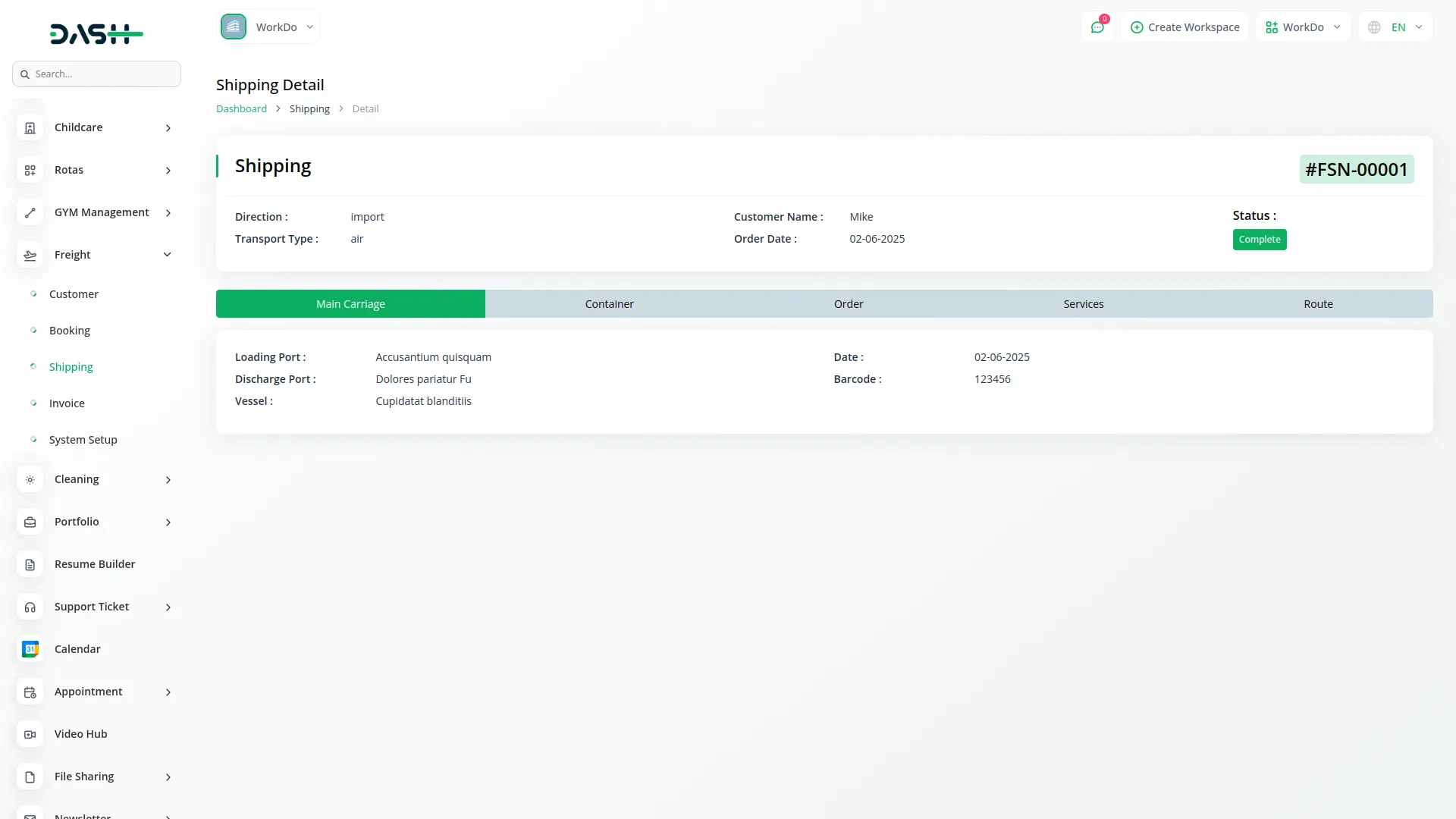
Optimize shipment management through an organized tabbed interface that separates operational concerns. Each tab focuses on specific aspects - carriage logistics, container management, order details, service specifications, and route planning - ensuring comprehensive coverage of all freight operations.
- Access organized tabs for carriage, containers, orders, services, and routes
- Maintain clear separation of operational concerns for better management
- Auto-populate container and pricing data for streamlined operations
- Coordinate multiple services and pricing from centralized interface
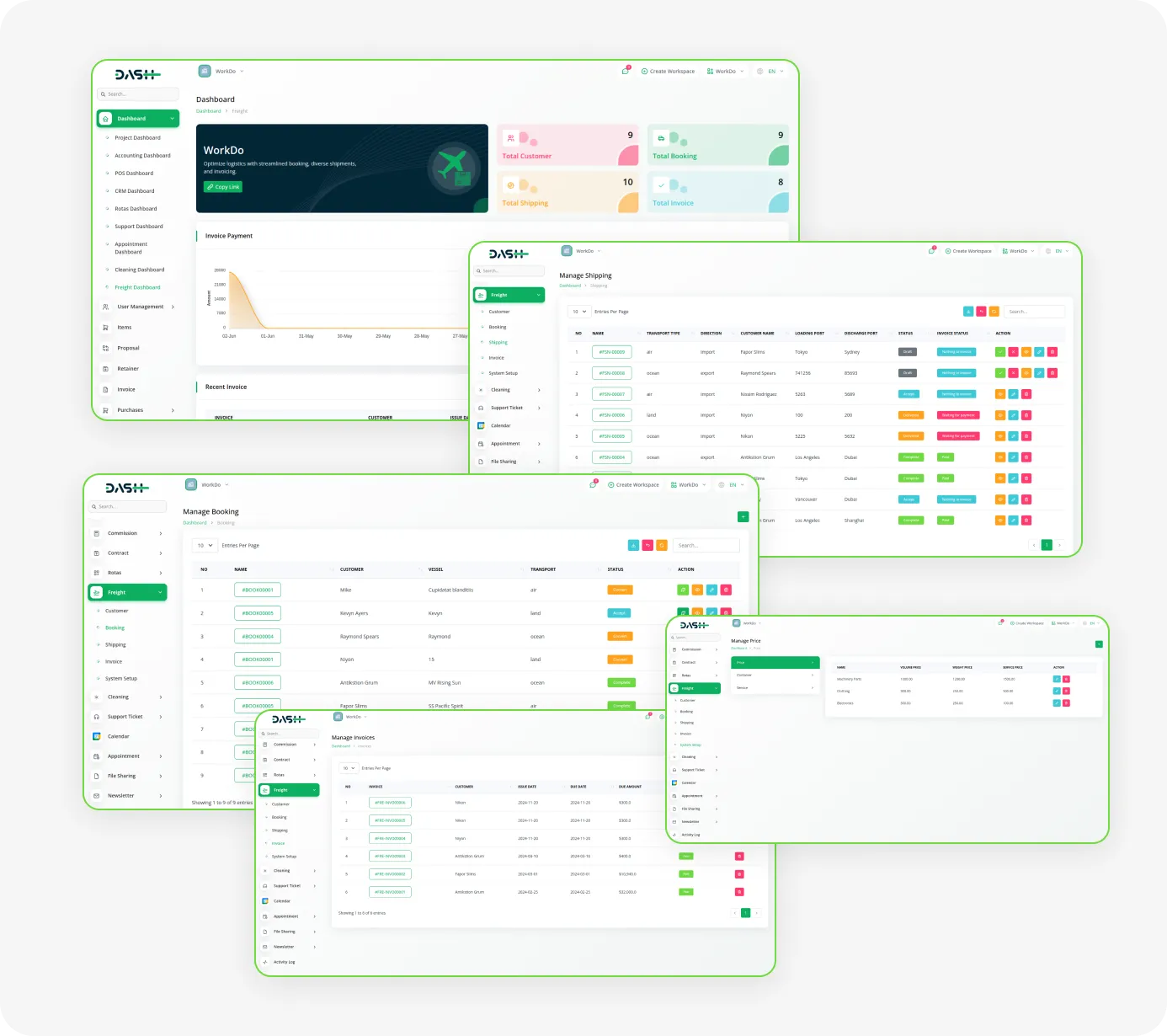
Screenshots from our system
To explore the functionality and usage of these Add-Ons, refer to the accompanying screenshots for step-by-step instructions on how to maximize their features.
Discover More Add-Ons
Unlock even more functionality with additional Add-Ons, providing enhanced networking and customization options for your Dash SaaS experience.

WizzChat Messenger
Wizzchat Messenger is a powerful real-time communication tool that allows you to connect with your users instantly, directly from your platform. By integrating Wizzchat Messenger, you empower your team to offer fast, effective, and personalized support through a dynamic chat widget that’s familiar, efficient, and easy to manage.
View More
Budget Planner
In today's fast-paced world, managing finances can often feel like navigating a labyrinth. However, with the Dash SaaS Budget Planner, financial clarity and control are within reach.
View More
microsoft-to-do
This Add-On helps you manage tasks easily by connecting with Microsoft To Do using secure Azure integration.
View More
Garden Management
The Garden Management Add-On in Dash SaaS allows users to systematically organize and manage garden beds with ease.
View More5 reviews for Freight Management System – Dash SaaS Add-On
| 5 star | 80% | |
| 4 star | 20% | |
| 3 star | 0% | |
| 2 star | 0% | |
| 1 star | 0% |
Comments
You must be logged in to post a comment.

Contact Us for Support :
-
You will get immediate support from our support desk. Please visit here https://support.workdo.io/
Item support includes:
- Answer pre-sale questions or query
- Answering technical questions about item's features
- Assistance with reported bugs and issues
- Help with included 3rd party assets
- Free Installation services in some cases
However, item support does not include:
- Customization services
Check Documents & Tutorials
Support always helps
Modern and sleek UI
Code base is solid
Support solved our issue in minutes
Documentation covers all functions