

Quick and Simple One-Click Export
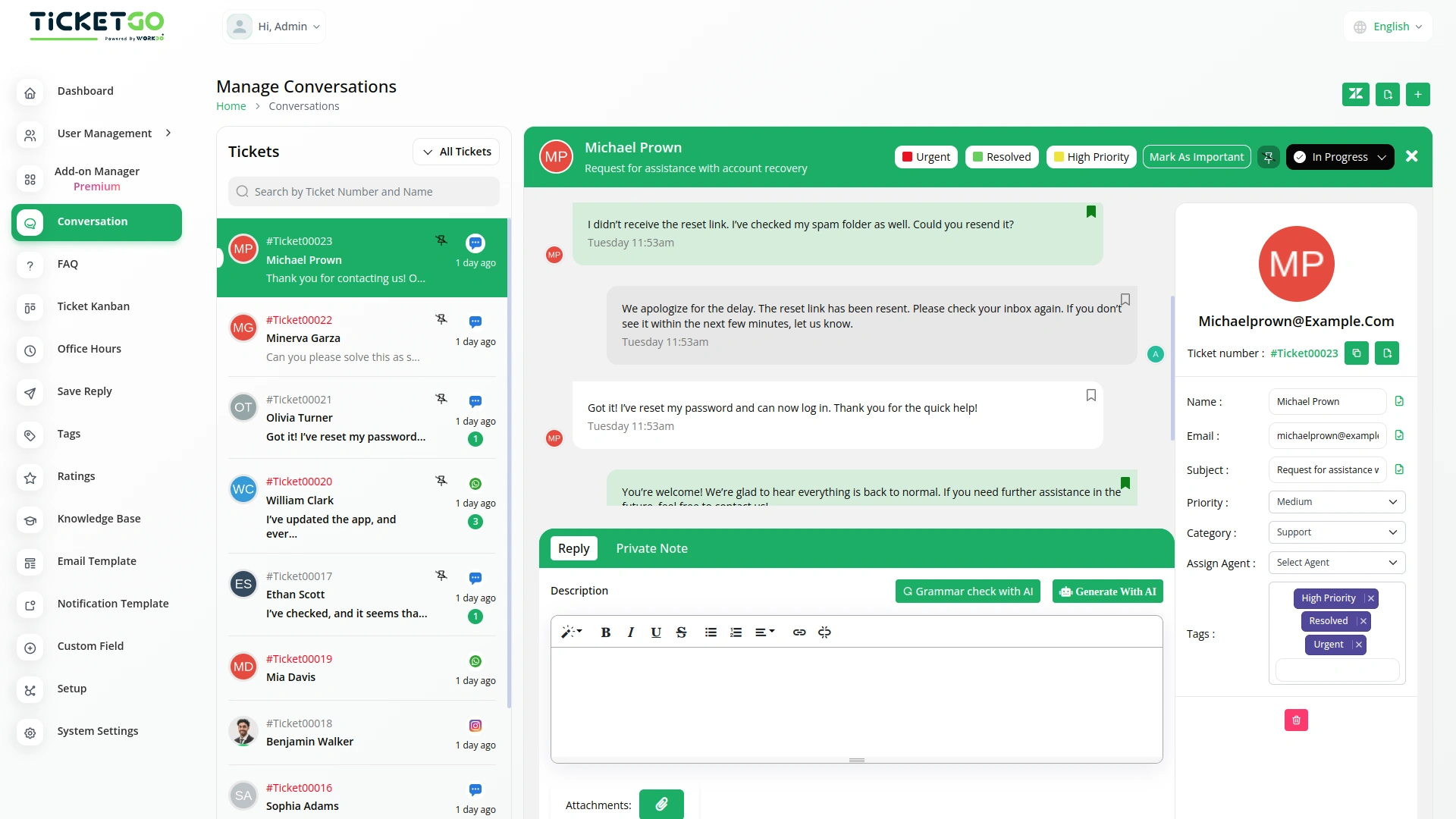
Exporting conversations in TicketGo is fast and hassle-free. With just one click, users can generate and download the conversation history in PDF format. This eliminates unnecessary steps, allowing customer support teams to focus on providing excellent service instead of handling complex data export processes.
Export in PDF Format
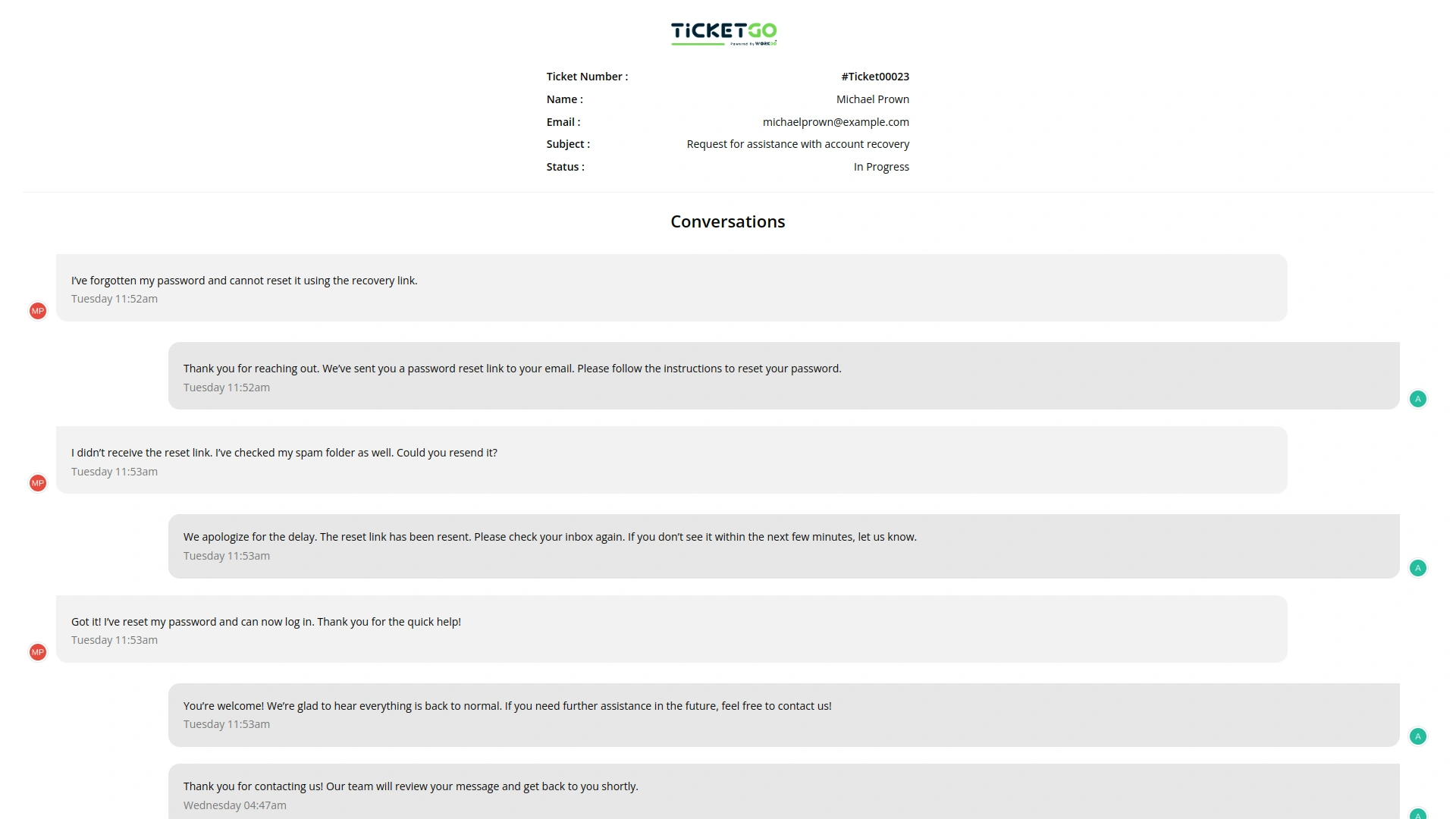
TicketGo allows users to export conversations exclusively in PDF format. This ensures that all conversations are stored in a structured and professional layout, making it easy to share and archive. The PDF format is widely accepted across industries, ensuring compatibility and ease of use when reviewing past discussions.
Export Entire Conversation History
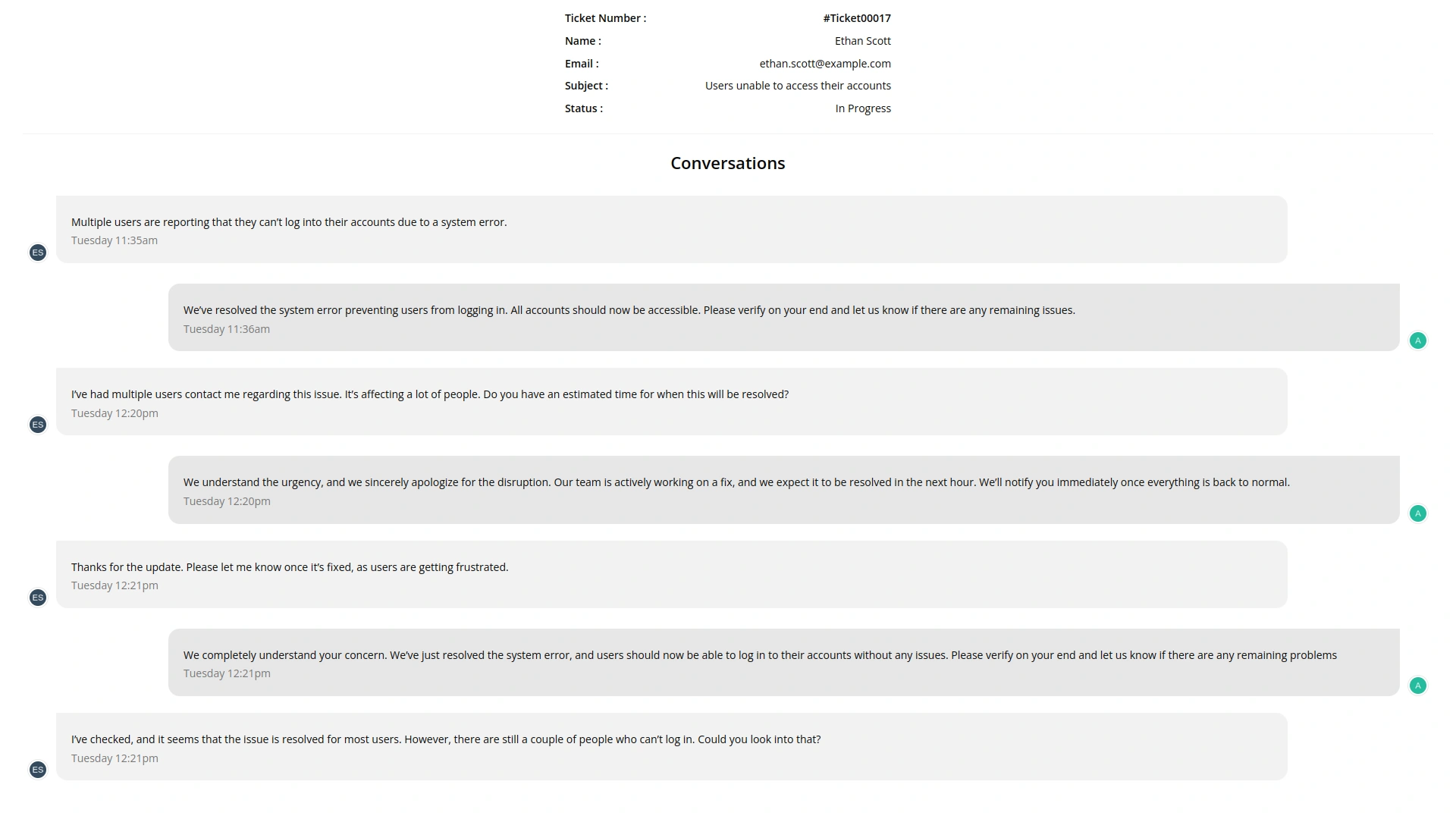
Instead of filtering specific conversations, TicketGo provides a full export of conversation history. Businesses can download the entire set of interactions without worrying about missing important details. This guarantees that all records remain intact for documentation and compliance needs.
Safe and Secure Data Handling
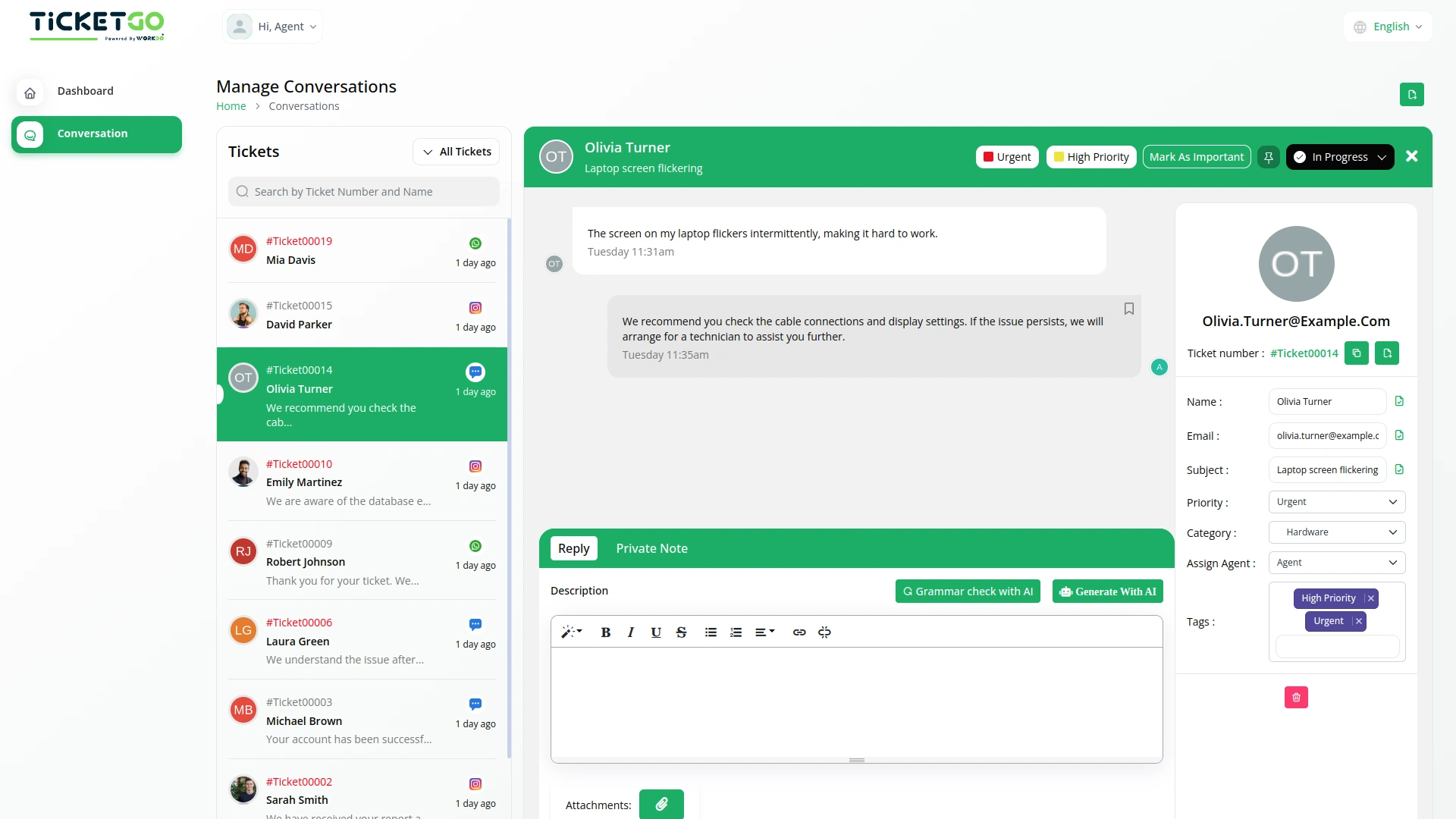
TicketGo ensures that exported data remains secure and encrypted, protecting sensitive customer information. Only authorized users can access and download conversation records, maintaining data privacy. Businesses can also implement internal security policies to restrict unauthorized data access.
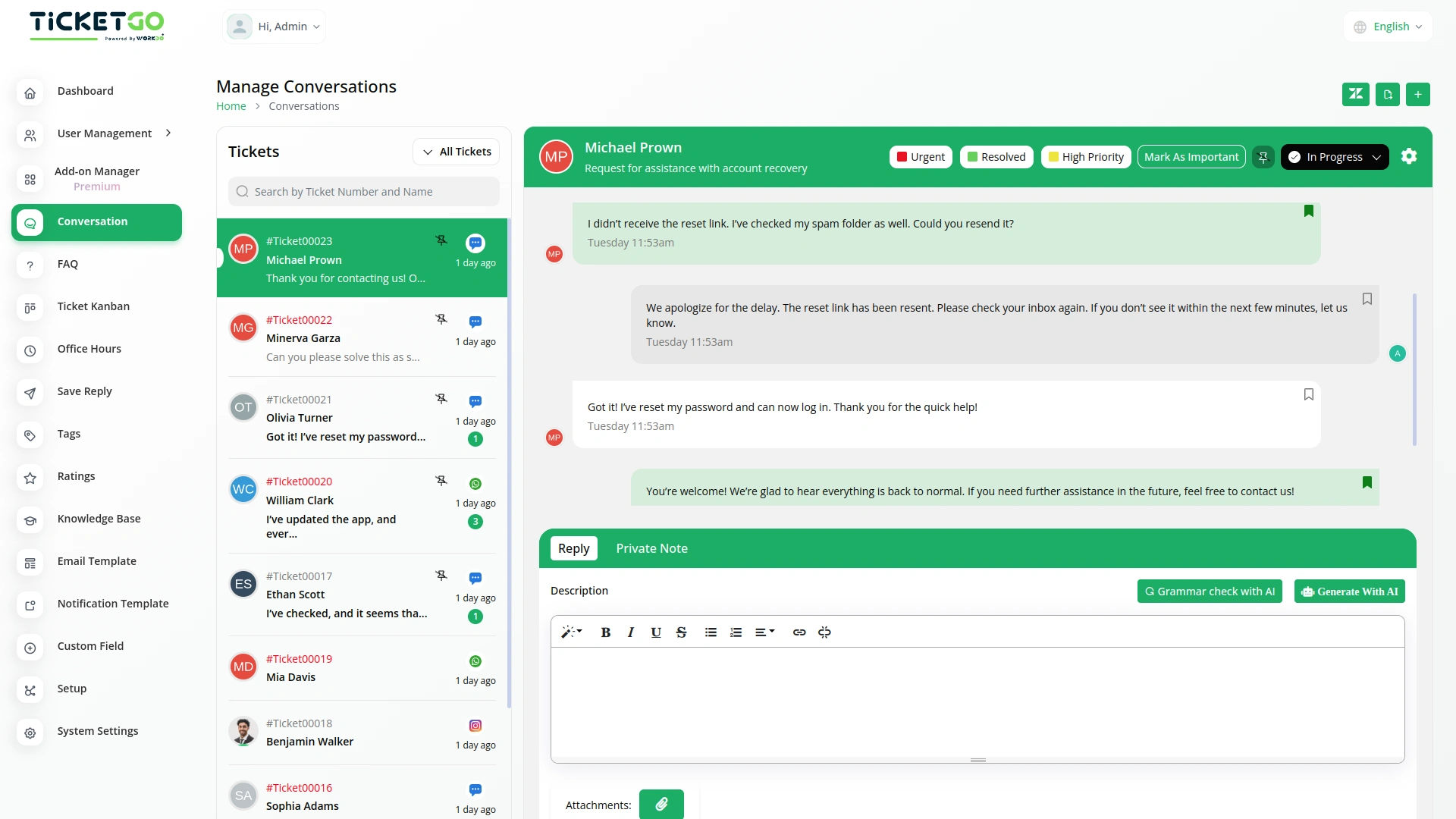
Screenshots from our system
To explore the functionality and usage of these Add-Ons, refer to the accompanying screenshots for step-by-step instructions on how to maximize their features.
Discover More Add-Ons
Unlock even more functionality with additional Add-Ons, providing enhanced networking and customization options for your TicketGo Add-Ons experience.

Tags
Adding and managing tags is simple. Agents can create, edit, or remove tags as needed. You can assign tags when creating a ticket or update them later if necessary. If your business process changes, you can easily modify tags to keep everything up to date. Color-coded tags make it even easier to recognize different types of tickets at a glance, improving the way you handle support requests.
View More

Plivo
The Plivo integration within TicketGo allows businesses to receive and send SMS notifications for crucial ticket events, ensuring real-time updates across agents, admins, and customers. By leveraging Plivo’s messaging API, you can keep everyone in the loop, whether it's notifying agents about incoming tickets or informing customers about ticket status changes. The integration enhances customer service efficiency by automating notifications and improving communication flow without needing additional tools.
View More
2 reviews for Export Conversations – TicketGo Add-On
| 5 star | 100% | |
| 4 star | 0% | |
| 3 star | 0% | |
| 2 star | 0% | |
| 1 star | 0% |
Comments
You must be logged in to post a comment.
There are no comment yet.
Contact Us for Support :
-
You will get immediate support from our support desk. Please visit here https://support.workdo.io/
Item support includes:
- Answer pre-sale questions or query
- Answering technical questions about item's features
- Assistance with reported bugs and issues
- Help with included 3rd party assets
- Free Installation services in some cases
However, item support does not include:
- Customization services
Check Documents & Tutorials
The tools supported our multi-team environment and helped us stay organized during peak hours
The whole process was very smooth