
Discover the freedom of accessing your Google Drive files directly from your platform. No more switching between applications or dealing with cumbersome downloads. With this integration, your Google Drive documents, files, and folders are at your fingertips, effortlessly accessible within the interface. Edit and view a wide range of file types – from Word documents to Excel spreadsheets, text files, and images – using the Google File Viewer/Editor, all without the need to save files locally.
Google Drive Integration for Better Collaboration
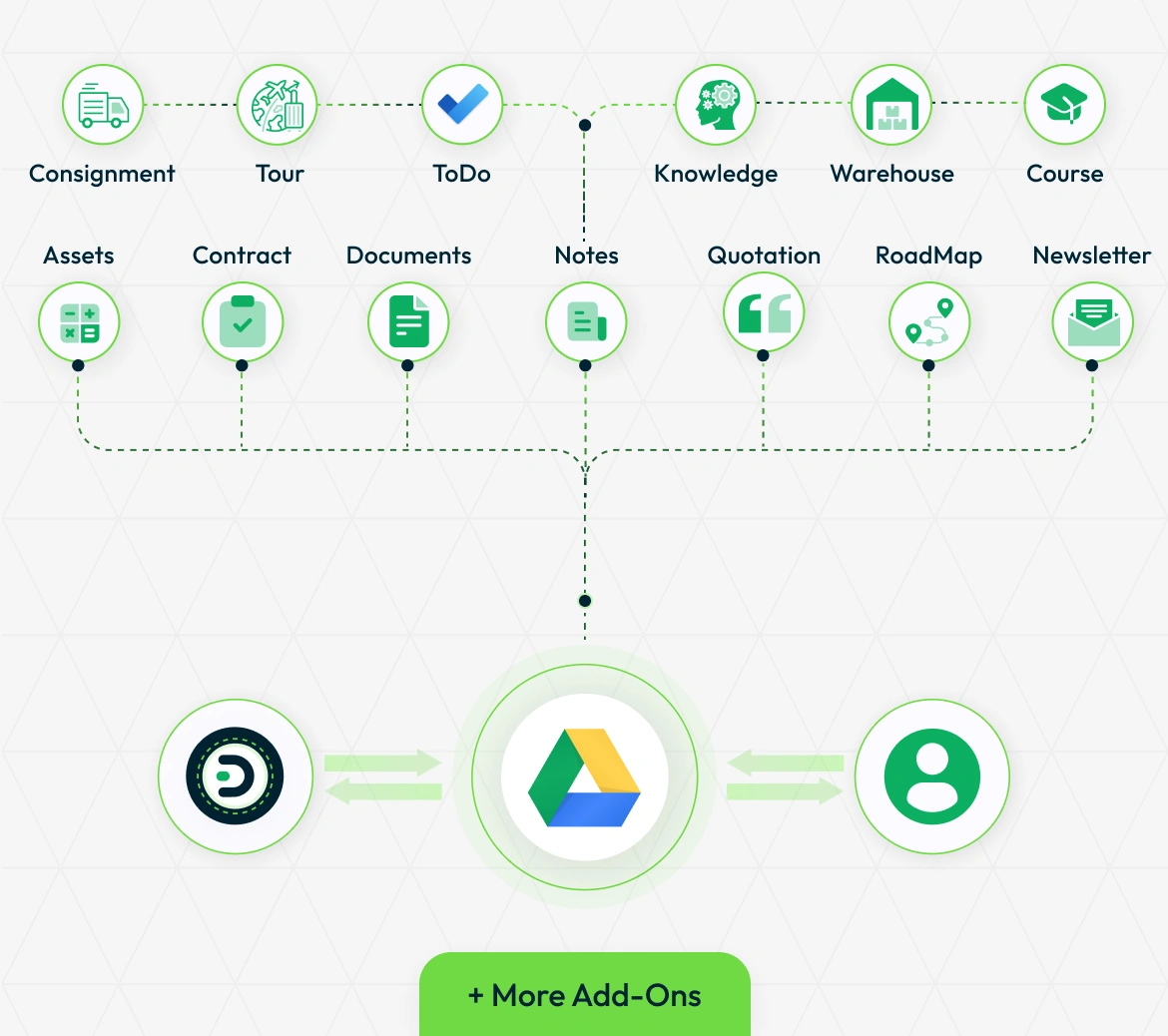
The Google Drive integration enables seamless connectivity with various Add-Ons, including Account, Notes,Hrm,Pos and more. It enhances file management by allowing users to sync, access, and organize their documents efficiently. With multiple productivity-enhancing Add-Ons, users can streamline their workflow and improve collaboration.
- Account
- AI Image
- Contract
- HRM
- CRM
- POS
- Sales
- Notes
- Project
- AIDocument
- School / Institute Management
- Insurance Management
- Courier Management
- More+
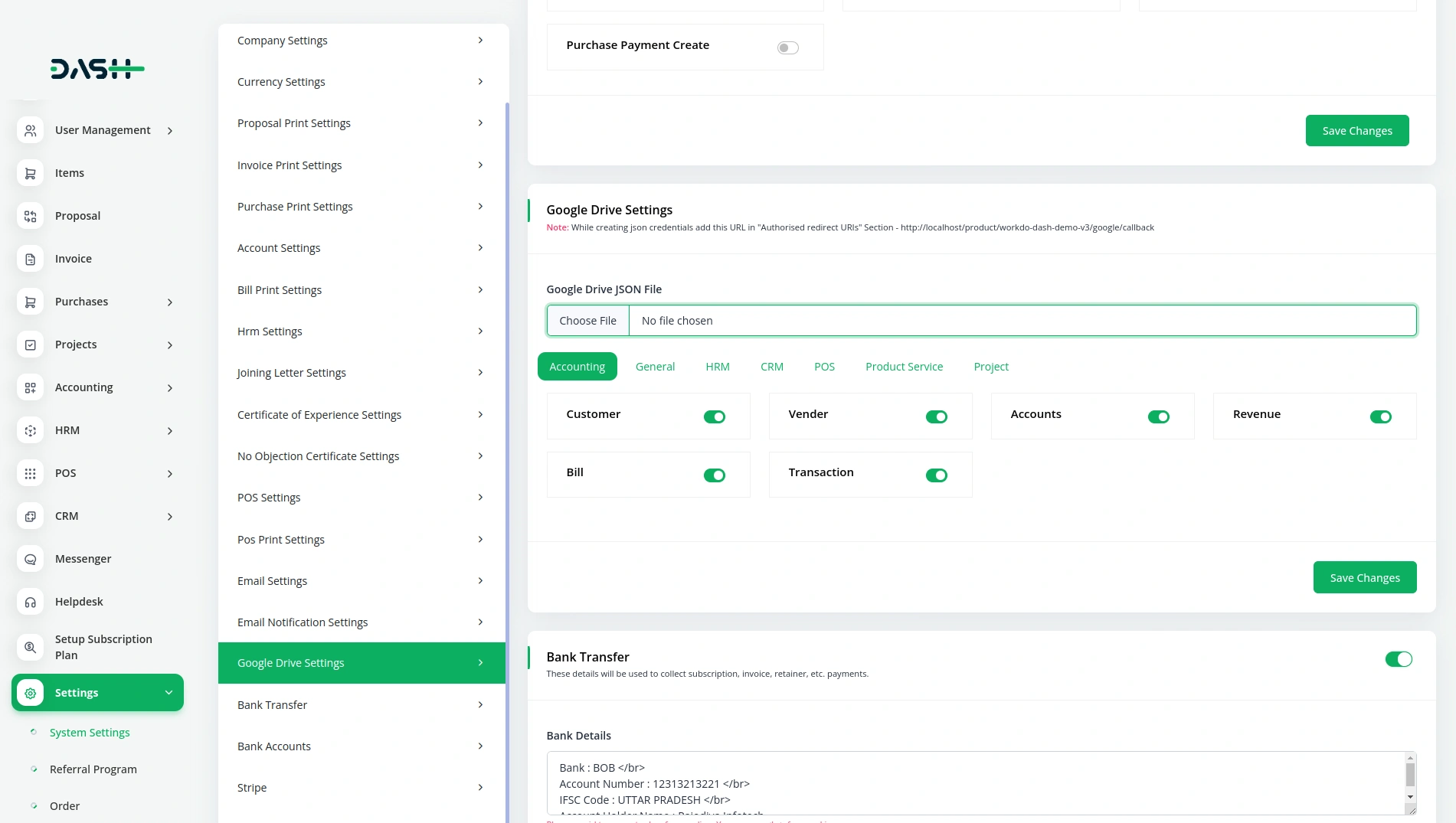
Settings Page for Google Drive Integration
Streamline your tasks and boost productivity by seamlessly integrating Google Drive. Easily connect your Google account by configuring the Client ID and Client Secret, enabling the required submodules, and completing a simple authentication process. Copy the provided Webhook URL into your Google Console to ensure smooth event handling and synchronization.Once connected, access, view, and edit your Google Drive files directly within the Workdo-dash interface—no unnecessary app switching or manual downloads required. Enjoy a faster, more efficient workflow with real-time access to your documents and files, all in one place.
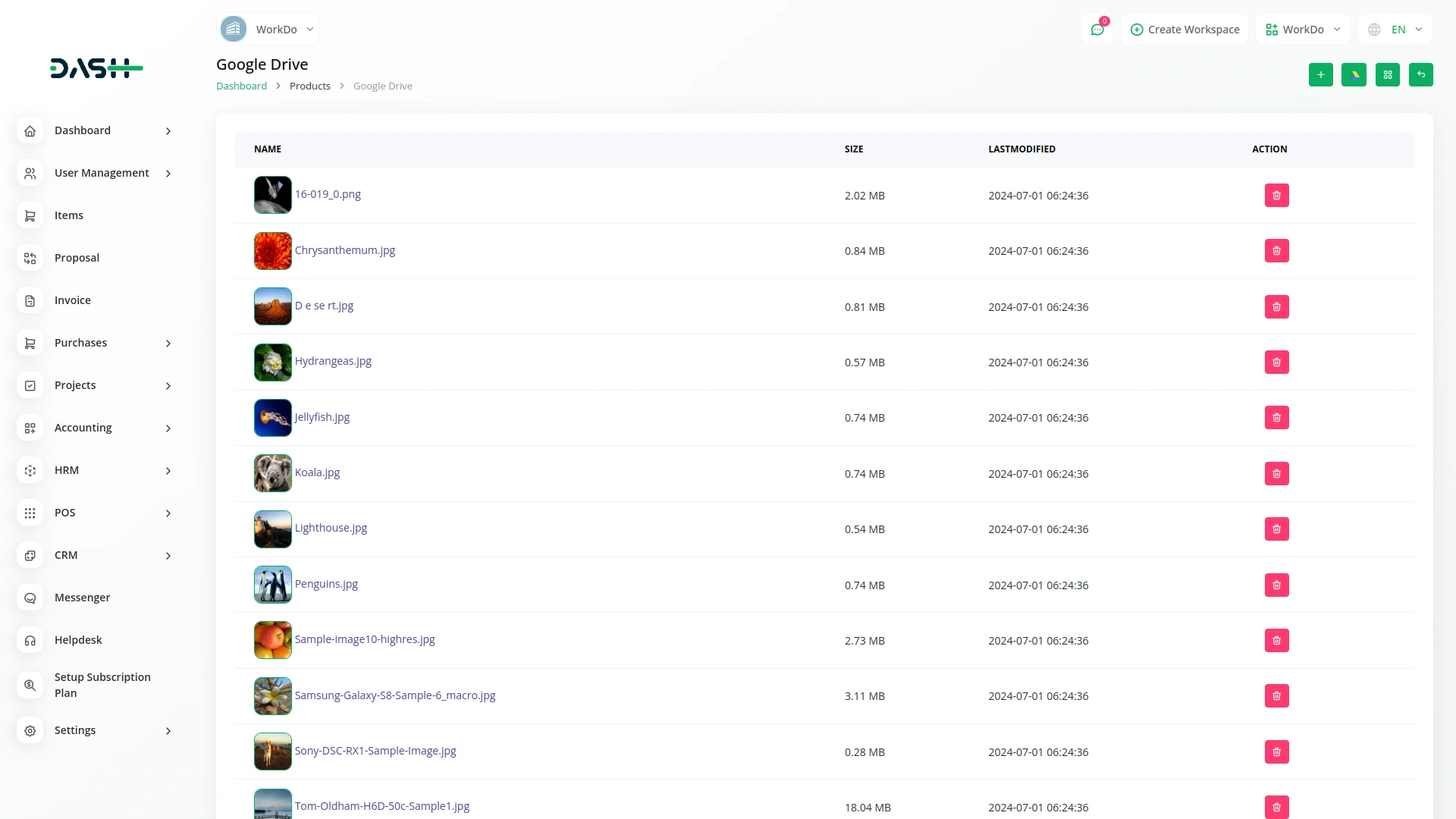
Elevate Your Google Drive Experience
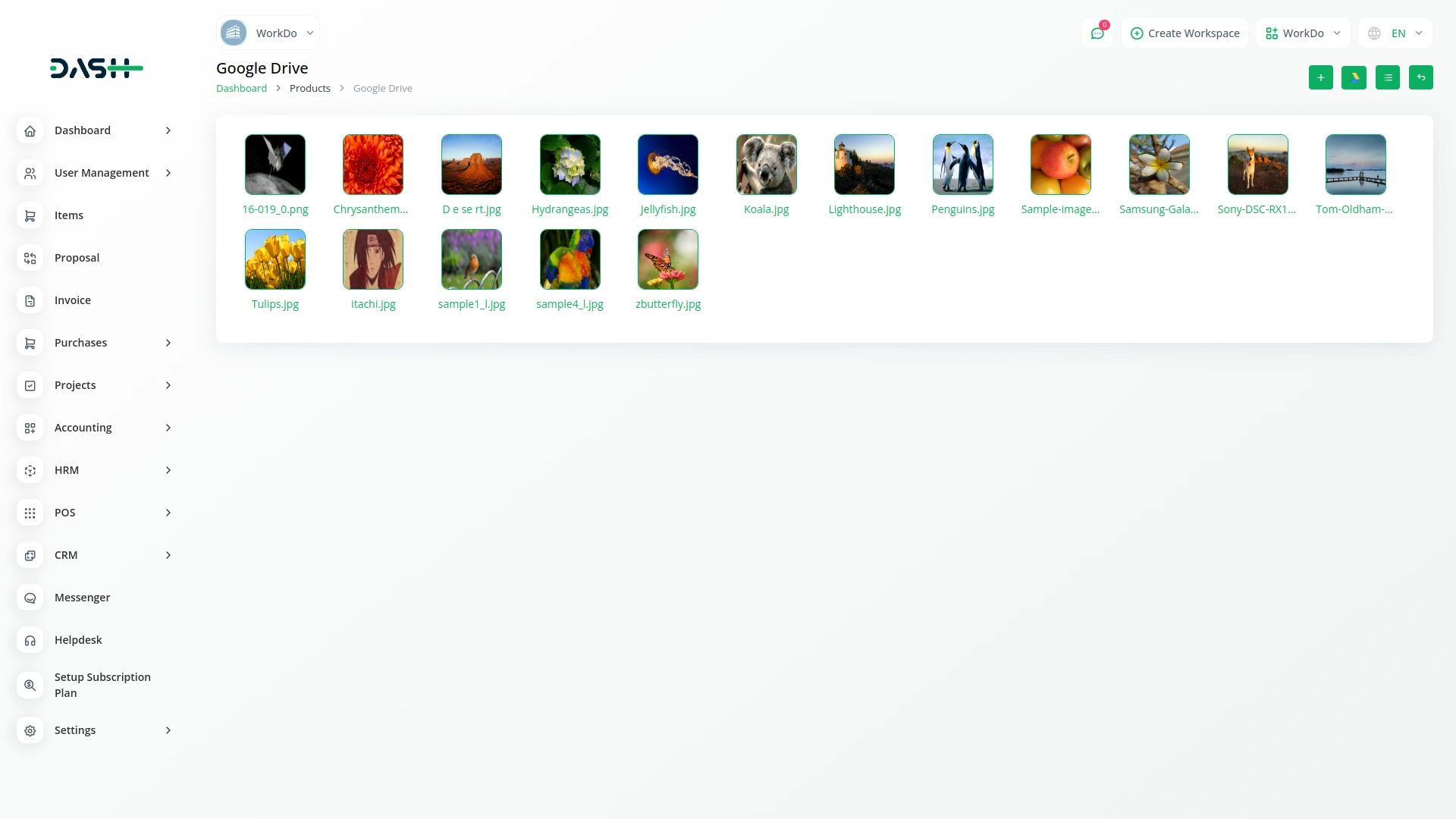
Experience a new level of file management and collaboration with Google Drive integration. Explore files and images in stunning visual grids, simplify navigation with organized lists, and link Google Drive folders to submodules for better collaboration and structure. Elevate your workflow with easy access, effortless editing, and precise integration—all within an intuitive platform.
Screenshots from our system
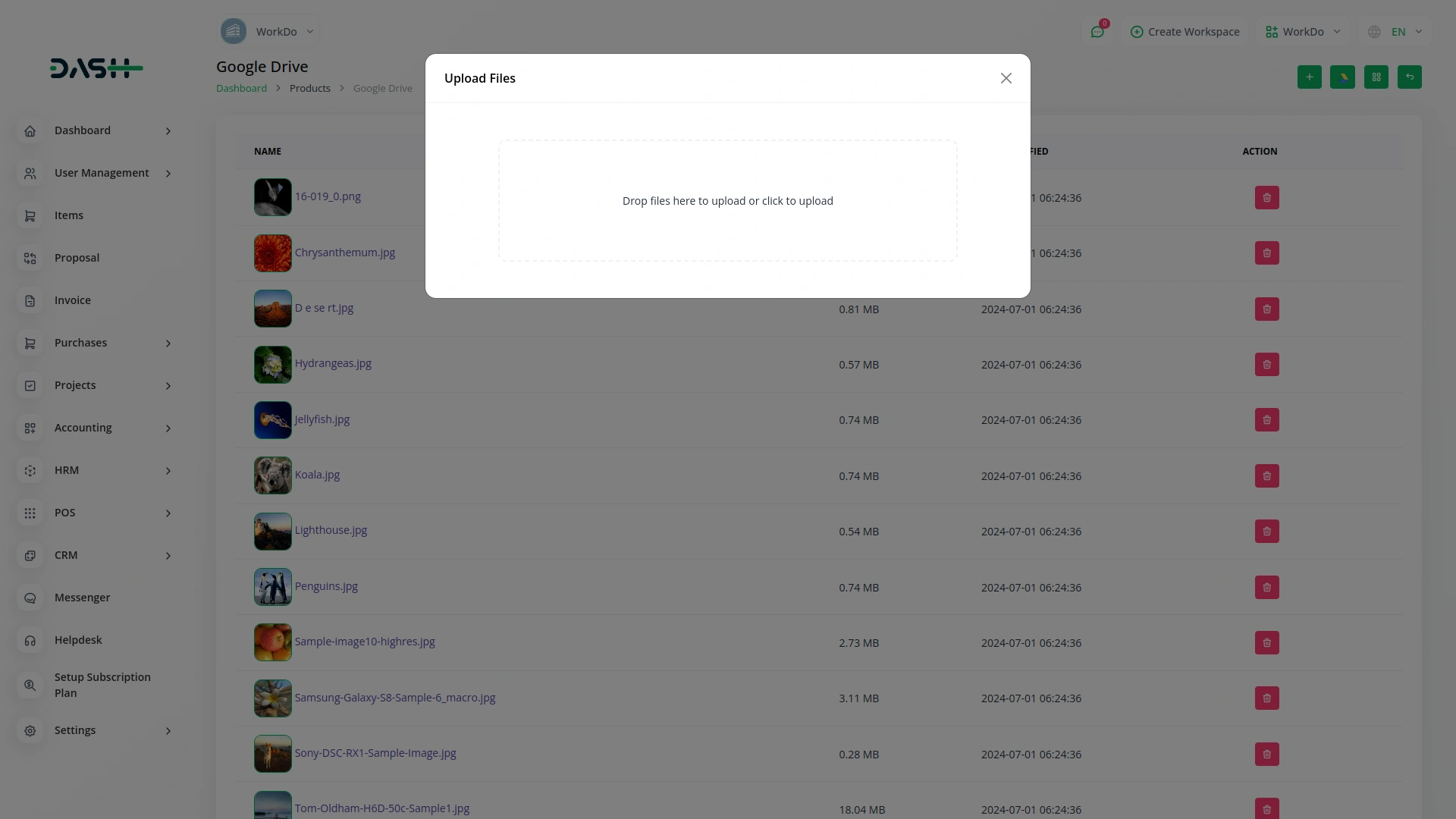
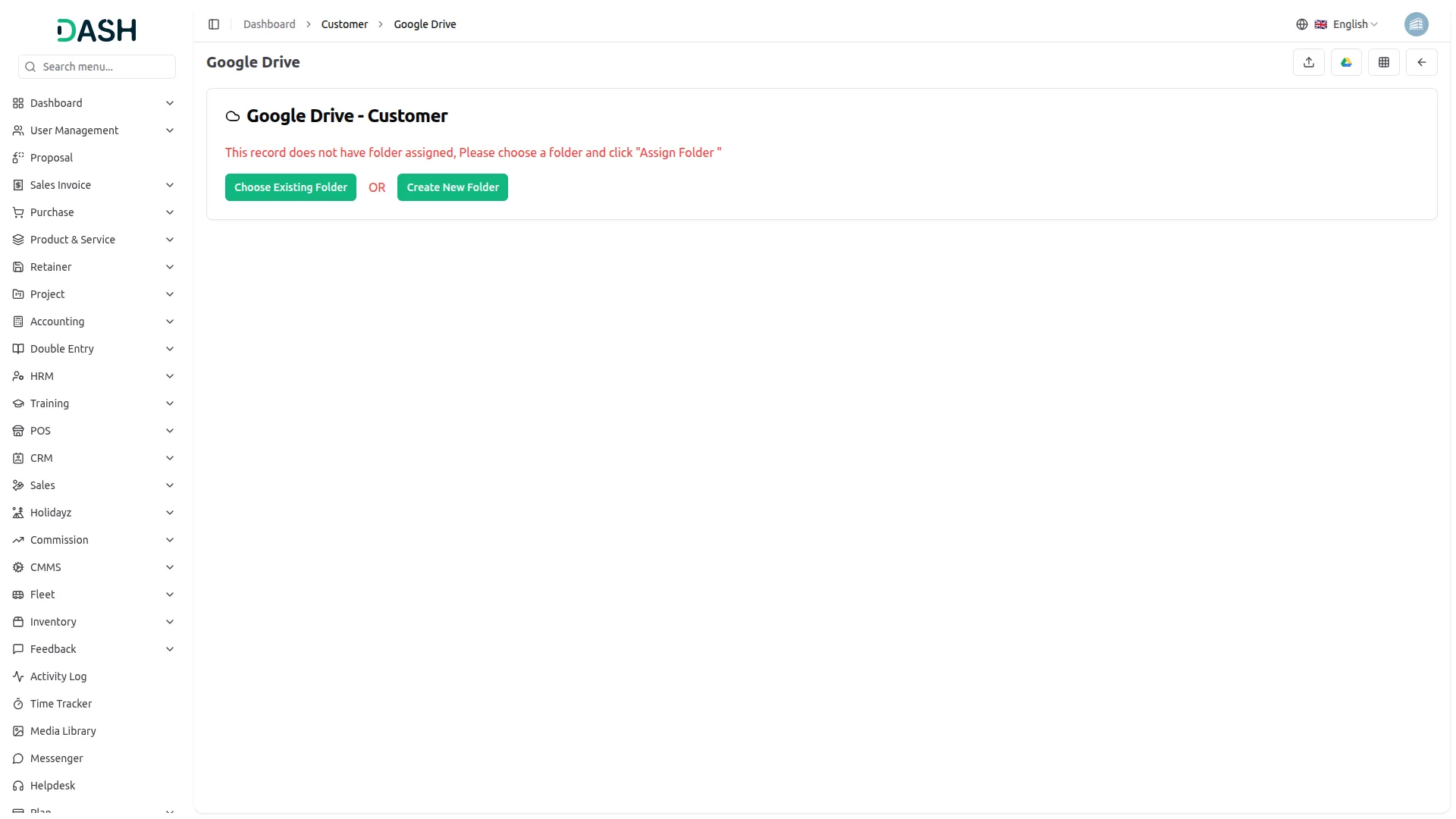
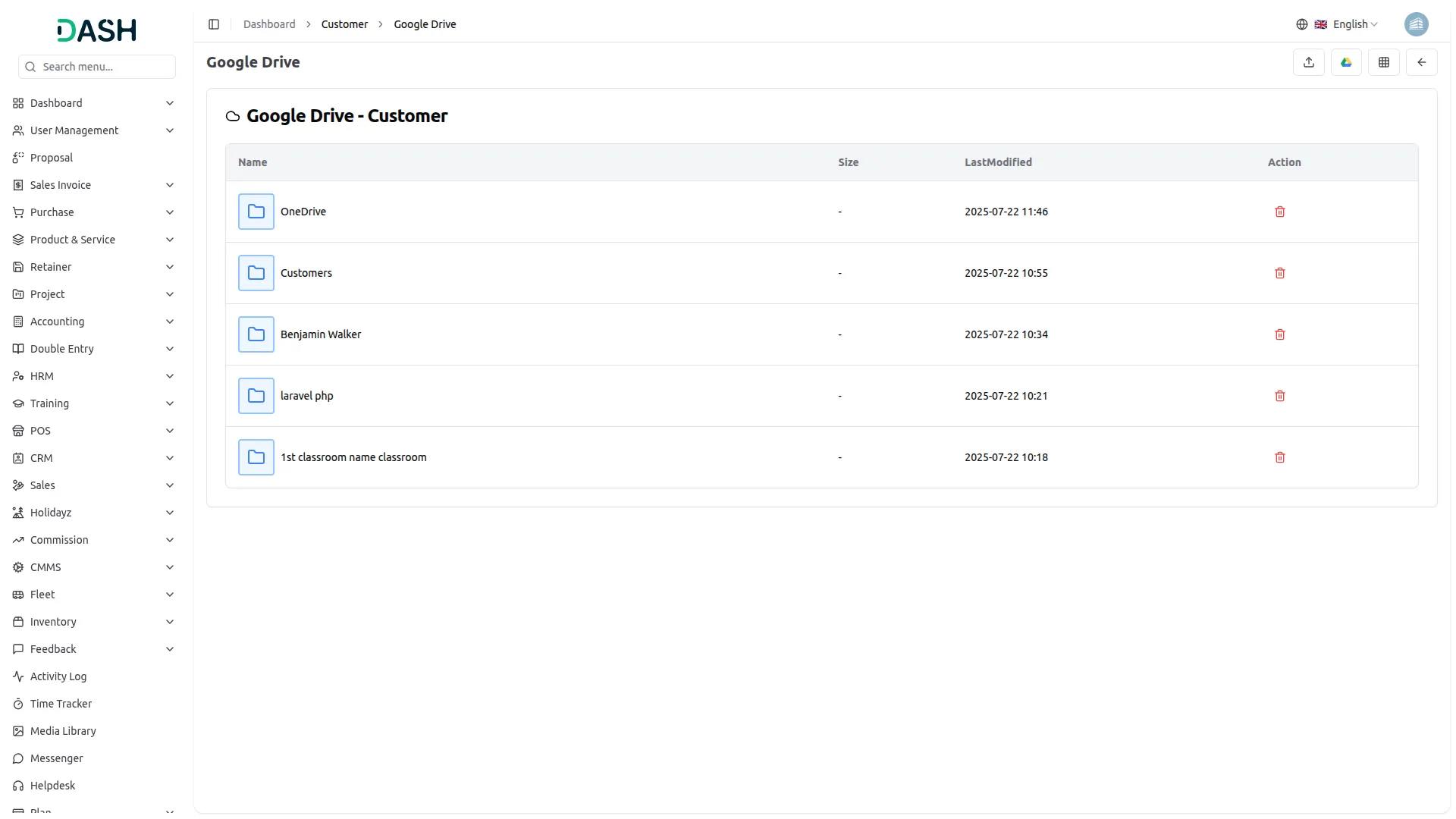
To explore the functionality and usage of these Add-Ons, refer to the accompanying screenshots for step-by-step instructions on how to maximize their features.
Discover More Add-Ons
Unlock even more functionality with additional Add-Ons, providing enhanced networking and customization options for your Dash SaaS experience.


MyFatoorah
Building a smooth payment experience is vital for any SaaS business, and integrating MyFatoorah into your Dash SaaS platform can be a game-changer. MyFatoorah offers a user-friendly payment gateway specifically designed for Indian businesses.
View More

E-Invoice for European
The E-Invoice Integration system is a comprehensive electronic invoicing platform that enables businesses to configure, generate, and export standardized electronic invoices in XML format.
View More7 reviews for GoogleDrive – Dash SaaS Add-On
| 5 star | 100% | |
| 4 star | 0% | |
| 3 star | 0% | |
| 2 star | 0% | |
| 1 star | 0% |
Comments
You must be logged in to post a comment.
There are no comment yet.
Contact Us for Support :
-
You will get immediate support from our support desk. Please visit here https://support.workdo.io/
Item support includes:
- Answer pre-sale questions or query
- Answering technical questions about item's features
- Assistance with reported bugs and issues
- Help with included 3rd party assets
- Free Installation services in some cases
However, item support does not include:
- Customization services
Check Documents & Tutorials
Customization options are wide
Documentation examples are helpful
Very good customer support. They help me with all my installation queries. The support team reached me within 1 hour I emailed them.
the Team deserve 5 Star for following reason; 1- Customer Support2- Feature Availability3- Design Quality 4- Documentation Quality
This product is fantastic! The team behind it is excellent, and the support they provide is outstanding.