
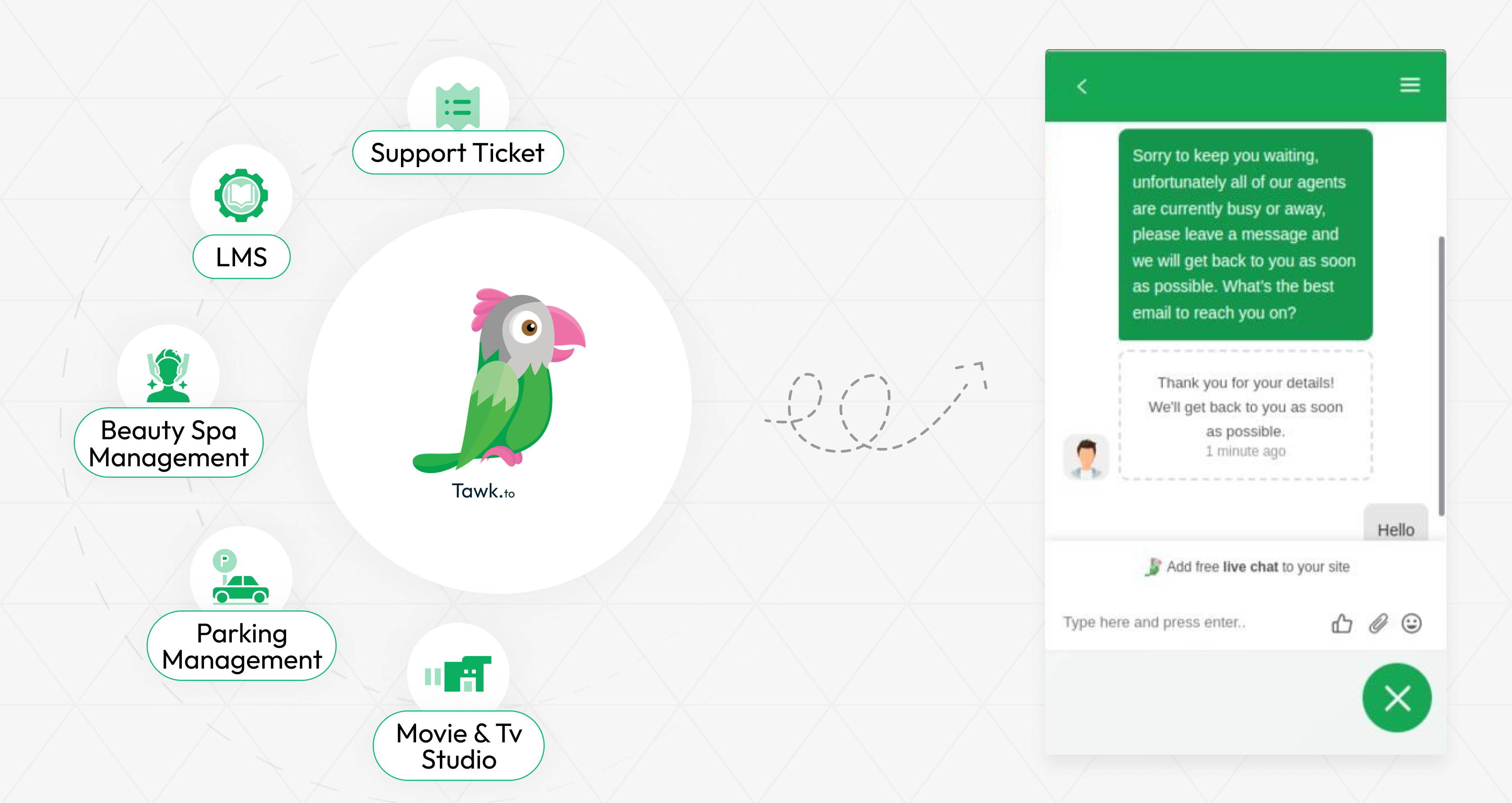
Integrating tawk.to Messenger revolutionizes your customer support experience, providing a direct and efficient communication channel for your clients. This real-time messaging platform allows you to engage with customers instantly, addressing their queries and concerns as they arise. By offering immediate assistance, you enhance customer satisfaction and build stronger relationships, ensuring that your clients feel valued and supported at every interaction.
Connect with Other Add-Ons
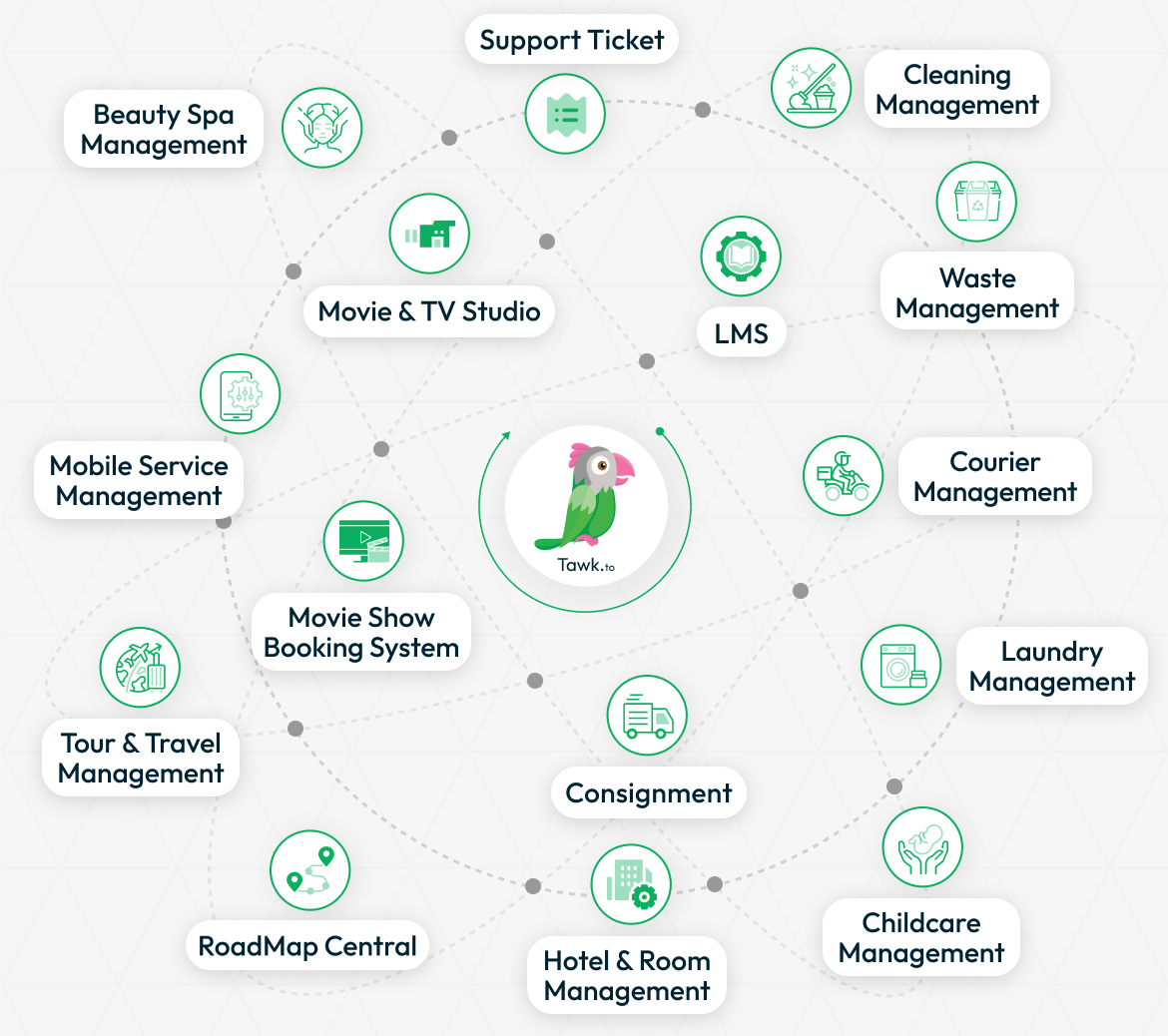
The Tawk.to Messenger integration can also be connected to other Add-Ons within your platform, expanding its capabilities. By linking this tool to various other services, such as support systems, you can create a more efficient and unified customer support experience. This integration ensures that all your customer interactions are tracked and managed in one place, improving your team’s workflow and making it easier to offer personalized support.
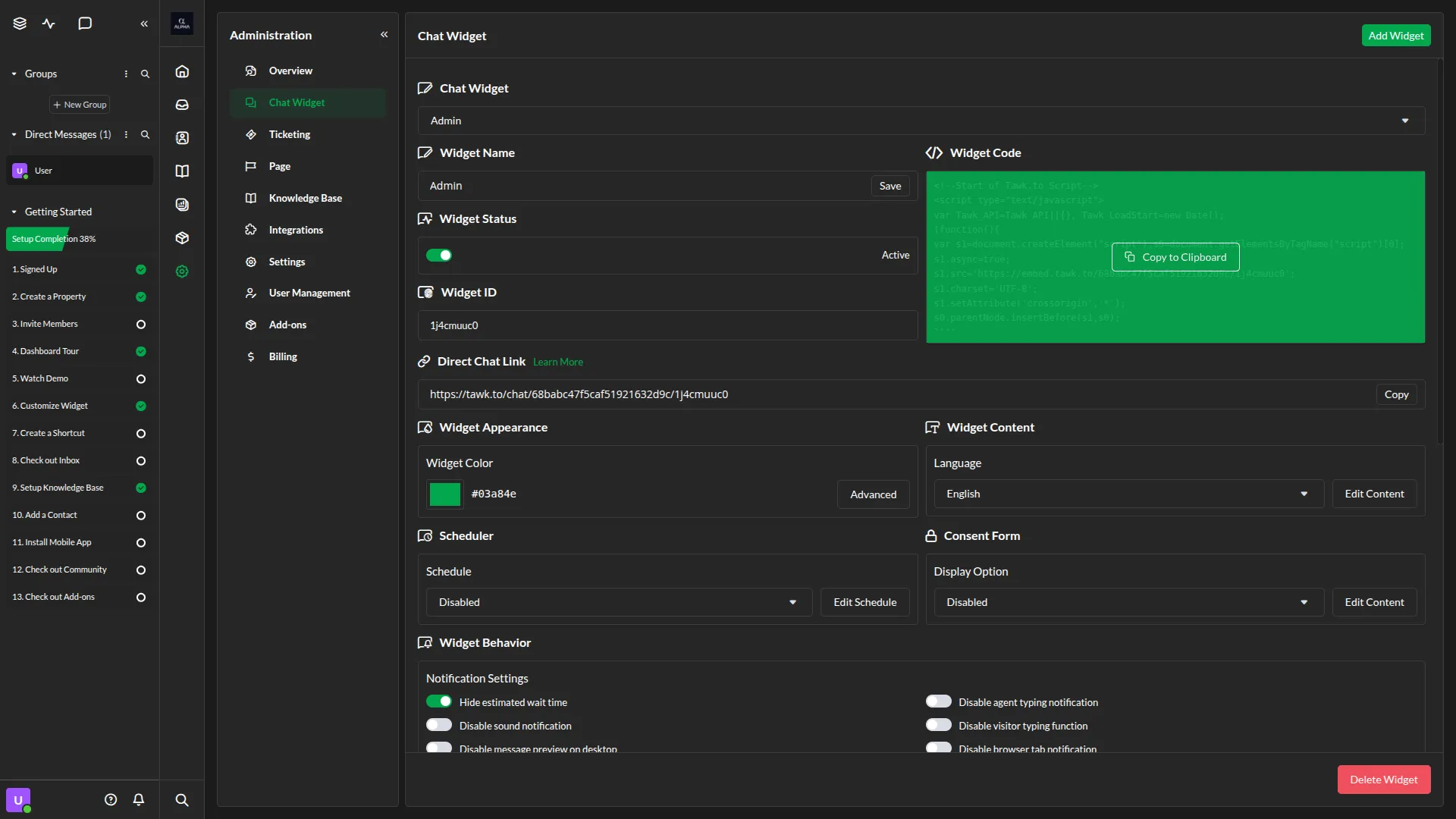
API Credentials for Easy Access
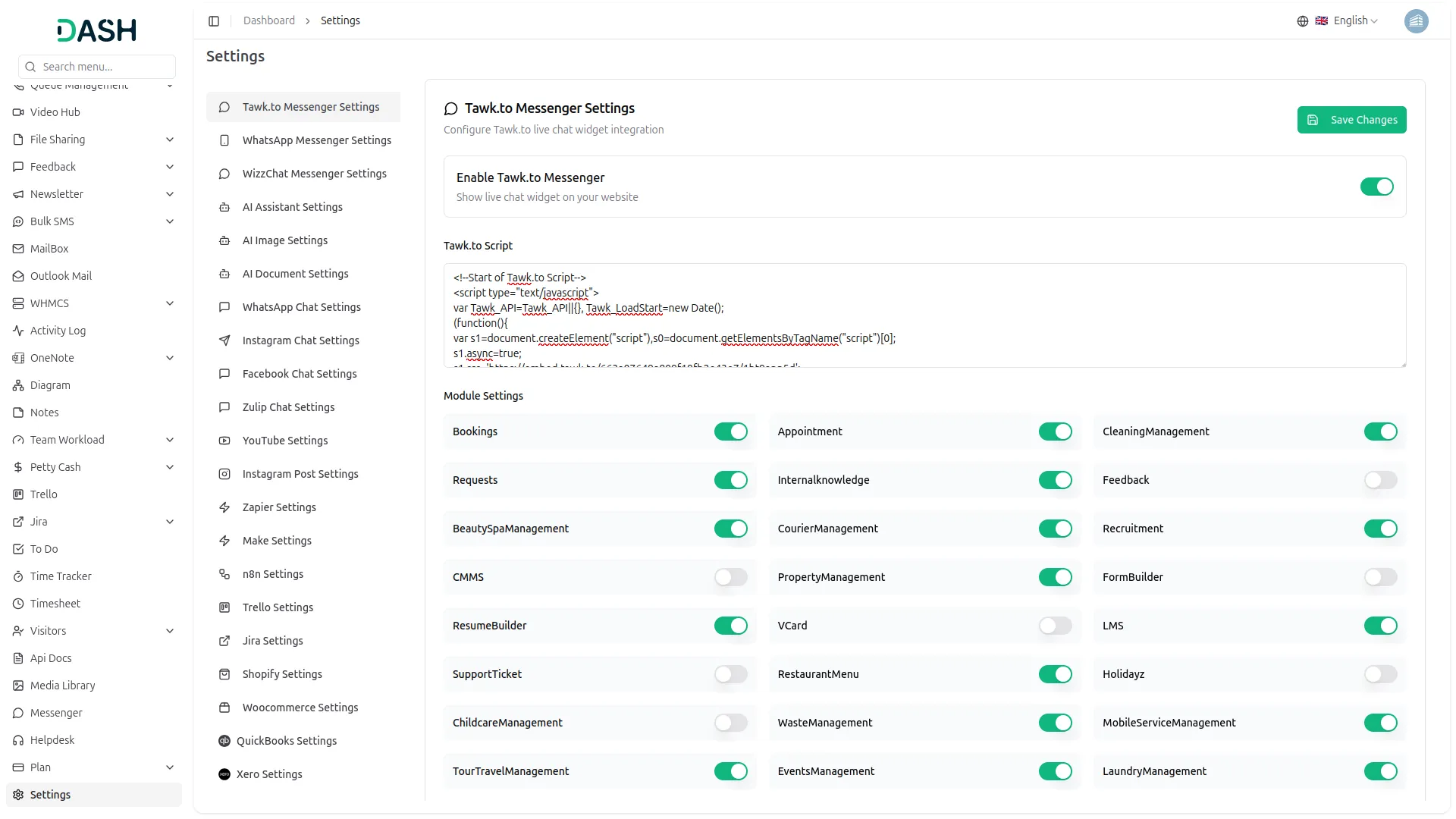
Once you add the required API credentials to your platform’s settings, you’ll gain instant access to the live chat feature. This easy setup process ensures that you can begin using the messenger tool right away, without unnecessary delays. By entering your credentials, you enable real-time communication with customers, making it simple for your team to respond promptly to any inquiries or concerns.
Real-Time Engagement for Improved Satisfaction
With tawk.to Messenger, you can engage with your customers in real time, significantly improving their experience and satisfaction. Instant messaging allows for the quick resolution of issues, reducing the time customers spend waiting for answers. This immediate response capability not only meets the high expectations of today’s consumers but also helps you to identify and resolve potential problems before they escalate, maintaining a positive perception of your brand.
Improve Customer Support with Tawk.to Integration
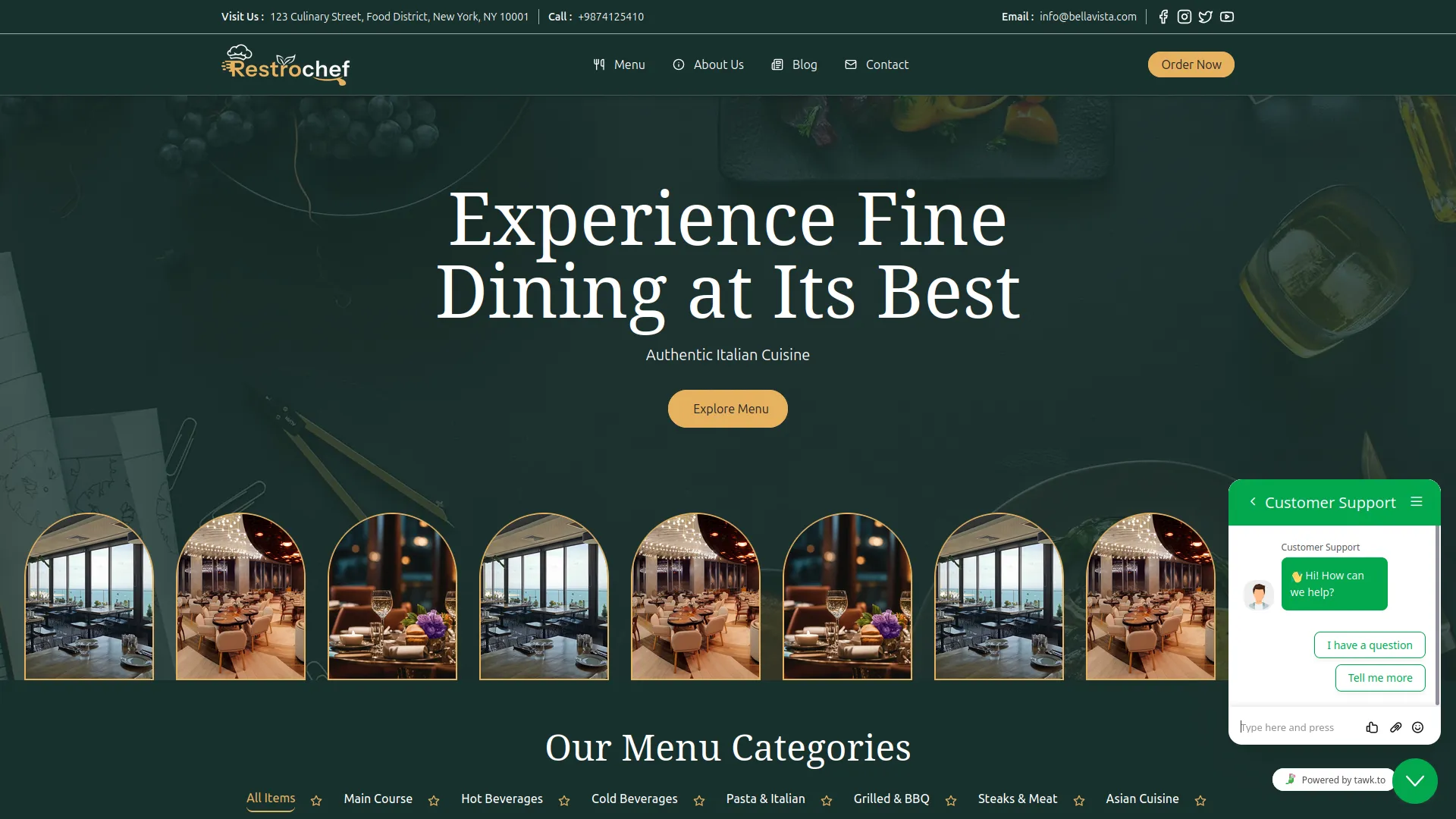
Integrating tawk.to Messenger into your system can greatly improve how you support your customers. It gives you and your team a direct way to talk to users in real time, helping you respond quickly to their questions or concerns. This type of instant communication makes customers feel heard and valued, which builds trust and loyalty over time. Instead of waiting hours or even days for a reply through email, customers can simply open the chat and get help right away. This improves their experience and shows that you are committed to being available whenever they need assistance.
Screenshots from our system
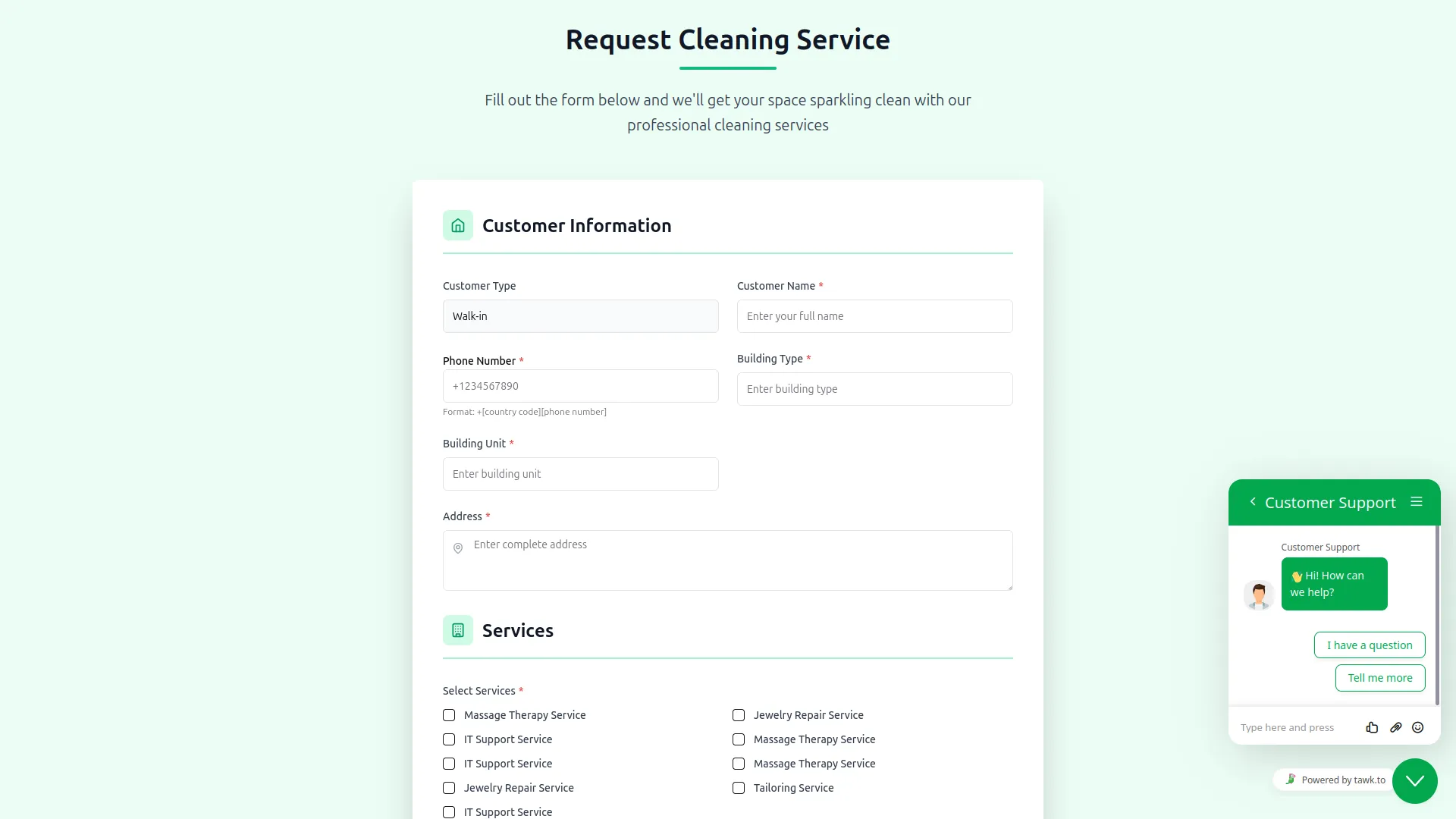
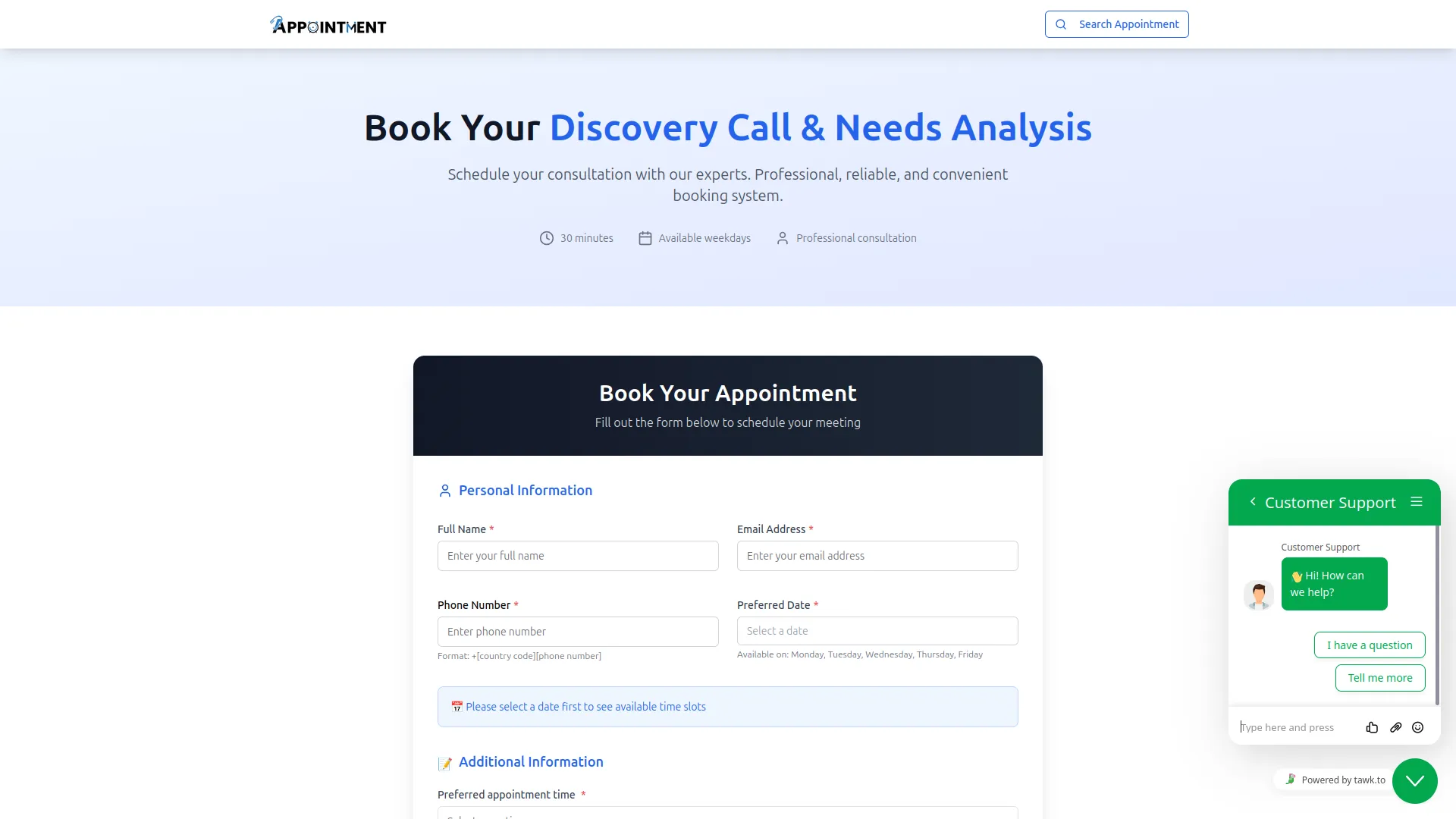
To explore the functionality and usage of these Add-Ons, refer to the accompanying screenshots for step-by-step instructions on how to maximize their features.
Discover More Add-Ons
Unlock even more functionality with additional Add-Ons, providing enhanced networking and customization options for your Dash SaaS experience.

Make
The Make Integration system is a comprehensive webhook automation platform that connects your business software with Make.com through 79+ supported Add-Ons including General operations, HRM, Sales, and specialized industry solutions. The system enables real-time data synchronization by automatically triggering Make scenarios for business events, while providing flexible webhook configurations and user-friendly management interfaces for comprehensive workflow automation and third-party application integration.


AI Assistant
Generating text, writing a variety of creative content and answering your questions in an informative manner.

Documentation includes examples and best practices
Clear documentation helps new staff