
Supported Currencies: ZAR (South African Rand)
Supported Countries: South Africa
Yoco is a modern and reliable payment gateway built to serve businesses across South Africa. It enables merchants to process payments securely using ZAR currency, supporting both online and in-store transactions through Visa, Mastercard, Apple Pay, and more. With its clean API, transparent pricing, and intuitive dashboard, Yoco gives businesses full control over their payment operations while delivering a fast and secure checkout experience to every customer.
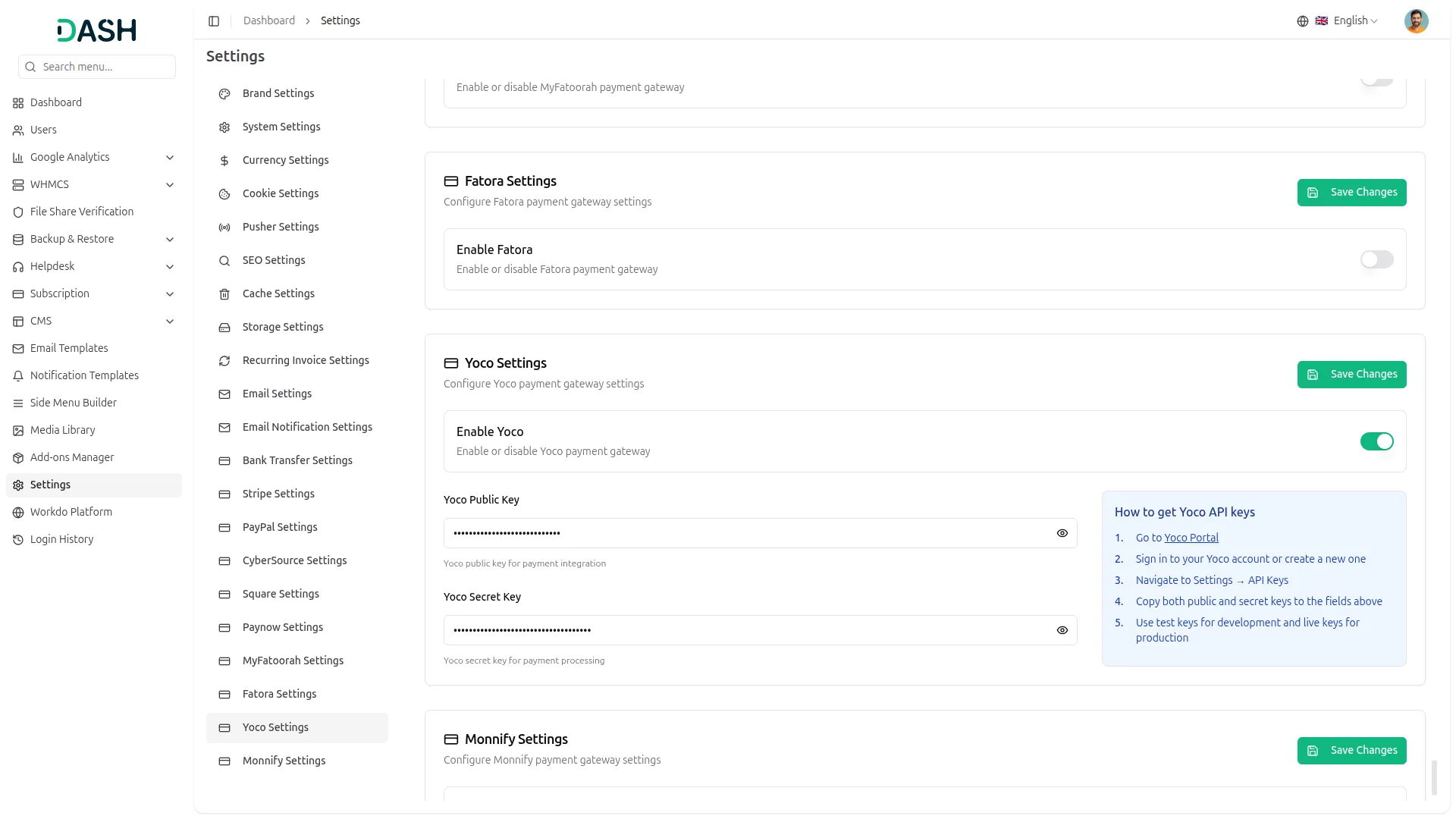
API Key Settings Page for Yoco Integration
The API Key Settings Page allows you to establish a secure connection between your platform and the Yoco payment gateway. Once your credentials are entered, your system can process payments, manage transactions, and interact with Yoco services without interruption. Both Superadmin and Company accounts share this integration setup, with the Superadmin focusing on subscription-based plan payments and the Company managing customer-facing transactions and service payments, ensuring a consistent experience across the platform.
Seamless Plan Payments
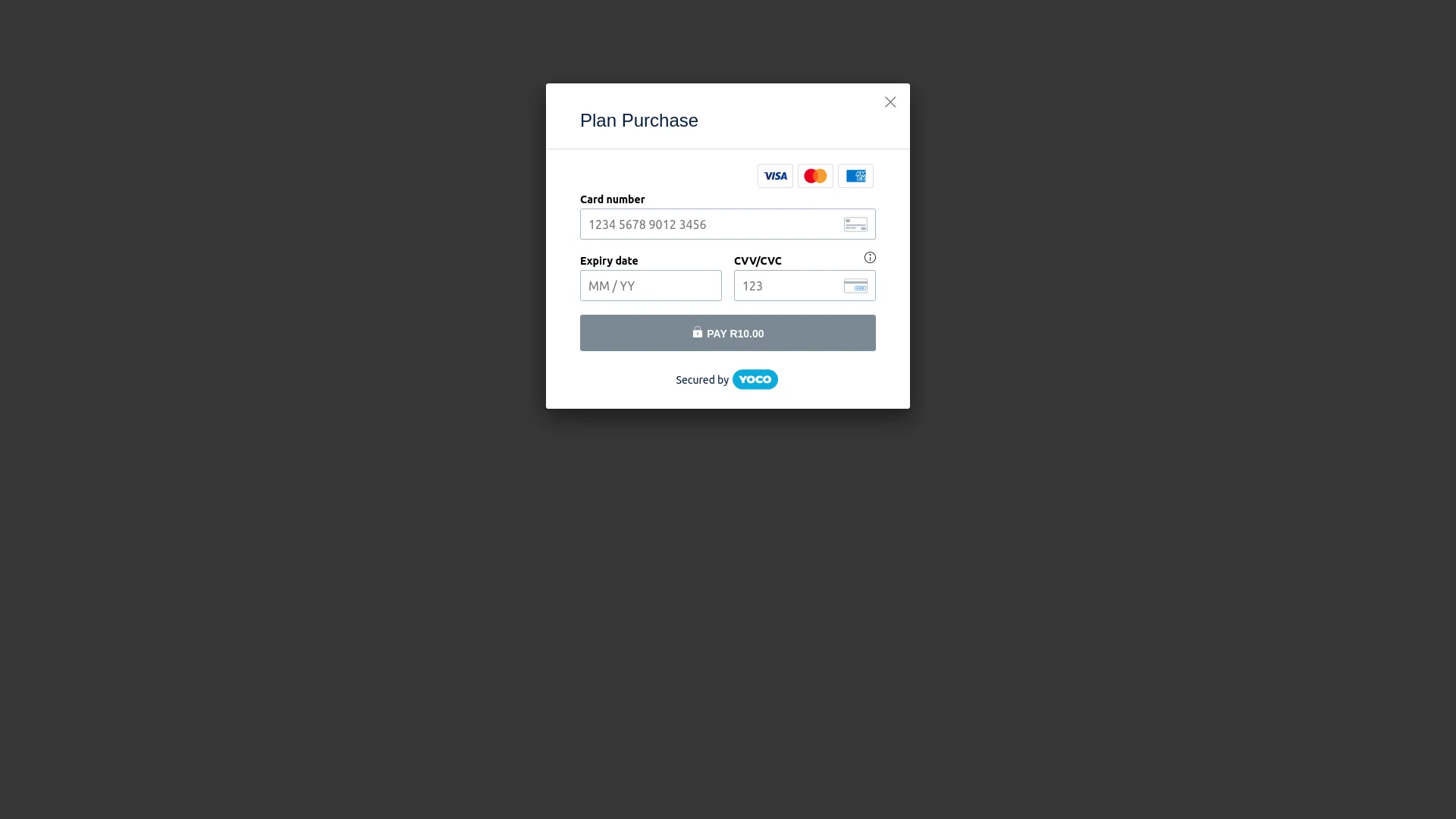
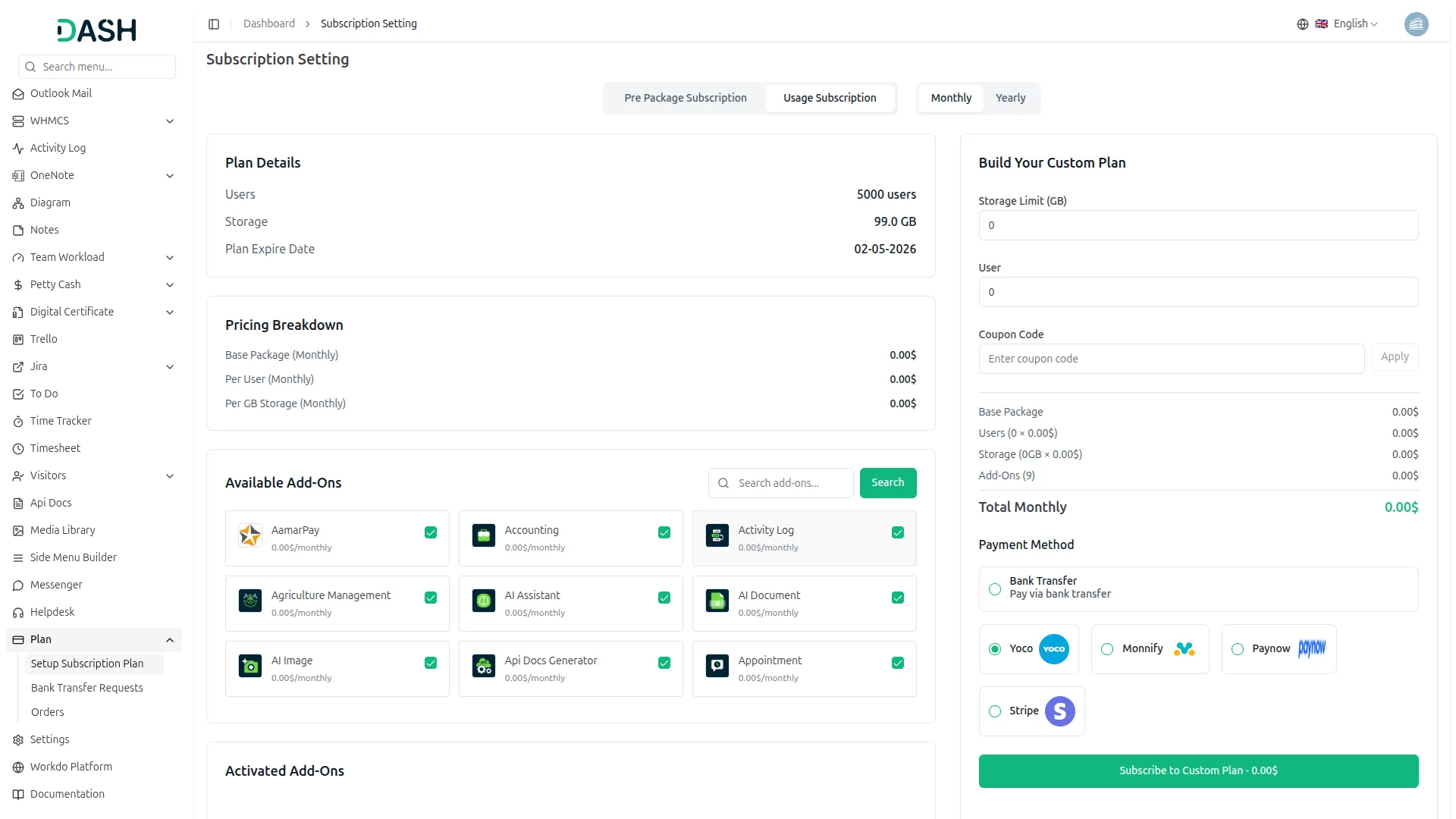
This payment method operates on the Superadmin side, allowing customers to purchase platform plans through a simple and secure one-time payment. All transactions are processed reliably through Yoco and tracked in real time, ensuring complete accuracy and transparency at every step.
Payment Management
This payment method is used on the Company side to collect payments across a broad range of business services and customer transactions, including bookings, beauty spa appointments, course purchases, hotel reservations, laundry orders, parking, and events. Companies can accept payments from their customers through Yoco using multiple supported methods, all processed securely with real-time tracking and full transaction visibility.
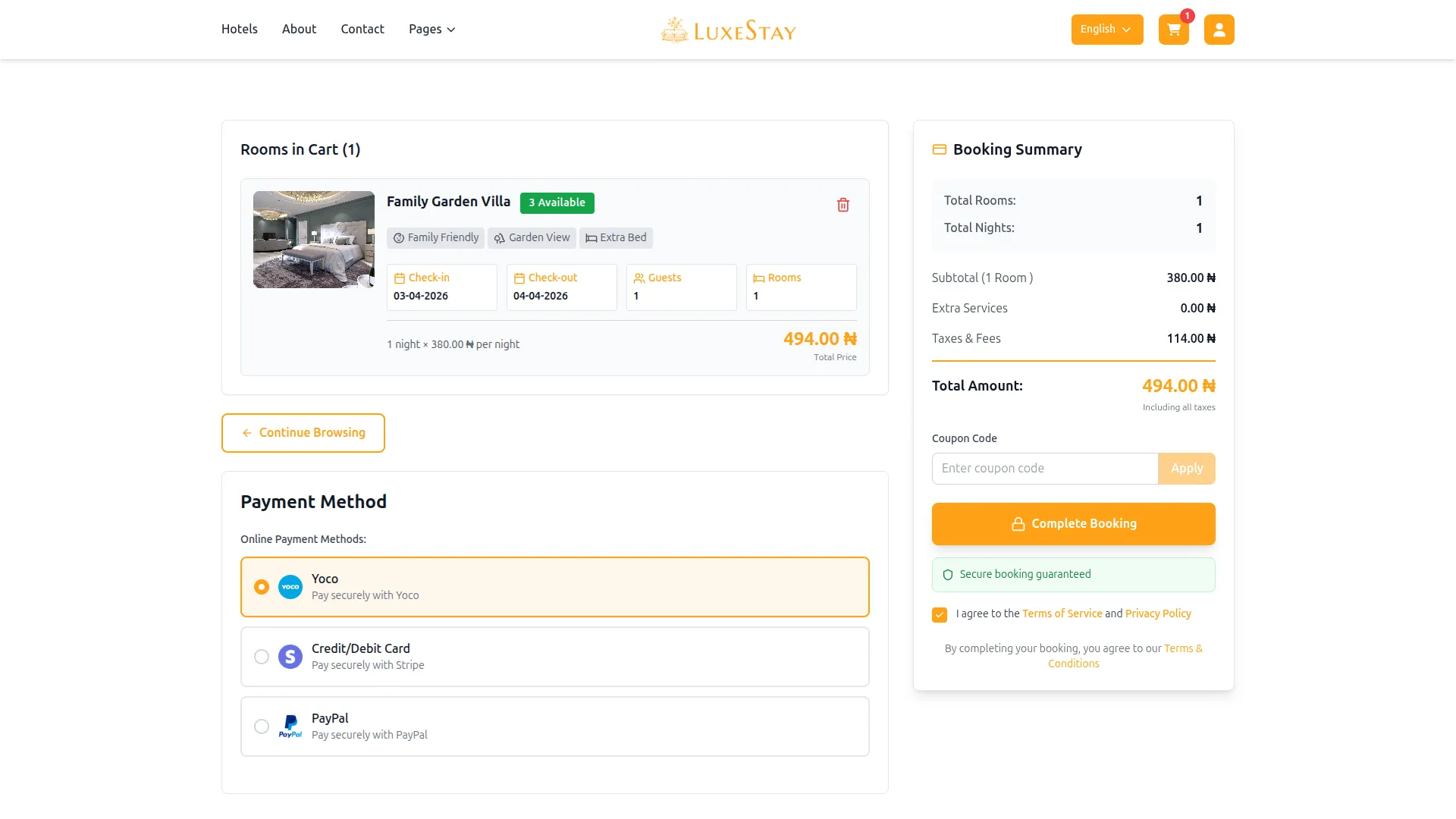
Screenshots from our system
To explore the functionality and usage of these Add-Ons, refer to the accompanying screenshots for step-by-step instructions on how to maximize their features.
Discover More Add-Ons
Unlock even more functionality with additional Add-Ons, providing enhanced networking and customization options for your Dash SaaS experience.

Society Management
The Society Management Add-On is your all-in-one solution for handling residential communities with clarity and ease.

Waste Management
The Waste Management System module is a comprehensive solution designed to streamline waste collection processes for businesses and municipalities. From submitting collection requests to managing inspections, our module offers end-to-end functionality to optimize waste management operations.

Peach Payment
Peach Payment Gateway Integration provides a secure environment for online transactions, ensuring the safety of both businesses and customers. With advanced encryption and fraud prevention measures, you can trust that your transactions are protected. This gateway supports various payment methods, providing customers with the expected convenience.

SSLCommerz
With the SSLCommerz Integration, you also gain access to detailed transaction tracking and reporting tools.
Maintainable backend architecture simplifies long-term development management
The overall stability and responsiveness made our daily workflow far more reliable