
The Digital Certificate Add-On is a comprehensive platform that enables organizations to design, customize, and distribute professional digital certificates. Create custom templates with dynamic elements, manage media libraries, assign certificates to users, and generate high-quality PDF downloads for official documentation and recognition programs
Generate and Share Digital Certificates Instantly
- Custom Template Design
- Pre-Built Certificate Layouts
- Dynamic Elements Fields
- Media & Badge Upload
- Background Customization
- Certificate Issuance Management
- PDF Download & Preview
- Advanced Filter & Search
- User Assignment Control
- Recipient Self-Access Portal
Design Certificates Easily
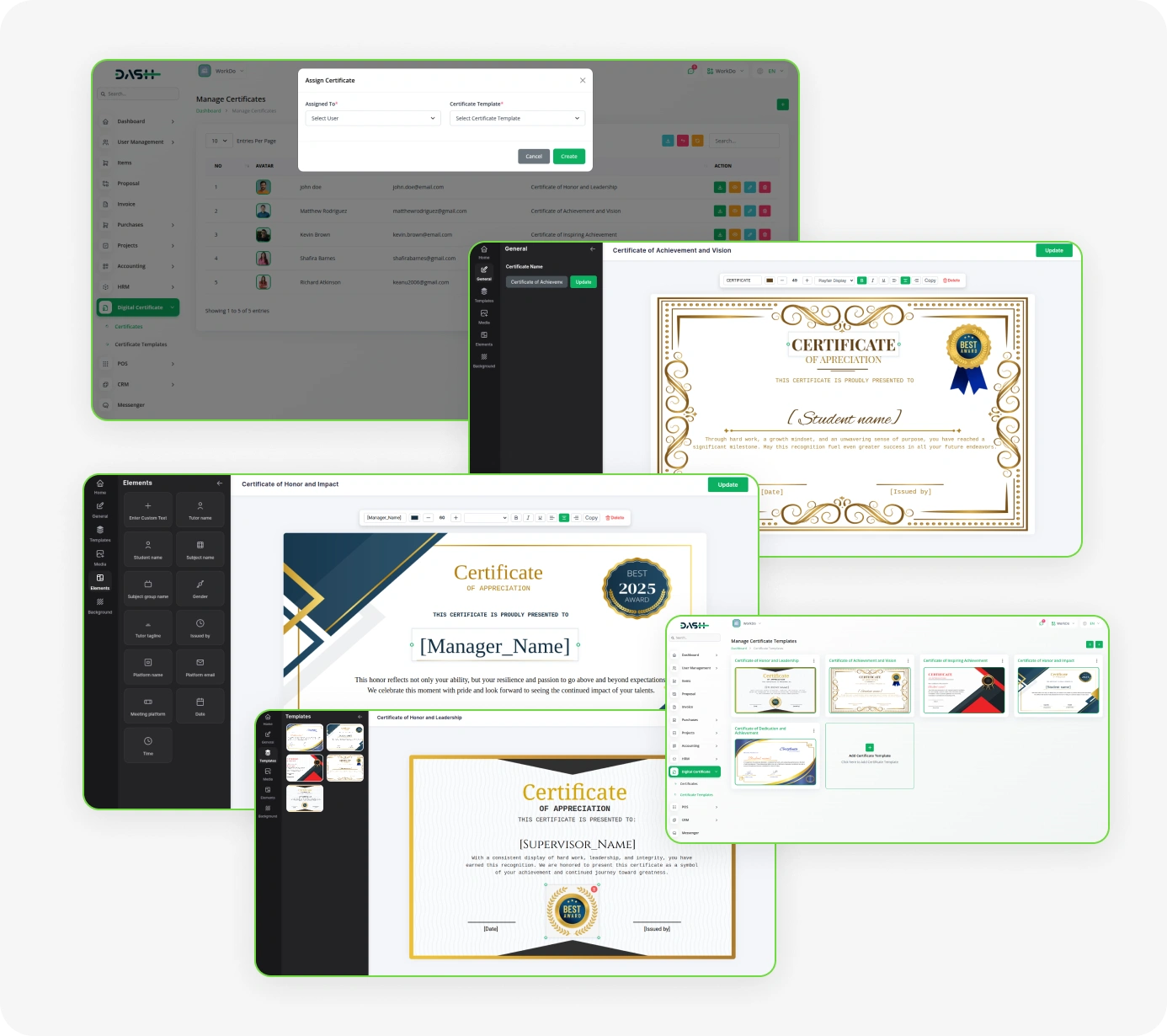
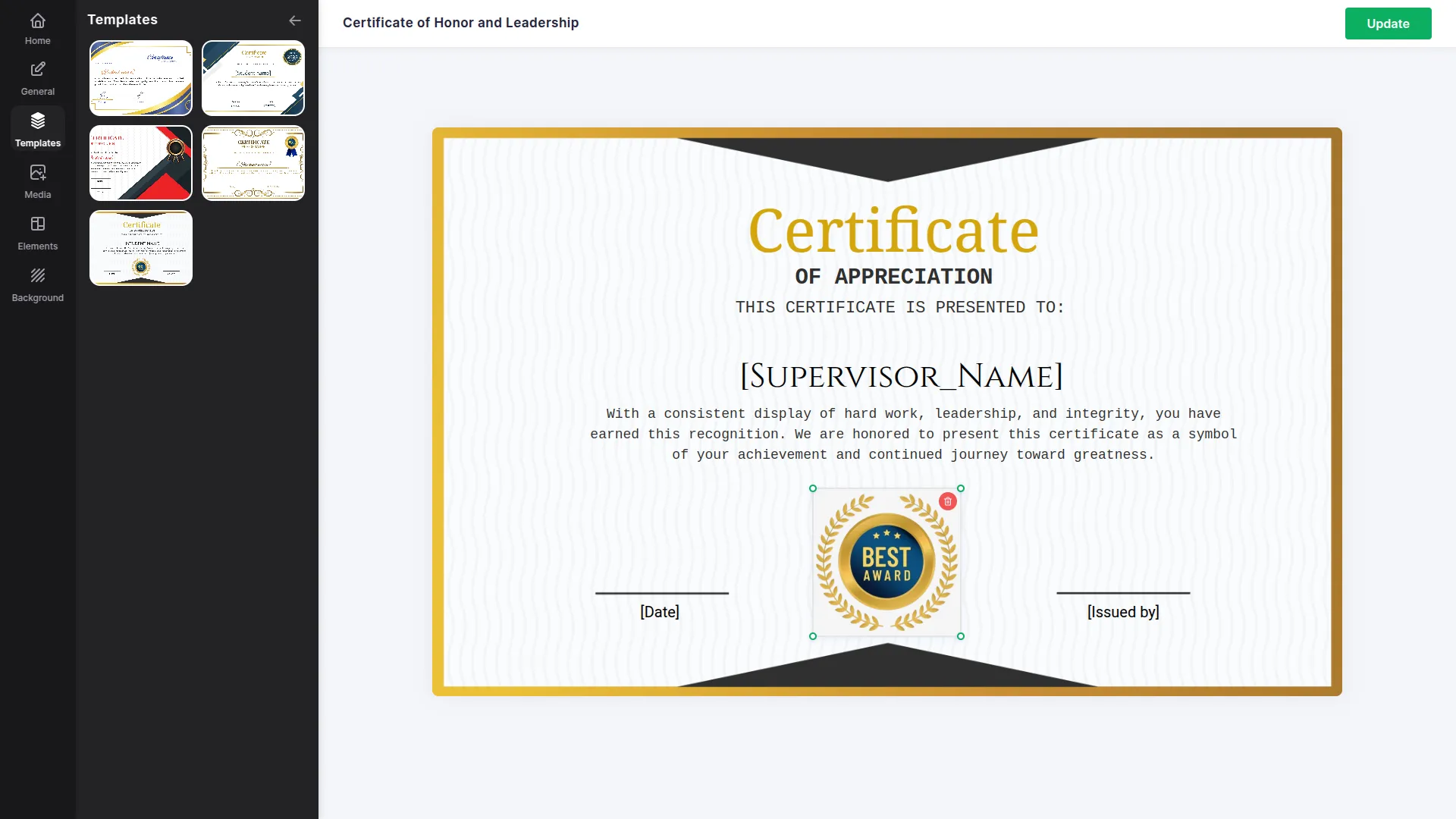
Create stunning digital certificates with our comprehensive template designer that puts complete creative control at your fingertips. Design custom certificate layouts from scratch with intuitive tools for text placement, visual elements, and overall appearance customization. The professional interface allows administrators to add certificate template names, upload background images, insert dynamic elements, and position custom text blocks with precision. Templates can be saved, previewed, and reused multiple times across different certificate programs while maintaining a centralized library for easy access and management.
- Professional template designer with complete creative control
- Custom layout creation tools for text and visual elements
- Reusable template library with centralized management system
- Preview functionality ensuring perfect design before implementation


Smart Dynamic Content
Transform static templates into personalized certificates with advanced dynamic element functionality. Insert variable content including names, completion dates, course titles, grades, and achievement details that seamlessly integrate into your certificate designs. The intuitive interface enables precise positioning and formatting of dynamic components with customizable appearance options including font selection, sizing, and placement controls that ensure each certificate meets your exact design requirements.
- Ensure consistent formatting with intelligent dynamic field placement
- Customizable element positioning with precise placement controls
- Apply font styles, sizes, and formatting for a polished, professional design
- Insert dynamic fields that can be customized during certificate assignment
Manage & Issue Certificates
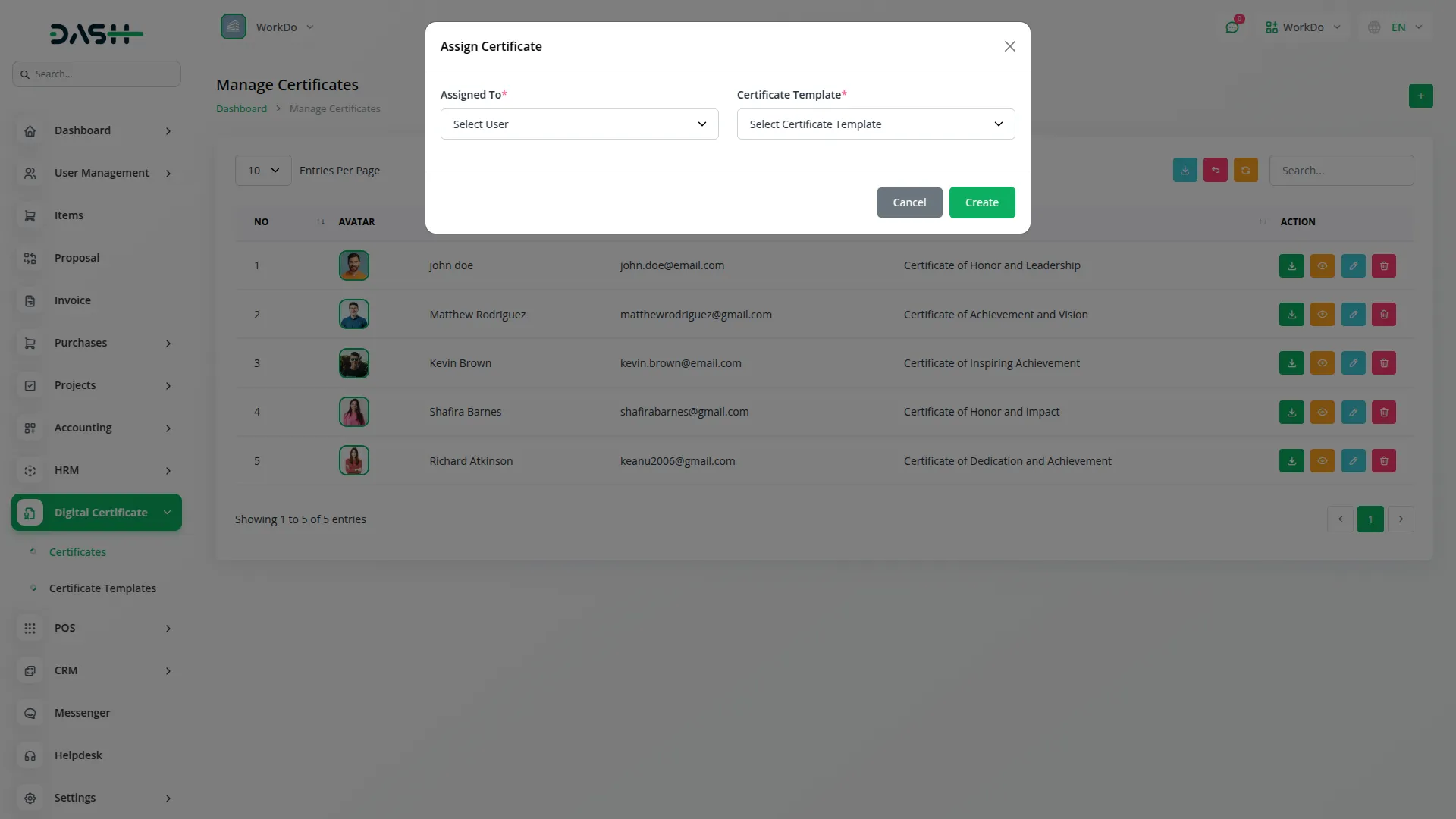
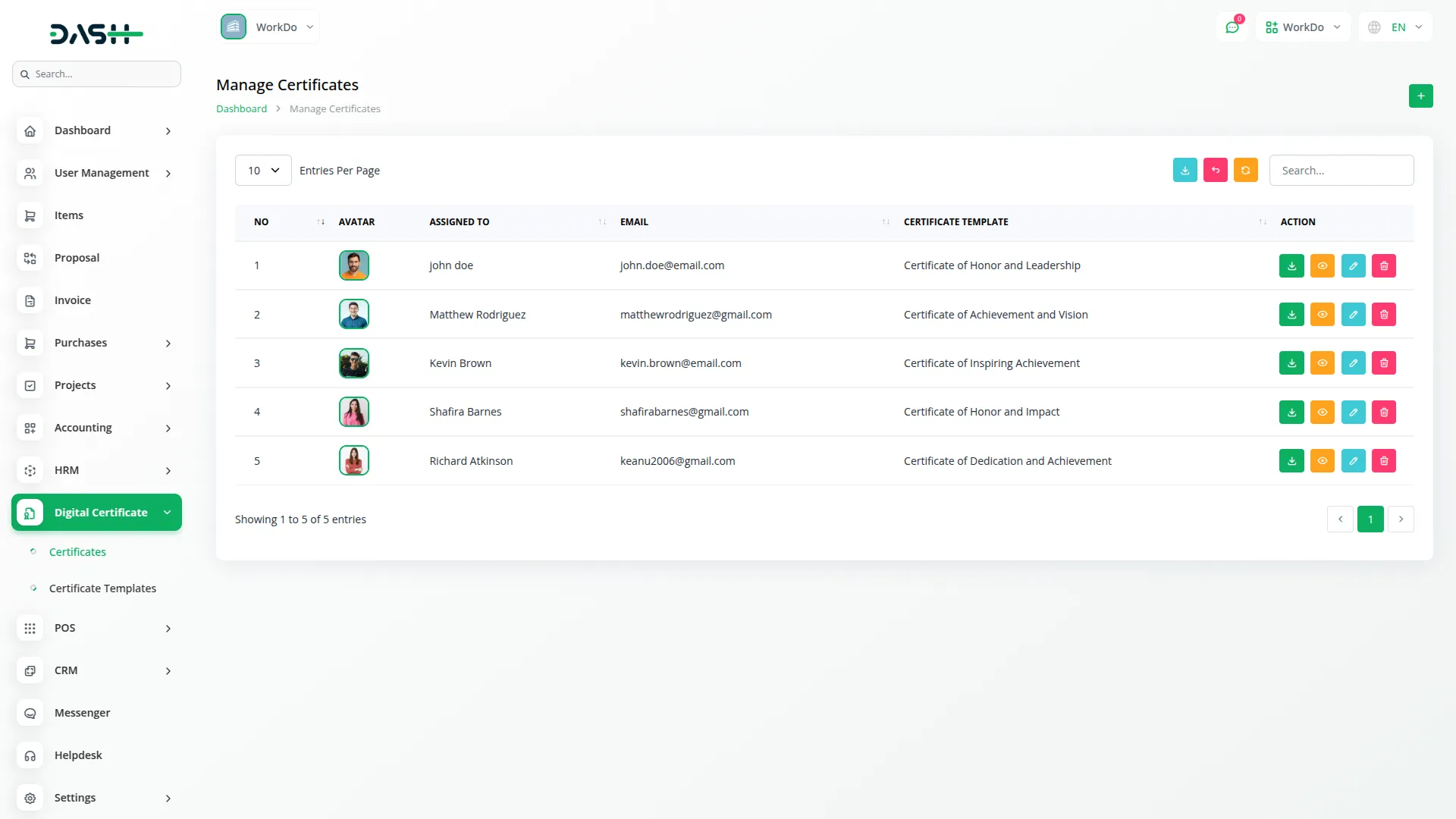
Once your templates are ready, issuing certificates to users is a straightforward process. From the Manage Certificates section, you can assign any template to any user in just a few steps. The system keeps a clear record of every issued certificate, showing the recipient's name, email, profile picture, and the template used. You can also edit existing records to update the assigned user or switch the template if needed. Filters and search tools make it easy to find any issued certificate quickly, even as your list grows.
- Issue certificates by selecting a user and a template
- View a complete list of all issued certificates with key details
- Edit certificate records to update the user or template
- Filter and search issued certificates by recipient or template
Easy Access & Distribution
Distributing certificates requires no extra effort once they are issued. Recipients can log in to their account and immediately view their assigned certificates. They can preview the full certificate and download it as a PDF directly from their account. Administrators also have the ability to download any issued certificate as a PDF from the management panel. This self-service access reduces back-and-forth communication and gives recipients instant access to their credentials whenever they need them.
- Recipients view and download their certificates after logging in
- Certificates are generated and delivered as professional PDF files
- Admins can download any issued certificate from the management panel
- No manual distribution needed, access is automatic upon issuance
Screenshots from our system
To explore the functionality and usage of these Add-Ons, refer to the accompanying screenshots for step-by-step instructions on how to maximize their features.
Discover More Add-Ons
Unlock even more functionality with additional Add-Ons, providing enhanced networking and customization options for your Dash SaaS experience.

Boutique & Designer Studio
Our Boutique and Designer Studio Add-On simplifies outfit reservations, inquiries, inventory, cleaning, and damage management.
View More
Sign-In With Bitbucket
Streamline your login process and bolster security with Dash SaaS seamless Bitbucket integration. Leverage your existing Bitbucket credentials to access Dash SaaS, eliminating the need for separate logins and passwords. This not only simplifies access for authorized users but also reduces the risk of unauthorized login attempts.
View More

2 reviews for Digital Certificate – Dash SaaS Add-On
| 5 star | 100% | |
| 4 star | 0% | |
| 3 star | 0% | |
| 2 star | 0% | |
| 1 star | 0% |
Comments
You must be logged in to post a comment.

Contact Us for Support :
-
You will get immediate support from our support desk. Please visit here https://support.workdo.io/
Item support includes:
- Answer pre-sale questions or query
- Answering technical questions about item's features
- Assistance with reported bugs and issues
- Help with included 3rd party assets
- Free Installation services in some cases
However, item support does not include:
- Customization services
Check Documents & Tutorials
كل إضافة تعمل بشكل مثالي
Customization made fast and reliable