
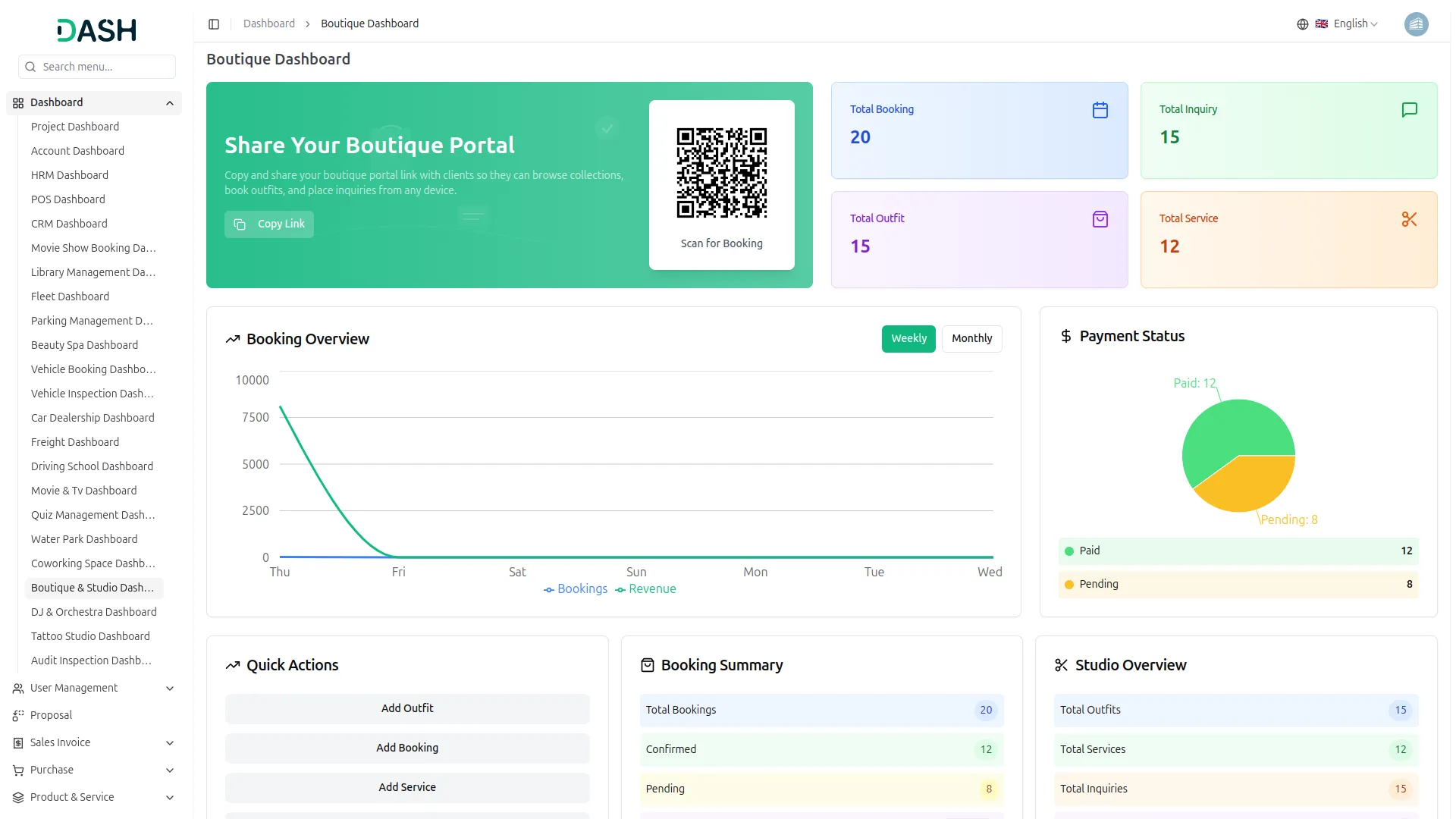
This Boutique & Designer Studio Add-On is a fully integrated platform designed to manage rentals, sales, and client interactions from a single dashboard. It streamlines outfit inventory, booking, payments, cleaning, and damage tracking to ensure smooth day-to-day operations. With built-in marketing tools like blogs, newsletters, and client inquiries, it helps boutiques grow their brand and improve customer experience.
Complete Boutique Management System Features
- Complete Studio Dashboard
- Outfit Collection Management
- Booking & Payment Handling
- Damage & Penalty Tracking
- Outfit Care Records
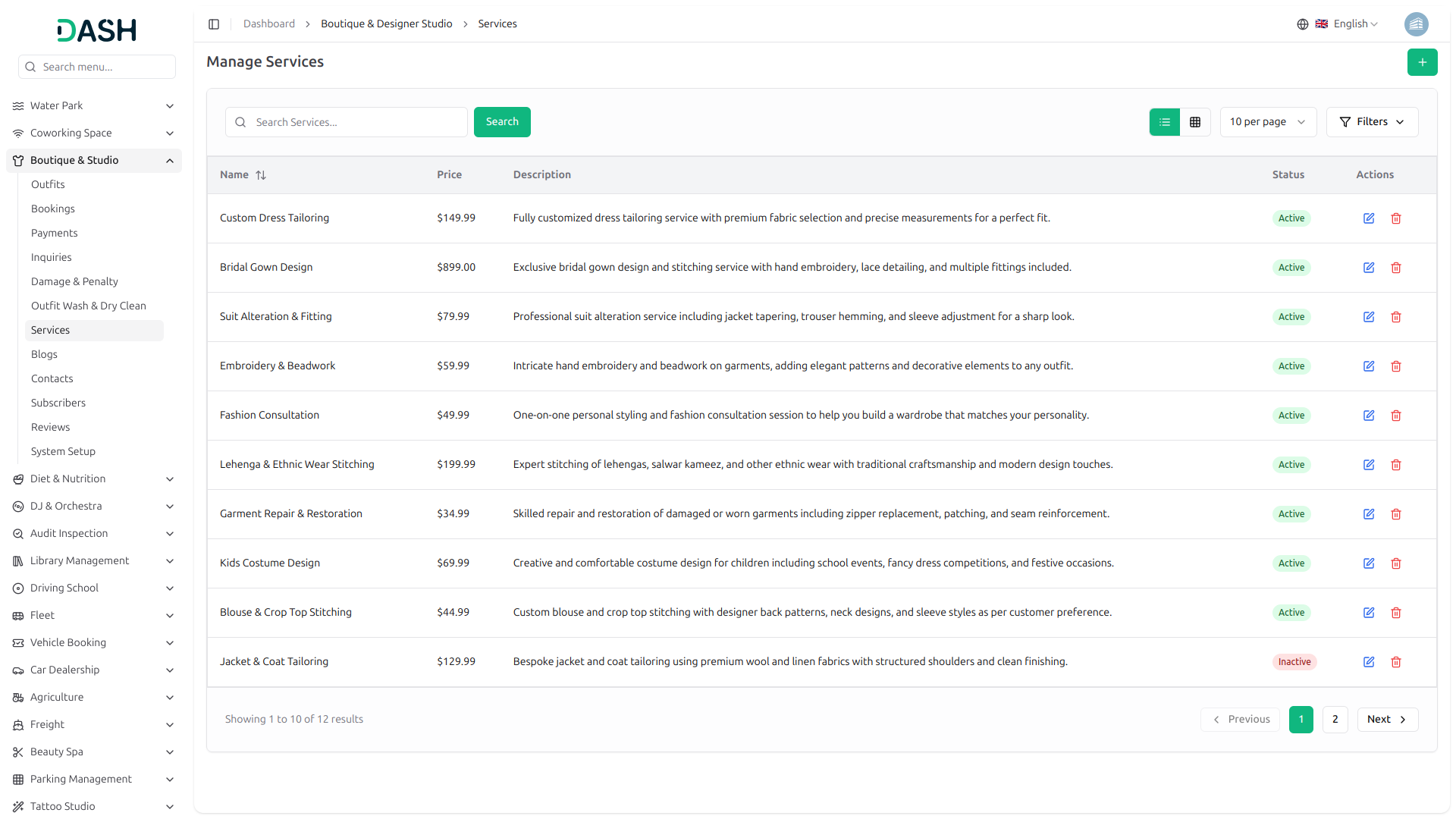
- Service Add-On Management
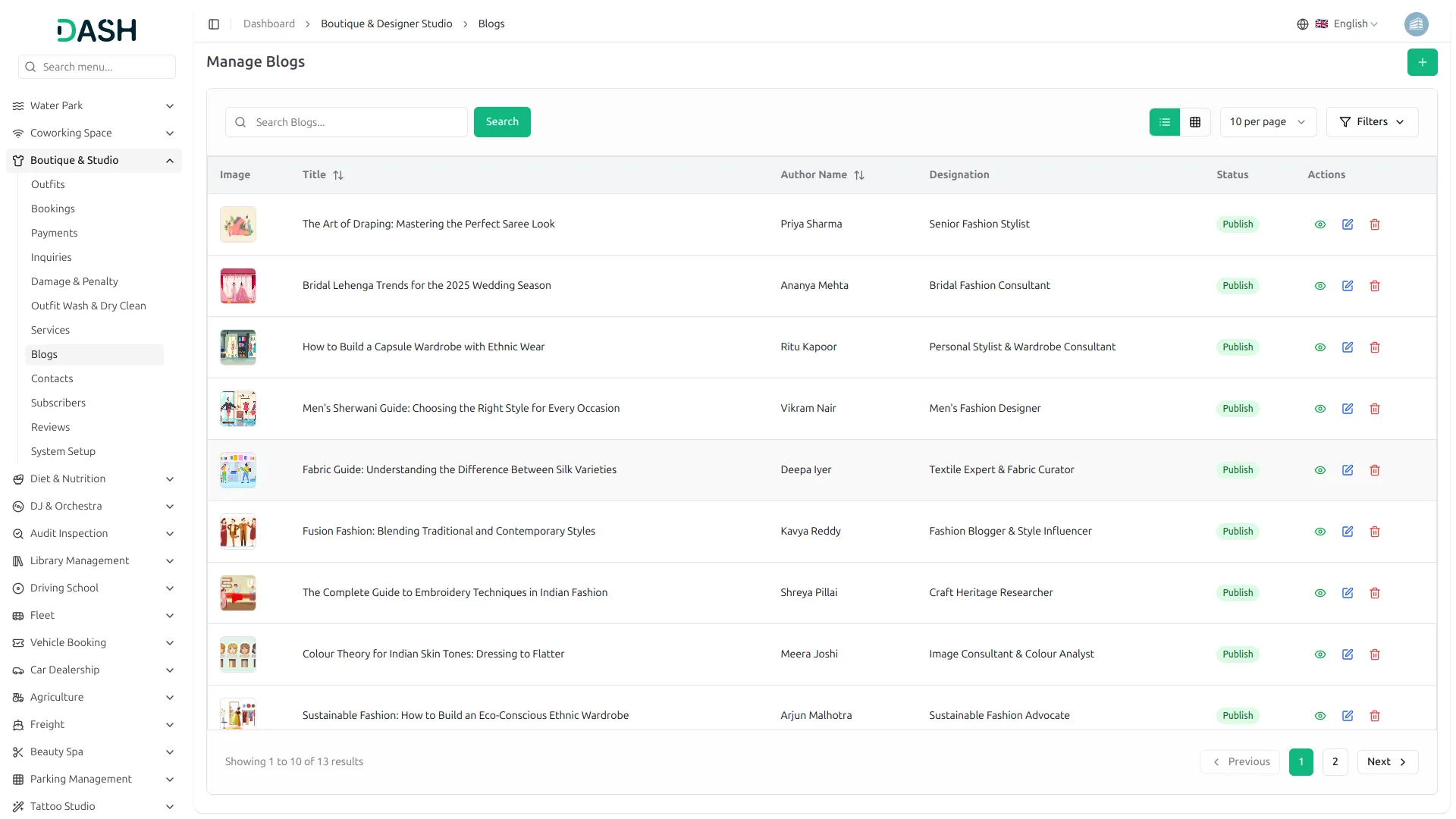
- Blog & Content Publishing
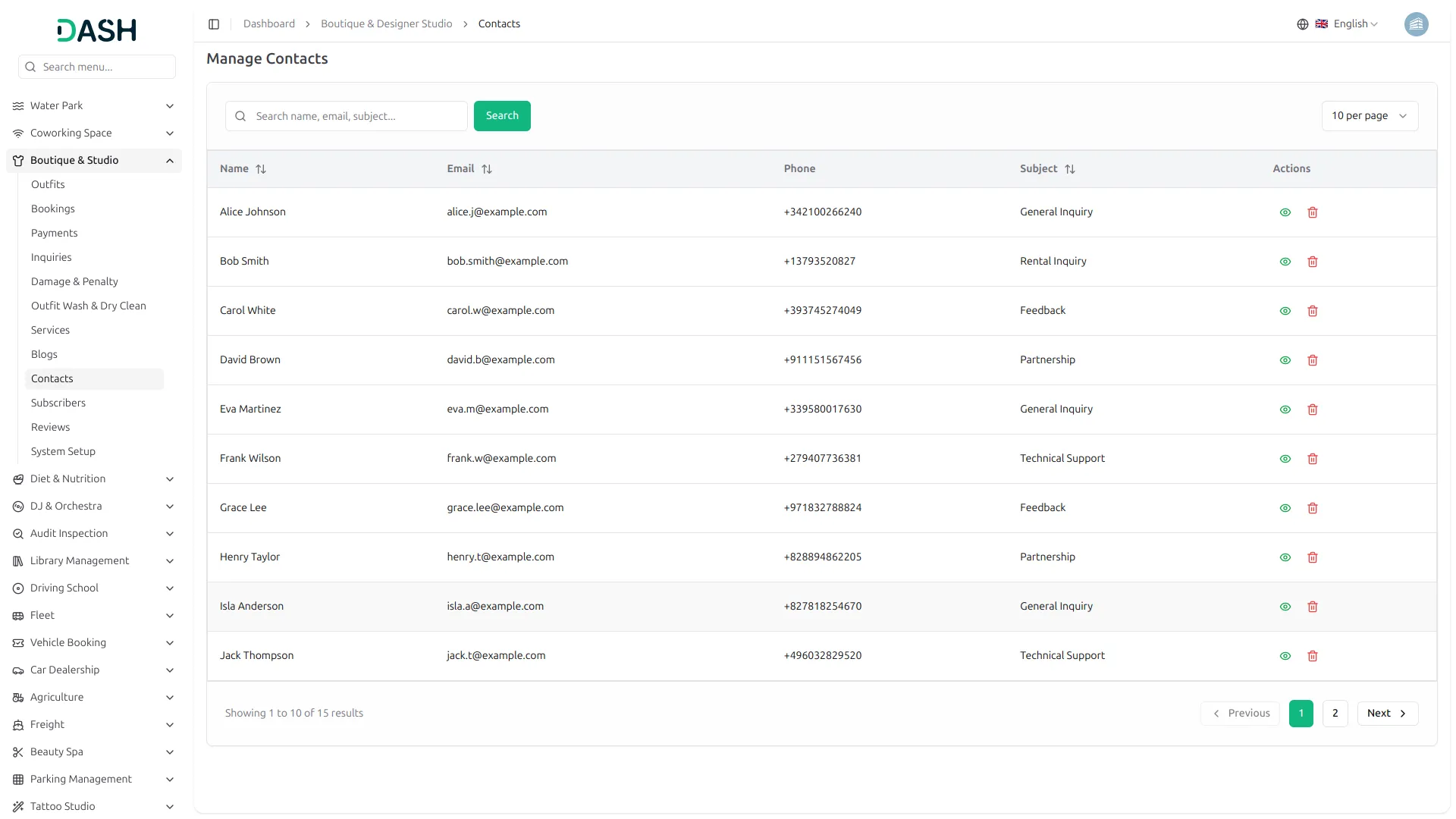
- Client Inquiry Tracking
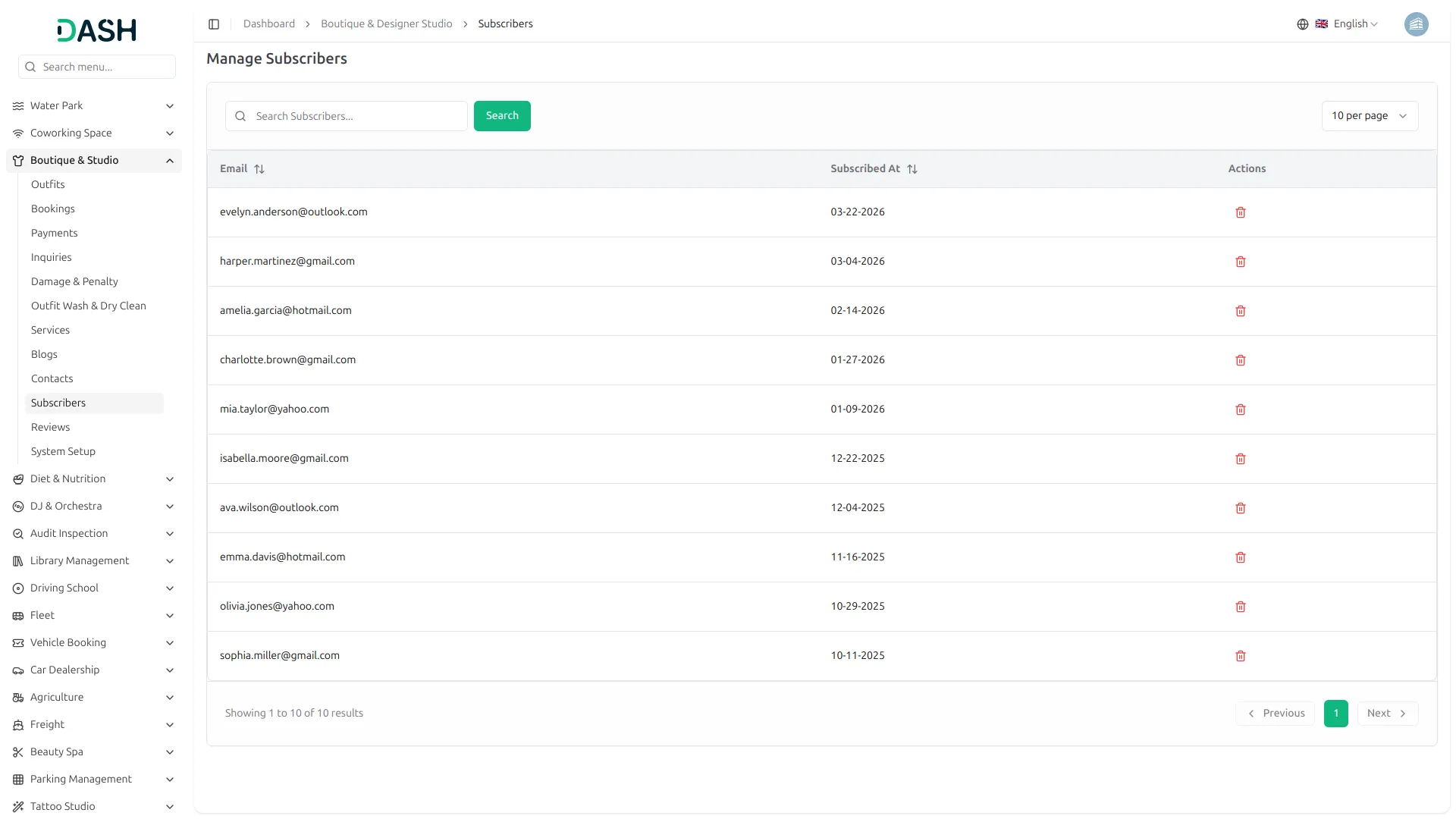
- Newsletter Subscriber Management
- Fully Live Boutique Portal
Boutique Setup Configuration
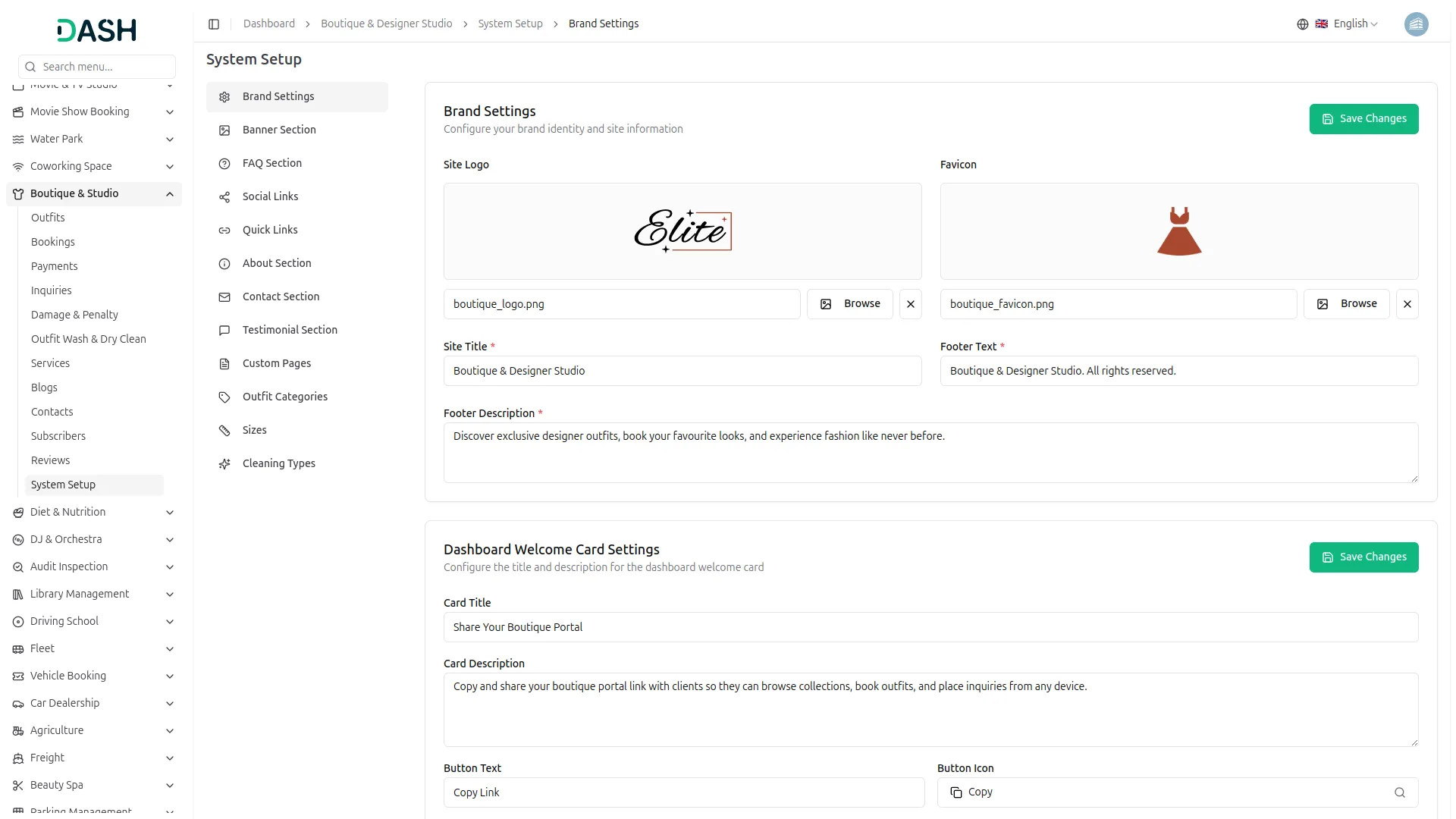
Before your boutique goes live, everything begins with a proper setup that defines your brand identity and online presence. You can customize your logo, site title, banner, footer, and social media links to reflect your unique style. It also allows you to structure your services by setting categories, sizes, cleaning types, and offerings. Additionally, you can manage contact details, working hours, team information, and policies to build trust with your clients.
- Establish brand identity with logo, banner, and content
- Define outfit categories, sizes, and cleaning types workflow
- Manage contact details, working hours, and location map
- Publish pages, FAQs, and team information to build credibility
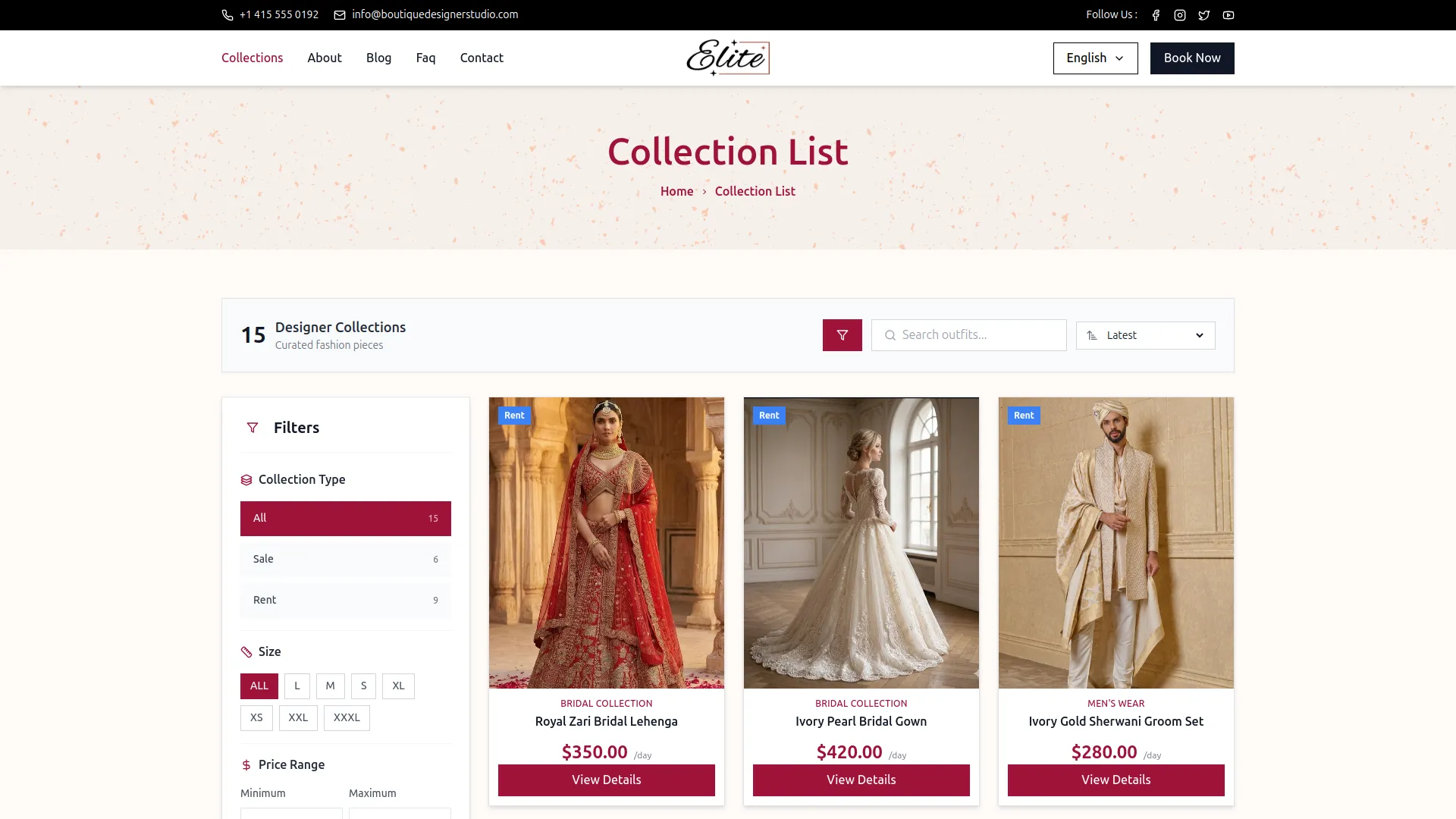
Outfit Collection, Fully Organized
A well-managed outfit inventory keeps your boutique organized and professional with all items stored in one place. Each outfit includes key details like category, size, color, fabric, price, and condition for clear listing. It supports both rent and sale options with flexible pricing and image display. As your collection grows, everything stays searchable, filterable, and easy to manage.
- Maintain detailed outfit records, including fabric sizing and pricing
- Support rental and sale pricing models within the collection
- Keep outfit presentation consistent across the live collection page
- Organize the catalogue by category, gender, and size for clients
Smart Booking System
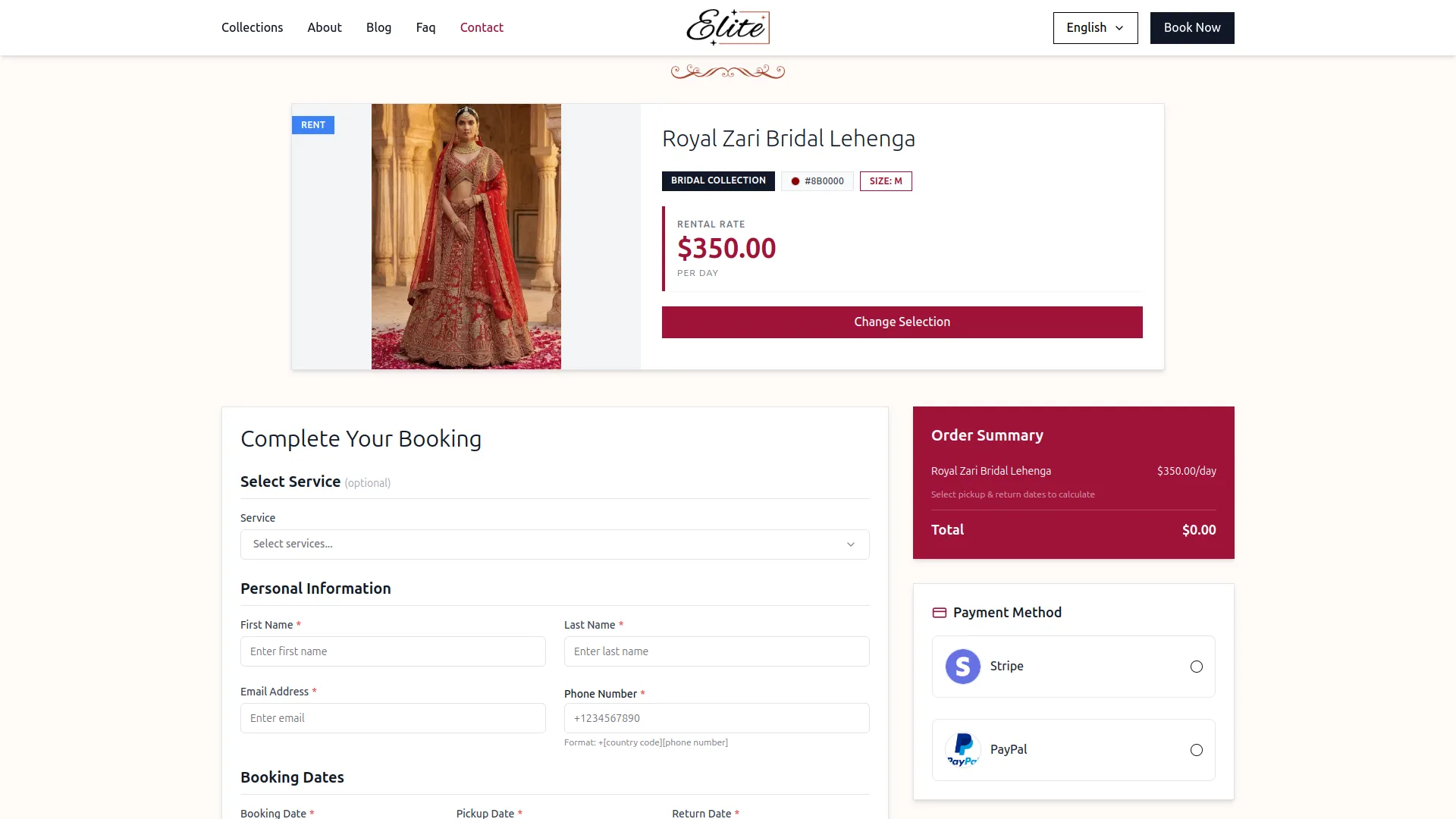
For clients, the booking experience is simple and seamless, from browsing outfits to confirming a rental. They can view outfit details, select dates, and add required services while placing a booking. The system automatically calculates the total amount and supports online payment for easy checkout. Once confirmed, all booking and payment details are securely recorded for a smooth rental experience.
- Browse the full outfit collection with filters for category size
- Place a complete rental booking with details and selections
- View the auto-calculated order summary before completing payment
- Receive a confirmed booking record after successful payment processing
Cleaning & Damage Control
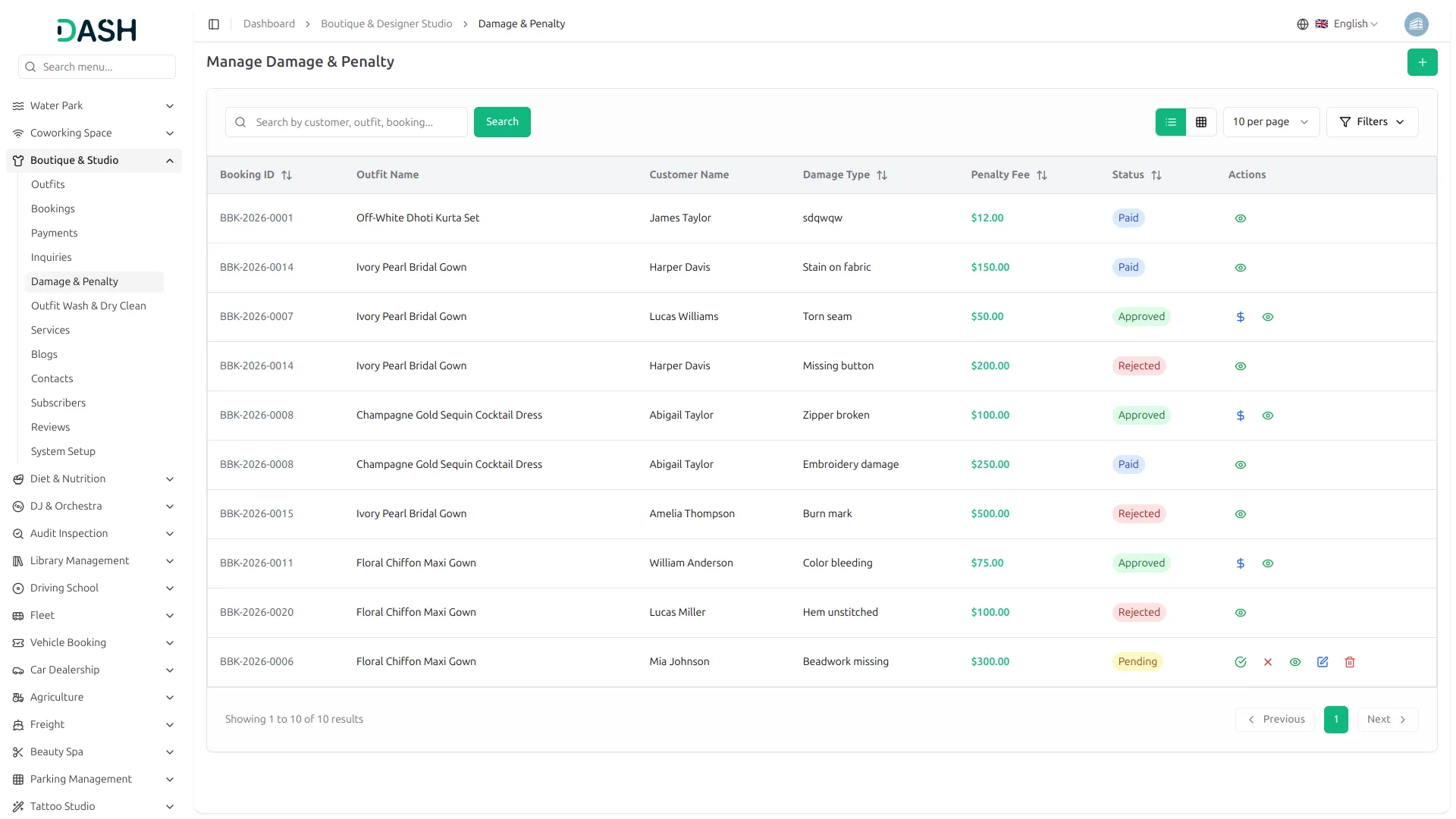
Every outfit in your collection goes through a proper maintenance process after each rental. Once returned, it is logged for cleaning with details like care type, cost, and next cleaning schedule. If any damage is found, a penalty record is created and tracked until it is resolved. This ensures your inventory stays reliable, well-maintained, and always ready for the next client.
- Maintain cleaning records per booking with cost due date
- Record damage reports linked to specific confirmed bookings
- Track penalties for damaged outfits before re-listing items
- Document the care process before the outfit becomes available again
Client Relationship Management
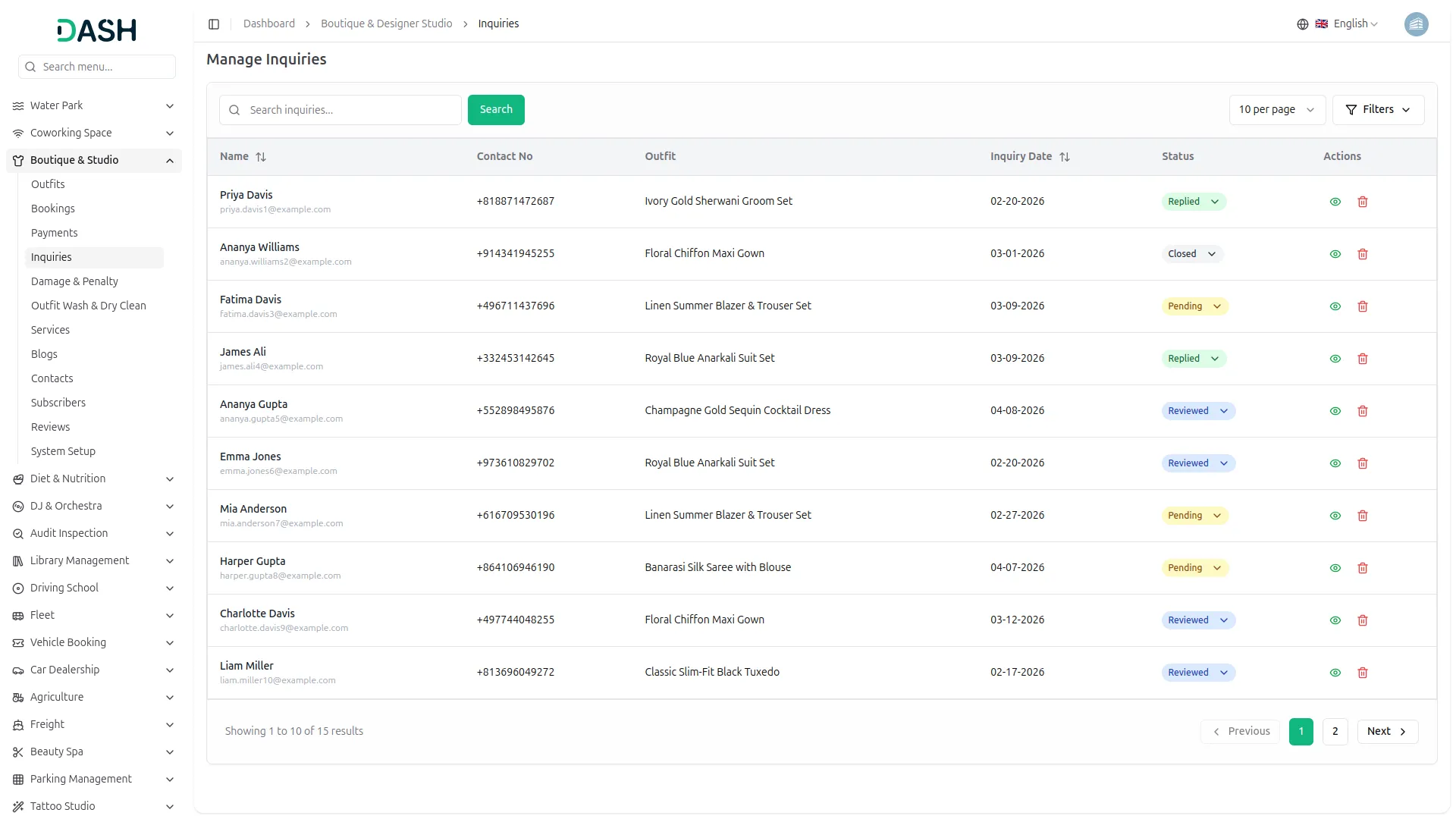
A boutique’s reputation depends on strong communication, and this add-on makes it easy for clients to stay connected with your studio. They can send inquiries directly from outfit pages or through a dedicated contact form for any questions or requests. All messages are organized in the backend so your team can respond efficiently. Testimonials and newsletter options further help build trust and keep clients updated with your latest collections.
- Capture outfit inquiries and organize for team follow-up
- Record contact form submissions with full details provided
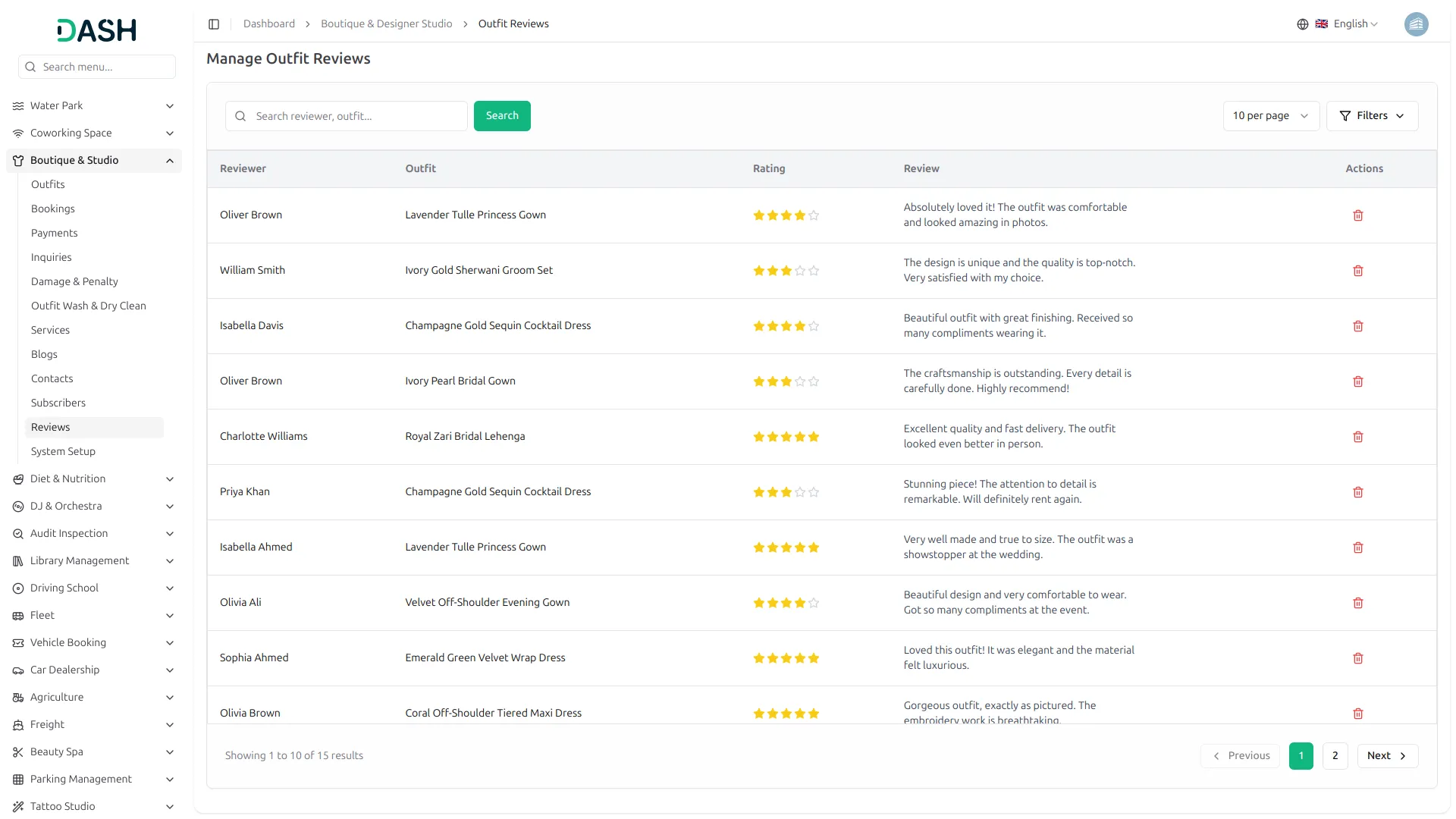
- Display client testimonials on the homepage to build trust
- Collect newsletter subscriptions for growing engaged client list
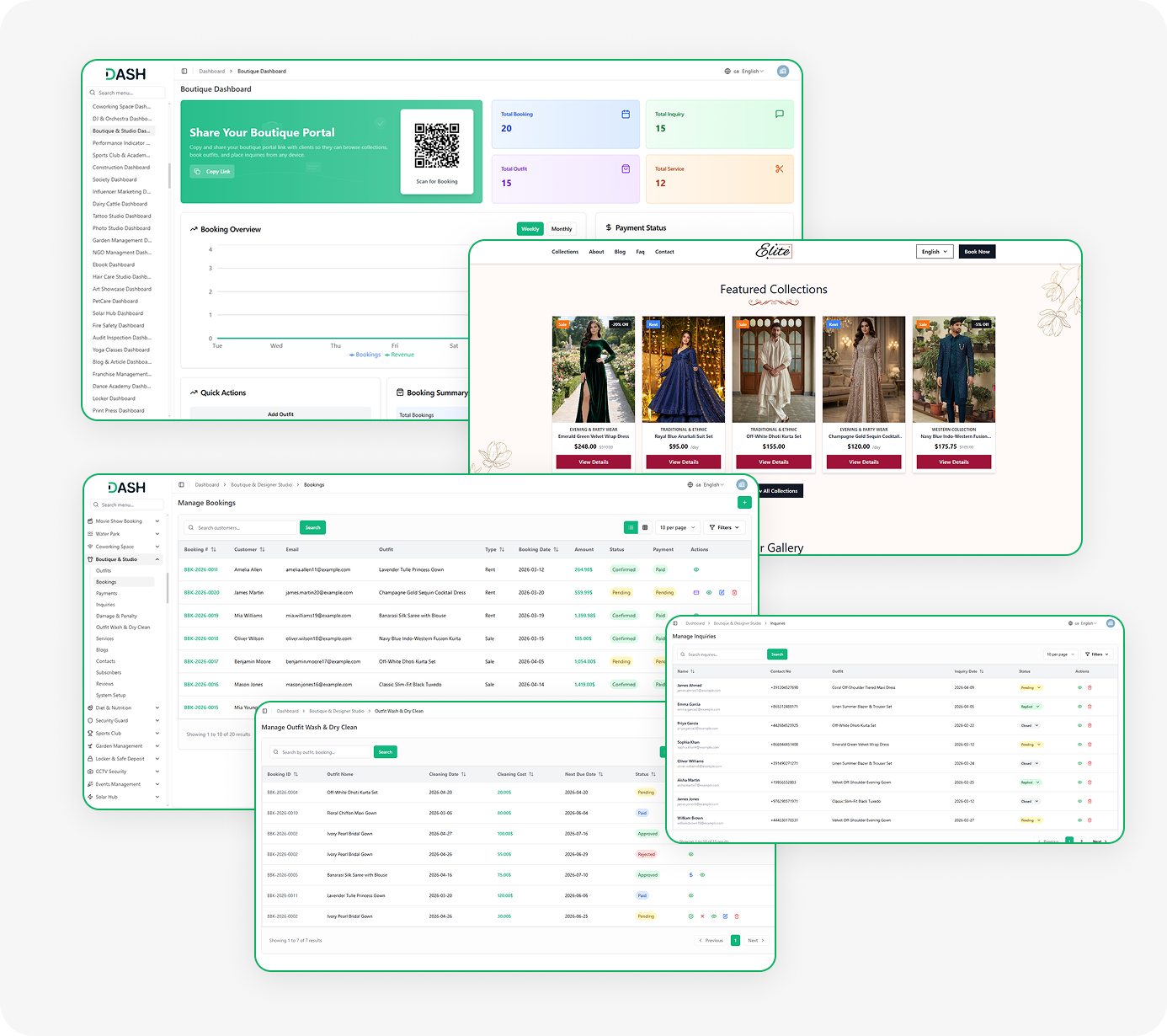
Screenshots from our system
To explore the functionality and usage of these Add-Ons, refer to the accompanying screenshots for step-by-step instructions on how to maximize their features.
Discover More Add-Ons
Unlock even more functionality with additional Add-Ons, providing enhanced networking and customization options for your Dash SaaS experience.

YouTube Content Management
The YouTube Content Management Add-On streamlines every aspect of managing a YouTube channel from a single platform.

Time Tracker
The Time Tracker Module in Dash SaaS redefines the way businesses manage their workforce, offering a suite of tools designed to enhance productivity, transparency, and accountability.

Facilities
The Facilities Module in Dash SaaS is designed to enhance and streamline resource management for businesses of all sizes.

Facebook Post
The Facebook Post Add-on in Dash SaaS allows users to create, schedule, and manage Facebook posts directly from the platform.
Optimized performance handling improves platform reliability during peak activity
The best customer service we’ve had