
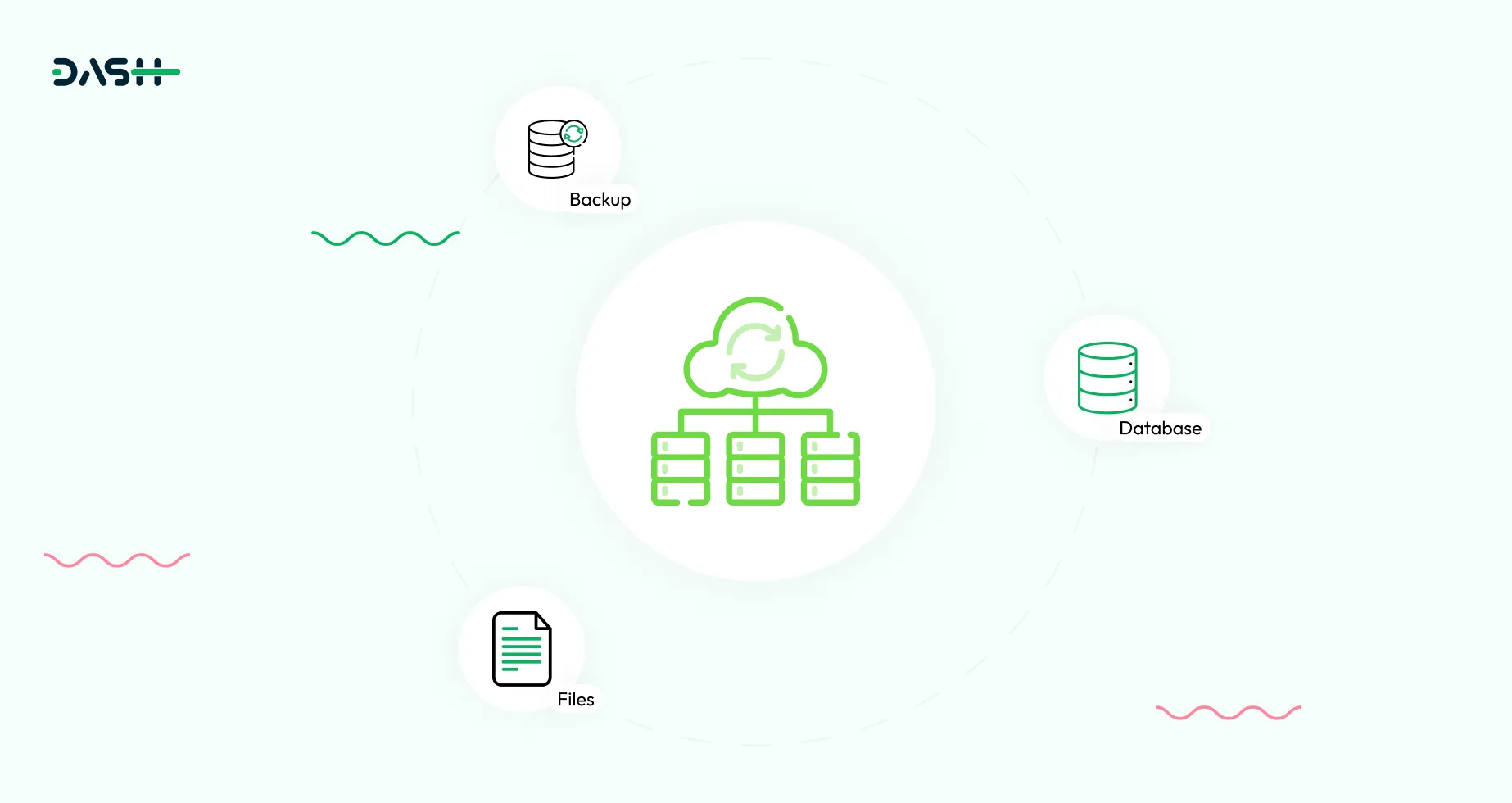
The primary purpose of backup is to safeguard your data against unexpected loss. Regular backups act as a safety net, ensuring that critical information can be recovered in the event of hardware failures, human errors, system crashes, or cyberattacks. By creating restore points, you can roll back to a stable version of your data and minimize downtime. This proactive approach helps maintain business continuity and data integrity across your system.
System-Defined Backup Path
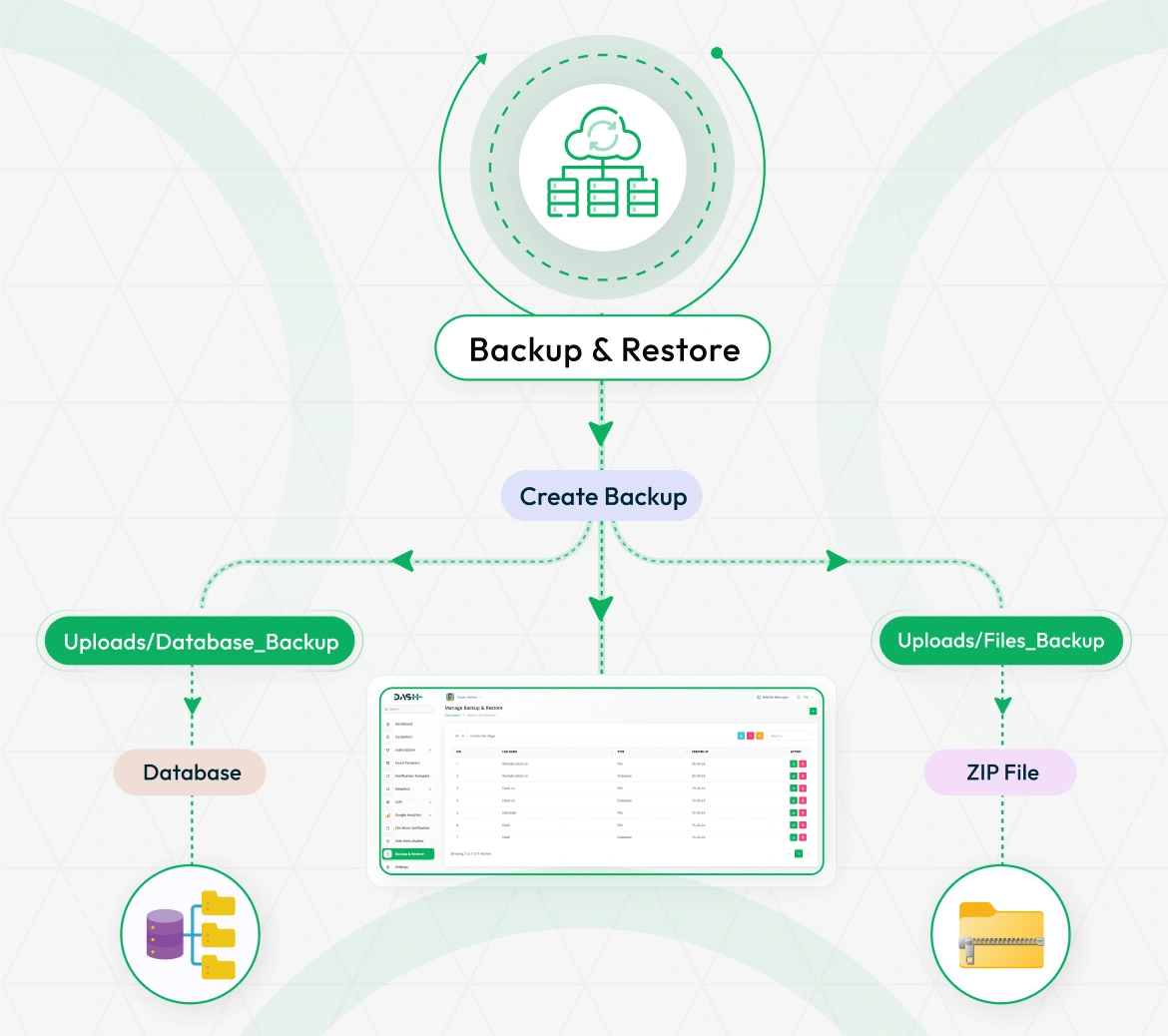
All created backups are securely stored within the project directory under clearly defined paths. Database backup files are saved in the storage/app/public/media/backups folder, while project file archives are stored in the storage/app/public/media/backups directory. These structured storage paths make it easy for administrators to access, organize, and manage backup files directly from the server. Each file can be manually retrieved or restored as needed, ensuring clear traceability and efficient recovery processes.
Why Use Backup & Restore?
In any digital application, data is the most valuable asset, and protecting it is critical. The Backup & Restore Add-On ensures that your system’s files and database are never at risk of permanent loss. Whether it’s a system crash, accidental deletion, or security breach, this tool empowers super admins with a reliable way to safeguard both application files and data records.
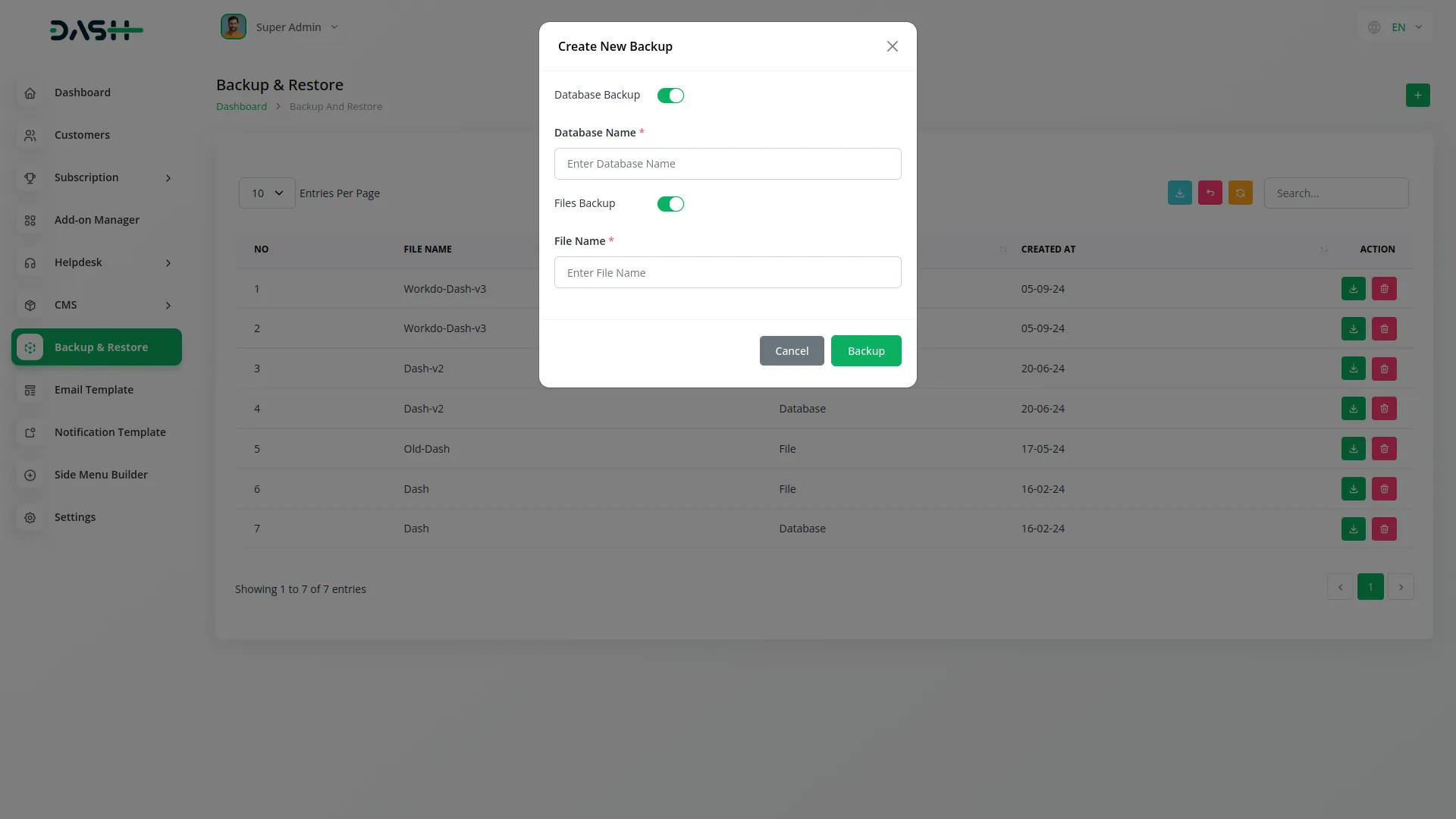
Features Of Backup & Restore
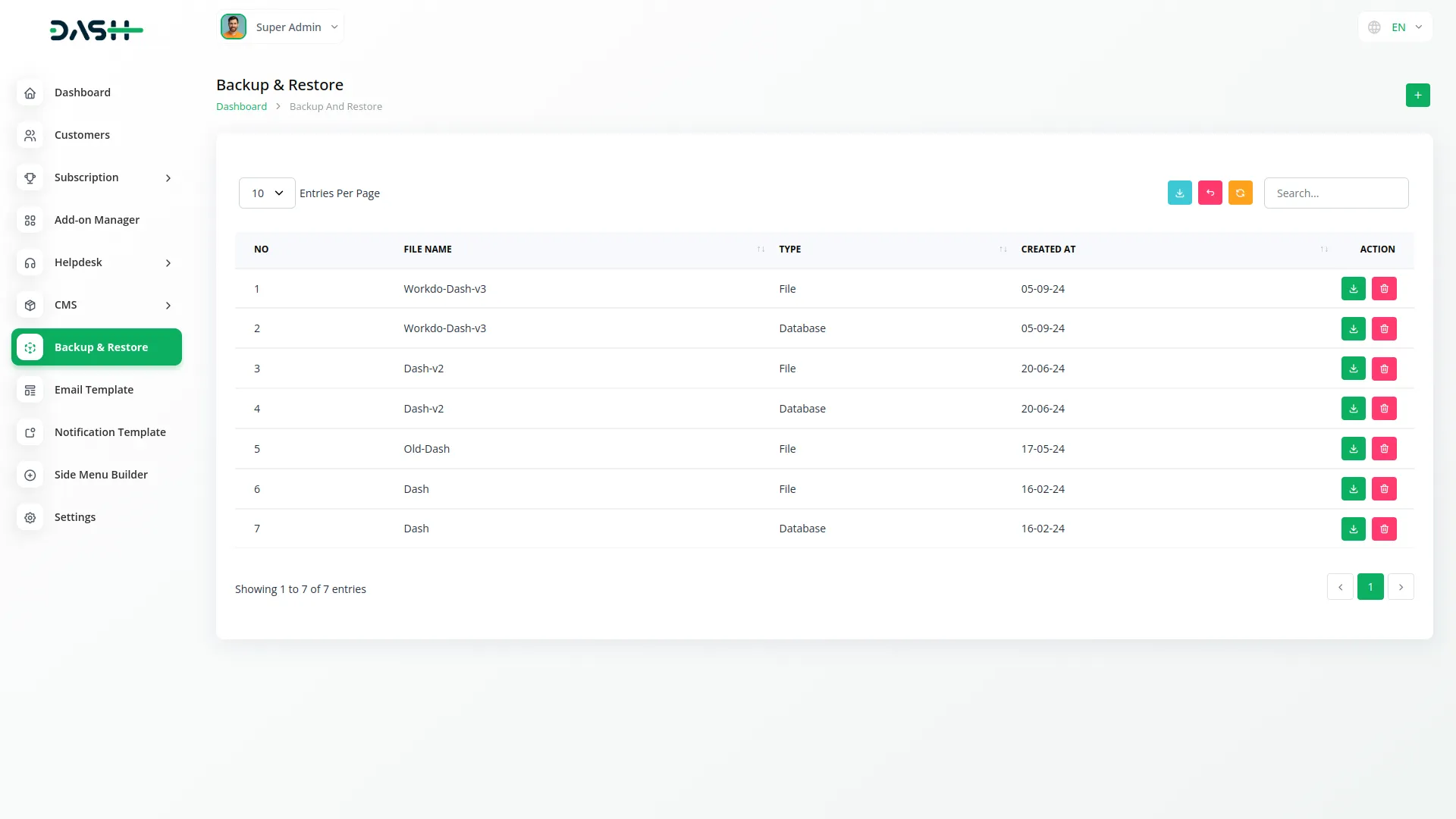
The Backup & Restore Add-On is built with simplicity and reliability in mind. Super Admins can select the backup type for both the project’s database and file system. Every backup is downloadable and easy to manage via a clean interface. The Add-On also supports search data maintenance.
Secure Access Control for Critical Operations
Access to the Backup & Restore Add-On is strictly limited to Superadmins to ensure the highest level of data protection. By allowing only authorized personnel to manage backups and restorations, the system safeguards against accidental data loss or unauthorized modifications. This restriction maintains operational integrity while upholding organizational security standards.
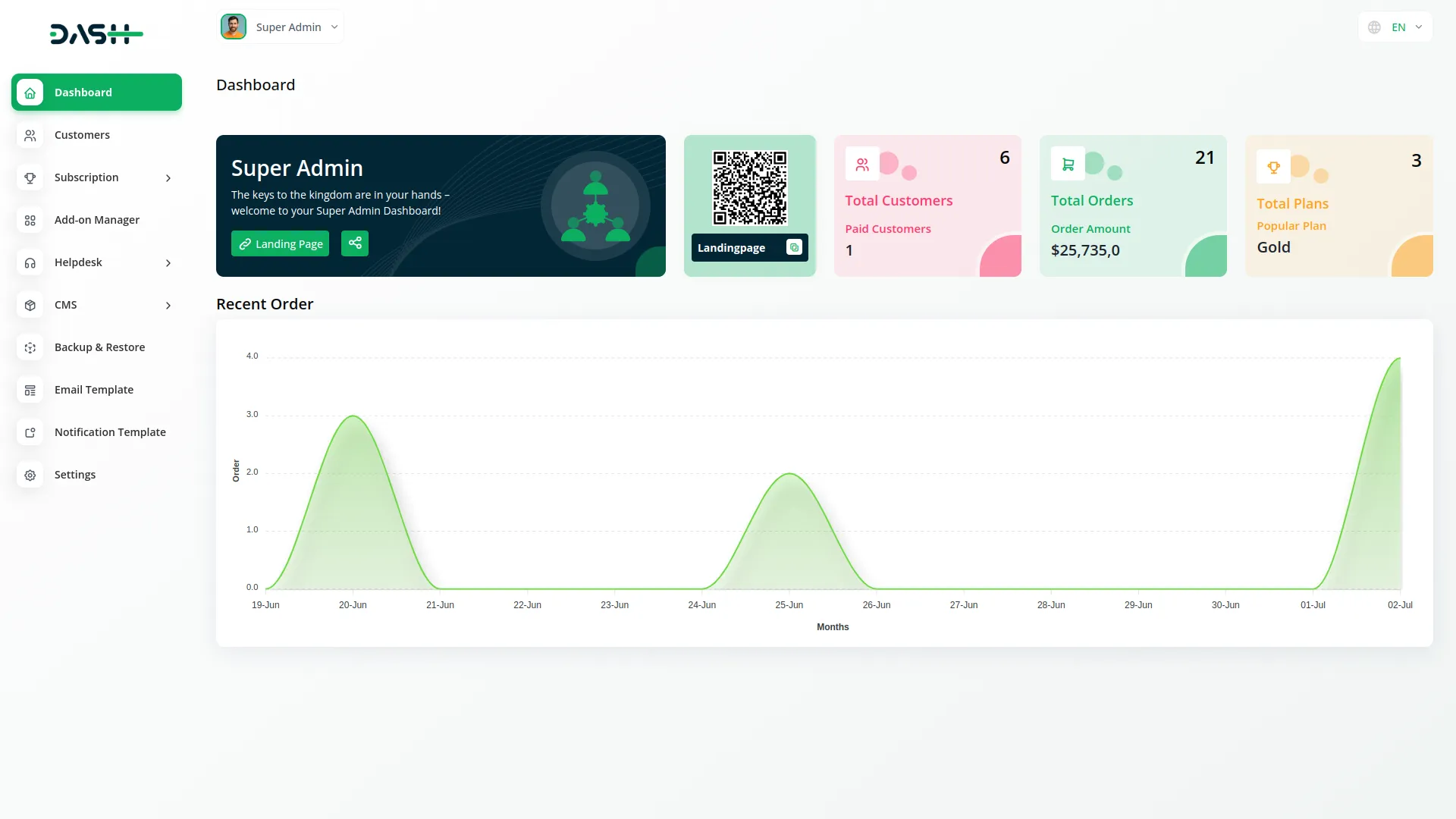
Screenshots from our system
To explore the functionality and usage of these Add-Ons, refer to the accompanying screenshots for step-by-step instructions on how to maximize their features.
Discover More Add-Ons
Unlock even more functionality with additional Add-Ons, providing enhanced networking and customization options for your Dash SaaS experience.

Marketing Plan
Integrating marketing plan functionality into Dash SaaS represents a significant advancement in campaign management.
View More

WhatsApp Messenger
In today’s fast-paced communication landscape, users seek convenience and familiarity. The WhatsApp Messenger Add-On makes it easy to meet them where they are by integrating WhatsApp directly into your platform.
View More
Social Media Analytics
The Social Media Analytics Add-On helps you bring your YouTube, Instagram, and Facebook data into one central dashboard. Once activated, simply input the required credentials for each platform to begin tracking vital performance metrics.
View More10 reviews for Backup & Restore – Dash SaaS Add-On
| 5 star | 70% | |
| 4 star | 30% | |
| 3 star | 0% | |
| 2 star | 0% | |
| 1 star | 0% |
Comments
You must be logged in to post a comment.
There are no comment yet.
Contact Us for Support :
-
You will get immediate support from our support desk. Please visit here https://support.workdo.io/
Item support includes:
- Answer pre-sale questions or query
- Answering technical questions about item's features
- Assistance with reported bugs and issues
- Help with included 3rd party assets
- Free Installation services in some cases
However, item support does not include:
- Customization services
Check Documents & Tutorials
Customer support responds immediately and is very helpful
Flexible and intuitive for any user
Easy to learn and implement for all users
Support team is knowledgeable and professional
Support team is friendly and responsive
Easy configuration for any workflow
Support answers are always helpful
Quick bug resolution and updates
Support team is available and helpful
Love these module! Lots of functions and very easy to use. The support is also great! Problems are solved within a few minutes!