

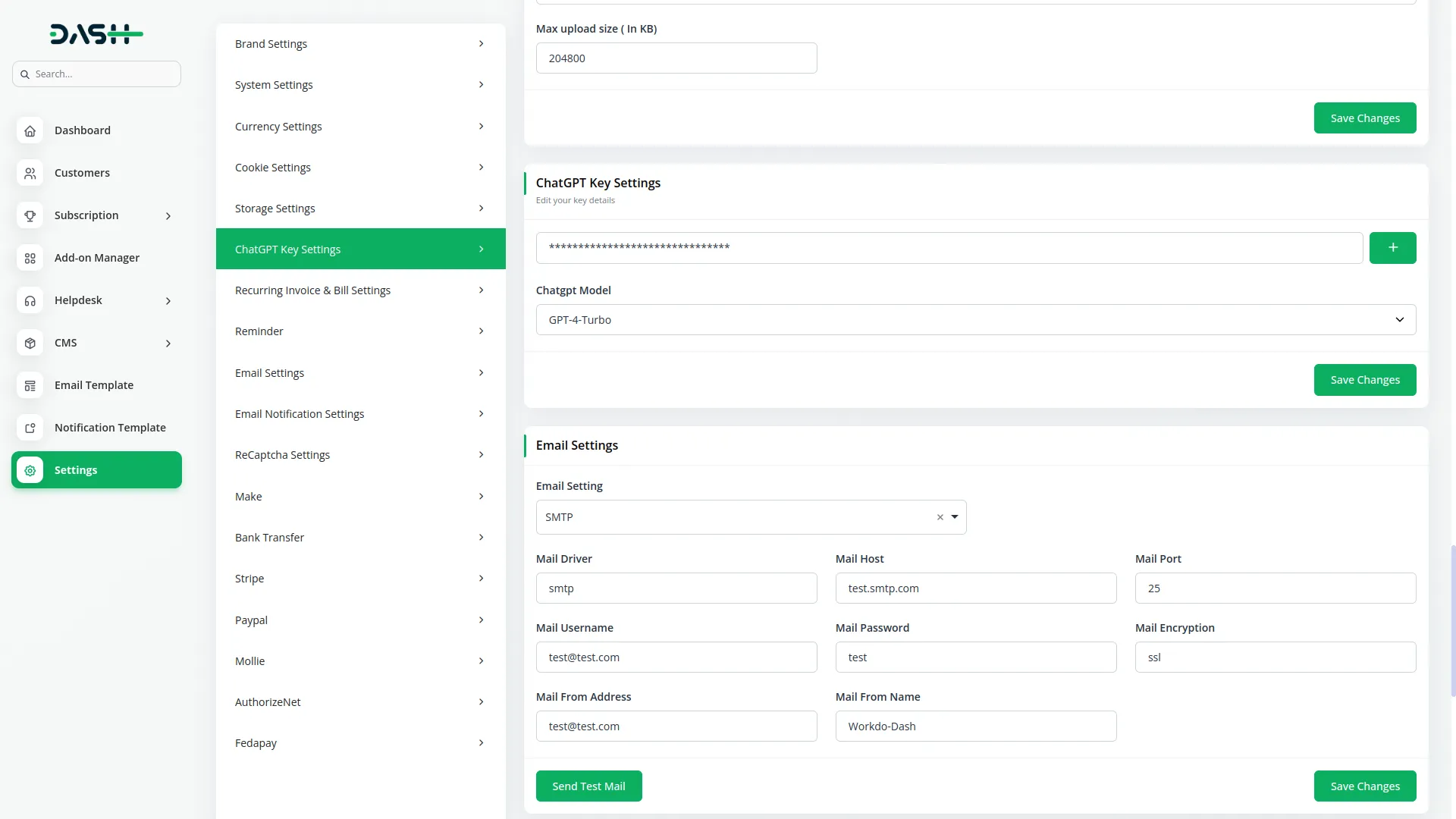
This structured layout outlines the essential parameters and options for generating images using advanced AI-based tools with multi-provider support. It guides users through defining the image with detailed prompts, then selecting from comprehensive categories such as style options (photorealistic, artistic, cartoon, oil painting, digital art, sketch), quality settings (standard, HD, ultra HD), and resolution choices up to 2048x2048 ultra quality. Additionally, it includes aspect ratio controls for different use cases, format selection for optimal output, and generation of up to 10 images per request. The flow ensures a complete and professional input setup with real-time preview capabilities before initiating the advanced image generation process.
AI Image Generation Input Framework
The AI Image Generation System converts text descriptions into high-quality visuals using cutting-edge AI technology with multiple provider options including OpenAI DALL-E 3, Flux Pro, Gemini, and Stability AI. Create photorealistic or artistic images with customizable styles like Photorealistic, Artistic, Cartoon, Oil Painting, Digital Art, and Sketch. Choose quality levels from Standard to Ultra HD, and set aspect ratios like Square, Landscape, Portrait, and Wide. Generate 1–10 image variations in resolutions from 512x512 to 2048x2048 ultra quality. Manage creations with comprehensive history tracking, advanced filtering, and direct download options in multiple formats. Ideal for professional workflows and creative exploration with enterprise-grade capabilities.

Advanced Multi-Provider Image Generation System
Our AI image generation system transforms text descriptions into high-quality visuals using advanced multi-provider AI technology including OpenAI DALL-E 3, Flux Pro, Gemini, and Stability AI. Users can choose between photorealistic and artistic styles with extensive customization options to match their creative and professional needs. Select from comprehensive style options including Photorealistic, Artistic, Cartoon, Oil Painting, Digital Art, and Sketch for diverse visual outcomes. Customize images with detailed 500-character prompts for precise visual control and professional results. Generate 1 to 10 image variations at once using advanced batch processing capabilities. This empowers users to explore creative possibilities and achieve professional-grade results efficiently.
- Multi-provider AI technology (OpenAI, Flux Pro, Gemini, Stability AI)
- Photorealistic and artistic generation capabilities
- Comprehensive style selection with professional options
- Advanced batch generation with up to 10 image variations
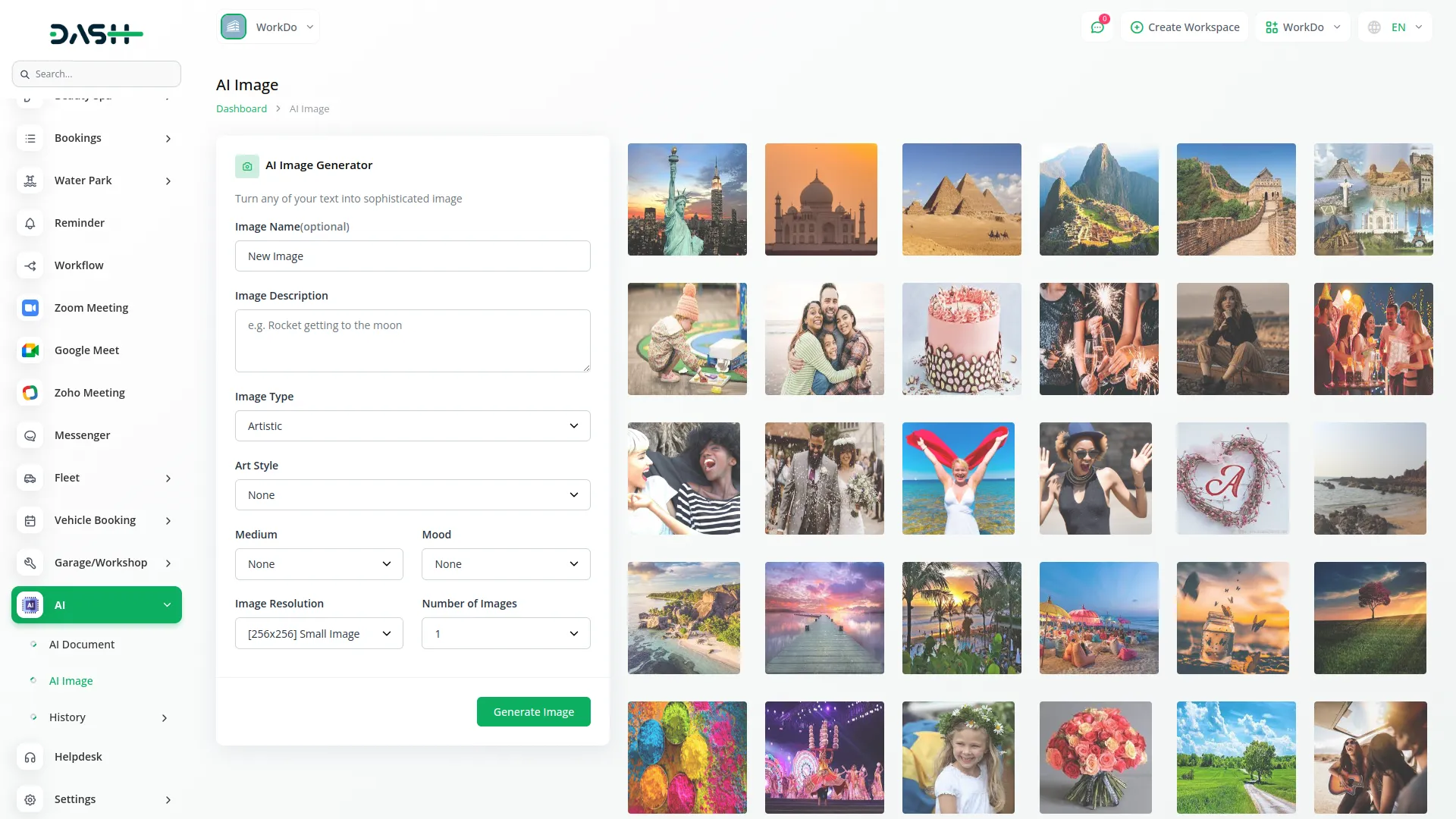
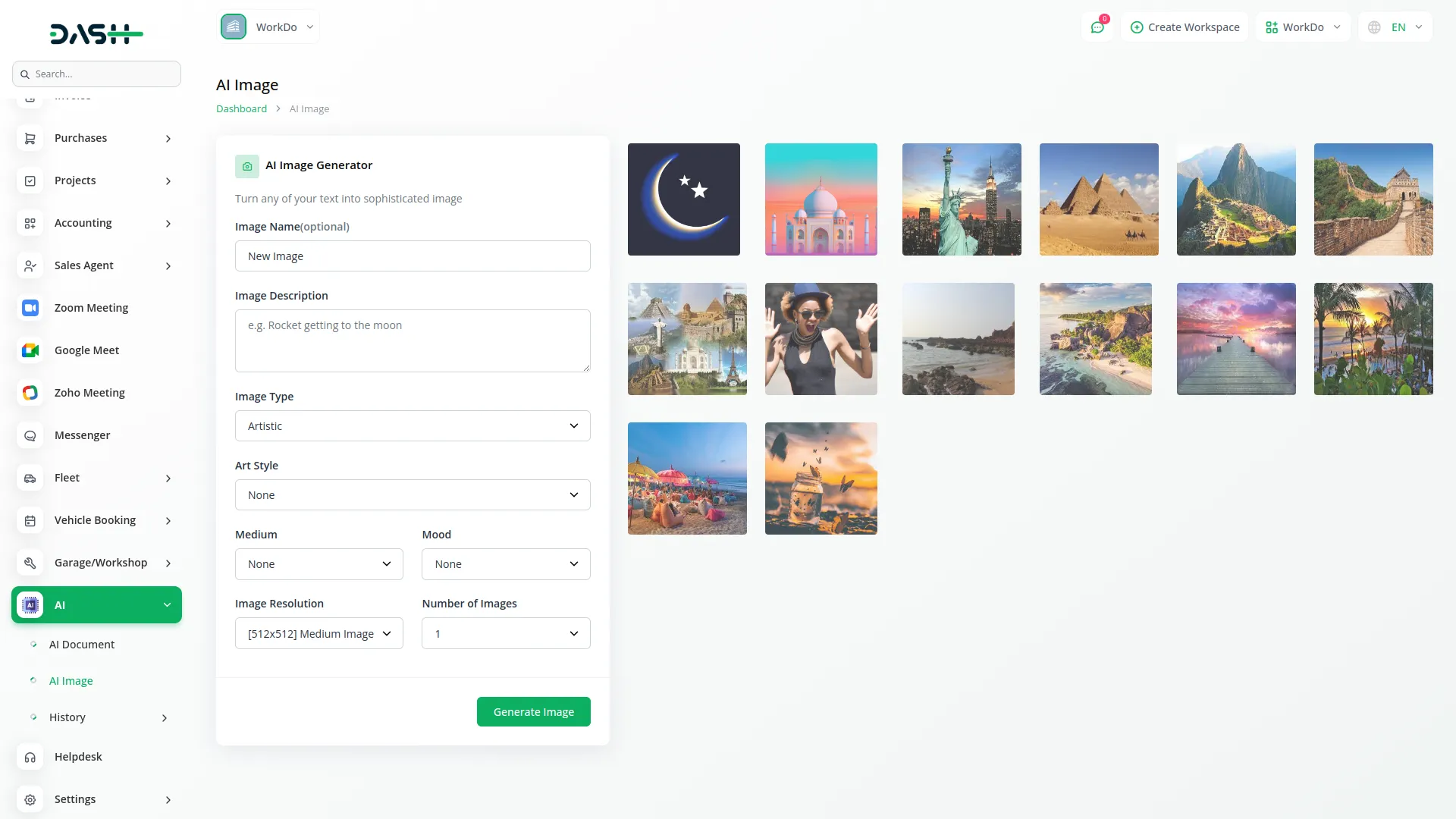
Style & Medium Customization
Take complete control of your visual creations with extensive quality and customization options designed for professional use. Choose from quality settings including Standard for basic needs, HD for enhanced detail, and Ultra HD for maximum professional output. Select resolutions from 512x512 (Small) to 2048x2048 (Ultra) to suit various project requirements from web use to print quality. Set aspect ratios including Square (1:1) for social media, Landscape (16:9) for presentations, Portrait (9:16) for mobile content, and Wide (21:9) for cinematic formats. Choose output formats including PNG for best quality, JPG for smaller file sizes, and WebP for modern web optimization. The system ensures professional-quality output across all combinations with real-time preview capabilities.
- Professional quality settings from Standard to Ultra HD
- Multiple resolution options up to 2048x2048 ultra quality
- Comprehensive aspect ratio controls for different use cases
- Multiple format options for optimal project integration
Advanced History Management & Organization
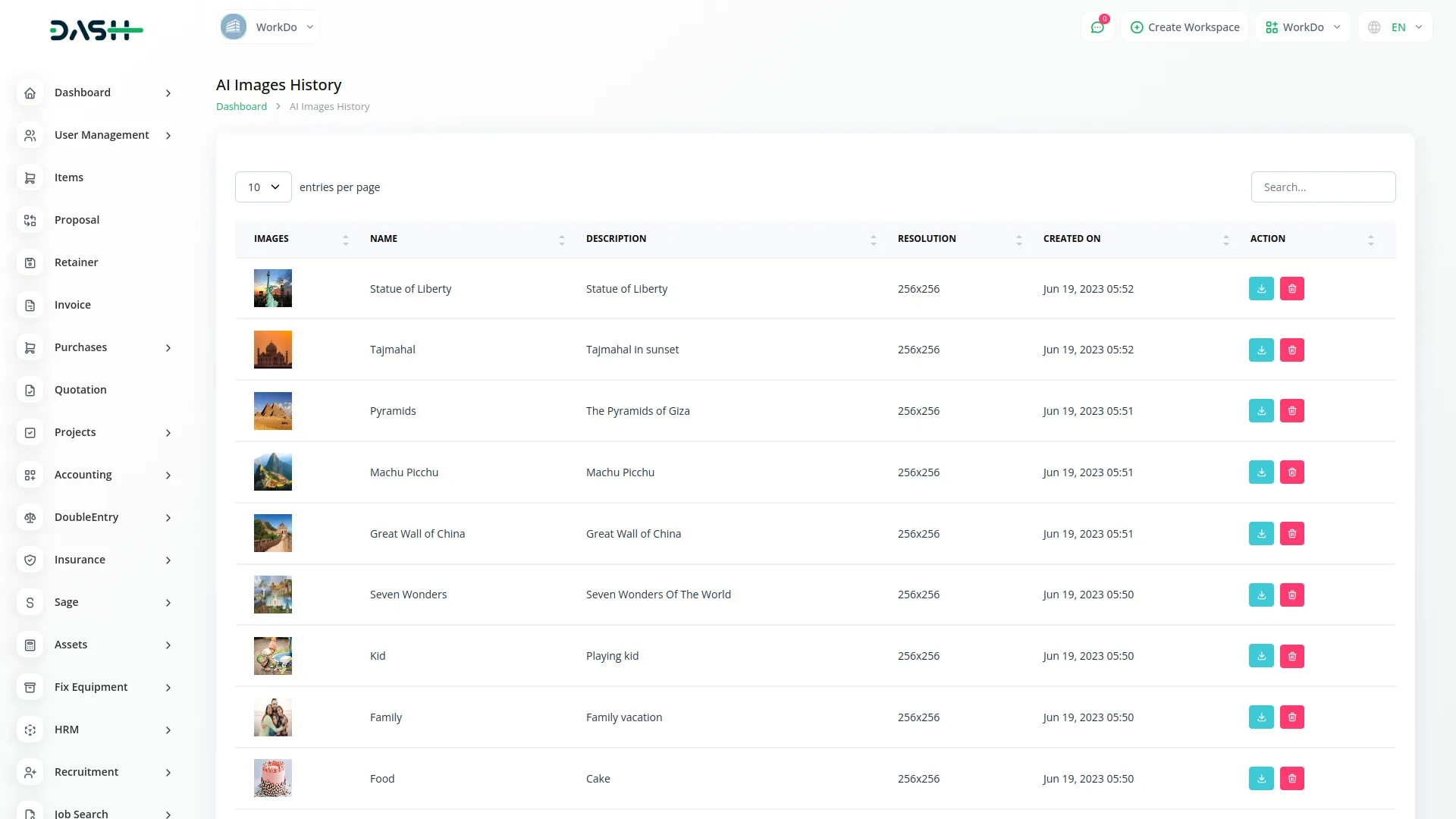
Generate and manage images with comprehensive tracking and organization tools designed for professional workflows. Access detailed history logs with image previews, original prompts, style settings, resolution specifications, and creation timestamps for complete project documentation. Utilize advanced search functionality to find specific images by prompt content or visual characteristics for efficient library management. Apply sophisticated filtering options by resolution, style, quality, creation date, and other criteria for better organization. Toggle between grid and list view modes for optimal viewing preferences and workflow efficiency. Download images directly from the history panel in original quality with bulk action support for managing multiple images simultaneously. This ensures organized access, efficient reuse of visual content, and professional project management capabilities.
- Comprehensive history tracking with detailed metadata
- Advanced search and filtering capabilities for large libraries
- Multiple view modes with professional organization tools
- Complete download and bulk management features for workflow efficiency
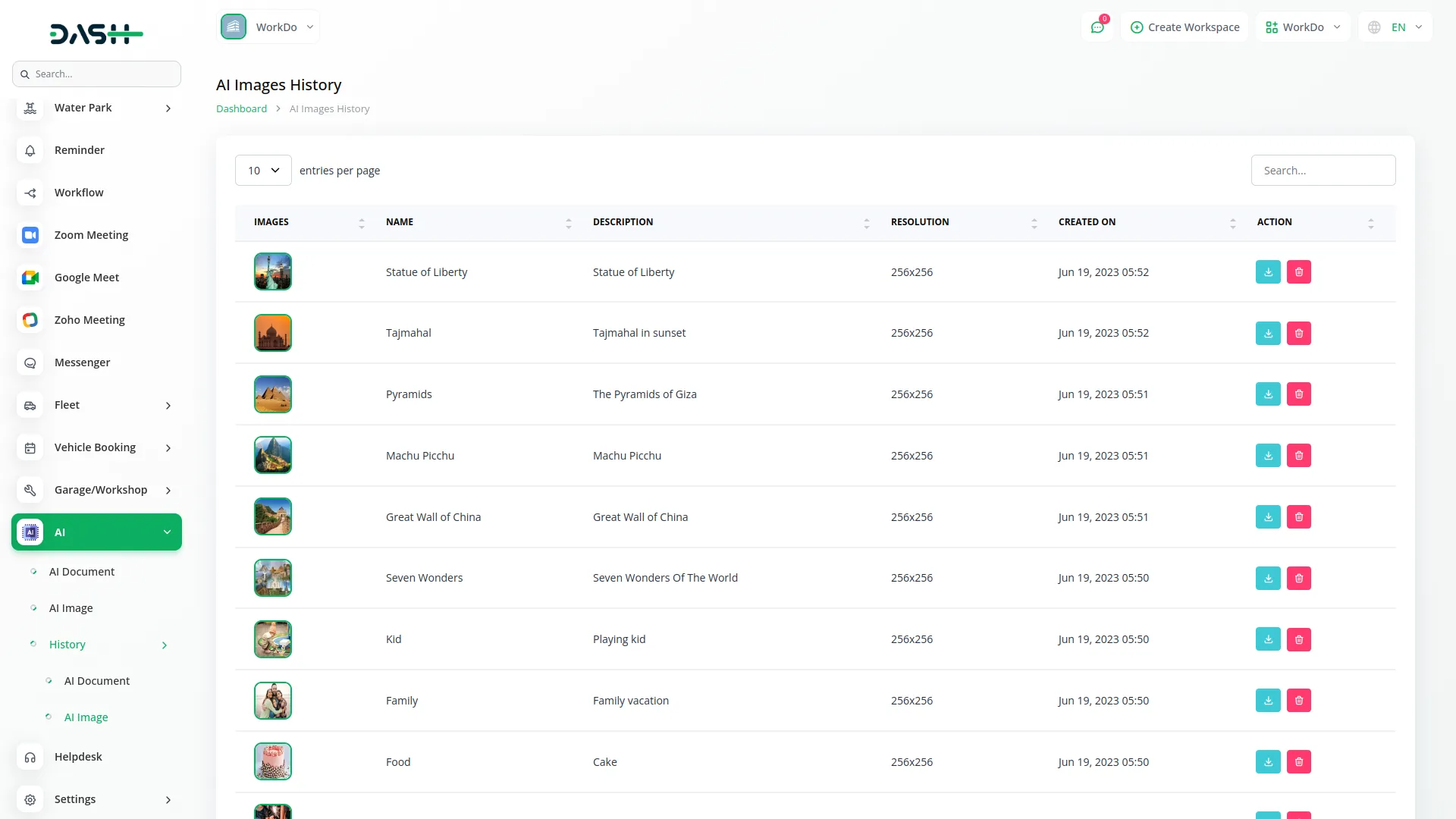
Screenshots from our system
To explore the functionality and usage of these Add-Ons, refer to the accompanying screenshots for step-by-step instructions on how to maximize their features.
Discover More Add-Ons
Unlock even more functionality with additional Add-Ons, providing enhanced networking and customization options for your Dash SaaS experience.

Esewa
The eSewa Payment Gateway Integration in Dash SAAS provides a robust and secure solution for handling online transactions. eSewa, a widely trusted digital wallet and payment gateway in Nepal, allows businesses to offer a seamless payment experience to their customers. By integrating eSewa with Dash SAAS, you can expand your payment options, enhance security, and improve the overall efficiency of your financial transactions.
View More

Scholarship
The Scholarship Management System is a comprehensive digital platform that streamlines scholarship programs from application to disbursement.
View More
Custom Alert
The Custom Alert Add-On allows you to send targeted and time-based messages to users across your system.
View More5 reviews for AI Image – Dash SaaS Add-On
| 5 star | 100% | |
| 4 star | 0% | |
| 3 star | 0% | |
| 2 star | 0% | |
| 1 star | 0% |
Comments
You must be logged in to post a comment.
There are no comment yet.
Contact Us for Support :
-
You will get immediate support from our support desk. Please visit here https://support.workdo.io/
Item support includes:
- Answer pre-sale questions or query
- Answering technical questions about item's features
- Assistance with reported bugs and issues
- Help with included 3rd party assets
- Free Installation services in some cases
However, item support does not include:
- Customization services
Check Documents & Tutorials
Features are rich and innovative
Documentation is accurate
Amazing add-on! The AI Image tool produces high-quality visuals in seconds. It is been a game-changer for our design needs.
This AI Image Add-on is perfect for quick, on-demand images. Easy to use and the results are impressive!
the Team deserve 5 Star for following reason; 1- Customer Support2- Feature Availability3- Design Quality 4- Documentation Quality