
Adding Multiple Services
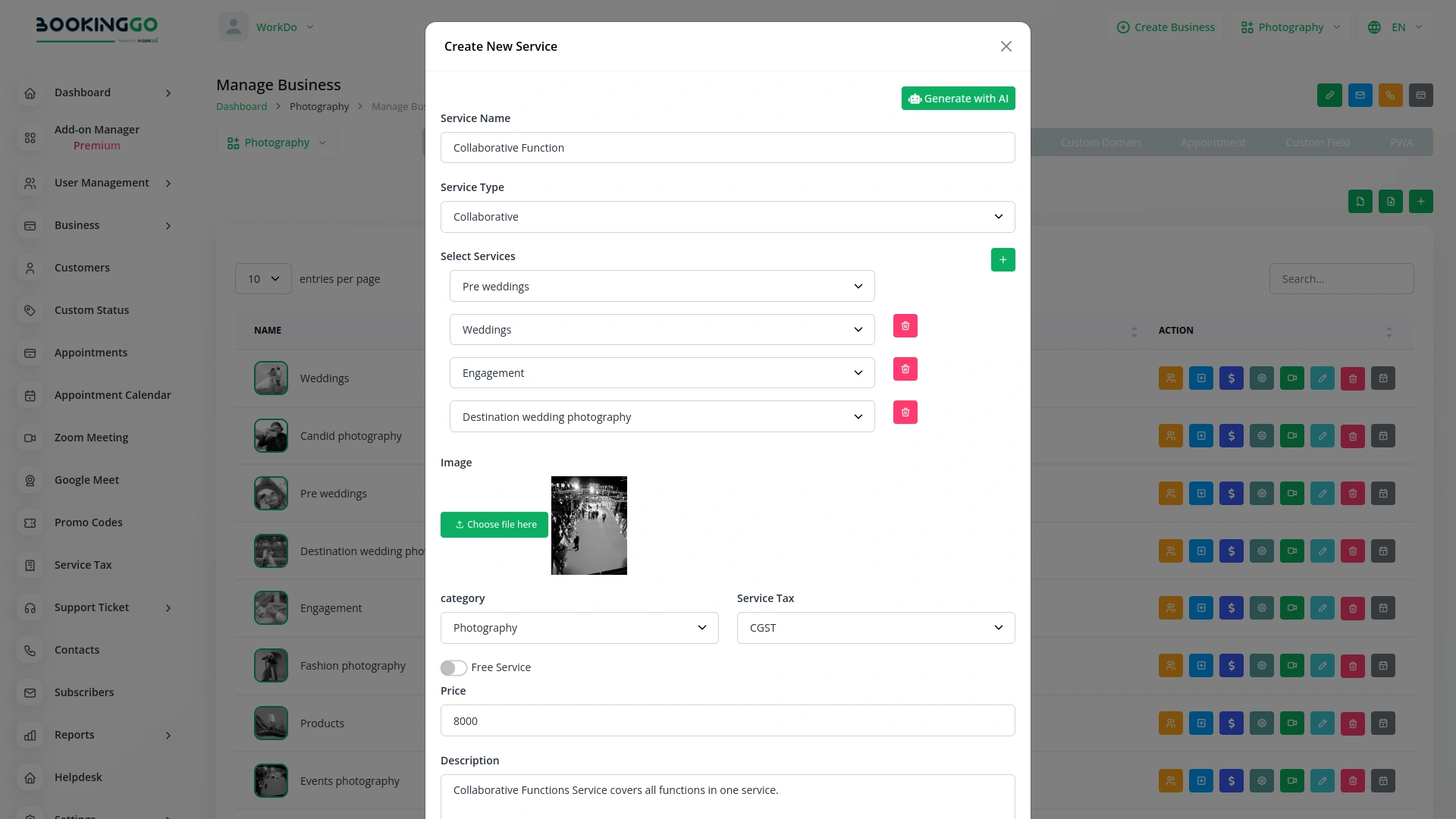
With the Collaborative Service Module, you can easily add multiple services to a single booking. This flexibility allows you to cater to customers who wish to book several services in one visit, such as a haircut followed by a massage. By integrating various services into one appointment, you can maximize the efficiency of your scheduling and provide a more comprehensive customer experience.
Streamlined Booking Process
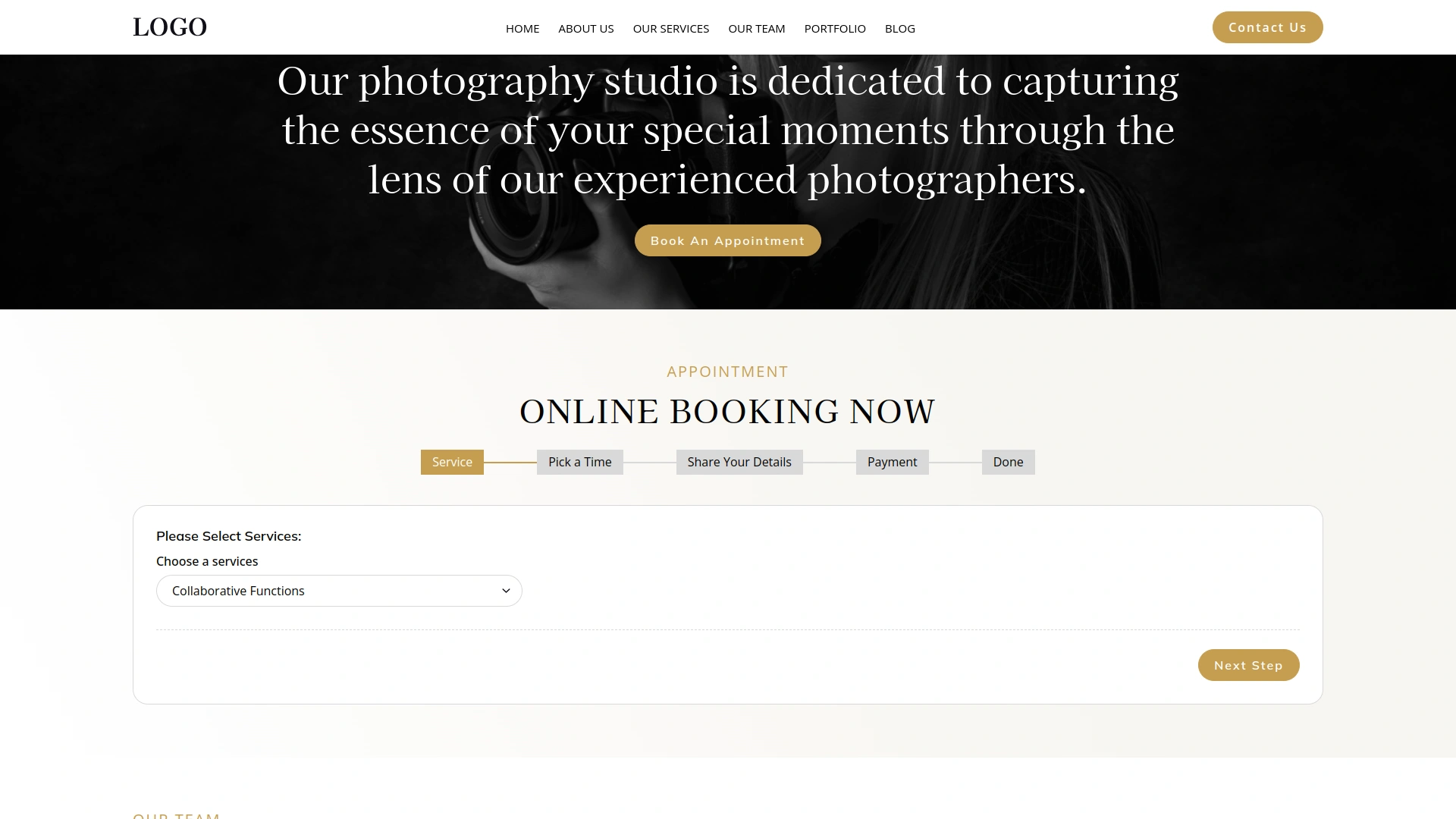
The module simplifies the booking process for both staff and customers. Service providers can effortlessly select and combine services during the appointment setup, while customers can enjoy the convenience of booking all desired services at once. This streamlined process reduces the need for multiple bookings and minimizes scheduling conflicts, leading to a more efficient and user-friendly experience.
Enhanced Customer Satisfaction
By offering the ability to book multiple services in one appointment, the Collaborative Service Module significantly enhances customer satisfaction. Customers appreciate the convenience and time savings of coordinating multiple services in one visit. This feature also allows businesses to upsell and cross-sell services, increasing revenue while meeting customer needs more effectively.
Optimized Resource Management
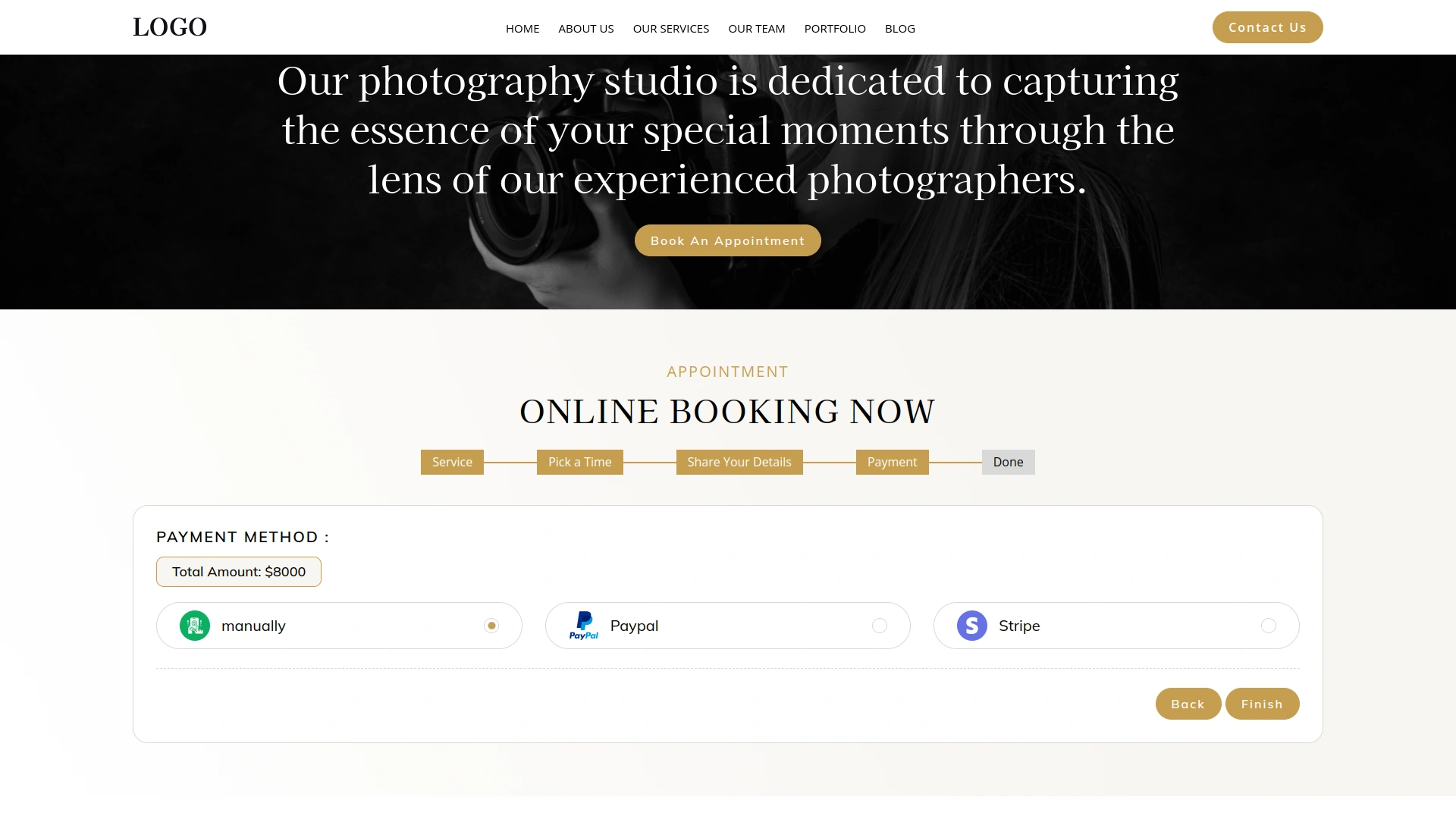
The Collaborative Service Module also aids in better resource management. By consolidating multiple services into single appointments, businesses can optimize the use of their resources, such as staff time and service areas. This optimization leads to increased productivity and improved utilization of available resources, ensuring that your business runs smoothly and efficiently.
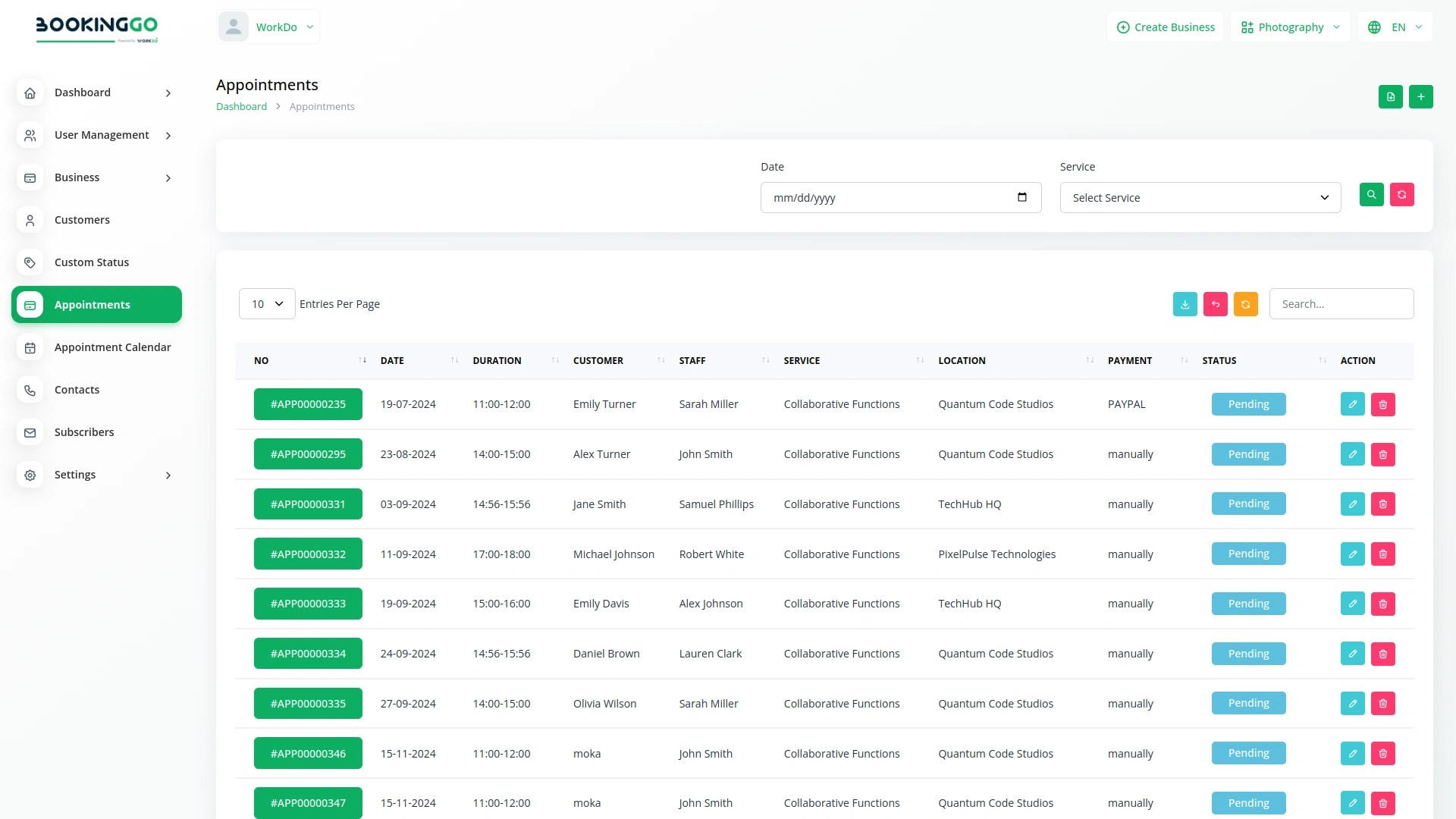
Screenshots from our system
To explore the functionality and usage of these Add-Ons, refer to the accompanying screenshots for step-by-step instructions on how to maximize their features.
Discover More Add-Ons
Unlock even more functionality with additional Add-Ons, providing enhanced networking and customization options for your BookingGo SaaS experience.

Appointment Kanban Board
The Appointment Kanban Board displayed in BookingGo provides a clear and intuitive visual workflow for managing appointments. Each custom status, such as "Pending," "Confirm," "In Progress," and "Done," is represented as a separate column. These columns allow users to see the progress of each appointment at a glance, ensuring a smooth and organized scheduling process.
View More

Api
The API Module of BookingGo SaaS offers seamless integration capabilities, allowing your business to connect with external systems effortlessly. Whether it's a third-party app, custom software, or other services, this module provides the tools to automate and synchronize your operations with ease.
View More
Import Export
In the competitive landscape of booking management, efficient data handling is critical. BookingGo SaaS presents its cutting-edge Import & Export module, designed to streamline your data management processes.
View More2 reviews for Collaborative Services – BookingGo SaaS Add-On
| 5 star | 50% | |
| 4 star | 50% | |
| 3 star | 0% | |
| 2 star | 0% | |
| 1 star | 0% |
Comments
You must be logged in to post a comment.
There are no comment yet.
Contact Us for Support :
-
You will get immediate support from our support desk. Please visit here https://support.workdo.io/
Item support includes:
- Answer pre-sale questions or query
- Answering technical questions about item's features
- Assistance with reported bugs and issues
- Help with included 3rd party assets
- Free Installation services in some cases
However, item support does not include:
- Customization services
Check Documents & Tutorials
Nunca tuvimos errores
Customizable forms