
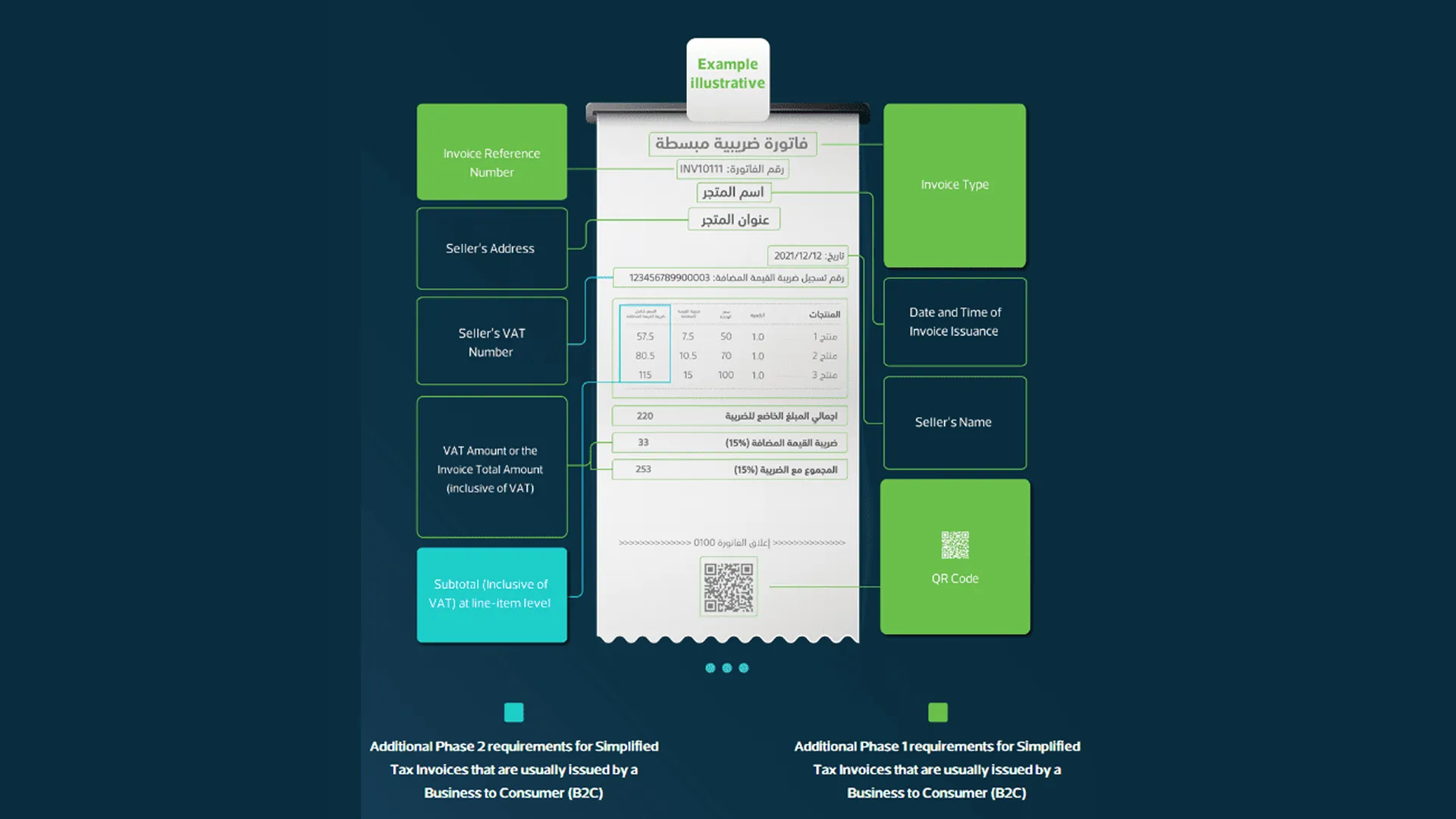
The ZATCA Add-On enables seamless compliance with Saudi Arabia’s e-invoicing regulations by automatically embedding ZATCA-compliant QR codes into all generated invoices. Once activated, the system ensures every invoice includes key legal information such as seller name, VAT number, invoice total, tax amount, and timestamp formatted as per ZATCA standards. QR codes are instantly applied across invoice print templates, downloads, and payment views without manual setup.
Note: The ZATCA Add-On included is for ZATCA Phase-1 compliance only.
Verify Invoice Instantly with ZATCA QR Code
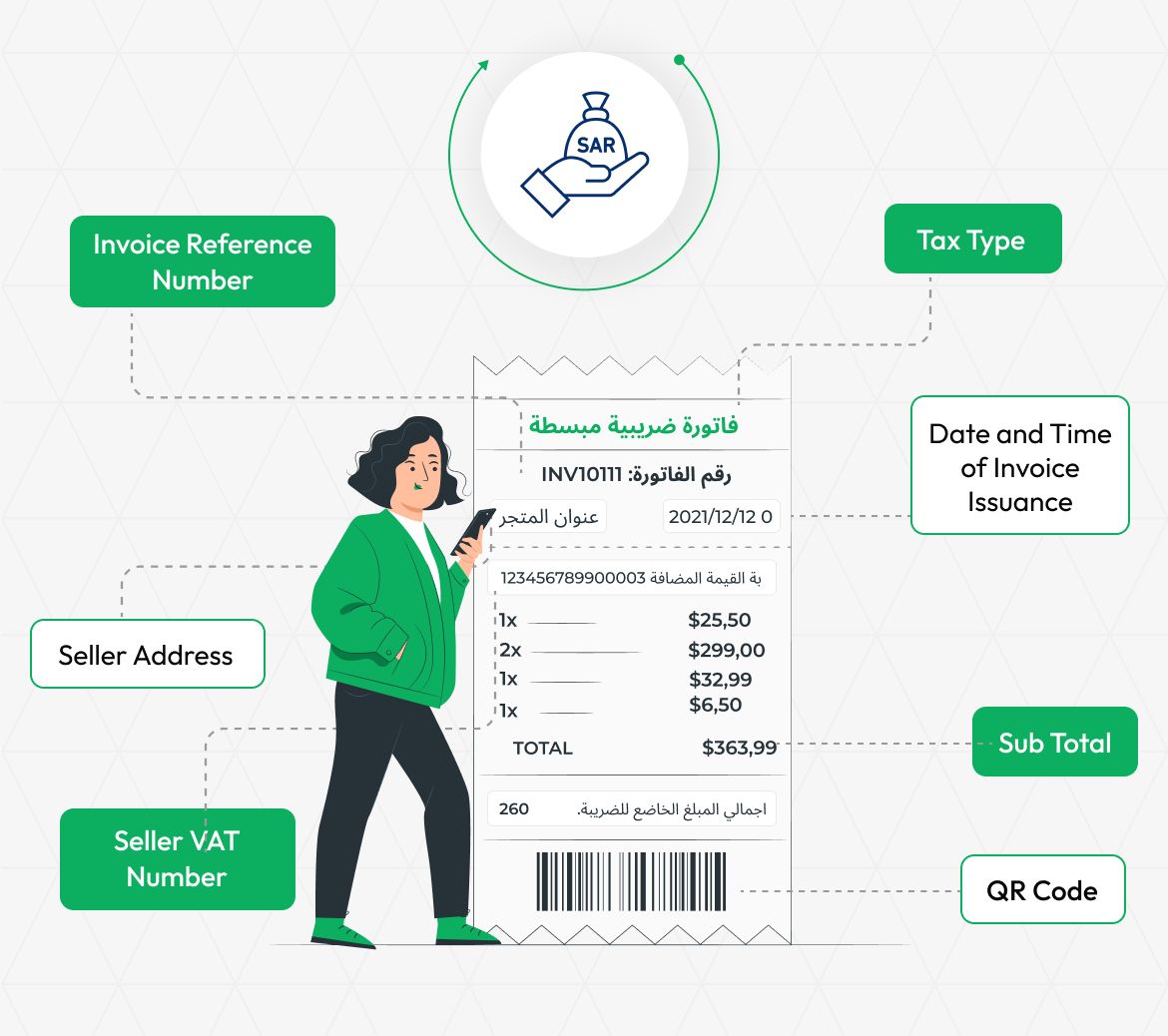
With the ZATCA Add-On enabled, scanning the invoice's QR code opens a smart verification and payment form. This form clearly displays key details like Invoice Reference Number, Seller Address, Seller VAT Number, Tax Type, Date and Time Issuance, Sub Total, and the ZATCA QR Code itself. It offers a secure and transparent way for clients or auditors to verify invoice authenticity and proceed with payment instantly. The process ensures full compliance with Saudi Arabia’s e-invoicing ZATCA standards while improving user experience.
ZATCA QR Code Integration
Ensure compliance with Saudi Arabia’s e-invoicing regulations by automatically generating ZATCA-compliant QR codes on every invoice. The system captures and embeds all required details, including seller name, VAT number, invoice date, total amount, and tax amount. QR codes are generated instantly as invoices are created, eliminating manual steps. This integration guarantees alignment with ZATCA guidelines, helping businesses avoid penalties and meet regulatory standards. It provides a hassle-free, secure solution for maintaining tax compliance within the Add-On.
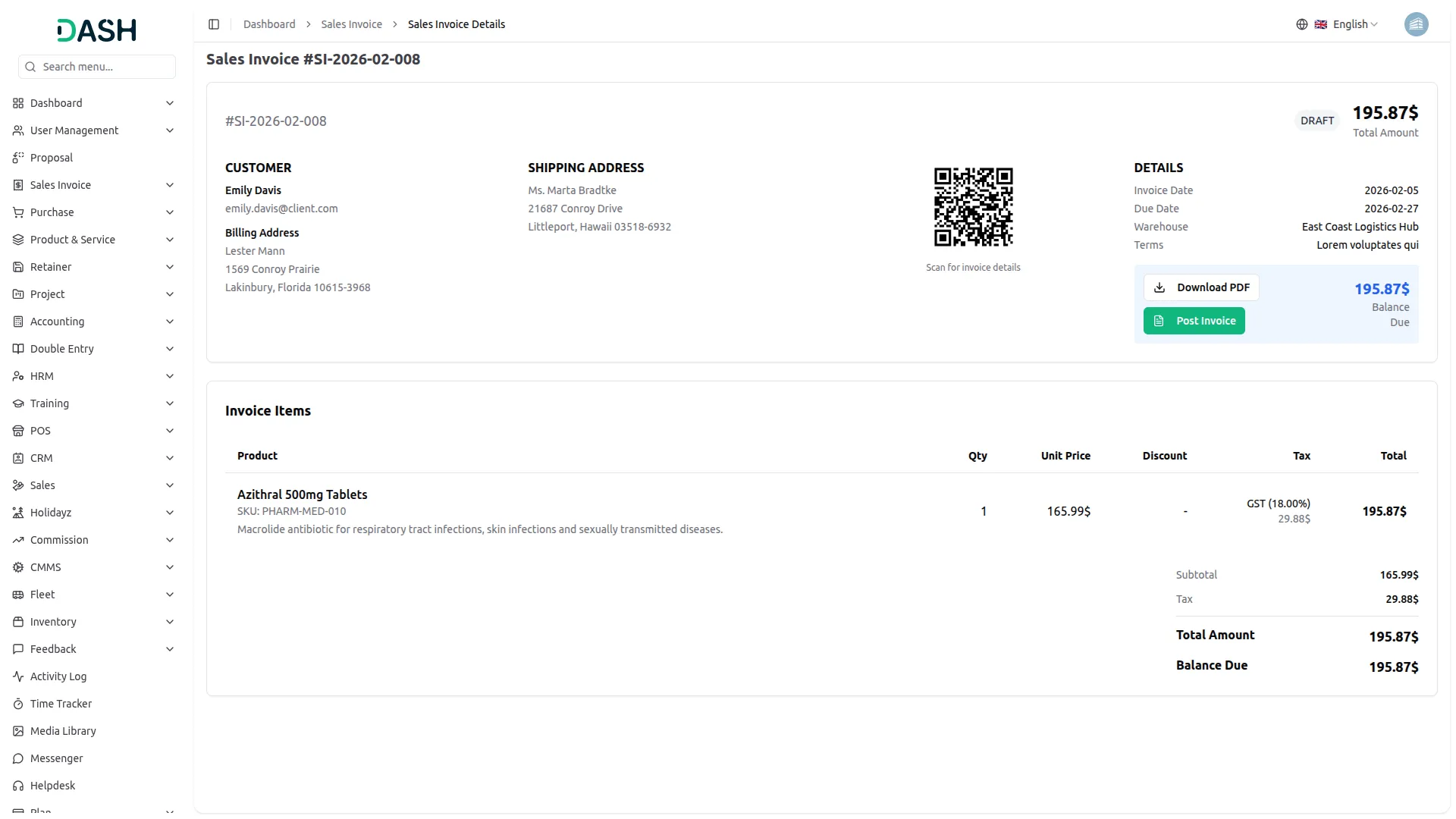
ZATCA QR Code on Invoice Pay
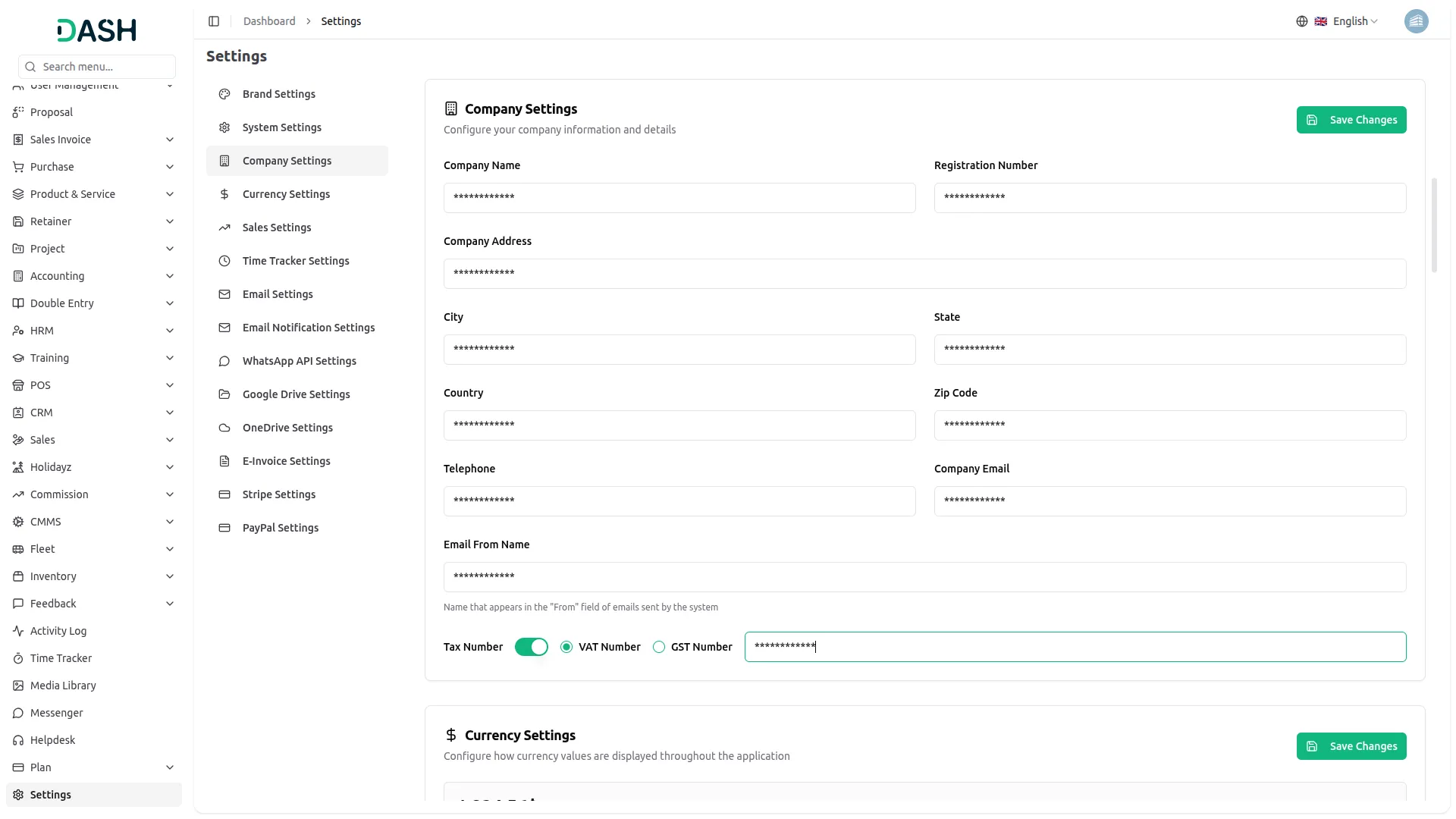
When the ZATCA Add-On is enabled, a fully compliant QR code is automatically displayed on the invoice view page. This QR code contains all mandatory information, including the seller's name, VAT number, timestamp, total invoice amount, and VAT amount. It ensures full compliance with Saudi Arabia’s ZATCA e-invoicing regulations at the point of payment. The QR code appears in real time, enhancing transparency and legal accuracy. This feature helps businesses maintain regulatory standards while offering clients a secure and verified payment experience.
Screenshots from our system
To explore the functionality and usage of these Add-Ons, refer to the accompanying screenshots for step-by-step instructions on how to maximize their features.
Discover More Add-Ons
Unlock even more functionality with additional Add-Ons, providing enhanced networking and customization options for your Dash SaaS experience.

Photo & Studio Management
The Photo & Studio Management Add-On helps you run your studio with ease by combining website setup, branding, analytics, and bookings in one place.

Water Park Management
The Water Park Management Add-On is an all-in-one platform to streamline operations and enhance customer experience.


Hospital Management
Our user-friendly Hospital management system simplifies hospital management. It features a doctor manage, patient manage, Appointment manage, Medicine manage, Bed manage, Medical Record and System Setup for easy form submission.
Documentation is clear and step by step
Support replies immediately
Great Code & outstanding Support !!!
the Team deserve 5 Star for following reason; 1- Customer Support2- Feature Availability3- Design Quality 4- Documentation Quality