
Livestorm Meeting Credentials Generation Guide
Learn how to generate and configure Livestorm Meeting credentials easily.
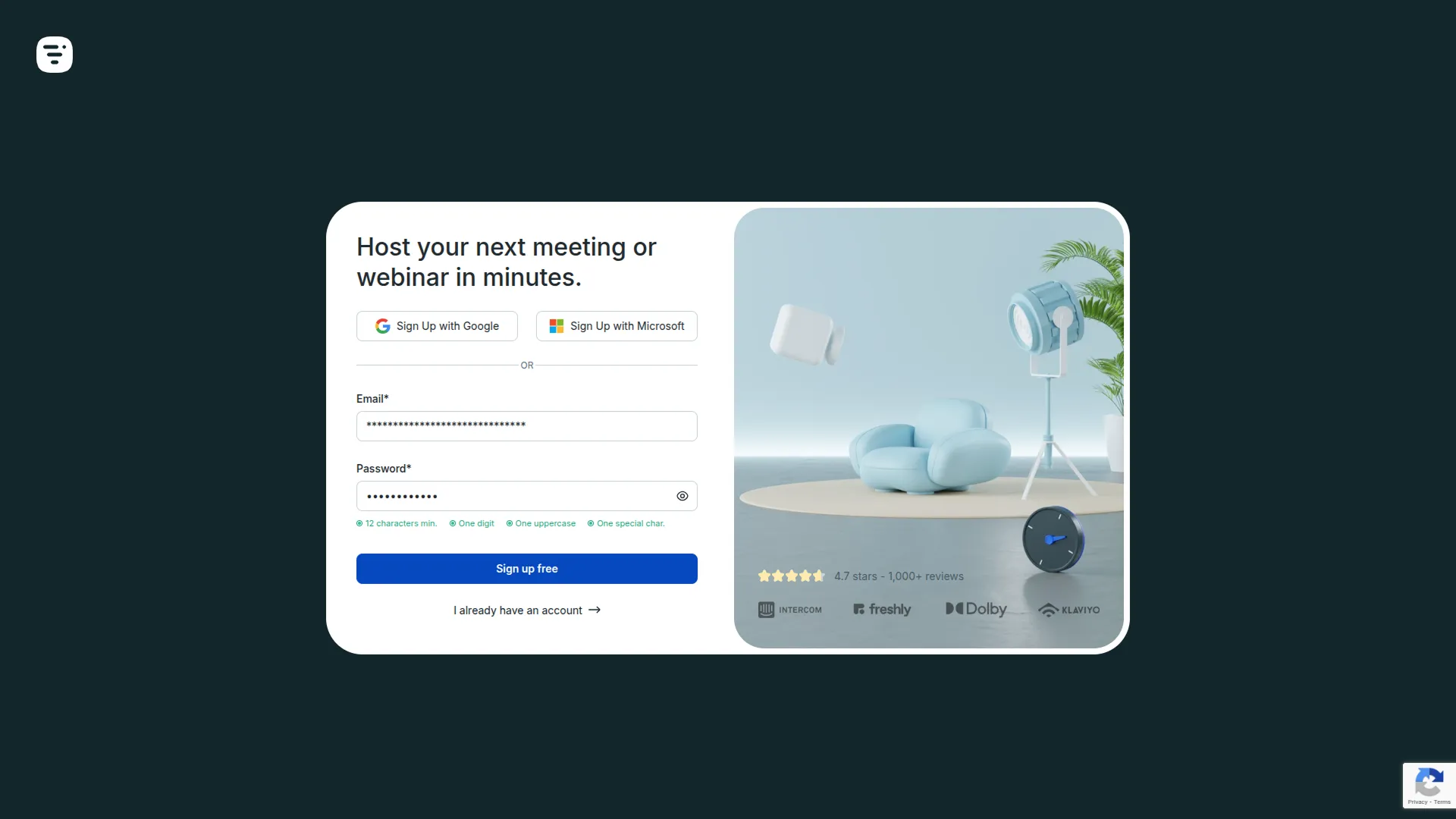
- livestorm Meeting First of all, go to livestorm.co and sign up.
-
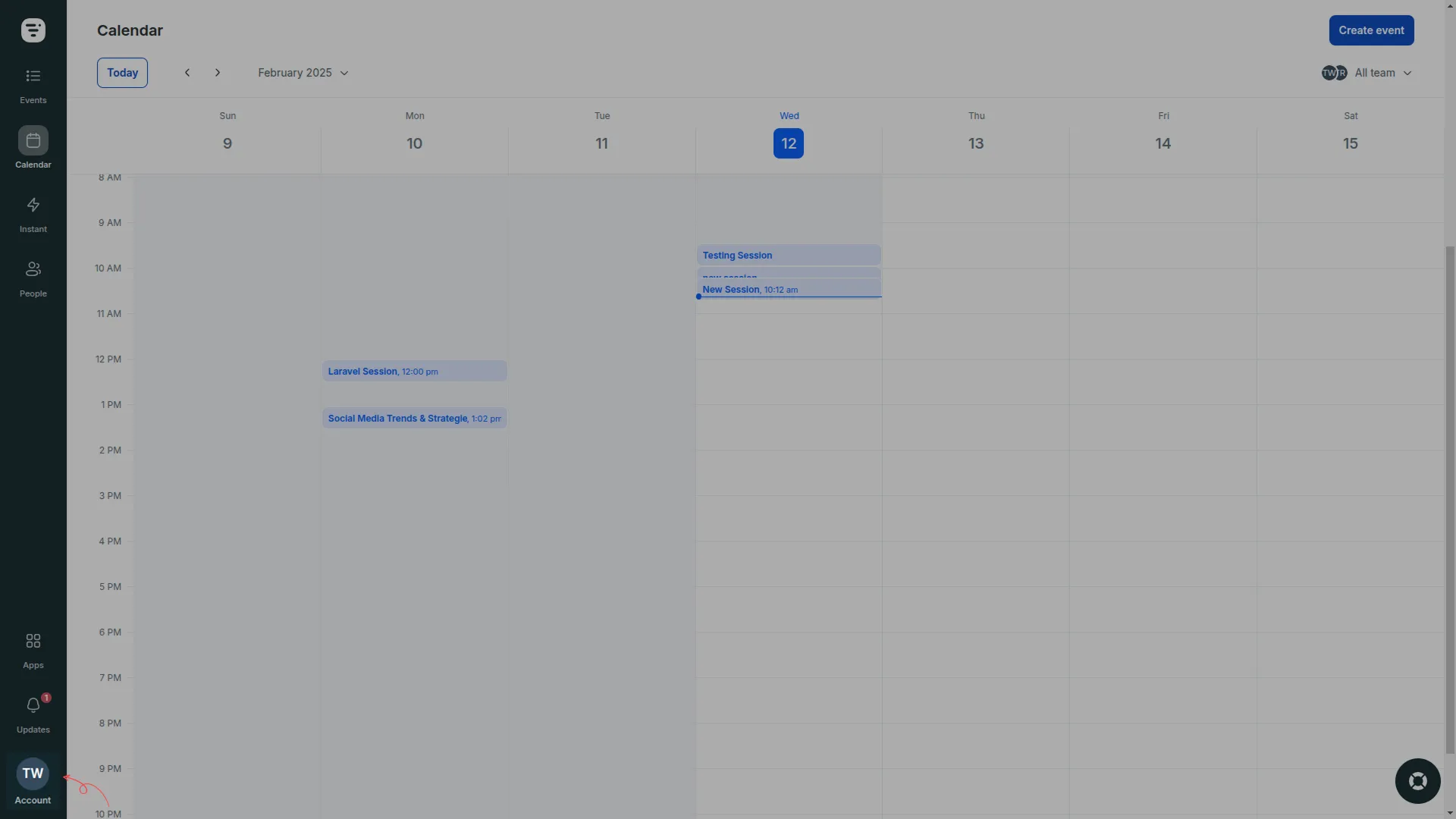
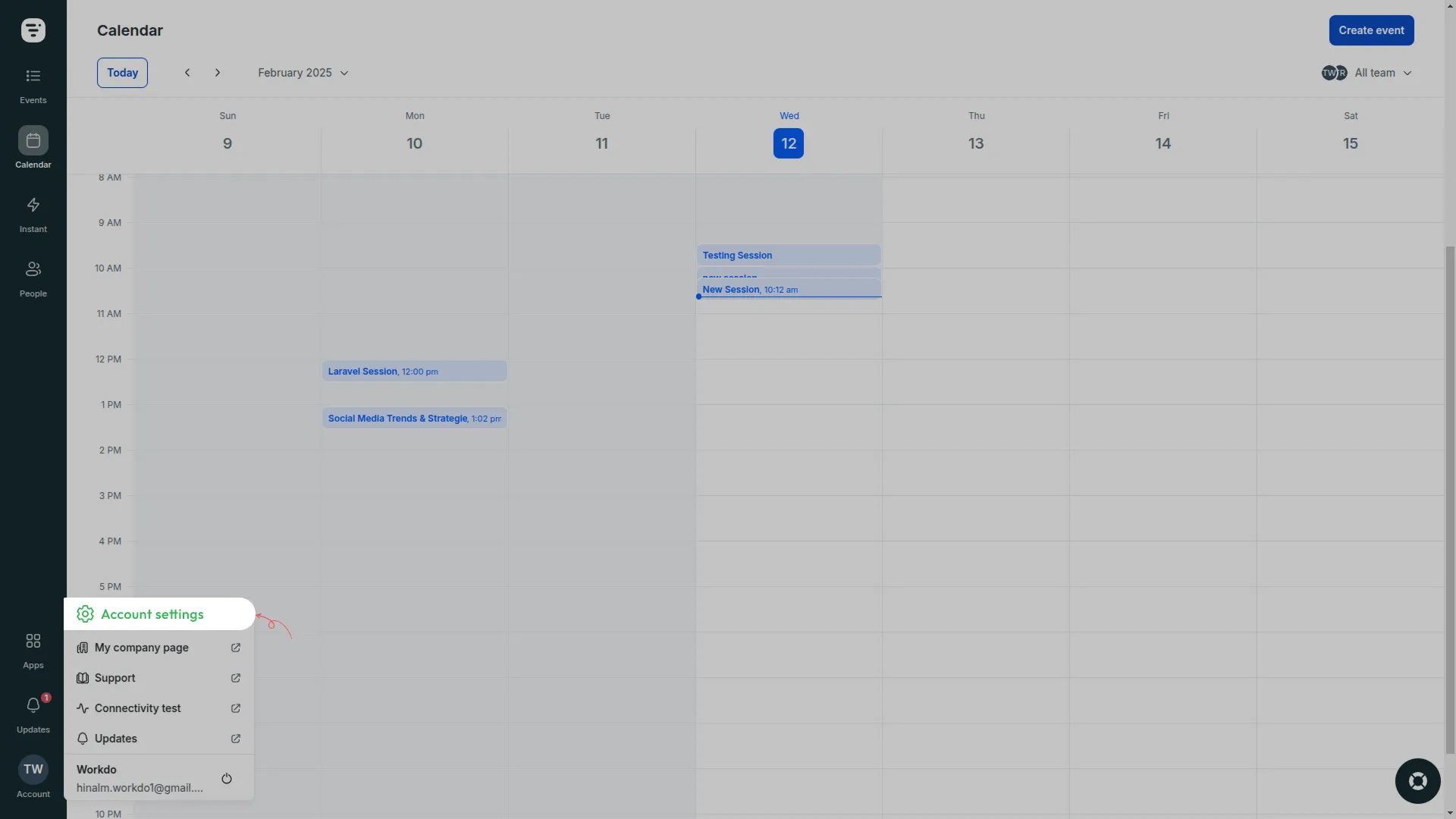
- Then, click on your profile icon given below the page. Over there you will see several options click the “account settings” option.
-
-
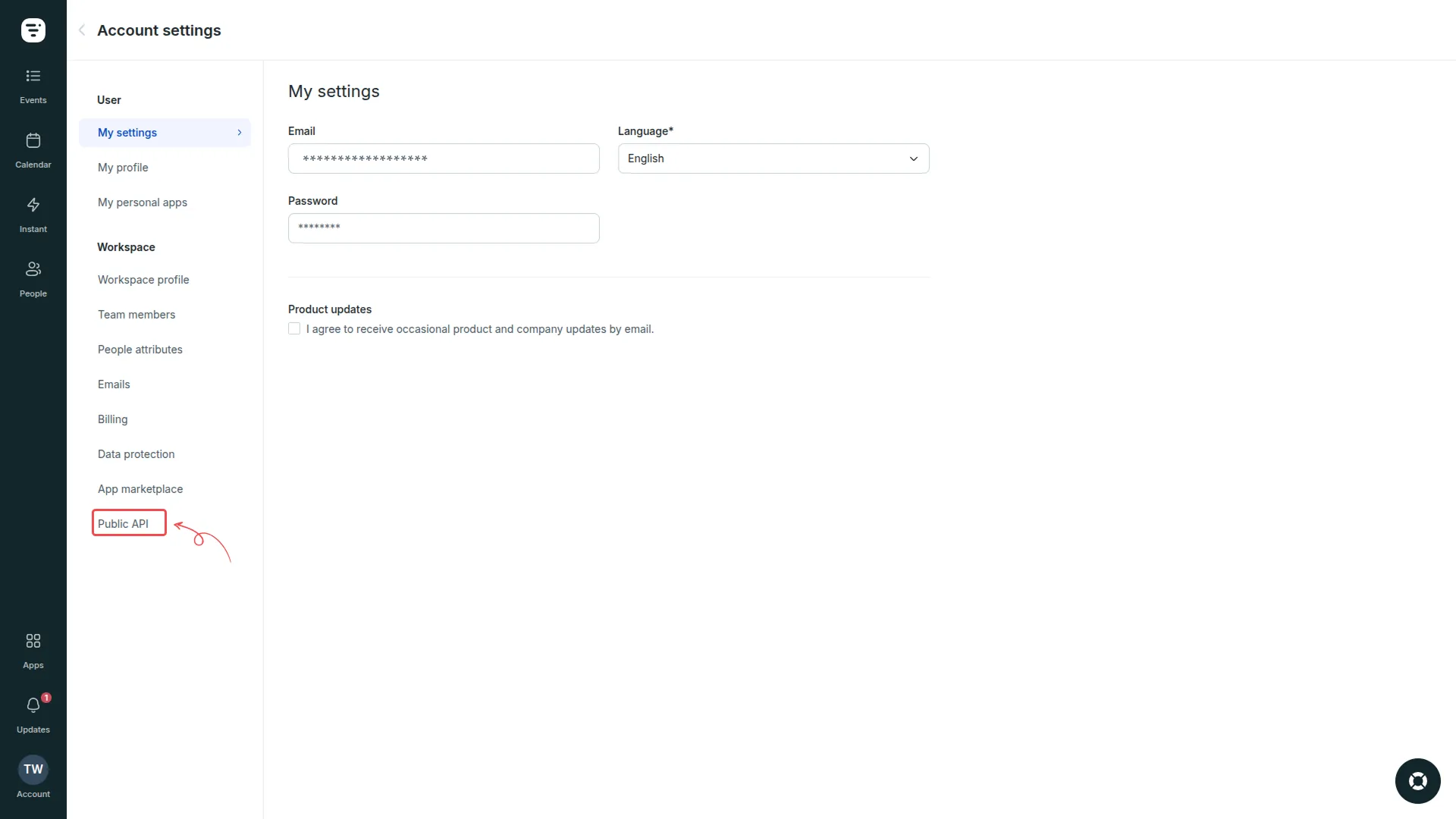
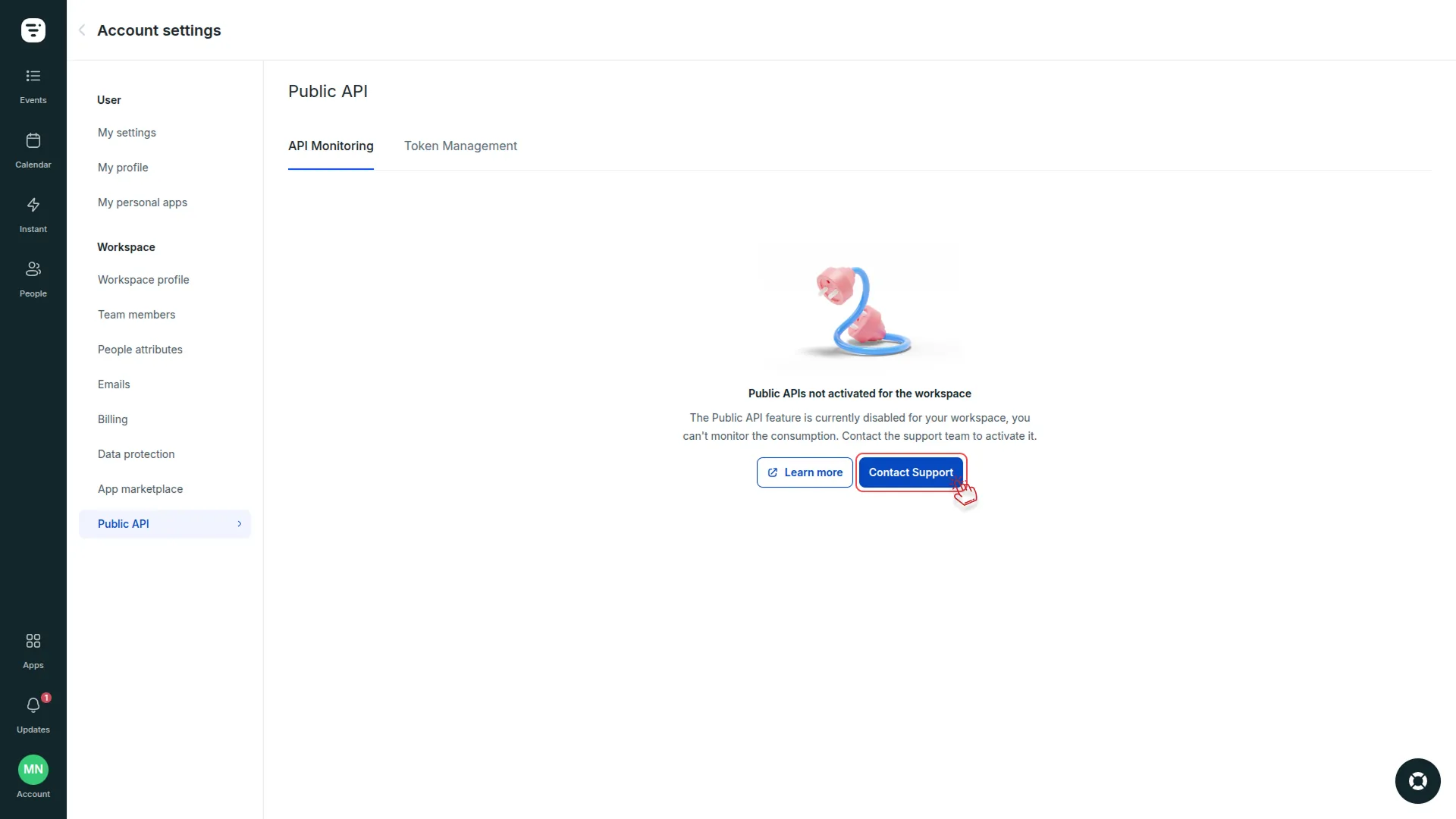
- On that page, select the Public API option.
-
- Once your account gets verified, you will be navigated to the API Console Page. Over there, click on the “Get Started” button.
-
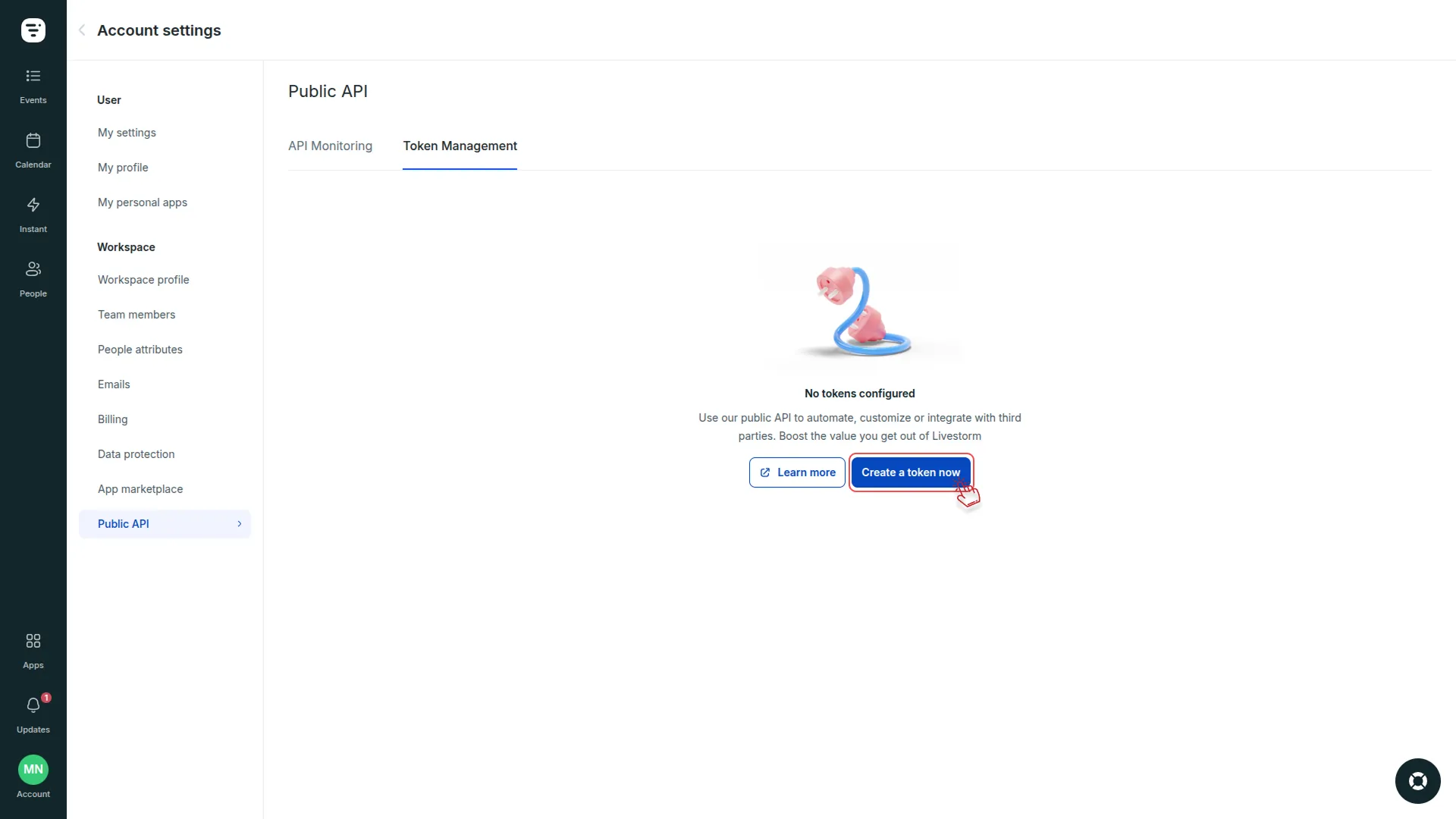
- You will see many options to choose a client once you click on that button. Select the “Server Applications” option and click on the “Create Now” button.
-
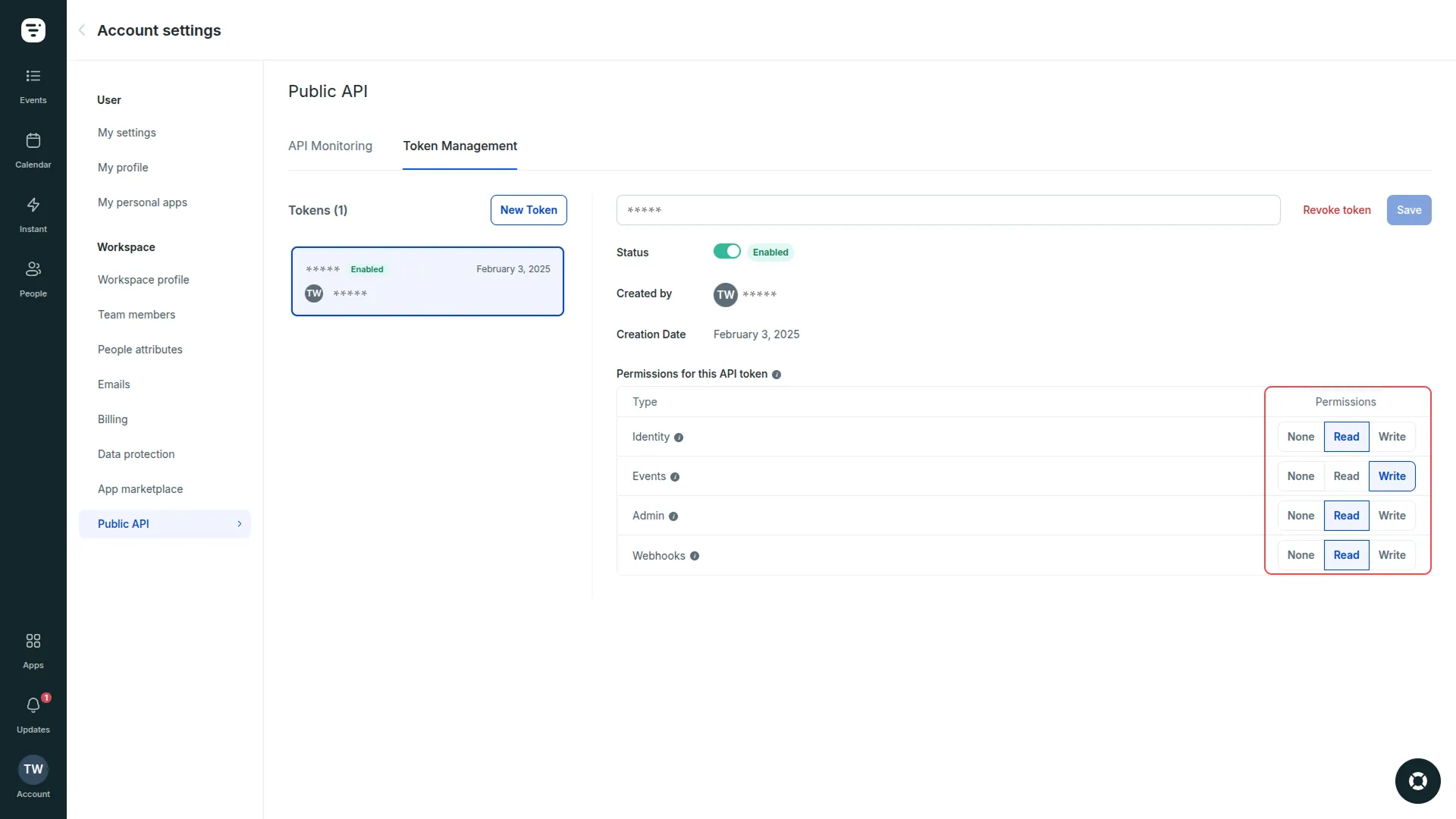
- Over there, you will see the Client ID and Client Secret Key.
-
Categories
Related articles
- Meta Token Generation Guide
- BlueSnap – BookingGo SaaS Add-On Guide
- Tour & Travel Management – WorkDo Dash SaaS Add-On Guide
- Performance Indicator – WorkDo Dash SaaS Add-On Guide
- Google Wallet Settings – vCard SaaS Guide
- Instamojo – BookingGo SaaS Add-On Guide
- Reminder Module – WorkDo Dash SaaS Add-On Guide
- Water Park Management – WorkDo Dash SaaS Add-On Guide
- SMS Integration – TicketGo Add-On Guide
- Paytm – WorkDo Dash SaaS Add-On Guide
- HubSpot – WorkDo Dash SaaS Add-On Guide
- Livestorm Meeting – WorkDo Dash SaaS Add-On Guide
Get in Touch
We're Here to Help - Let's Talk
Have questions about our solutions, customization services, or business tools? Our team is here to help you. let's talk.