
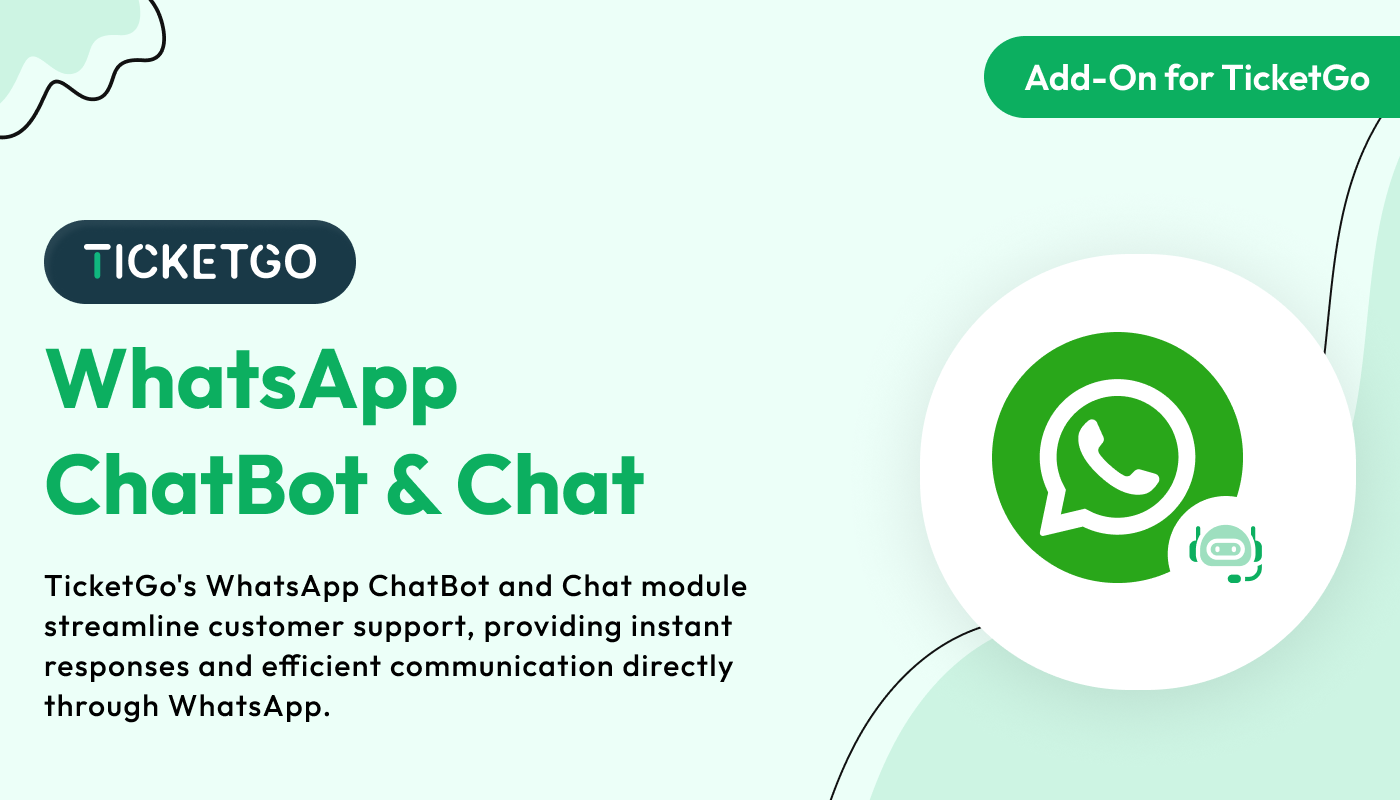
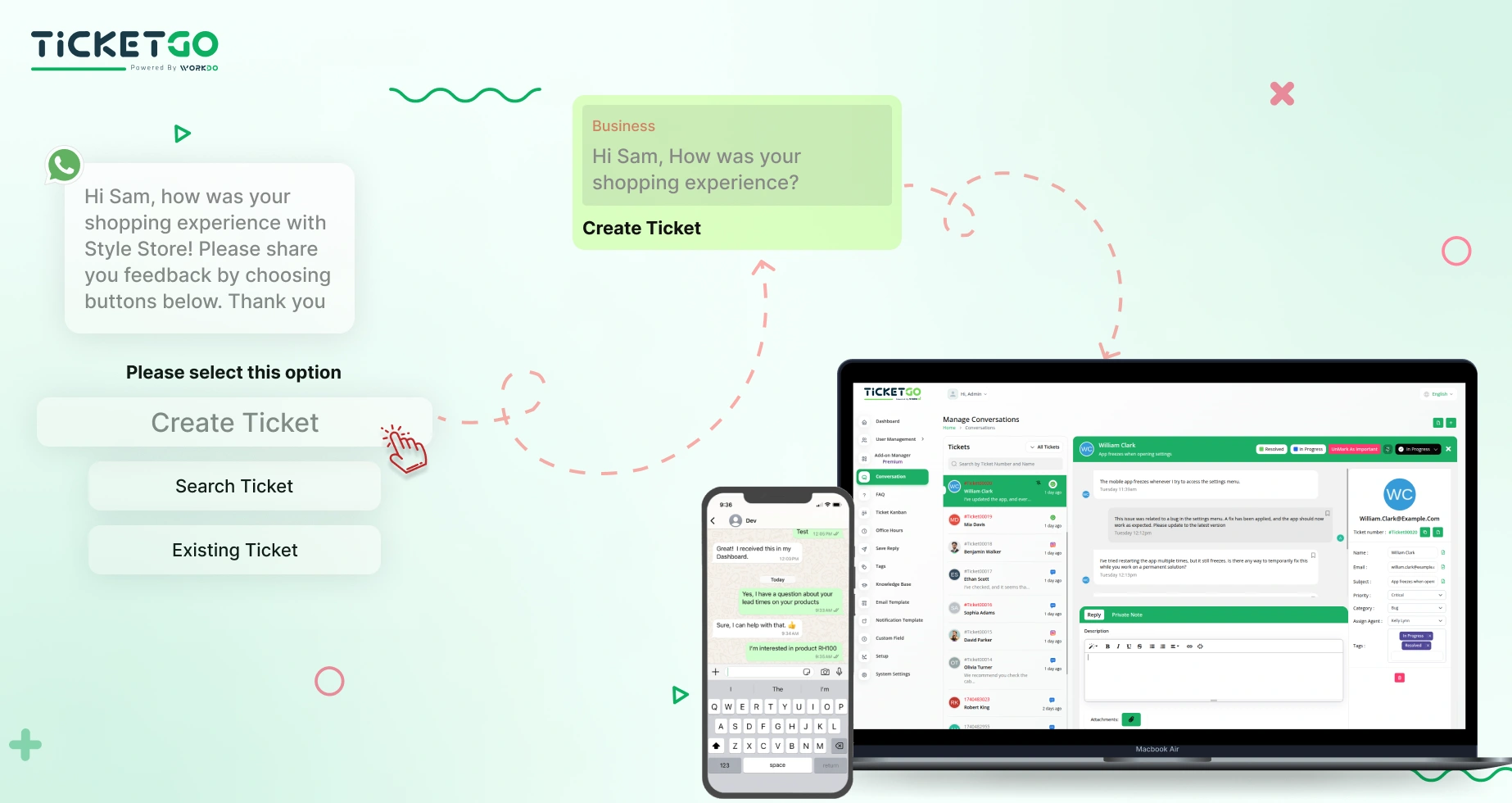
Real-Time Updates and Notifications
Keeping track of support tickets has never been easier. Once a ticket is created, customers receive real-time updates through WhatsApp, including responses from support agents, ticket status changes, and resolutions. This ensures that customers are always informed without needing to check emails or log into separate portals. The chatbot provides a smooth communication channel that enhances transparency and customer satisfaction.
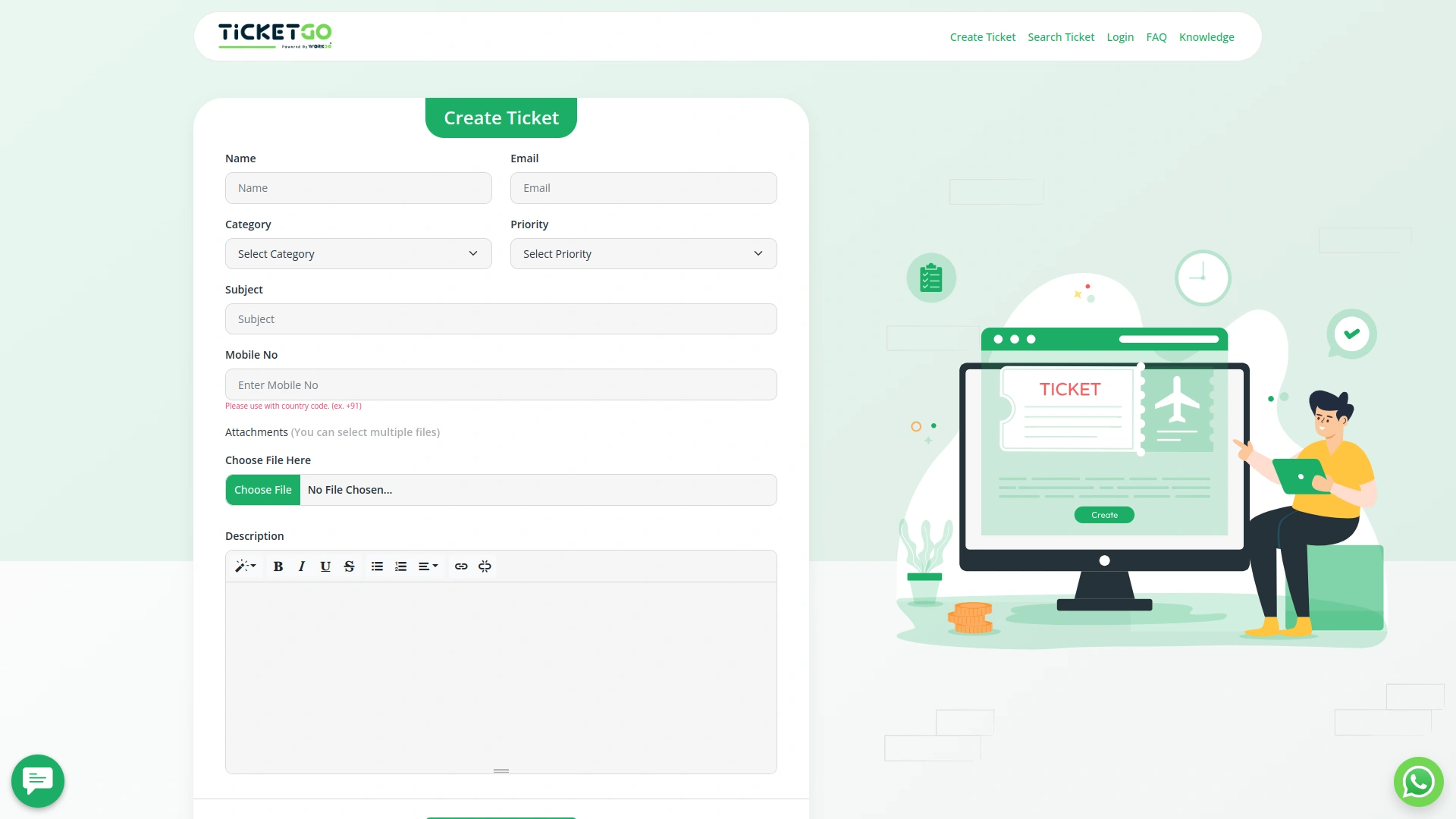
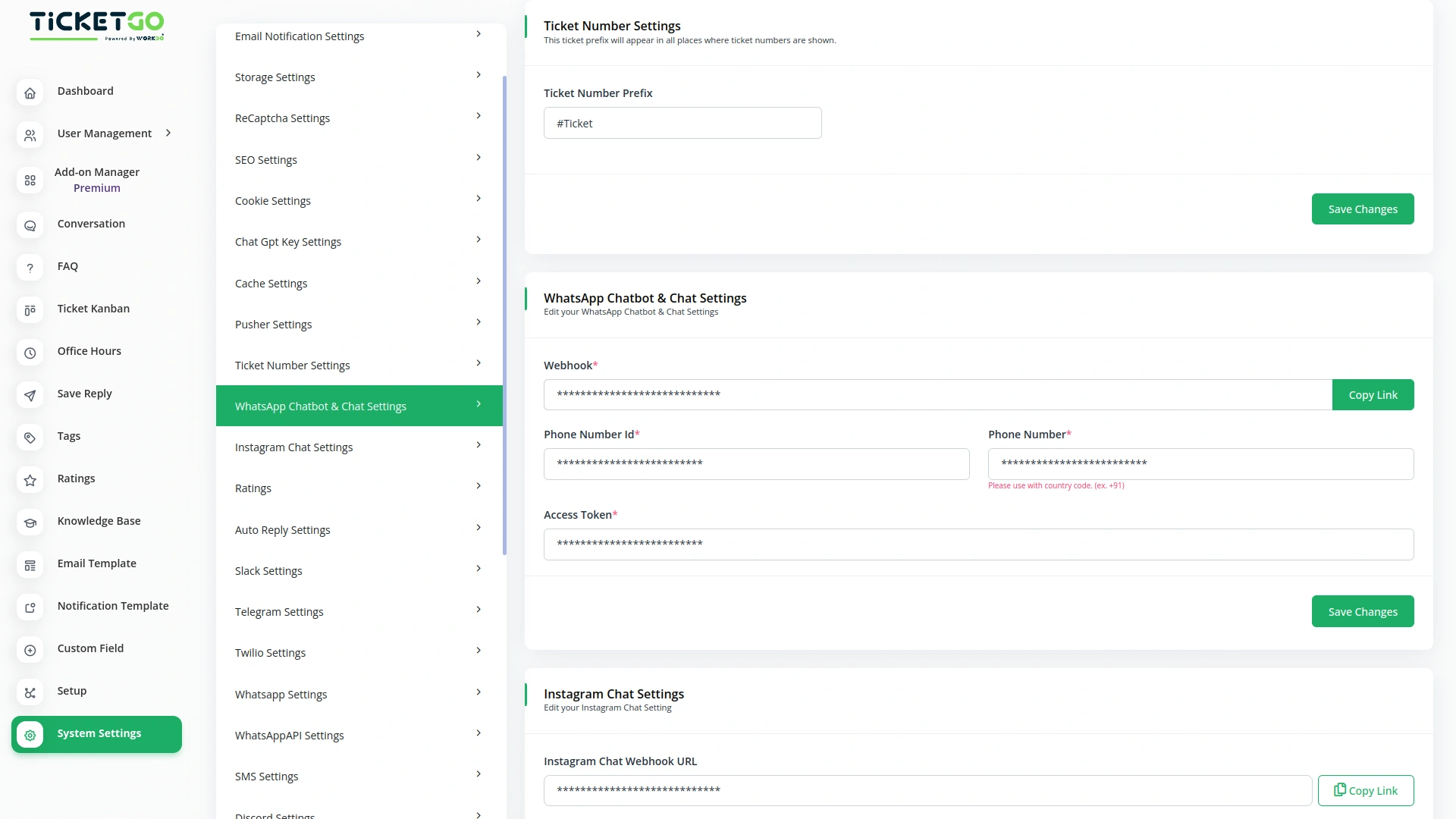
Managing Credentials and Secure Integration
To enable WhatsApp chatbot functionality, TicketGo requires specific credentials, including a Webhook URL, Phone Number ID, Access Token, and registered Phone Number. The Webhook URL connects the chatbot to WhatsApp, ensuring real-time communication. The Phone Number ID uniquely identifies the WhatsApp business account, while the Access Token acts as a secure authentication key, allowing the system to send and receive messages on behalf of the business. It is crucial to keep these credentials confidential to prevent unauthorized access.
Screenshots from our system
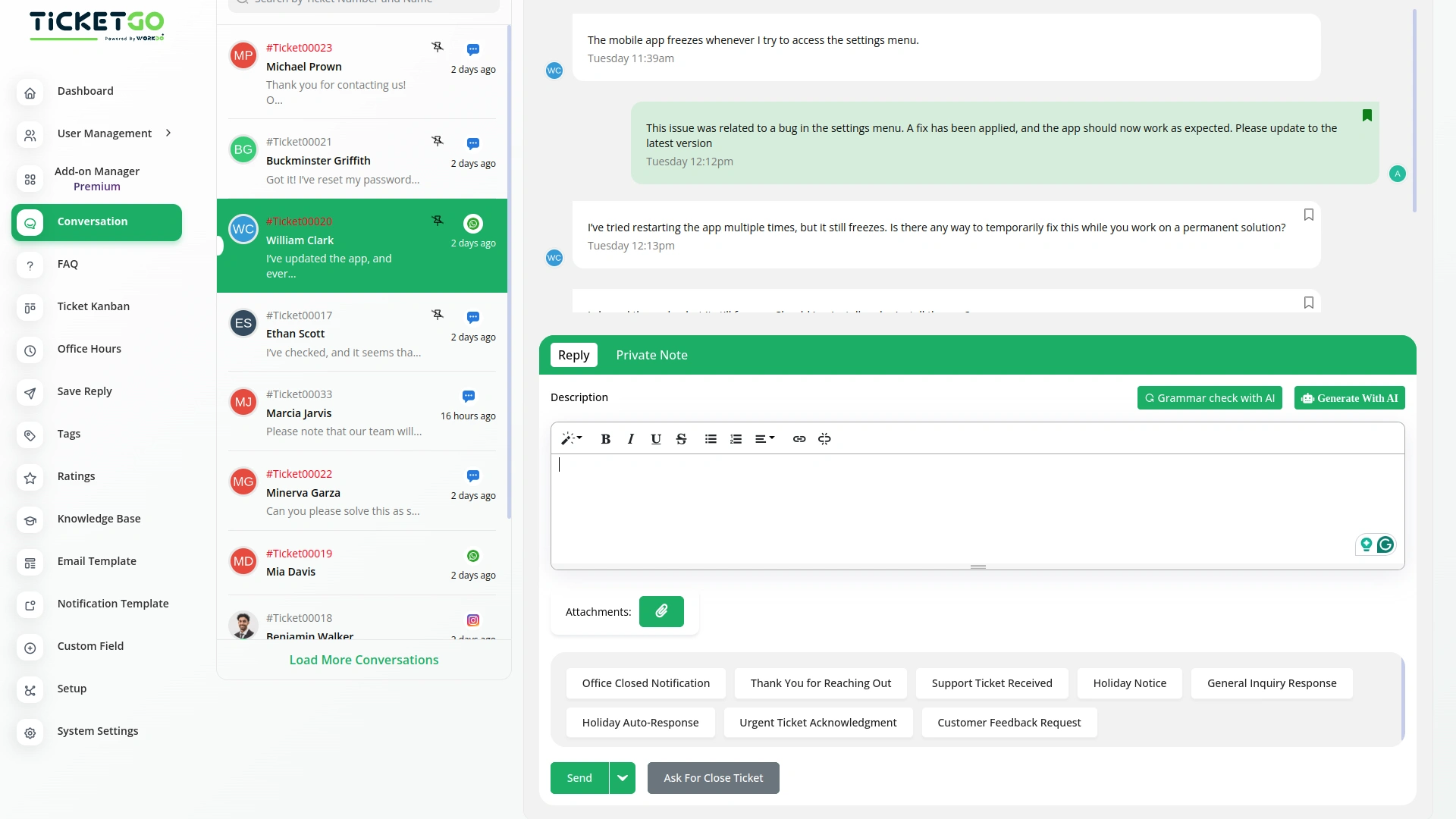
To explore the functionality and usage of these Add-Ons, refer to the accompanying screenshots for step-by-step instructions on how to maximize their features.
Discover More Add-Ons
Unlock even more functionality with additional Add-Ons, providing enhanced networking and customization options for your TicketGo Add-Ons experience.

Slack
Enhance your team’s communication and efficiency with the Slack integration in TicketGo. This powerful add-on allows your team to receive real-time updates, notifications, and ticket status changes directly in your Slack channels, streamlining your support ticketing workflow. By integrating Slack with TicketGo, you eliminate the need to juggle multiple platforms. Whether it’s assigning tickets, tracking progress, or resolving customer issues, the integration ensures your team stays informed, connected, and proactive, leading to faster resolution times and better project management.

Sinch SMS
The Sinch SMS Module in TicketGo ensures that you stay updated with real-time notifications for important events. Whether it’s a new user registration, a customer inquiry, or a ticket resolution, this module keeps you informed through instant SMS alerts. By integrating Sinch with TicketGo, businesses can manage their communication efficiently, ensuring that no critical update goes unnoticed.

Mailchimp
Transform the way you communicate with customers by integrating Mailchimp with TicketGo. This powerful add-on bridges the gap between customer support and email marketing, ensuring that every ticket interaction is an opportunity to engage, inform, and build lasting relationships. From automated ticket notifications to personalized follow-ups, Mailchimp integration keeps your customers in the loop while enhancing your brand’s communication strategy.

SMS
The SMS Notification Integration in TicketGo provides businesses with a reliable way to notify users about important ticket updates through SMS. This integration ensures that customers receive real-time notifications, even when they do not have access to email or other communication platforms. With the widespread use of mobile phones, SMS serves as a highly effective channel to keep customers informed about their ticket status, reducing the chances of missed updates and improving customer satisfaction.
The organized layout encourages our team to work more efficiently and consistently
The powerful automation tools helped us eliminate unnecessary manual tasks
The user experience is smooth enough to support continuous use without frustration
Flexible tools enhance productivity
Customizable notifications
Support team resolves everything fast
Works great, and support is excellent