

Manage your vehicle wash business effortlessly with a fully integrated Add-On that handles vehicle categories, washing plans, services, and expense tracking. Keep organized customer profiles, track bookings from start to finish, and manage payments with a clear, auditable trail. Gain instant insights into business performance with real-time status updates and comprehensive revenue reports.

All-in-One Vehicle Wash Management Suite:
- Centralized System Configuration
- Vehicle & Plan Management
- Customer Record Keeping
- Smart Booking Tracking
- Staff Job Assignment
- Integrated Payment Workflow
- Expense Category Logging
- Report Generation
- Multi-Service Flexibility
- Real-Time Status Monitoring
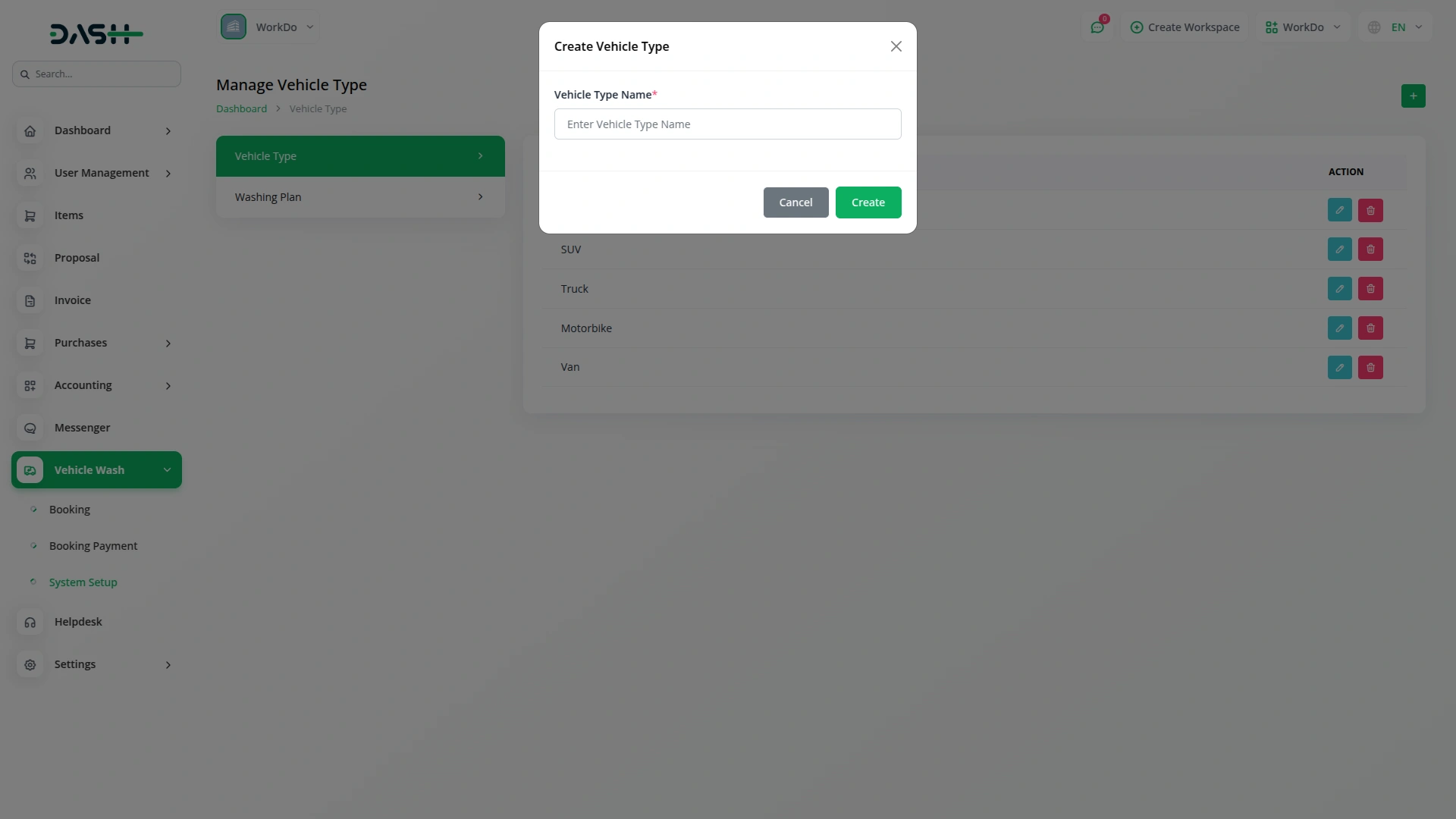
Set Up Your Vehicle Wash Business
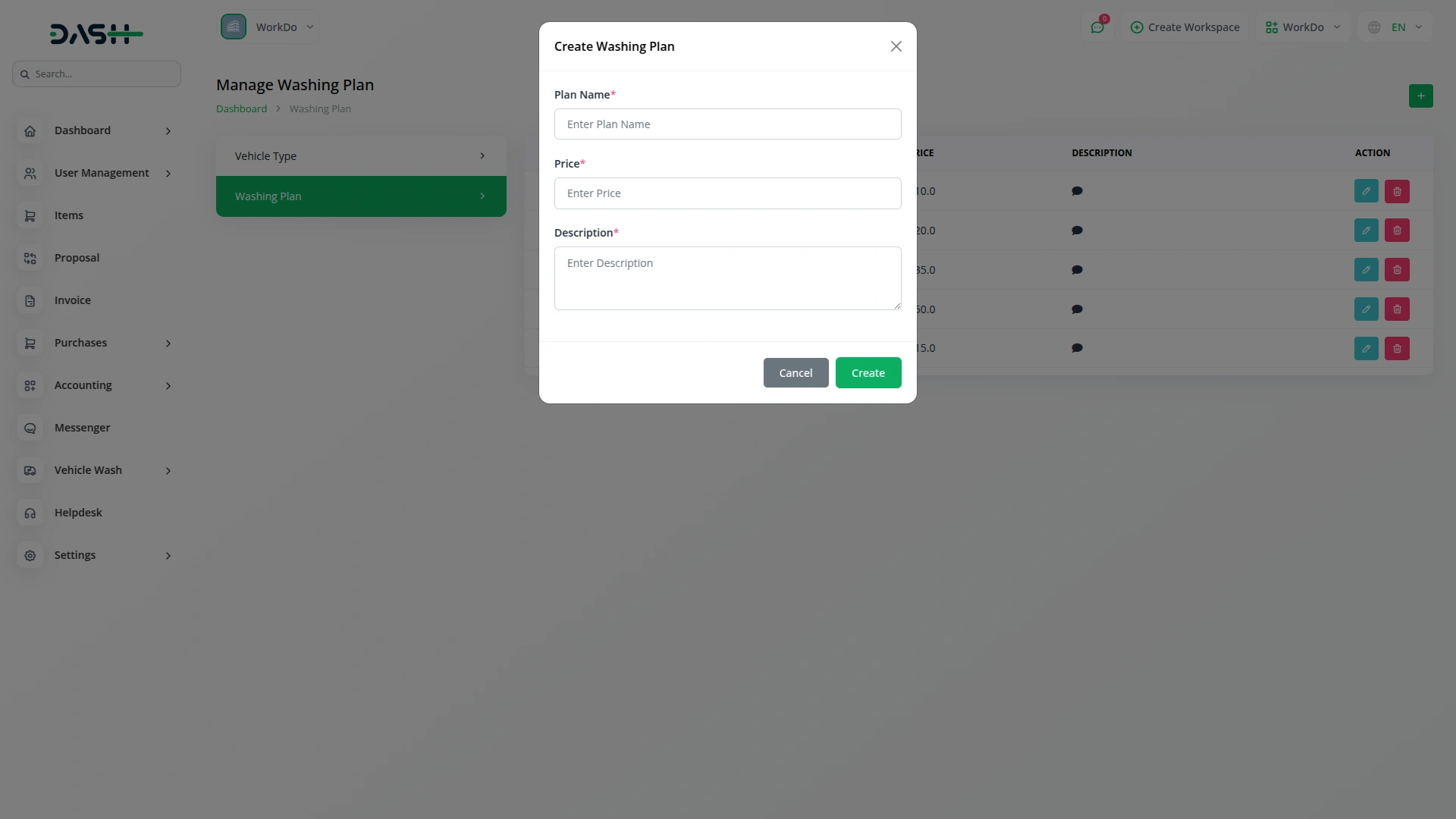
Setting up your vehicle wash business has never been easier. You can define the types of vehicles, washing plans, individual services, and expense categories from scratch. Each item can be activated or deactivated at any time for full control. Whether starting fresh or updating an existing setup, everything is managed in one organized place.
- Vehicle categories, plans, and services are independently configurable.
- Items can be active or retired without deletion.
- Pricing links directly to services and plans consistently.
- Expense categories provide structured, consistent cost-tracking from start.
Organized Customer Information
The system keeps a dedicated profile for every customer your business serves. Each profile links to the customer’s full booking history, showing what they booked, how much they paid, and their last visit. This organized data gives your team instant context on returning clients. With easy access to records, staff spend less time searching and more time providing great service.
- Each customer has a profile with contact information.
- Booking history links automatically to each customer profile.
- Staff can view complete service history in one place.
- Active or inactive status keeps customer list organized.
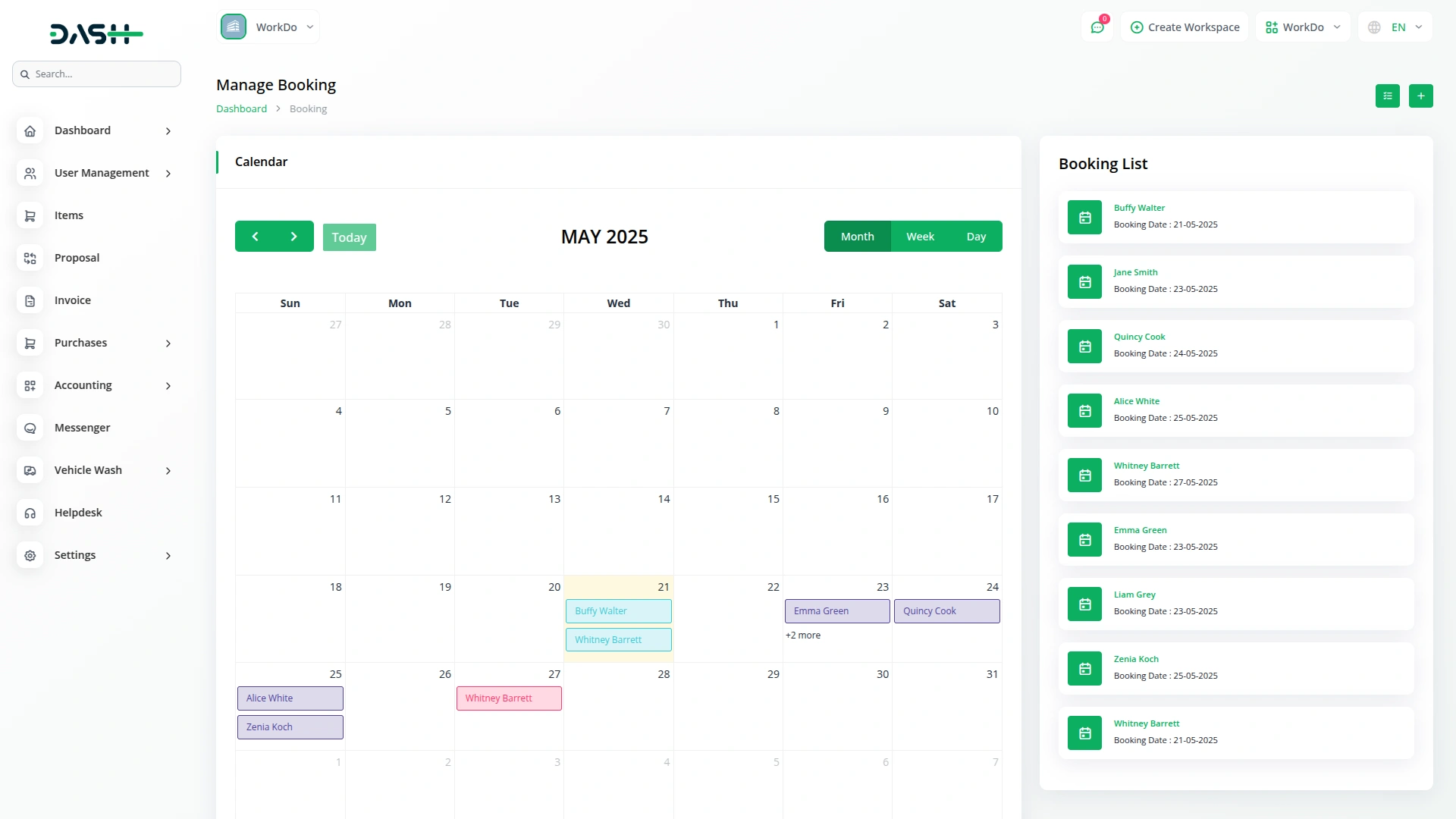
All-in-One Booking Records
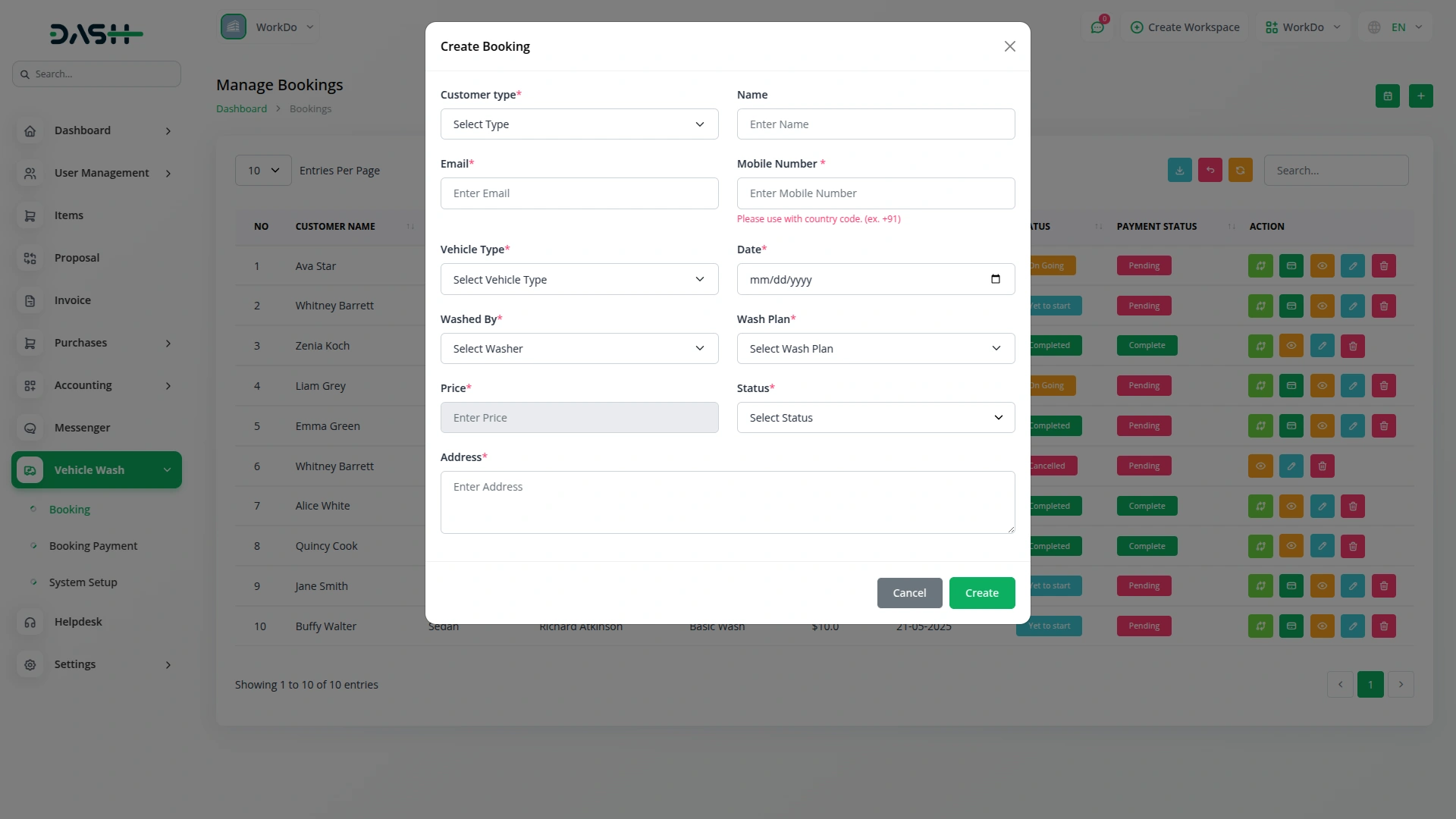
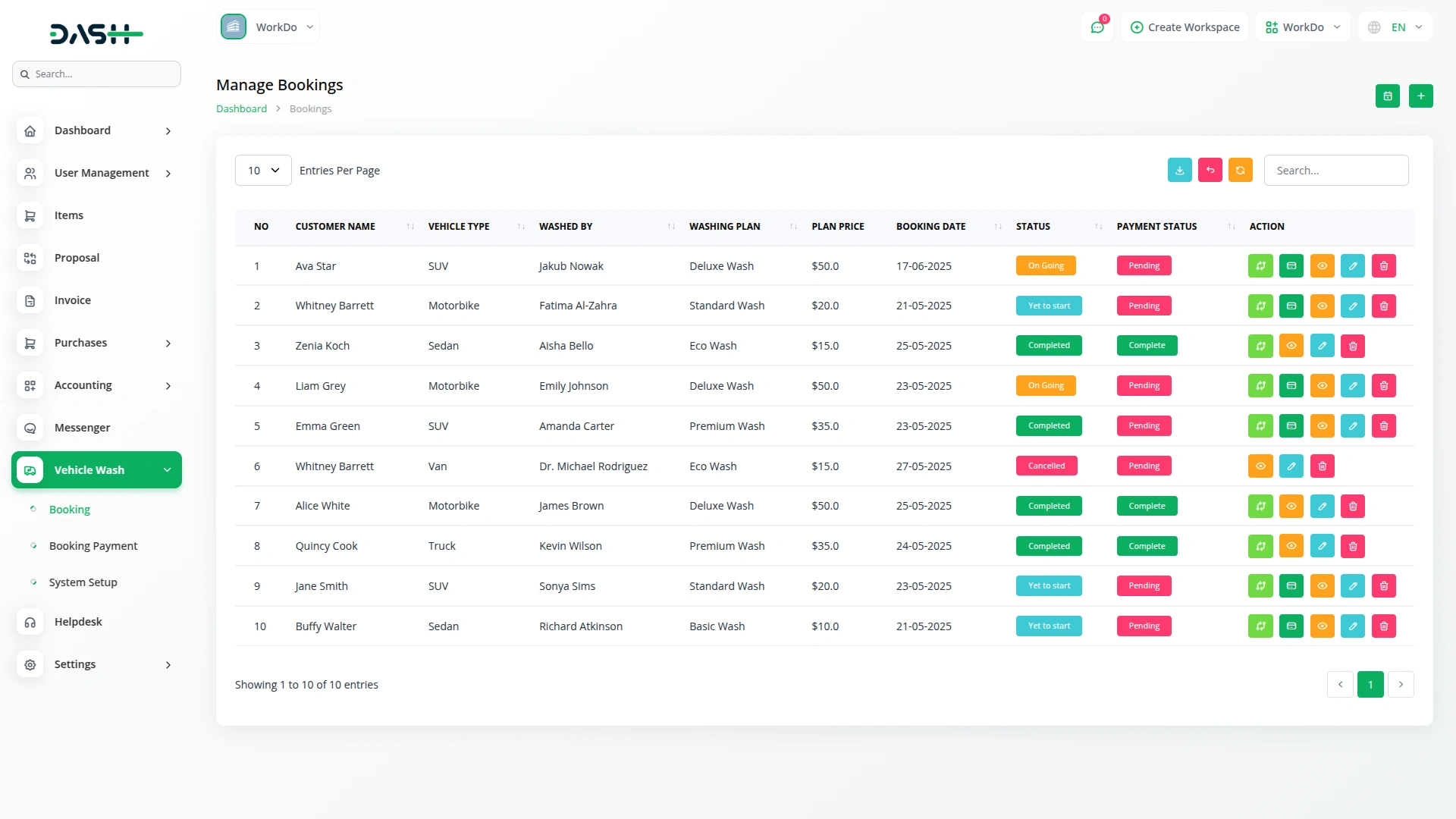
The booking system brings every part of a job into one organized record. Each booking records the customer, vehicle type, staff member, washing plan, and extra services, with totals calculated automatically. Status tracking guides the job from creation to completion. Nothing gets lost, and there’s no need for separate whiteboards or spreadsheets.
- Each booking record contains customer, vehicle, plan, services.
- Total pricing calculates automatically from plan and services.
- Bookings follow defined statuses, providing clear job visibility.
- Service address and notes captured with every booking.
Payment Records Made Simple
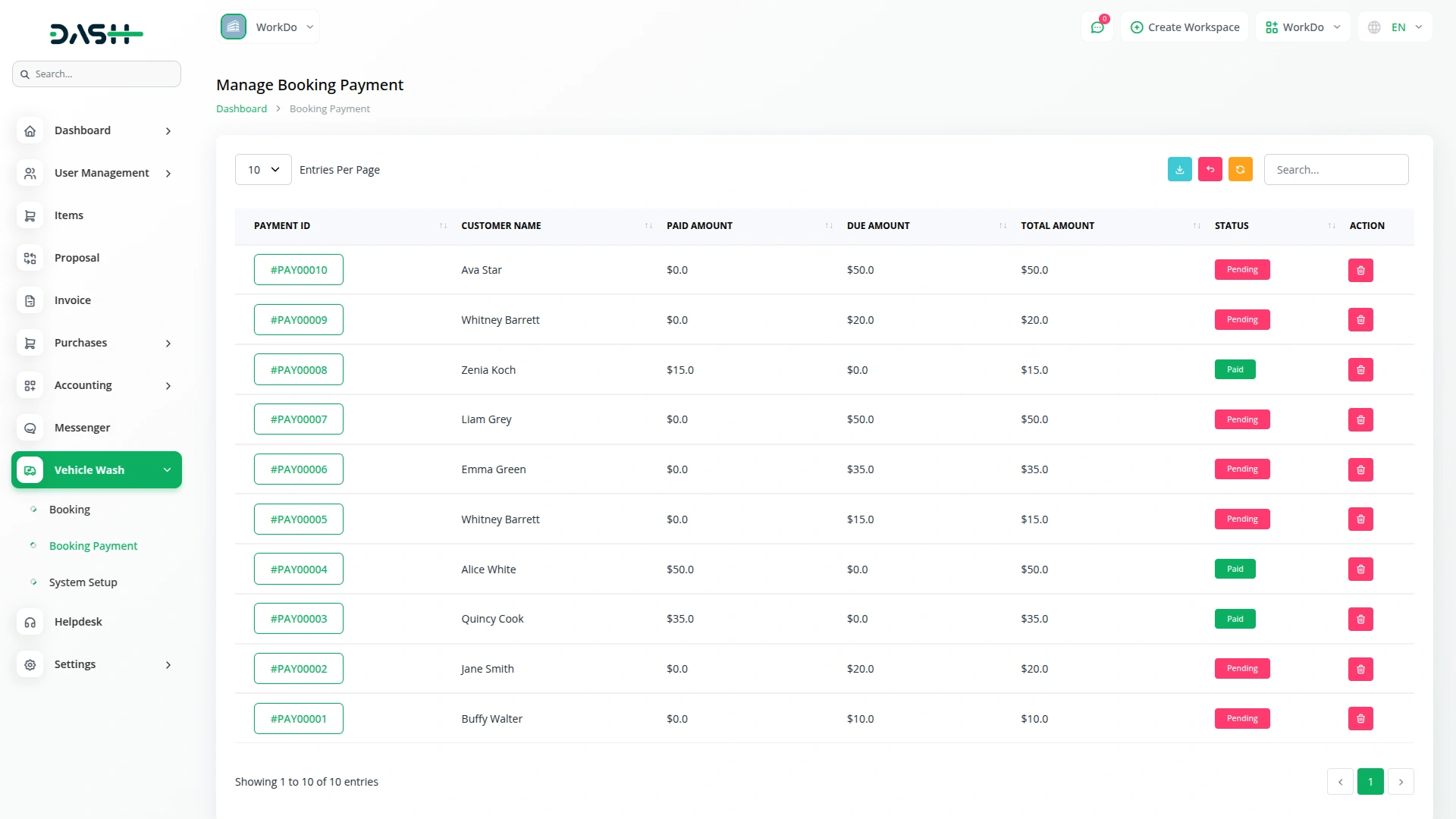
Every booking in the system has a corresponding payment record, giving you a clear and auditable trail from service to settlement. Payments move through a structured approval process, from creation to review to clearance, so no money is marked as received without being verified. Pending, cleared, and unpaid amounts are all tracked distinctly, which means your financial picture is always accurate rather than estimated.
- Each booking links directly to its payment record.
- Receipts are stored for documentation and verification purposes.
- Built-in approval process ensures payments reviewed before clearing.
- System tracks cleared, pending, and unpaid booking balances.
Business Report at Glance
At the end of the day, businesses need to see where money came from and went. The reports section summarizes revenue by period and shows trends over time. Total revenue, pending collections, and unpaid balances are all visible and linked to individual bookings. Combined with expense tracking, this gives a clear view of business performance without extra tools.
- Revenue can be reviewed across custom date ranges.
- Four financial metrics always visible at a glance.
- Revenue trend chart shows performance patterns over time.
- Individual booking records with payment status listed below.
Screenshots from our system
To explore the functionality and usage of these Add-Ons, refer to the accompanying screenshots for step-by-step instructions on how to maximize their features.
Discover More Add-Ons
Unlock even more functionality with additional Add-Ons, providing enhanced networking and customization options for your Dash SaaS experience.

Innovation Center
An Innovation Center is a dedicated and strategically designed space or initiative within an organization that fosters an environment of open communication, idea sharing, and collaborative problem-solving. Its primary objective is to drive innovation and creativity, ultimately leading to improved processes, outcomes, and the overall competitiveness of the organization.

google-wallet
Google Wallet integration allows you to store and access your digital business cards directly from the Google Wallet app.

Diet & Nutrition Consultant
Maintaining a well-balanced diet is essential for a healthy lifestyle, and managing diet plans for multiple clients requires an efficient system. The Diet & Nutrition Management Add-on in Dash SaaS provides a complete solution for nutritionists, dietitians, and wellness professionals to handle everything from diet planning to client consultations.

Facilities
The Facilities Module in Dash SaaS is designed to enhance and streamline resource management for businesses of all sizes.
Logical navigation structure simplifies workflow management
The system’s scalability makes it adaptable to growing needs