
The Time Tracker Add-On helps you track work hours, manage tasks, and automatically capture screenshots. It supports real-time session monitoring, multi-user access, and works across different systems. With easy setup and smart controls, it’s perfect for teams and individuals who need reliable time management.
Dependency Notice: The Time Tracker Add-On is dependent on the Project Add-On. If the Project is disabled, the Time Tracker Add-On will not function. Ensure that the Project Add-On is activated to utilize the Time Tracker features.
Seamless Time Tracking with Real-Time Insights
The Time Tracker Add-On provides a streamlined way to log work hours, manage activities, and monitor productivity with precision. Integrated with real-time tracking and customizable settings like tracking intervals and site URLs, it ensures full control over user sessions. Users can easily start or stop tracking, view detailed session data, and monitor performance trends through intuitive dashboards. Designed for both individual professionals and team environments, it enables efficient task allocation and productivity analysis across multiple devices and platforms.

Advanced Time Tracking
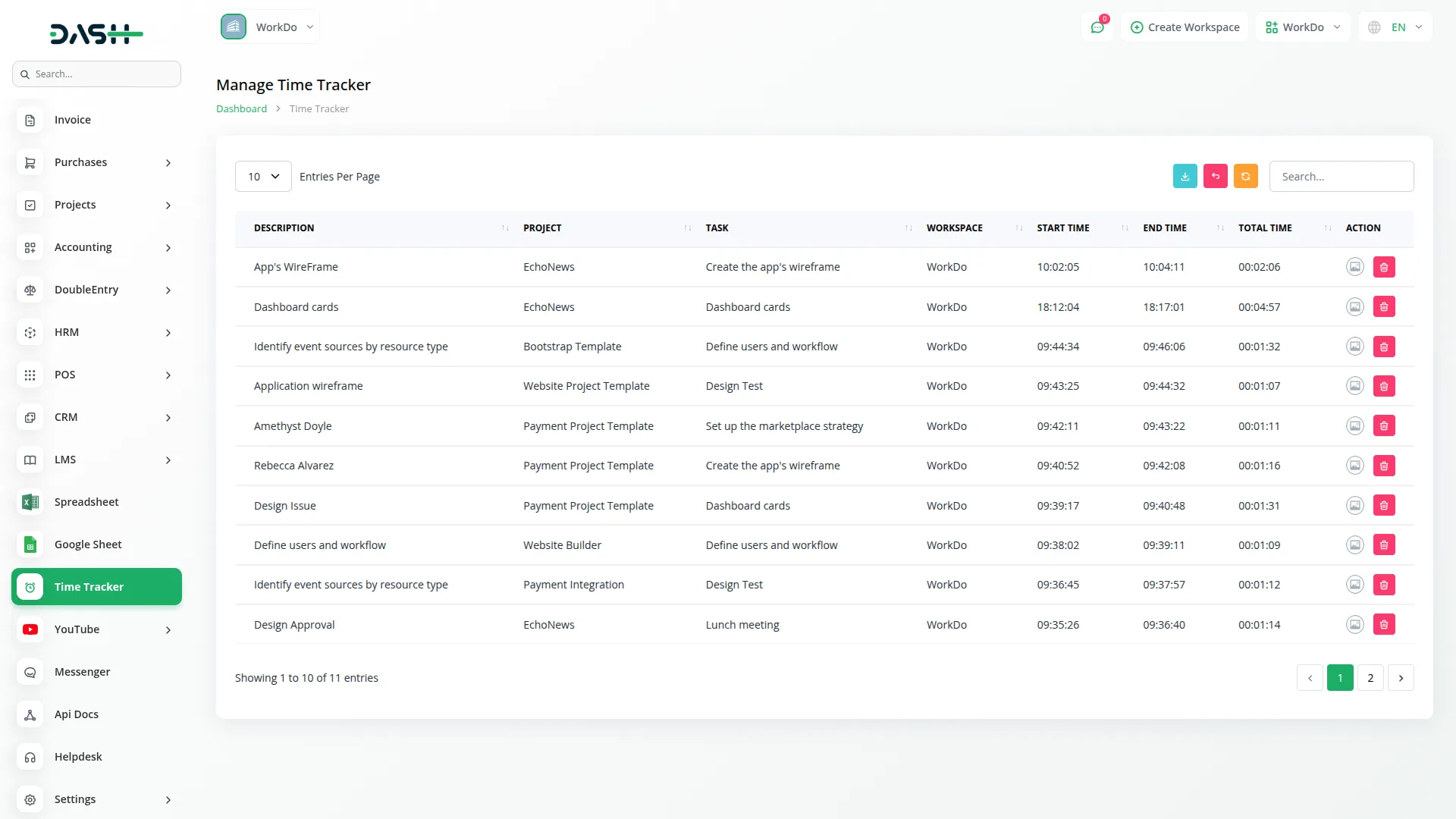
The advanced time tracking Add-On automatically captures work sessions with precision timing while providing organized project management capabilities. Users can start and stop tracking with detailed descriptions, while the system records the exact start and end times and calculates the total duration. The system efficiently organizes work through project management, where each project can contain multiple tasks, and users can be assigned to specific projects. The intelligent tracking maintains clear hierarchies between projects, tasks ensuring organized workflow management across teams and departments, making it perfect for freelancers, agencies, and corporate teams who need reliable time management.
Screenshot Management System
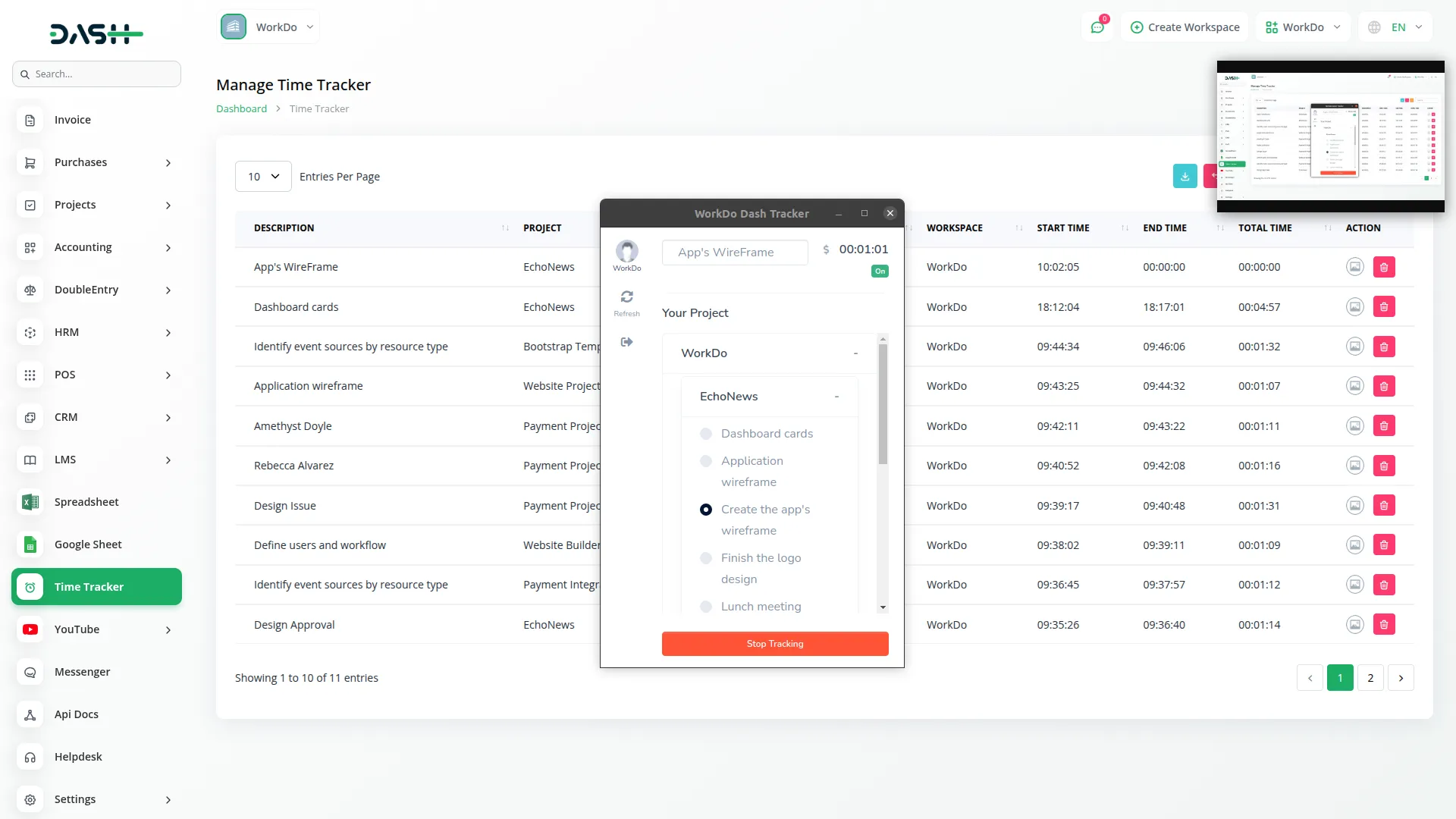
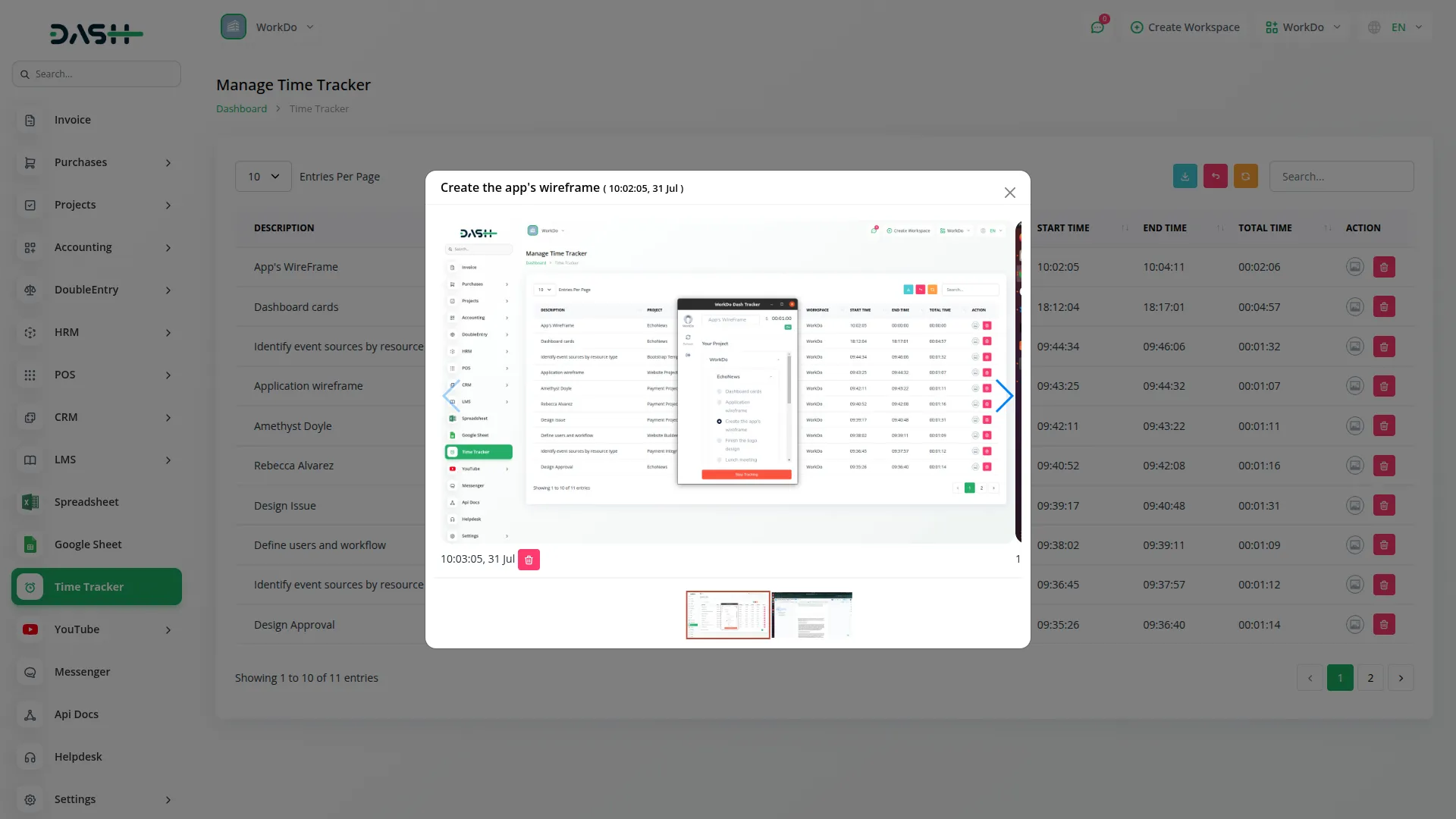
The system automatically captures screenshots at customizable intervals during active tracking sessions, providing visual proof of work activity and maintaining accountability. Screenshots are stored securely and can be reviewed or deleted individually, giving users complete control over their privacy while ensuring transparency. Users have complete control over tracking sessions with detailed viewing and management options, allowing them to review all captured screenshots from any session, delete individual images for privacy, or remove entire tracking records. The session management system provides comprehensive oversight of all time tracking activities with flexible system configuration options.
System Configuration & Compatibility
Customize the tracking experience with detailed settings management that allows the setup of application URLs for seamless login and screenshot capture intervals according to needs. The system adjusts parameters for optimal performance and adapts to various work environments and requirements. Designed to work seamlessly across different operating systems with dedicated setup instructions, the system includes troubleshooting guides for various platforms, ensuring smooth installation and operation regardless of the user's technical environment, with complete setup documentation for quick deployment.
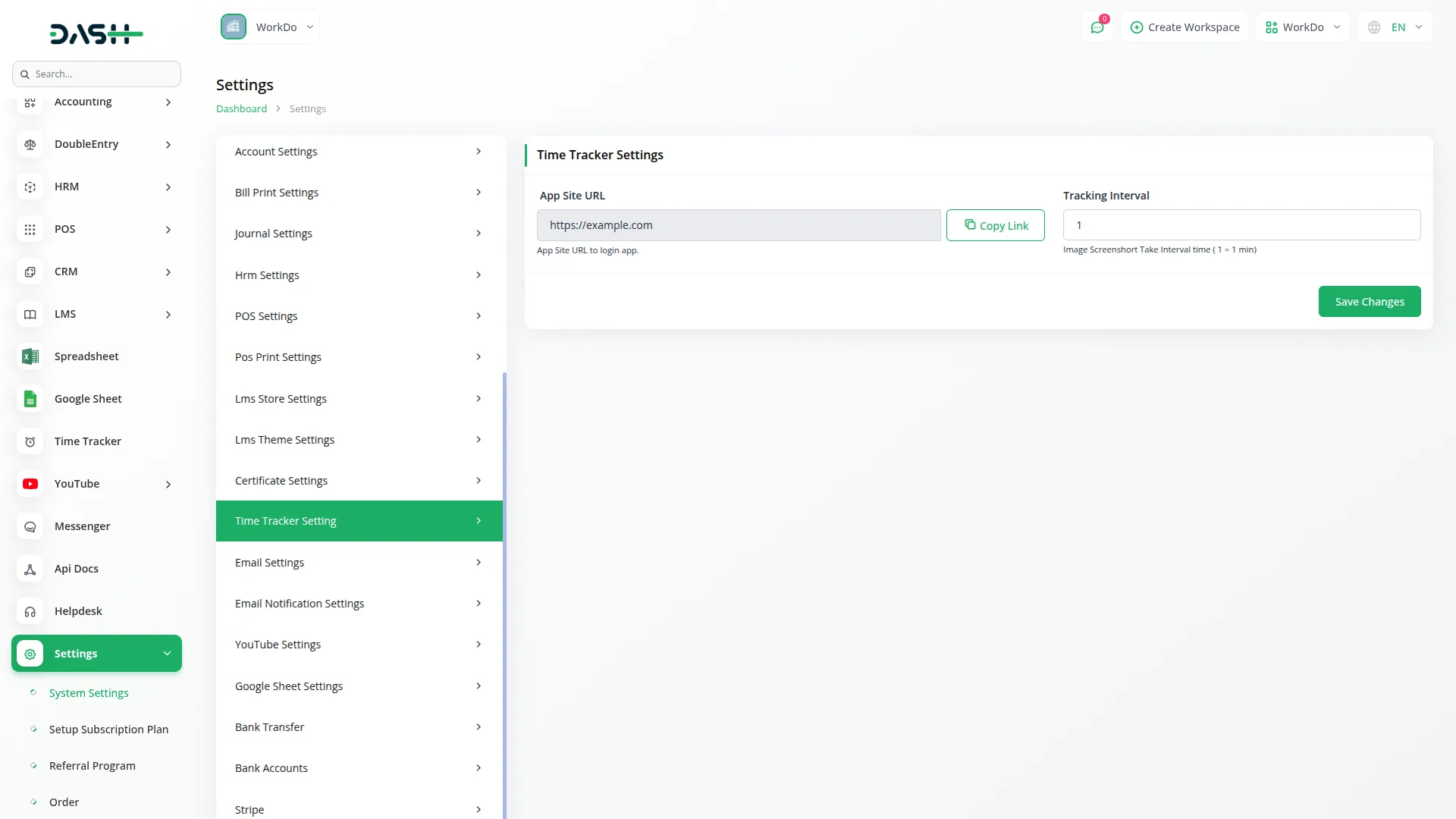
Screenshots from our system
To explore the functionality and usage of these Add-Ons, refer to the accompanying screenshots for step-by-step instructions on how to maximize their features.
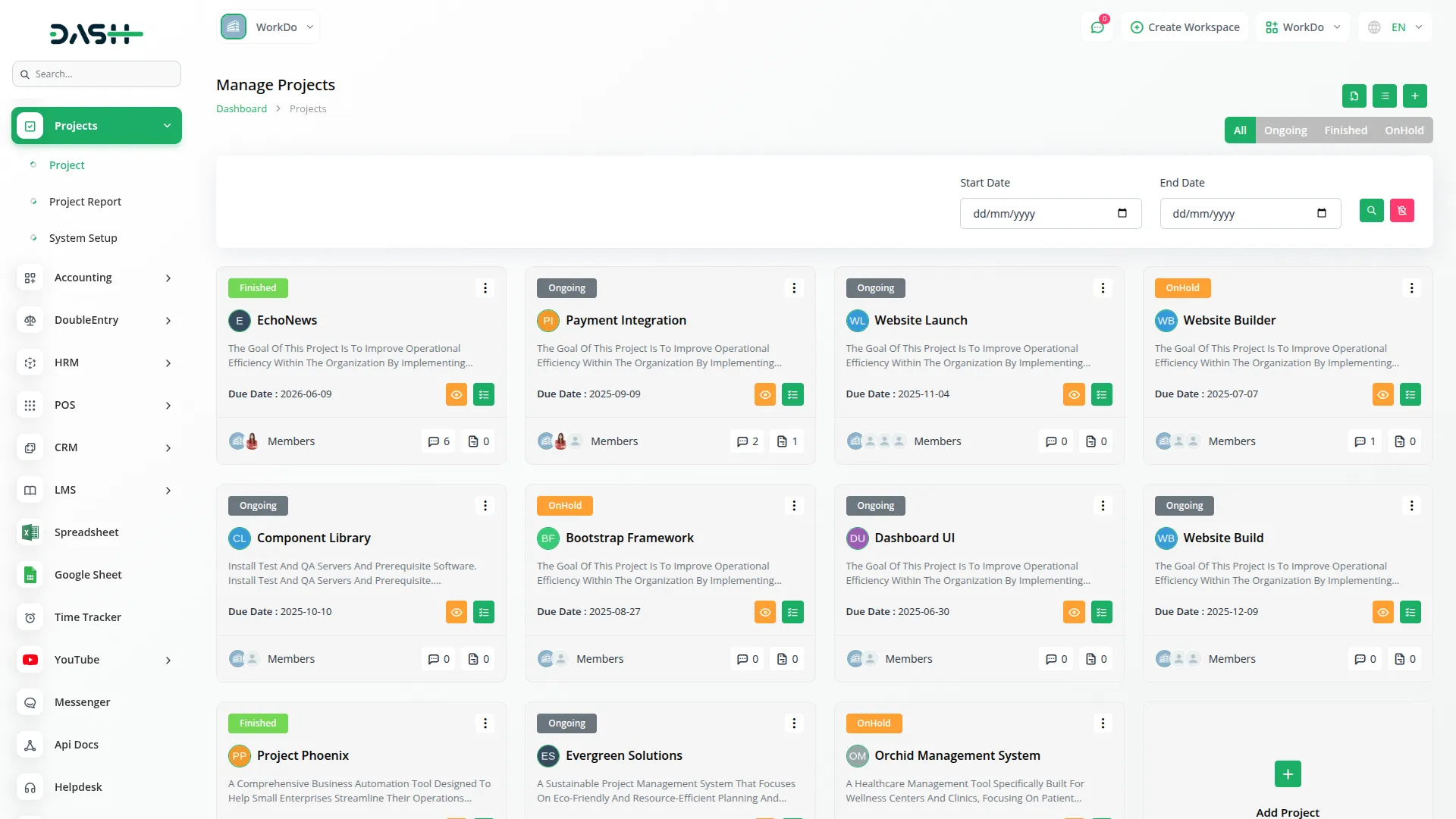
Discover More Add-Ons
Unlock even more functionality with additional Add-Ons, providing enhanced networking and customization options for your Dash SaaS experience.

UddoktaPay
Integrating the UddoktaPay payment gateway into Dash SaaS revolutionizes transaction management with a seamless and efficient payment process. UddoktaPay, renowned for its fast and secure payment system, ensures that your customers can complete transactions with ease and confidence
View More
Waste Management
The Waste Management System module is a comprehensive solution designed to streamline waste collection processes for businesses and municipalities. From submitting collection requests to managing inspections, our module offers end-to-end functionality to optimize waste management operations.
View More
Sign-In With Google
The Sign-In with Google module in Dash SaaS allows users to log in using their existing Google accounts, eliminating the need to remember additional usernames and passwords. This streamlined access enhances user convenience, making it easier for them to engage with your platform.
View More
10 reviews for Time Tracker – Dash SaaS Add-On
| 5 star | 70% | |
| 4 star | 30% | |
| 3 star | 0% | |
| 2 star | 0% | |
| 1 star | 0% |
Comments
You must be logged in to post a comment.
There are no comment yet.
Contact Us for Support :
-
You will get immediate support from our support desk. Please visit here https://support.workdo.io/
Item support includes:
- Answer pre-sale questions or query
- Answering technical questions about item's features
- Assistance with reported bugs and issues
- Help with included 3rd party assets
- Free Installation services in some cases
However, item support does not include:
- Customization services
Check Documents & Tutorials
Customization options are endless
Feature availability exceeds our expectations
Workflow is simple and intuitive
System is very stable and fast
Bugs fixed quickly and no issues so far
Documentation is structured and easy to navigate
Flexible design and functionality options
Feature availability meets all our requirements
Highly responsive and fast support team