

Strategic Model Insights
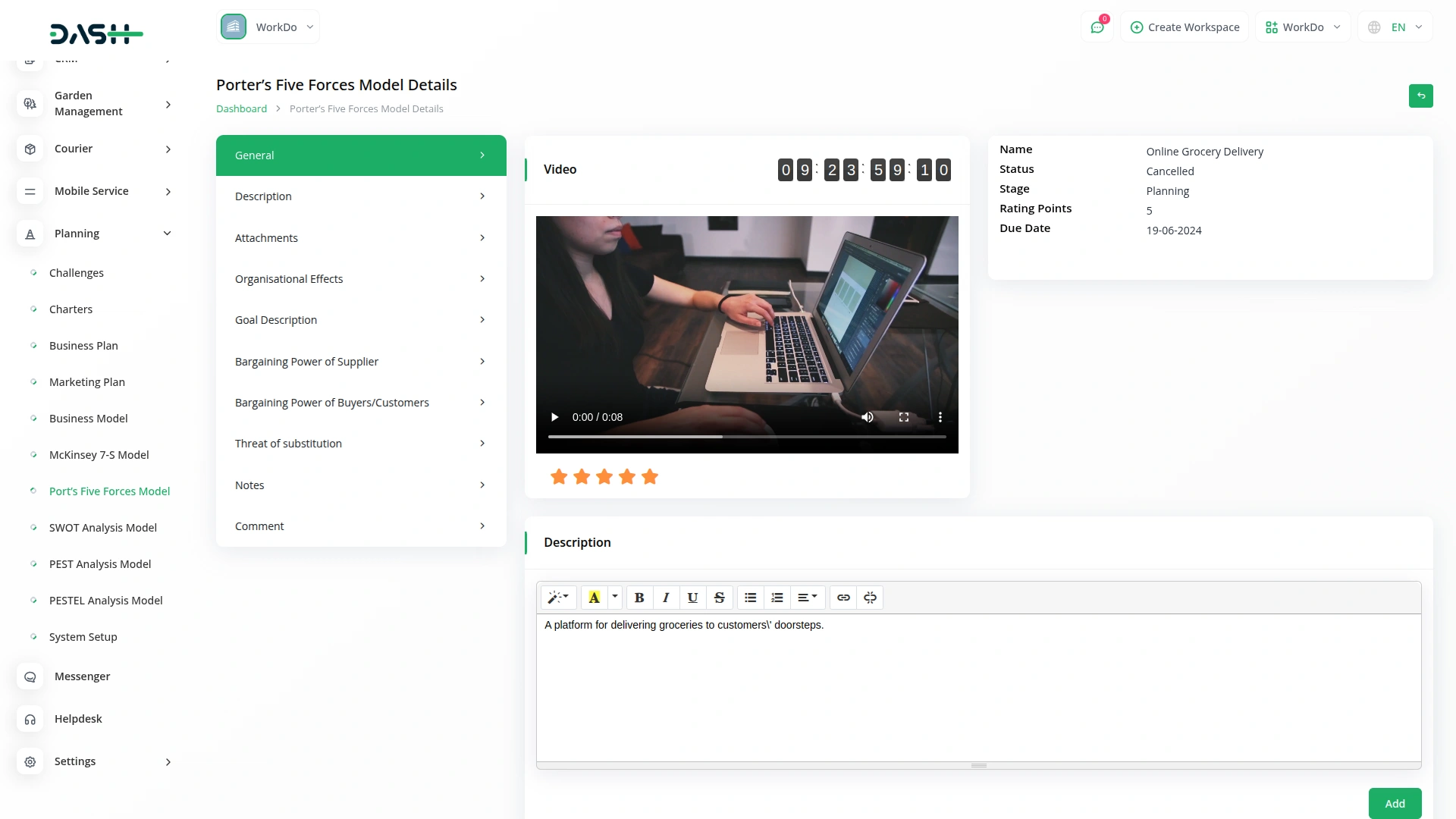
Get a comprehensive view of your Porter's Five Forces model in one place. This page displays key details like name, status, stage, rating, and all strategic inputs including supplier and buyer power, threats, and organizational effects. Attachments, notes, and comments enhance collaboration, while the rating can be updated directly for real-time insights.
Competitive Intelligence Grid
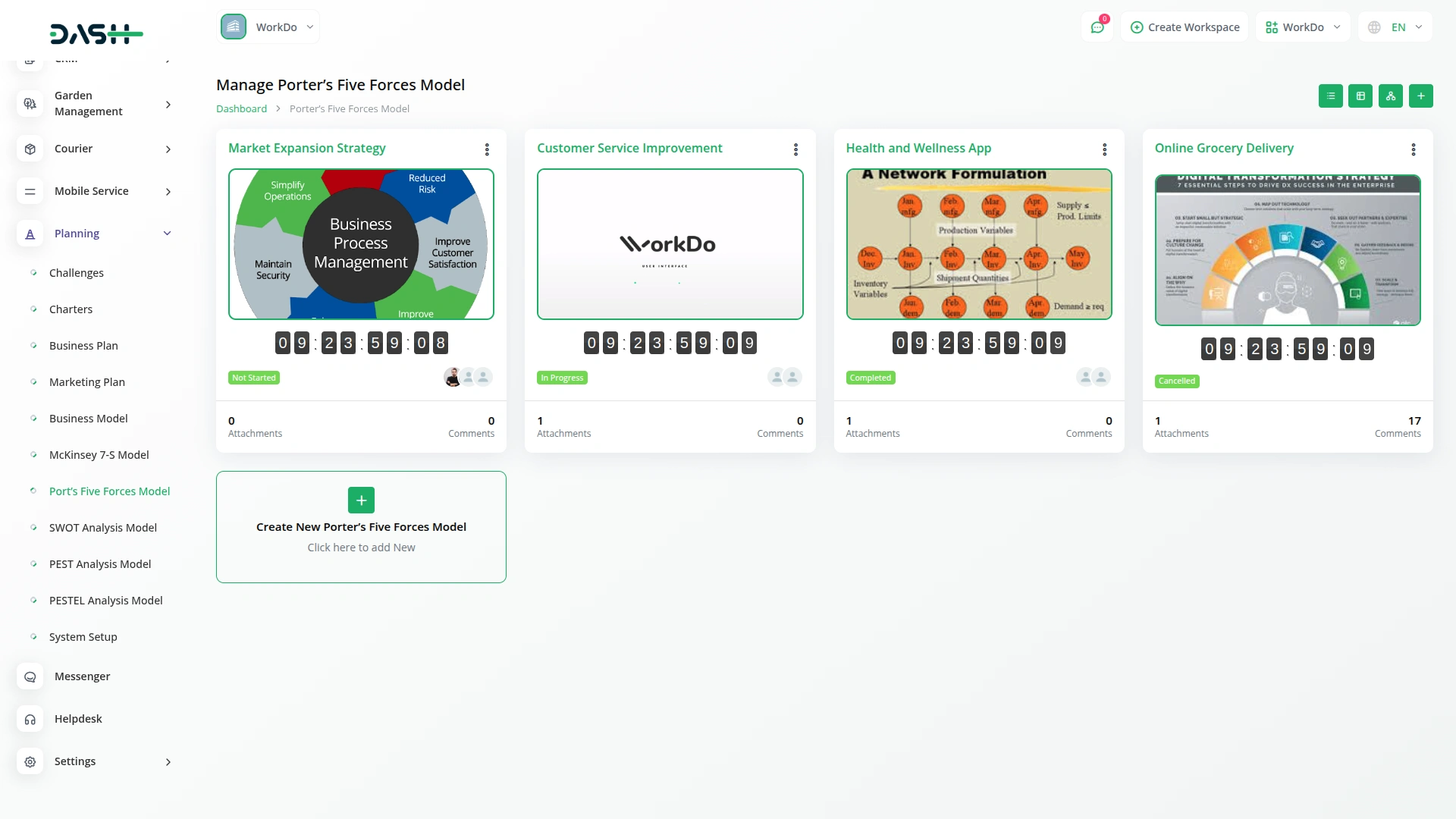
View all your Porter's Five Forces models in a structured grid layout for quick analysis and management. This section displays key details such as total comments, attachments, challenge end time with timer, and assigned users for each model. Users can easily print, edit, or delete models, making it a centralized hub for strategic planning and execution.
Kanban Strategy View
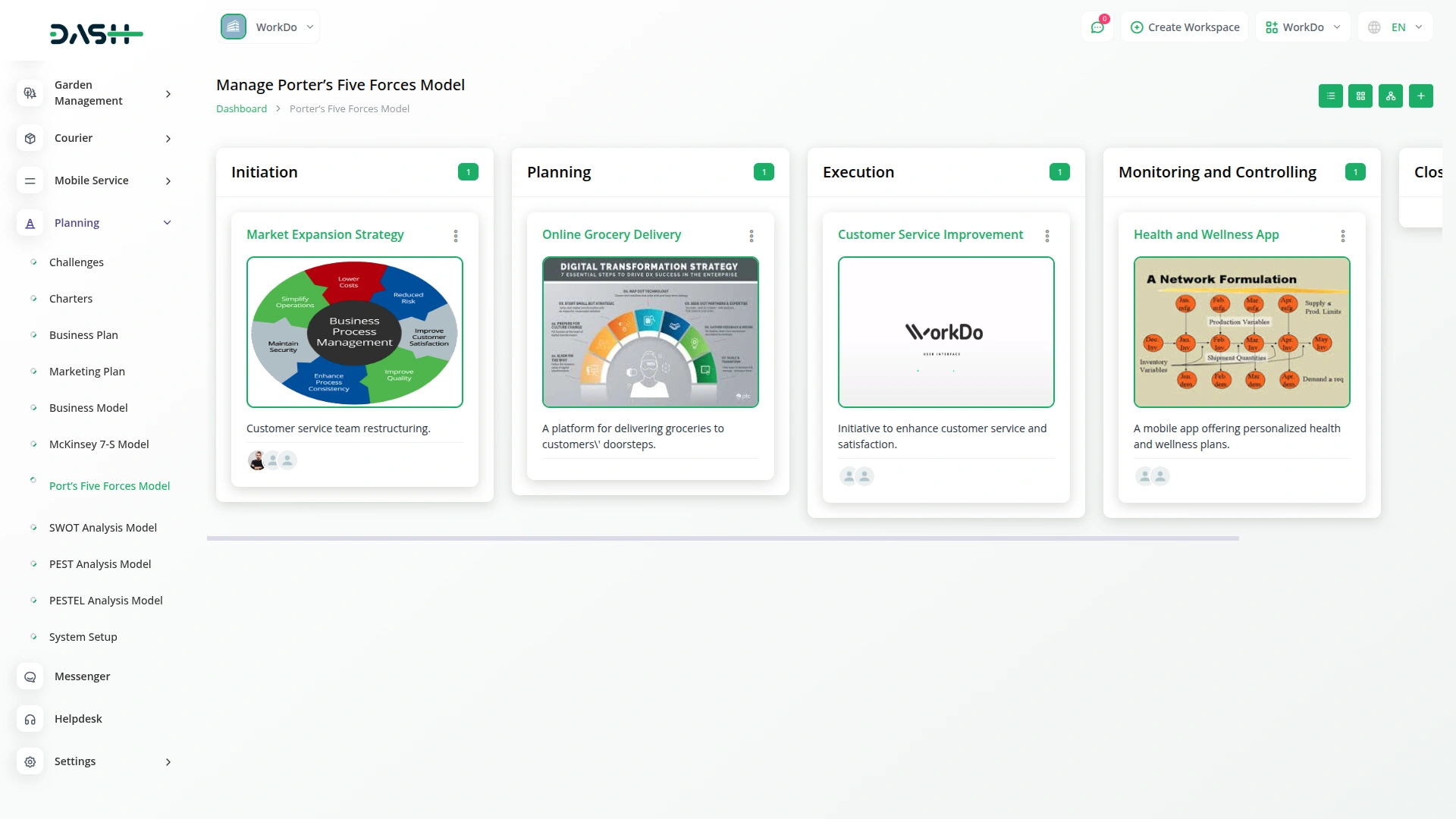
Visualize your Porter's Five Forces models in a dynamic Kanban board, organized by stages. Effortlessly drag and drop models between stages, track their progress, and manage strategic actions in real time. View total models per stage and take quick actions like edit, print, or update with ease.

Challenge-Based Tree View
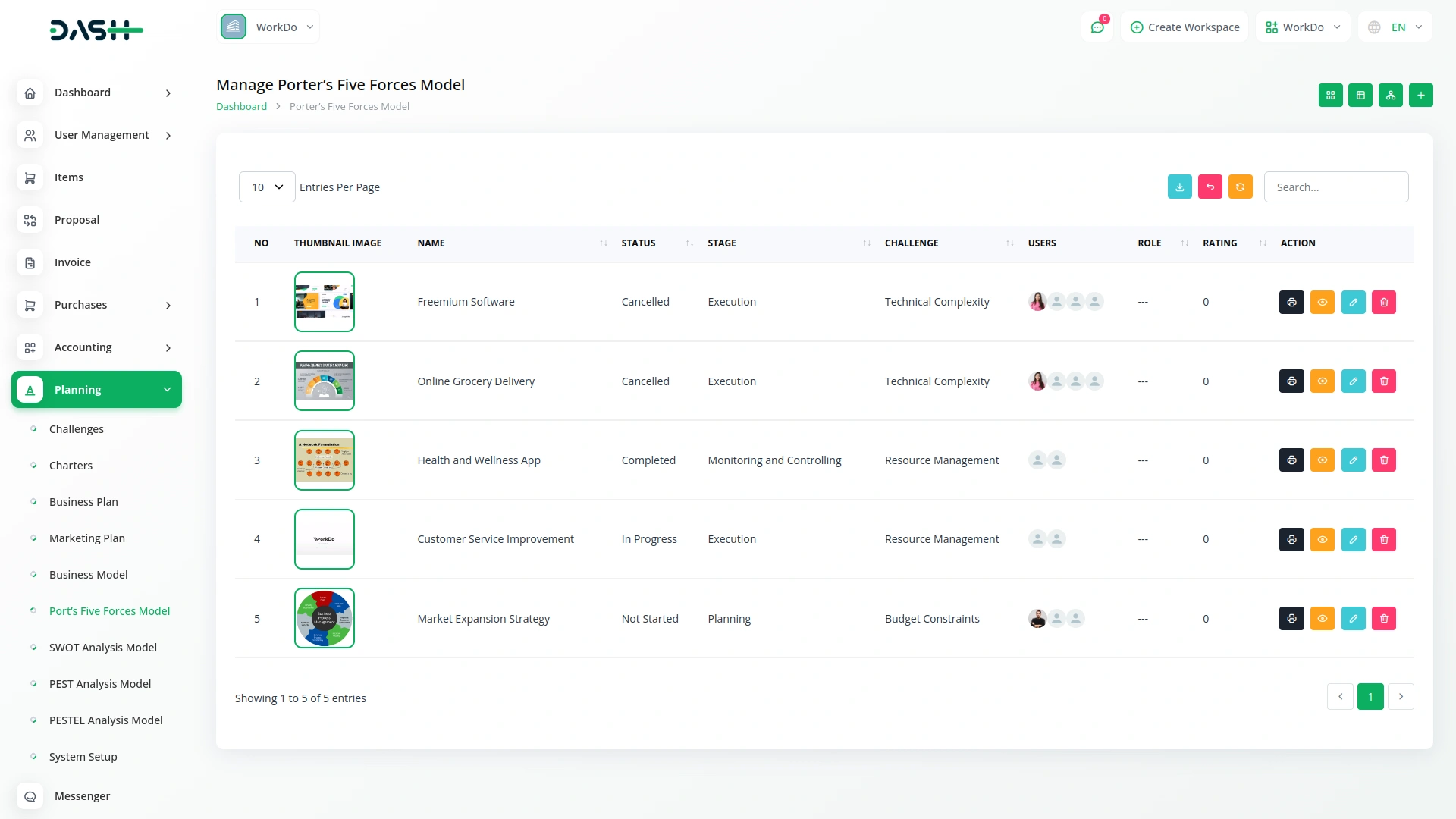
Explore your Porter's Five Forces models in a clear, tree-structured view filtered by business challenges. Select a challenge from the dropdown to visualize related models in an organized, hierarchical layout. This helps you uncover deeper insights and align strategic responses effectively.
Screenshots from our system
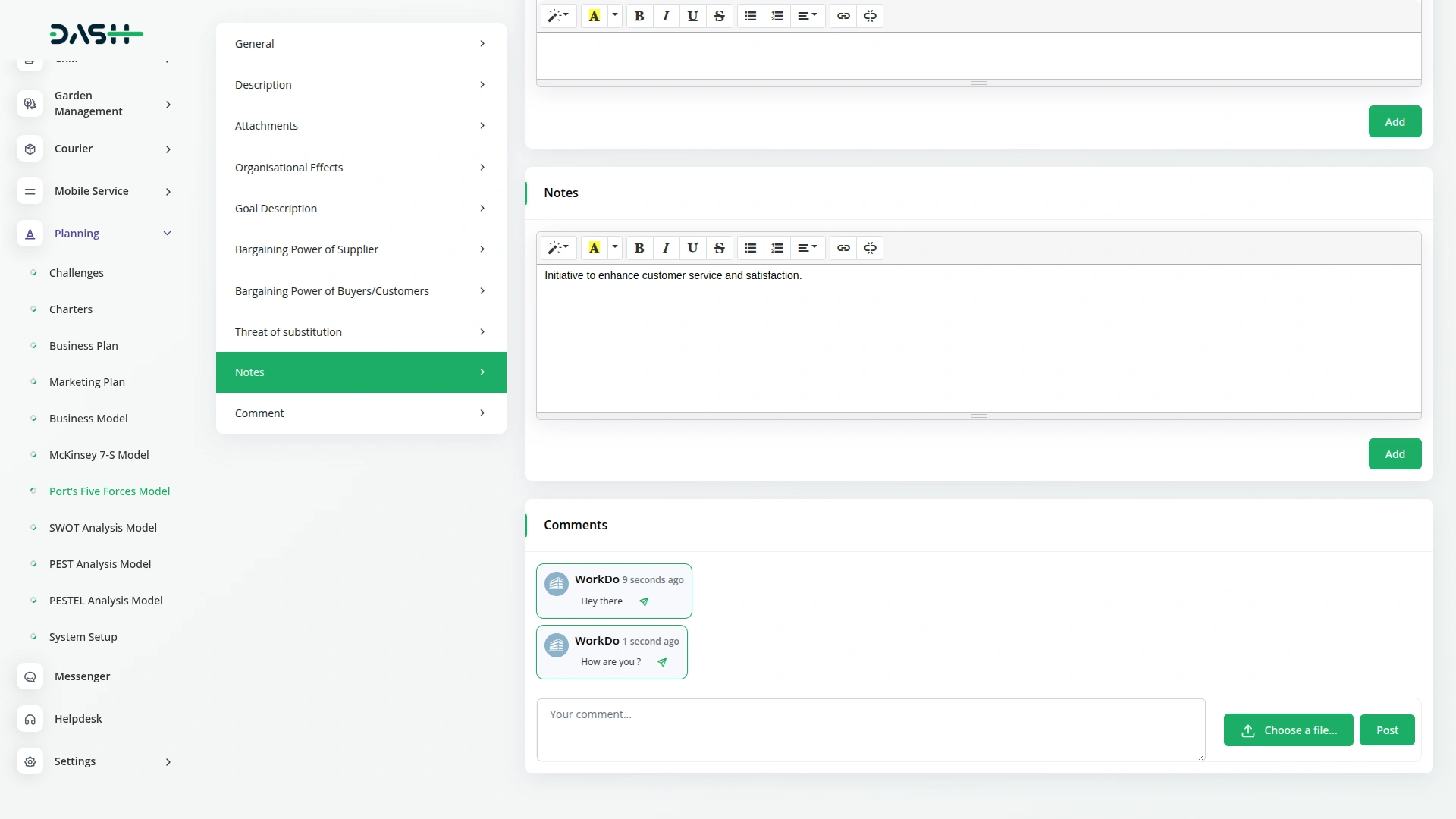
To explore the functionality and usage of these Add-Ons, refer to the accompanying screenshots for step-by-step instructions on how to maximize their features.
Discover More Add-Ons
Unlock even more functionality with additional Add-Ons, providing enhanced networking and customization options for your Dash SaaS experience.

Xendit
In the ever-evolving landscape of e-commerce and digital business, having a reliable and efficient payment gateway is paramount. Xendit, a leading fintech company, has emerged as a game-changer in this domain. With a wide range of payment solutions and a commitment to simplifying online transactions, Xendit has become the go-to choice for businesses and consumers alike.
View More
WhatsApp Messenger
In today’s fast-paced communication landscape, users seek convenience and familiarity. The WhatsApp Messenger Add-On makes it easy to meet them where they are by integrating WhatsApp directly into your platform.
View More

BitPay
The API Key Settings Page for BitPay Integration allows you to securely connect your application or website with the BitPay payment gateway. By configuring your API keys on this page, you enable your platform to interact with BitPay services, providing seamless payment processing and transaction management.
View More3 reviews for Porter’s Five Forces Model – Dash SaaS Add-On
| 5 star | 66% | |
| 4 star | 33% | |
| 3 star | 0% | |
| 2 star | 0% | |
| 1 star | 0% |
Comments
You must be logged in to post a comment.
There are no comment yet.
Contact Us for Support :
-
You will get immediate support from our support desk. Please visit here https://support.workdo.io/
Item support includes:
- Answer pre-sale questions or query
- Answering technical questions about item's features
- Assistance with reported bugs and issues
- Help with included 3rd party assets
- Free Installation services in some cases
However, item support does not include:
- Customization services
Check Documents & Tutorials
Great technical support
Unterstützungsteam reagiert extrem schnell
Features match our exact needs