
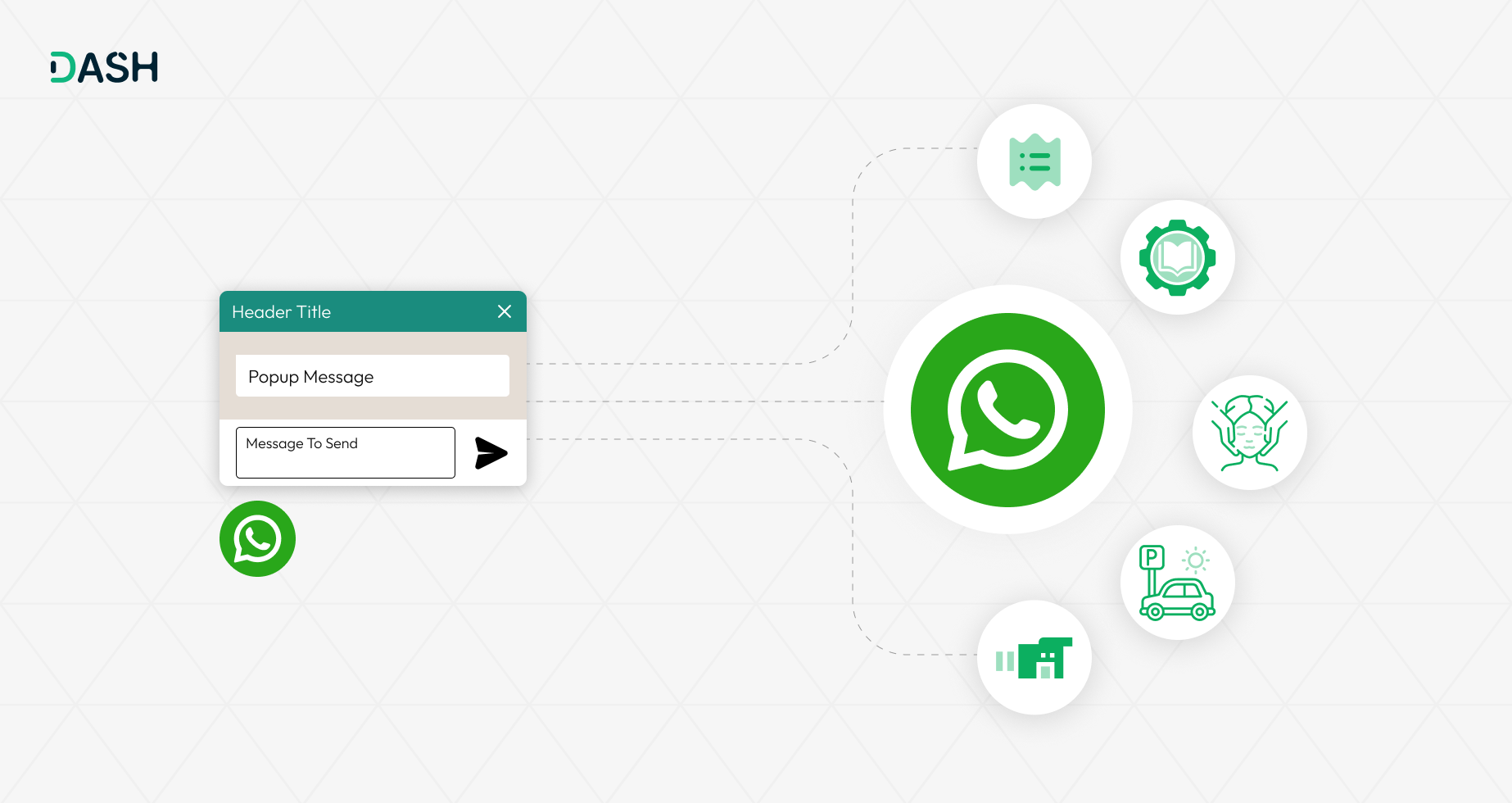
In today’s fast-paced communication landscape, users seek convenience and familiarity. The WhatsApp Messenger Add-On makes it easy to meet them where they are by integrating WhatsApp directly into your platform. This powerful tool allows your team to connect with users on a channel they trust and use daily. The result is deeper engagement, faster responses, and a significantly enhanced user experience.
Connect with Other Add-Ons
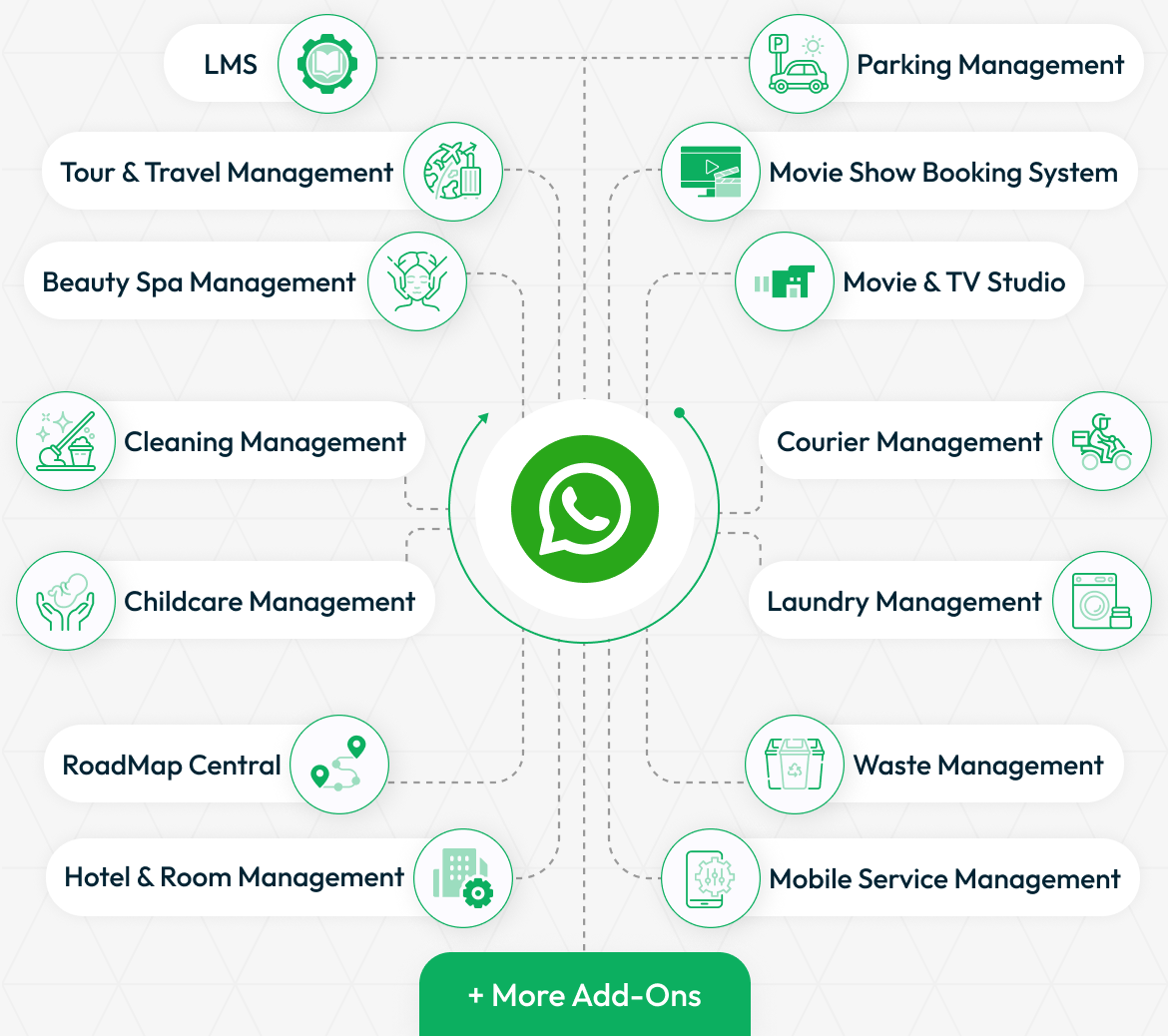
The WhatsApp Messenger Add-On works in harmony with a wide range of Add-Ons to streamline communication and support workflows. This integration centralizes user interactions, giving your support team quick access to messages across different services, improving team efficiency, response time, and customer satisfaction.
Setting Up WhatsApp Messenger Integration
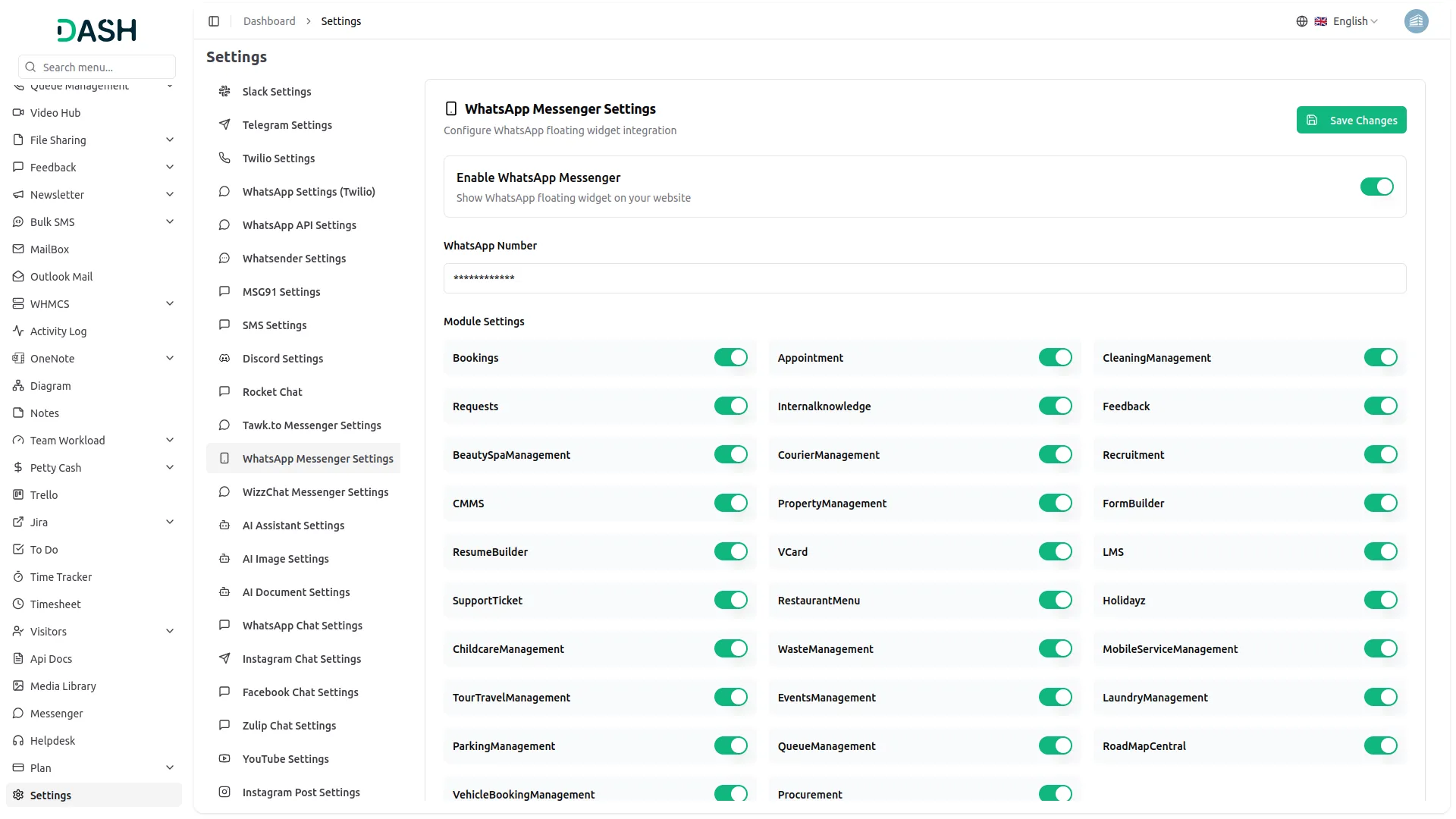
To enable WhatsApp Messenger integration, start by securing your WhatsApp contact number, which is essential for activation. Navigate to your platform’s system settings and access the WhatsApp Messenger configuration section. From there, simply enter your WhatsApp number, enable the desired services, and click “Save.” This streamlined setup activates the real-time chat functionality, allowing your team to connect with users instantly and manage conversations efficiently, all within just a few clicks.
Real-Time Conversations That Drive Satisfaction
WhatsApp Messenger supports instant, one-on-one conversations between your team and your customers. This direct channel reduces support wait times and creates a smoother, more personalized experience. By resolving issues on the spot, you increase user satisfaction and reinforce trust in your service.
Transform Your Support with WhatsApp
Integrating WhatsApp Messenger into your system gives your business a competitive edge by enabling real-time, reliable communication. It strengthens your ability to connect with users instantly, respond to their needs promptly, and resolve issues without delay. By being just one message away, you show users that support is always accessible, building trust and long-term loyalty.
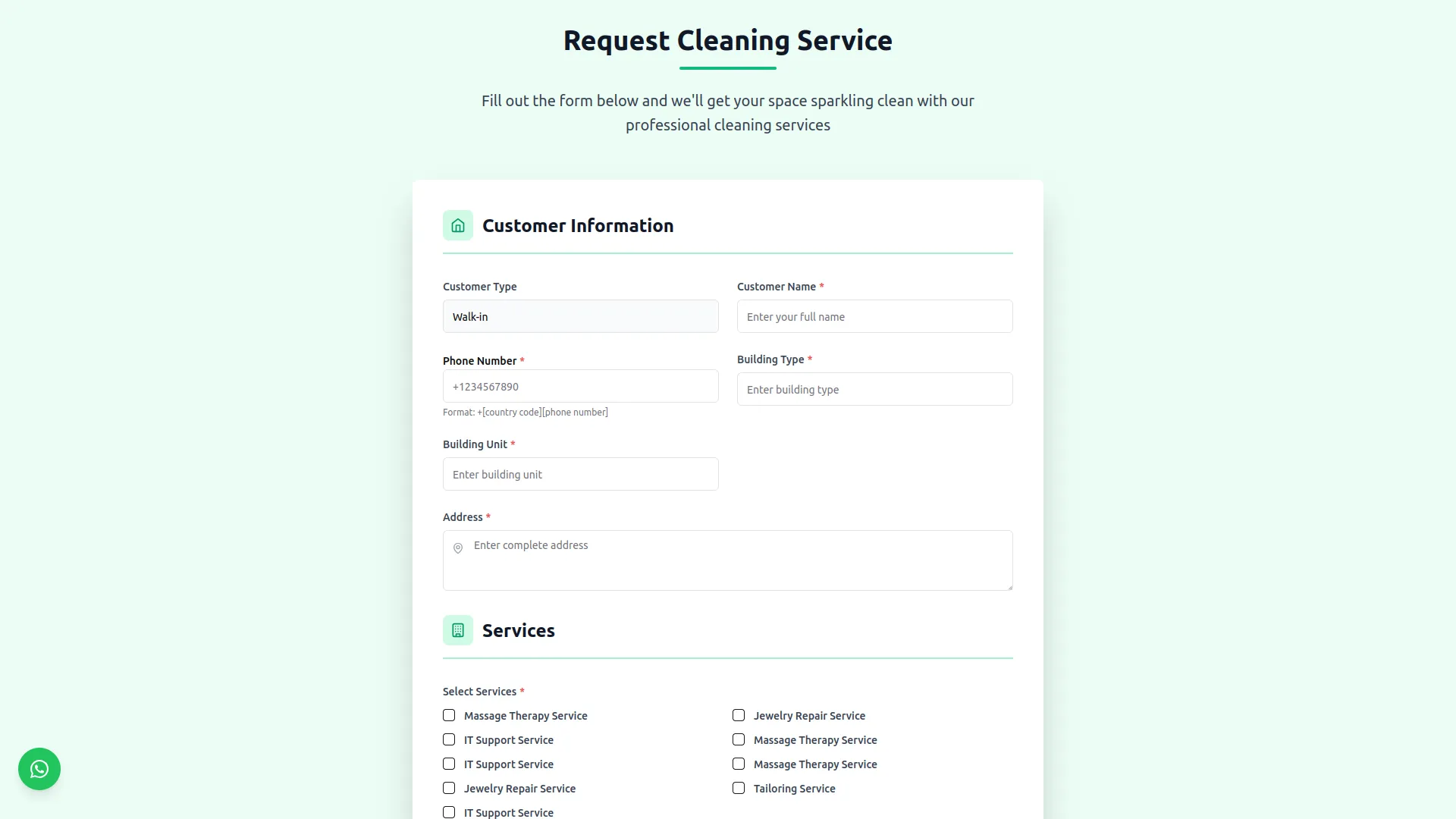
Screenshots from our system
To explore the functionality and usage of these Add-Ons, refer to the accompanying screenshots for step-by-step instructions on how to maximize their features.
Discover More Add-Ons
Unlock even more functionality with additional Add-Ons, providing enhanced networking and customization options for your Dash SaaS experience.

OneDrive
Discover the freedom of accessing your OneDrive files directly from Workdo-dash. No more switching between applications or dealing with cumbersome downloads. With this integration, your OneDrive documents, files, and folders are at your fingertips, effortlessly accessible within the Workdo-dash interface. Edit and view a wide range of file types – from Word documents to Excel spreadsheets, text files, and images – using the Viewer/Editor, all without the need to save files locally.


Plaid
Plaid is a financial technology company that provides a platform for connecting various financial institutions with applications and services. It offers a set of tools and APIs (Application Programming Interfaces) that enable developers to securely access and use financial data from different banks and credit cards.

Bug free updates
The support team went above and beyond to ensure our integration was smooth, offering helpful advice and timely responses.
The add-on provides a secure connection to WhatsApp, ensuring that all messages are encrypted and safe from unauthorized access.
★★★★★
The WhatsApp Messenger add-on enables instant messaging, making it easy to connect with customers in real-time for support and inquiries.
This add-on integrates WhatsApp effortlessly into our system, allowing us to communicate directly with clients and users within our platform.