


The Game Zone Add-On centralizes gaming facility management, streamlining zones, game libraries, player profiles, rentals, food orders, and memberships. It provides a complete, integrated view of operations, ensuring smooth workflows and accurate tracking across all activities.
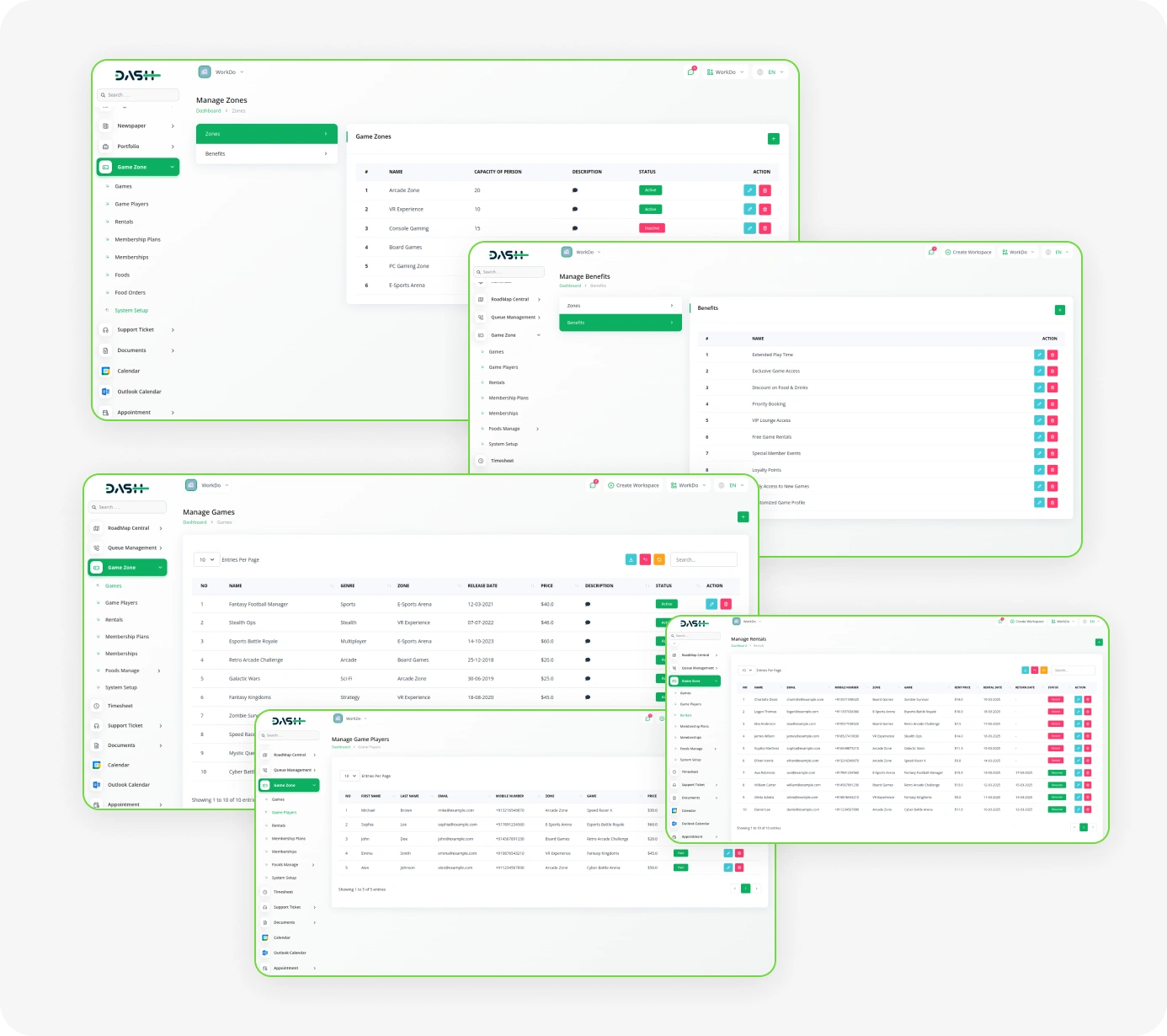
Comprehensive Gaming Operations Suite
- Zone Configuration
- Game Management
- Player Management
- Game Rental Tracking
- Membership Plans
- Membership Management
- Food Item Control
- Food Order Management
- Payment Tracking
- Game Benefit Management
Gaming Zone & Facility Management
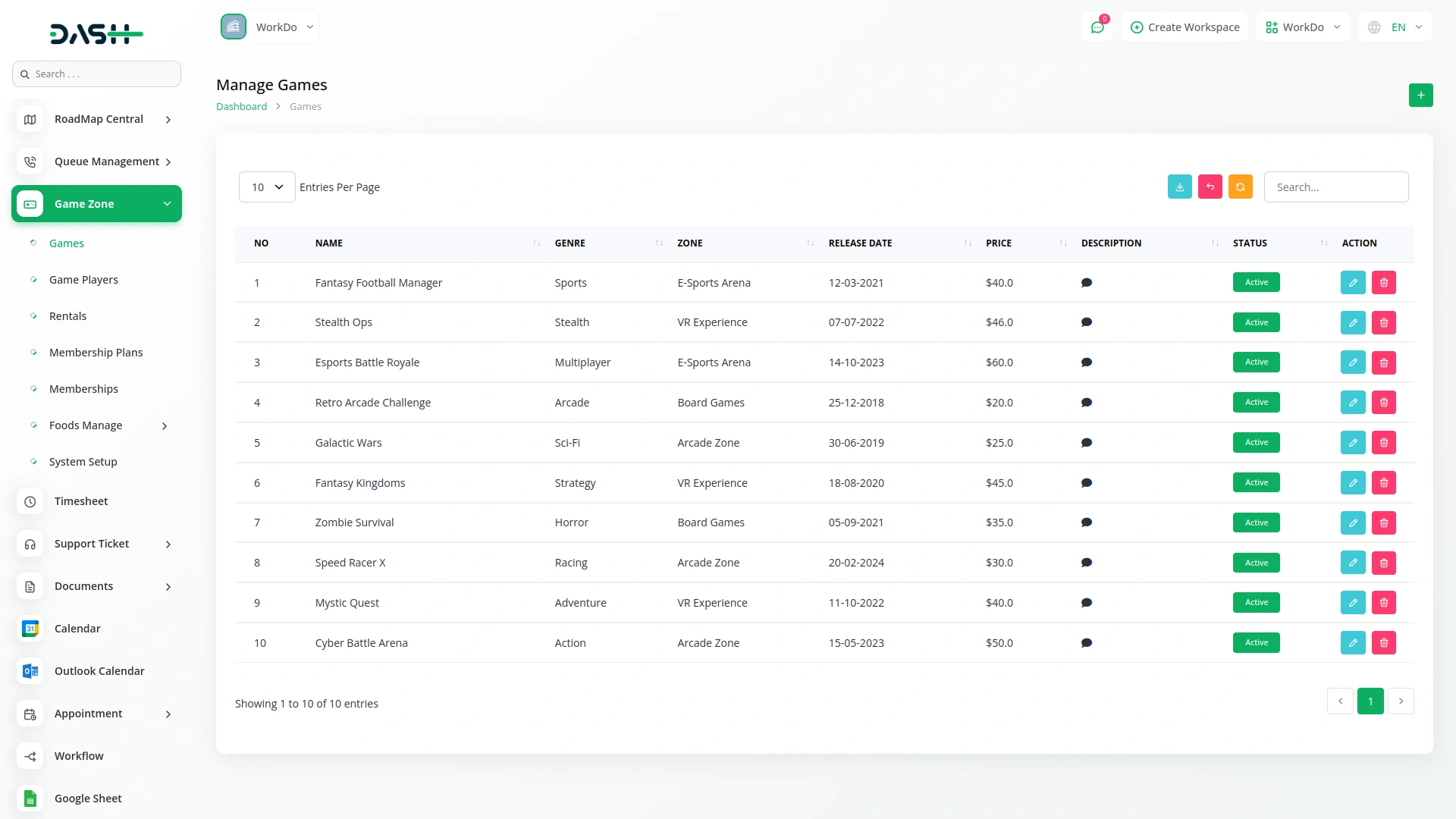
Running a gaming facility requires managing multiple spaces, games, and availability simultaneously. The Game Zone Add-On centralizes your facility, letting you define zones and their capacities. You can organize a complete game library, categorizing, pricing, and assigning games to zones. This setup ensures clear visibility of availability and keeps the entire system running smoothly.
- Divide facility into zones with capacities and availability statuses.
- Track games by genre, pricing, limits, and zones.
- Separate active and inactive games or zones effectively.
- Integrate all data into rentals, memberships, orders automatically.
Player & Customer Management
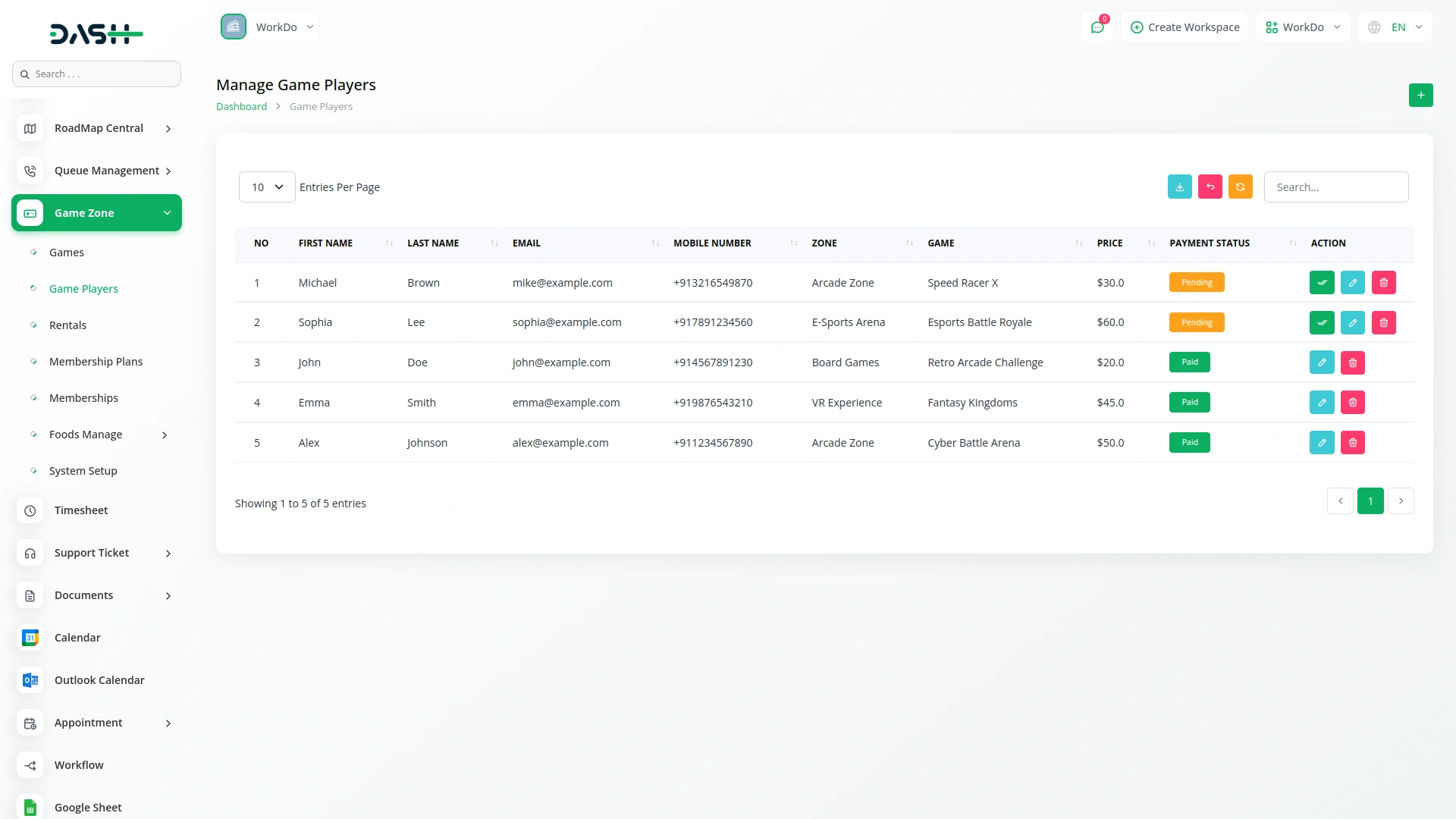
Every gaming business relies on knowing its players. This module lets you register and manage player profiles, storing essential contact and personal information in one place. Instead of scattered spreadsheets or separate tools, administrators have a single, searchable record for each player. These profiles link directly to rentals, memberships, and food orders, giving a complete view of player activity.
- Keep full player profiles with contact and personal details.
- Connect player records to rentals, memberships, and orders.
- Find any player record quickly without manual searching.
- Update or review player information anytime without losing data.
Rental & Booking Management
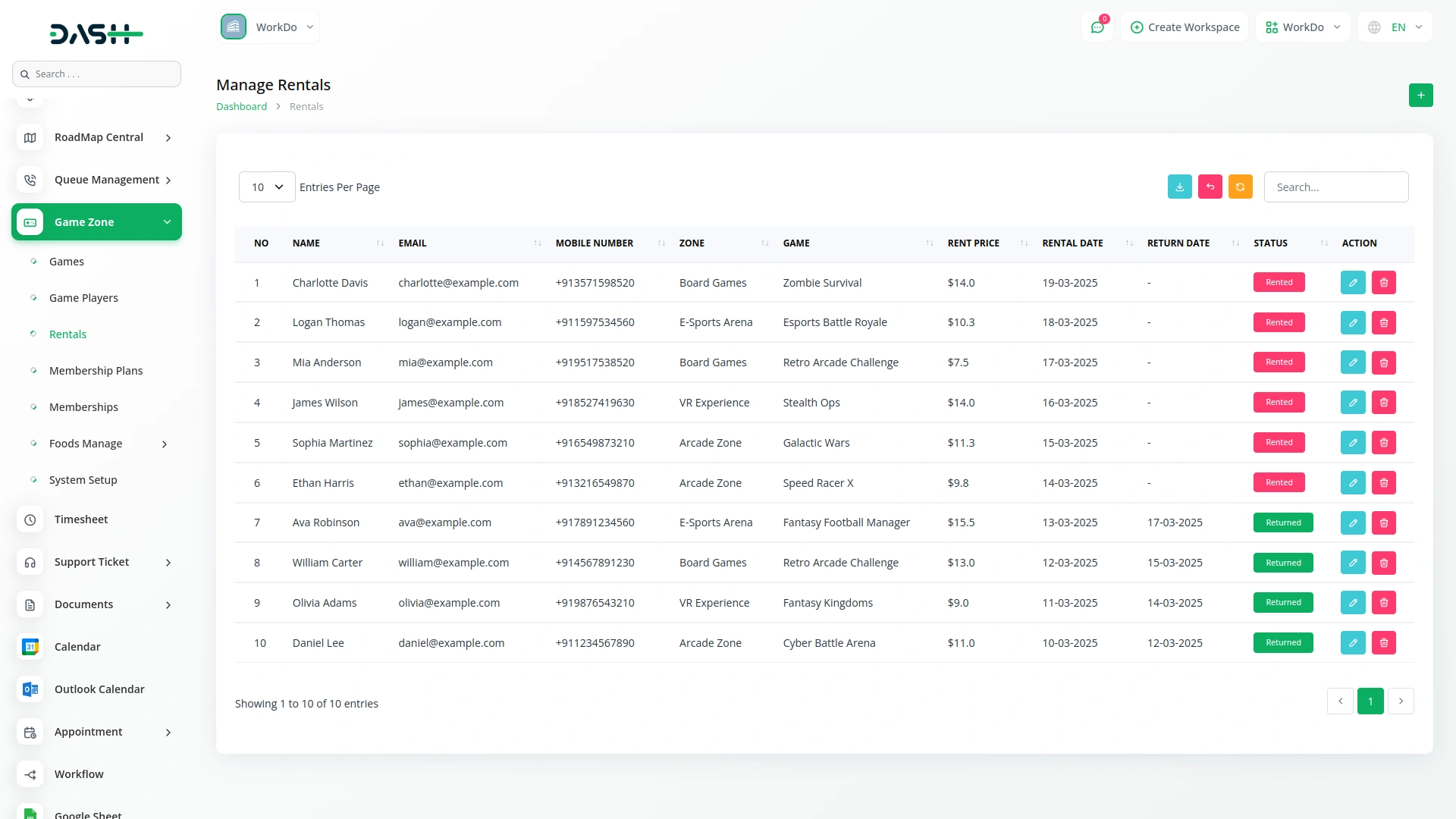
Game rentals are a core revenue activity, and managing them manually can lead to errors. This module handles the full rental lifecycle, from assigning games to tracking returns and payments. Each rental is clearly monitored by return and payment status, ensuring nothing is missed. Invoices can be generated directly from rental records, keeping all financial documentation organized.
- Track every rental from creation to return status clearly
- Assign rentals to players, games, zones simultaneously efficiently
- Monitor payment status separately for accurate financial tracking
- Generate rental invoices directly inside system without switching tools
Food Service & Order Management
For gaming venues with on-site food and beverages, managing orders separately adds complexity. This module integrates food service into the platform, letting administrators maintain a categorized menu with pricing and zone assignments. Player orders with multiple items are processed in a single record, with totals calculated automatically. Each order moves through defined fulfillment stages, keeping kitchen staff and administrators in sync.
- Manage full food and beverage menu by zones
- Process multi-item orders with automatic total calculations
- Link food orders to players and zones accurately
- Track each order through all fulfillment stages efficiently
Membership & Payment Management
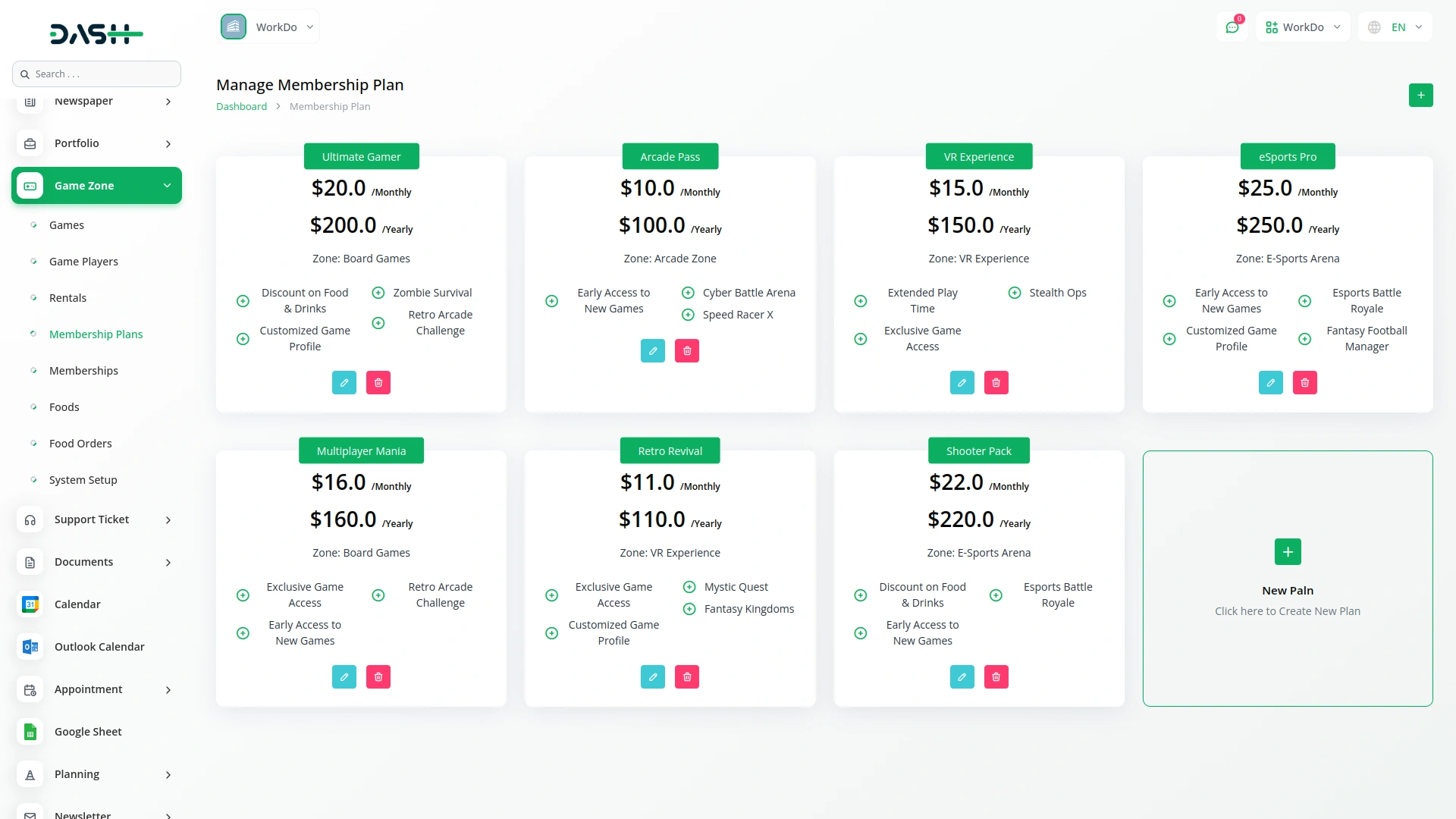
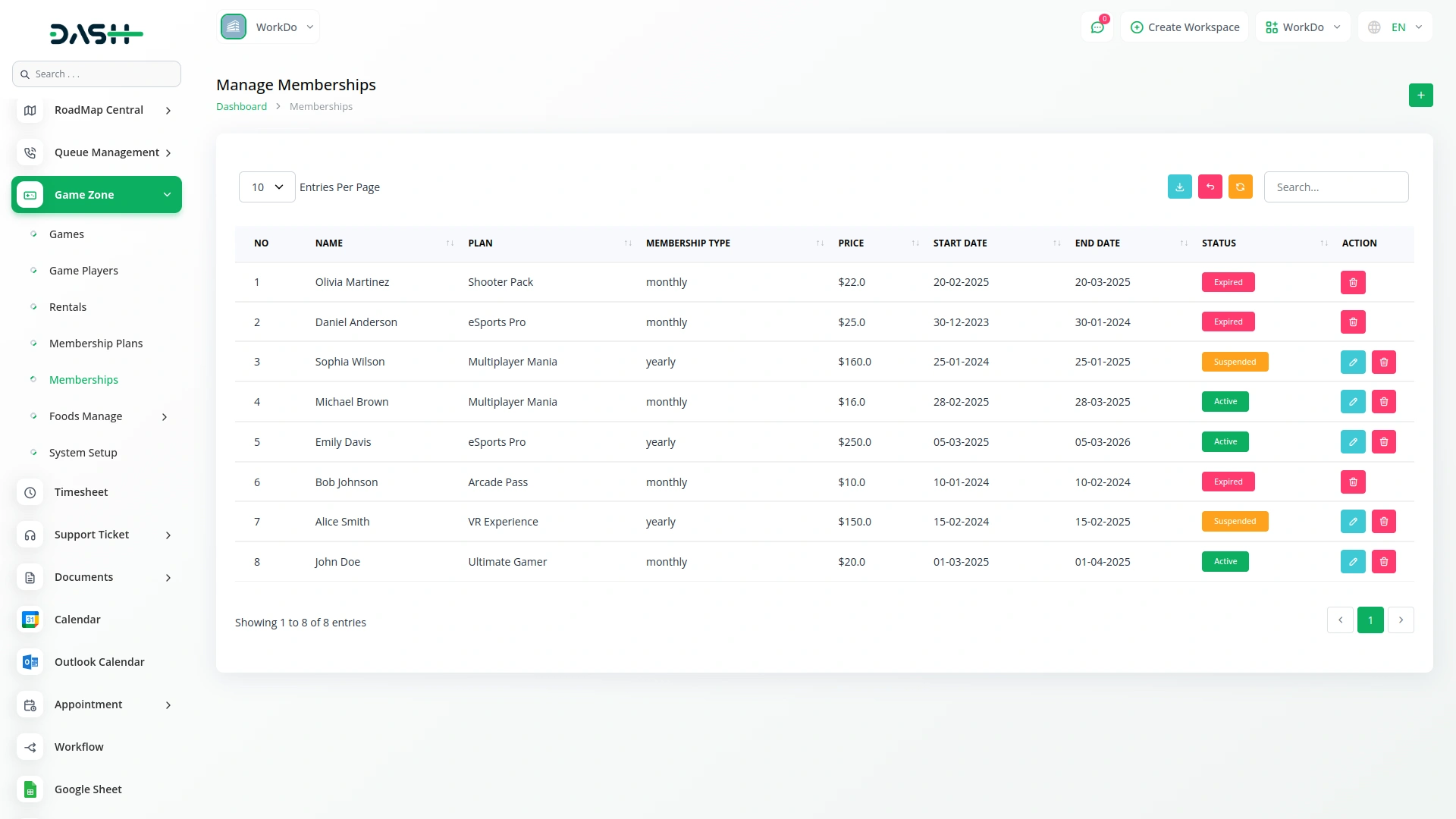
Recurring memberships are a key way to build a loyal player base, and this module makes them easy to manage. Administrators can create flexible monthly or yearly plans, attach games and benefits, and enroll players with automatic pricing and dates. Payments are tracked separately with their own status flow. A dedicated overview ensures every transaction, from memberships, rentals, or food orders, is visible and accounted for in one place.
- Create membership plans with tiers, access, assigned benefits
- Enroll players with auto-calculated pricing and duration
- Track membership status as active, suspended, expired, cancelled
- Manage all payments with clear status and references

Screenshots from our system
To explore the functionality and usage of these Add-Ons, refer to the accompanying screenshots for step-by-step instructions on how to maximize their features.
Discover More Add-Ons
Unlock even more functionality with additional Add-Ons, providing enhanced networking and customization options for your Dash SaaS experience.

Sports Club & Academy Management
The Sports Club & Academy Management Add-On simplifies the end-to-end operations of sports facilities, including ground bookings, membership plans, coach schedules, training sessions, and event organization.


franchise-management
Our comprehensive Franchise Management Add-On revolutionizes multi-location business operations through a unified platform that integrates all critical business functions.

HubSpot
HubSpot is an integrated customer platform that empowers scaling businesses to provide exceptional customer experiences. It offers a cohesive solution, combining powerful tools that work seamlessly together. With HubSpot, the focus is on prioritizing customers, ensuring easy customization, and fostering team collaboration through its Smart CRM. Ultimately, HubSpot helps businesses create delightful customer interactions.
System performance exceeded our expectations