
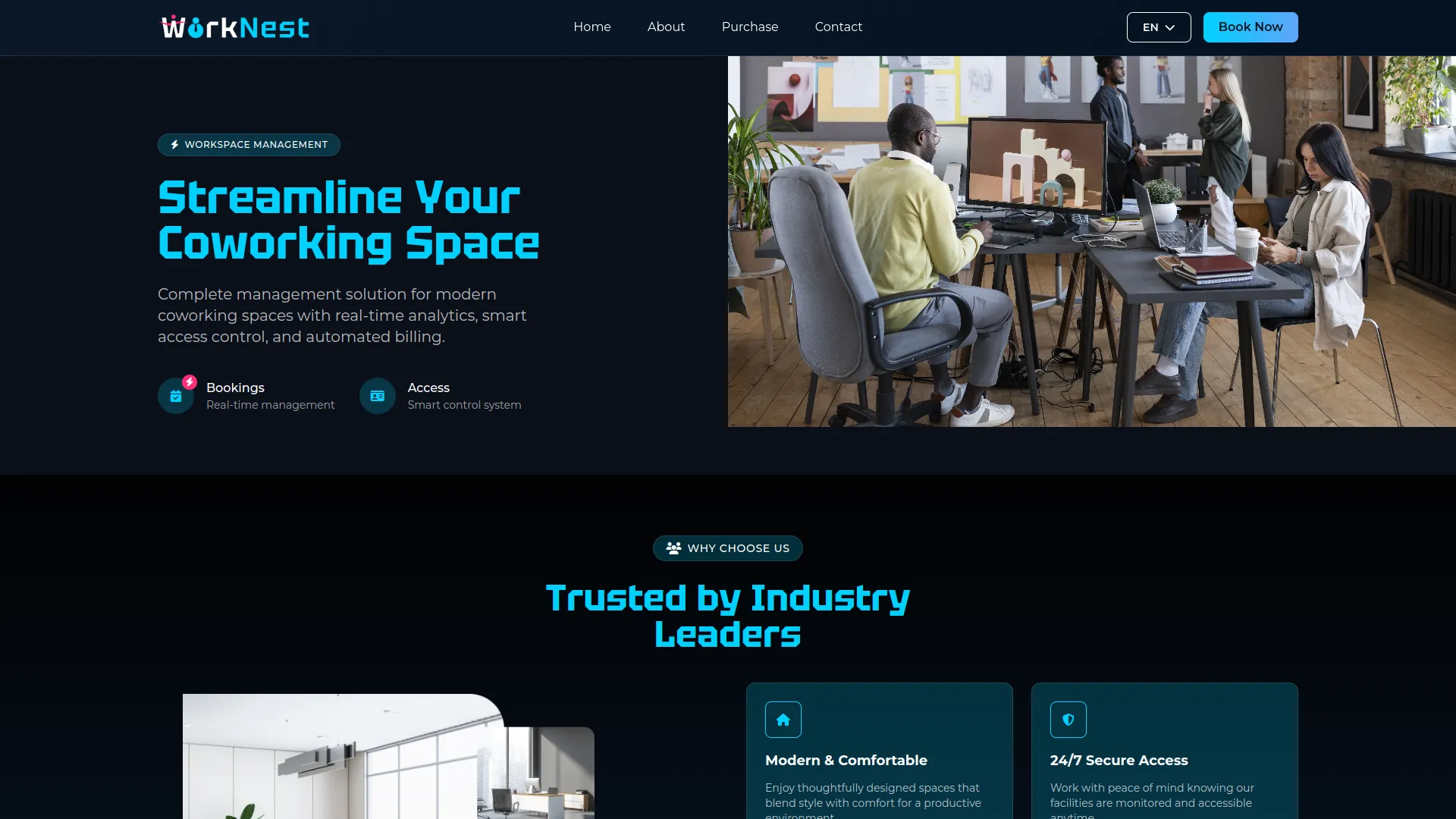
Manage your coworking space effortlessly with a single Add-On that handles bookings, memberships, and website content. Keep your online presence, brand, and operations fully up to date, accurate, and under your control, no coding required.
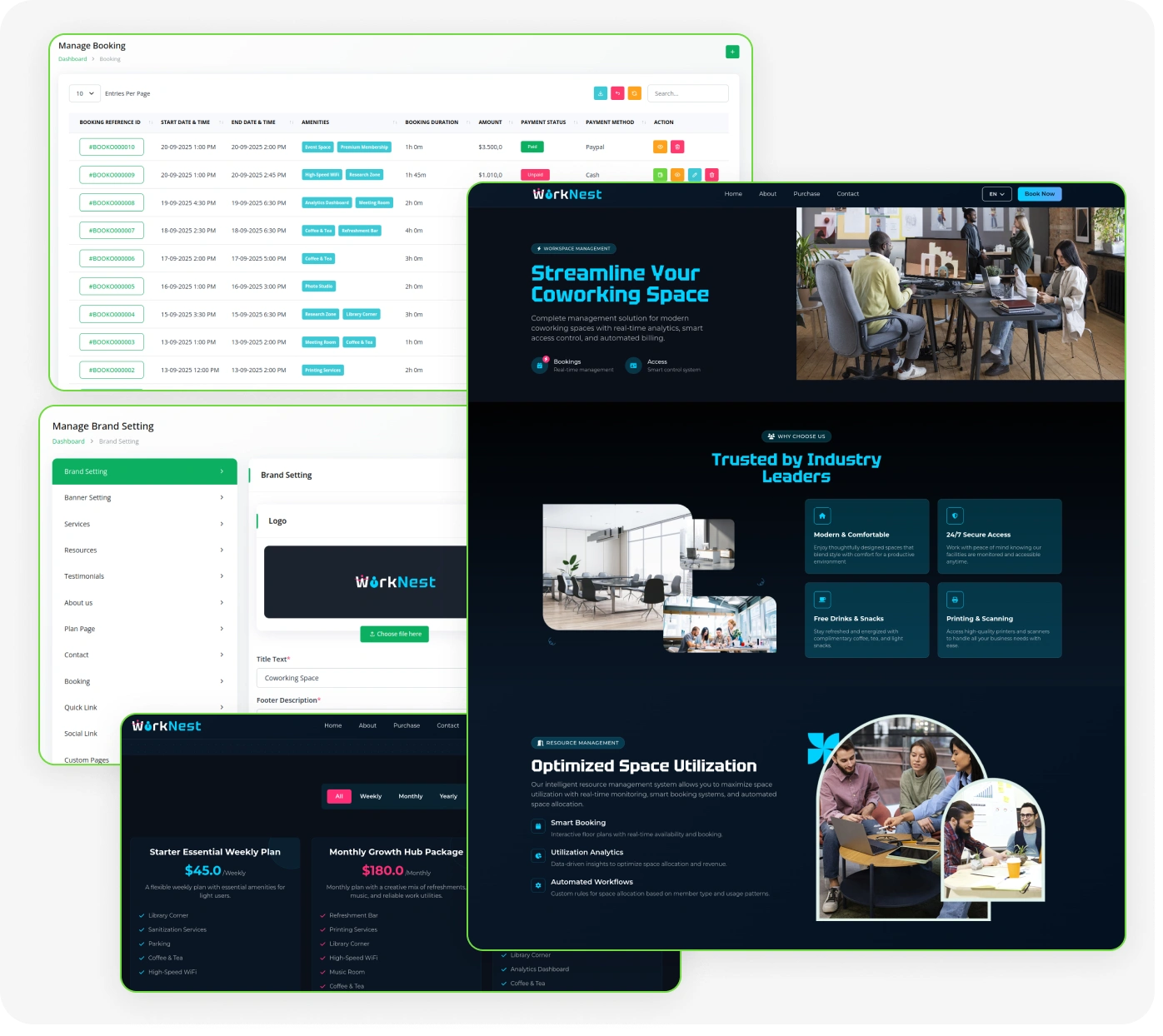
Coworking Booking & Membership System
- Centralized Space Dashboard
- Real-Time Performance Metrics
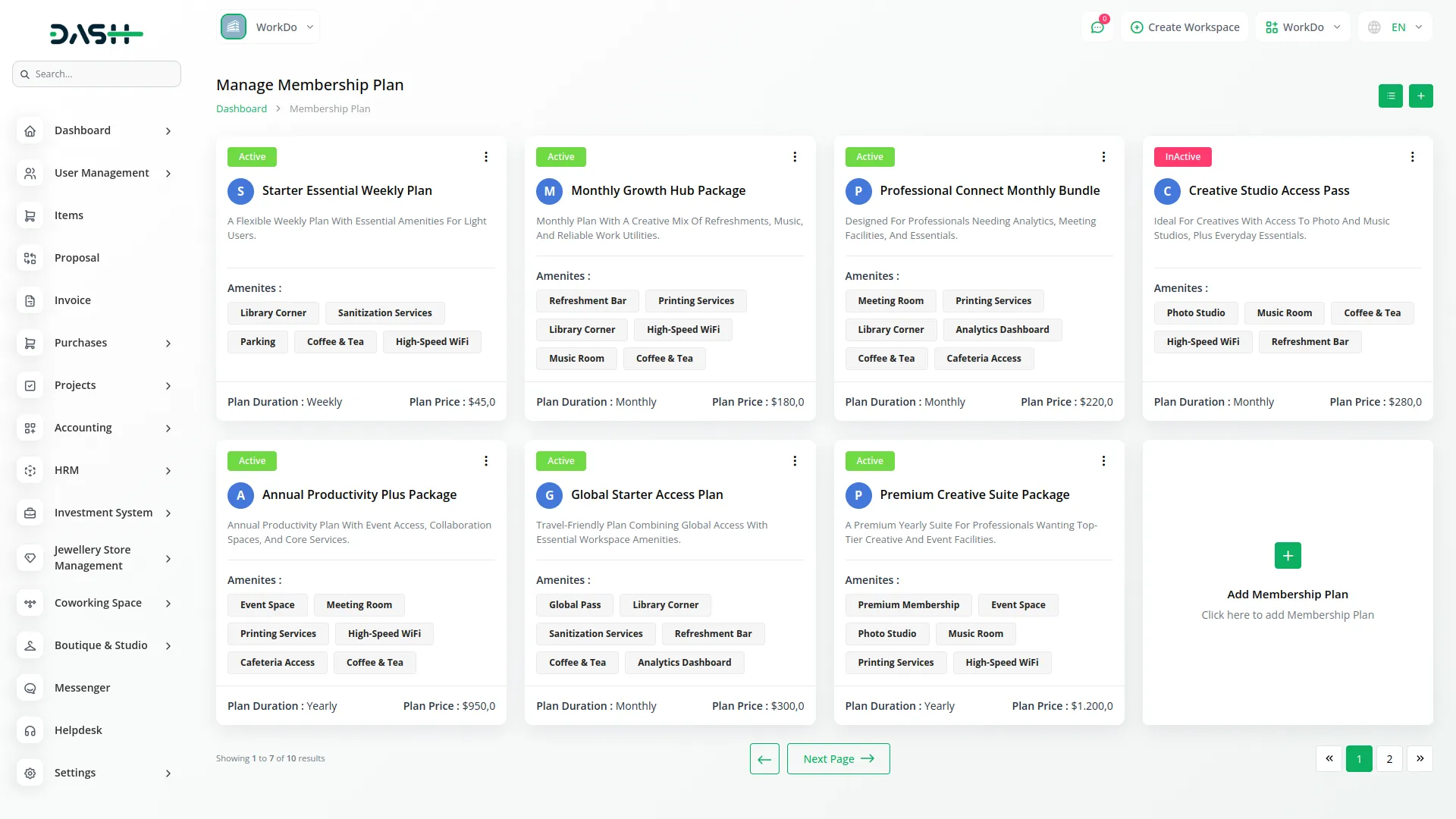
- Booking Management
- Membership Plan Control
- Amenity Management
- Website Content Builder
- Newsletter Subscriber Tracking
- Contact Inquiry Management
- Custom Page Creation
- Brand & Footer Customization
Booking and Membership Management
Administrators can create, review, and manage all bookings and memberships from organized tables in the backend. Bookings can be created manually by entering customer details, selecting amenities, setting a date and time range, and assigning a bank account. Memberships follow an approval workflow where administrators can approve or reject pending entries before access is granted. Once confirmed, payment statuses, plan expiry dates, and member counts are all tracked and reflected on the dashboard automatically.
- Admins manage bookings and memberships from backend tables
- Membership approvals control access and track expiry automatically
- Dashboard updates totals, revenue, and confirmed entries automatically
Website Theme Customisation
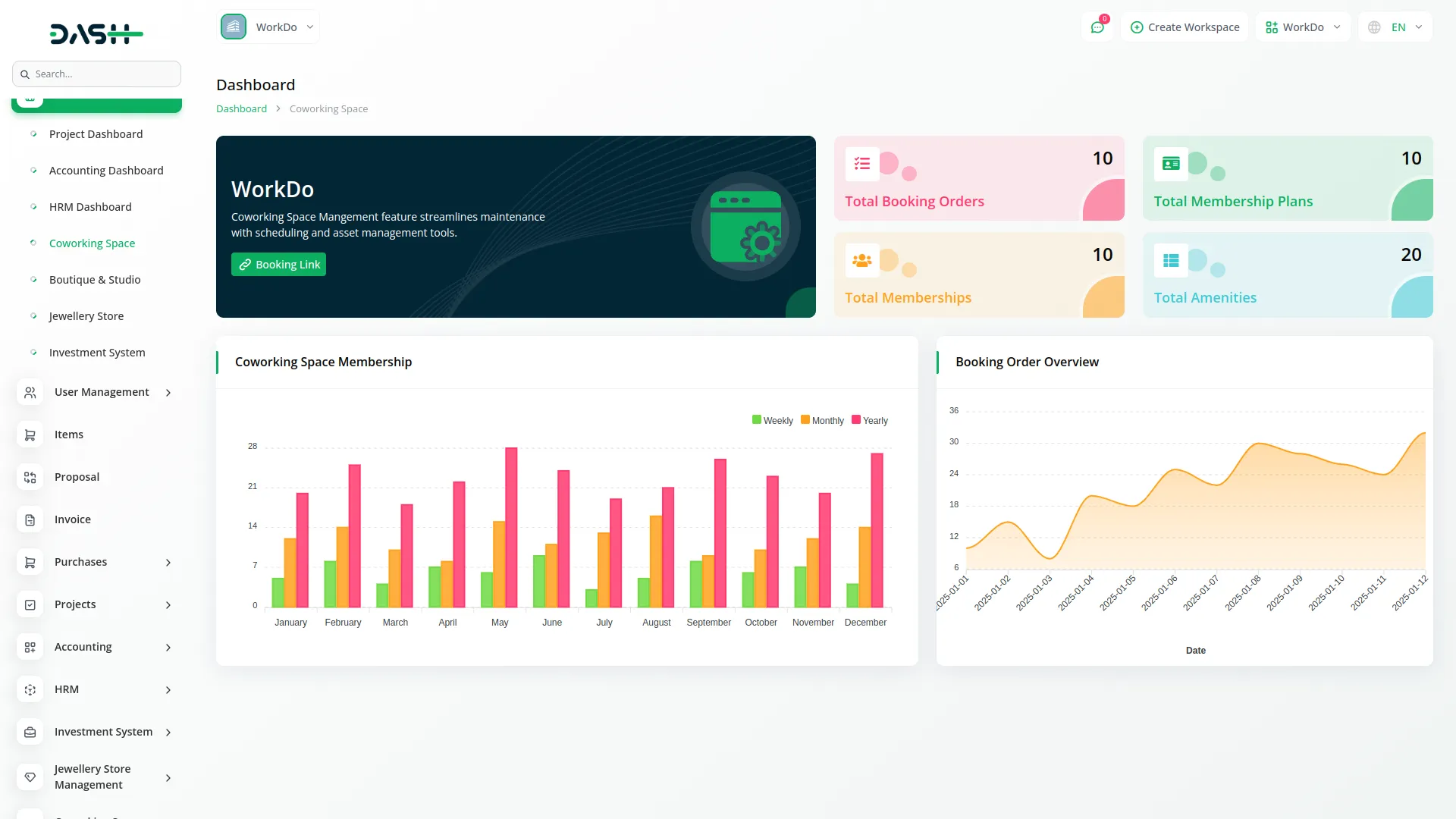
Administrators have full control over the website's content and appearance directly from the backend. This includes uploading a logo and favicon, editing the homepage banner, managing the resources section, testimonials, services, about page, FAQ, contact details, social links, newsletter text, pricing plan section, and booking page settings. Amenities and membership plans can be created and toggled active or inactive to control what appears on the frontend. Incoming contact form submissions and newsletter subscribers are also stored and managed from dedicated sections in the backend.
- Admins edit website content and appearance from the backend
- Amenities and membership plans are controlled through activation settings
- Contact messages and newsletter subscribers are stored automatically
Book Your Workspace Online
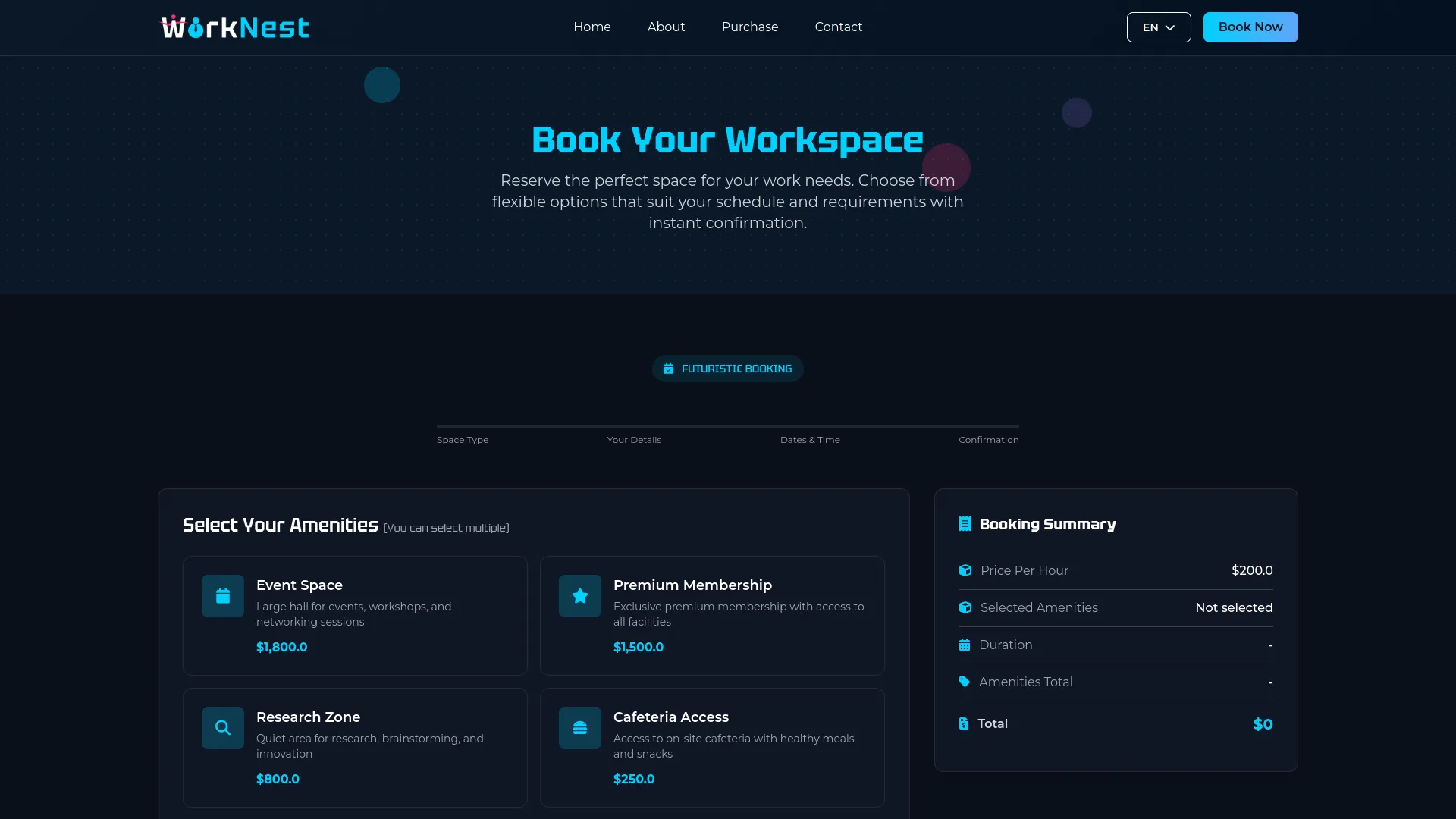
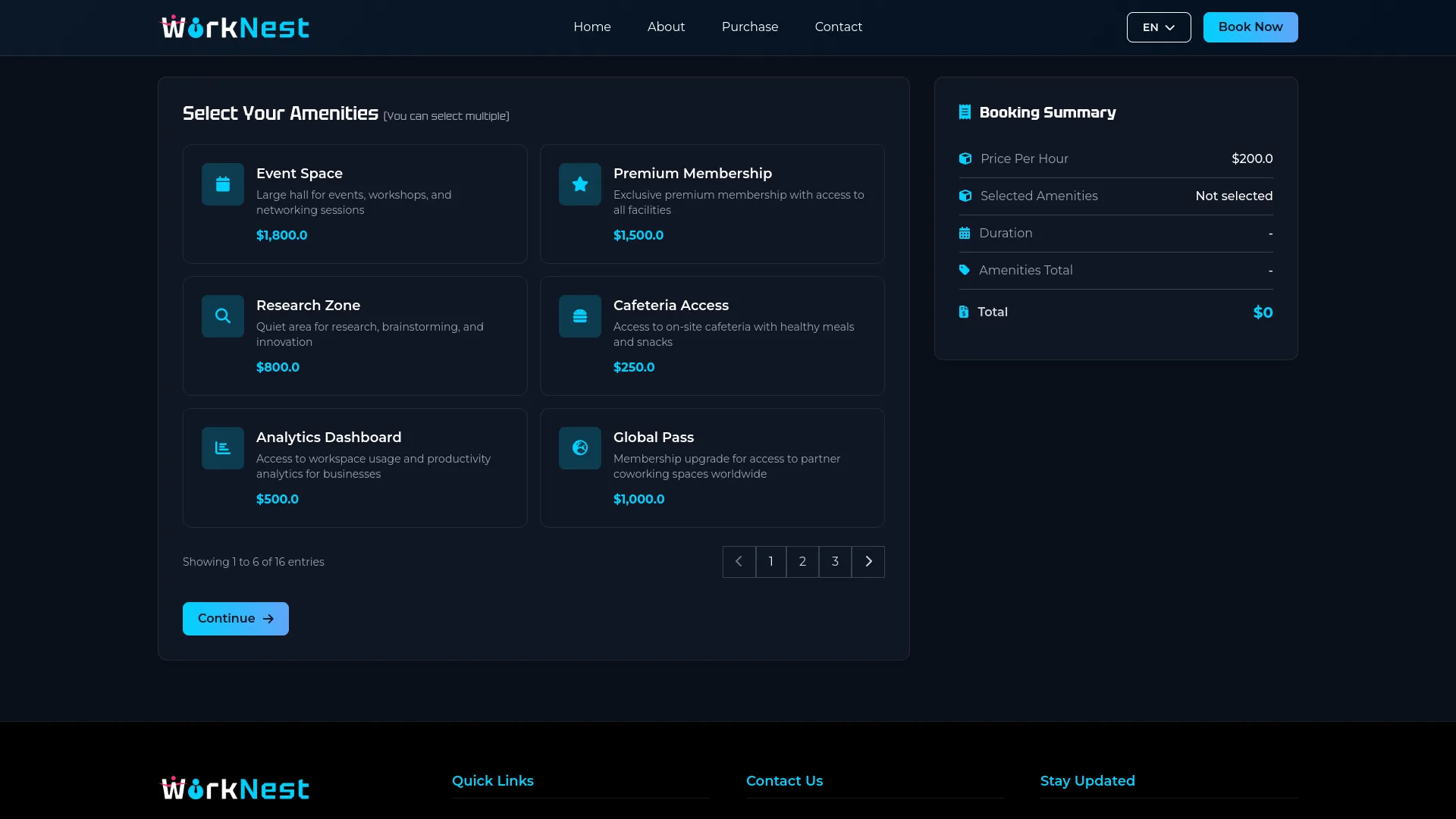
Visitors can book a workspace directly from your website through a structured step-by-step process. They begin by selecting from available amenities, each listed with individual pricing, while the booking summary updates in real time. Next, they choose a start and end date and time, fill in their personal details and any special requests, and then review the full booking summary before completing payment. Payment is accepted via Credit/Debit Card through Stripe or PayPal, and once submitted, the booking is instantly recorded in the system.
- Visitors book workspaces online through a simple step process
- Real-time summary shows amenities, duration, and total cost
- Secure payments accepted through Stripe and PayPal gateways
Subscribe to a Membership Plan
Your website displays available membership plans with all the details visitors need to choose the right option. Each plan shows its name, price, duration, included amenities, and a short description. Visitors can click to subscribe, enter their full name, email address, and contact number, select a payment method, and complete the purchase. Once submitted, the membership entry is automatically created and visible in the backend immediately.
- Membership plans displayed with price, duration, and included features
- Visitors subscribe by entering details and choosing a payment method
- Membership requests are instantly created and stored in the backend system
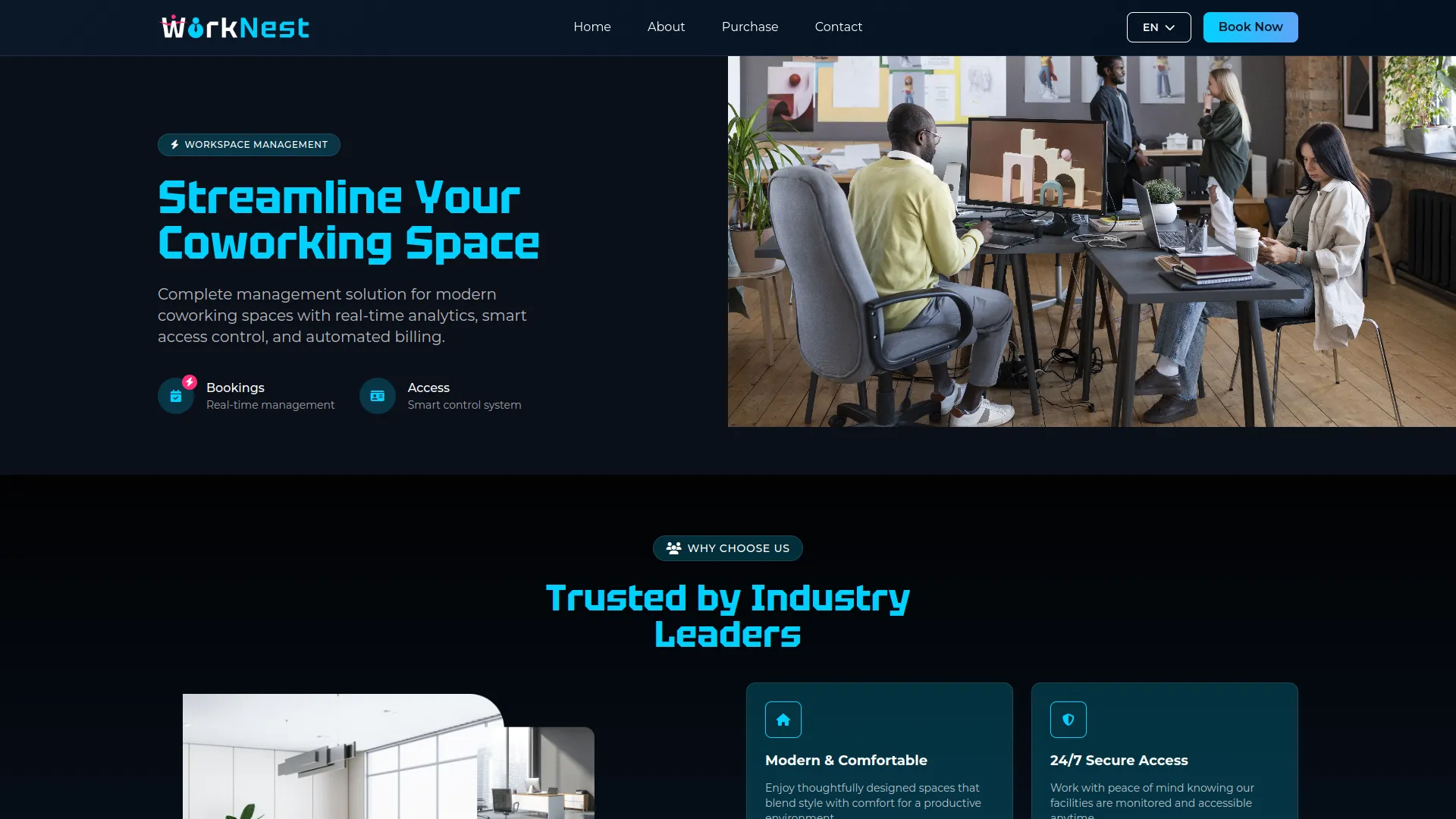
A Complete Website Experience
Manage your workspace services easily with a simple amenity system that boosts customer satisfaction and revenue. Add detailed descriptions, set individual prices, and use visual icons to showcase each service or facility feature. Amenities automatically integrate into membership plans and individual bookings, making it easy for customers to customise their experience. Real-time pricing updates ensure accurate billing and transparent costs for all selected services.
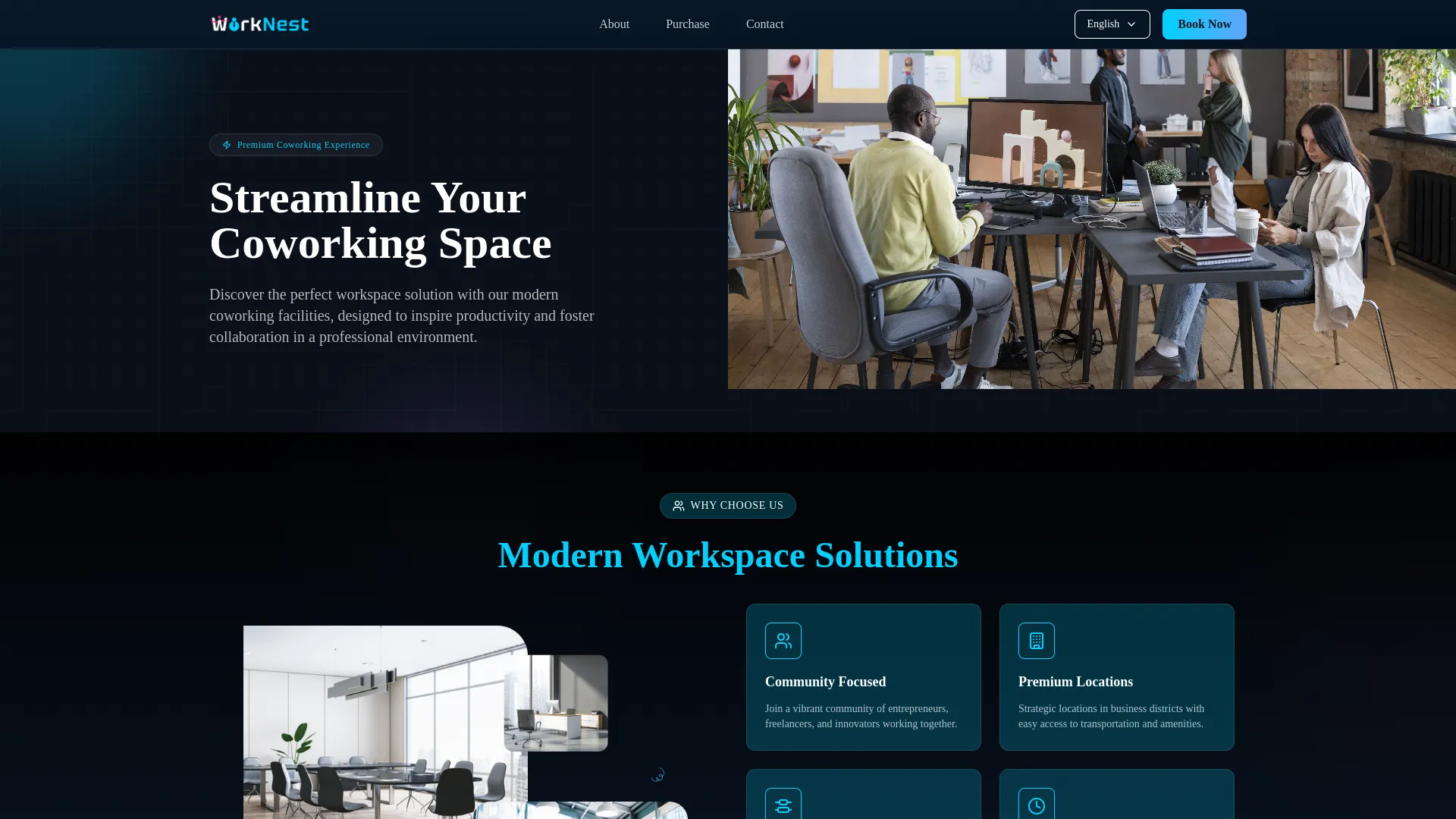
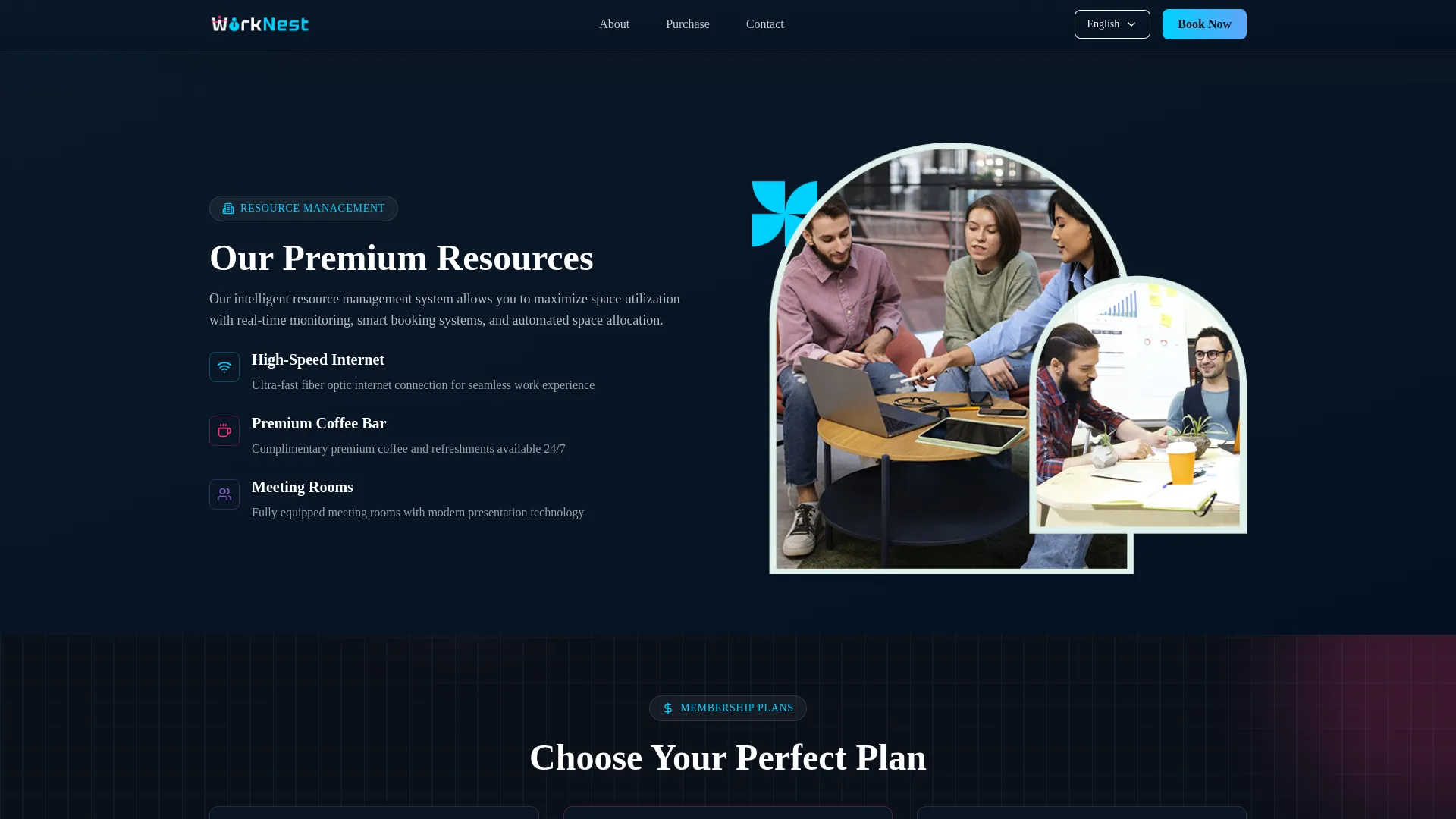
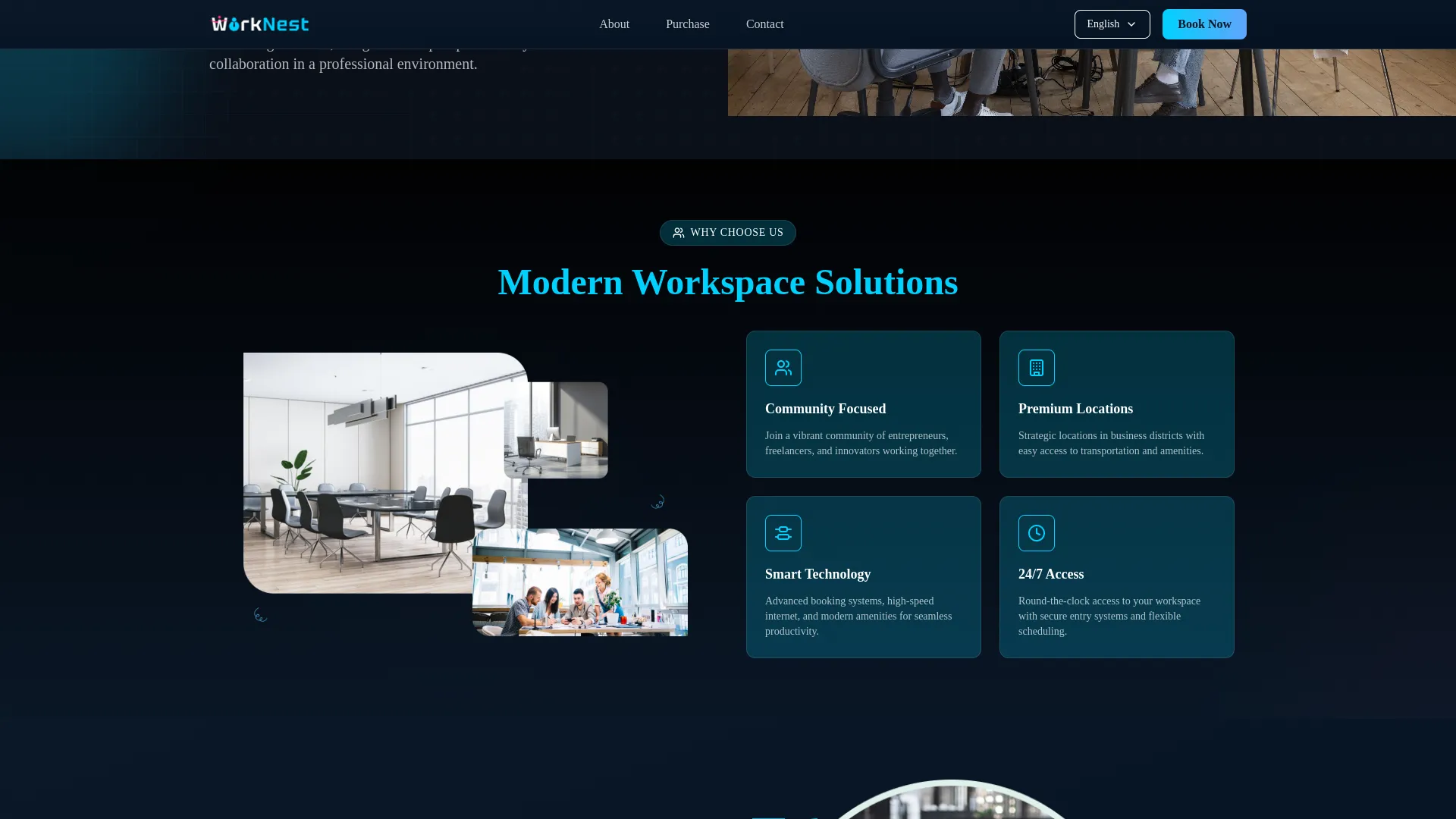
- Visitors explore services, team story, and testimonials easily
- The FAQ section uses an accordion for quick question browsing
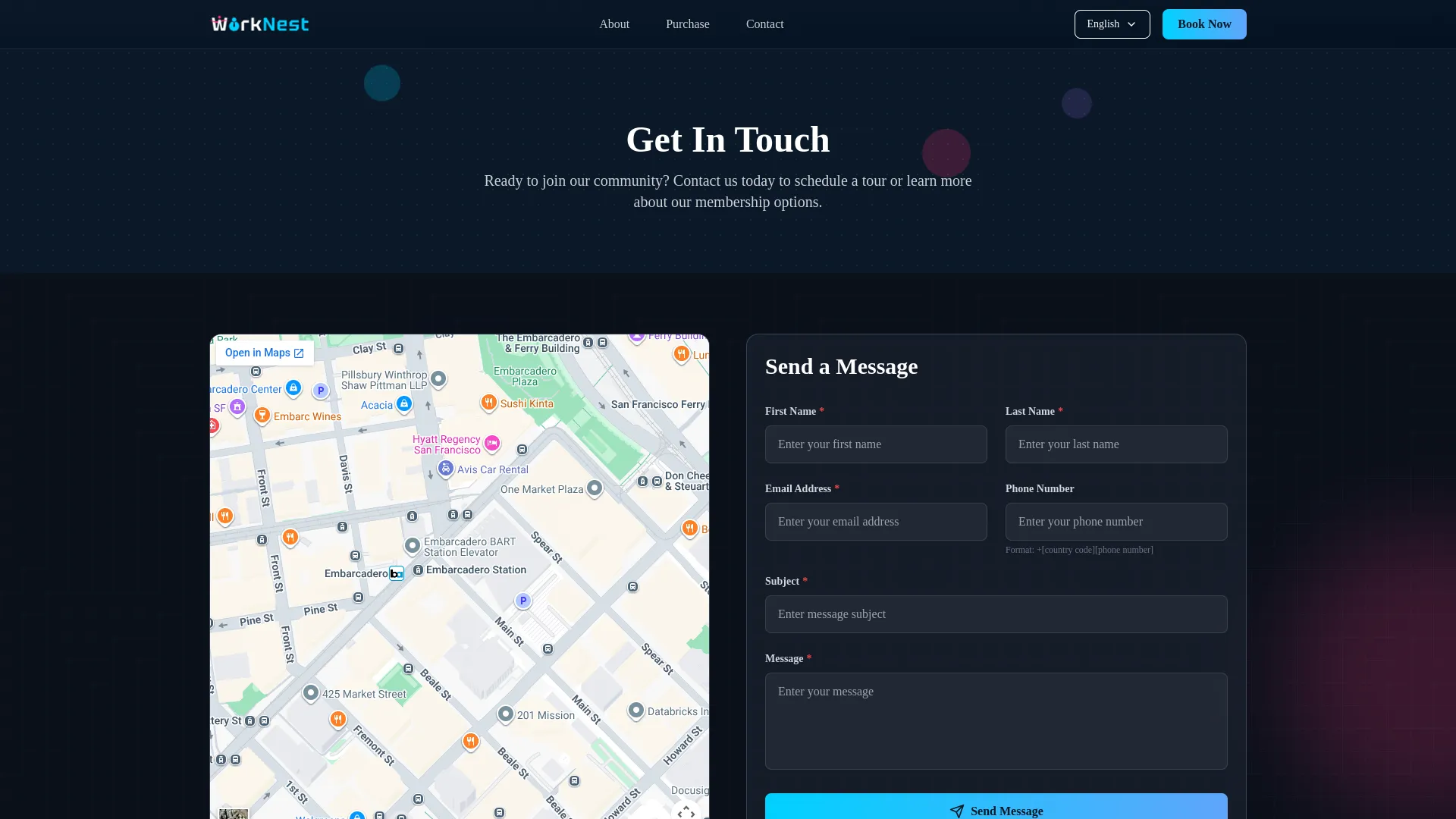
- The contact page includes a map, details, and a message form
Screenshots from our system
To explore the functionality and usage of these Add-Ons, refer to the accompanying screenshots for step-by-step instructions on how to maximize their features.

Discover More Add-Ons
Unlock even more functionality with additional Add-Ons, providing enhanced networking and customization options for your Dash SaaS experience.


Elderly Care Management
This Elderly Care Management script offers a comprehensive solution to streamline the personalized care of senior residents.
View More
1 review for Coworking Space Management – Dash SaaS Add-On
| 5 star | 0% | |
| 4 star | 100% | |
| 3 star | 0% | |
| 2 star | 0% | |
| 1 star | 0% |
Comments
You must be logged in to post a comment.
There are no comment yet.
Contact Us for Support :
-
You will get immediate support from our support desk. Please visit here https://support.workdo.io/
Item support includes:
- Answer pre-sale questions or query
- Answering technical questions about item's features
- Assistance with reported bugs and issues
- Help with included 3rd party assets
- Free Installation services in some cases
However, item support does not include:
- Customization services
Check Documents & Tutorials
It offers booking, flexible memberships, amenity pricing, real‑time availability, and secure payments—all via an intuitive dashboard. Users gain streamlined operations, increased efficiency, and confidence in managing workspace logistics.