
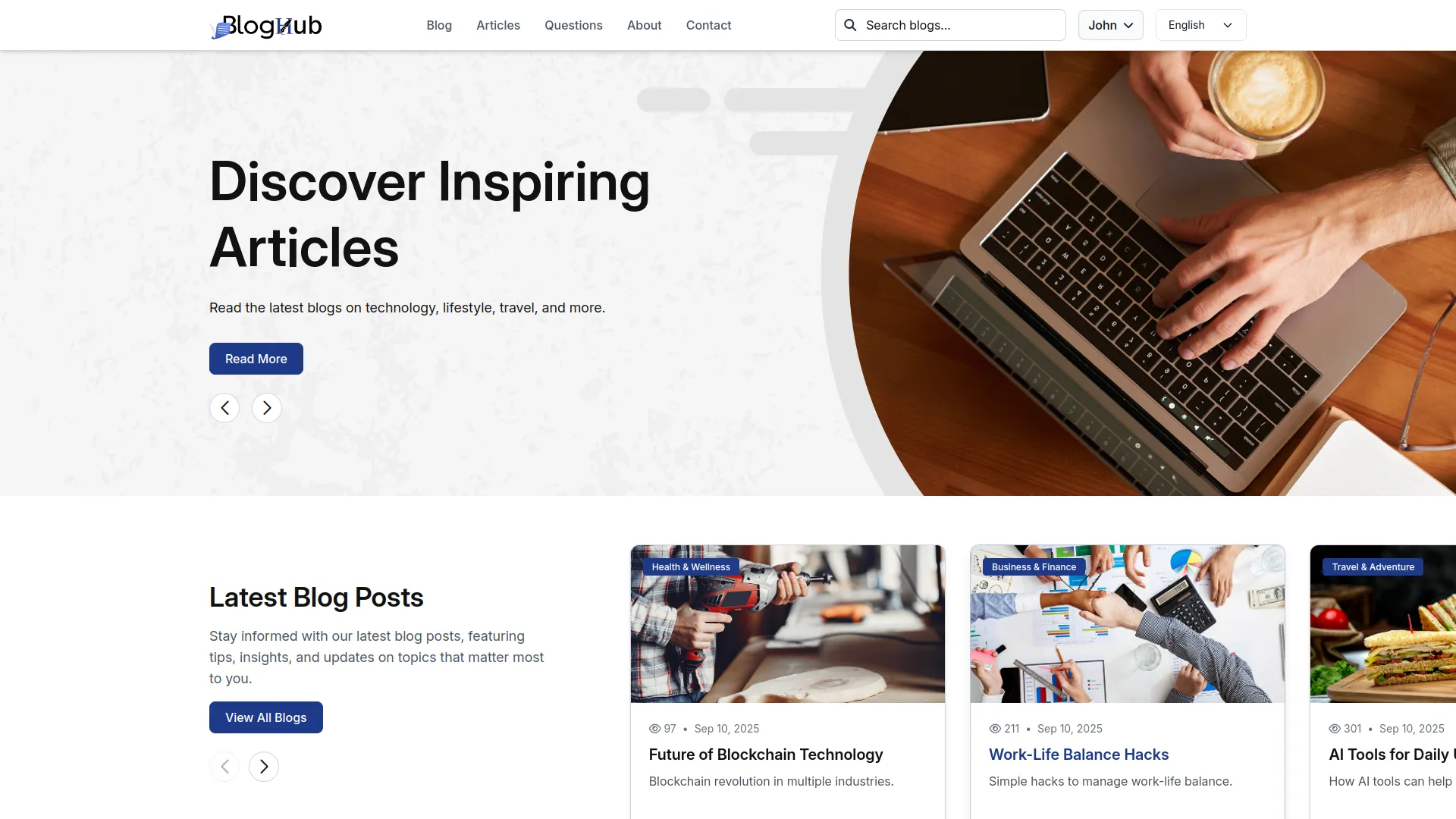
The Add-On offers a comprehensive suite of tools to manage and grow your content with ease, from a smart content dashboard to customizable branding controls. Stay connected with your audience through seamless integration of social media, subscriber tracking, and a user-friendly author profile management system.
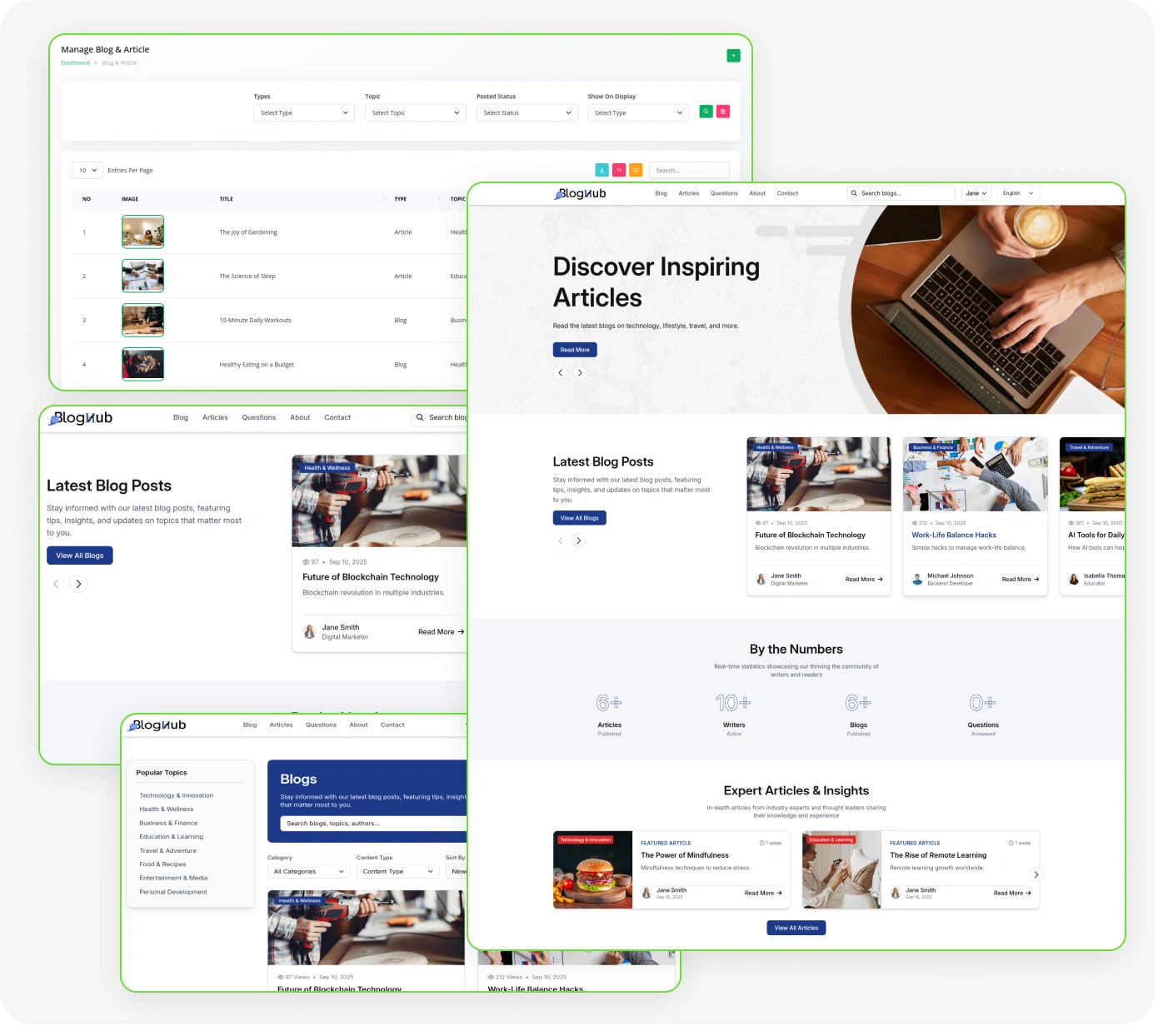
Essential Features for Effortless Content Management and Growth:
- Smart Content Dashboard
- Blog & Article Builder
- Question & Answer Hub
- Author Profile Management
- Topic & Category Filters
- Custom Branding Controls
- SEO & Meta Tools
- Social Media Integration
- Subscriber & Contact Tracking
- Custom Page Creator
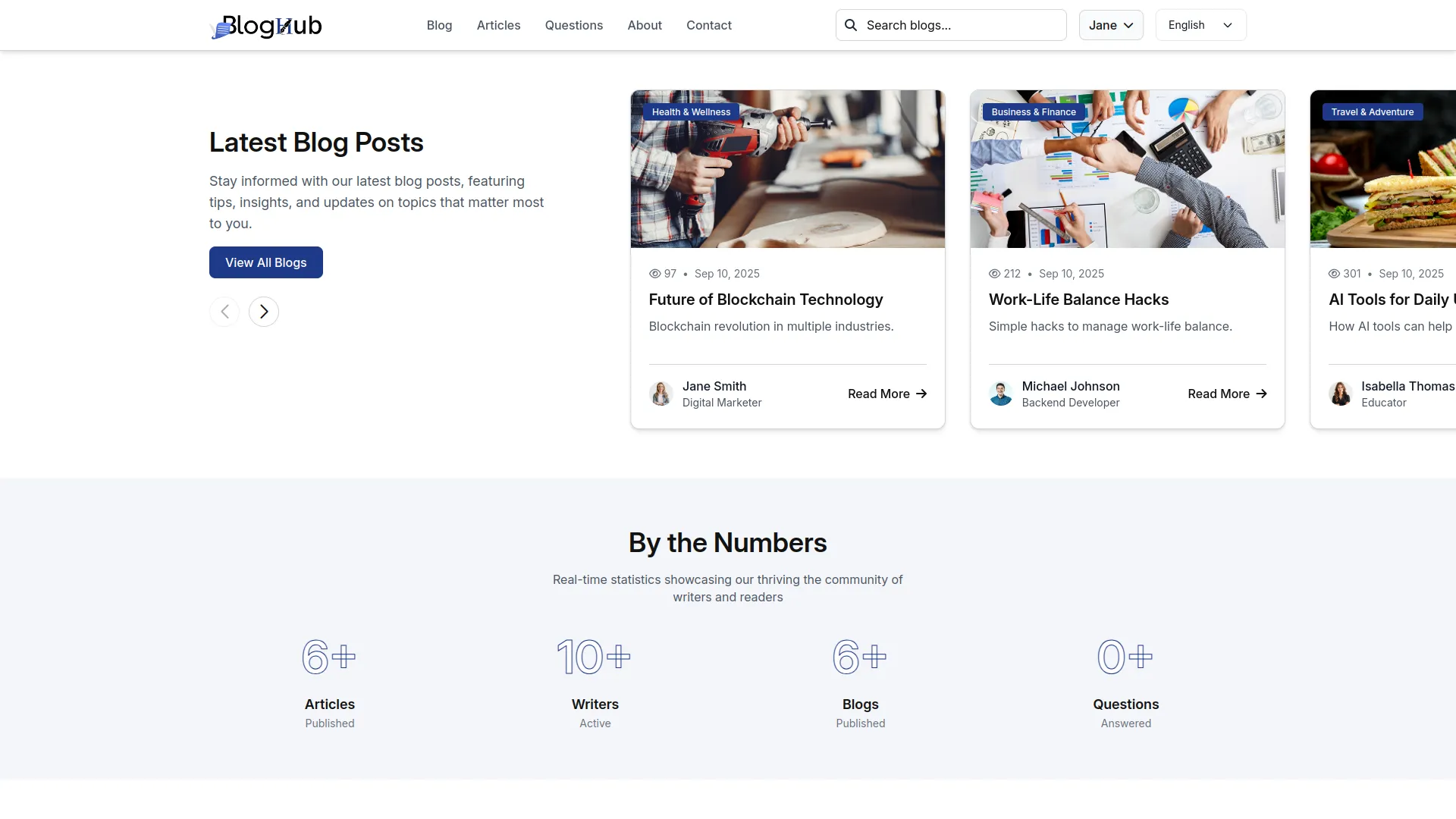
Blog & Article Management
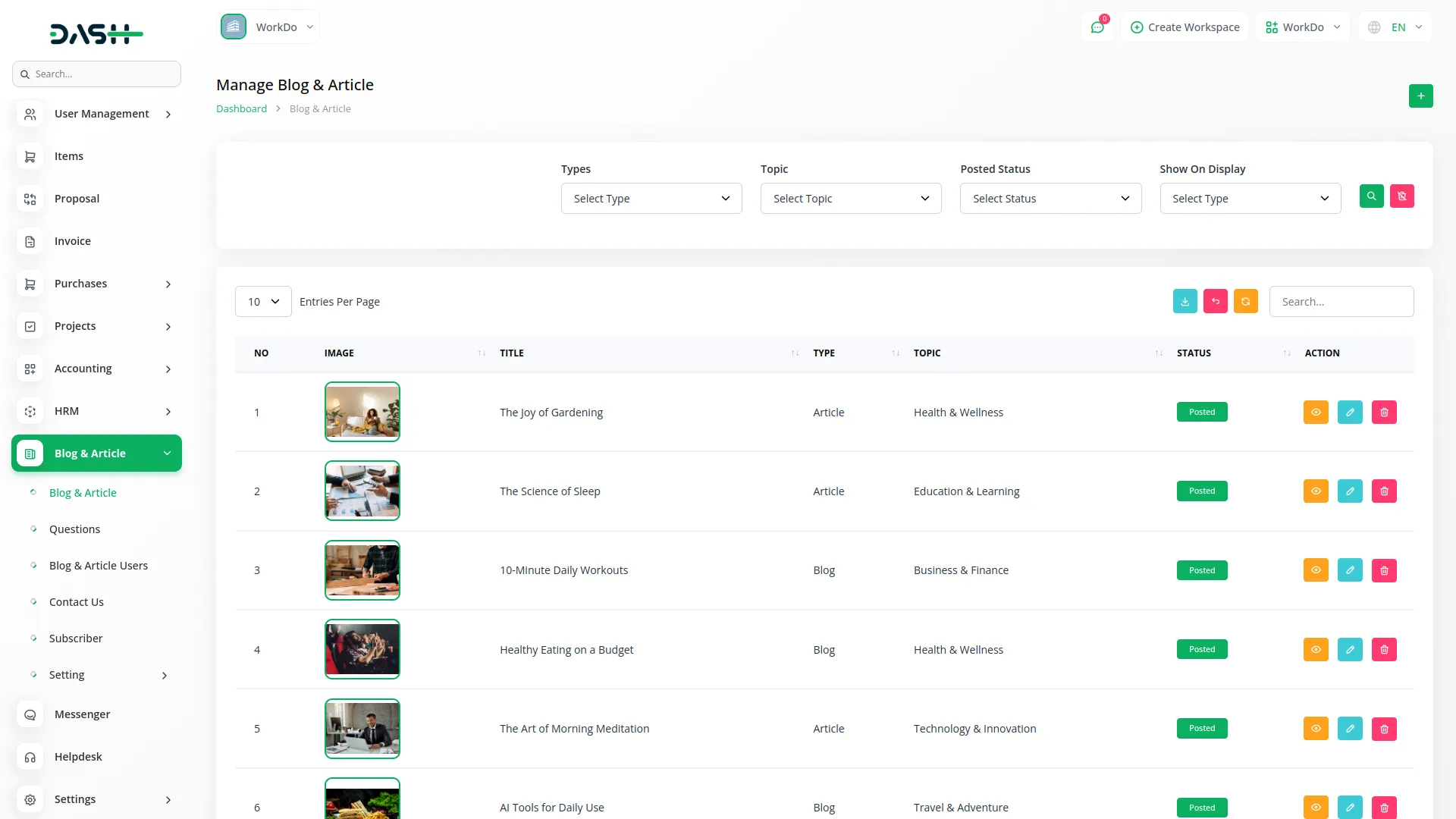
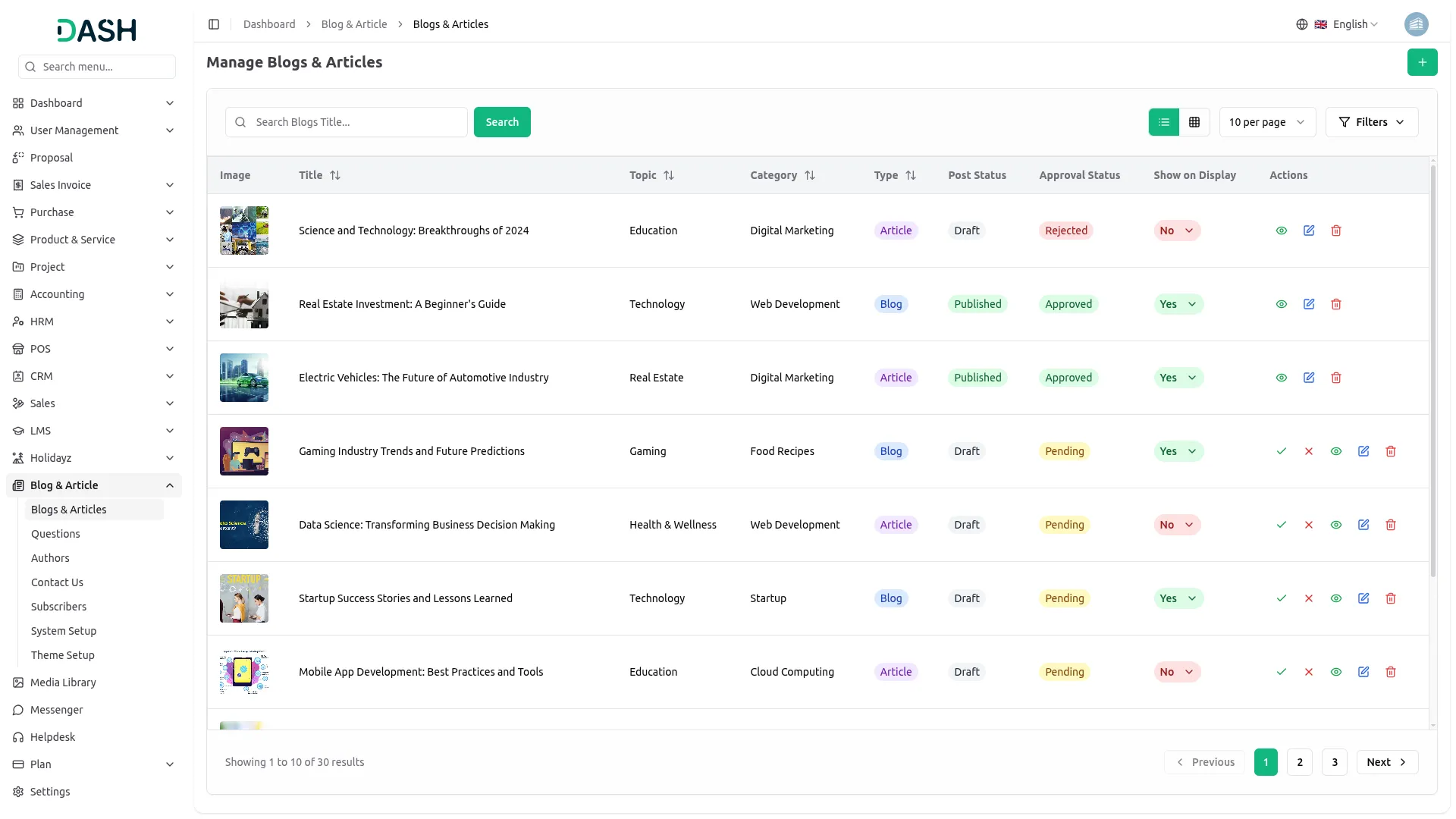
Create and manage blog posts and articles with a powerful rich text editor, image uploads, and video URL support. Organize your content efficiently using categories, topics, tags, and content types to keep everything structured. Each post supports full SEO optimization with meta titles, keywords, descriptions, and social links for better reach. A built-in approval workflow lets you manage draft, pending, and published statuses with complete display control.
- Rich text editor with image and media support
- Organize content with categories, topics, and tags
- SEO meta tags and social links for every post
- Approval workflow with draft and published status
Platform Setup & Organization
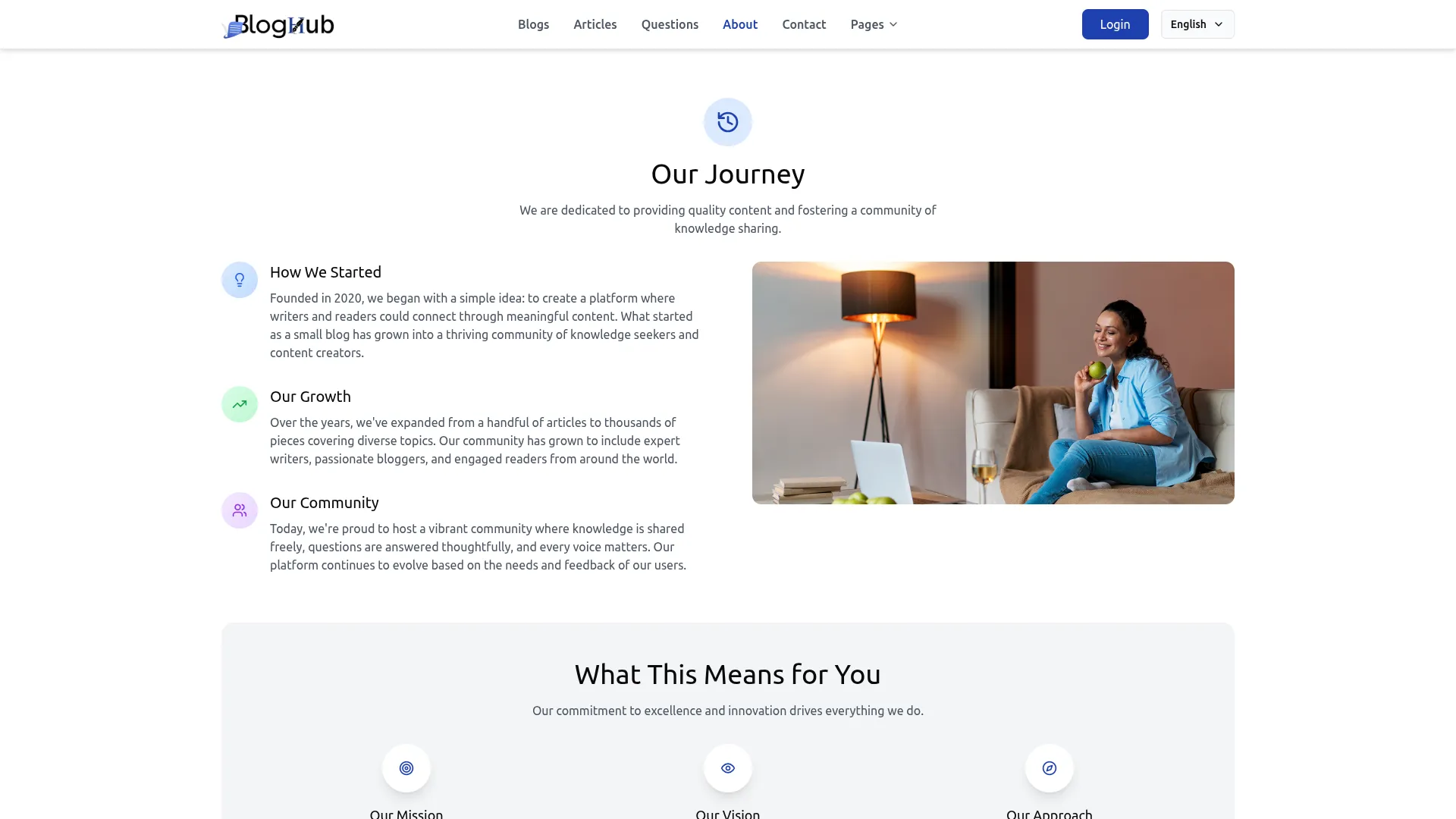
Before going live, the backend provides tools to structure and brand your platform. You can upload logos, set your brand name, and configure footer details. Create and manage topics, categories, and content types to organize blogs, articles, and questions. You can also build custom pages, configure About Us/Contact pages, and add social media links.
- Upload logos, favicon, set brand name, footer.
- Create topics, categories, manage content types, filtering.
- Build custom pages with slugs, rich content.
- Configure About Us, Contact, and social media.
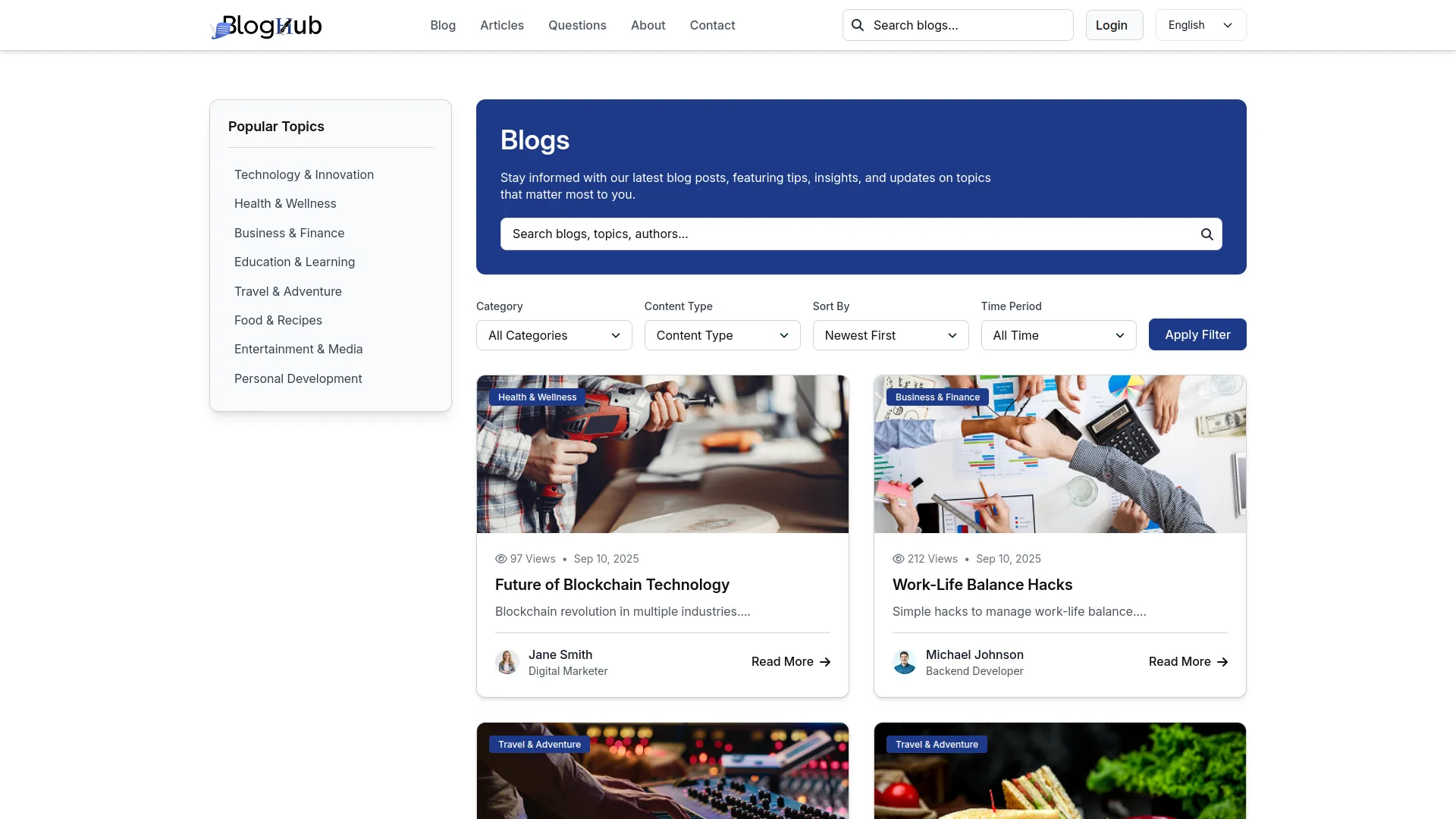
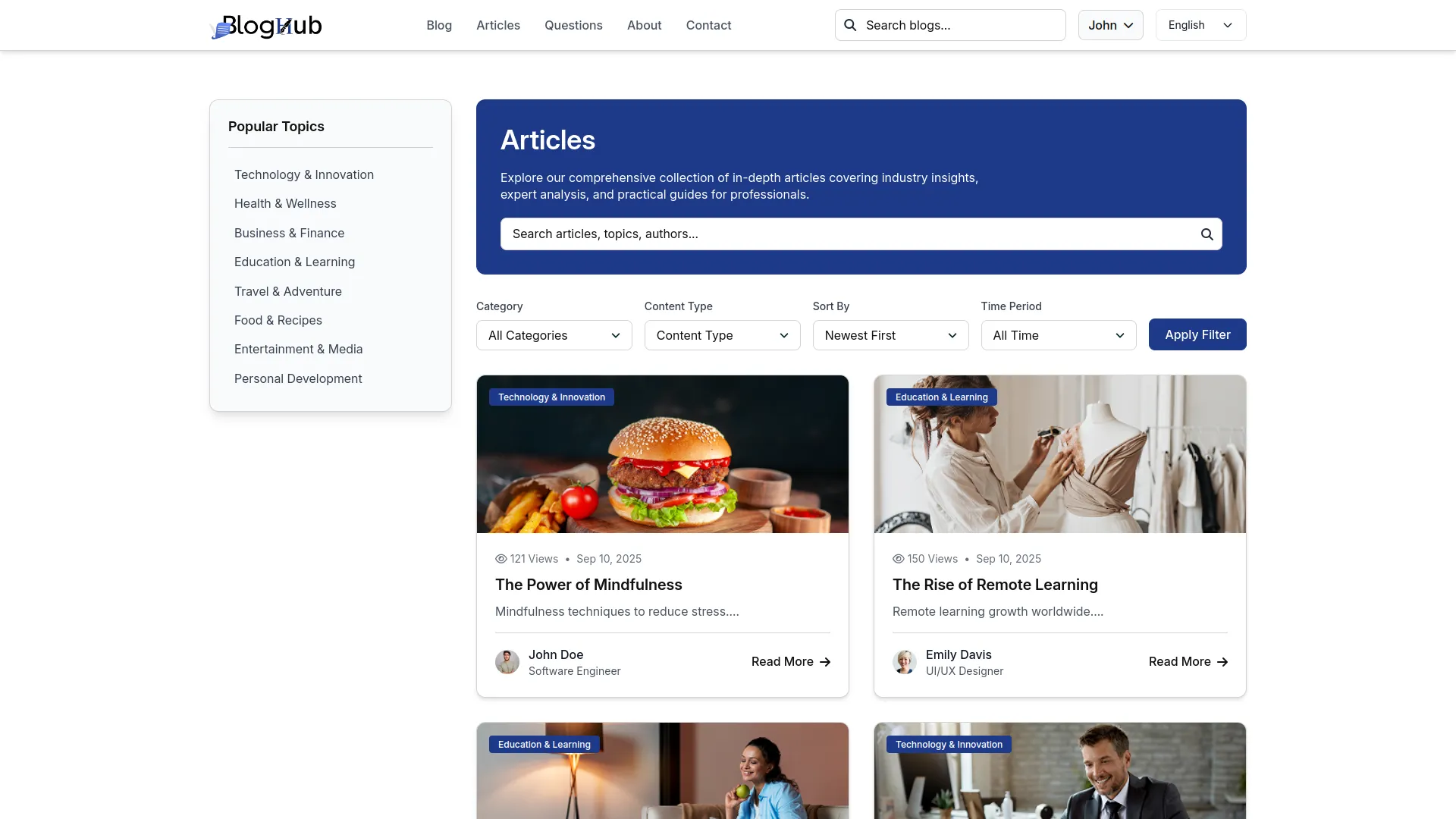
Author Profiles & Recognition
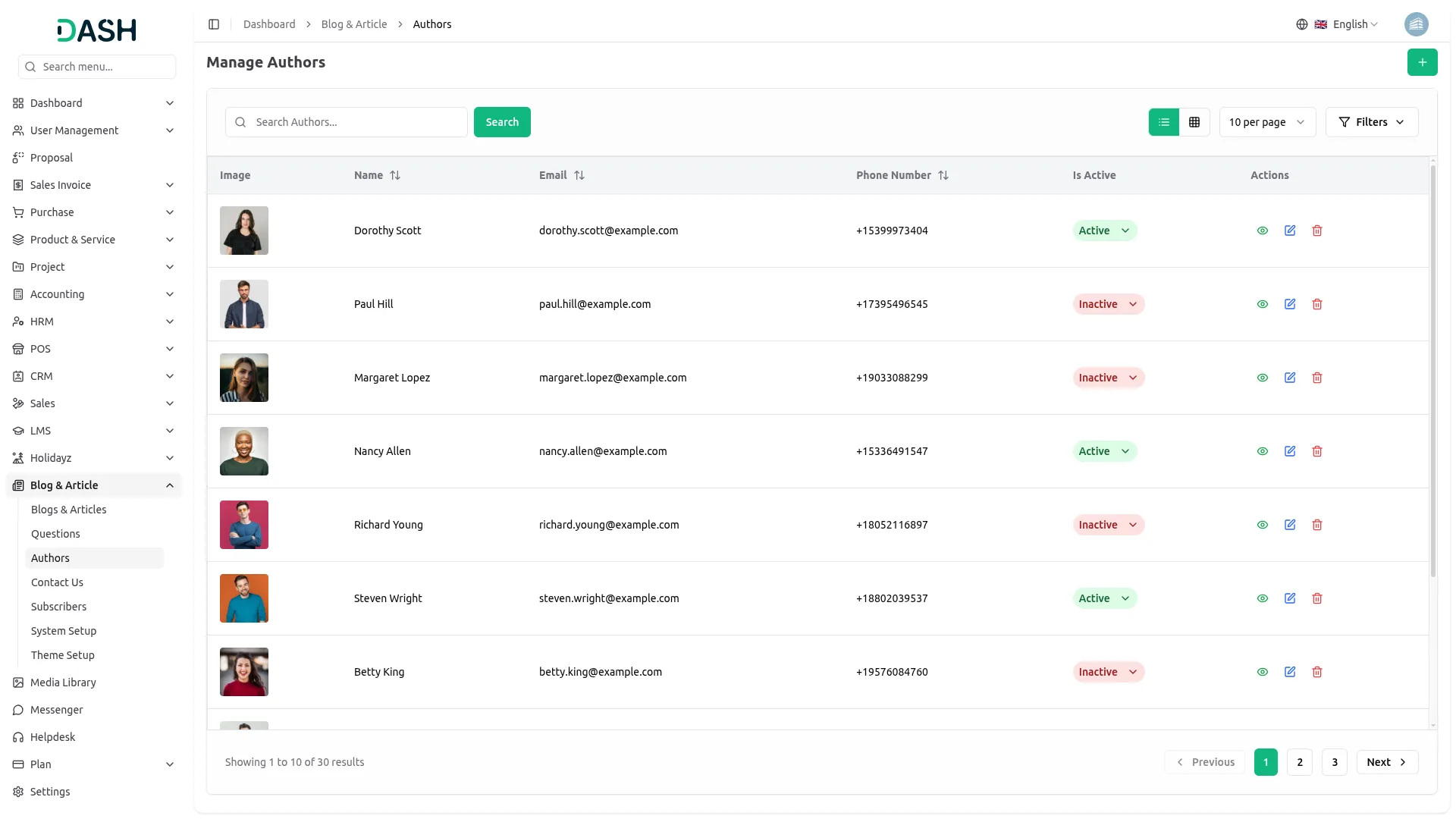
Each blog post and article is tied to a real author, adding credibility and a personal touch. Visitors see the author’s name, image, and profile on each postcard, building trust over time. Author profiles include name, designation, contact info, and social media links for easy connection. Active authors are highlighted across published posts, making them recognizable faces on your platform.
- Author name, profile image displayed on blog cards.
- Profile includes designation, contact details, social links.
- Only active authors appear on published content.
- Builds reader familiarity and trust with contributors.
Stay Connected with Your Visitors
Your platform makes it easy for visitors to stay connected, whether subscribing to updates, asking questions, or sending messages. A newsletter form is available on multiple pages, with submissions saved in the backend. The Contact page includes your phone, email, and location with a Google Map. A contact form lets visitors send messages directly, all recorded in the backend.
- Newsletter form appears site-wide, saves all signups.
- Contact page displays phone, email, address, map.
- Built-in contact form collects visitor messages, stores.
- Social media icons shown on Contact page, footer.
From Questions to Conversations
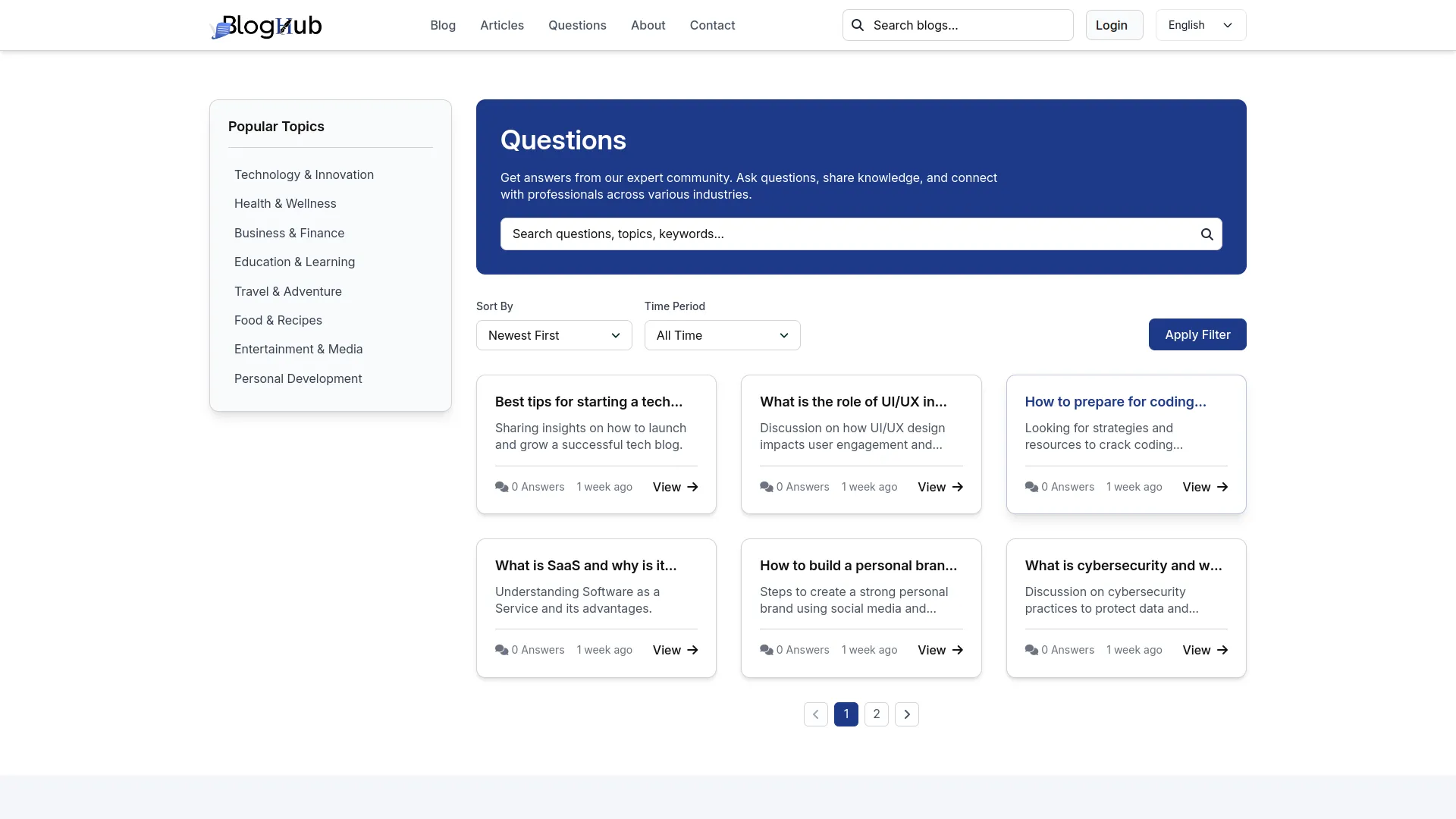
The questions section turns your website into an interactive space where visitors and authors can connect. Anyone can read existing questions and explore answers shared by the community, while signed-in users can post their own answers, reply to others, and like or save useful discussions. Replies appear in clean nested threads, keeping every conversation organized and easy to follow as it grows.
- Visitors browse questions and read discussions without signing in.
- Signed-in users post answers and reply within threads.
- Answers allow likes, replies, and saves for engagement.
- Threaded replies show clear back-and-forth under each answer.
Screenshots from our system
To explore the functionality and usage of these Add-Ons, refer to the accompanying screenshots for step-by-step instructions on how to maximize their features.
Discover More Add-Ons
Unlock even more functionality with additional Add-Ons, providing enhanced networking and customization options for your Dash SaaS experience.


Garden Management
The Garden Management Add-On in Dash SaaS allows users to systematically organize and manage garden beds with ease.
View More
blog-and-article
BlogAndArticle is a complete content management platform that lets you run blogs, articles, and Q&A communities from one admin dashboard.
View More
Discord
Connect with your team, engage your community, and stay updated—all in one place. Discord is more than just a communication platform; it’s a space for real-time interaction and collaboration. Begin with a brief introduction explaining the importance of sending notifications through Discord and how it enhances communication, ensures transparency, and keeps users informed in real time.
View More3 reviews for Blog & Article – Dash SaaS Add-On
| 5 star | 100% | |
| 4 star | 0% | |
| 3 star | 0% | |
| 2 star | 0% | |
| 1 star | 0% |
Comments
You must be logged in to post a comment.
There are no comment yet.
Contact Us for Support :
-
You will get immediate support from our support desk. Please visit here https://support.workdo.io/
Item support includes:
- Answer pre-sale questions or query
- Answering technical questions about item's features
- Assistance with reported bugs and issues
- Help with included 3rd party assets
- Free Installation services in some cases
However, item support does not include:
- Customization services
Check Documents & Tutorials
It is all good but will be better if blog & article front-website can be accessed directly from the dedicated domain.
The improved data organization helped us maintain accuracy across multiple workspaces
Every document is well explained