
Elevate Your Communication with Smart Integrations
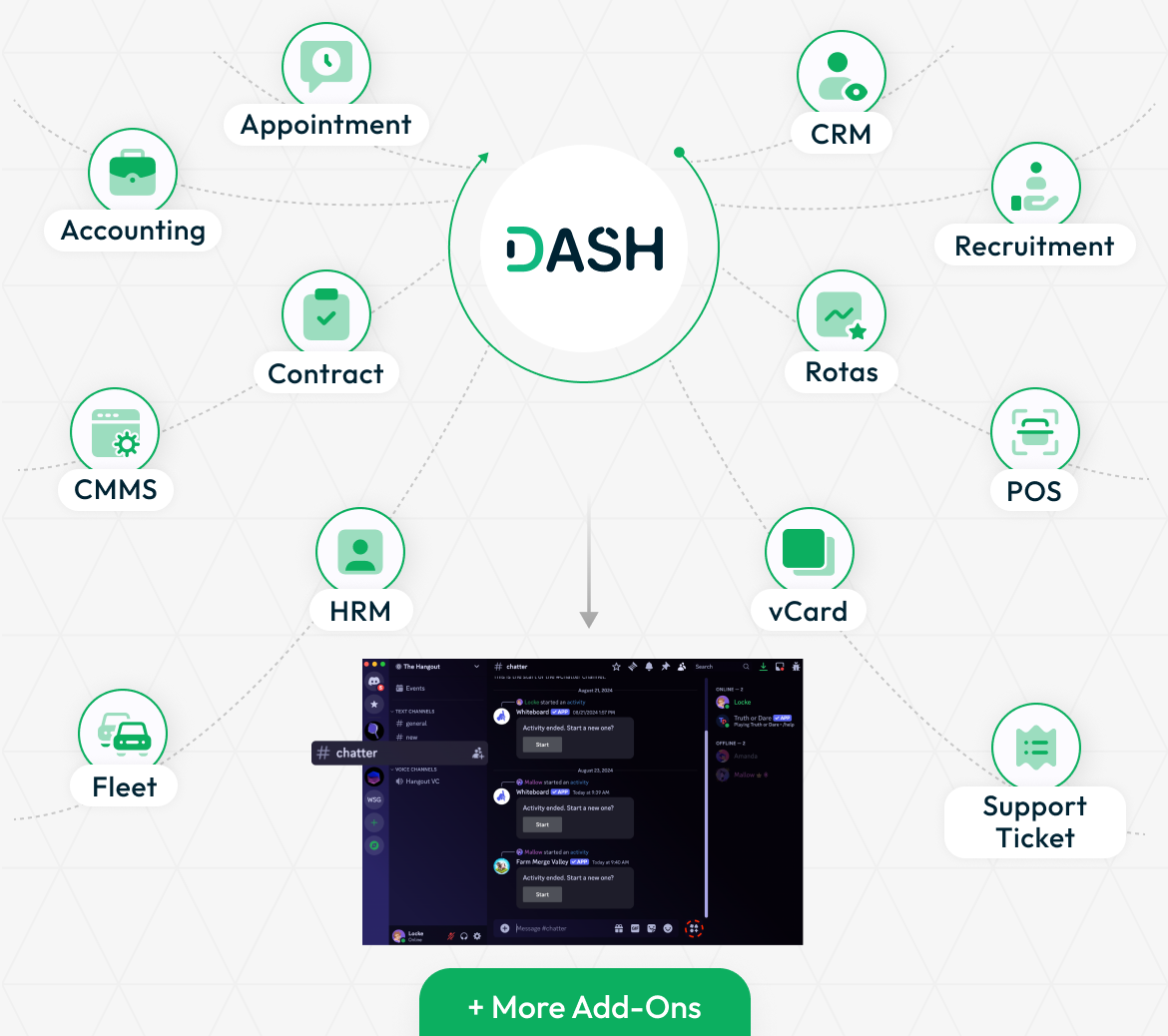
Simplify your business operations with a dynamic suite of Add-Ons that work effortlessly with Discord. From HRM, accounting, and contracts to CMMS, fleet, and project management, these integrations create a connected ecosystem where everything runs in sync. The visual layout demonstrates how various Add-Ons plug into a centralized workspace, helping teams collaborate better and communicate efficiently. Designed with a Discord-style interface, this environment allows team members to stay in touch, exchange updates, and manage work files in a structured, engaging space.
Real-Time Notifications Made Easy
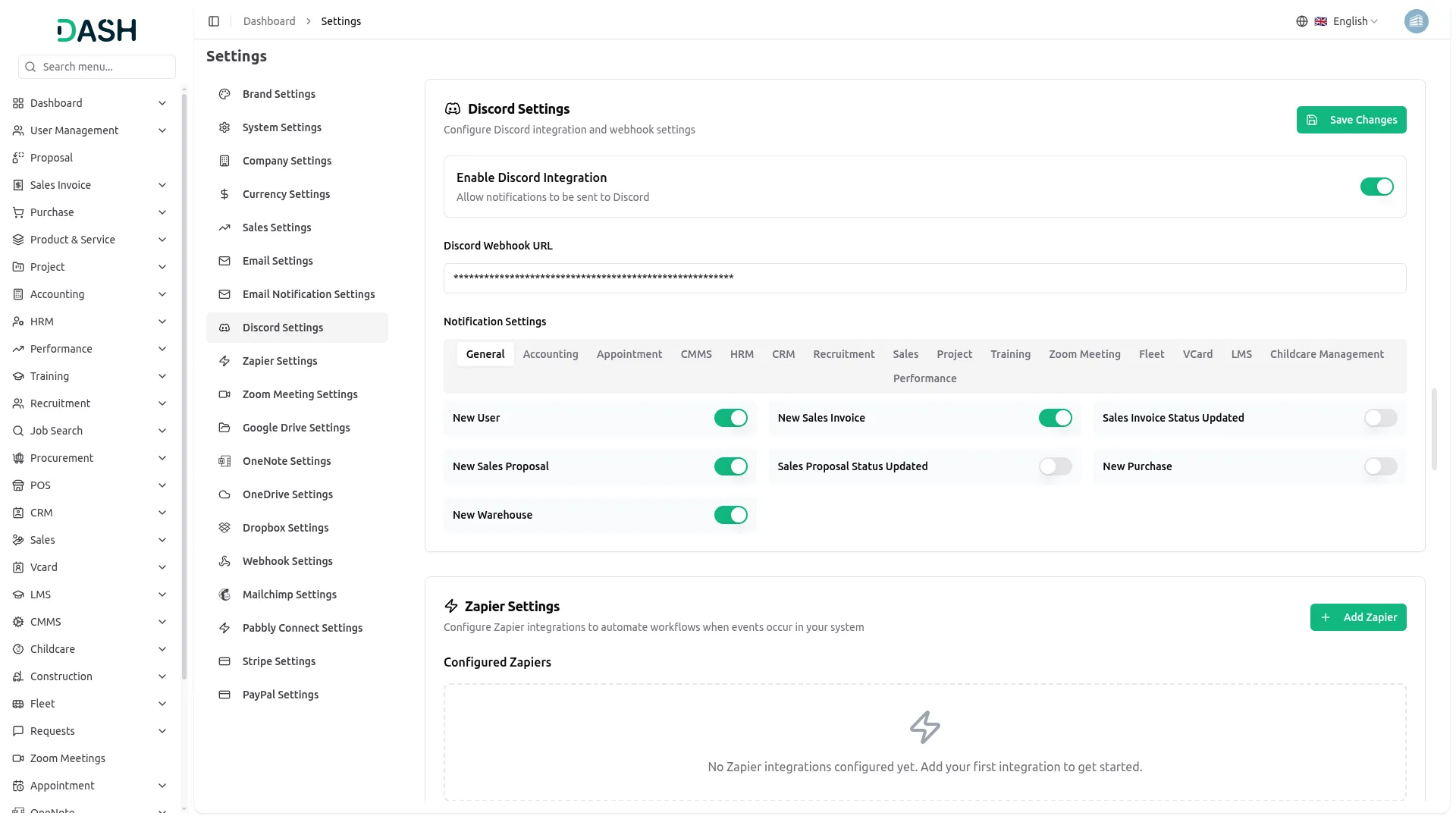
With the Discord integration, important alerts and updates are delivered directly to your preferred channels. Whether it’s a new task assignment, a project milestone, or an urgent update, everything reaches your team exactly when it matters. To enable this, all you need to do is add your Discord Webhook URL in the integration settings. Once it’s connected, you have complete control over which types of notifications are active. You can turn updates on or off based on your team’s needs, ensuring a balance between staying informed and avoiding clutter.
Key Features of Discord Integration
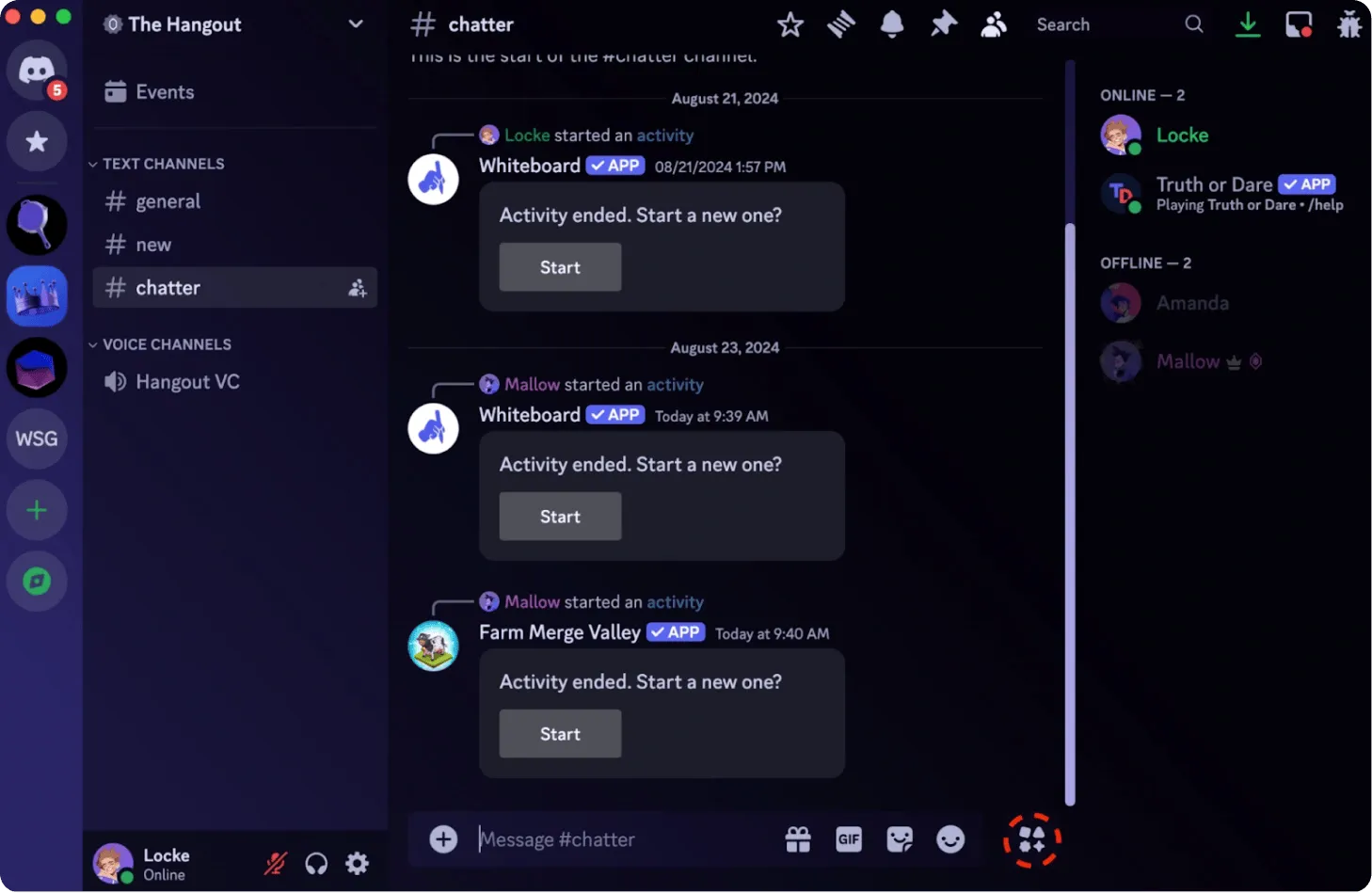
The Discord Add-On keeps everyone in the loop by pushing real-time notifications into active discussion spaces. Updates on assignments, progress reports, and system alerts appear right inside your team’s communication flow, so nothing gets missed. Each alert is customizable, allowing you to decide which team gets which updates. This targeted approach helps reduce noise and ensures relevance. Automated triggers let team members respond quickly to new responsibilities, while progress can be monitored through regular updates without ever leaving the platform.
Screenshots from our system
To explore the functionality and usage of these Add-Ons, refer to the accompanying screenshots for step-by-step instructions on how to maximize their features.

Discover More Add-Ons
Unlock even more functionality with additional Add-Ons, providing enhanced networking and customization options for your Dash SaaS experience.


Social Media Analytics
The Social Media Analytics Add-On helps you bring your YouTube, Instagram, and Facebook data into one central dashboard. Once activated, simply input the required credentials for each platform to begin tracking vital performance metrics.


digital-certificate
The Digital Certificate Add-On is a comprehensive platform that enables organizations to design, customize, and distribute professional digital certificates.
Optimized add-on execution maintains smooth system response
Consistent quality across all products