

Automated Ticket Status Updates
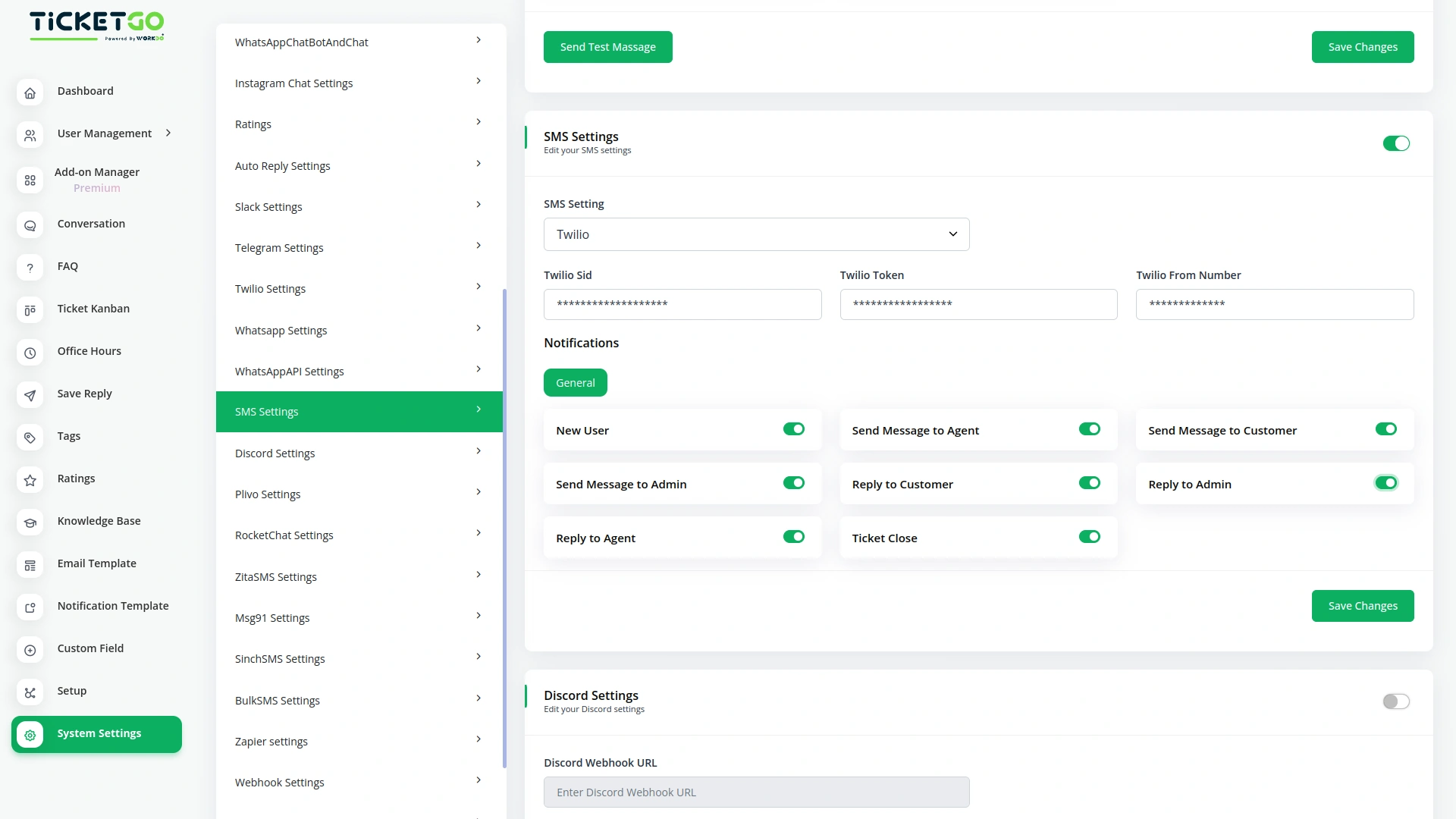
With the SMS notification feature in TicketGo, businesses can automate the sending of ticket status updates. When a ticket is created, updated, or resolved, customers will receive an immediate SMS notification with all the relevant details. This helps keep users informed of their ticket’s progress without requiring them to log into the platform. Automation eliminates the need for manual follow-ups, ensuring that notifications are sent in a timely manner, thereby improving efficiency and reducing workload.
Real-Time Alerts for Critical Updates
For critical or urgent updates, the SMS integration in TicketGo ensures that customers are alerted in real-time. Whether it's a change in a ticket’s status due to an urgent issue or an important update that requires immediate attention, businesses can quickly notify users via SMS. This immediate form of communication is essential for managing high-priority issues and ensuring that customers are aware of any changes that may affect their tickets. By providing real-time alerts, businesses can manage customer expectations and improve responsiveness.
Screenshots from our system
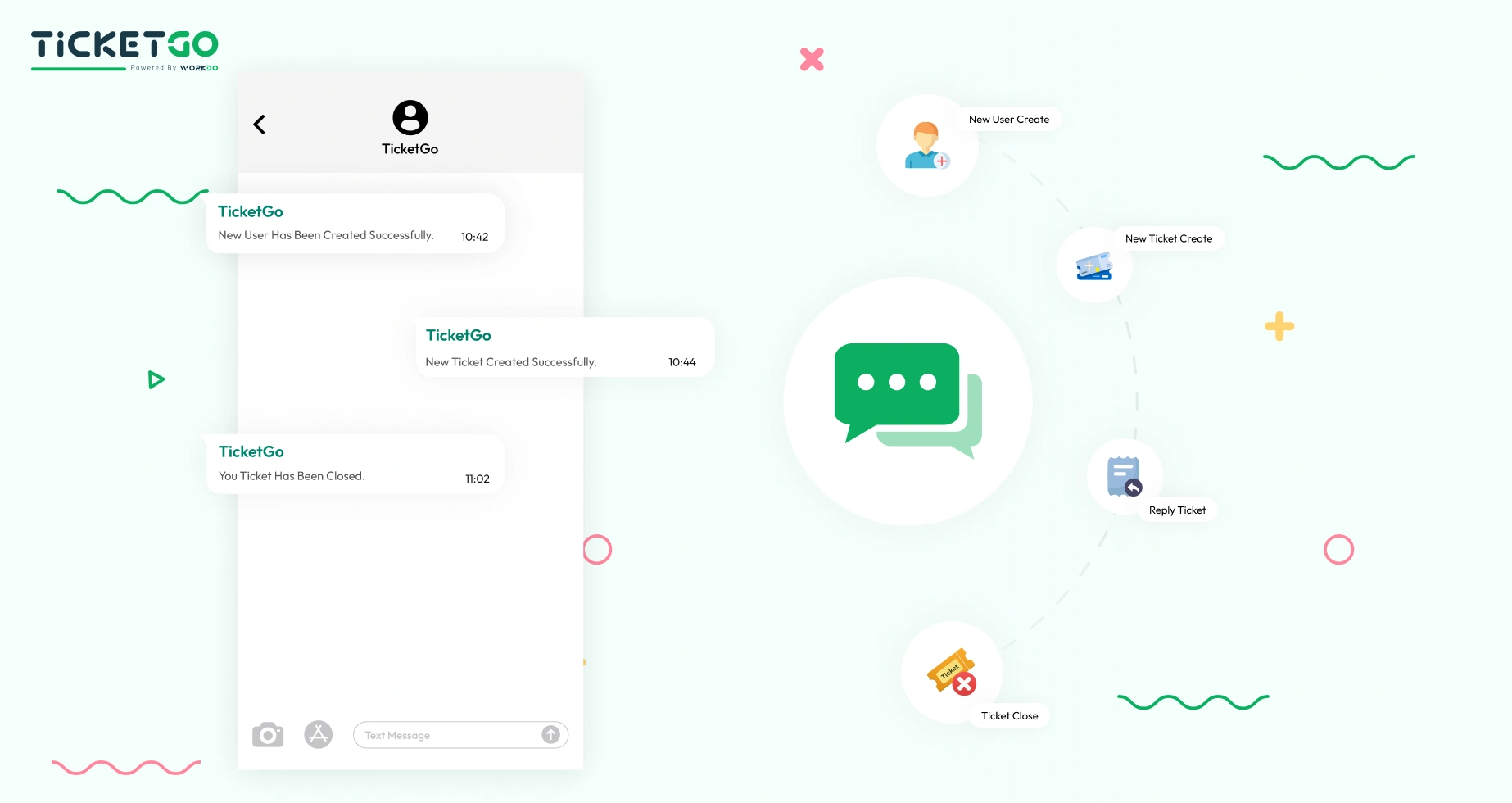
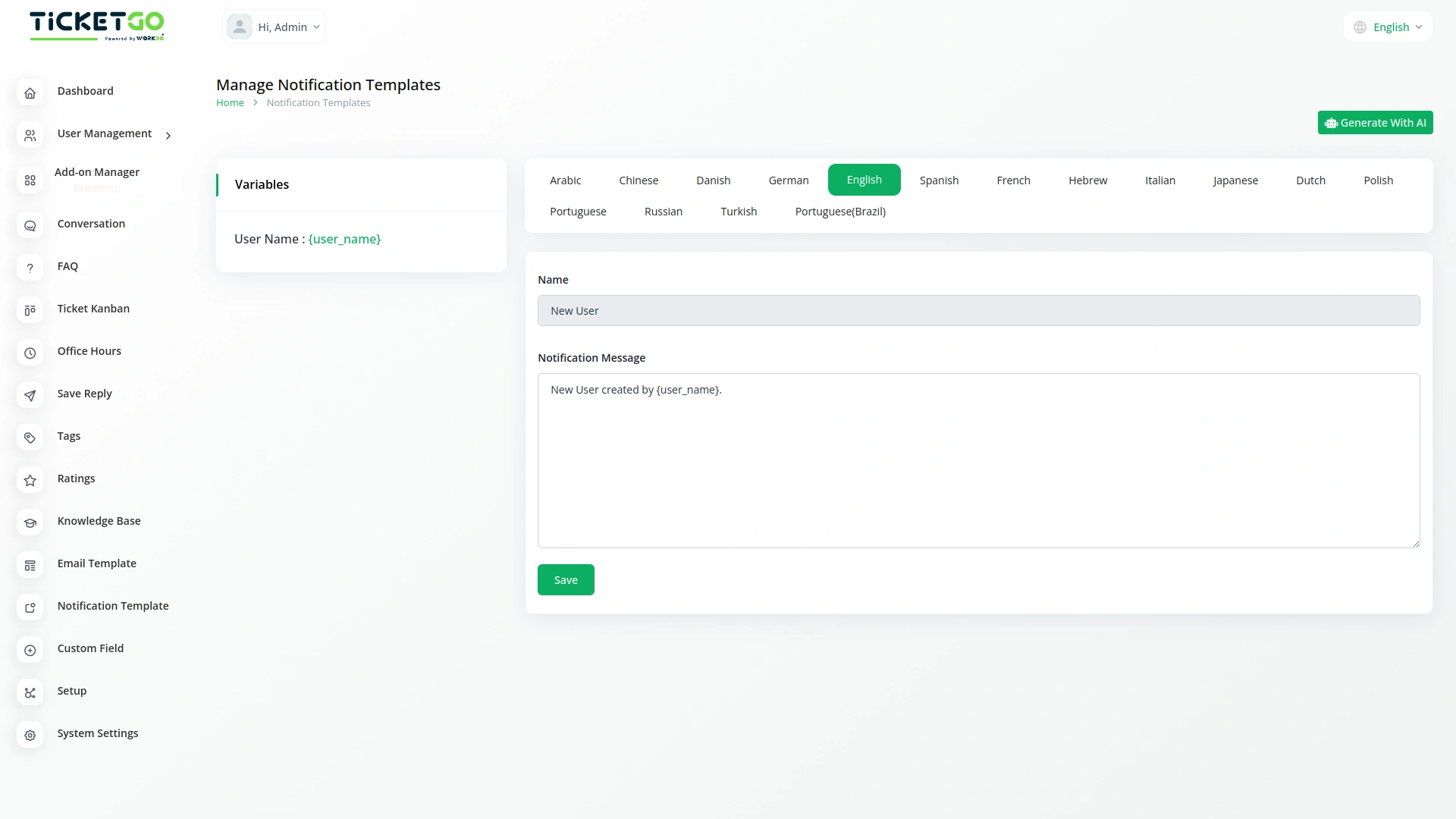
To explore the functionality and usage of these Add-Ons, refer to the accompanying screenshots for step-by-step instructions on how to maximize their features.


Discover More Add-Ons
Unlock even more functionality with additional Add-Ons, providing enhanced networking and customization options for your TicketGo Add-Ons experience.

Whatsapp (Twilio)
The WhatsApp Twilio Module in TicketGo enables businesses to send automated notifications to users, keeping them informed about their ticket status. Whether it’s a new ticket creation, an update, or a resolution message, users receive real-time alerts on WhatsApp. This automation reduces manual effort and ensures that customers stay updated without needing to check the platform frequently.

WhatsApp API
The WhatsApp API Integration in TicketGo brings seamless communication to businesses by enabling them to interact with customers through WhatsApp. This integration allows businesses to send instant notifications, ticket updates, and personalized messages directly to users, enhancing both the speed and reliability of customer interactions. By leveraging the WhatsApp API, businesses can streamline their ticketing processes and provide timely, efficient communication to their customers.

Mailchimp
Transform the way you communicate with customers by integrating Mailchimp with TicketGo. This powerful add-on bridges the gap between customer support and email marketing, ensuring that every ticket interaction is an opportunity to engage, inform, and build lasting relationships. From automated ticket notifications to personalized follow-ups, Mailchimp integration keeps your customers in the loop while enhancing your brand’s communication strategy.

Ticket Widget
The Ticket Widget Add-On provides a direct and accessible way for your website visitors to raise support tickets without navigating away from the current page.
Smooth workflow automation improves operational efficiency across modules
The system’s scalability makes it adaptable to growing needs