
Automated Ticket Notifications
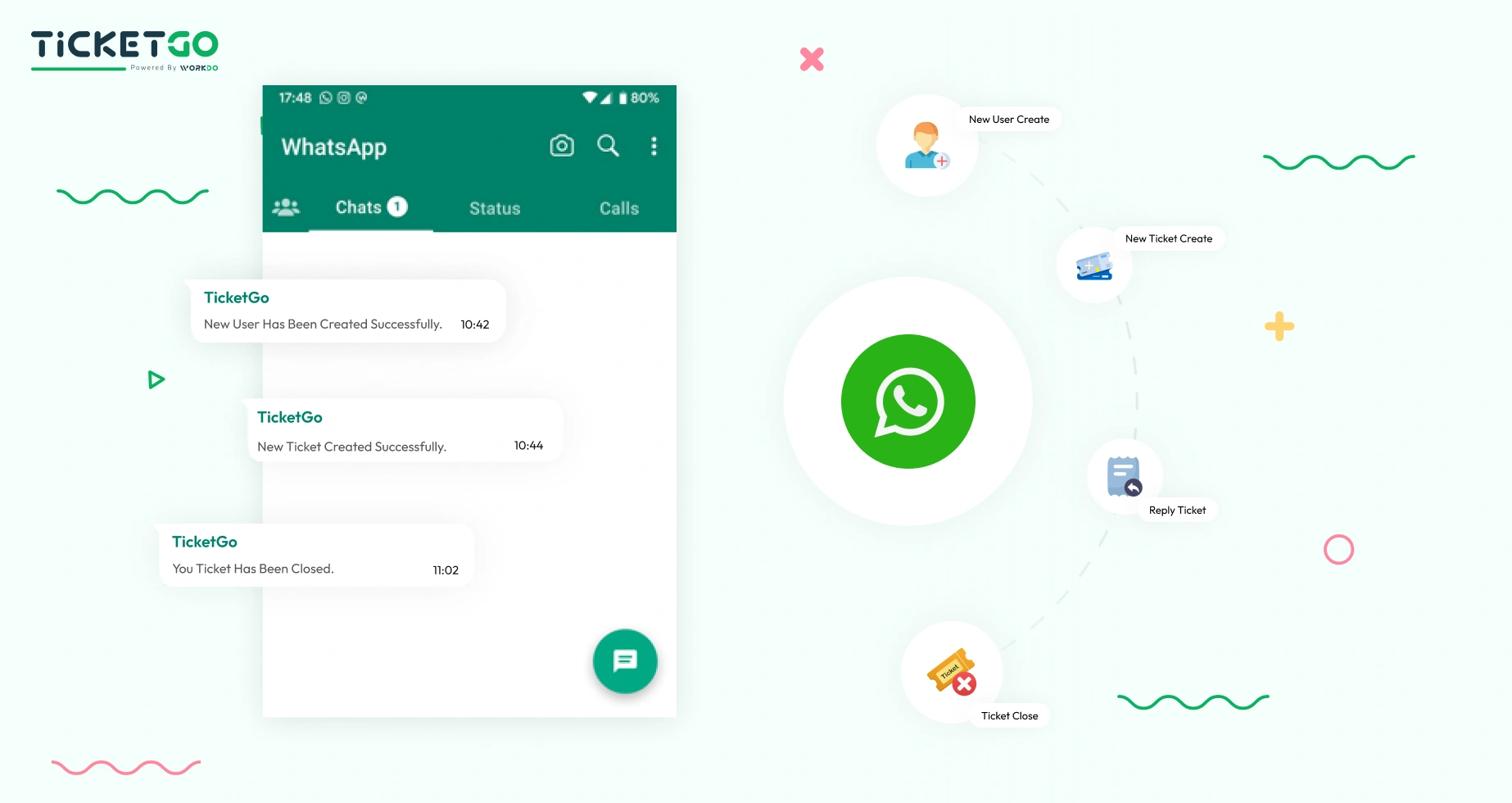
With the WhatsApp API, TicketGo can automate notifications for various ticket-related events, such as ticket creation, status updates, and resolution notifications. Customers receive instant alerts via WhatsApp, keeping them informed in real-time. Whether it's an update on a ticket’s progress or a confirmation of ticket closure, customers can easily stay up-to-date without having to check the platform. This automation saves time for businesses and ensures a smoother, more organized experience for customers.
Two-Way Communication for Enhanced Support
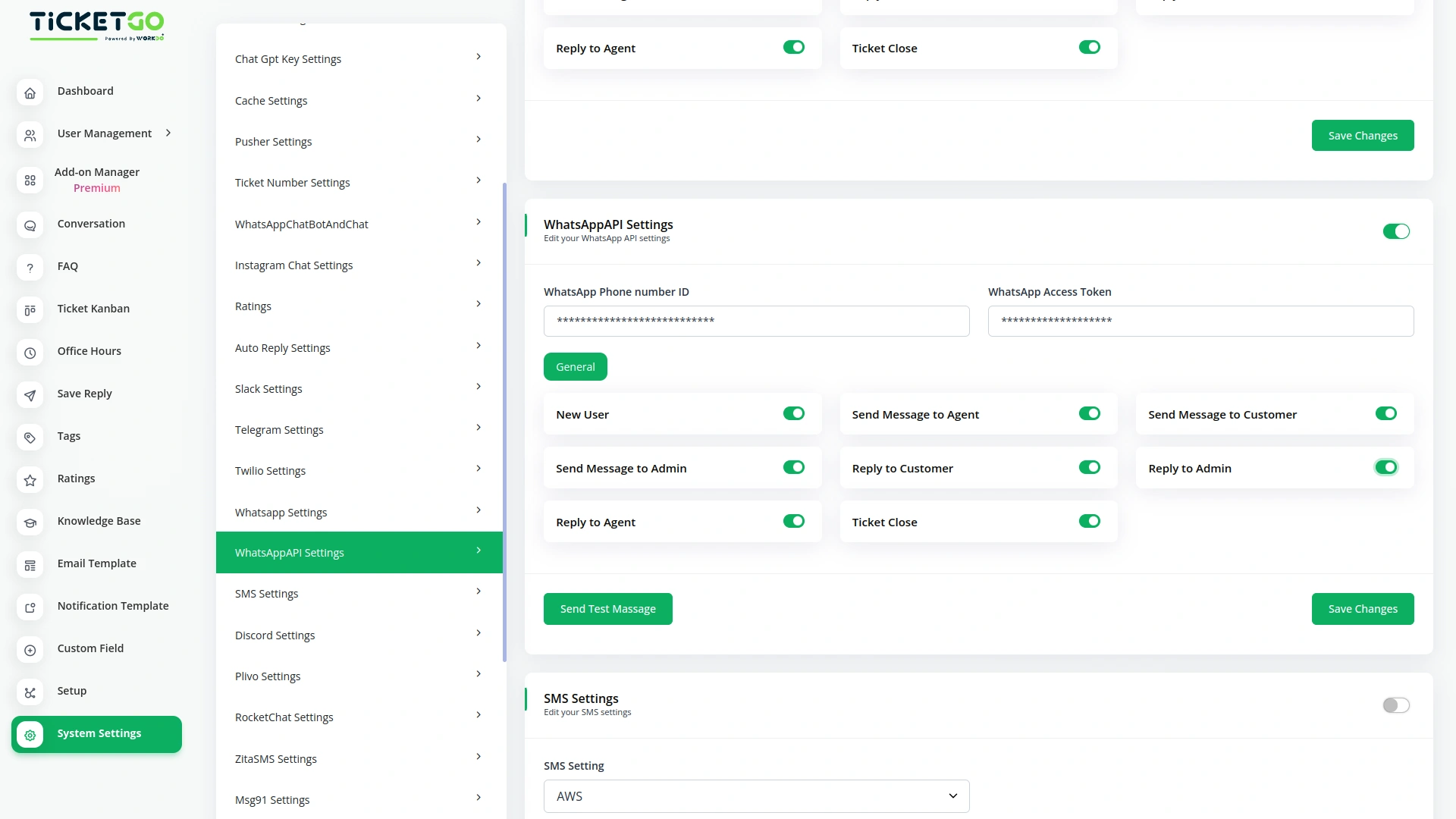
The WhatsApp API integration in TicketGo supports two-way communication, allowing users to interact directly with the support team. Customers can reply to ticket updates, ask for clarifications, or provide additional details, all through WhatsApp. This direct and efficient line of communication enhances the support experience, ensuring that queries are addressed promptly and reducing response times. With two-way messaging, businesses can deliver personalized, real-time support to users, improving overall satisfaction.
Screenshots from our system
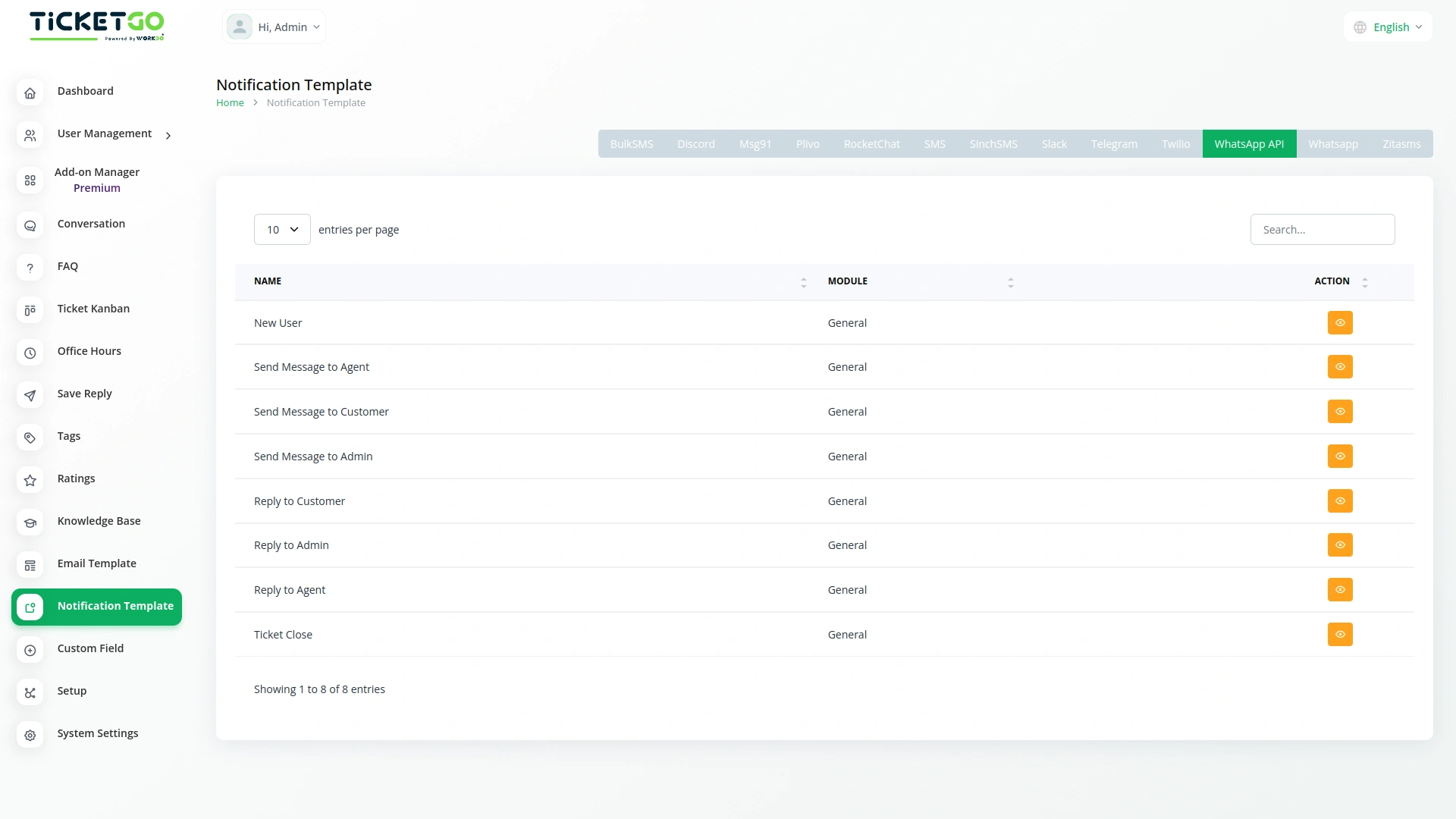
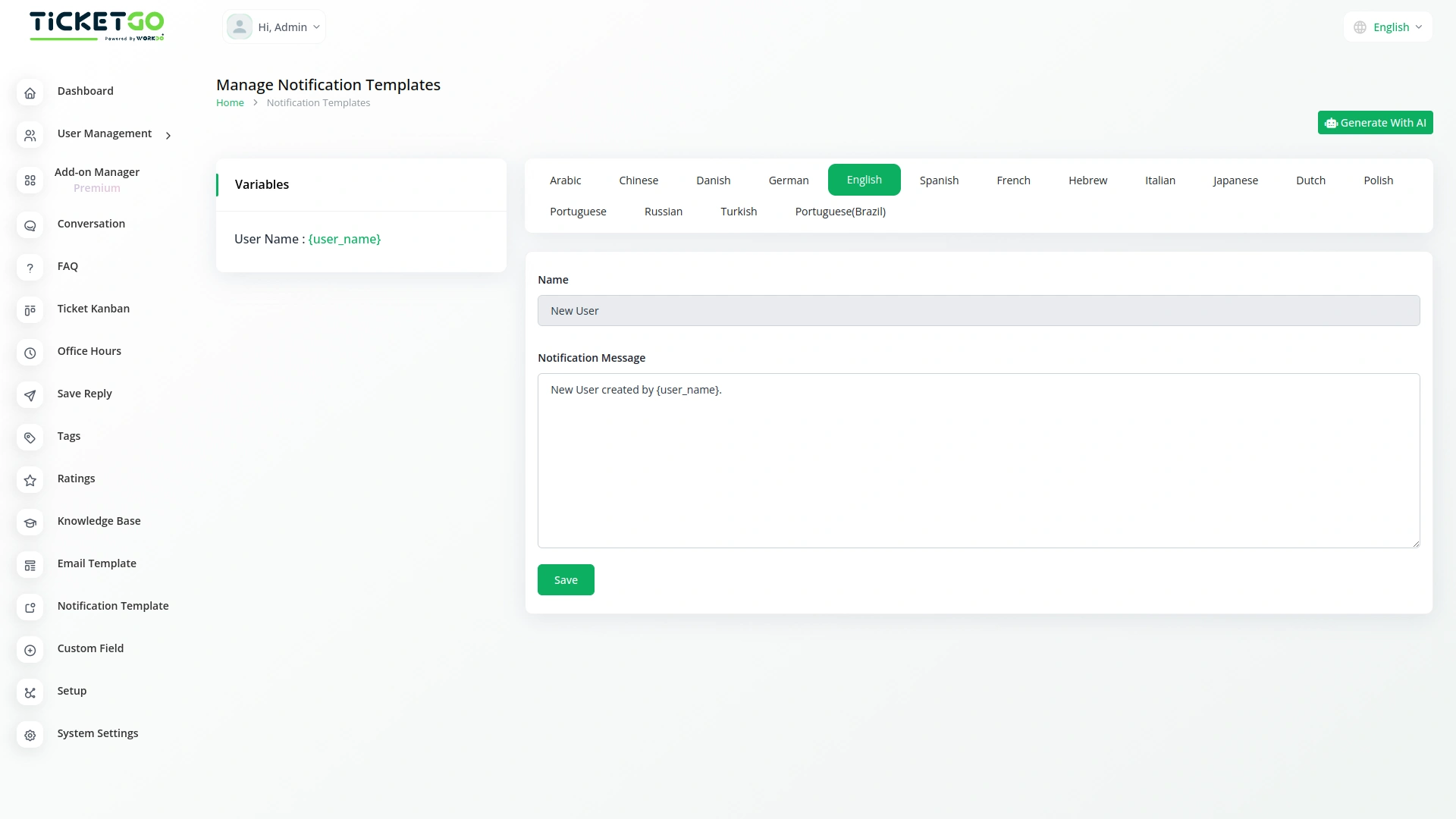
To explore the functionality and usage of these Add-Ons, refer to the accompanying screenshots for step-by-step instructions on how to maximize their features.

Discover More Add-Ons
Unlock even more functionality with additional Add-Ons, providing enhanced networking and customization options for your TicketGo Add-Ons experience.

Chat Pin
The ChatPin module in TicketGo provides a straightforward way to prioritize and highlight important conversations within the system. By enabling this feature, users can pin specific conversations to the top of the list, ensuring that high-priority tickets or urgent discussions are always visible and easily accessible. This helps teams stay organized and focused on the most important conversations, preventing them from being overlooked among others. The ChatPin module is a simple yet effective tool for managing workflows and ensuring that critical issues are addressed in a timely manner.

Twilio
The Twilio integration in TicketGo revolutionizes how you communicate with your customers, making it easier than ever to stay connected through SMS. By automating ticket updates, notifications, and alerts, Twilio ensures that your team and customers are always on the same page, without the need for constant manual updates. From the moment a ticket is created to when it's resolved, Twilio keeps your communication streamlined and efficient, saving your team valuable time while enhancing the customer experience.


Ticket Widget
The Ticket Widget Add-On provides a direct and accessible way for your website visitors to raise support tickets without navigating away from the current page.
Cross-platform responsiveness enhances usability across devices
UI is modern and sleek
Customizable reports and dashboards