
Streamline Collaboration with GoTo Integration
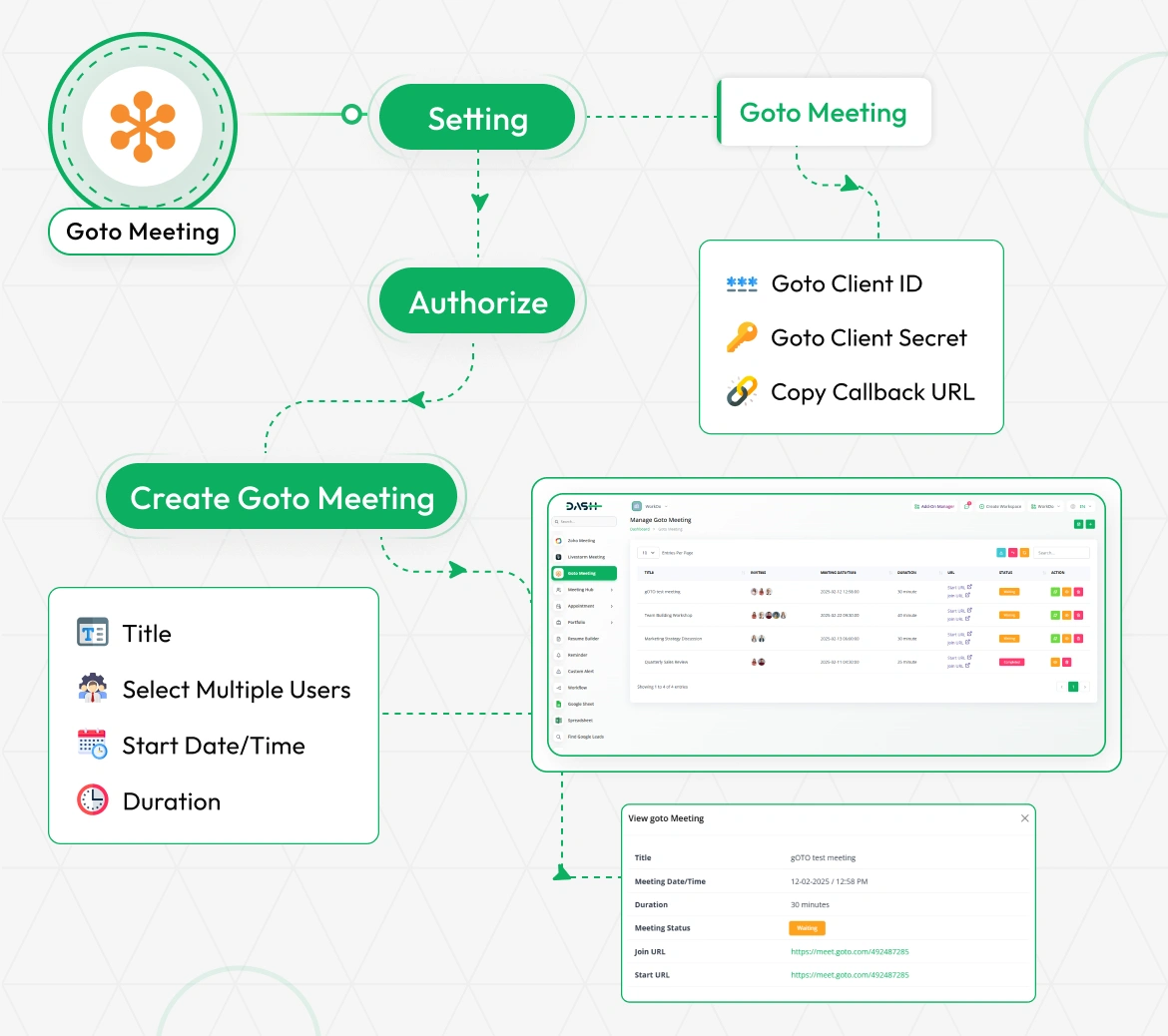
Effortlessly integrate GoTo Meeting by navigating to Settings and entering your GoTo Client ID, Client Secret, and Callback URL. Copy the Callback URL and paste it into your GoTo portal to authorize the connection. Once authorized, you can create meetings by setting a title, selecting users, and scheduling the time and duration. The system automatically generates Start and Join URLs for smooth video and audio collaboration.
Secure GoTo Meeting Authentication
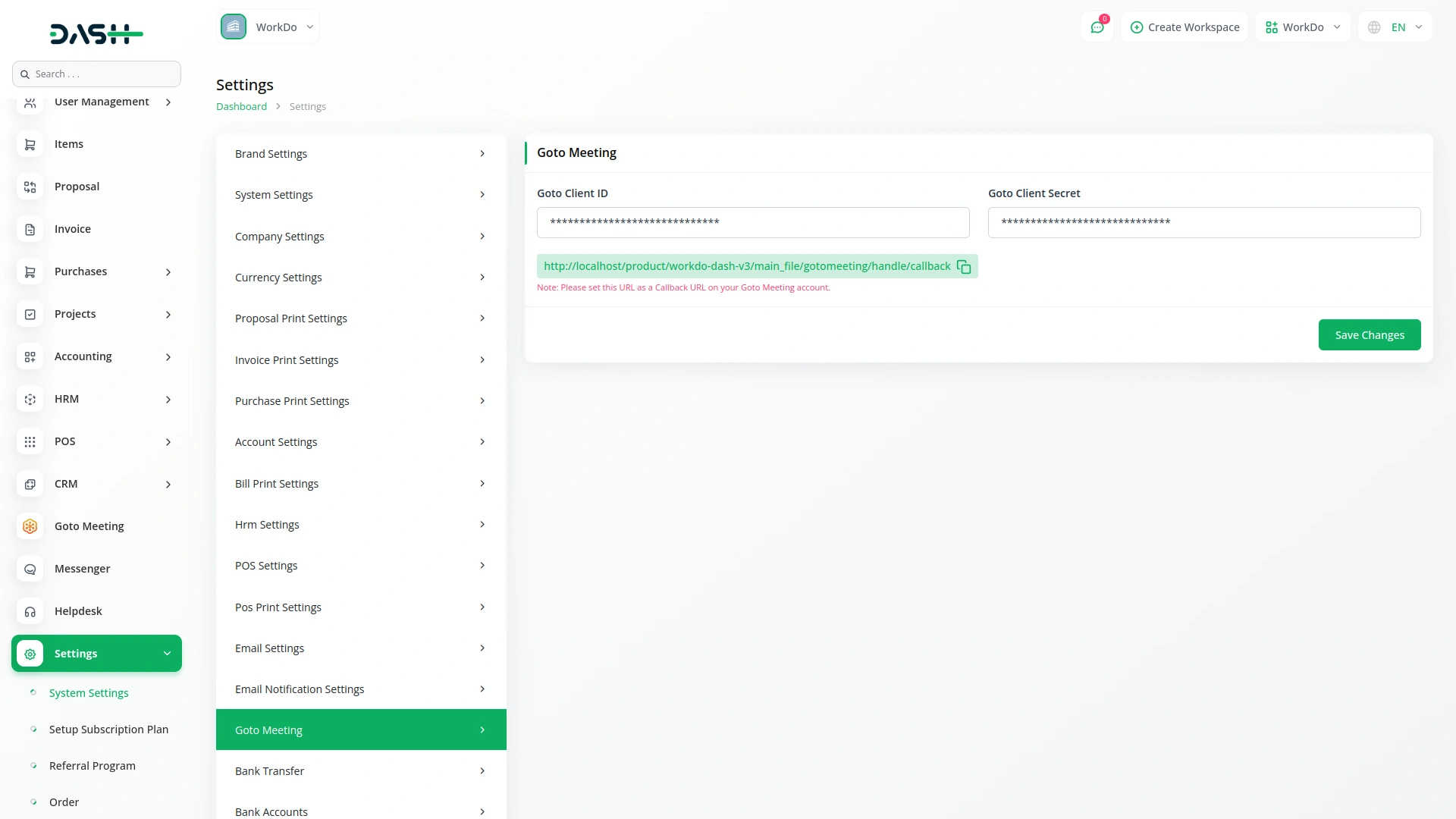
The system settings enable secure GoToMeeting integration through Client ID and Client Secret configuration. The system generates a callback URL with copy functionality for easy setup in the GoToMeeting portal. This streamlined process ensures stable connectivity and simplifies integration for organizations.
Reliable Audio and Video Quality
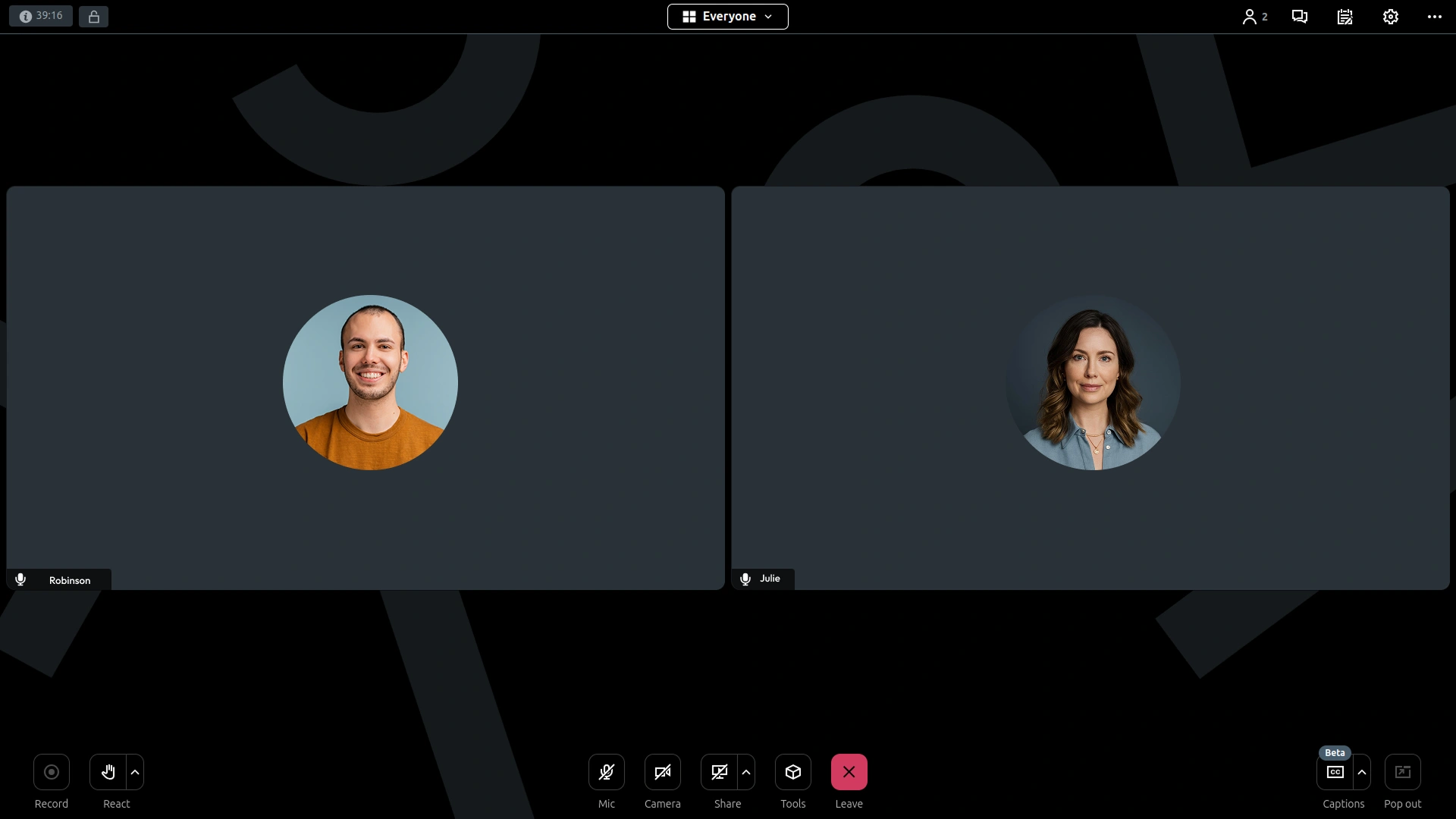
Organizations benefit from seamless GoToMeeting integration that delivers consistent, high-quality audio and video for all participants. The system automatically generates Start and Join URLs, ensuring easy access to professional virtual environments. This setup supports training, webinars, and meetings while upholding professional standards.
Centralized Meeting Management
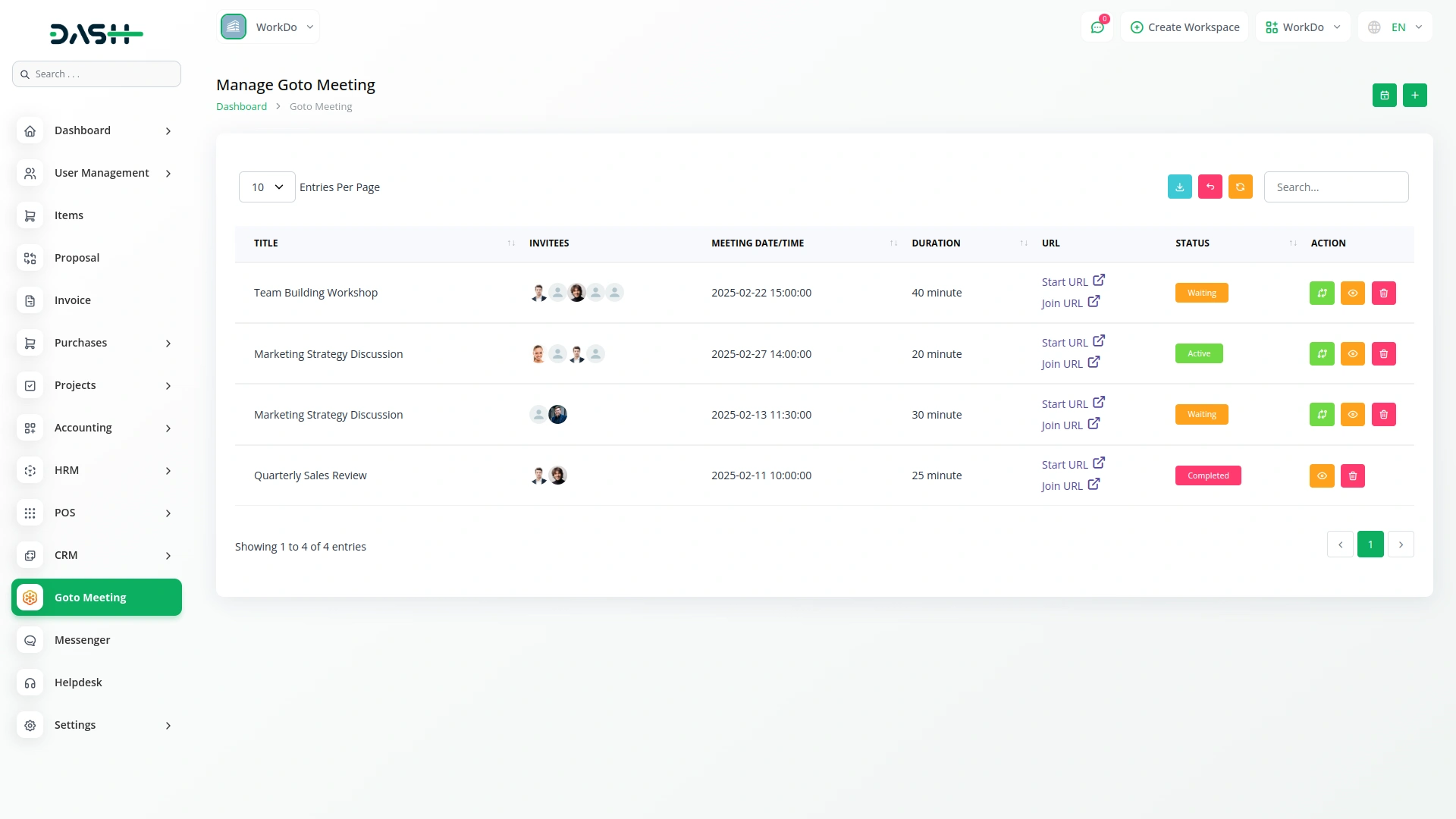
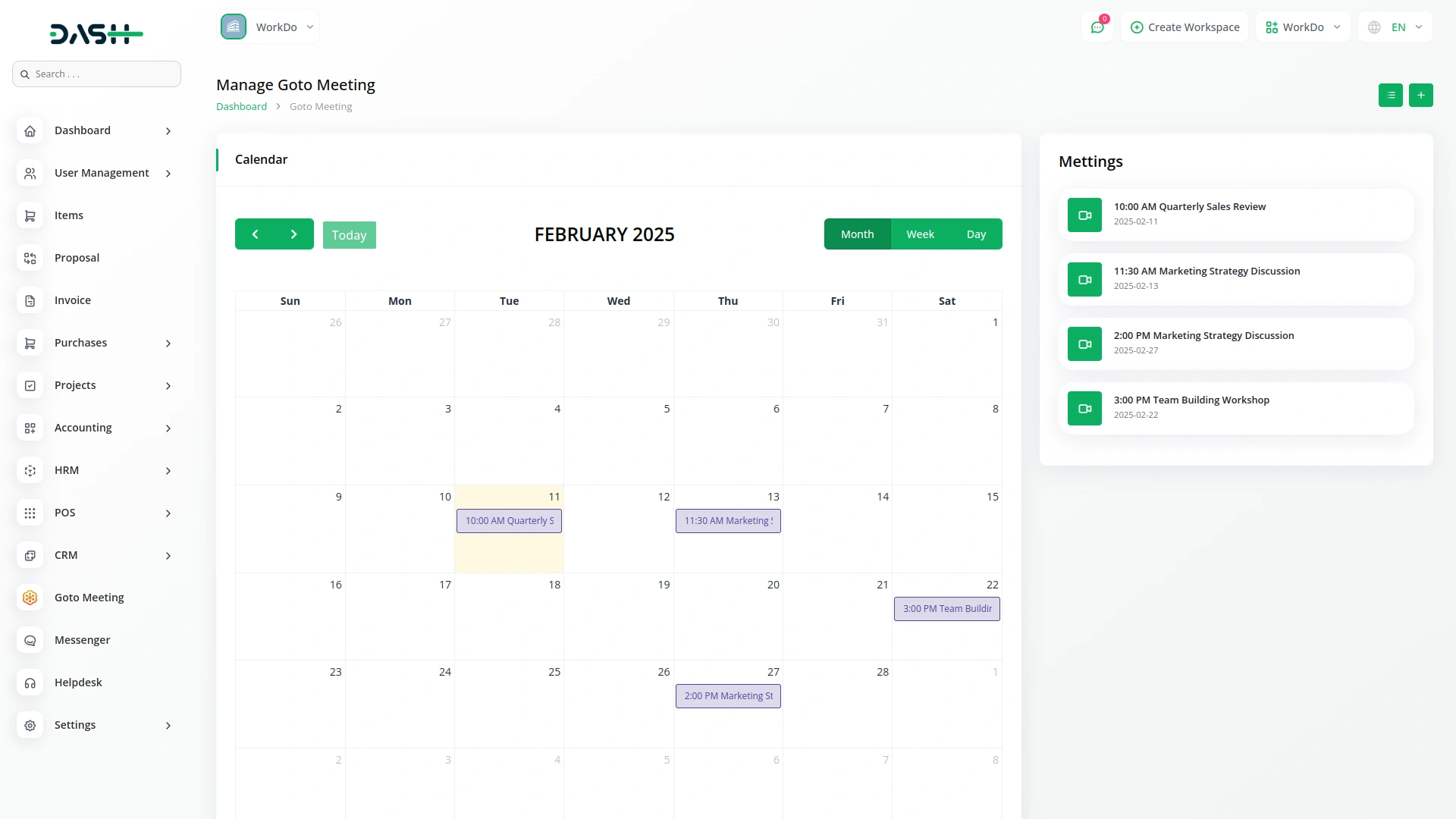
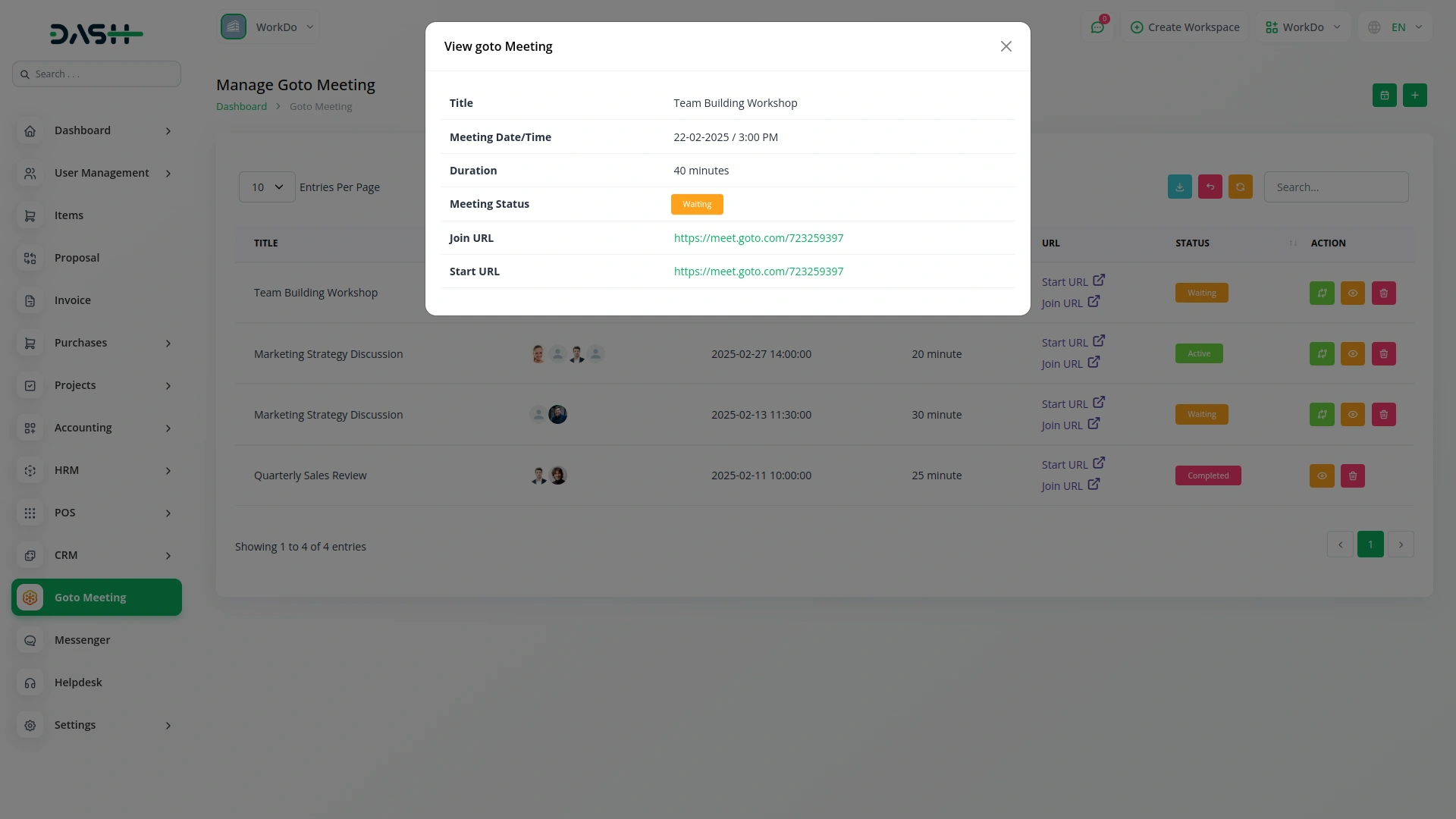
All scheduled meetings are listed with key details like title, attendees, timing, and URLs. The Start URL is shared with admins to initiate the meeting, while the Join URL is sent to attendees. You can search, filter, export, or update statuses from the list view. Meetings are also available in a calendar layout with month, week, or day views for easy tracking.
Secure Access Authorization
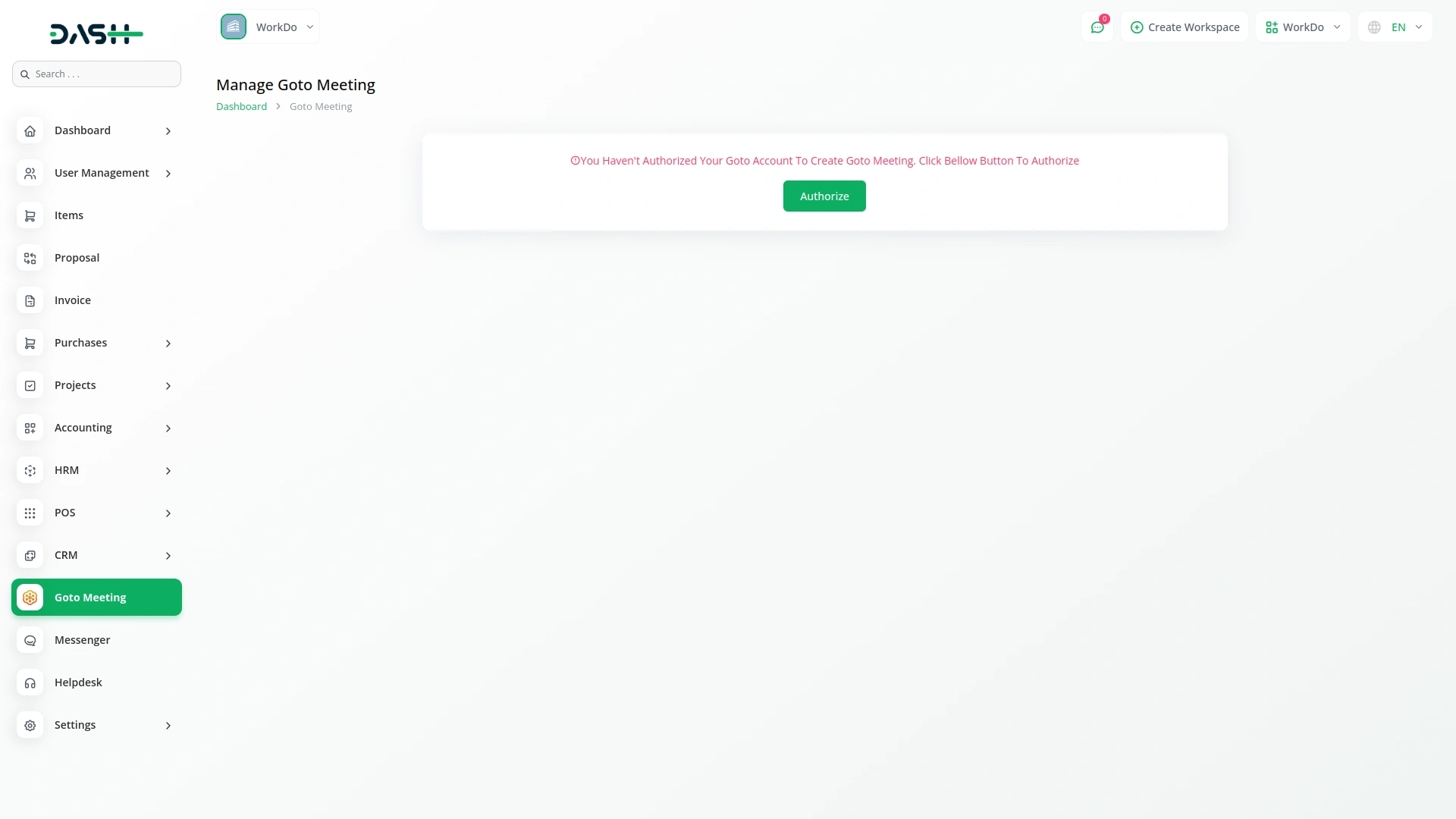
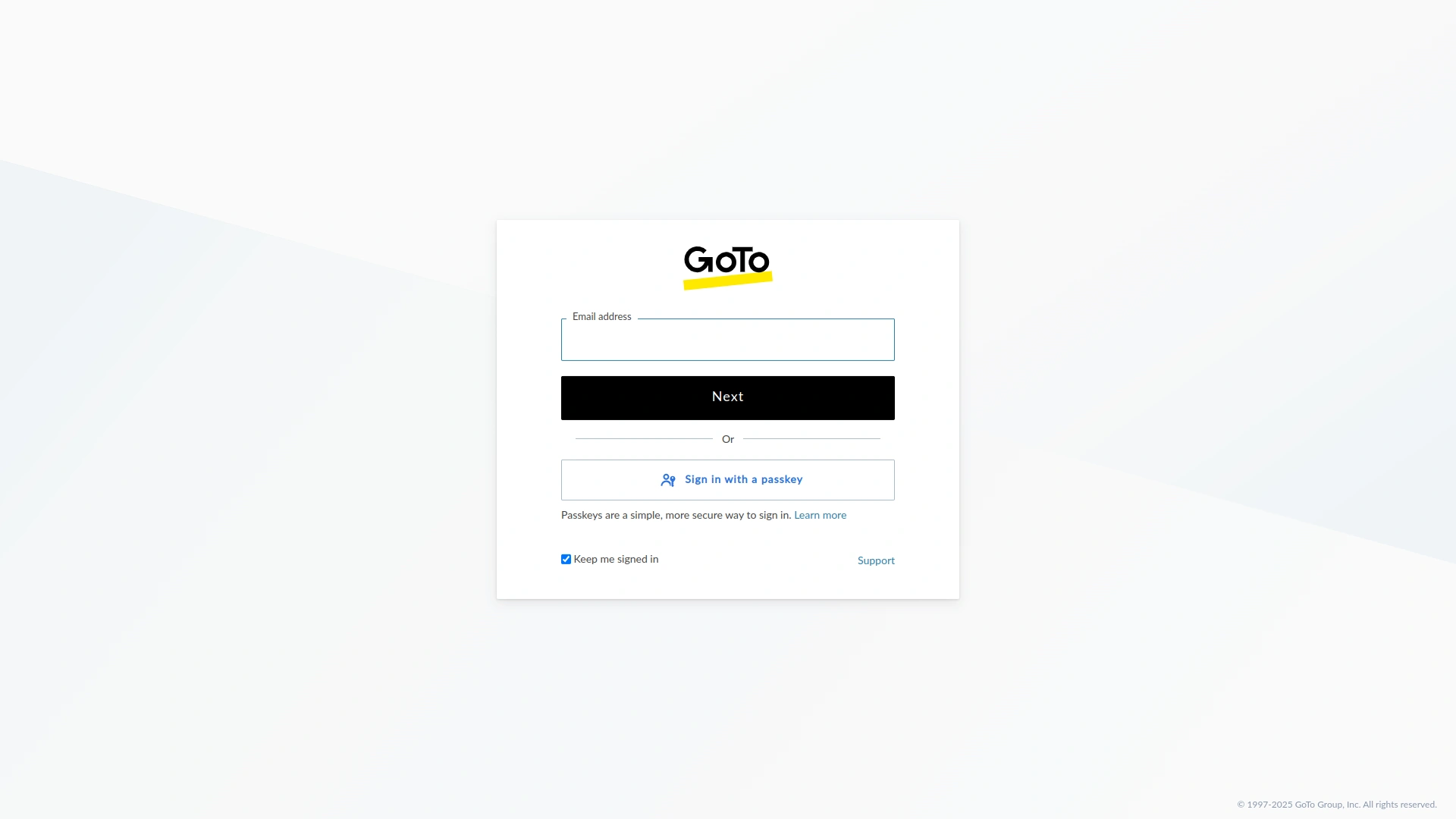
Corporate platforms require secure authorization when integrating with GoToMeeting accounts. The system guides users through a step-by-step authorization process if their account is not yet connected, ensuring secure access to meeting services while maintaining corporate security standards. Once authorized, users can easily create and manage meetings.
Screenshots from our system
To explore the functionality and usage of these Add-Ons, refer to the accompanying screenshots for step-by-step instructions on how to maximize their features.
Discover More Add-Ons
Unlock even more functionality with additional Add-Ons, providing enhanced networking and customization options for your Dash SaaS experience.

Facilities
The Facilities Module in Dash SaaS is designed to enhance and streamline resource management for businesses of all sizes.
View More

Whatsender
Send instant updates and notifications via WhatsApp using Whatsender, keeping your team and customers informed with fast and reliable messaging, even when they’re not logged into the system.
View More
1 review for Goto Meeting – Dash SaaS Add-On
| 5 star | 100% | |
| 4 star | 0% | |
| 3 star | 0% | |
| 2 star | 0% | |
| 1 star | 0% |
Comments
You must be logged in to post a comment.
There are no comment yet.
Contact Us for Support :
-
You will get immediate support from our support desk. Please visit here https://support.workdo.io/
Item support includes:
- Answer pre-sale questions or query
- Answering technical questions about item's features
- Assistance with reported bugs and issues
- Help with included 3rd party assets
- Free Installation services in some cases
However, item support does not include:
- Customization services
Check Documents & Tutorials
Addons are very well integrated