
Connect Your Zendesk Account to Enable Full Integration
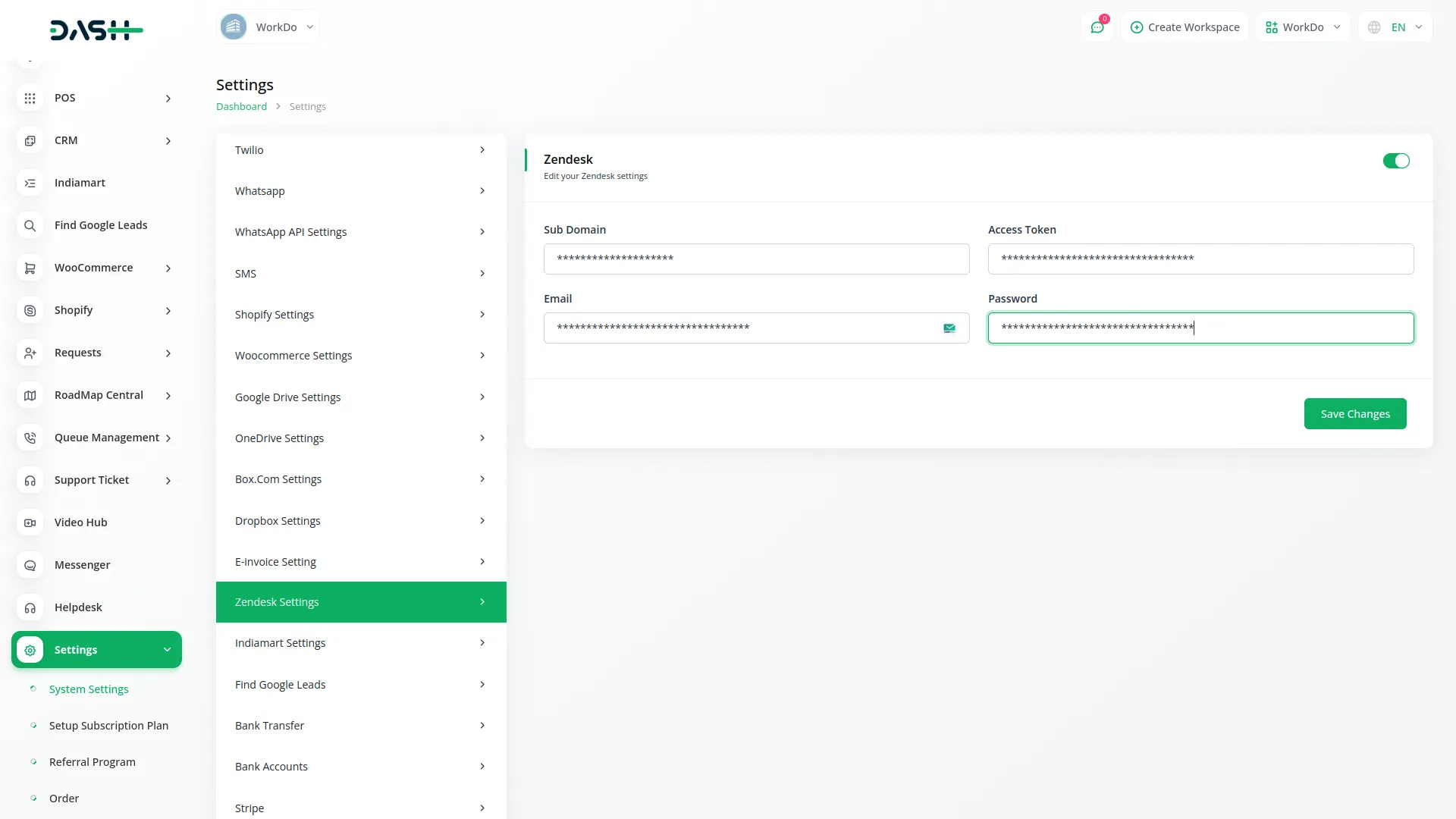
To unlock the full potential of the Zendesk Add-On, it is essential to connect your Zendesk account by entering the required credentials on the platform’s settings page. Once configured, the integration establishes a two-way data connection between Zendesk and your platform. This level of synchronization not only saves time but also ensures data consistency, allowing your support operations to function cohesively without information silos.
- Enter your Zendesk credentials in the settings page to activate the integration
- View Zendesk data directly on your platform for complete visibility
- Ensure real-time syncing of tickets and content between both systems
Zendesk boosts service with seamless ticket syncing
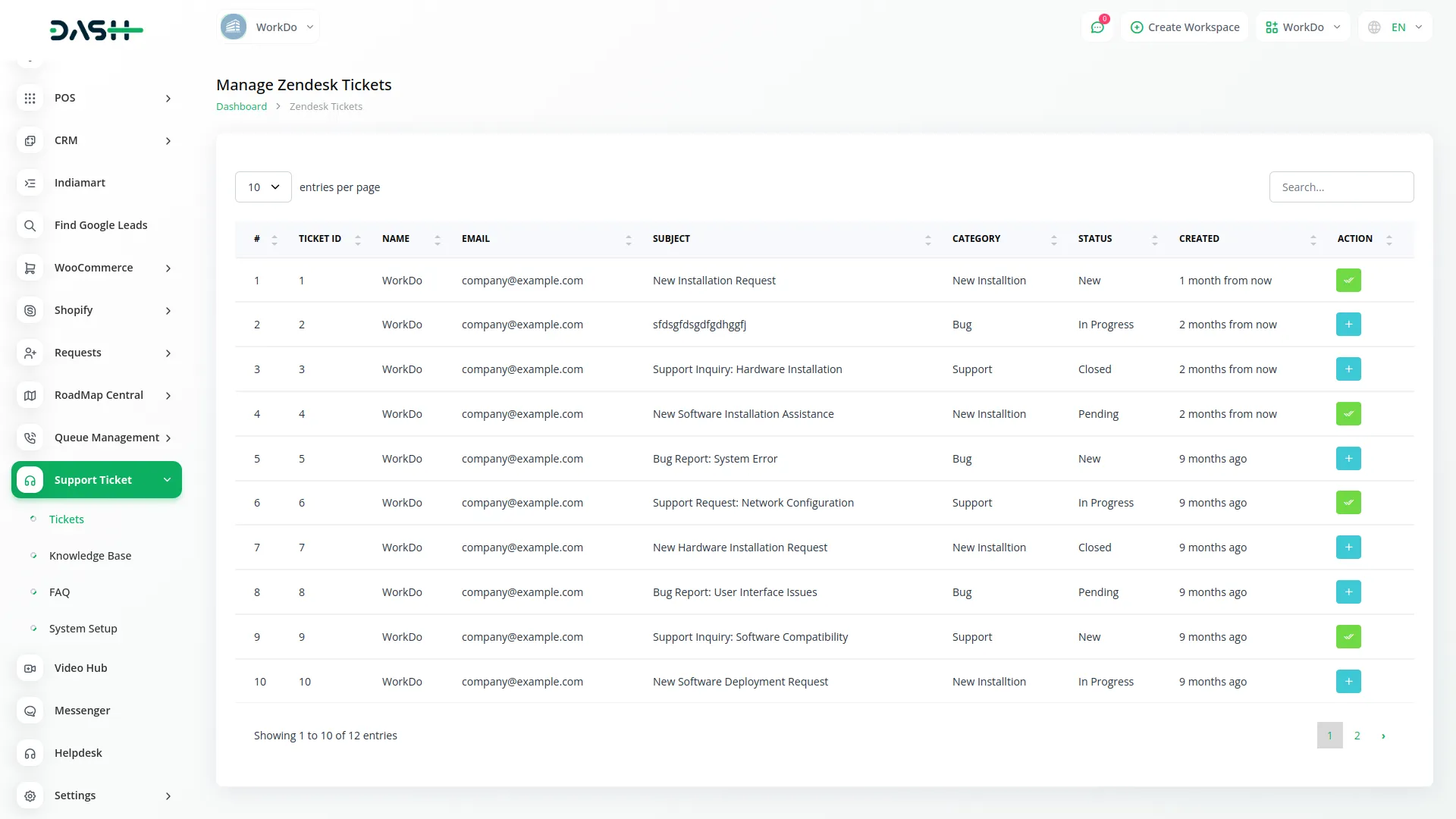
The Zendesk Add-On integration enhances your support system by centralizing all client queries and agent activities in one easy-to-manage dashboard. It simplifies the ticket creation process for clients while ensuring instant synchronization and fast response times. With multiple admins able to manage tickets efficiently, customer support becomes faster, smarter, and more reliable.
- Instantly sync tickets to deliver faster, smarter client support
- Manage customer support queries directly from your Zendesk dashboard
- Create support tickets easily using simplified forms and options
Organize and Manage Your Knowledge Base with Ease
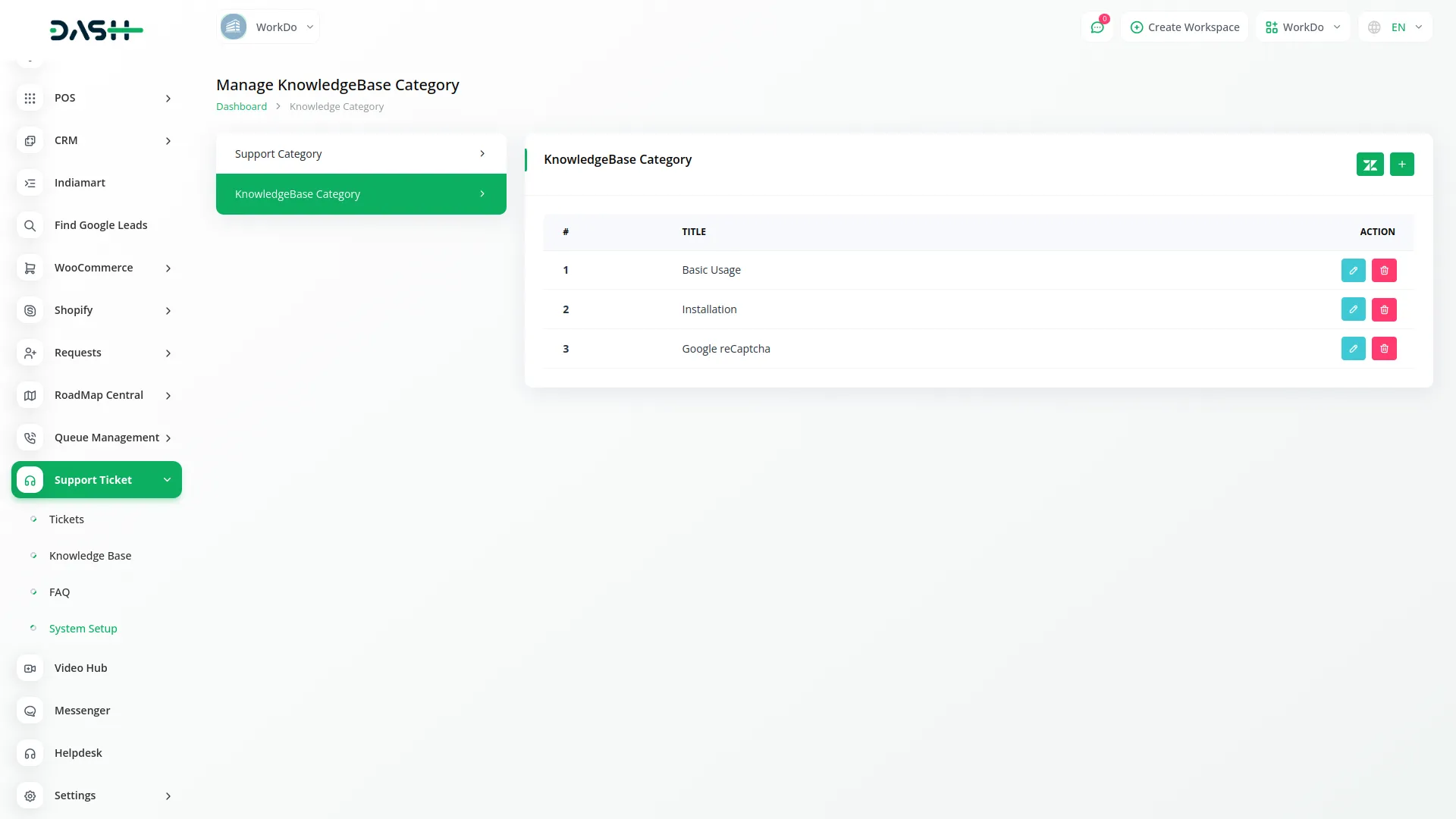
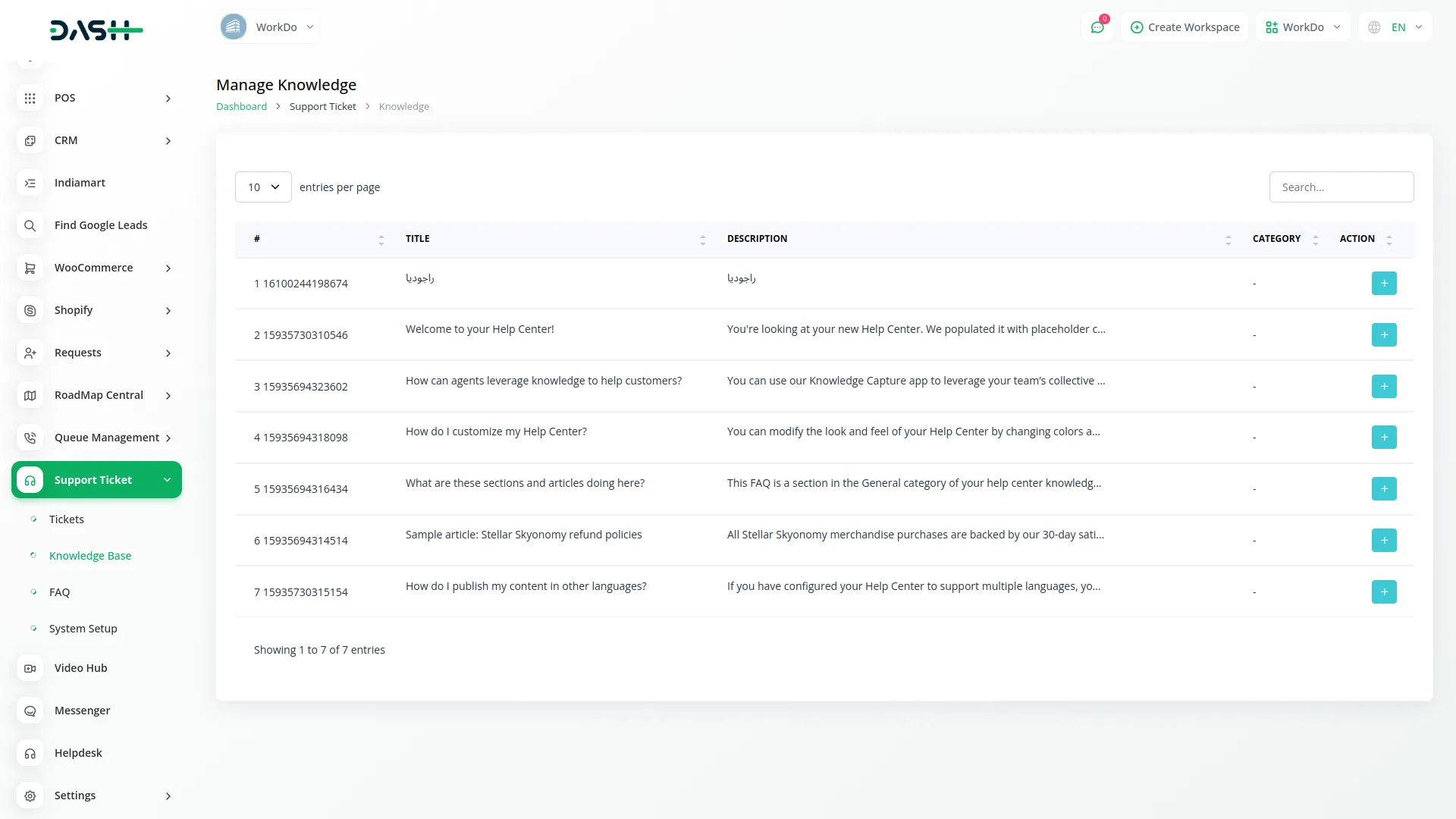
Easily organize and manage your knowledge base with seamless Zendesk integration. Sync important information to keep everything accessible and well-structured. View and track all tickets, agents, and support stats in one centralized dashboard. Customize categories and FAQs to match your support needs. This setup ensures a smoother, more efficient support experience.
- Organize, manage, and assign support tickets with complete control
- Track all agents, stats, and ticket activity in one dashboard
- Customize and update knowledge base categories and content easily
Screenshots from our system
To explore the functionality and usage of these Add-Ons, refer to the accompanying screenshots for step-by-step instructions on how to maximize their features.
Discover More Add-Ons
Unlock even more functionality with additional Add-Ons, providing enhanced networking and customization options for your Dash SaaS experience.

Appointment
The Appointment Add-On streamlines scheduling by allowing users to create appointments with custom questions. Once an appointment is created, users can copy the link and share it directly with clients.

Porter's Five Forces Model
Porter's Five Forces model offers a structured framework for analyzing competitive dynamics within an industry, encompassing the bargaining power of buyers and suppliers, the threat of new entrants, the threat of substitute products or services, and the intensity of competitive rivalry.

blood-bank
The Blood Bank Management Add-On empowers hospitals with seamless donor tracking, advanced blood testing, and real-time inventory control.

Construction Management
Manage construction projects, streamline workflows, and boost team collaboration effortlessly with WorkDo Dash's Construction Management Module. Track project progress, oversee budgets, and ensure timely completion of tasks.
Code is modular and reusable
UI design is clear