

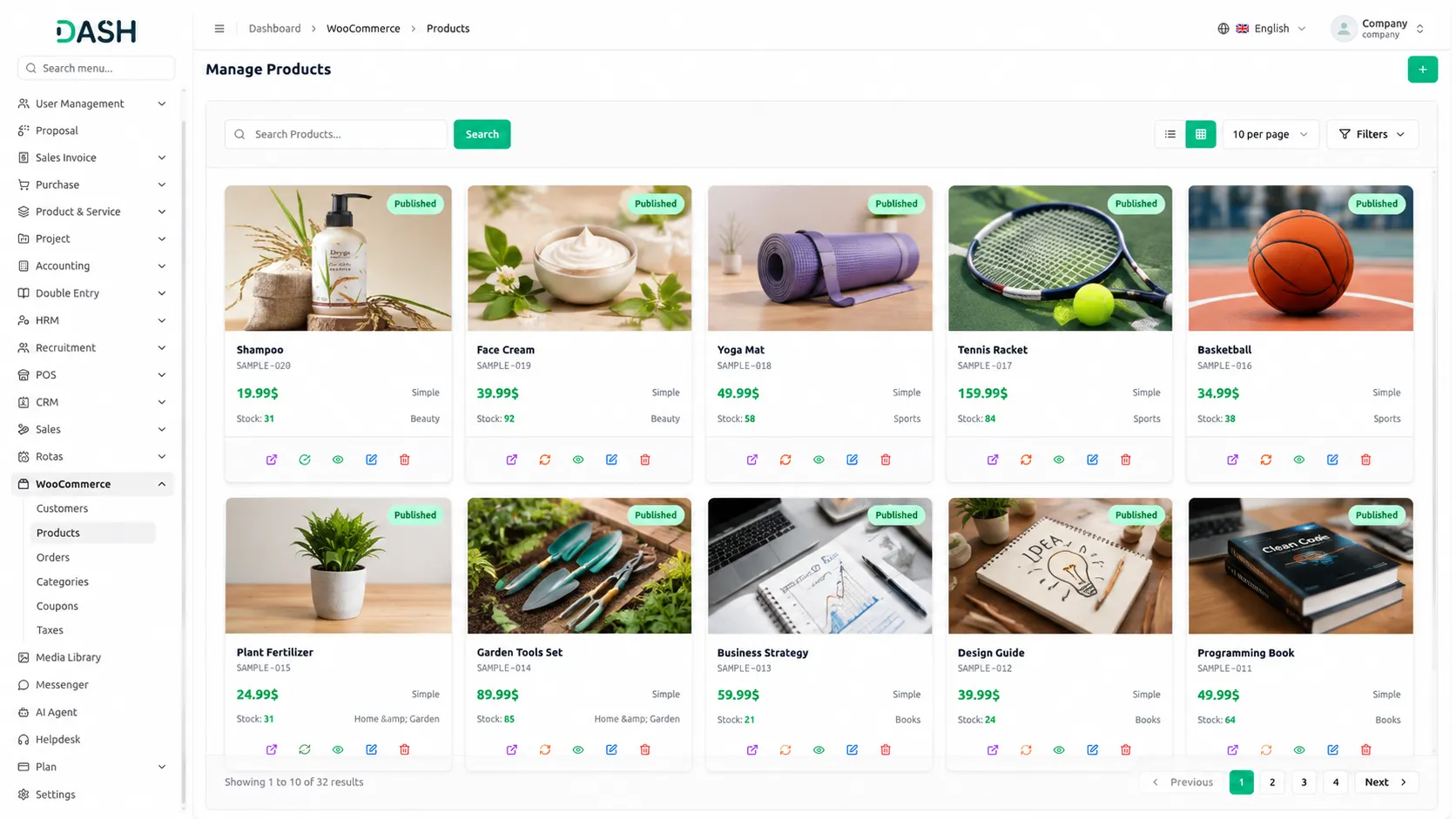
The WooCommerce Add-On connects your WooCommerce store directly with your platform, allowing you to manage all your eCommerce data in one place. With this integration, you can easily access and update your customers, products, orders, categories, coupons, and tax settings without switching between different systems.
WooCommerce Settings Configuration
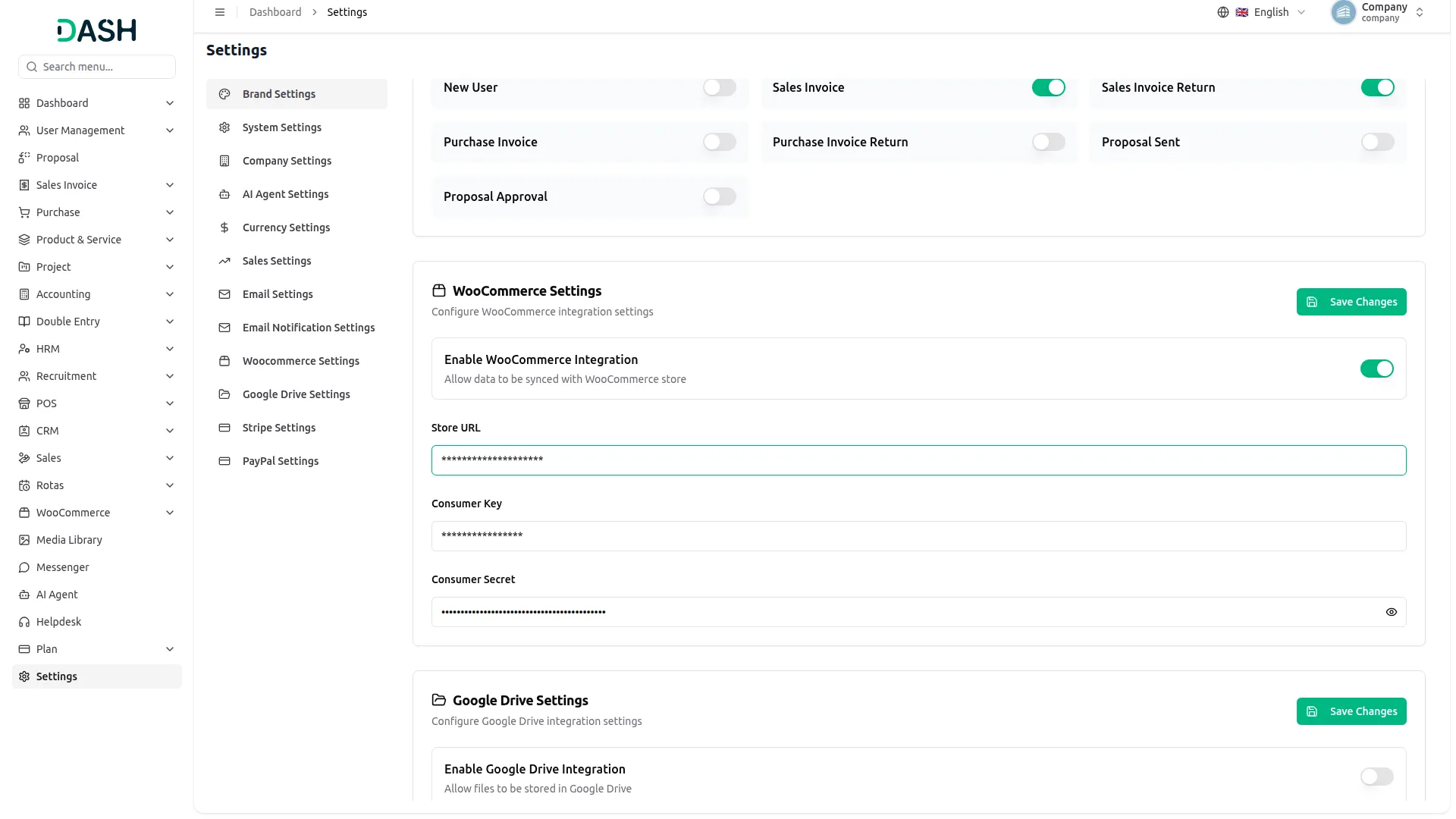
To configure the WooCommerce Add-On, navigate to Settings, find the Company Settings, and click on WooCommerce Settings. Use the Enable/Disable toggle to control integration visibility. Enter your Store URL, Consumer Key, and Consumer Secret. This setup allows your system to fetch and sync data from WooCommerce securely. Click Save to connect your store and securely sync data with the system.
Manage Customers, Coupons, and Orders Effortlessly
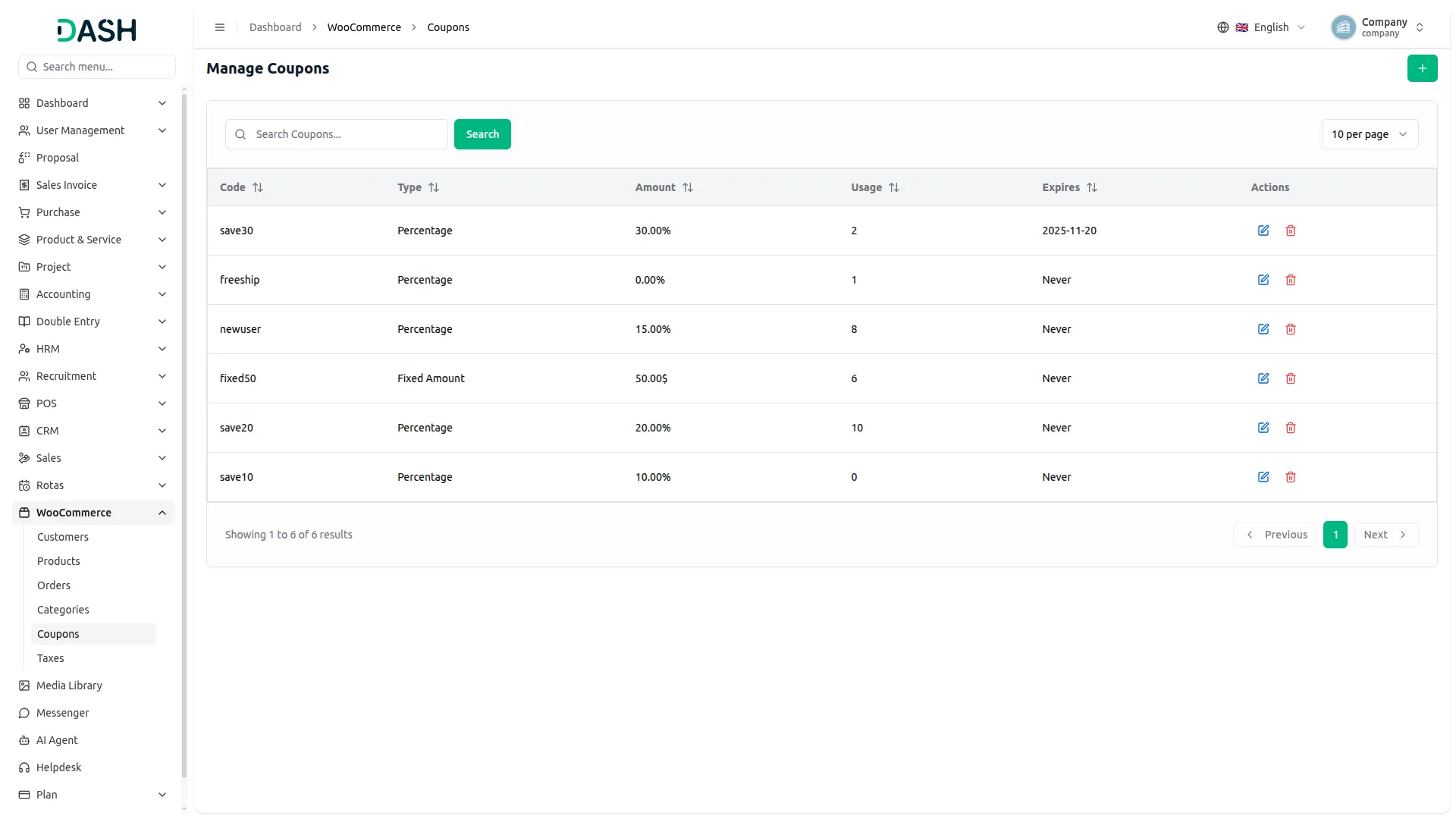
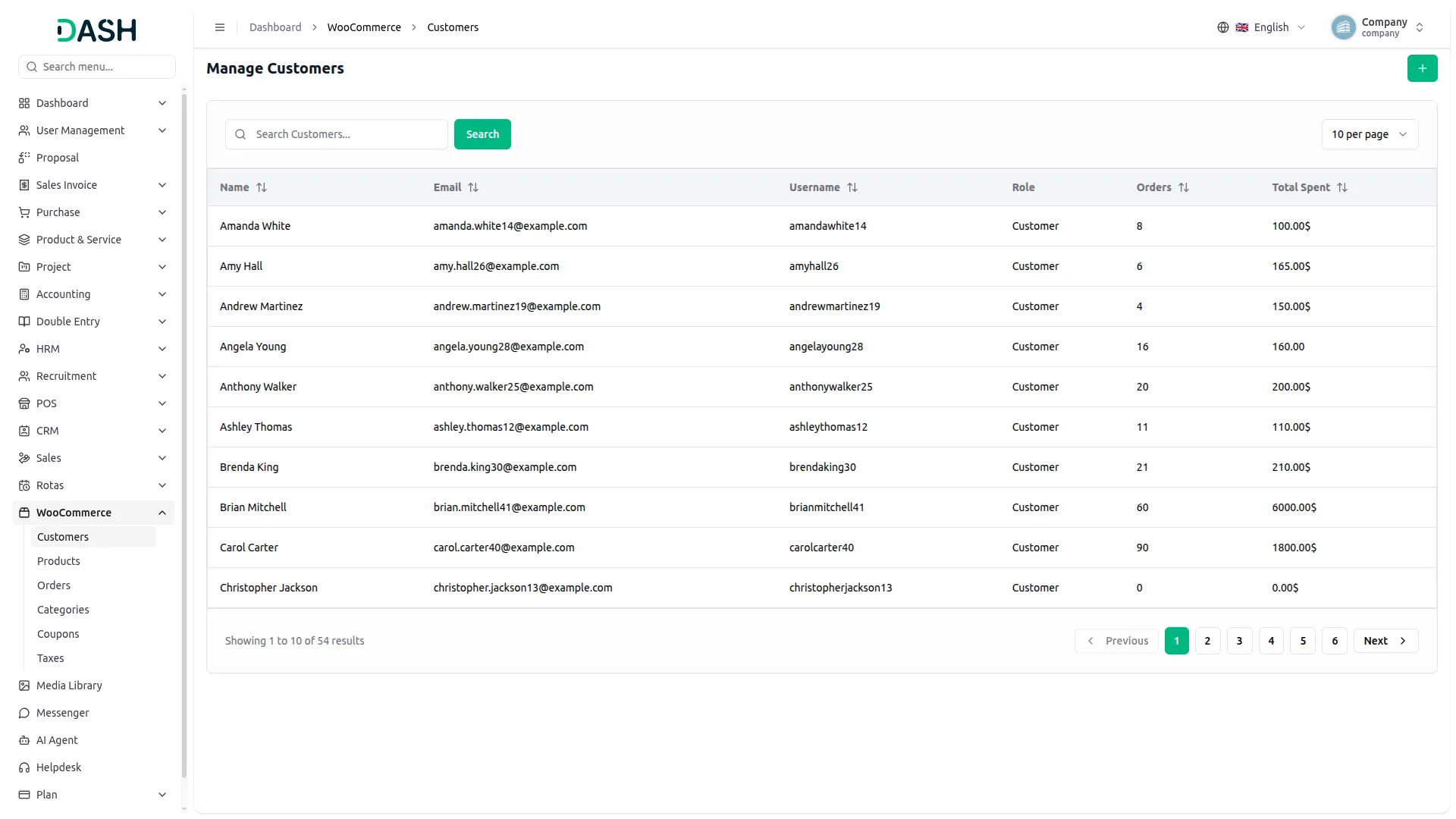
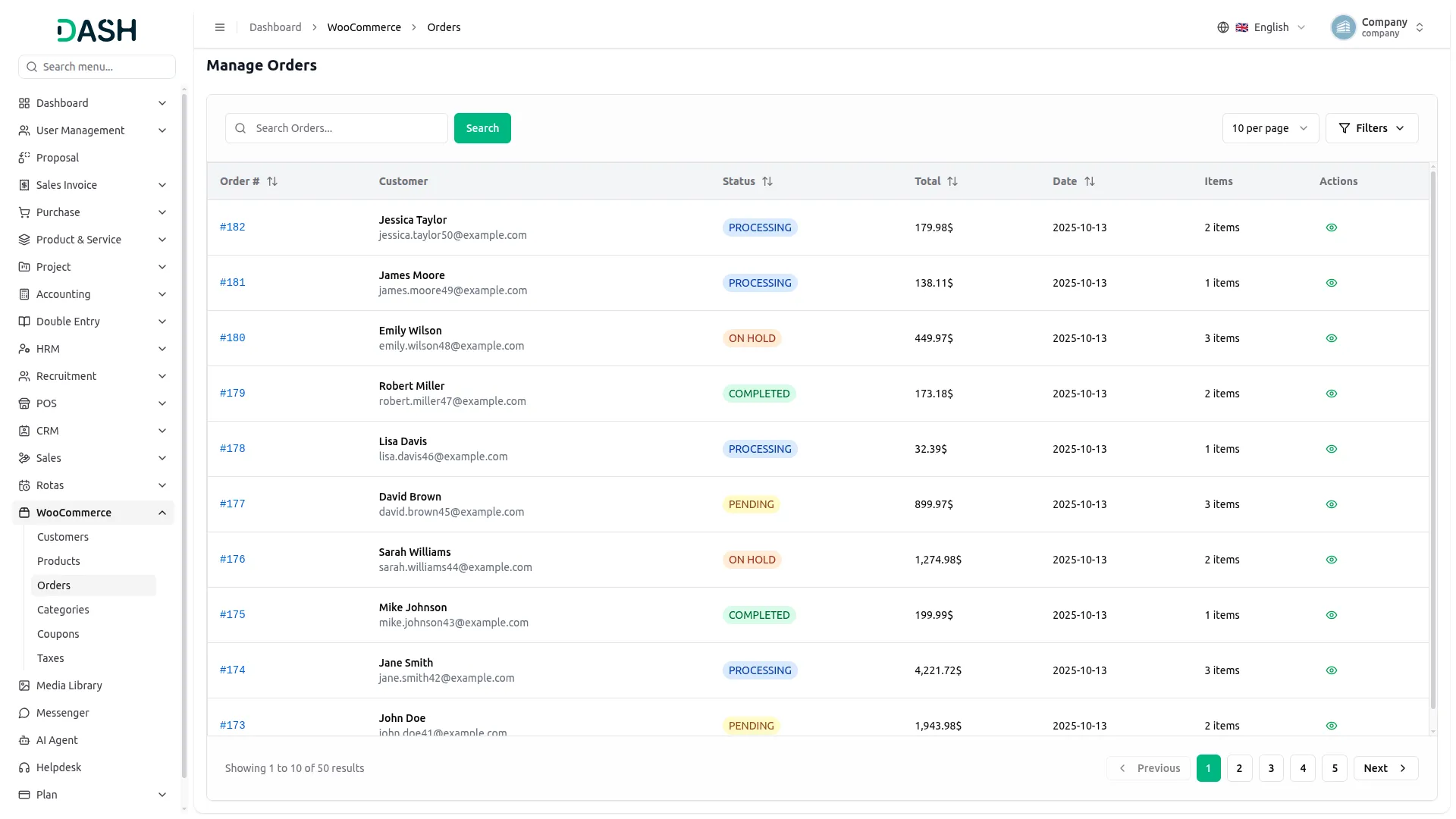
With the WooCommerce Add-On, your store's customer, coupon, and order data becomes instantly available inside your system. You can view detailed customer profiles without needing to log into WordPress, including names, contact details, and profile images. Create new customers and manage coupon codes with full CRUD operations, including their discount types and usage details right inside your system. You can view full order details without needing to add anything manually.
Organize Products, Categories, and Tax Information with Ease
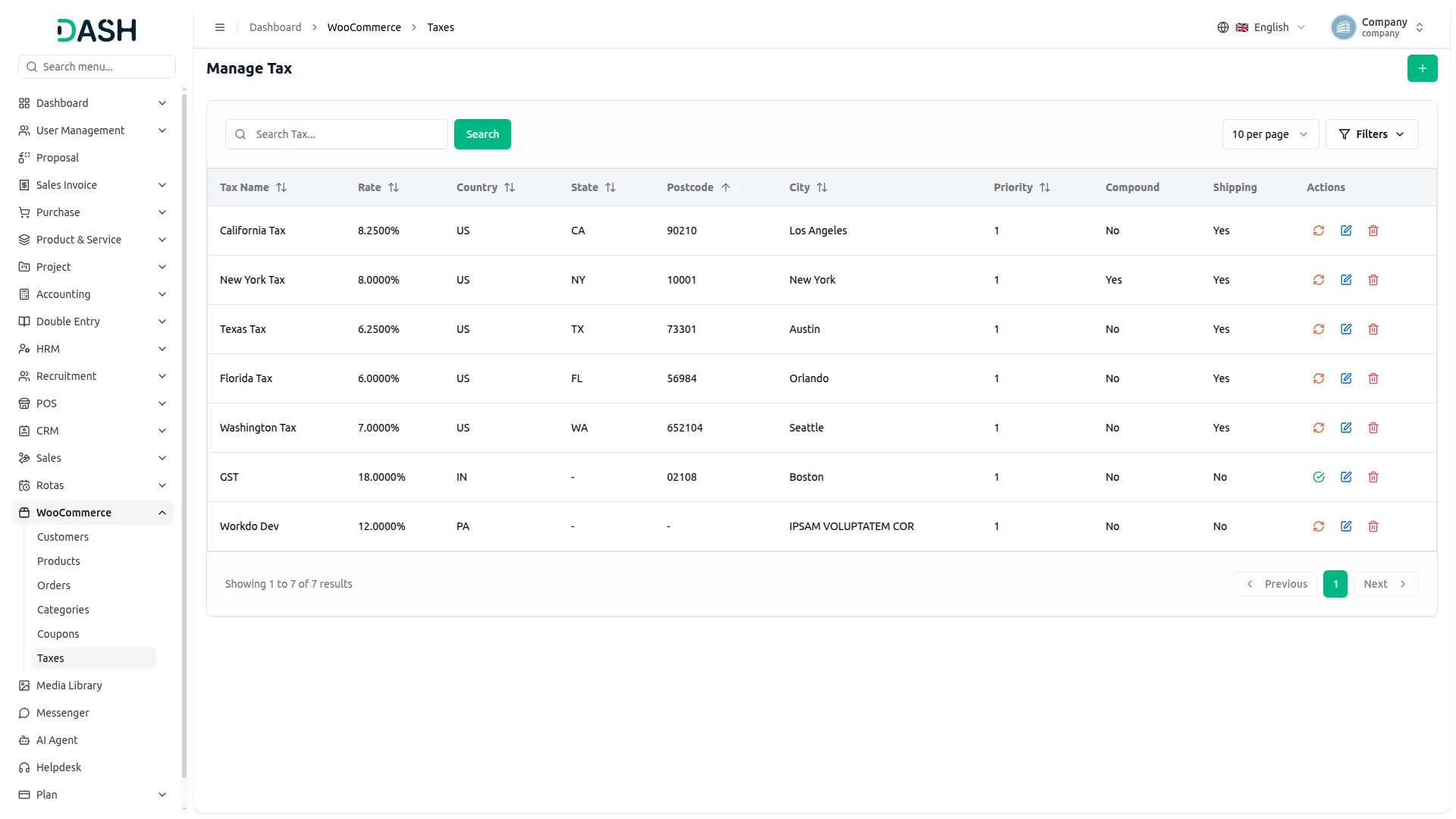
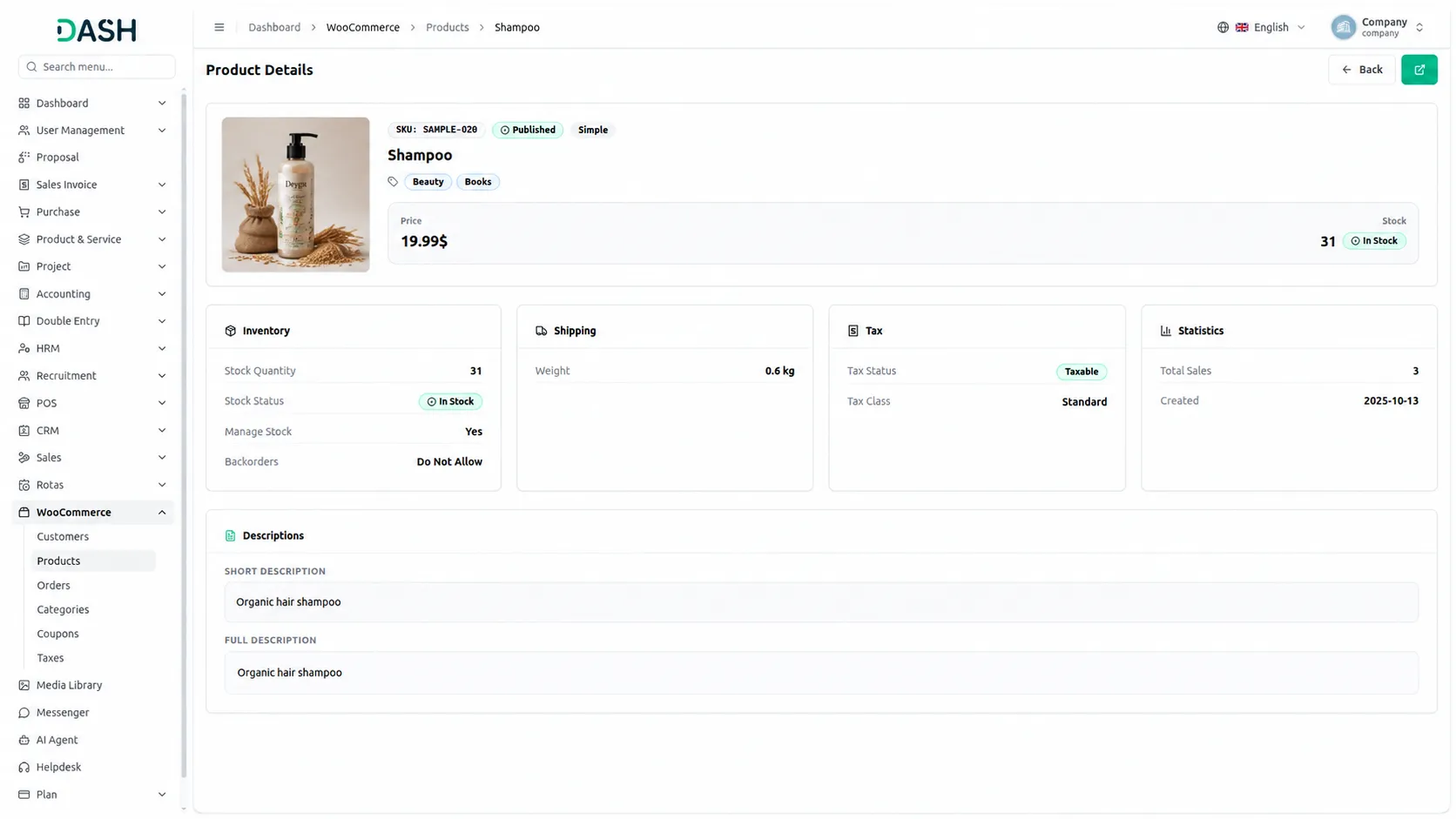
Managing your online store's products becomes more efficient through this Add-On with enhanced sync capabilities. You can create new products or sync existing ones from your WooCommerce store directly into your ProductService system. Products are organized with details like name, SKU, category, and stock levels, with automatic category and tax creation during sync. For category and tax management, you can add new items and use bidirectional sync to keep both systems synchronized effortlessly.
Screenshots from our system
To explore the functionality and usage of these Add-Ons, refer to the accompanying screenshots for step-by-step instructions on how to maximize their features.
Discover More Add-Ons
Unlock even more functionality with additional Add-Ons, providing enhanced networking and customization options for your Dash SaaS experience.

blood-bank
The Blood Bank Management Add-On empowers hospitals with seamless donor tracking, advanced blood testing, and real-time inventory control.

Insurance Management
Streamline your insurance operations effortlessly with our comprehensive module in Dash SaaS. From client management to policy administration, access all your insurance-related tasks in one centralized dashboard, ensuring efficiency, accuracy, and compliance at every step.

Financial Goal
The Financial Goal Add-on enables users to set, manage, and track personalized financial objectives with flexible timeframes and target amounts.

Documentation makes sense
UI is polished and stylish
Custom fields for flexibility
Features save time
Very useful as a CRM but also as a tool to learn these new technologies. Fully recommended.
the Team deserve 5 Star for following reason; 1- Customer Support2- Feature Availability3- Design Quality 4- Documentation Quality