

The Shopify Sync Add-On allows you to connect your Shopify store with your platform to manage all your e-commerce data in one place. Once connected, you can access your store’s customers, coupons, products, orders, and categories directly from your system without switching between platforms.
Shopify Settings Configuration
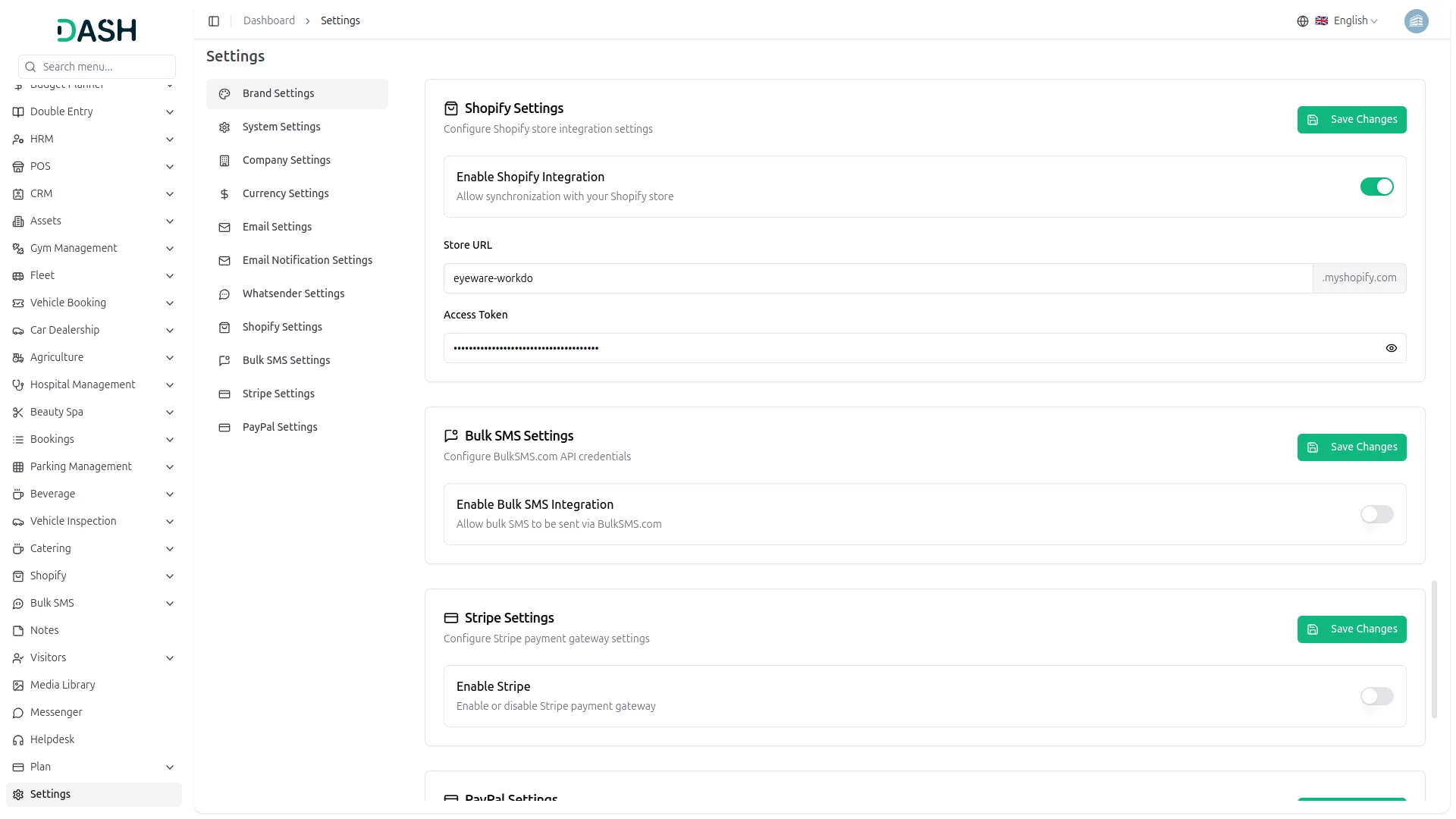
To configure the Shopify Sync Add-On, navigate to Settings, find the System Settings, and click on Shopify Settings. Enter your Store URL and Access Token. This setup allows your system to fetch and sync data from Shopify securely. Click Save to connect your store and securely sync data with the system.
Manage Customers and Coupons Effortlessly
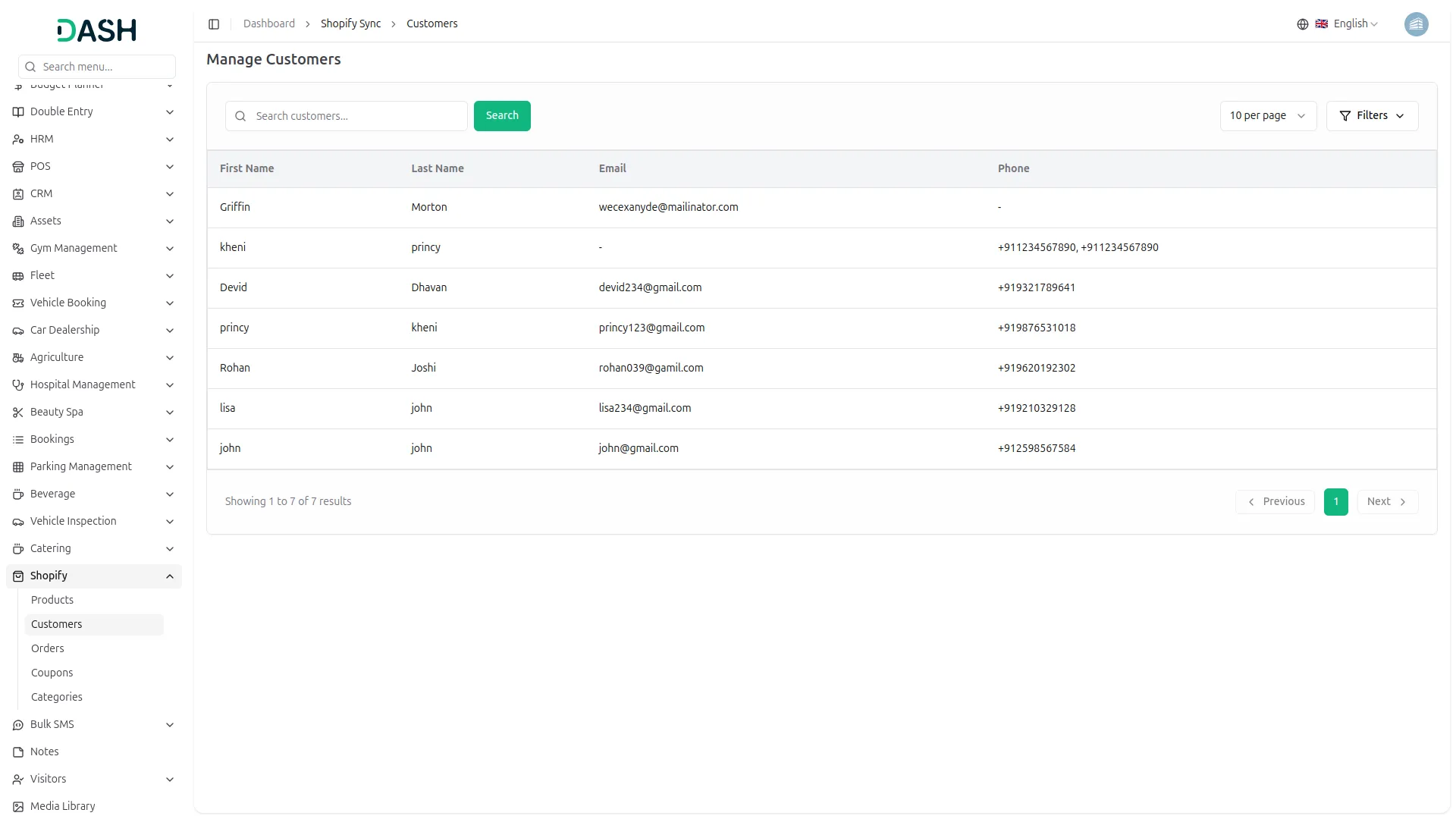
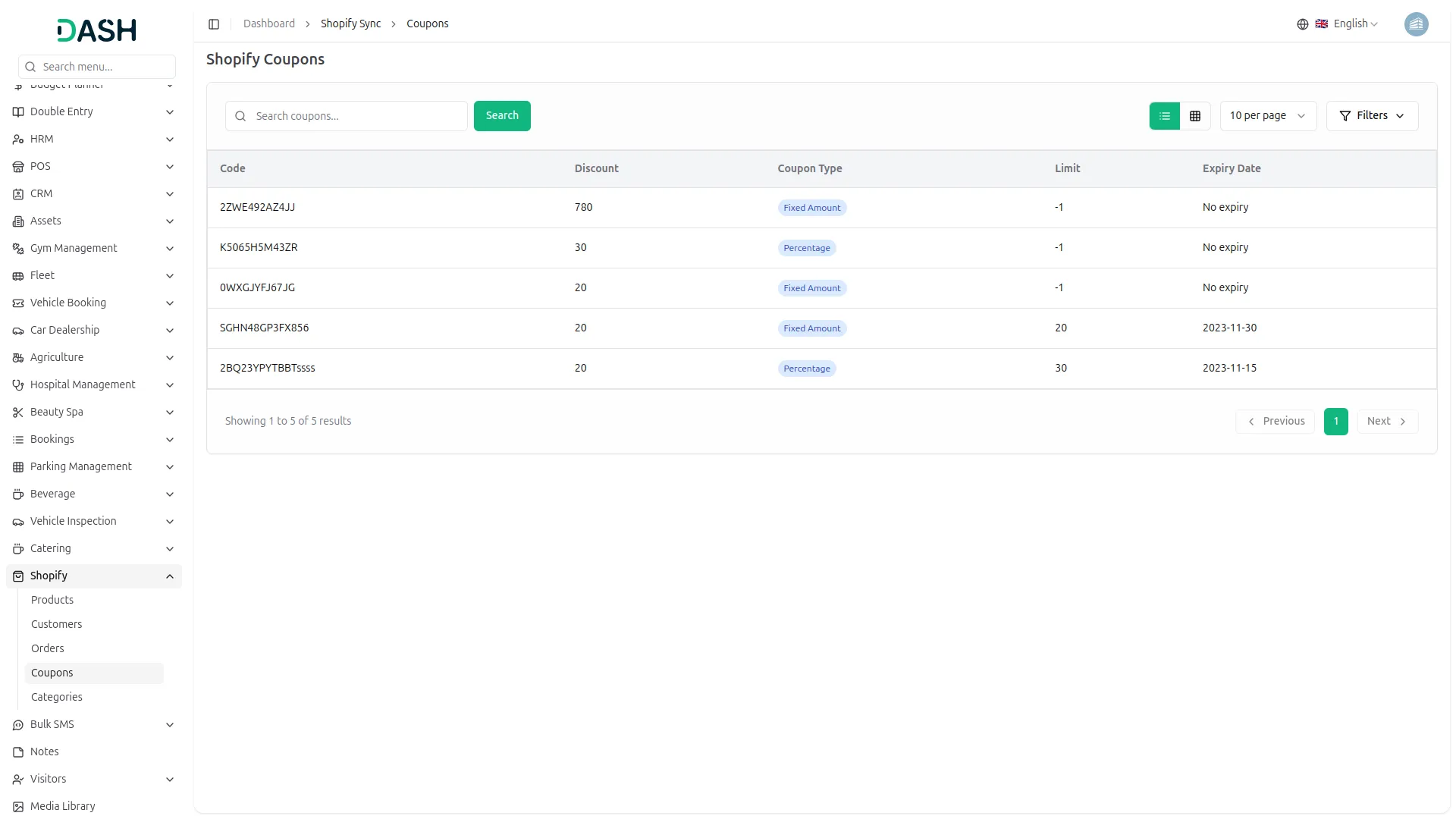
Once the connection is active, you can view all your Shopify customers directly from the side menu. Their information, such as first name, last name, contact details, and email, is synced automatically, so you do not need to log in to Shopify every time. Along with coupons, the Add-On also brings in your store’s coupon data. You can view all the available coupon codes, their coupon types, discount, expiry date and usage details right inside your system. This helps you manage customer data and ongoing offers with ease.
Organize Products, Orders, and Categories Information with Ease
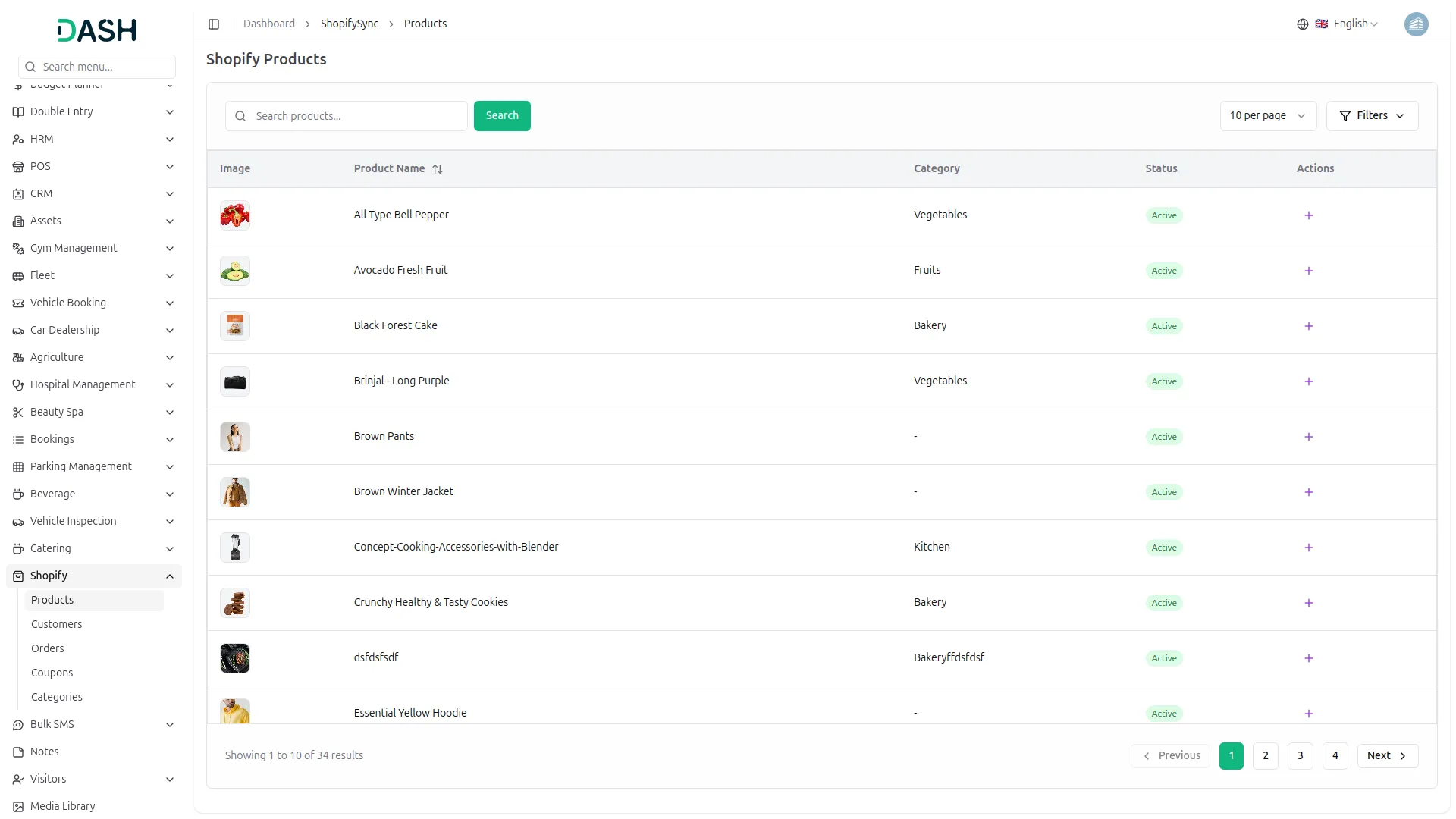
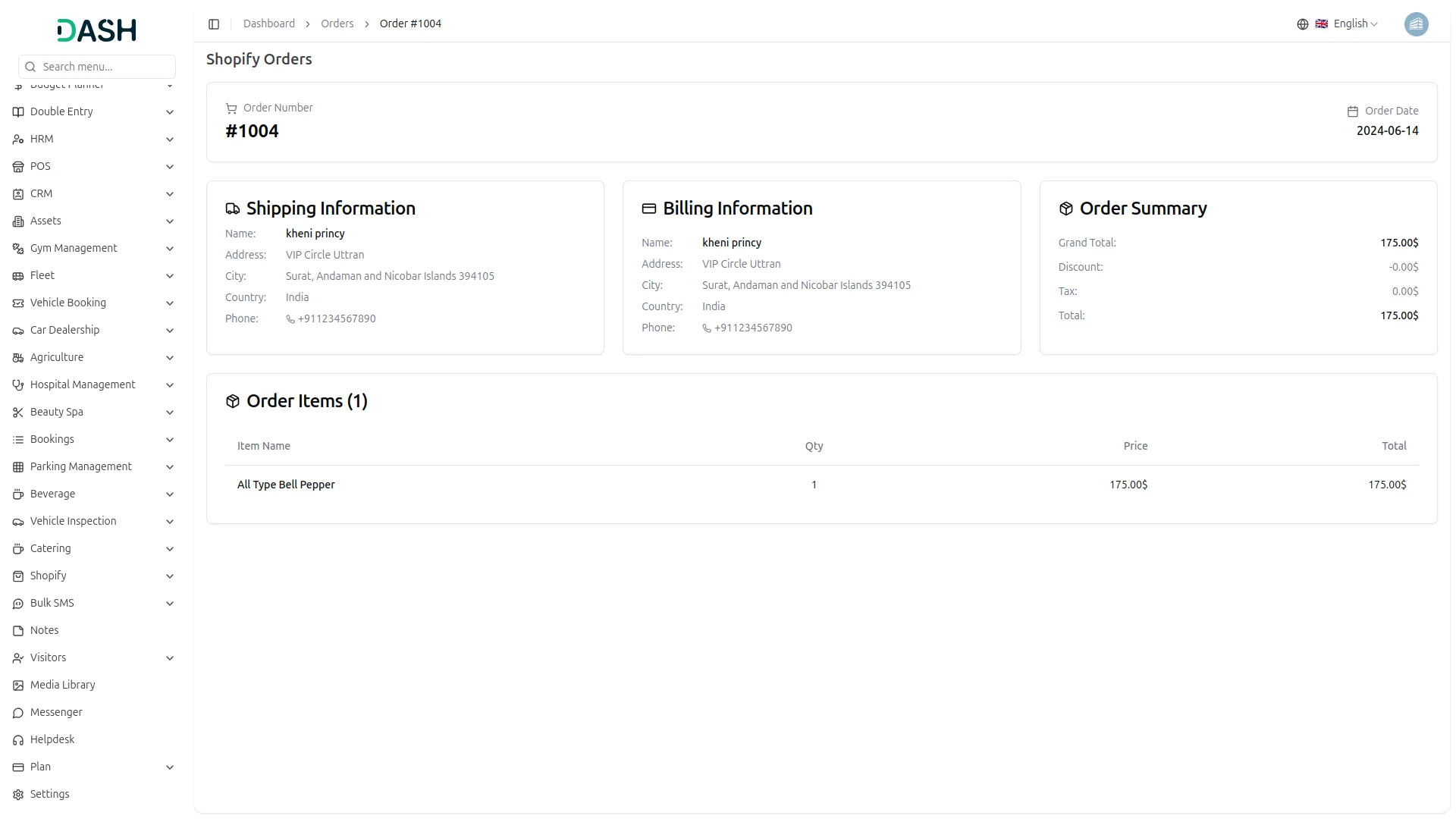
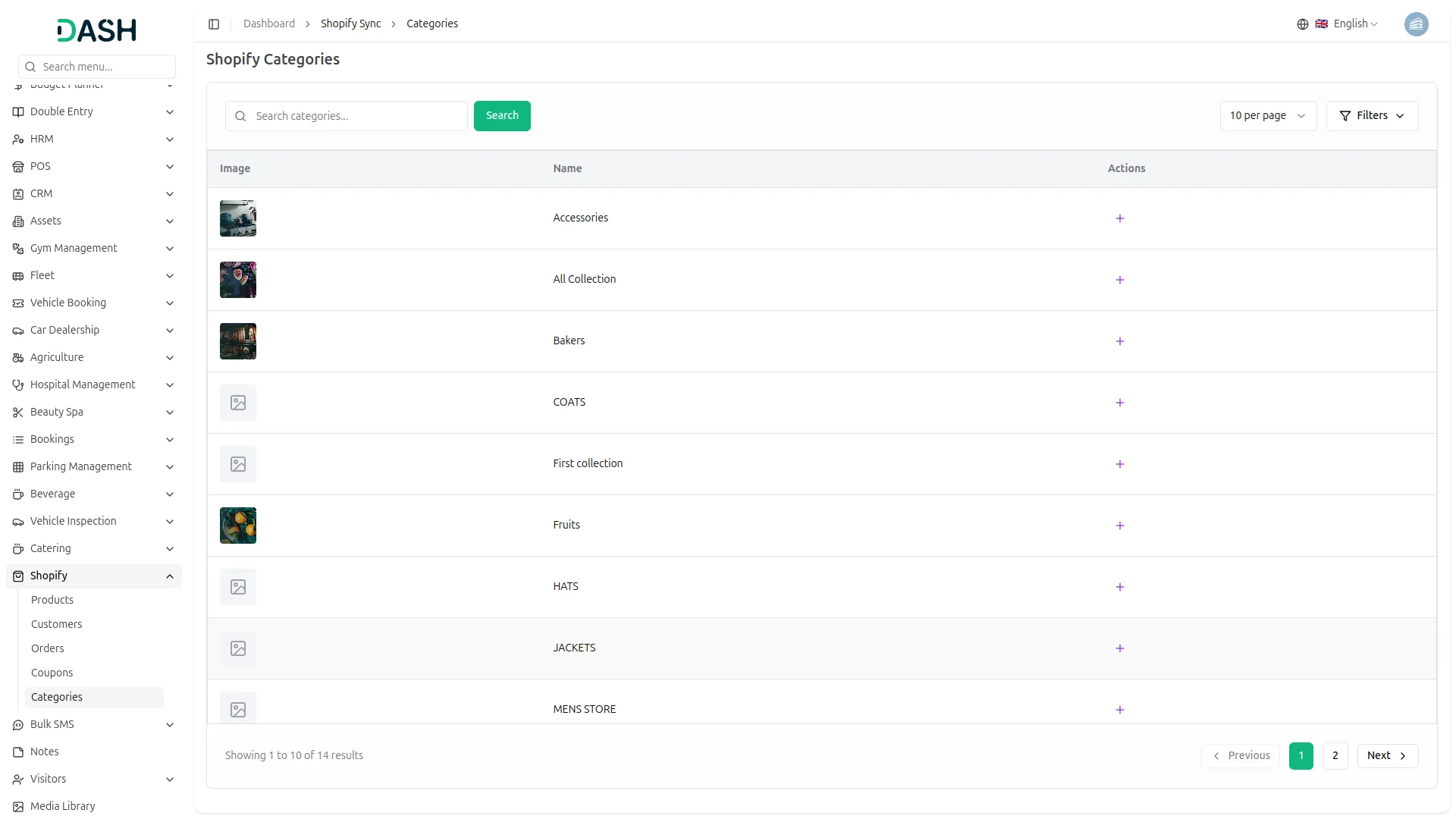
In the product section, all your Shopify products will appear with their updated details. You can create new products or sync existing ones whenever there are updates in your Shopify store. Orders from Shopify are also pulled in automatically. You can view full order details without needing to add anything manually. For category management, you can add new categories. To edit or delete categories, navigate to System Setup under “Product & Service” and click on Category.
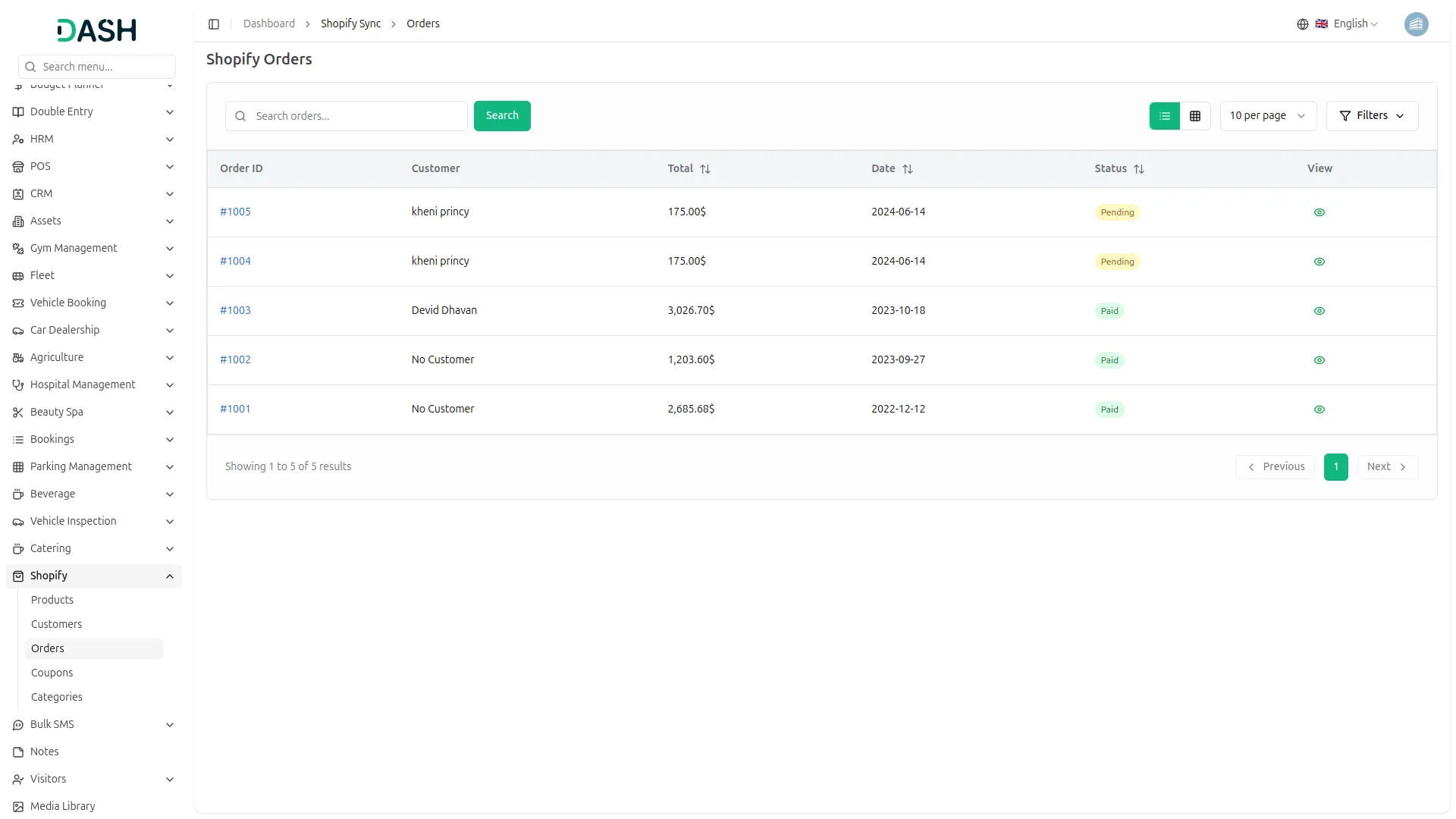
Screenshots from our system
To explore the functionality and usage of these Add-Ons, refer to the accompanying screenshots for step-by-step instructions on how to maximize their features.
Discover More Add-Ons
Unlock even more functionality with additional Add-Ons, providing enhanced networking and customization options for your Dash SaaS experience.

influencer-marketing
The Influencer Marketing Platform is a comprehensive two-sided marketplace that connects brands with influencers through streamlined campaign management.


Contract Template
Transform your contract management process with the user-friendly Contract Template Integration available in Dash SaaS. This feature empowers you to effortlessly craft customized contract templates tailored precisely to your organization's needs.

the Team deserve 5 Star for following reason; 1- Customer Support2- Feature Availability3- Design Quality 4- Documentation Quality
I really like the feature
Fantastic code and beautiful design