
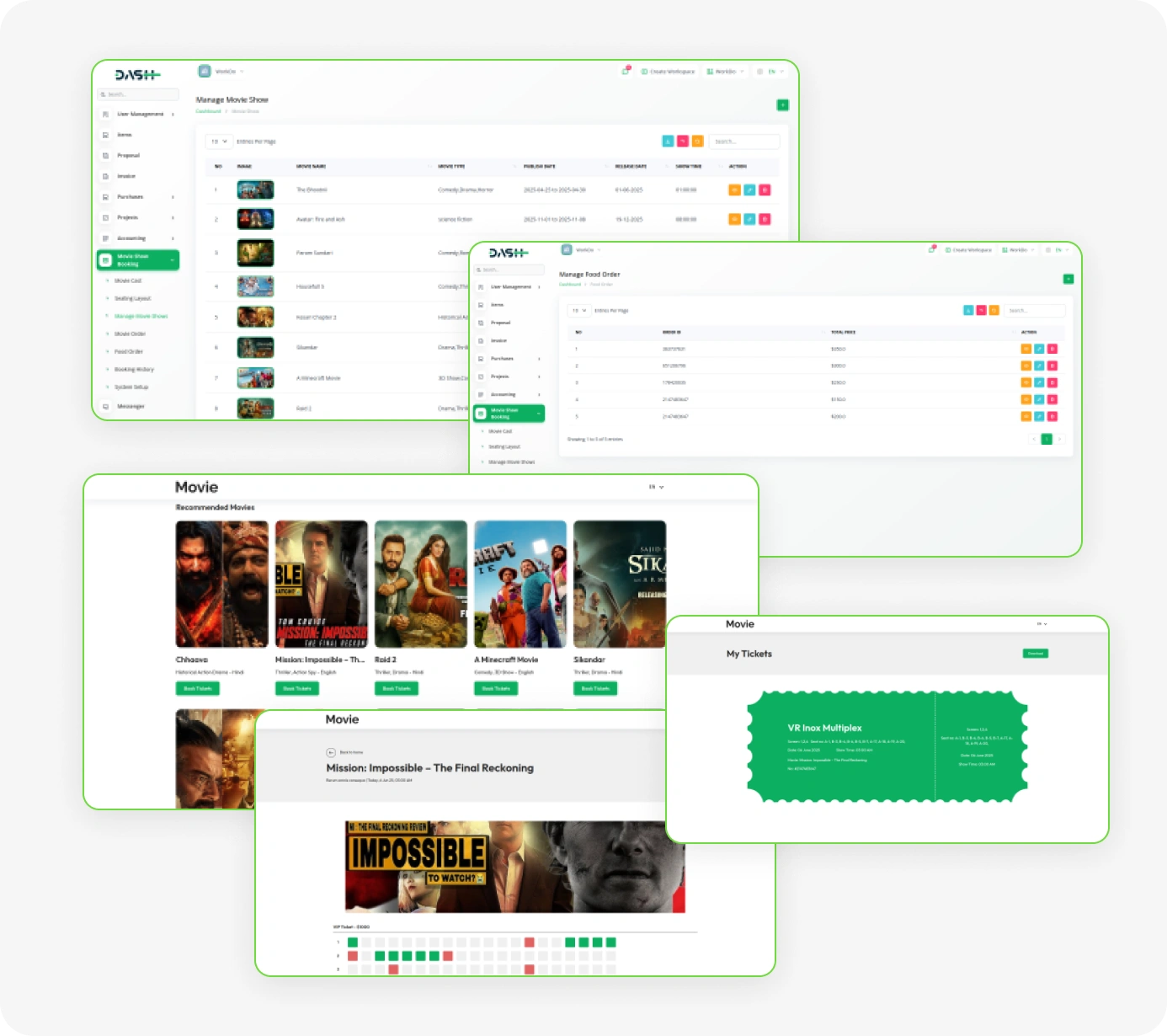
The platform offers a complete cinema management solution, combining movie scheduling, seat selection, food ordering, and seamless checkout in one intuitive system. It also empowers administrators with full control over bookings, payments, site content, and customer interactions, ensuring a smooth experience for both staff and patrons.
Next-Gen Movie Booking Experience
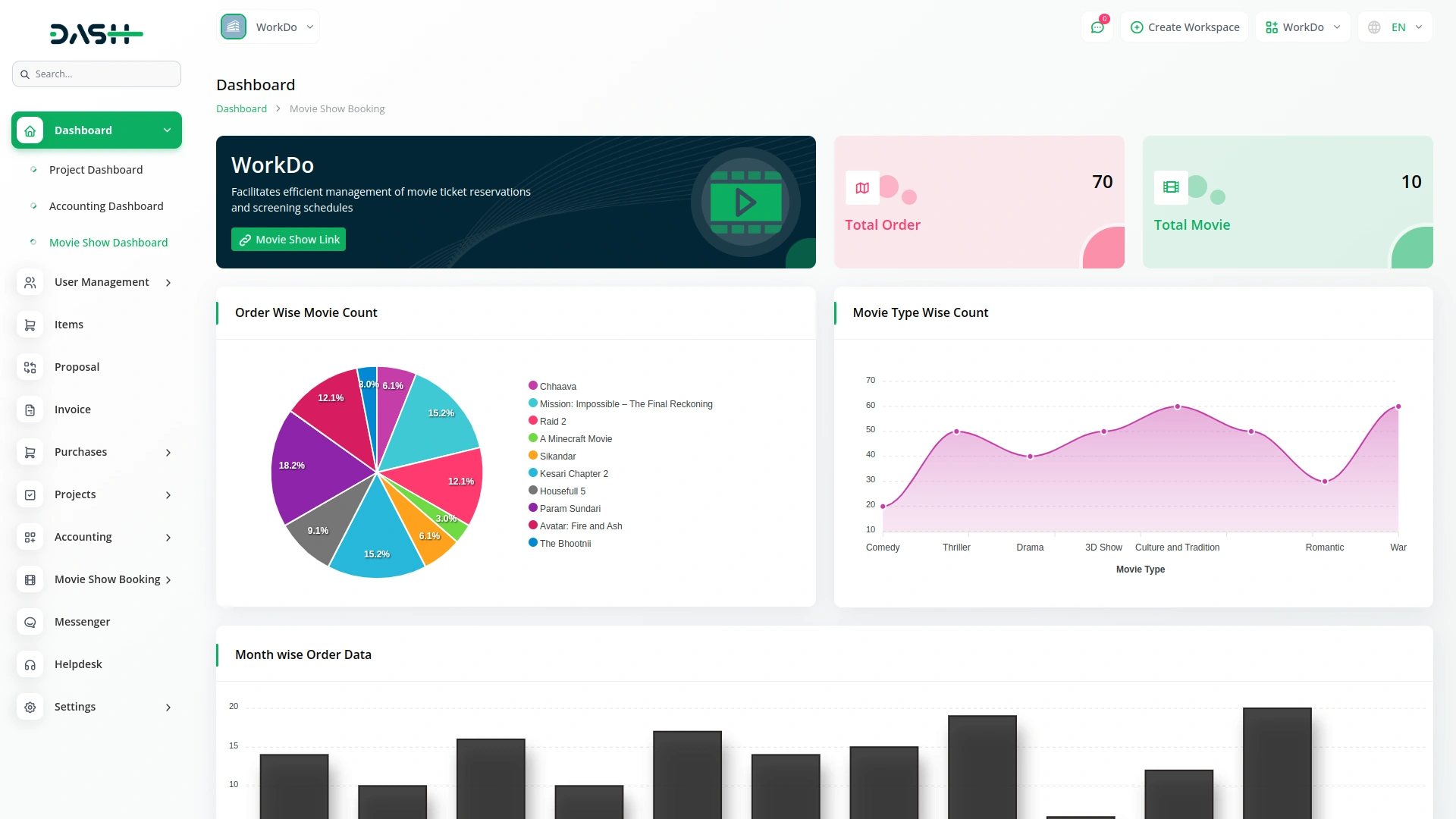
- Smart Booking Dashboard
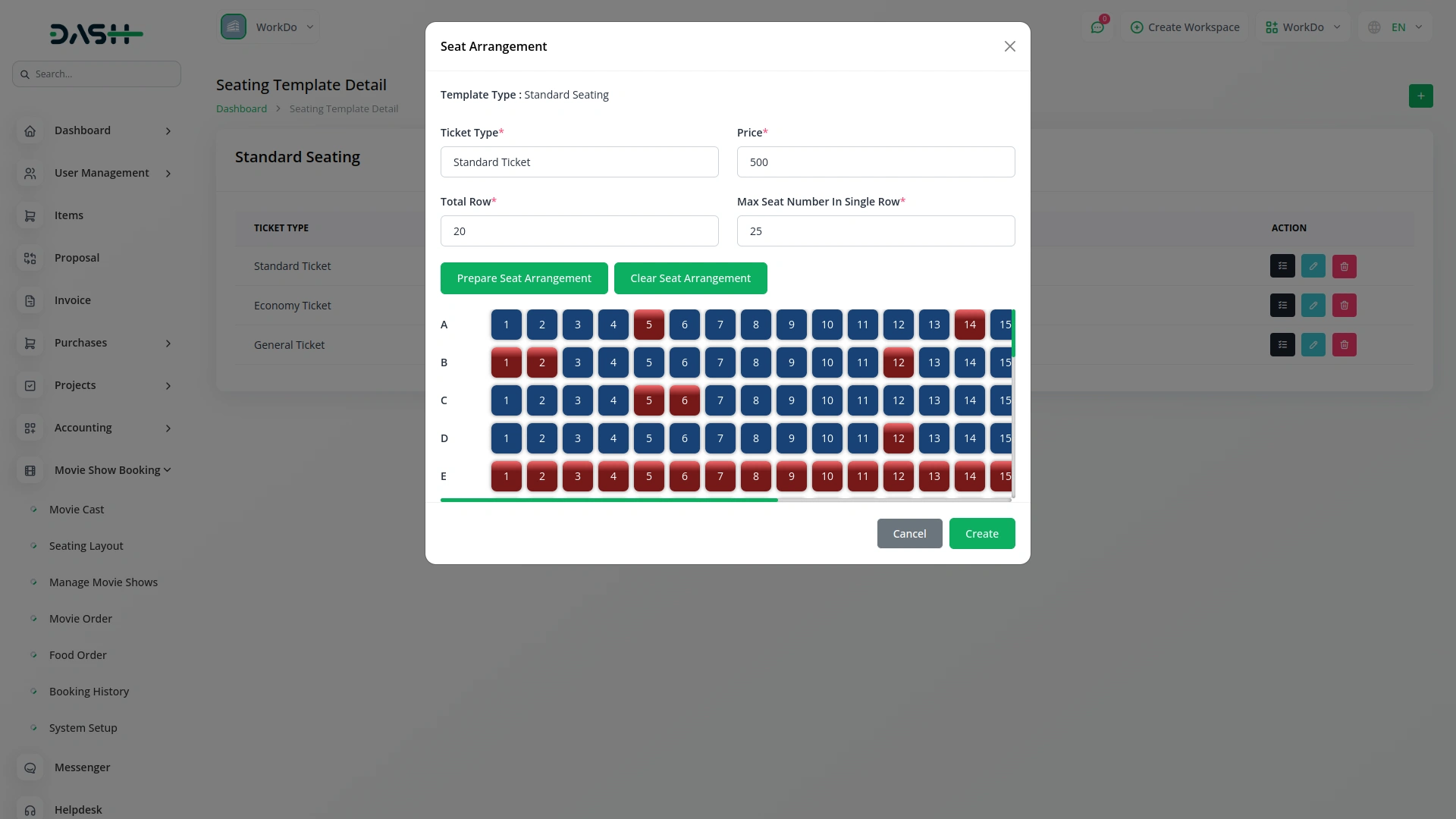
- Dynamic Seat Layout
- Flexible Movie Show Management
- Multi-Screen Management
- Integrated Food & Beverage Ordering
- Flexible Tax Setup
- Offline Payment Tracking
- Review & Rating System
- Detailed Order & Booking History Tracking
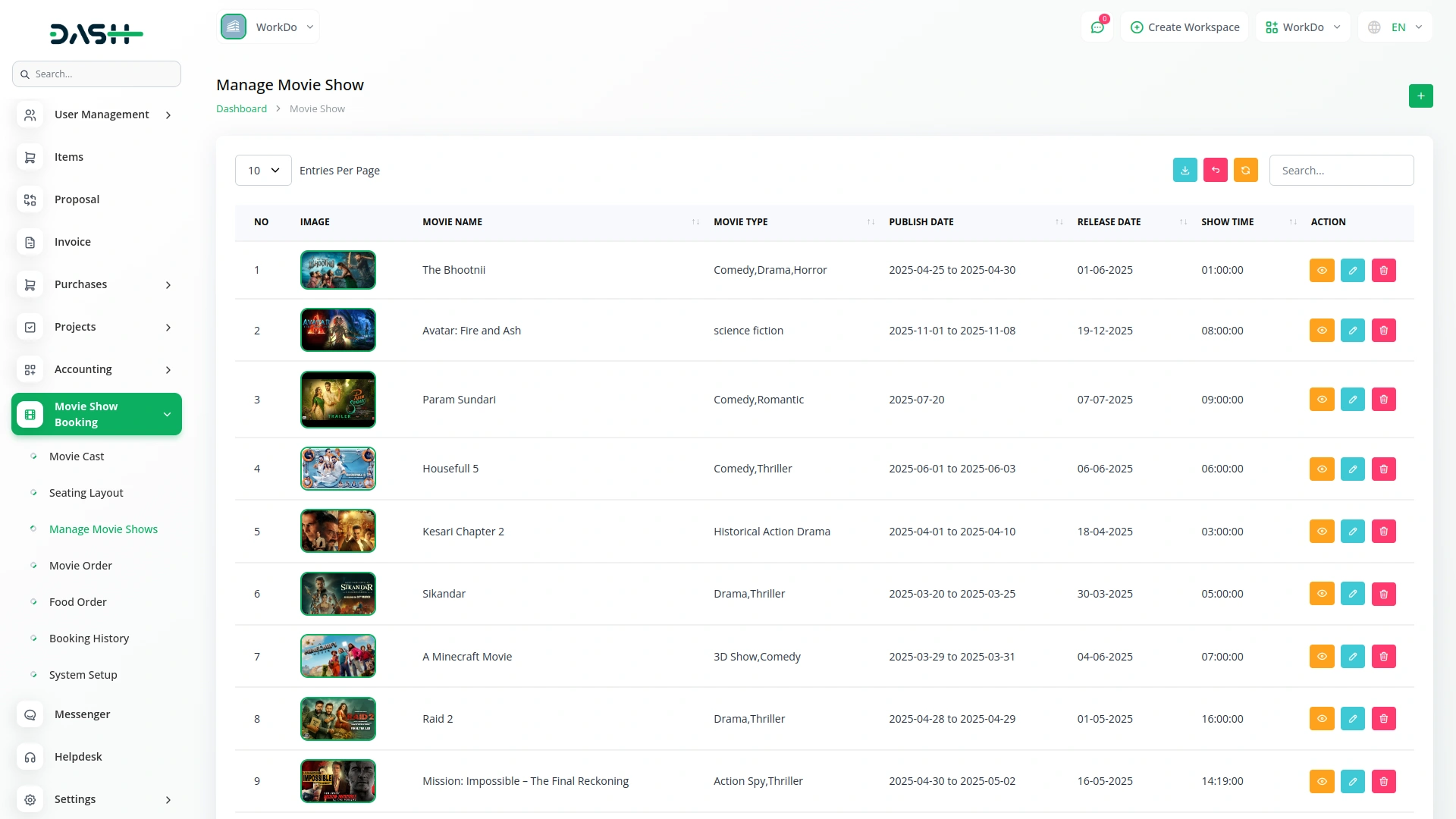
Movie & Show Scheduling
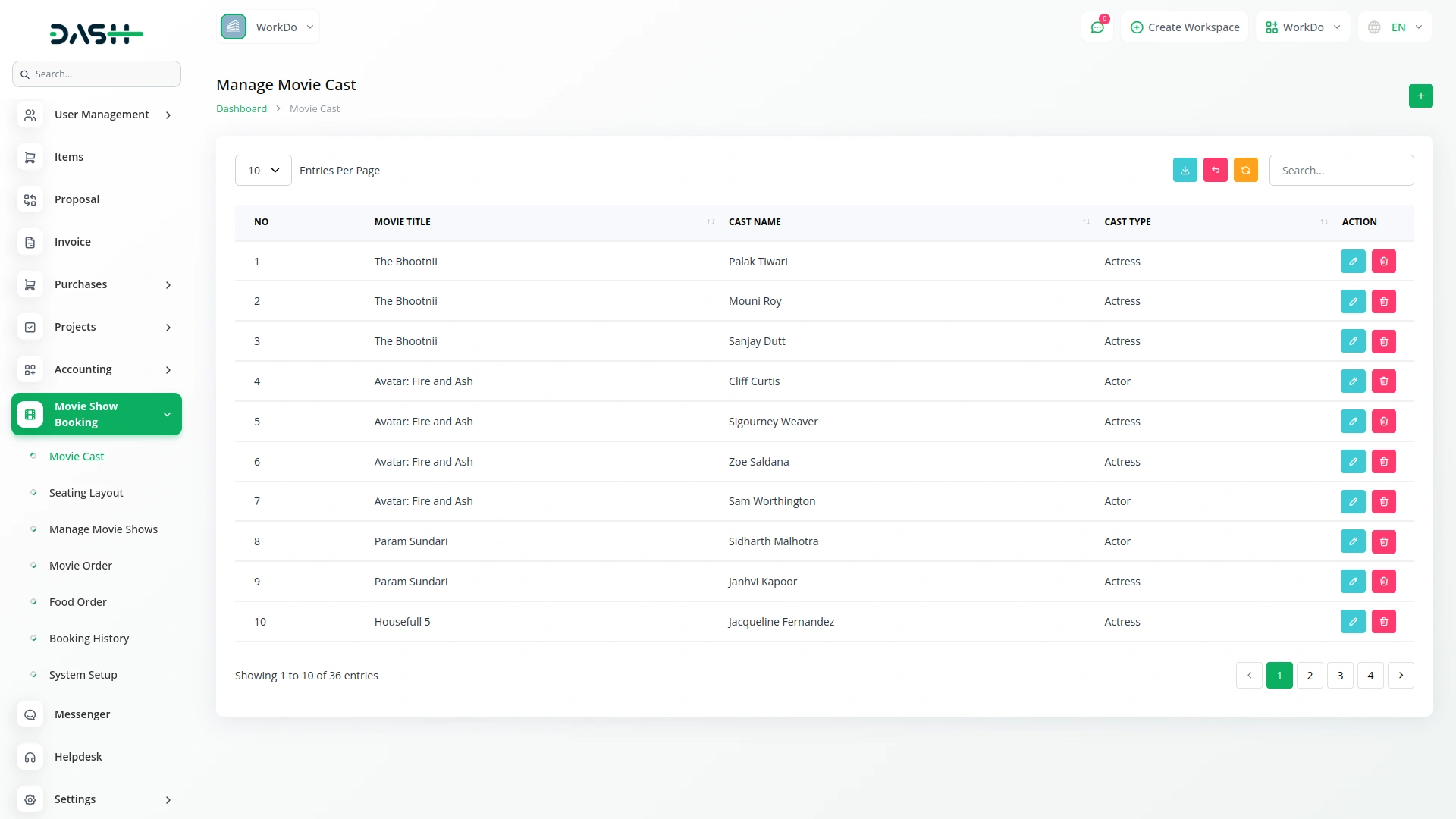
From the backend, administrators can add and manage all movies with full details, including poster image, banner, gallery photos, synopsis, cast, genre, language, duration, and release date. Once a movie is set up, shows can be scheduled by linking the movie to a screen and date. The system automatically generates available time slots based on the movie duration and the service hours set for that day. Days marked as closed produce no time slots, preventing any scheduling mistakes.
- Admins can add and manage movies with full details.
- Shows are scheduled by linking movies to screens.
- The system generates available time slots automatically per duration.
- Closed days prevent time slots, avoiding scheduling mistakes.
Explore Movies & Show times
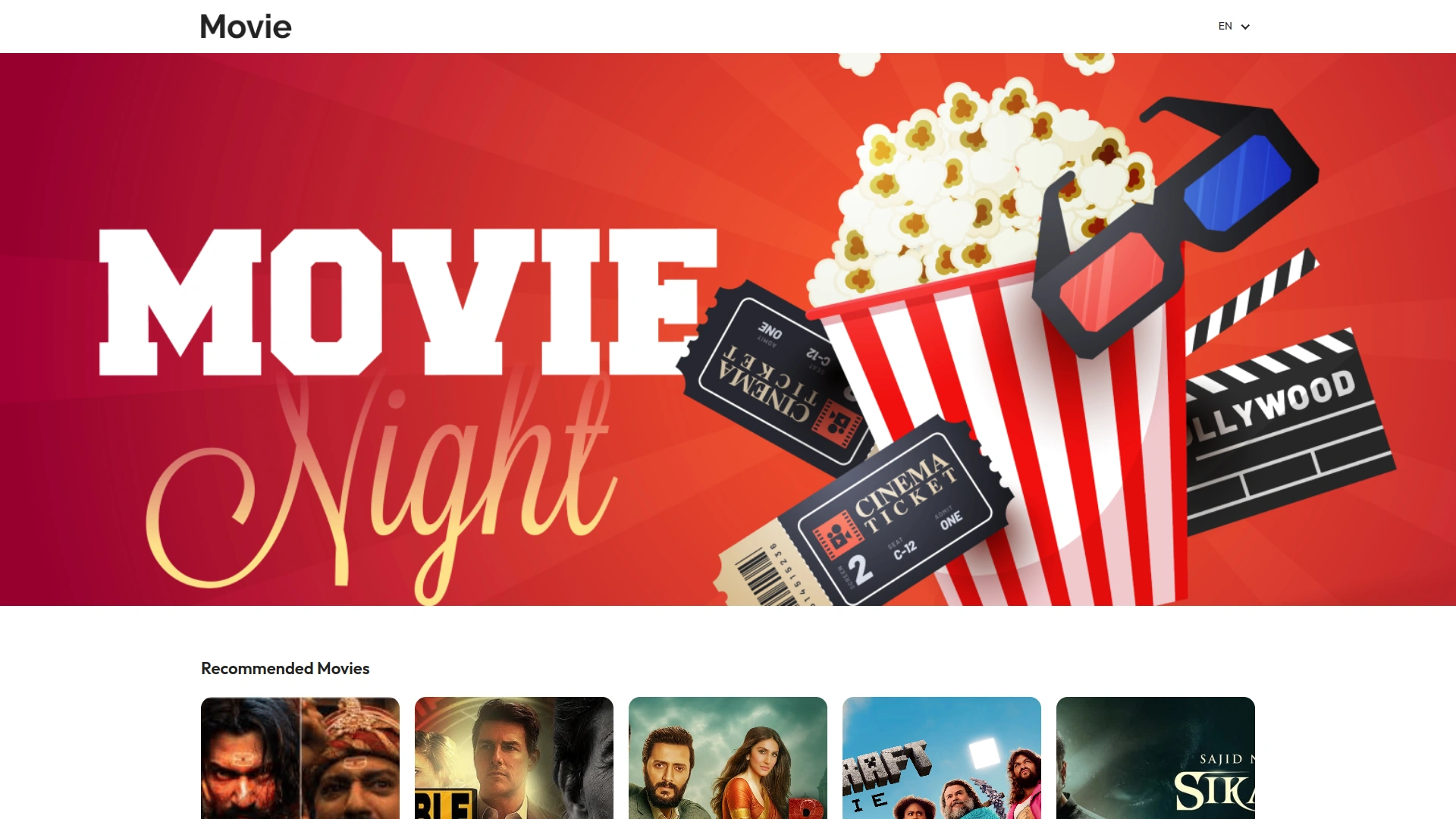
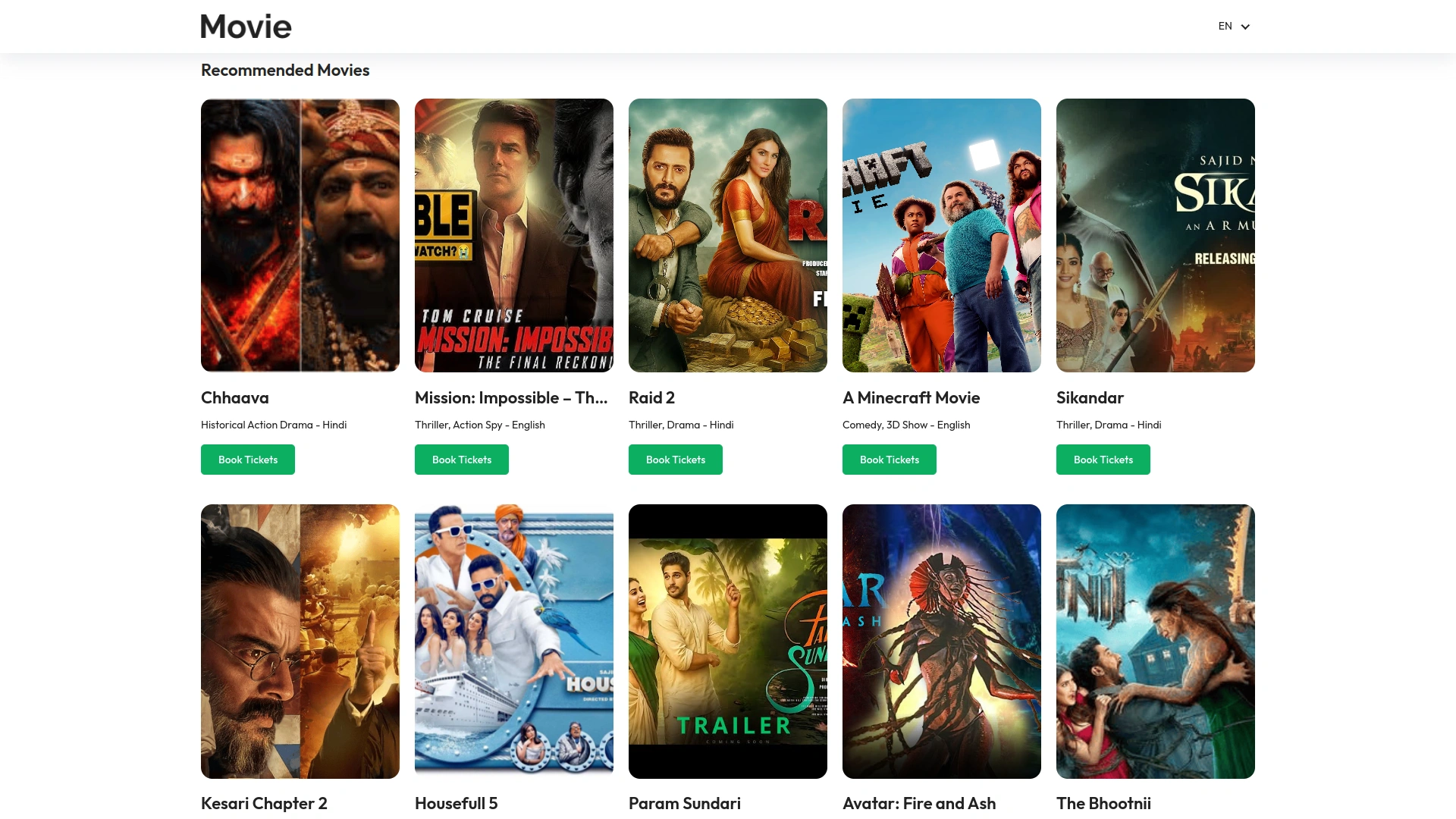
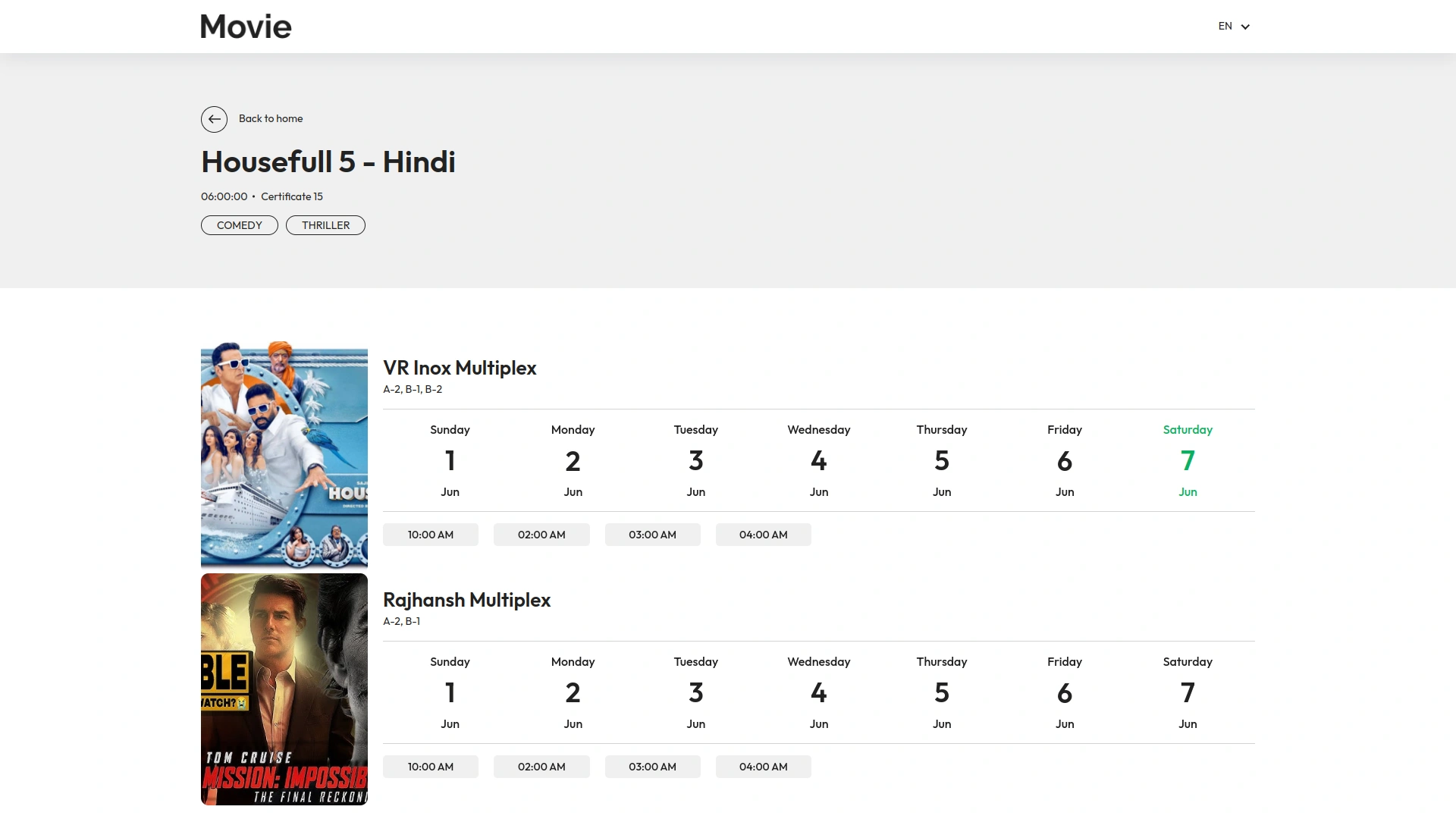
Customers can explore all available movies directly on the website. Each movie displays key details like genre, language, duration, and release date. From the movie listing page, customers can click into any title to read a full synopsis, view the cast, check the gallery, and see all scheduled show times. It is easy to pick a date, choose a screen, and move straight into booking, all from one smooth, connected experience.
- View movies by genre, language, and release date
- Read the full synopsis and explore the movie gallery
- See scheduled showtimes grouped by date and screen
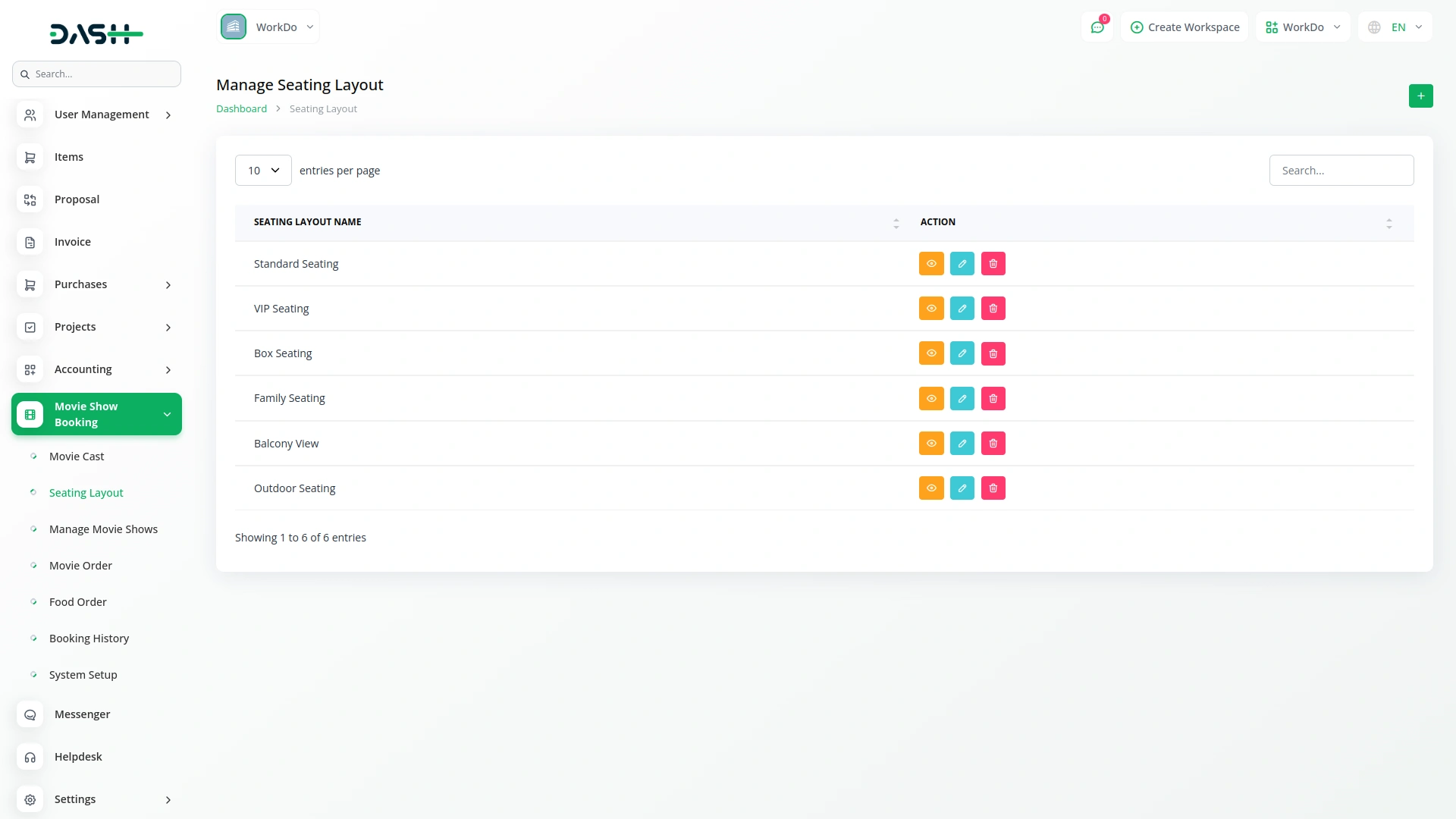
- Choose a seating template for linking seat arrangements.
Choose Seats and Add Snacks
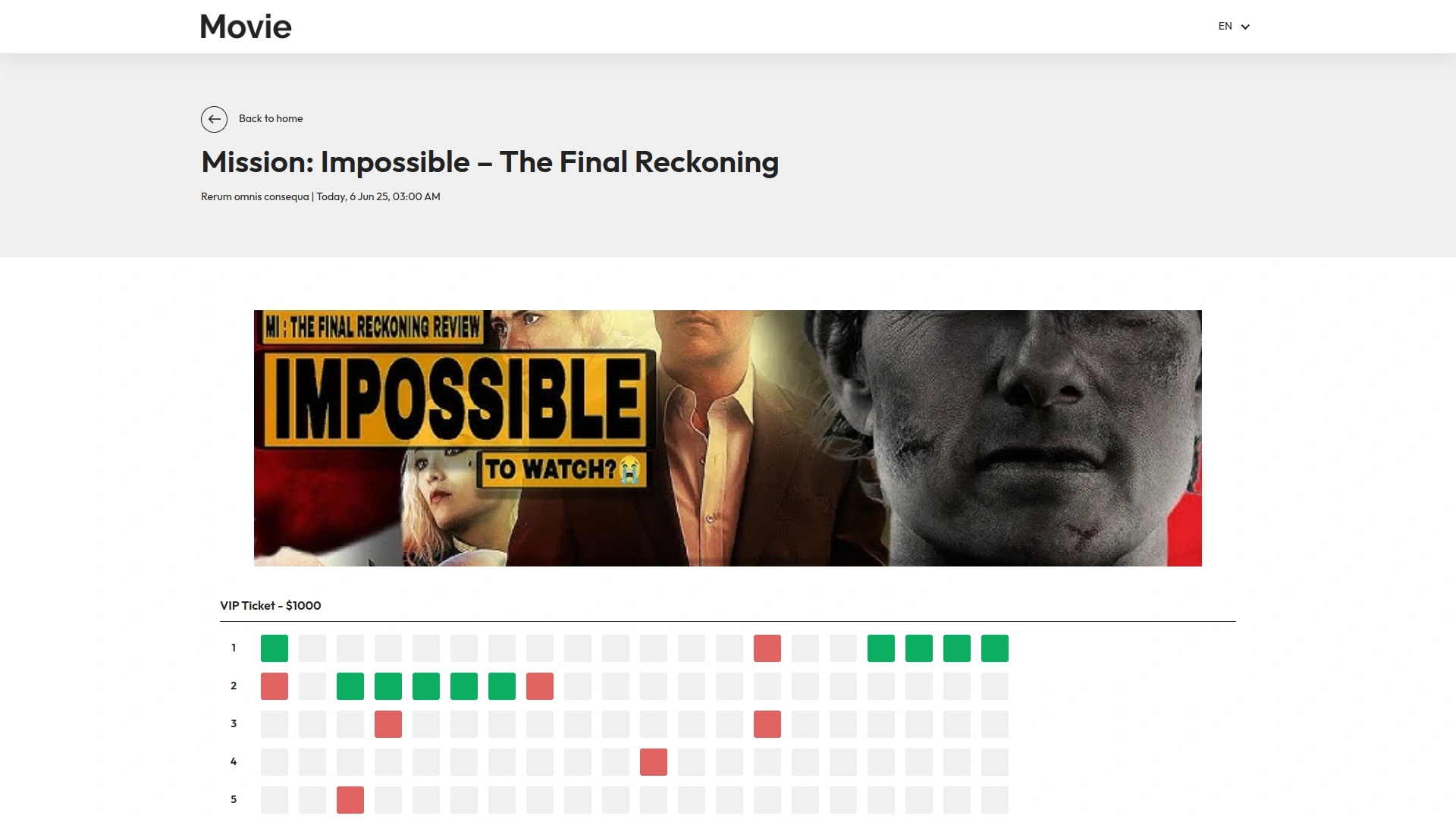
Seats are organised into sections with clearly labelled prices, so customers always know the cost before they choose. Available and unavailable seats are visually distinct, making the selection quick and easy. Customers can also add food and beverage items from this same page, with the order total updating automatically as items are added.
- View the full seat map with section names and prices
- Select available seats with instant visual confirmation
- Add food and beverage items directly from the booking page
- See a live order summary that updates with every selection
Simple Checkout Process
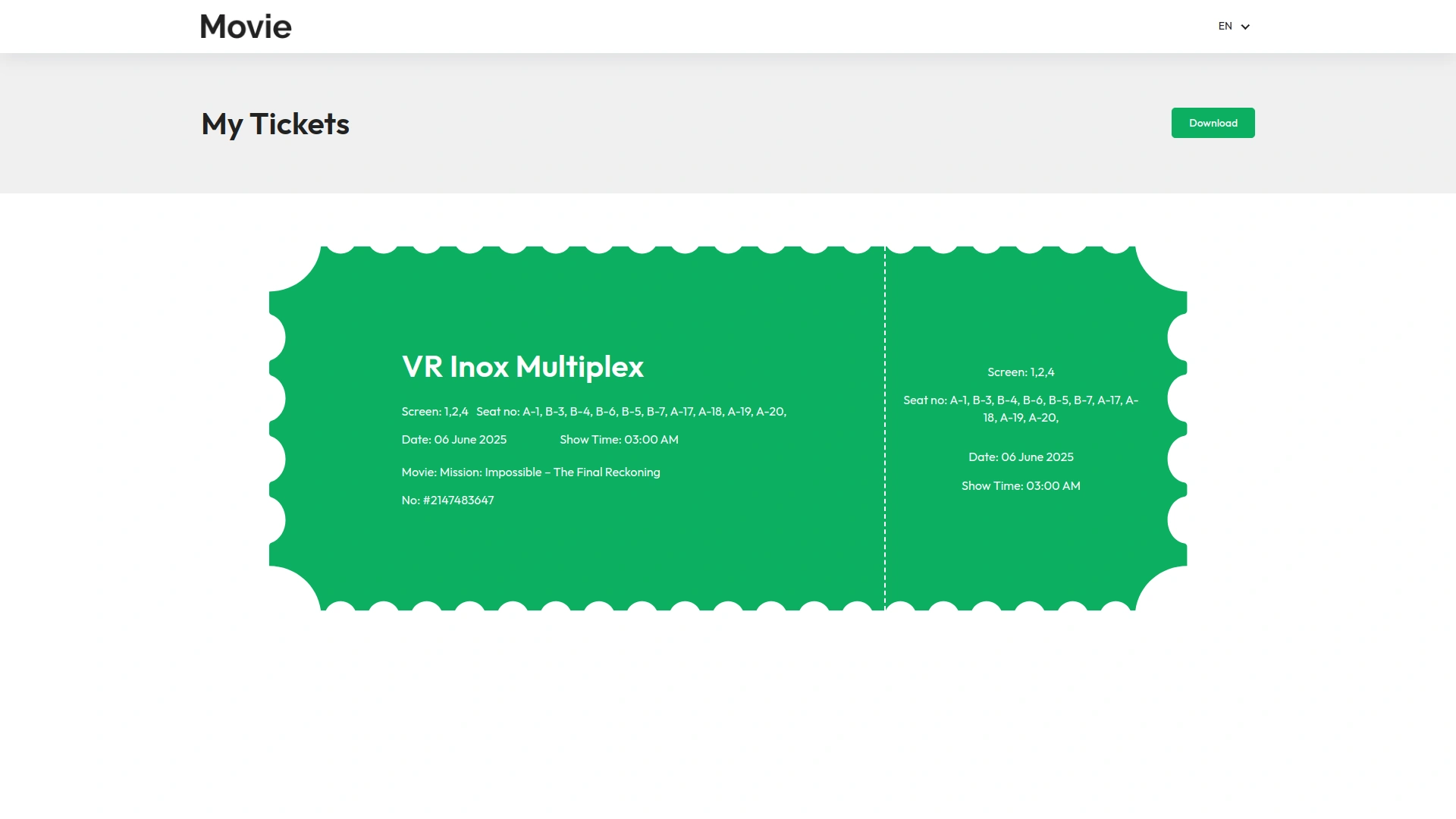
The payment page gives customers a clear and complete summary of everything in their order before they confirm. It shows the movie, screen, date, time, selected seats, food items, applied tax, and the final total, all in one place. Tax is calculated automatically and shown as a separate line, so there are no surprises. After confirming, customers receive their booking details, including a unique booking ID, on the confirmation screen.
- Displays movie, screen, date, time, seats, and food clearly.
- Automatically calculates tax, shown as a separate line.
- Shows final total upfront, preventing any unexpected charges.
- Provides a unique booking ID on confirmation screen immediately.
Bookings and Payments
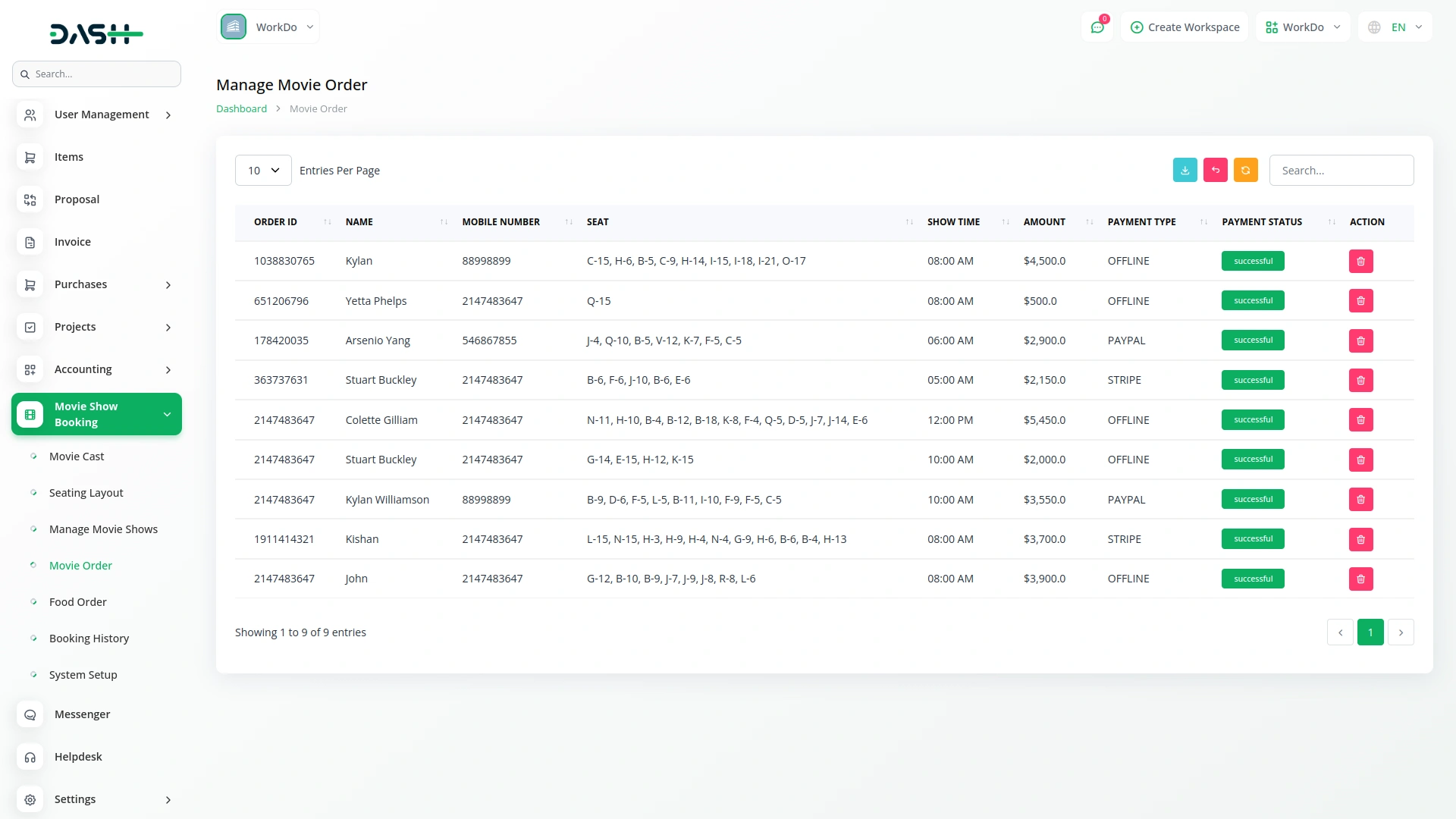
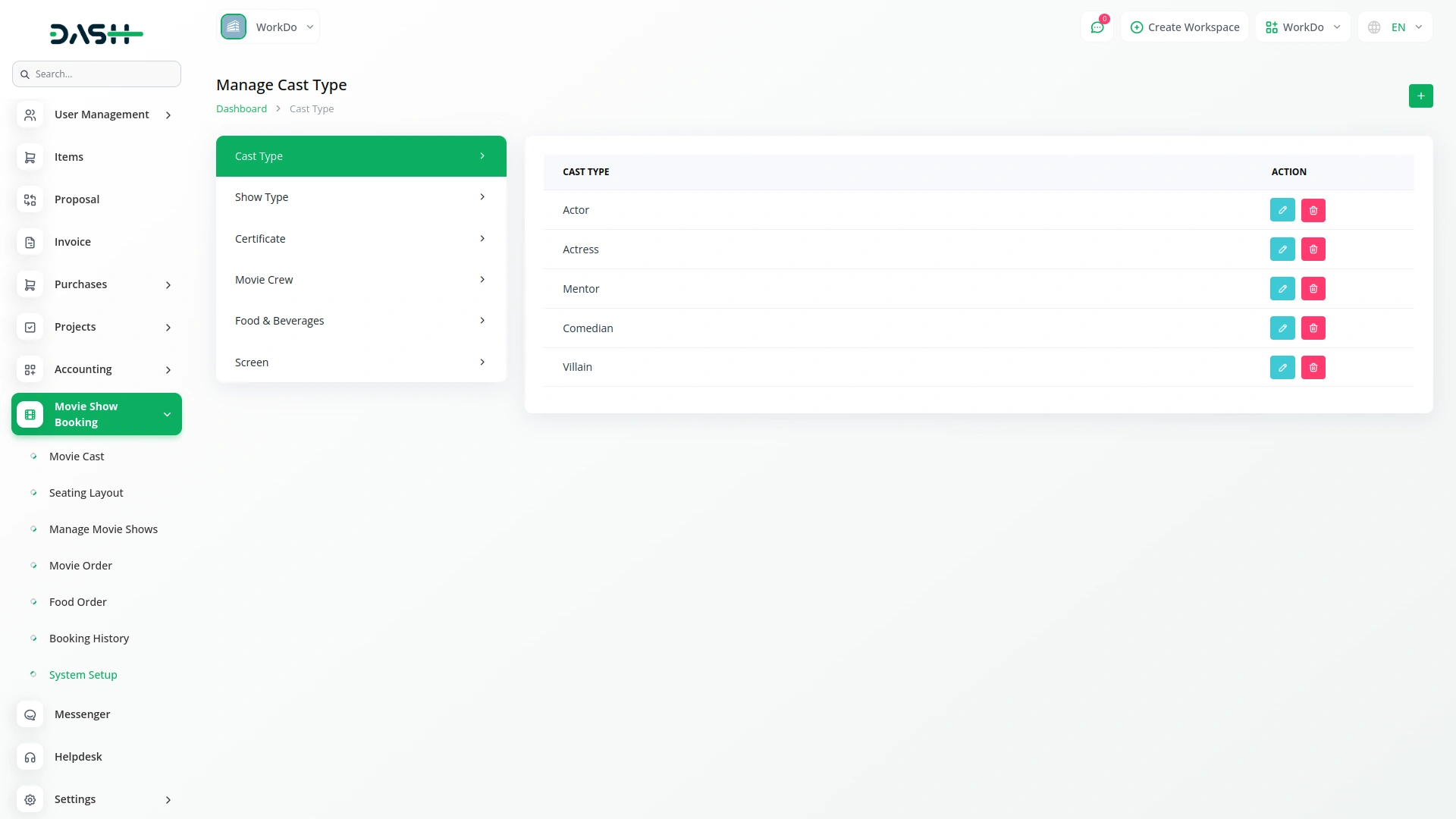
Administrators can create bookings manually through a simple three-step process, selecting the show, picking seats, and entering customer details. Offline payments can be recorded against any booking with a reference number and bank details, and marking a payment as paid automatically confirms the booking. The system setup area covers everything from seating layouts and tax rules to site logos, footer text, food items, custom pages, social links, and business hours, giving full control over both operations and the customer-facing website.
- Admins create bookings manually with show, seats, details.
- Offline payments recorded, confirming booking automatically when paid.
- System setup controls layouts, tax, content, and branding.
Customer Interaction & Feedback
The website includes a contact page where customers can find business hours, phone numbers, email addresses, location, and a map, all managed from the admin panel. Customers can also submit a message through the contact form, which is saved in the backend for the admin to review. On movie pages, customers can leave a star rating and a written review that appears publicly for other visitors. A newsletter subscription option is available on the homepage and contact page, allowing customers to stay updated.
- Contact page shows hours, phone, email, location, map.
- Customers can submit messages saved securely in the backend.
- Movie pages allow ratings, reviews, and newsletter subscriptions.
Screenshots from our system
To explore the functionality and usage of these Add-Ons, refer to the accompanying screenshots for step-by-step instructions on how to maximize their features.
Discover More Add-Ons
Unlock even more functionality with additional Add-Ons, providing enhanced networking and customization options for your Dash SaaS experience.

E-Invoice for European
The E-Invoice Integration system is a comprehensive electronic invoicing platform that enables businesses to configure, generate, and export standardized electronic invoices in XML format.
View More

senangPay
senangPay Payment Gateway Integration offers a secure environment for online transactions, ensuring the safety of both businesses and customers. Utilizing advanced encryption and fraud prevention measures, you can trust that your transactions are fully protected. This gateway supports multiple payment methods, providing customers with the convenience they expect.
View More
Peach Payment
Peach Payment Gateway Integration provides a secure environment for online transactions, ensuring the safety of both businesses and customers. With advanced encryption and fraud prevention measures, you can trust that your transactions are protected. This gateway supports various payment methods, providing customers with the expected convenience.
View More2 reviews for Movie Show Booking System – Dash SaaS Add-On
| 5 star | 100% | |
| 4 star | 0% | |
| 3 star | 0% | |
| 2 star | 0% | |
| 1 star | 0% |
Comments
You must be logged in to post a comment.
There are no comment yet.
Contact Us for Support :
-
You will get immediate support from our support desk. Please visit here https://support.workdo.io/
Item support includes:
- Answer pre-sale questions or query
- Answering technical questions about item's features
- Assistance with reported bugs and issues
- Help with included 3rd party assets
- Free Installation services in some cases
However, item support does not include:
- Customization services
Check Documents & Tutorials
Features accelerate tasks
Support is outstanding