

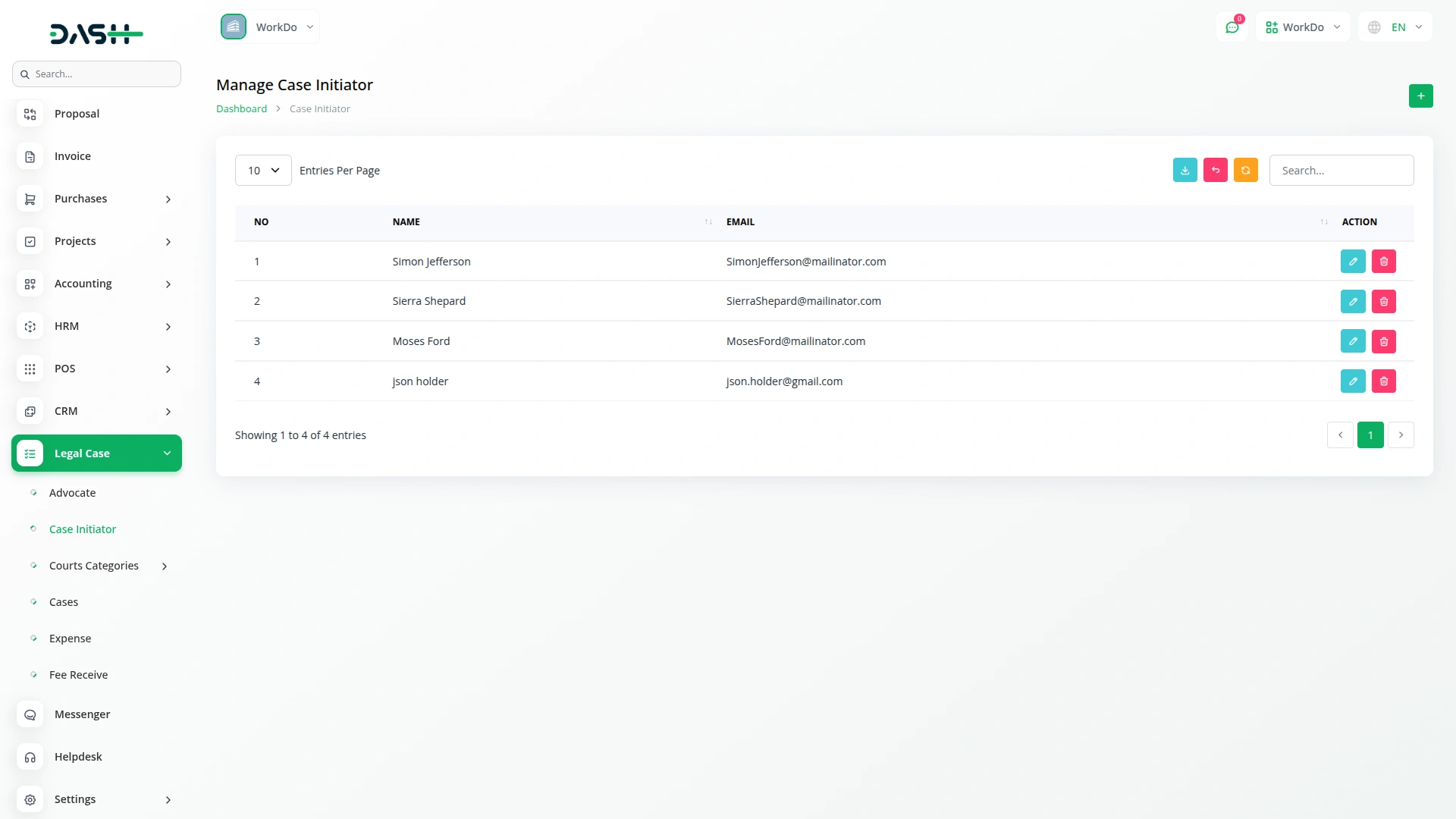
The Legal Case Management Add-On centralizes and simplifies the tracking of legal workflows, including advocate and court hierarchy setup, case management, hearing scheduling, expense tracking, and invoice generation. It provides user-linked advocate profiles, detailed party and legal section records, and transparent financial documentation. With structured case tracking and secure user access, it is ideal for legal firms, solo advocates, and judicial teams seeking organized legal operations.
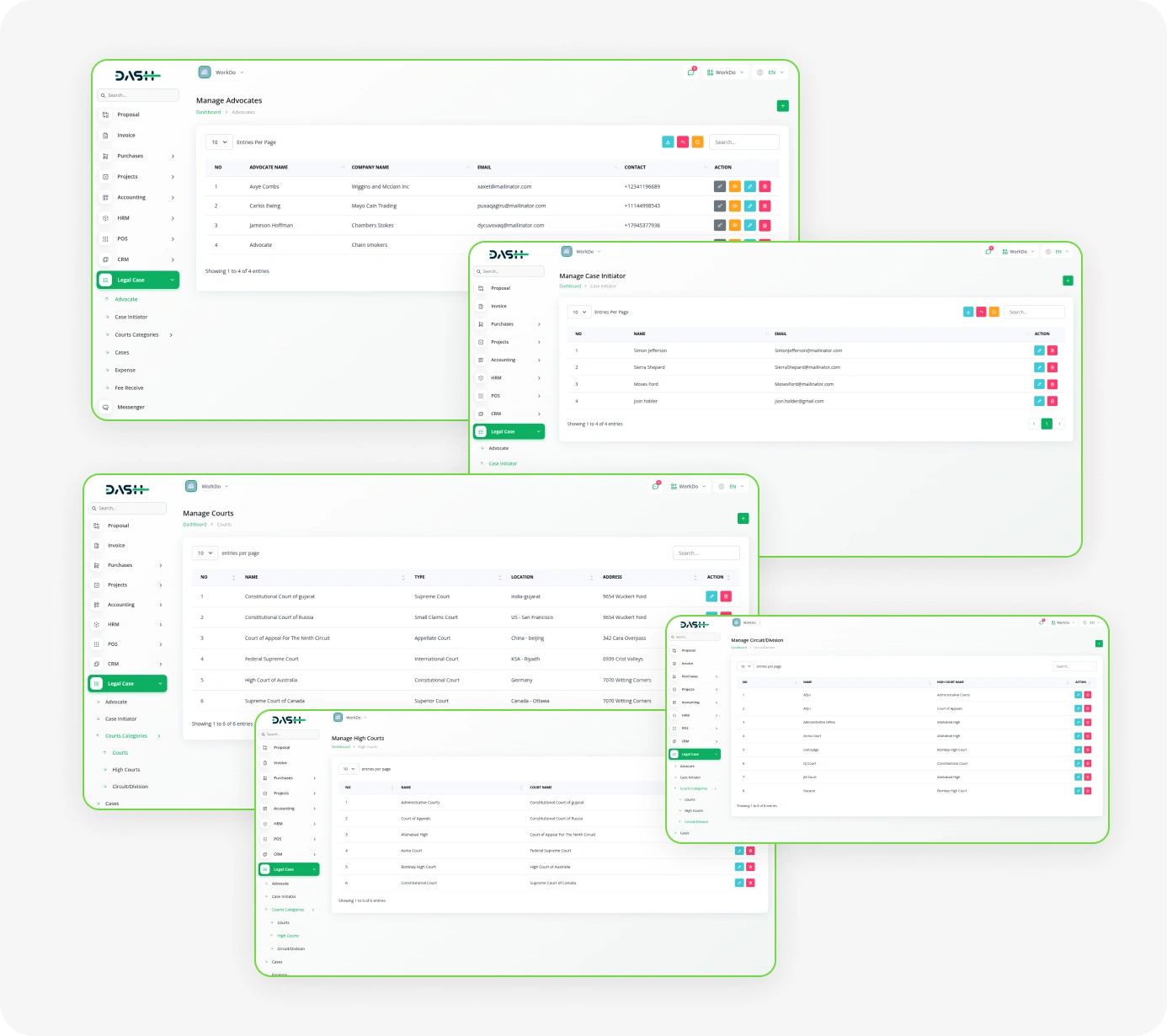
Efficient Court Case Tracking & Advocate Coordination
- Efficient Case Tracking
- Streamlined Legal Operations
- Enhanced Collaboration
- Integrated Financial Management
- Professional Advocate Management
- Intelligent Hearing Scheduling
- Secure Document Management
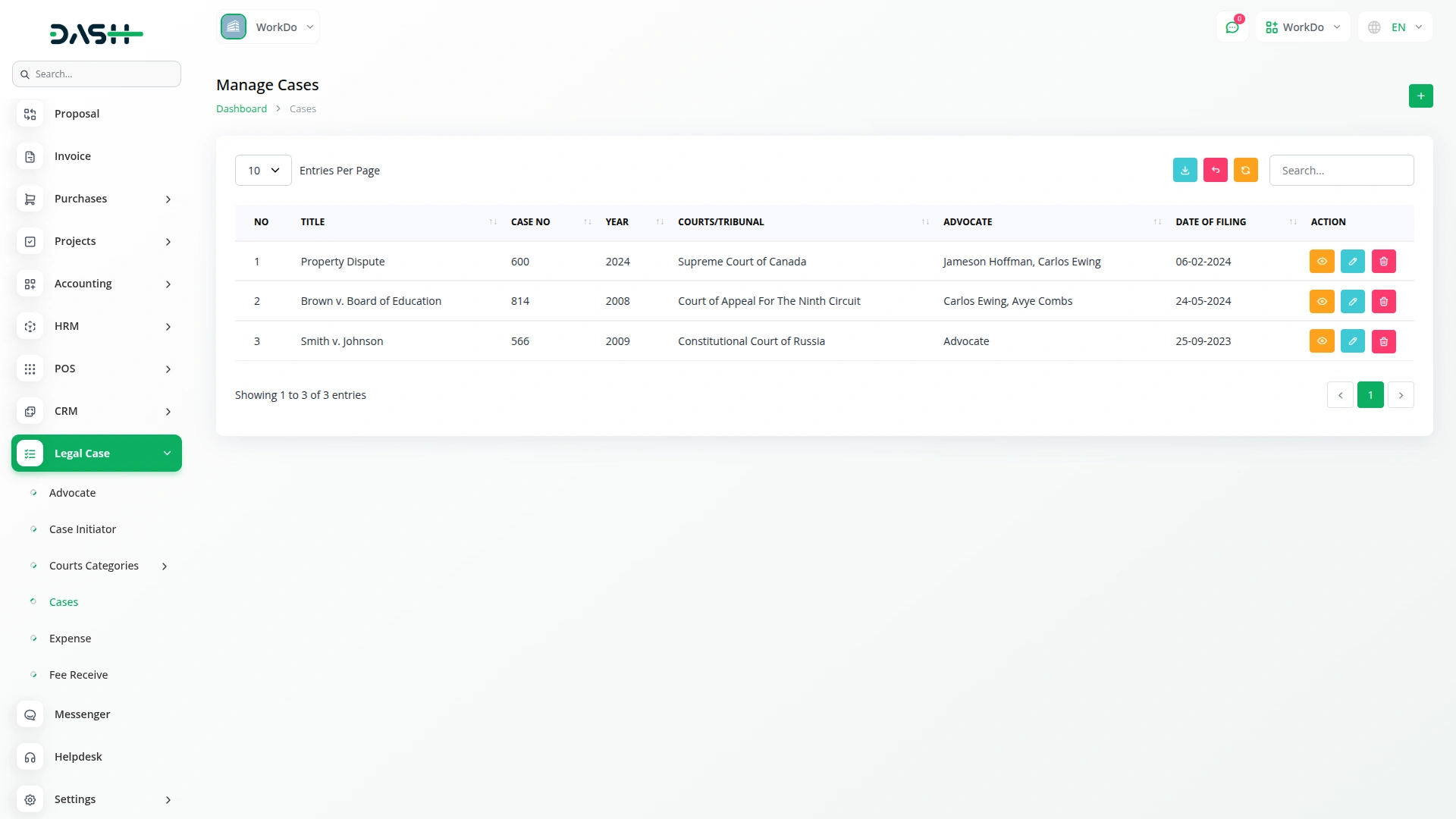
Case Management
The court management feature allows users to create and define different levels of courts with complete jurisdictional data and accurate case assignments. Our court hierarchy setup enables flexible court type creation and classification with support for multiple court levels, including base courts, high courts, and subdivisions.
- Add case type, number, year, and filing date
- Manage opponent, party, and advocate details
- Include FIR number and legal sections
- Monitor case status and completion dates
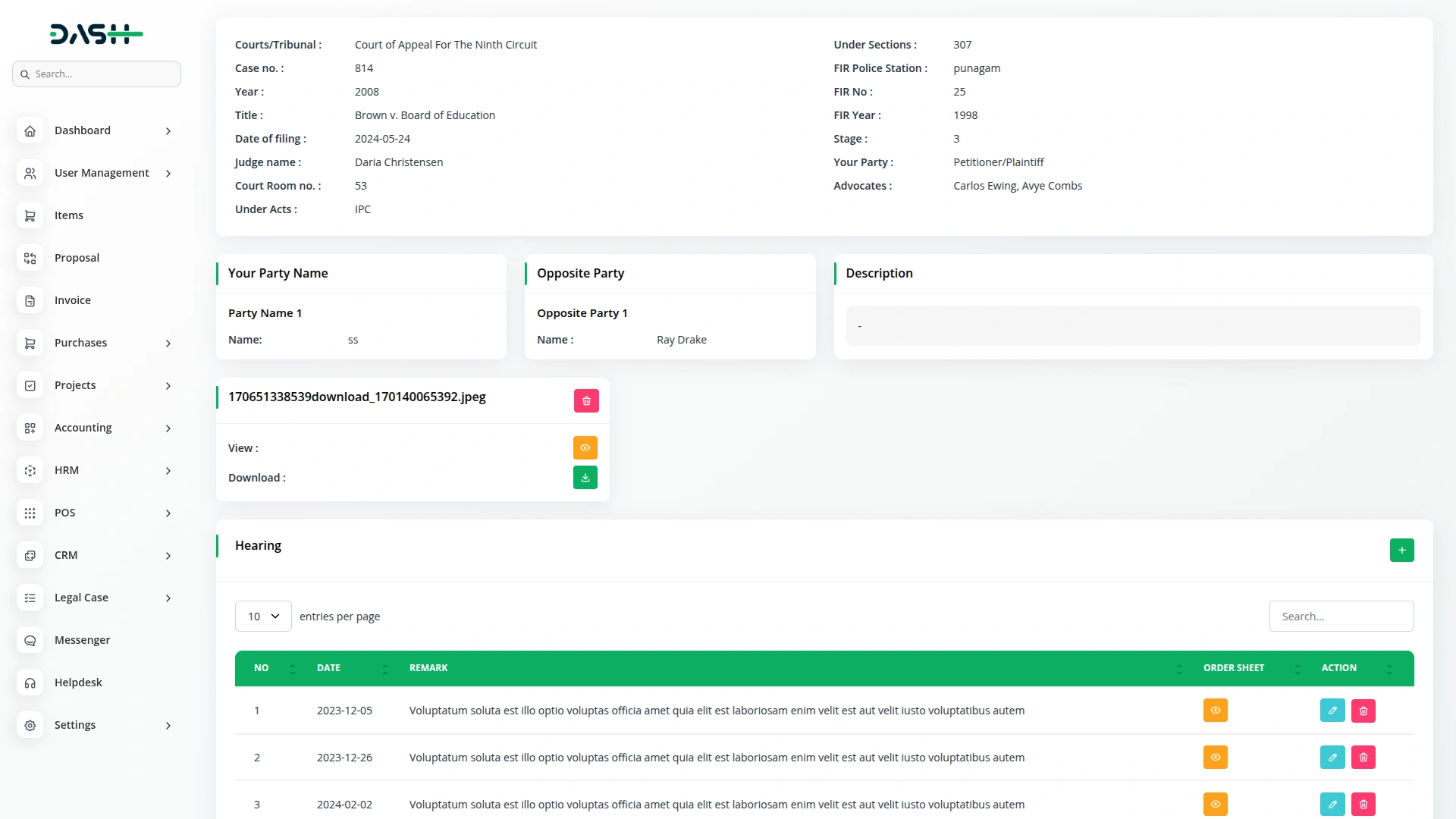
Intelligent Hearing Scheduling
Efficiently schedule and track all case hearings with comprehensive documentation and management. Each hearing is linked to the specific case with complete judge assignments, courtroom details, and order sheet documentation. The system automatically updates the next hearing date in case details after each hearing are completed, providing real-time visibility to the entire legal team.
- Hearing date and time scheduling
- Judge assignment and courtroom details
- Hearing type classification
- Attendance and hearing status tracking
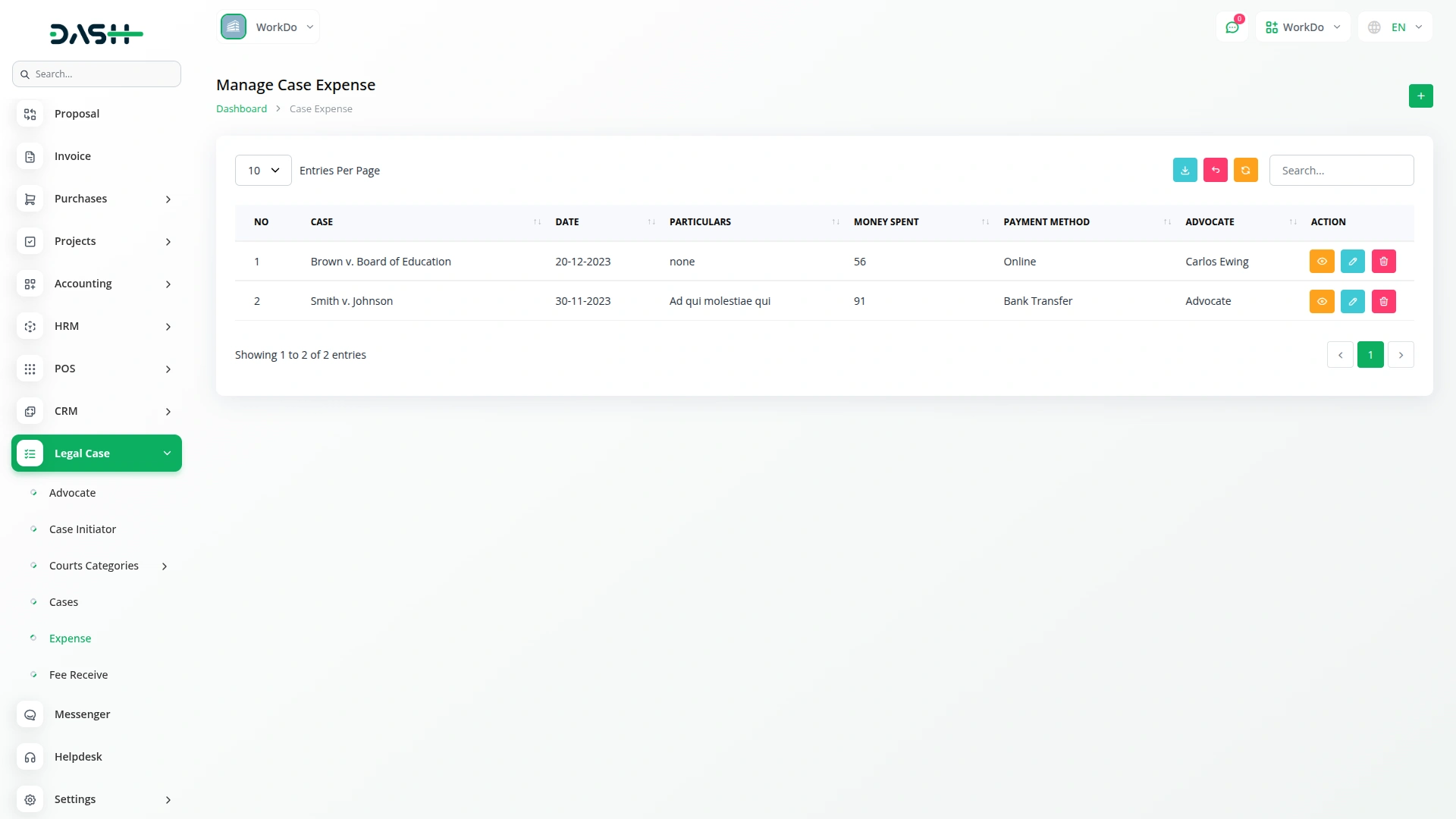
Financial Tracking (Expenses & Fees)
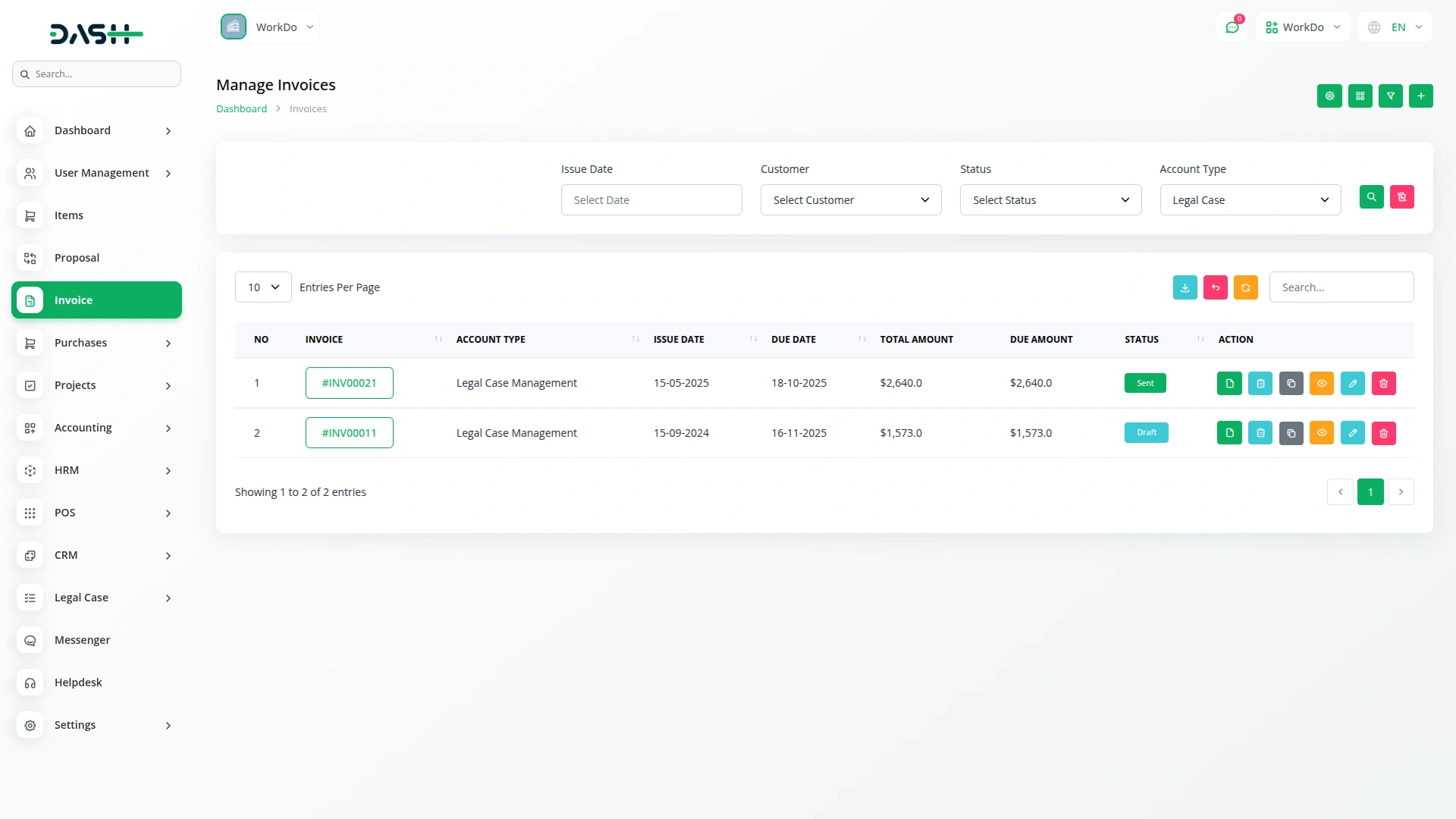
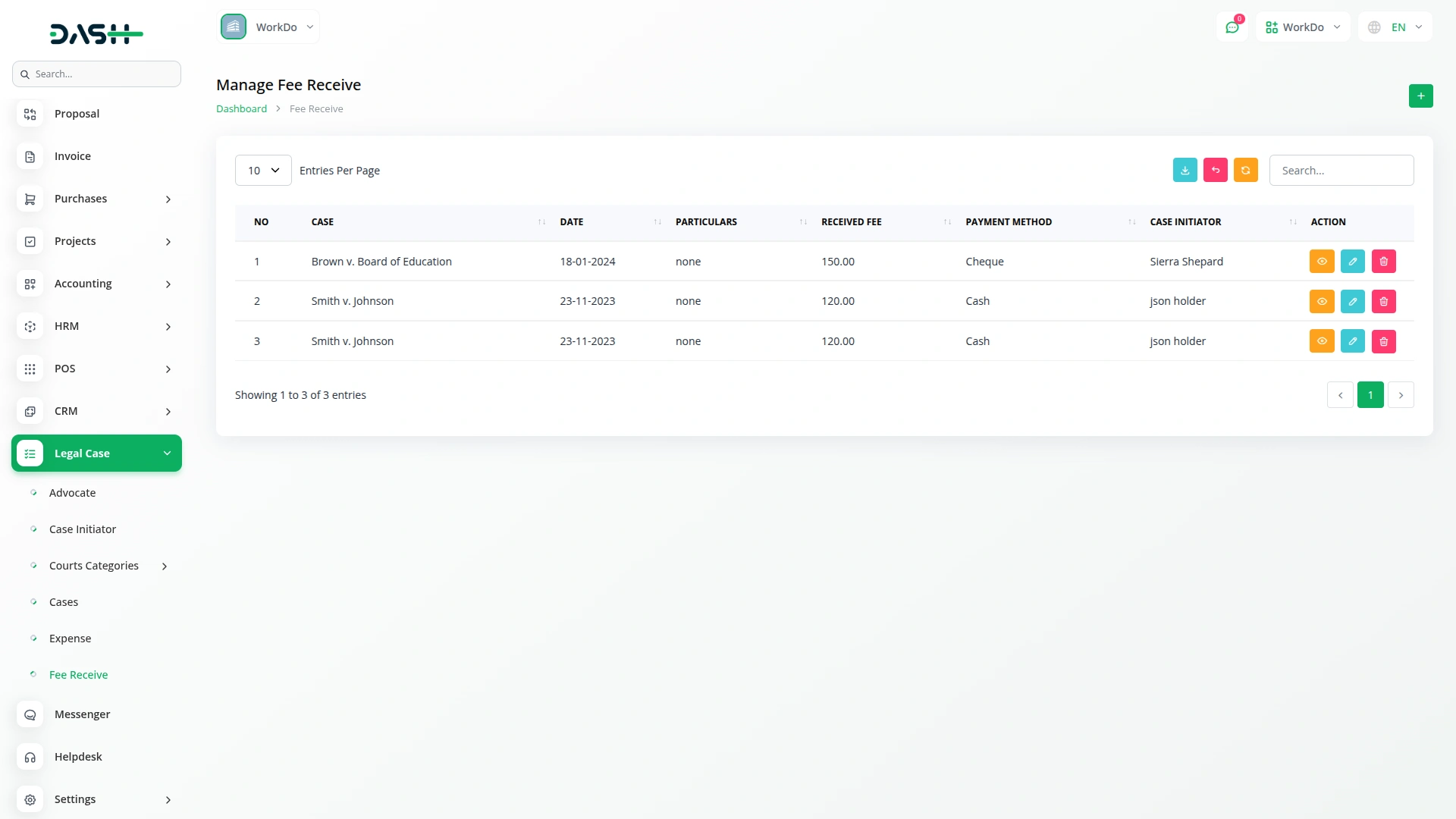
Manage all financial transactions related to legal cases with complete transparency and accuracy. Record both case-related expenses and client fee collections with details like payment method, purpose, amount, and internal notes. This unified system enhances financial transparency and simplifies reporting by associating every transaction with a case and user.
- Unified expense and fee tracking
- Receipt and document upload
- Expense approval and clearance workflows
- Bank account integration
Advocate Information
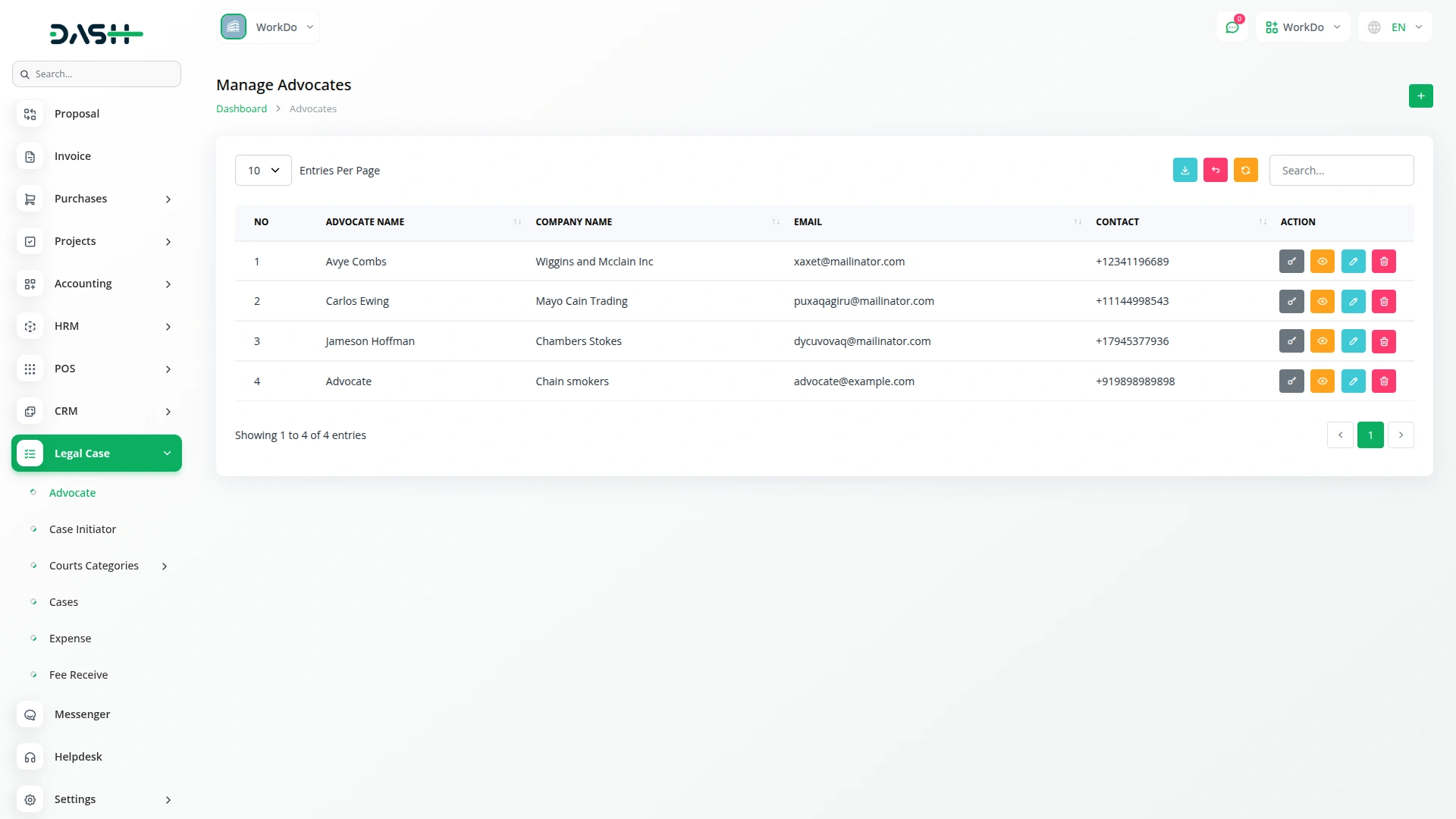
Maintain comprehensive advocate profiles with complete professional and personal information for your entire legal team. Our professional advocate management system creates detailed user-linked profiles, including bar council numbers, license information, specializations, and practice areas for easy identification and assignment.
- Bar council and license number tracking
- Specialization and practice area management
- Experience and qualification documentation
- Performance metrics and case history
Court Hierarchy Setup
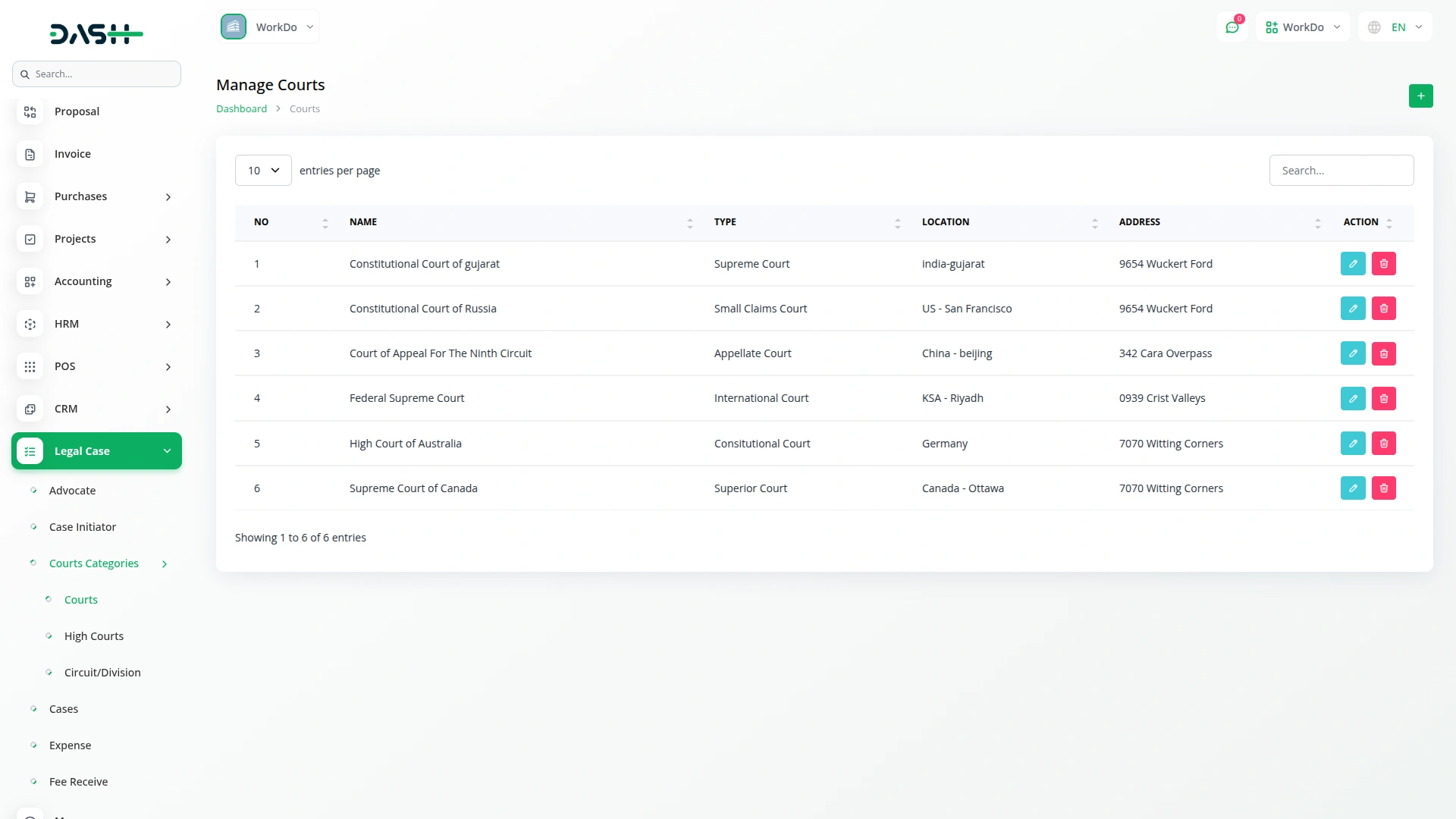
The court management feature allows users to create and define different levels of courts with complete jurisdictional data and accurate case assignments. Our court hierarchy setup enables flexible court type creation and classification with support for multiple court levels, including base courts, high courts, and subdivisions. Each court record includes comprehensive location information, jurisdiction details, contact information, and official address to ensure accurate case filing and proceedings tracking. Automatic court assignment in case creation simplifies the workflow, while advanced filtering capabilities help quickly locate courts by type or status for efficient case management and judicial coordination.
- Flexible court type creation
- Complete jurisdictional data and court address tracking
- Court assignment in the case
- Court relationship management
Screenshots from our system
To explore the functionality and usage of these Add-Ons, refer to the accompanying screenshots for step-by-step instructions on how to maximize their features.
Discover More Add-Ons
Unlock even more functionality with additional Add-Ons, providing enhanced networking and customization options for your Dash SaaS experience.

influencer-marketing
The Influencer Marketing Platform is a comprehensive two-sided marketplace that connects brands with influencers through streamlined campaign management.

File Sharing
Generally, a "File Sharing" module could refer to a component or feature within a software application or system that facilitates sharing files between users or devices or within an organization.


Documentation is well illustrated
Features integrate smoothly
Bugs resolved proactively
Bug handling is proactive and quick
Code is structured well