
Stay Connected with WhatsApp Alerts
Whatsender lets you send important updates directly to mobile phones through WhatsApp. It integrates easily with various Add-Ons like HRM, contracts, CMMS, fleet management, and projects. Whether it’s a new task assignment, a reminder, or an urgent update, Whatsender ensures that messages are delivered quickly and directly to the recipients. This means your team or clients are always in the loop, even if they are not actively using the system. WhatsApp is a trusted platform for quick communication, and Whatsender leverages that for better engagement.
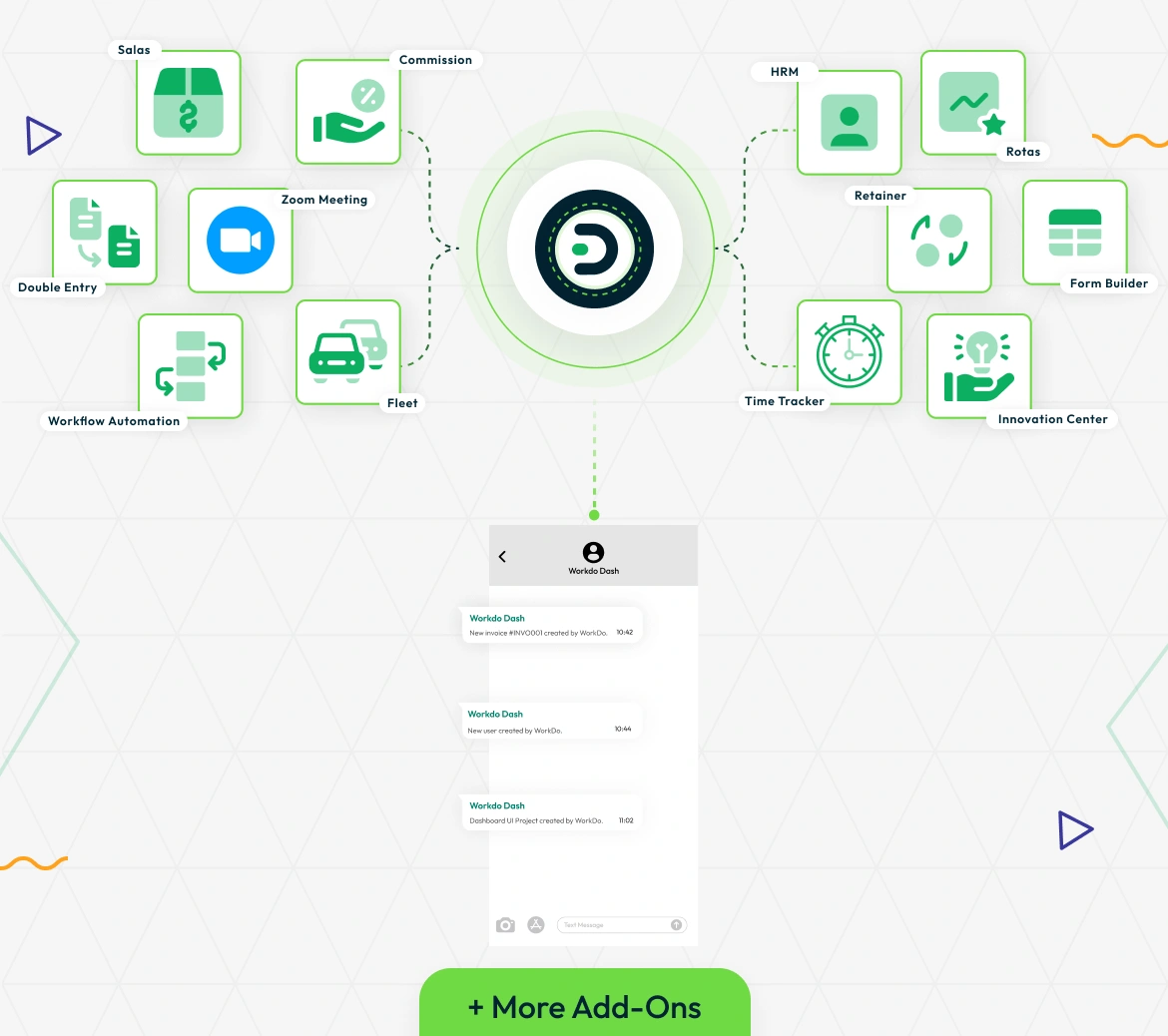
Quick Setup and Instant Messaging
Setting up Whatsender is straightforward. All you need to do is enter your Whatsender API details in the settings, and you’re ready to start sending messages. After that, you can decide which types of updates should be sent through WhatsApp, such as task updates, project notifications, or reminders. You can also personalize the message content to match the urgency of the updates, giving you full control over what gets sent and when.
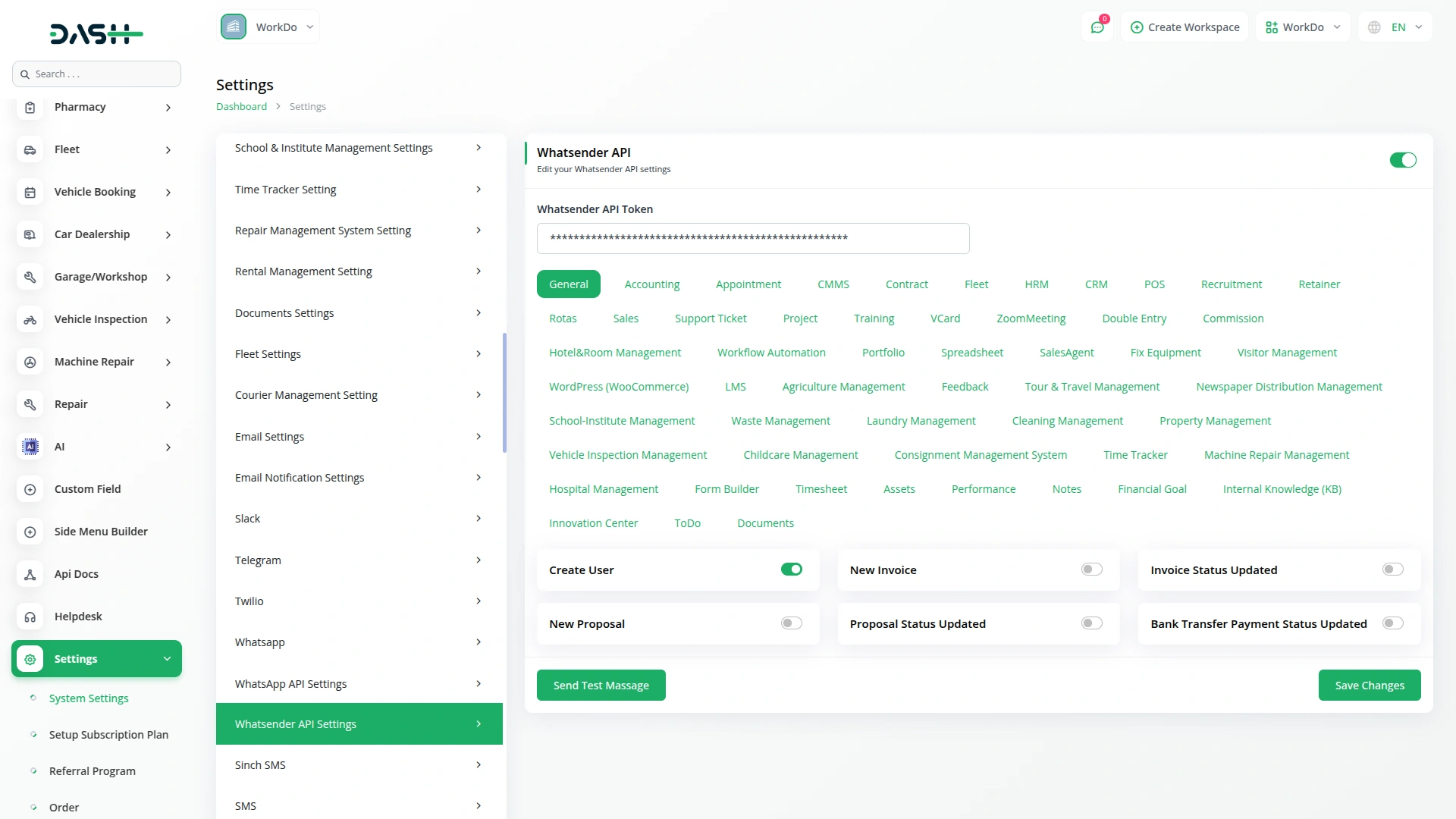
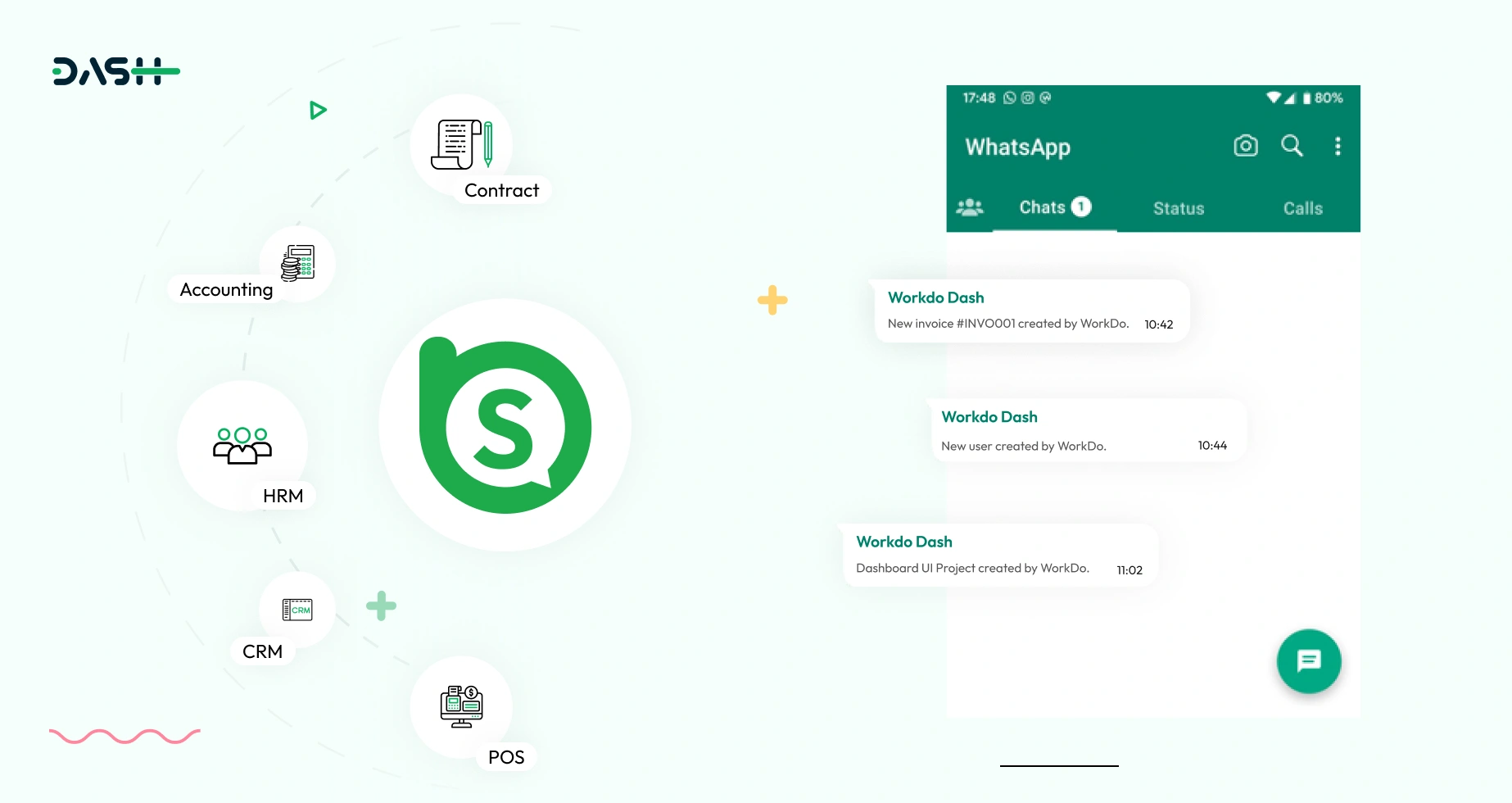
Key Features of Whatsender Integration
The Whatsender Add-On helps you communicate in real-time by sending updates through WhatsApp. Whether it’s a system notification, a task update, or a customer service alert, Whatsender ensures that messages reach the right people at the right time. You can choose which Add-Ons trigger WhatsApp alerts, making it easy to send relevant updates to the appropriate recipients. This keeps communication efficient, helps improve response times, and ensures important information doesn’t get missed.
Screenshots from our system
To explore the functionality and usage of these Add-Ons, refer to the accompanying screenshots for step-by-step instructions on how to maximize their features.

Discover More Add-Ons
Unlock even more functionality with additional Add-Ons, providing enhanced networking and customization options for your Dash SaaS experience.


Scholarship
The Scholarship Management System is a comprehensive digital platform that streamlines scholarship programs from application to disbursement.
View More
Sports Club & Academy Management
The Sports Club & Academy Management Add-On simplifies the end-to-end operations of sports facilities, including ground bookings, membership plans, coach schedules, training sessions, and event organization.
View More
Procurement
Managing the procurement process can be a time-consuming and complex task. Dash SaaS simplifies this process by providing a central hub for all your procurement needs.
View More2 reviews for Whatsender – Dash SaaS Add-On
| 5 star | 100% | |
| 4 star | 0% | |
| 3 star | 0% | |
| 2 star | 0% | |
| 1 star | 0% |
Comments
You must be logged in to post a comment.
There are no comment yet.
Contact Us for Support :
-
You will get immediate support from our support desk. Please visit here https://support.workdo.io/
Item support includes:
- Answer pre-sale questions or query
- Answering technical questions about item's features
- Assistance with reported bugs and issues
- Help with included 3rd party assets
- Free Installation services in some cases
However, item support does not include:
- Customization services
Check Documents & Tutorials
Seamless module synchronization ensures accurate data flow
Thank you for the consistent updates