

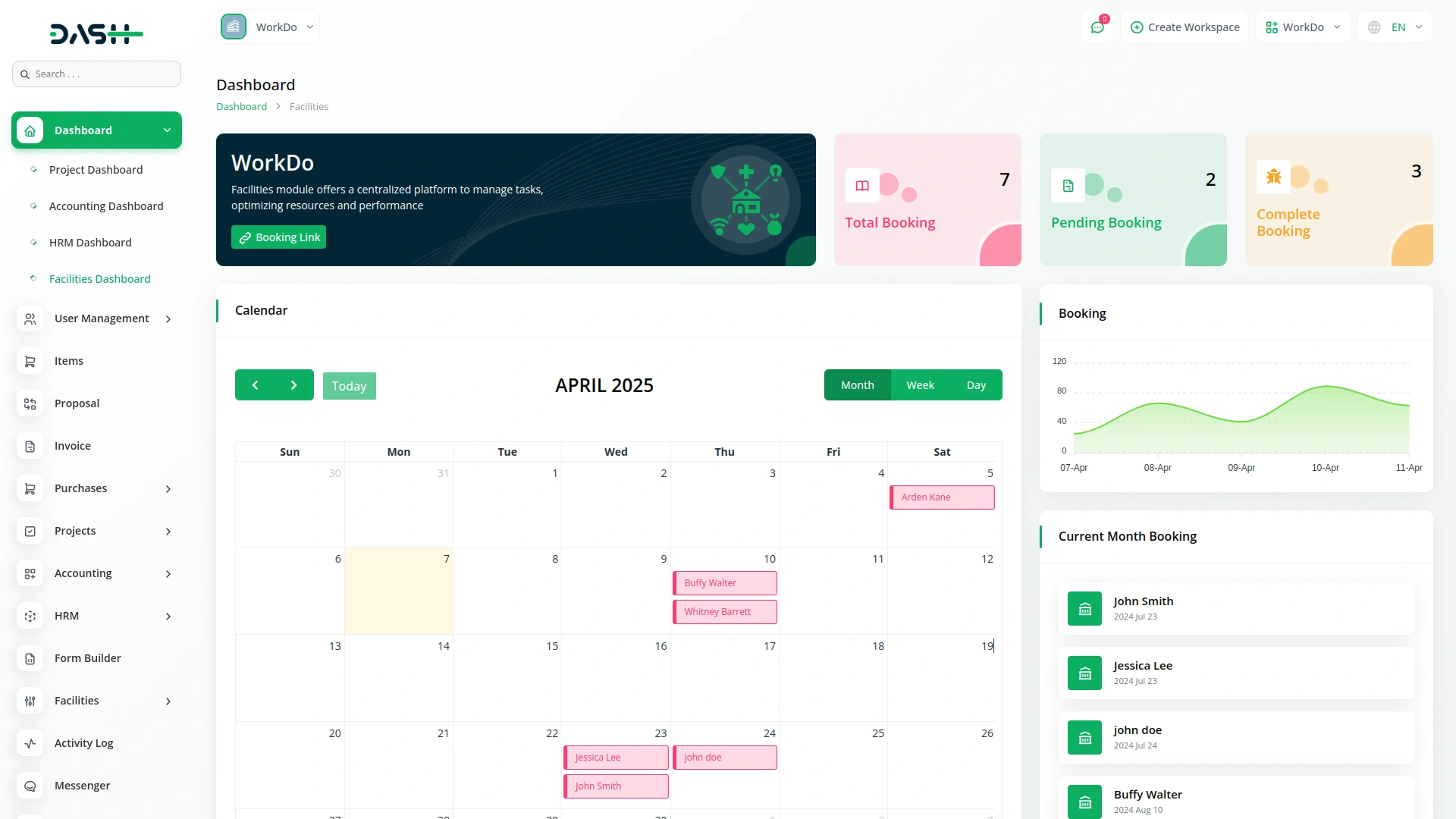
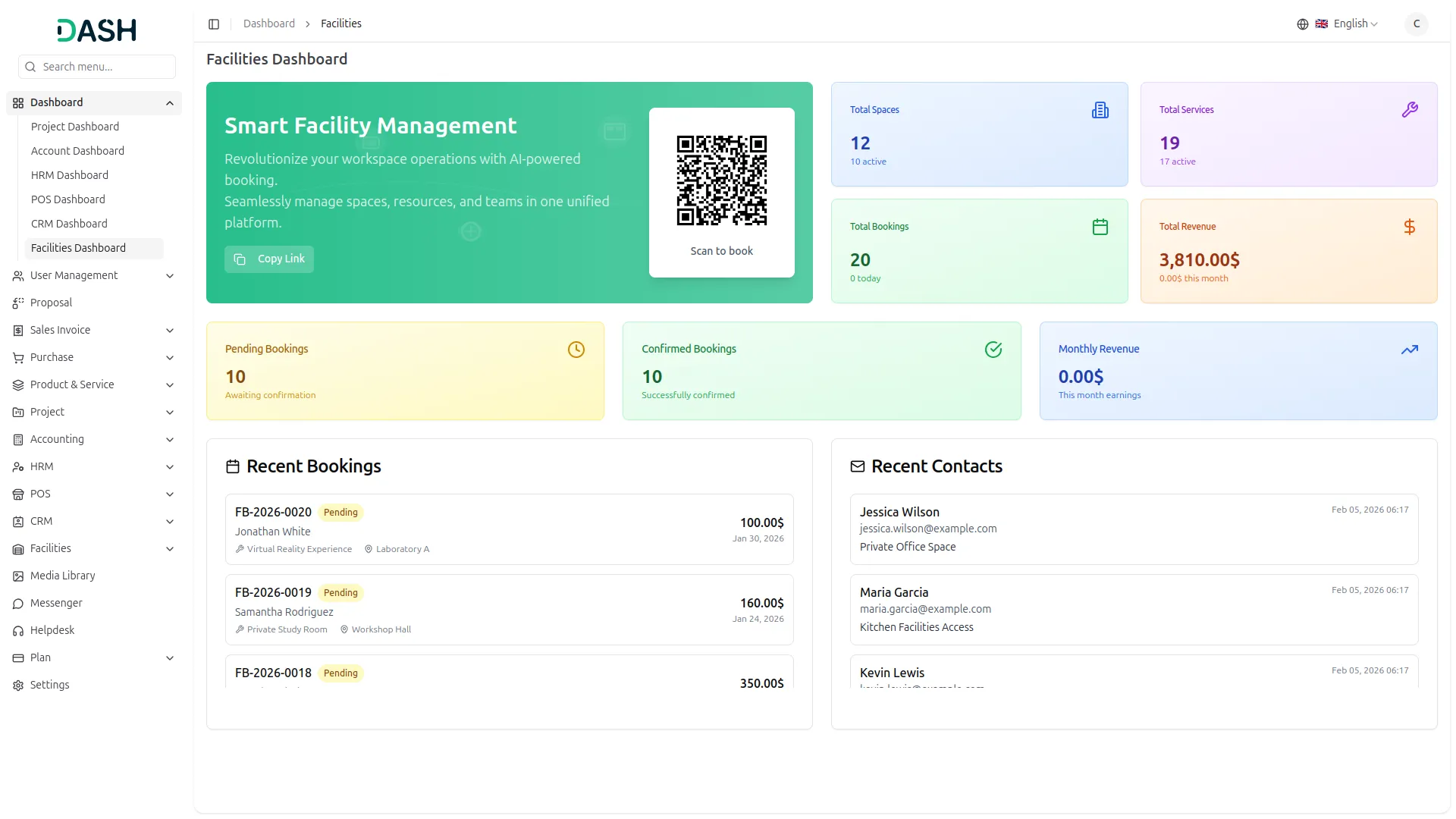
Our facility management platform streamlines bookings, payments, and services with powerful features designed for efficiency and flexibility. From real-time booking dashboards to advanced revenue tracking, it offers complete control over your operations while ensuring a seamless customer experience.
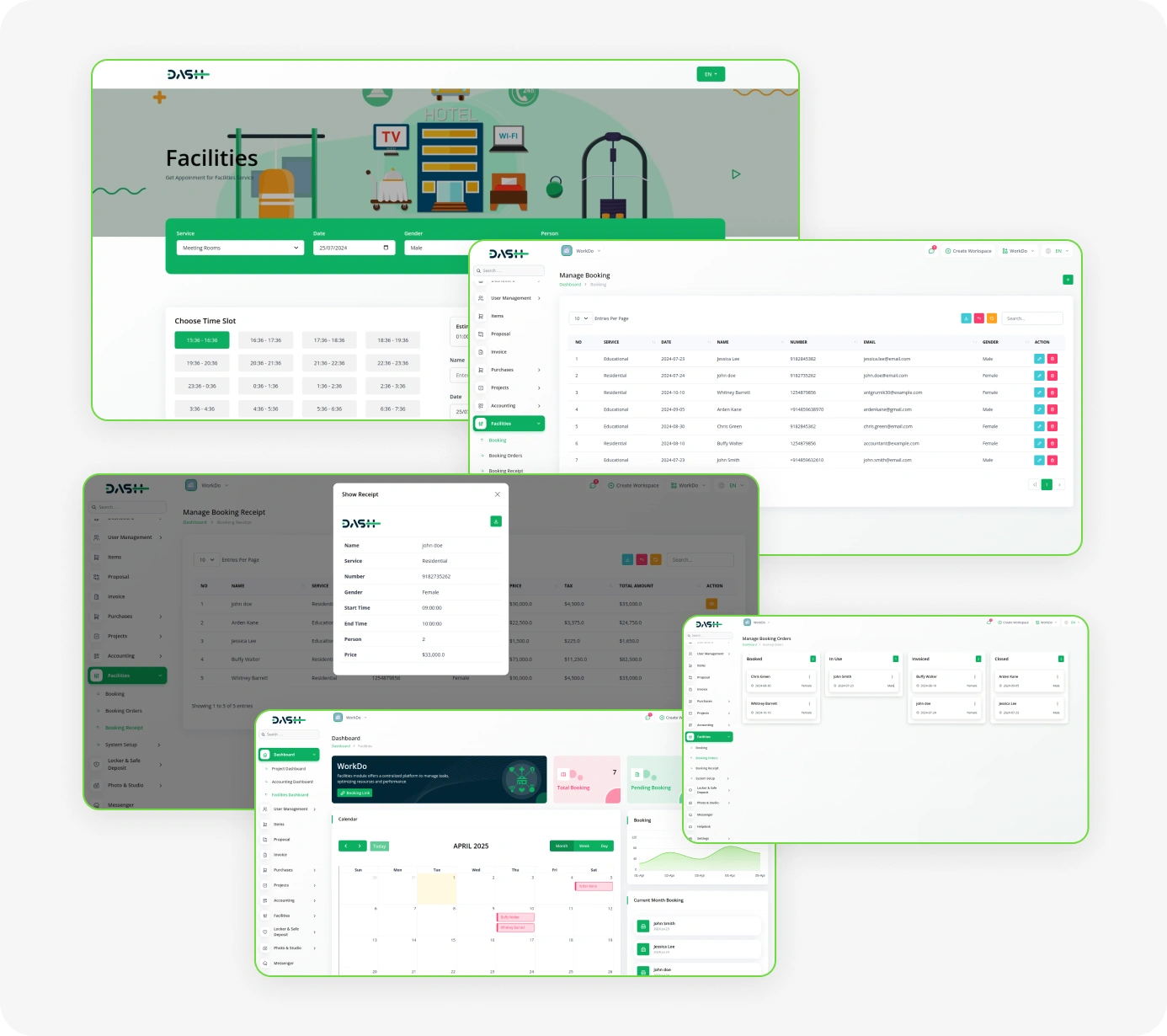
Powerful Features for Streamlined Facility Management
- Real-Time Booking Dashboard
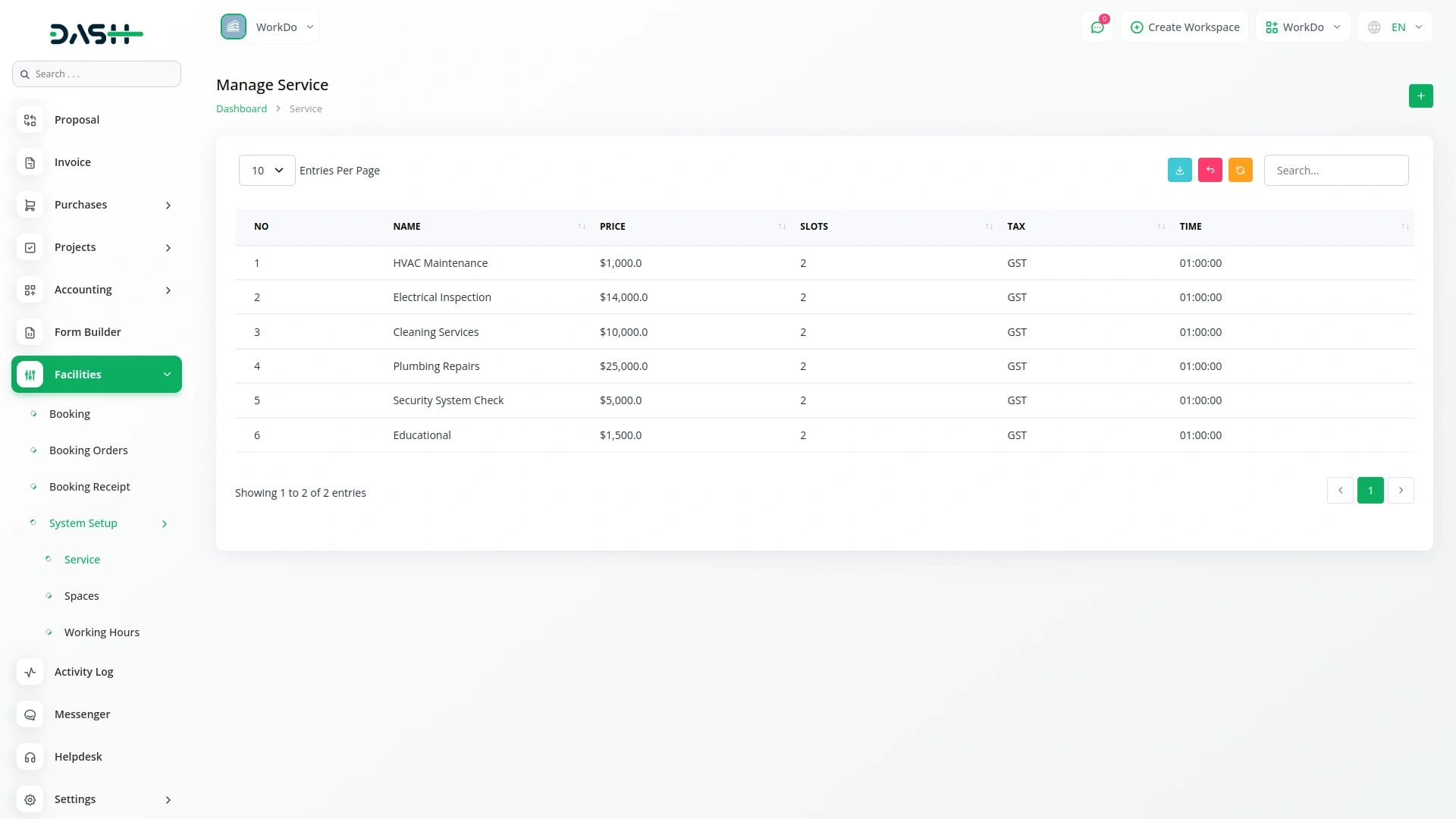
- Flexible Service Management
- Automated Payment Processing
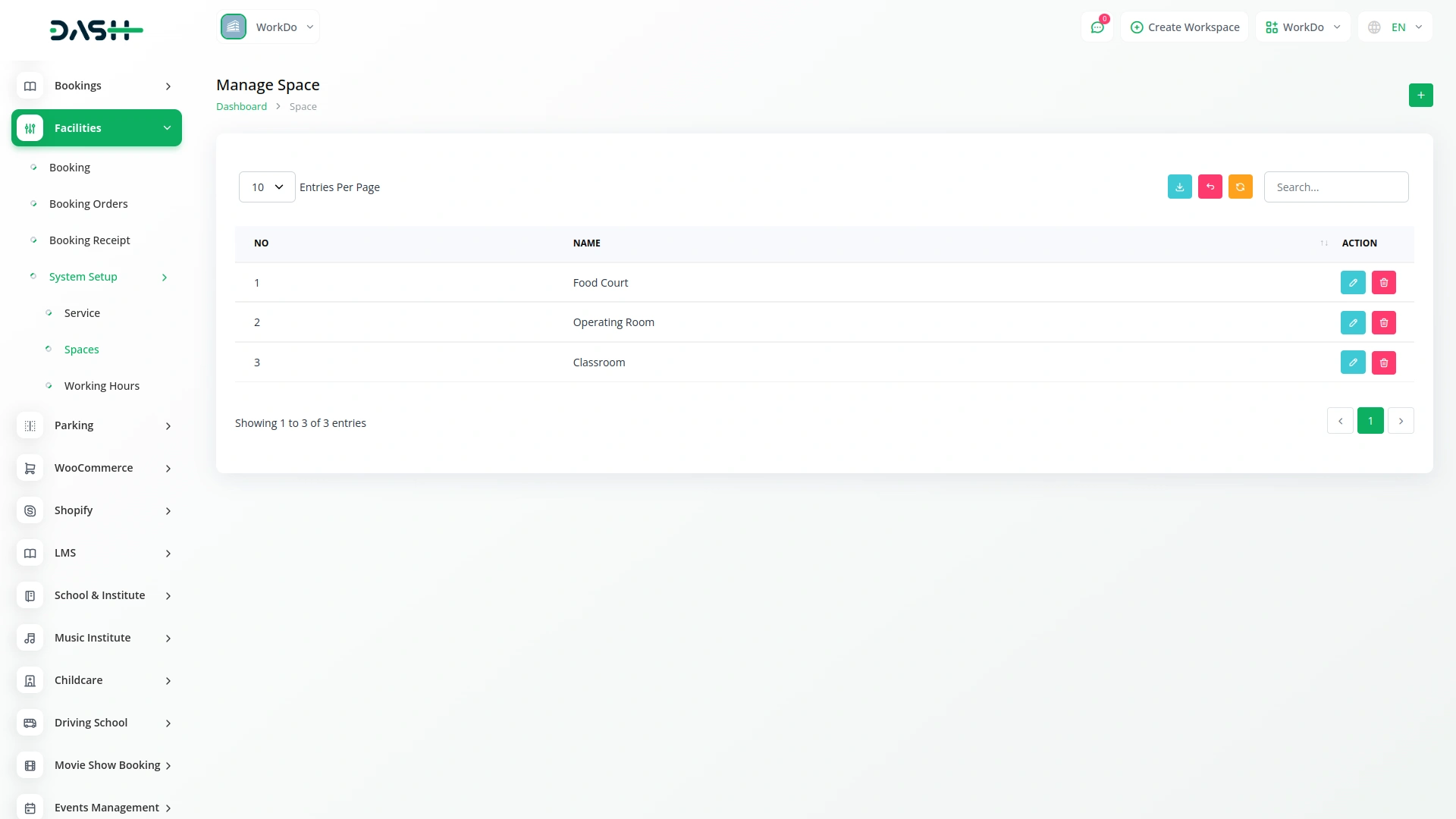
- Multi-Space Configuration
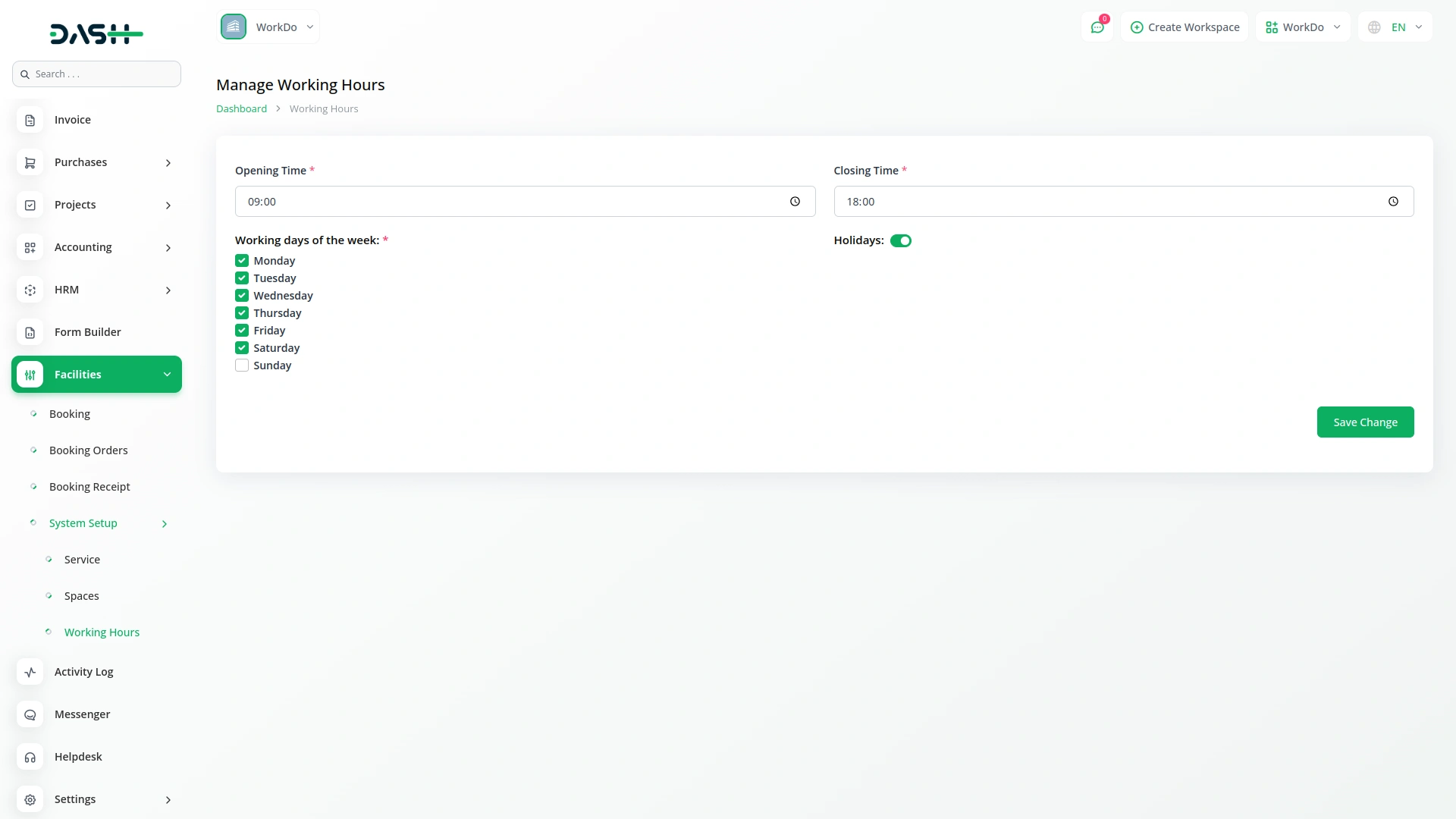
- Custom Working Hours
- Advanced Booking Analytics
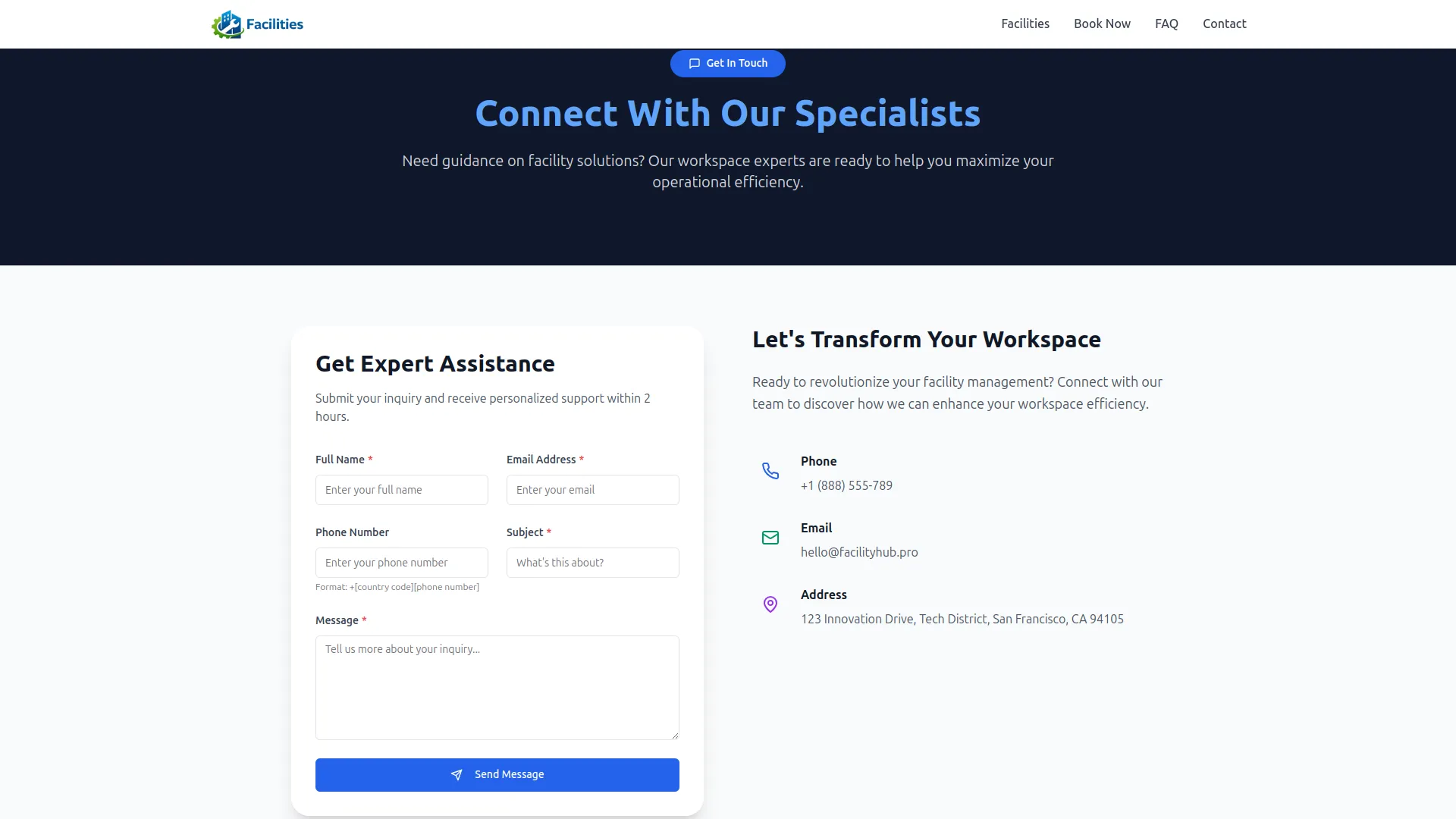
- Integrated Contact System
- Complete Brand Customization
- Smart Revenue Tracking
Streamlined Booking Operations
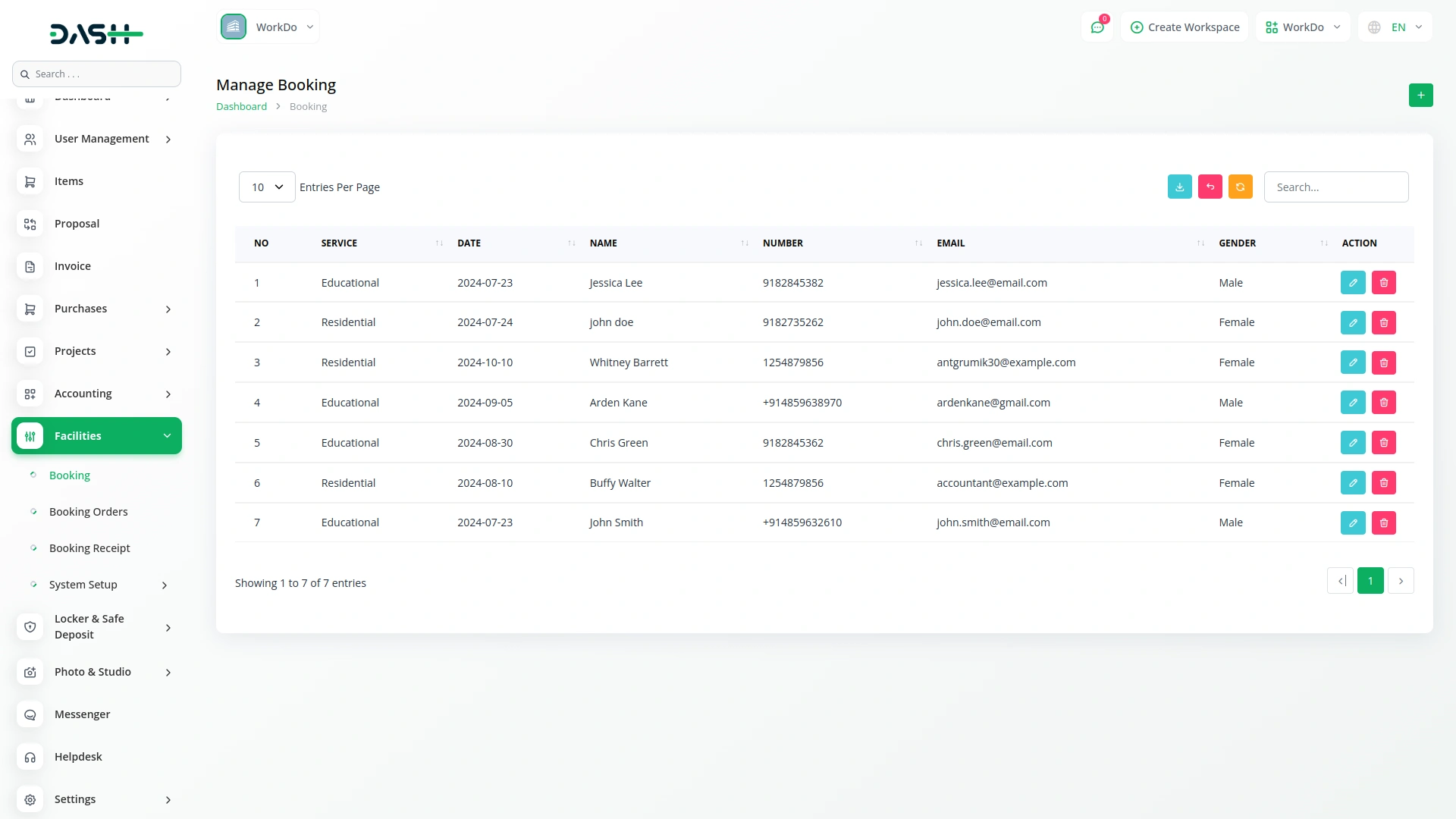
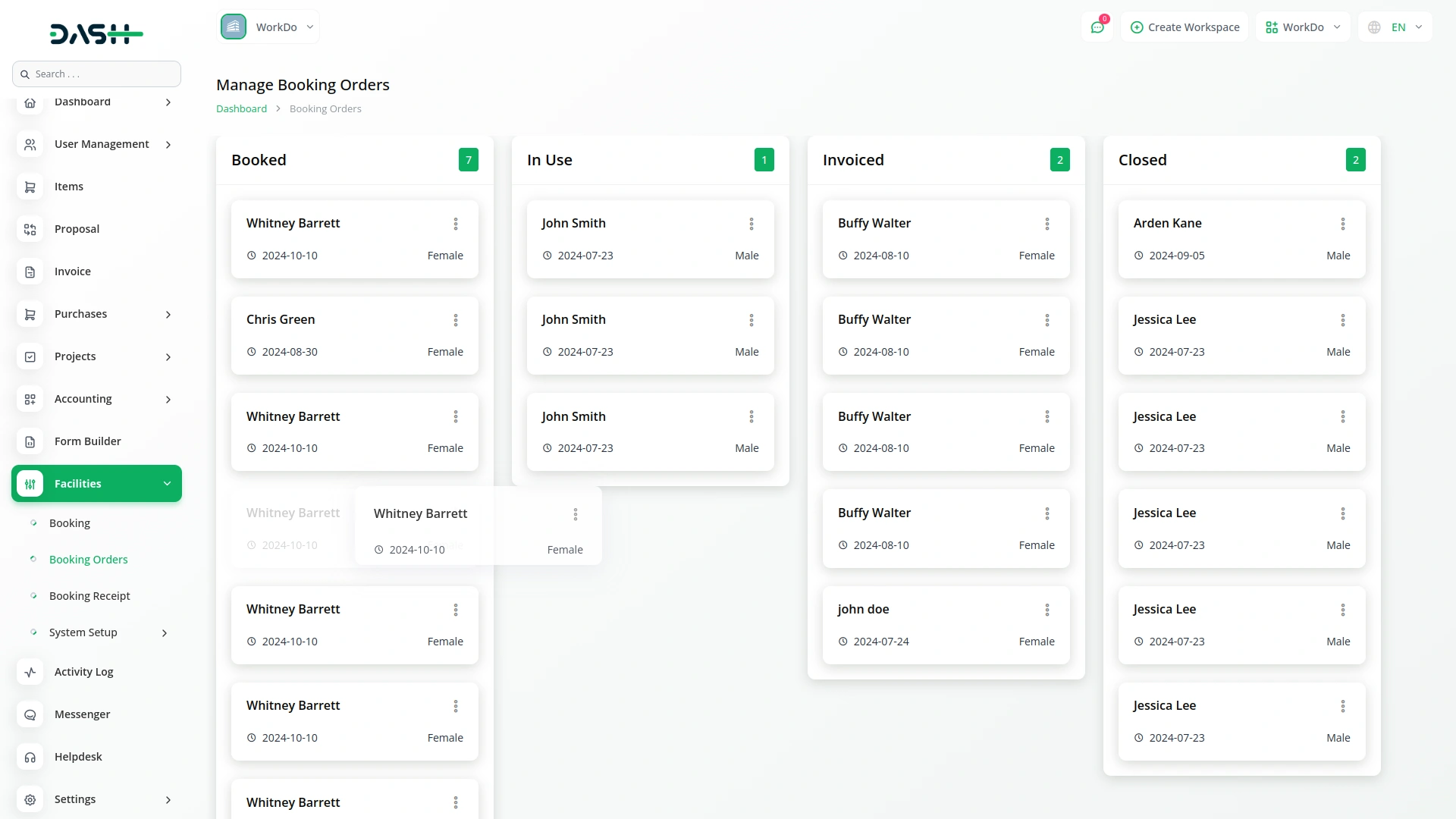
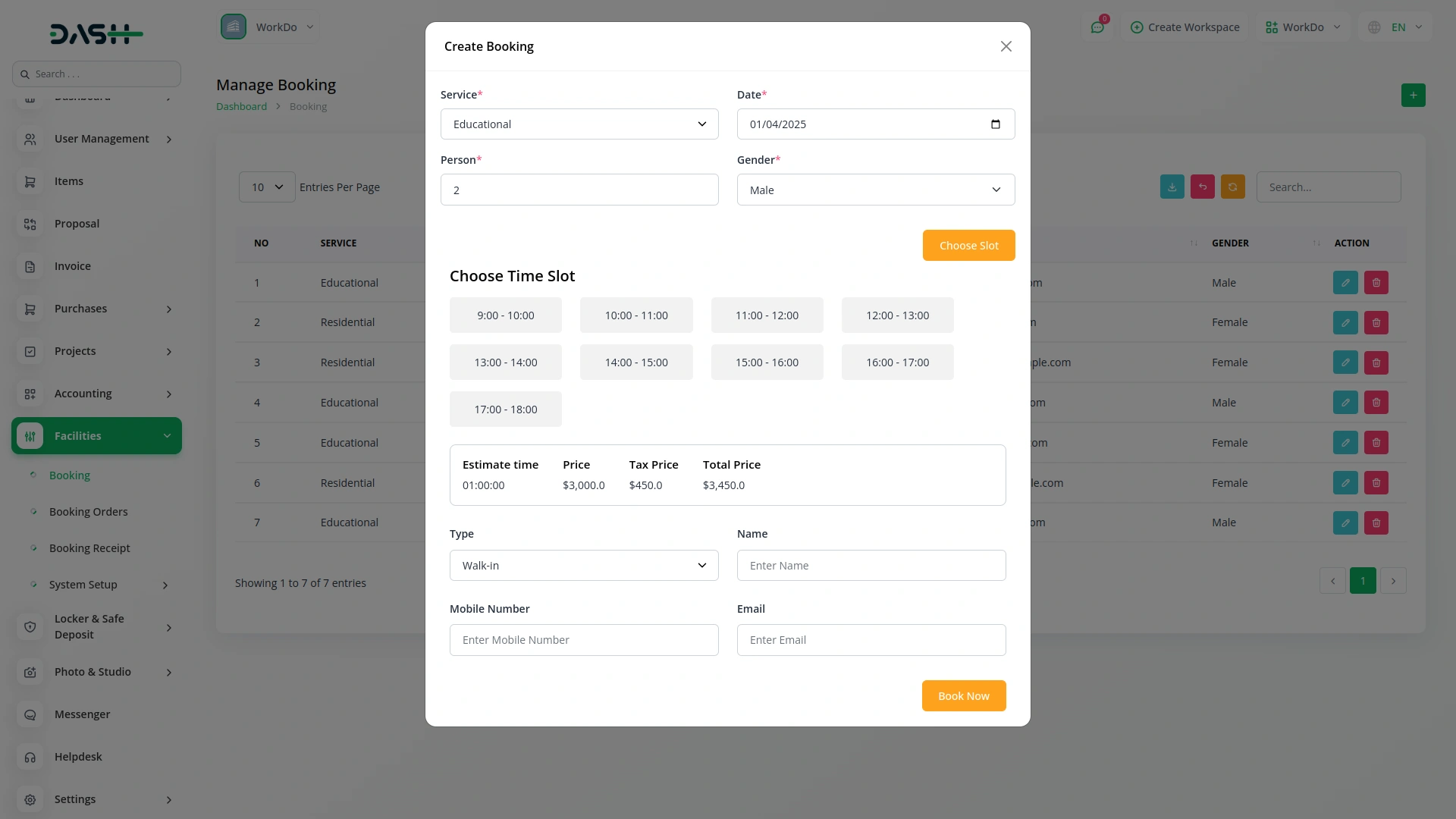
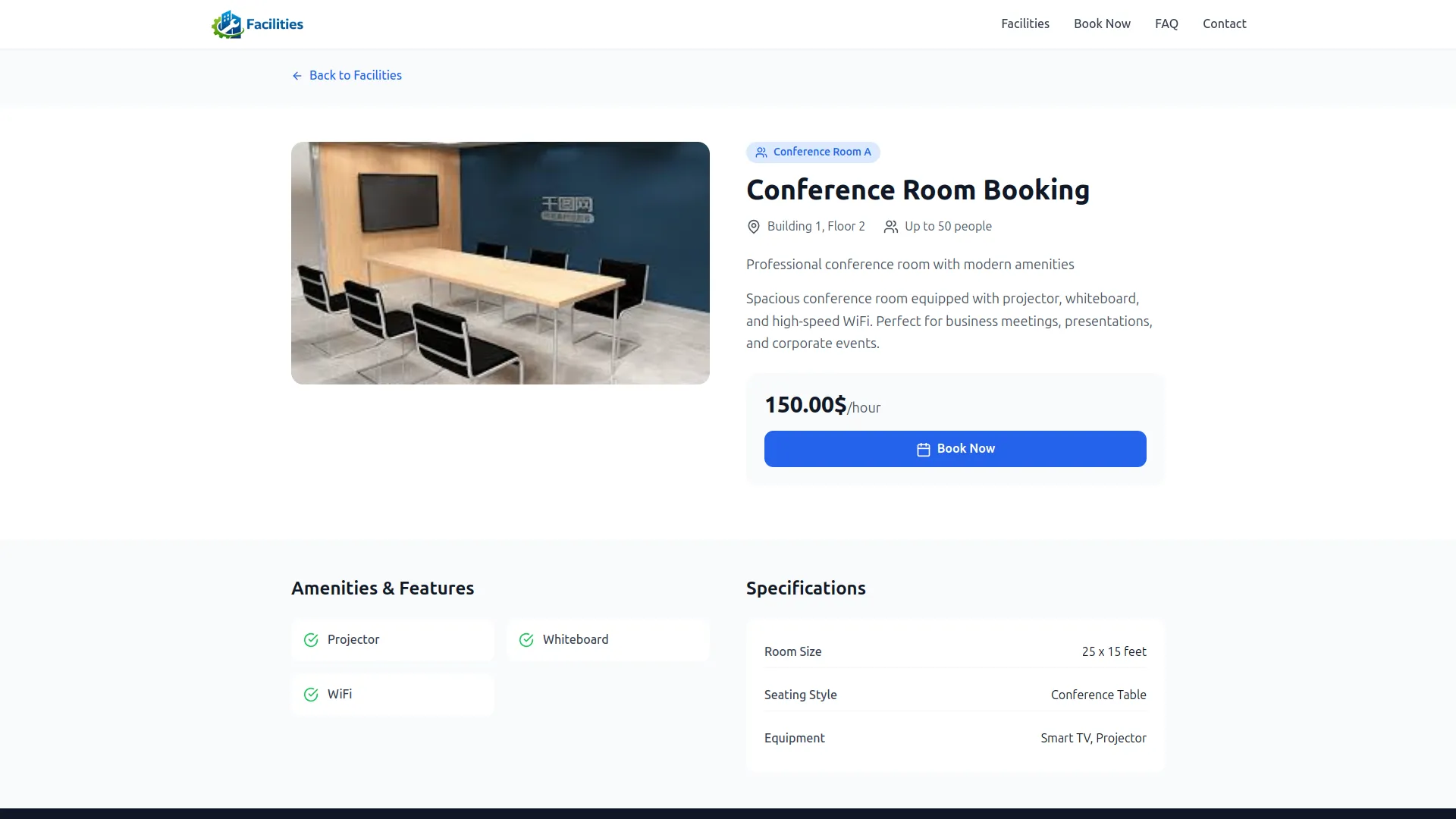
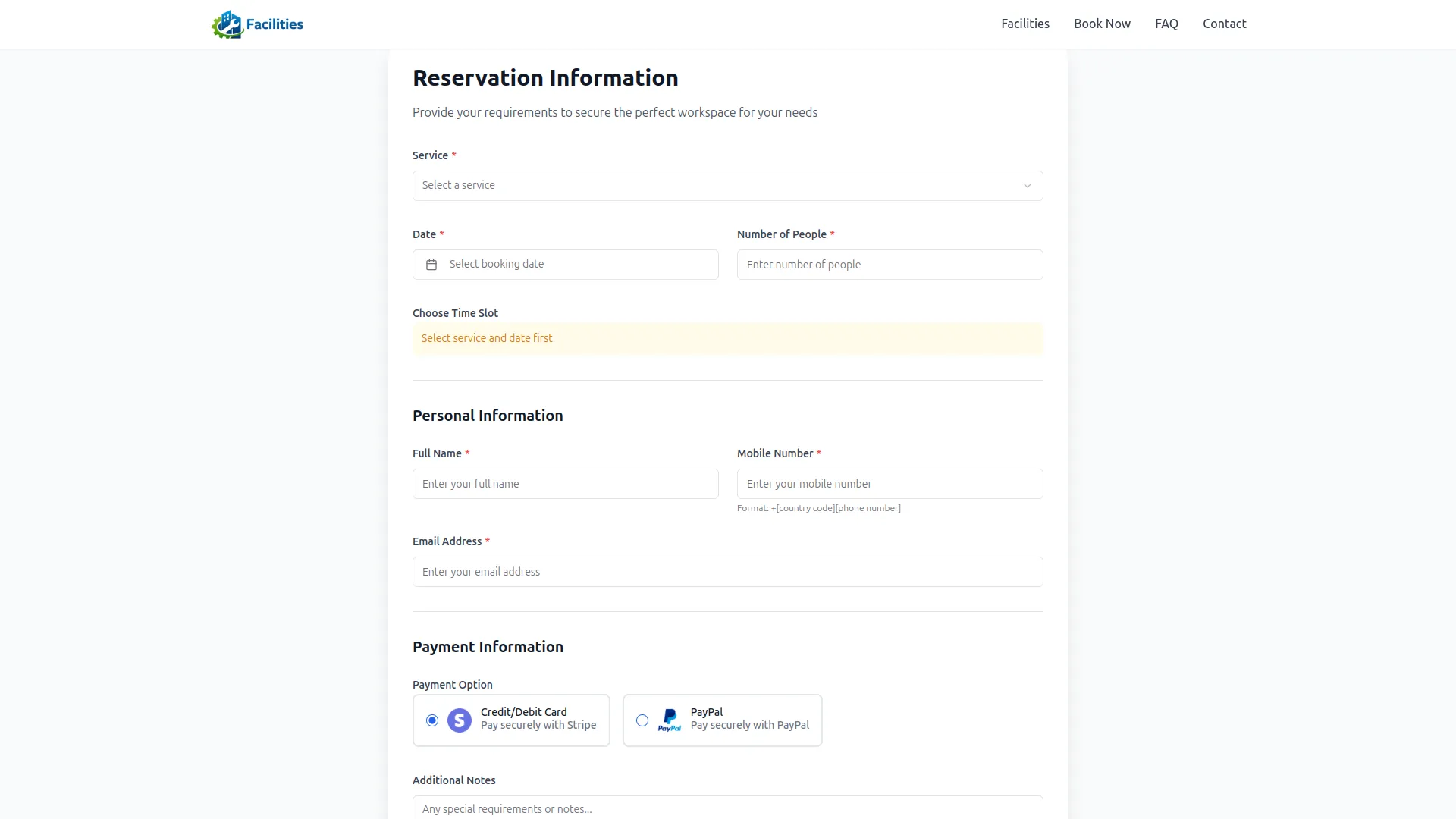
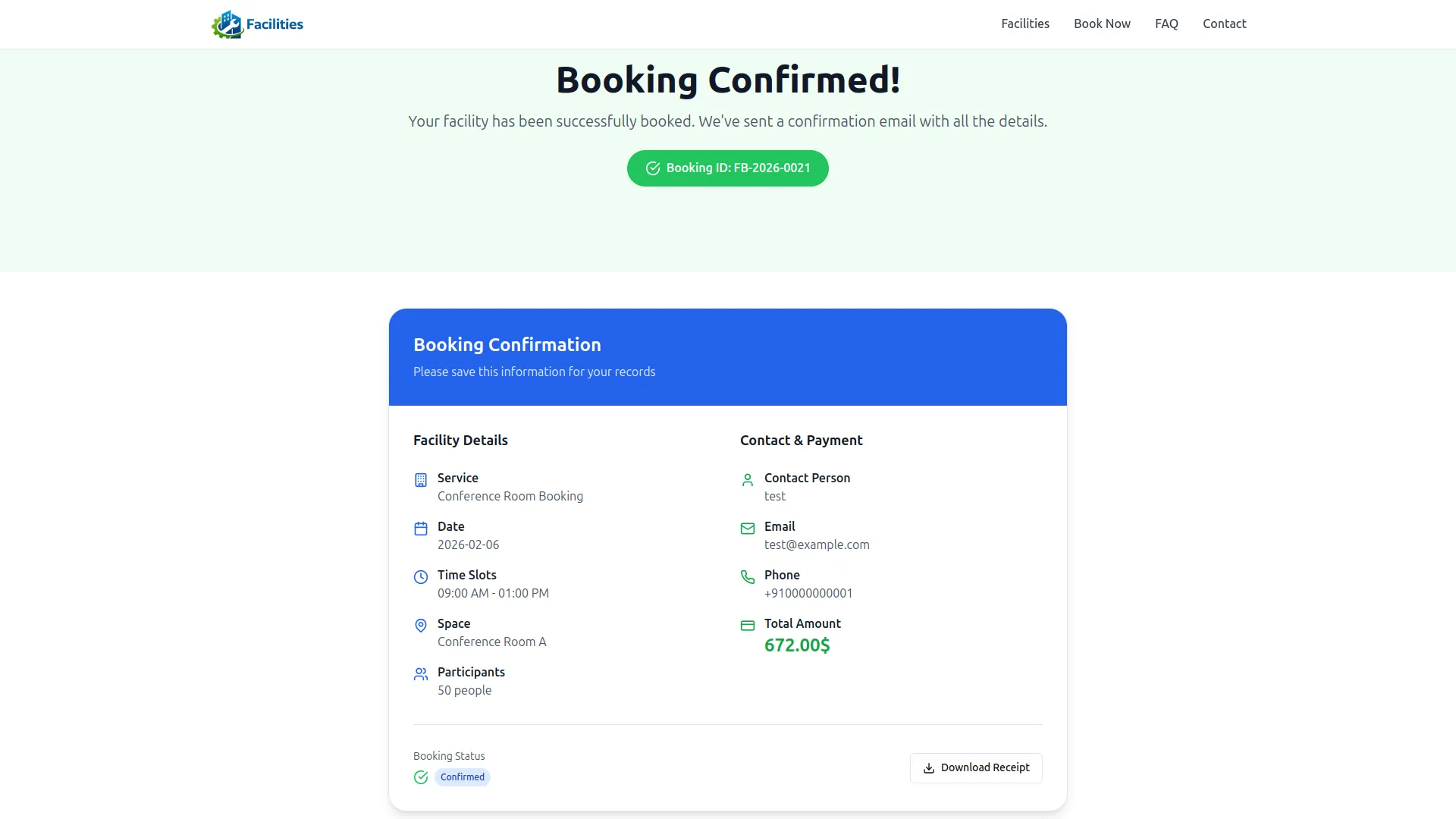
Our booking system streamlines facility reservations, giving you full control from a single, easy-to-use dashboard. You can manage customer details, select services, and set automatic pricing with just a few clicks. It also allows flexible scheduling with multiple time slot options, participant tracking, and custom notes for special requests. Plus, visitors can book directly through a seamless web interface, ensuring smooth integration with your backend.
- Easy-to-use dashboard for managing all bookings.
- Automated pricing and flexible scheduling options.
- Customizable services and special requirements tracking.
- Seamless integration for customer self-booking experience.
Powerful Service & Space Configuration
Manage your facility with ease using comprehensive service and space management tools. Create detailed service profiles, including pricing, capacity, and media galleries to showcase offerings. Configure spaces with specific amenities, locations, and capacities, and set flexible pricing structures. Link services to spaces, control availability, and apply taxes for a fully customized booking experience.
- Create detailed service profiles with pricing and capacity.
- Configure spaces with specific amenities and locations.
- Set flexible pricing structures and manage availability.
- Link services to spaces for customized bookings.
Intelligent Payment & Revenue Management
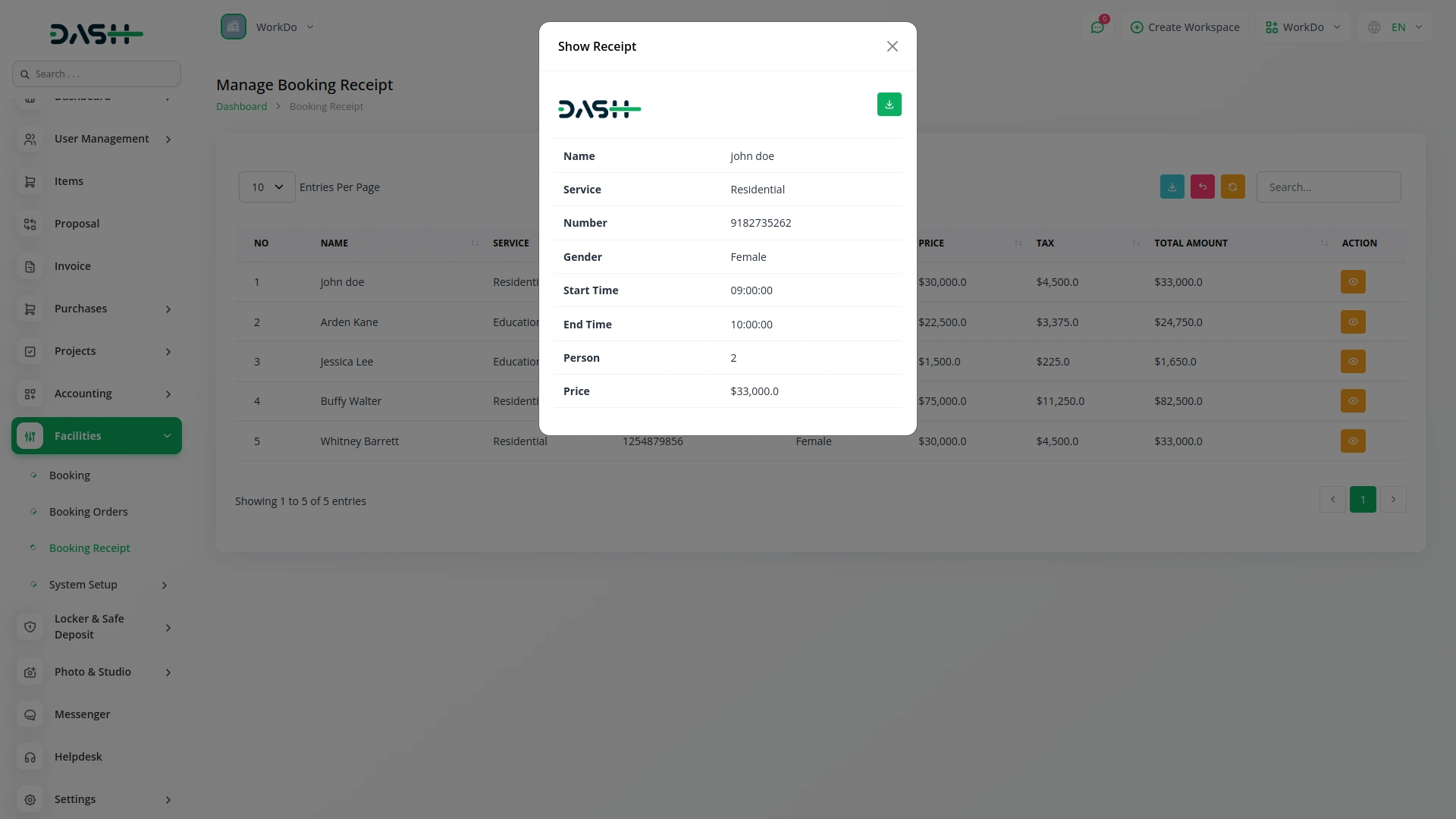
Track every transaction effortlessly with our comprehensive payment management system. It supports multiple payment methods, including Stripe, PayPal, and cash, ensuring flexibility for all bookings. Detailed transaction records include payment methods, amounts, and timestamps for full transparency. Access real-time revenue analytics and generate PDF receipts for easy record-keeping. This system helps you maintain accurate financial records and make informed business decisions.
- Supports multiple payment methods for flexible transactions.
- Detailed transaction records with payment reference information.
- Real-time revenue analytics and monthly income tracking.
- Generate PDF receipts for easy record-keeping.
Complete Platform Customization
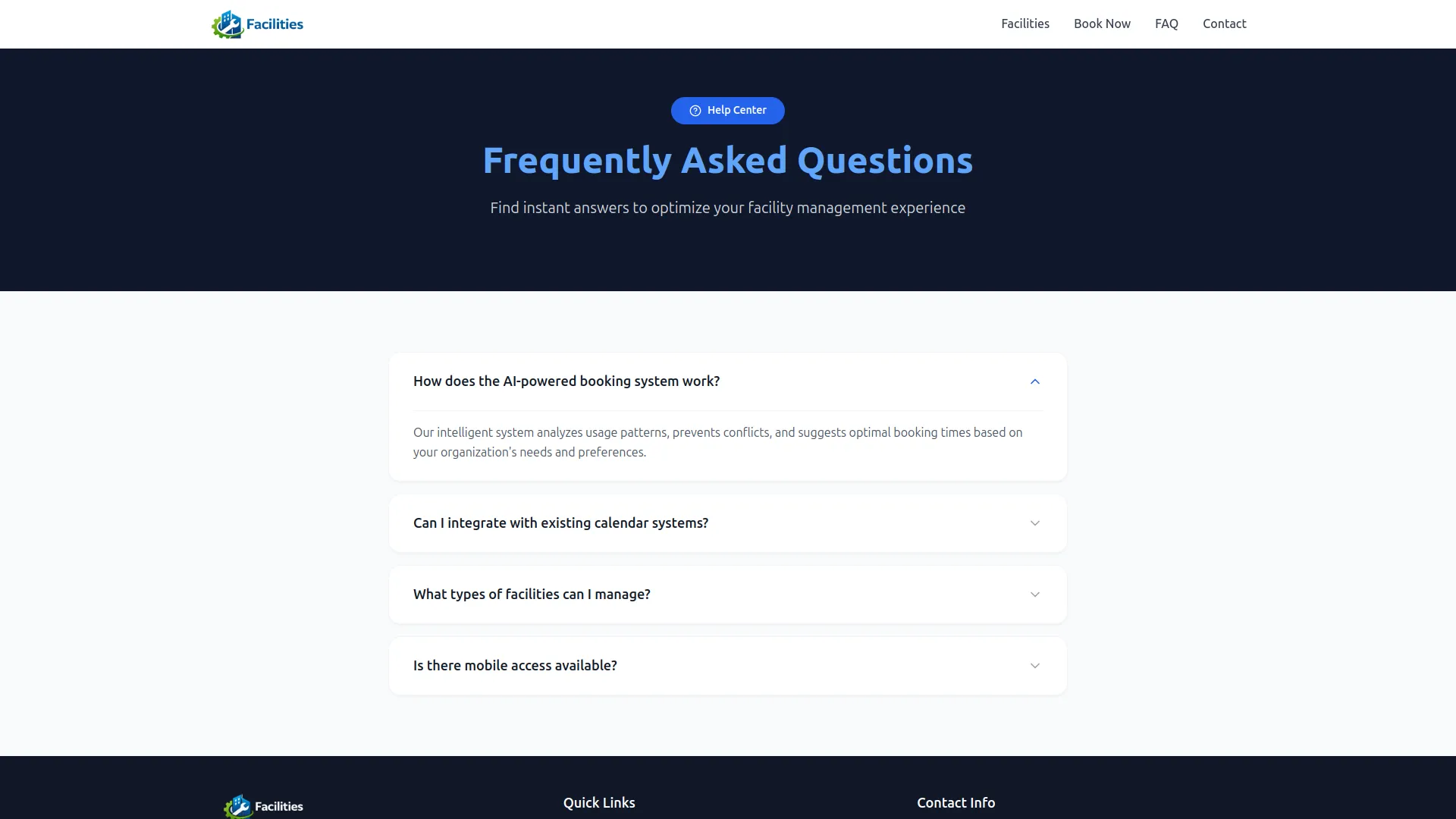
Personalize your booking platform with extensive customization options to reflect your brand. Customize logos, footers, and site titles for consistent branding across all touchpoints. Create compelling landing pages with custom banners, titles, and call-to-action sections to boost bookings. Manage working hours, FAQ sections, and custom pages for policies and announcements. Ensure a professional, cohesive experience that aligns with your organization's identity.
- Customize branding elements for a cohesive identity.
- Create compelling landing pages to boost bookings.
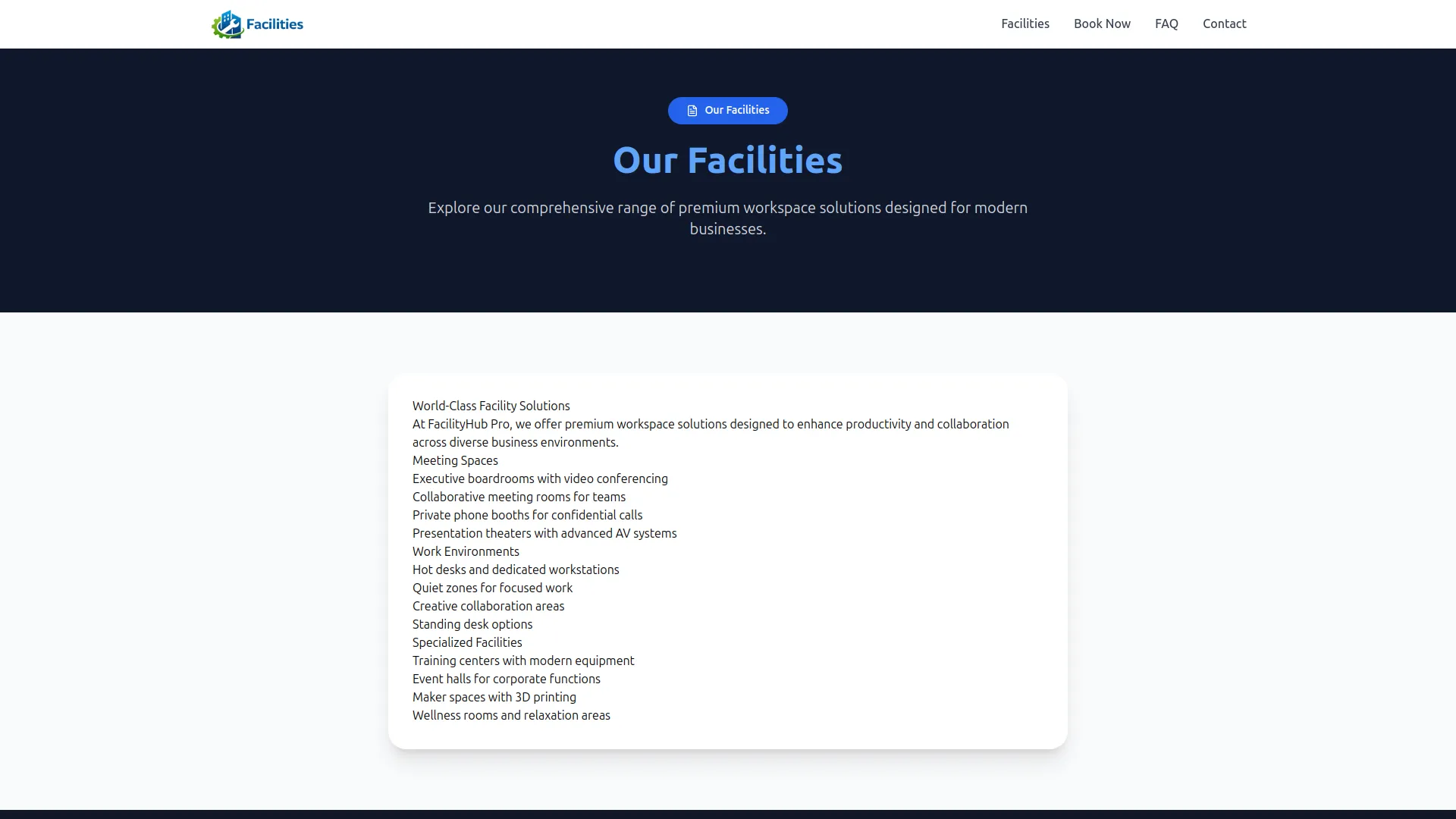
- Manage working hours, FAQs, and custom pages.
- Personalize contact info and feature highlights easily.
Screenshots from our system
To explore the functionality and usage of these Add-Ons, refer to the accompanying screenshots for step-by-step instructions on how to maximize their features.

Discover More Add-Ons
Unlock even more functionality with additional Add-Ons, providing enhanced networking and customization options for your Dash SaaS experience.

Pharmacy Management
Experience the convenience and efficiency of pharmacy management with Dash SaaS. From inventory management to billing and system setup, our comprehensive module has everything you need to streamline your pharmacy operations and provide exceptional service to your customers.
View More
Pabbly Connect
Pabbly Connect is a versatile automation platform seamlessly integrating 1000+ apps, from Google Sheets to Shopify. With its user-friendly interface, creating automated workflows becomes effortless.
View More

Legal Case Management
Explore the efficiency of the "Dash SaaS Legal Case Management Hub," a dedicated tool designed for streamlined management of advocates, case initiators, and legal proceedings.
View More5 reviews for Facilities – Dash SaaS Add-On
| 5 star | 40% | |
| 4 star | 60% | |
| 3 star | 0% | |
| 2 star | 0% | |
| 1 star | 0% |
Comments
You must be logged in to post a comment.
There are no comment yet.
Contact Us for Support :
-
You will get immediate support from our support desk. Please visit here https://support.workdo.io/
Item support includes:
- Answer pre-sale questions or query
- Answering technical questions about item's features
- Assistance with reported bugs and issues
- Help with included 3rd party assets
- Free Installation services in some cases
However, item support does not include:
- Customization services
Check Documents & Tutorials
Features are exactly what our team required
UI design is sharp
Layout design is creative
Bugs handled in updates
Customization is powerful