
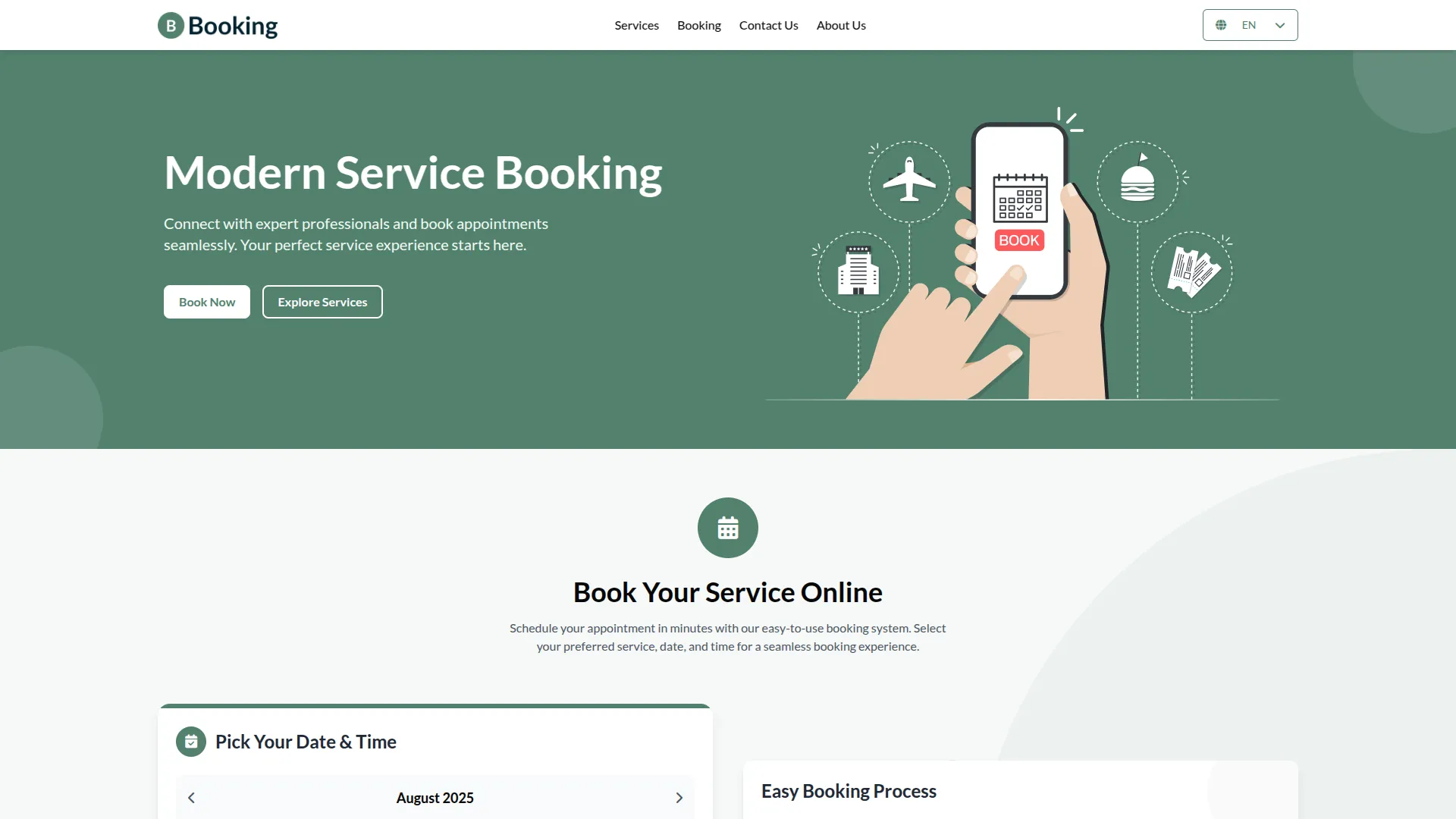
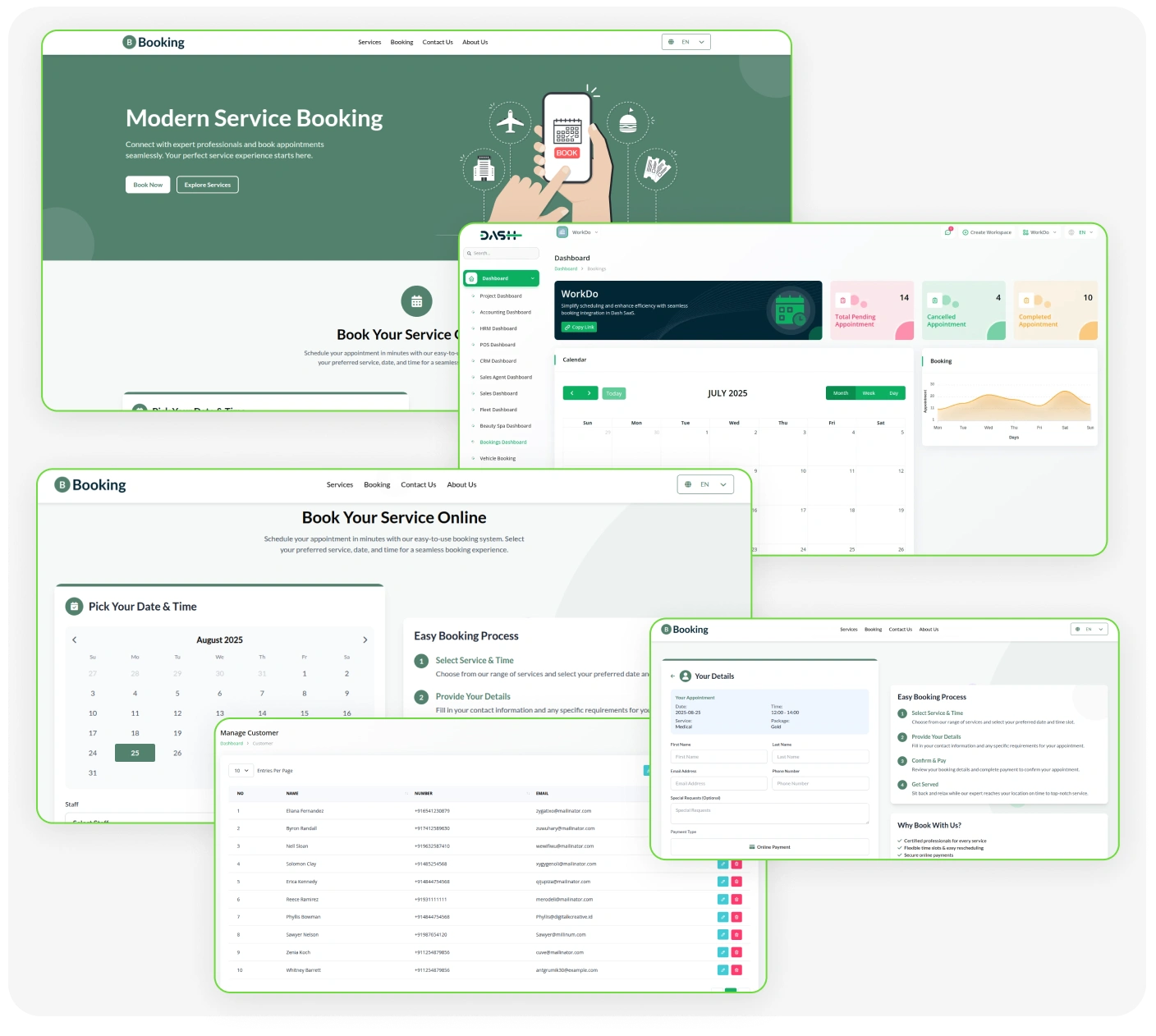
This all-in-one appointment management system offers powerful features to streamline bookings, enhance customer experience, and optimize staff workflow. From real-time dashboard analytics and flexible business configuration to detailed service and package management, every aspect is built for efficiency. Manage appointments seamlessly with advanced scheduling views, intuitive calendar and kanban interfaces, and robust staff allocation tools. Keep customer data organized, appointments updated, and business insights accessible with integrated reporting, HRM sync, and customizable scheduling rules. Perfect for service-based businesses seeking automation, control, and growth.
Complete Business Booking Solution
- Smart Booking Dashboard
- Real-Time Scheduling
- Staff Management System
- Package Builder
- Payment Gateway Integration
- Calendar & Kanban
- Custom Branding Setup
- Multi-Language Support
- Analytics & Reports
Service & Package Management
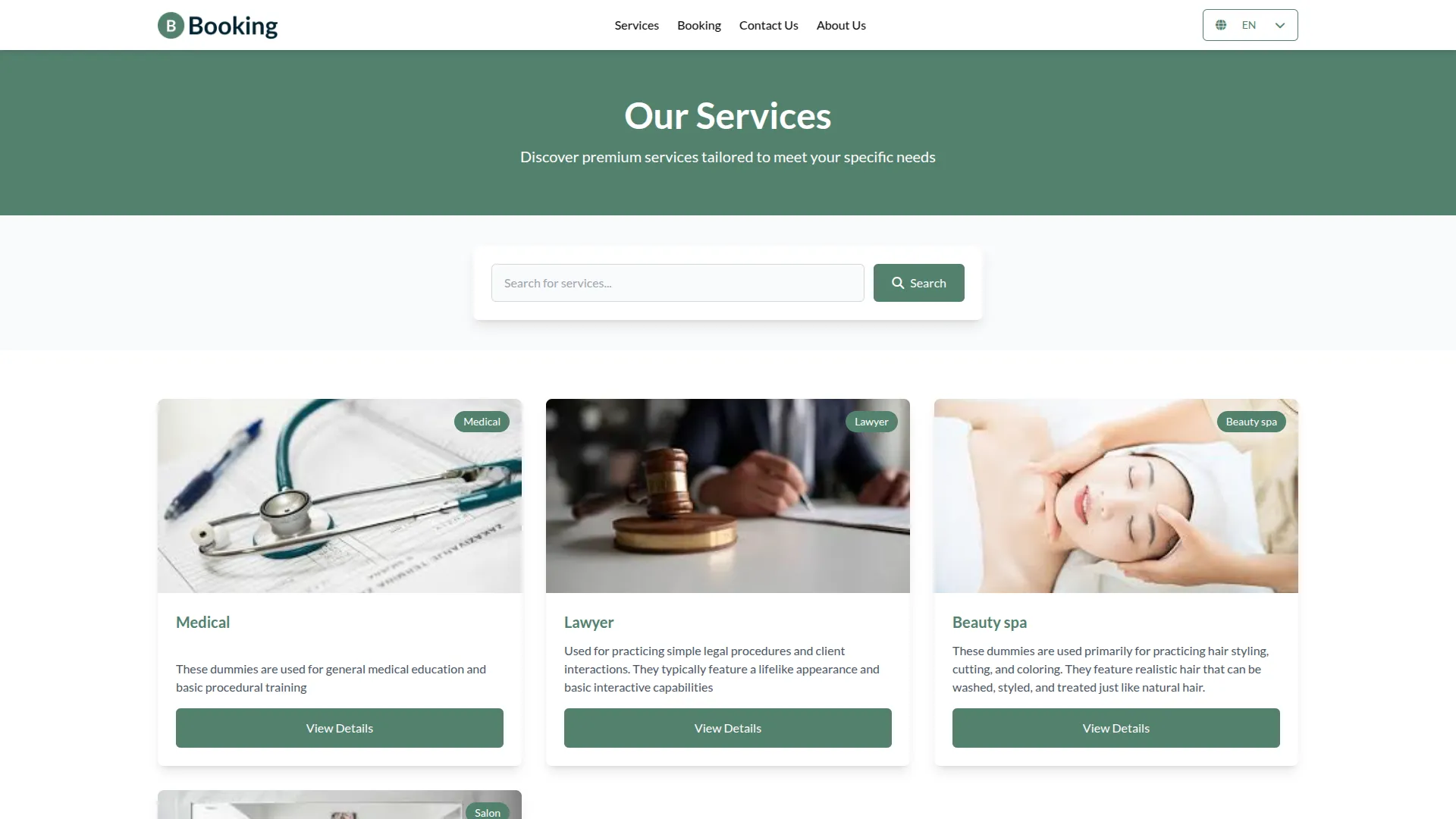
Build detailed service catalogs with names, SKUs, pricing, categories, descriptions, and images for better customer clarity. Set service durations for precise scheduling and configure tax settings for organized billing. Create attractive packages by combining multiple services with optional extras. Define flexible delivery periods, from hourly to minutes, and pricing with auto-applied taxes. This setup boosts customer value and supports business growth.
- Complete service catalog with image upload capability
- Tax configuration and duration management
- Multi-service package combinations with flexible delivery periods
- Flexible pricing with auto-applied taxes and customizable package options
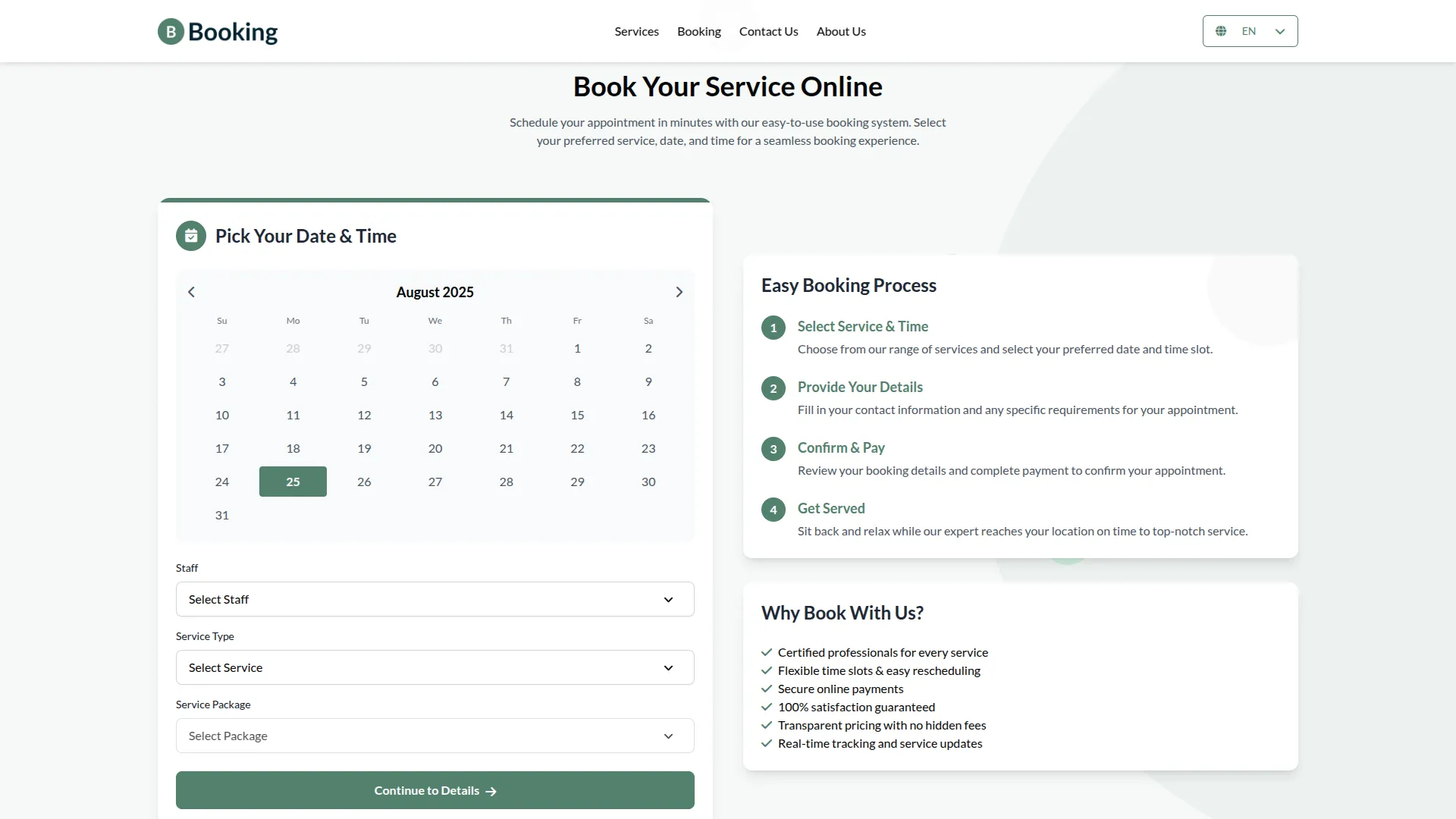
Customer & Appointment Management
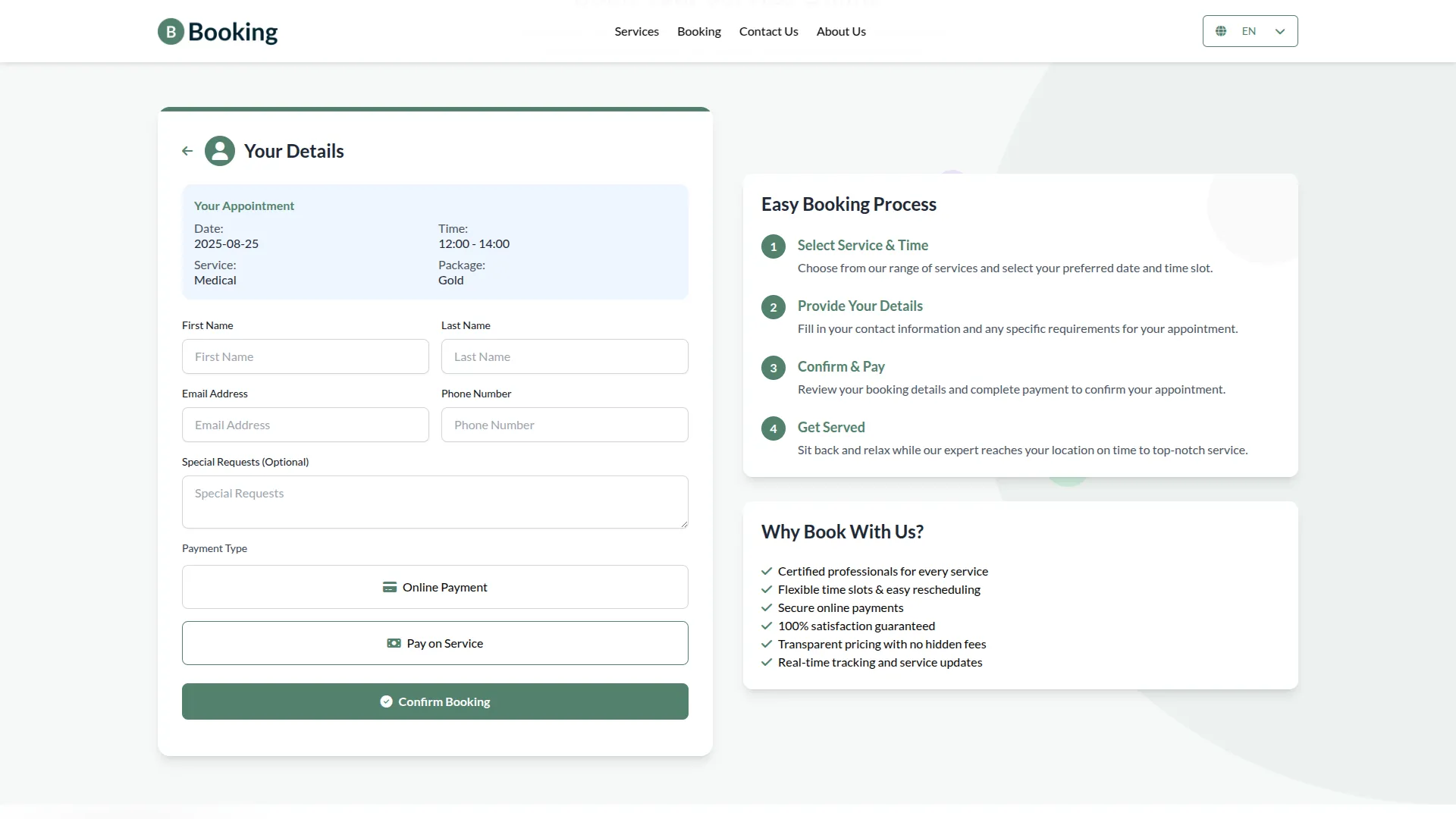
Maintain streamlined bookings with full scheduling features like date selection, service or package assignment, customer allocation, and staff selection. Track status through stages from pending to completed with automated updates. This ensures smooth operations and an enhanced customer experience.
- Select booking dates with structured scheduling
- Assign services or packages to bookings
- Allocate customers and assign staff members
- Track booking status with stage updates
Easy Appointment Control
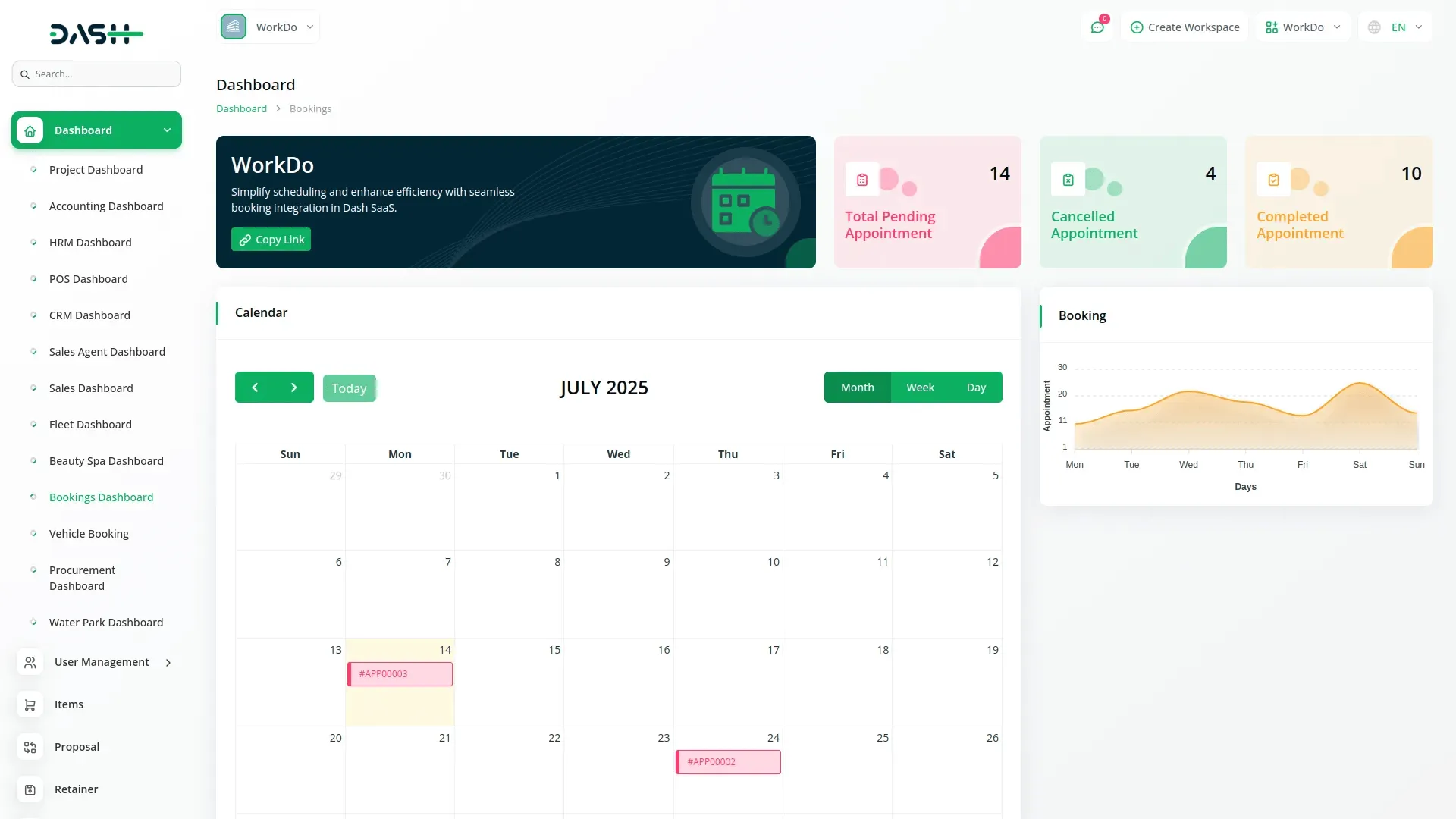
Manage appointments through multiple interfaces, including calendar views with daily, monthly, and yearly display options for full schedule visibility. Use the drag-and-drop kanban board to update statuses with visual workflow and appointment counters. Perform quick actions like view, edit, and delete directly from appointment cards. Navigate across periods to manage book density and plan resources effectively. All frontend bookings are instantly reflected in the backend for real-time synchronization.
- Calendar integration with multiple view options
- Drag-and-drop kanban board with visual workflow management
- Appointment visualization and schedule optimization
- Quick actions and status counters for efficient management
Dashboard Analytics & System Configuration
Gain full visibility into booking operations with real-time analytics for pending, cancelled, and completed appointments. Track weekly trends using interactive charts and generate booking links instantly for customer sharing. Customize business hours, break times, holidays, and days off to automate availability. Manage locations and extra services with active/inactive controls. Integrate with HRM systems for automatic holiday sync and smoother scheduling.
- Real-time appointment statistics and weekly trend analysis
- Instant booking link generation for customers
- Flexible business hours and break time management
- Location configuration and HRM integration
Staff Management & Workflow
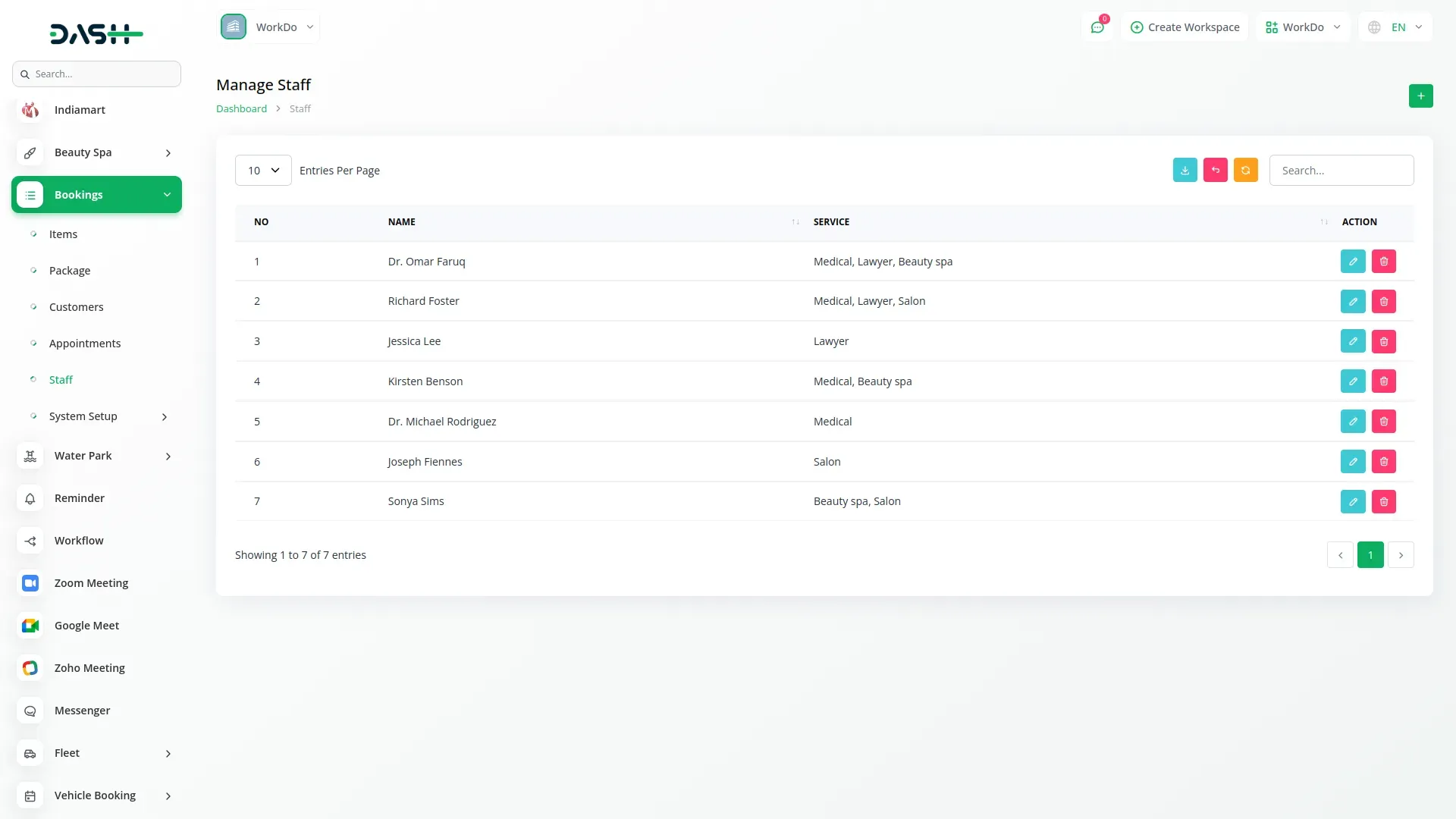
Efficiently allocate staff by assigning team members to services based on expertise and availability. Create detailed staff profiles with service specializations and configure schedules for proper resource planning. Maintain an organized staff database to ensure quality customer service.
- Assign staff based on service expertise
- Resource allocation and team management
- Configure staff schedules for effective planning
- Ensure proper resource planning and service quality
Screenshots from our system
To explore the functionality and usage of these Add-Ons, refer to the accompanying screenshots for step-by-step instructions on how to maximize their features.
Discover More Add-Ons
Unlock even more functionality with additional Add-Ons, providing enhanced networking and customization options for your Dash SaaS experience.

Facebook Post
The Facebook Post Add-on in Dash SaaS allows users to create, schedule, and manage Facebook posts directly from the platform.
View More
Social Media Analytics
The Social Media Analytics Add-On helps you bring your YouTube, Instagram, and Facebook data into one central dashboard. Once activated, simply input the required credentials for each platform to begin tracking vital performance metrics.
View More
WhatsApp API
Workdo-Dash seamlessly integrates the WhatsApp API. This integration allows users to send WhatsApp messages triggered by specific events within the application. In the settings section, users have the ability to customise and manage event notifications by toggling them on or off as per their preferences.
View More
fire-safety
This powerful solution ensures regulatory compliance while maximizing operational efficiency through automated certificate generation, violation tracking, and real-time analytics.
View More7 reviews for Bookings – Dash SaaS Add-On
| 5 star | 85% | |
| 4 star | 14% | |
| 3 star | 0% | |
| 2 star | 0% | |
| 1 star | 0% |
Comments
You must be logged in to post a comment.
There are no comment yet.
Contact Us for Support :
-
You will get immediate support from our support desk. Please visit here https://support.workdo.io/
Item support includes:
- Answer pre-sale questions or query
- Answering technical questions about item's features
- Assistance with reported bugs and issues
- Help with included 3rd party assets
- Free Installation services in some cases
However, item support does not include:
- Customization services
Check Documents & Tutorials
Rich feature set for all industries
UI design feels premium and professional
Flexible payment integration
Customizable settings empower us
Support is always on hand to help when you run into an issue. I also love that they are constantly upgrading the platform with newer features. Great job
Good script they keep releasing updates and new features.
Highly efficient! The Bookings – Dash Add-on is incredibly easy to use and helps us manage client bookings seamlessly. A must-have for businesses.