
Configure WhatsApp(Twilio) Notifications
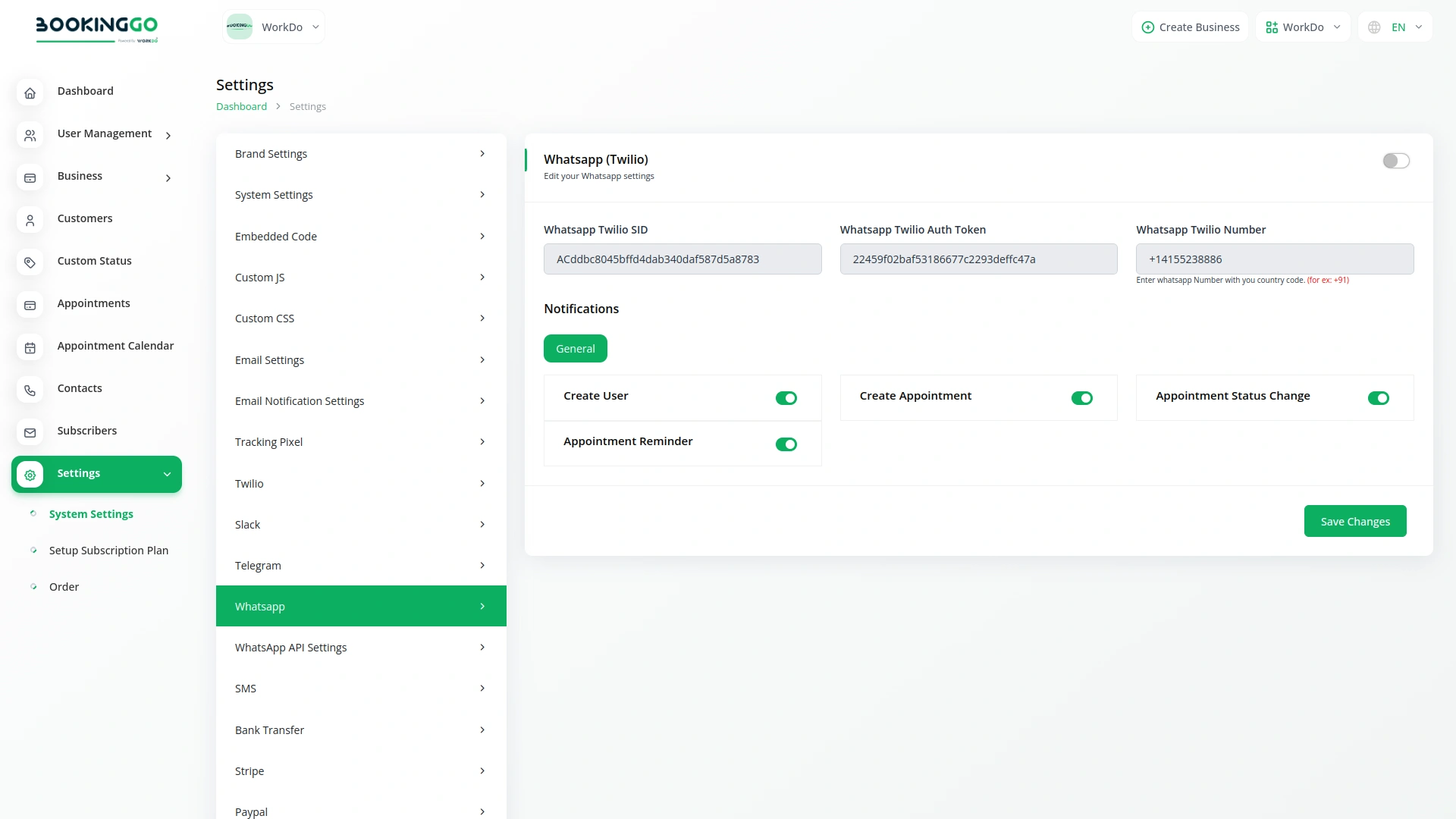
Create a Twilio account at https://www.twilio.com/. Get Account SID and Auth Token from Twilio Console. Apply via Twilio for WhatsApp Business API access. Follow the process, and get approval from WhatsApp. Register a WhatsApp Business number on Twilio. Navigate to your product setting page. Once done, your WhatsApp Twilio notifications are ready for effective user communication.
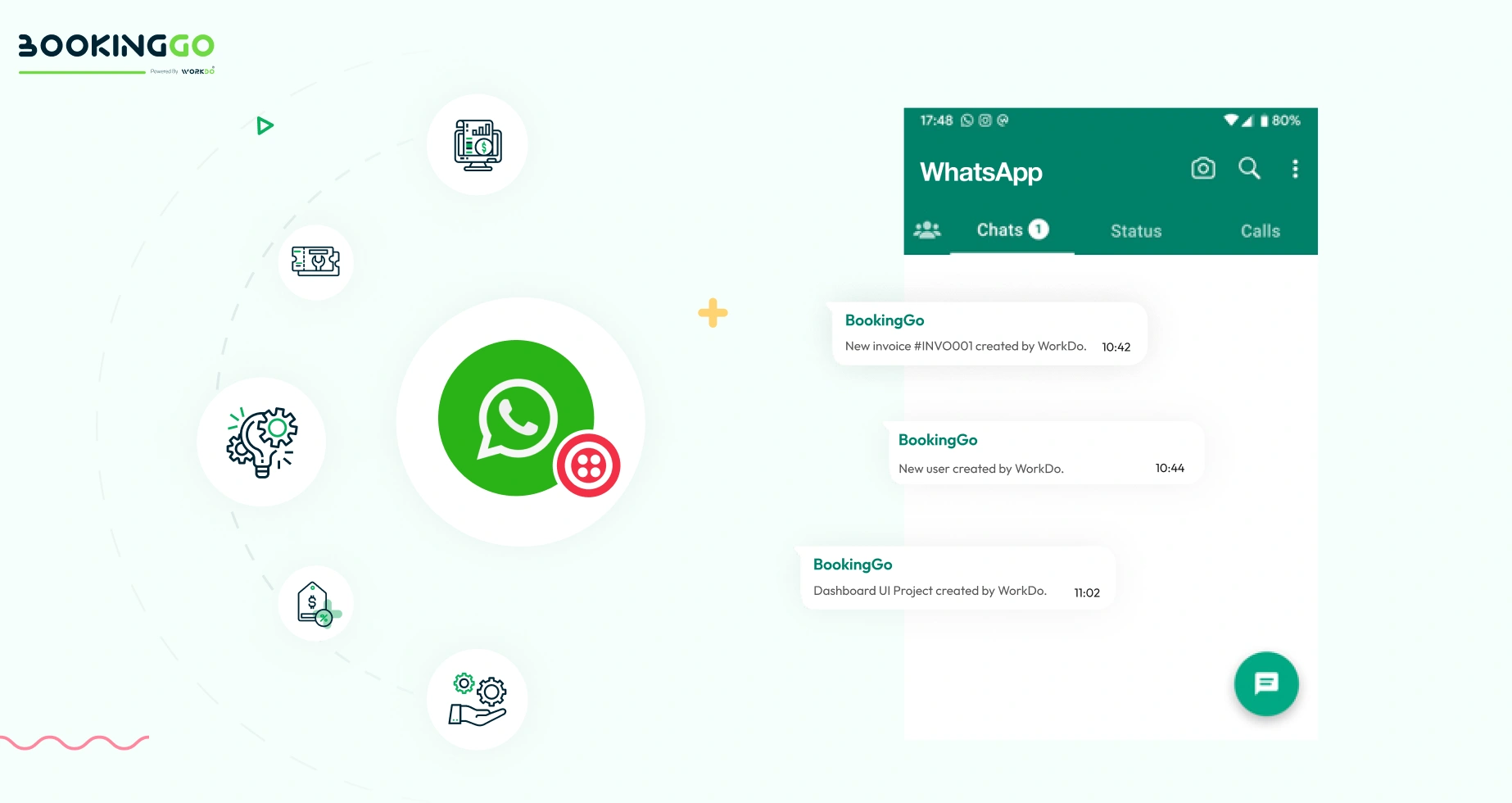
WhatsApp Twilio Notifications
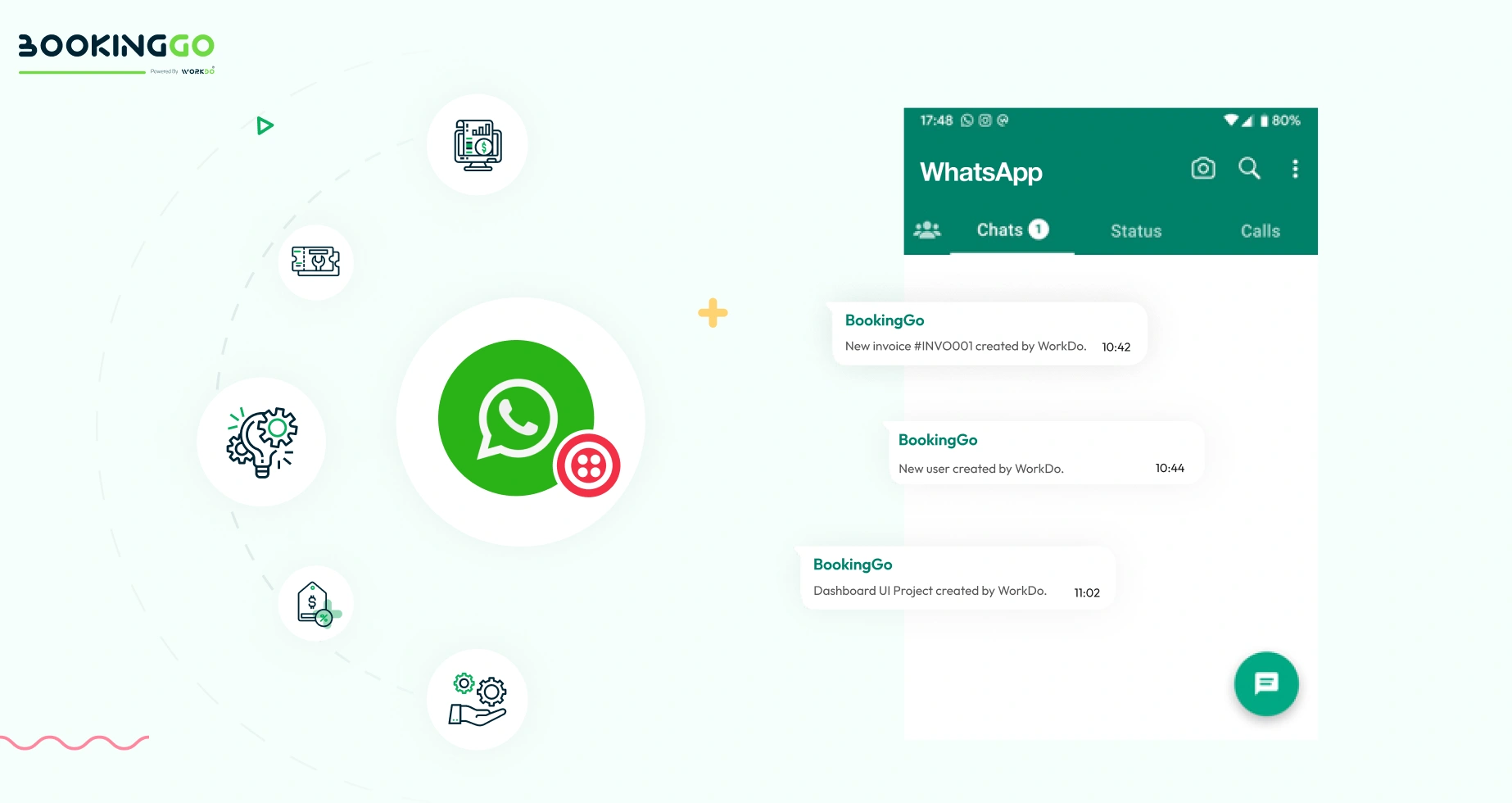
Certainly, once you have completed all the settings on the setup page, you can seamlessly work on any module within your product. Whenever specific actions are taken, such as creating a new user, generating an invoice, or initiating a project, your users will automatically receive notifications through WhatsApp Twilio. This ensures timely updates and efficient communication, enhancing user engagement and overall user experience.
Screenshots from our system
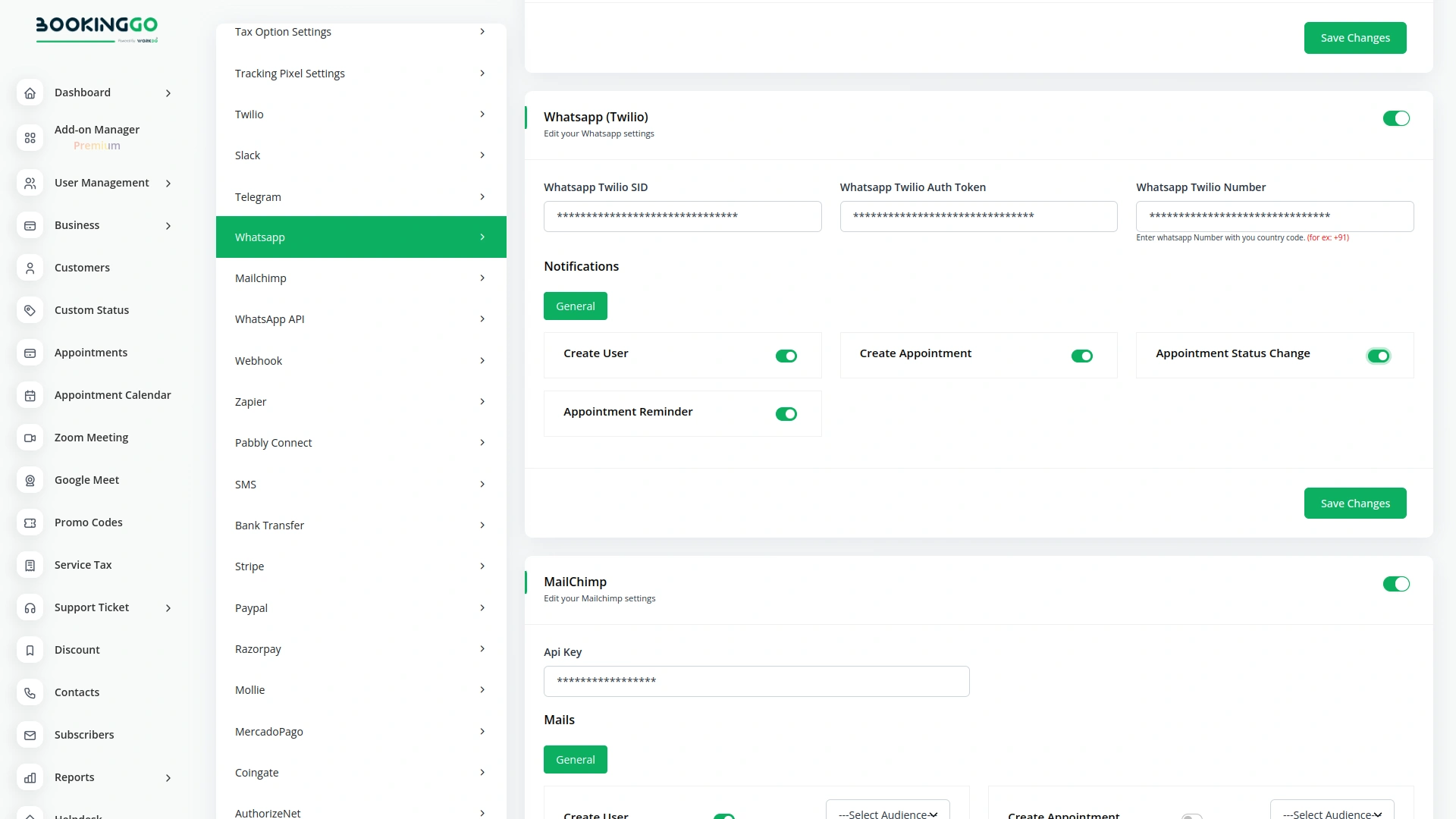
To explore the functionality and usage of these Add-Ons, refer to the accompanying screenshots for step-by-step instructions on how to maximize their features.


Discover More Add-Ons
Unlock even more functionality with additional Add-Ons, providing enhanced networking and customization options for your BookingGo SaaS experience.

ToDo
On the ToDo page, getting started with task creation is quick and straightforward. Click on the Create button at the top to begin. You’ll be prompted to fill out key details for the task, including the title, duration, assigned team member, associated module, priority level, and a brief description.
View More
AI Assistant
Generating text, writing a variety of creative content and answering your questions in an informative manner. Quickly and accurately summarize long articles or research papers. Generating various creative text formats of text content like poems, emails, letters etc.
View More

1 review for Whatsapp (Twilio) – BookingGo SaaS Add-On
| 5 star | 100% | |
| 4 star | 0% | |
| 3 star | 0% | |
| 2 star | 0% | |
| 1 star | 0% |
Comments
You must be logged in to post a comment.
There are no comment yet.
Contact Us for Support :
-
You will get immediate support from our support desk. Please visit here https://support.workdo.io/
Item support includes:
- Answer pre-sale questions or query
- Answering technical questions about item's features
- Assistance with reported bugs and issues
- Help with included 3rd party assets
- Free Installation services in some cases
However, item support does not include:
- Customization services
Check Documents & Tutorials
Excellent customer support, quality code, an excellent developer.