
Zapier is a workflow automation platform that supports thousands of the most popular apps, like Google Sheets, Slack, Shopify, Trello, Airtable, Notion, and 5000+ more. In just a few minutes, you can set up automated workflows (called Zaps) that connect the apps you use most. Zapier simplifies tool integration, enabling your team to amplify its effectiveness. By seamlessly connecting various apps, Zapier enhances collaboration and multiplies productivity, resulting in a more streamlined and impactful workflow.
Powerful Zapier Integration
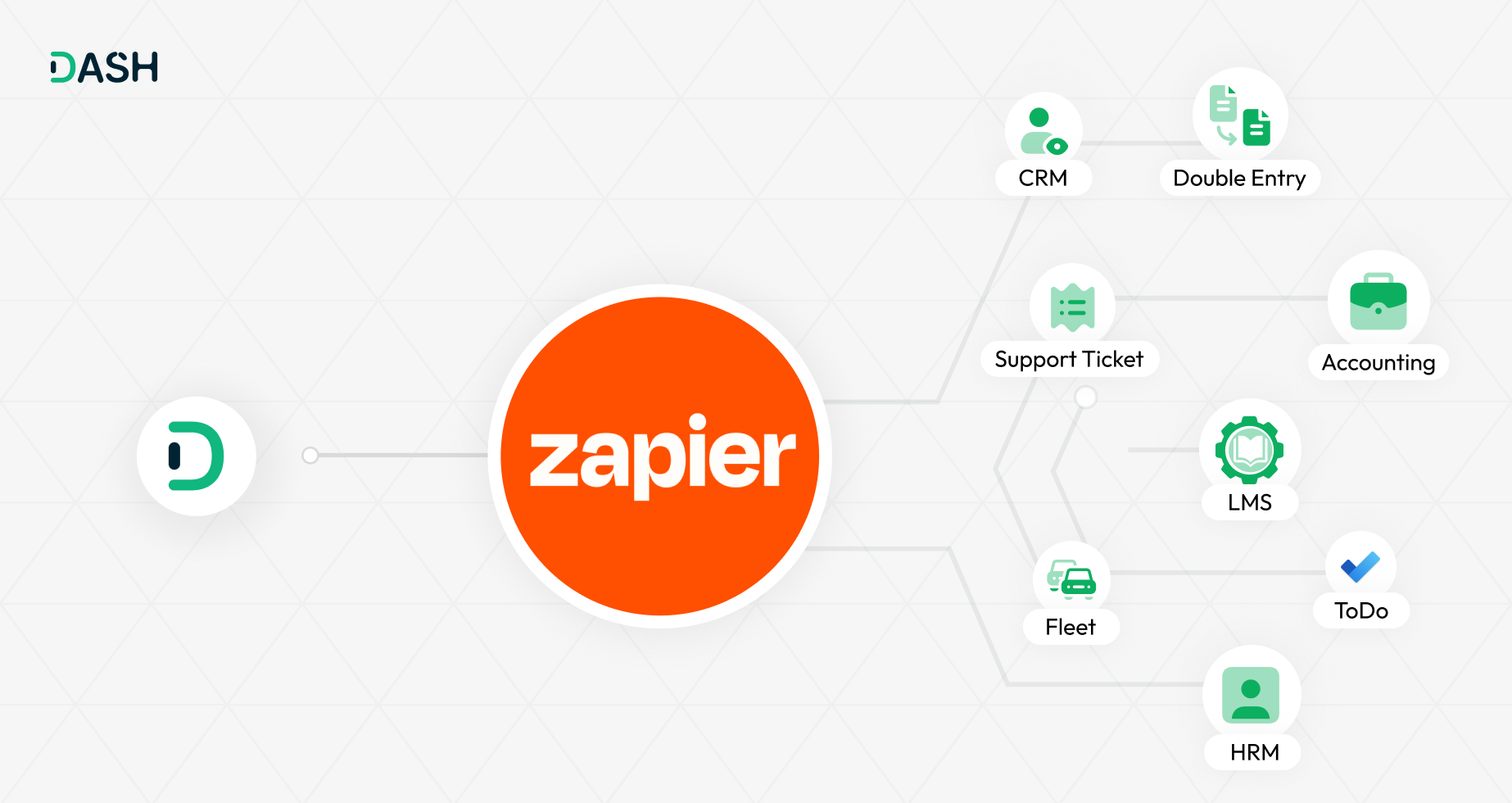
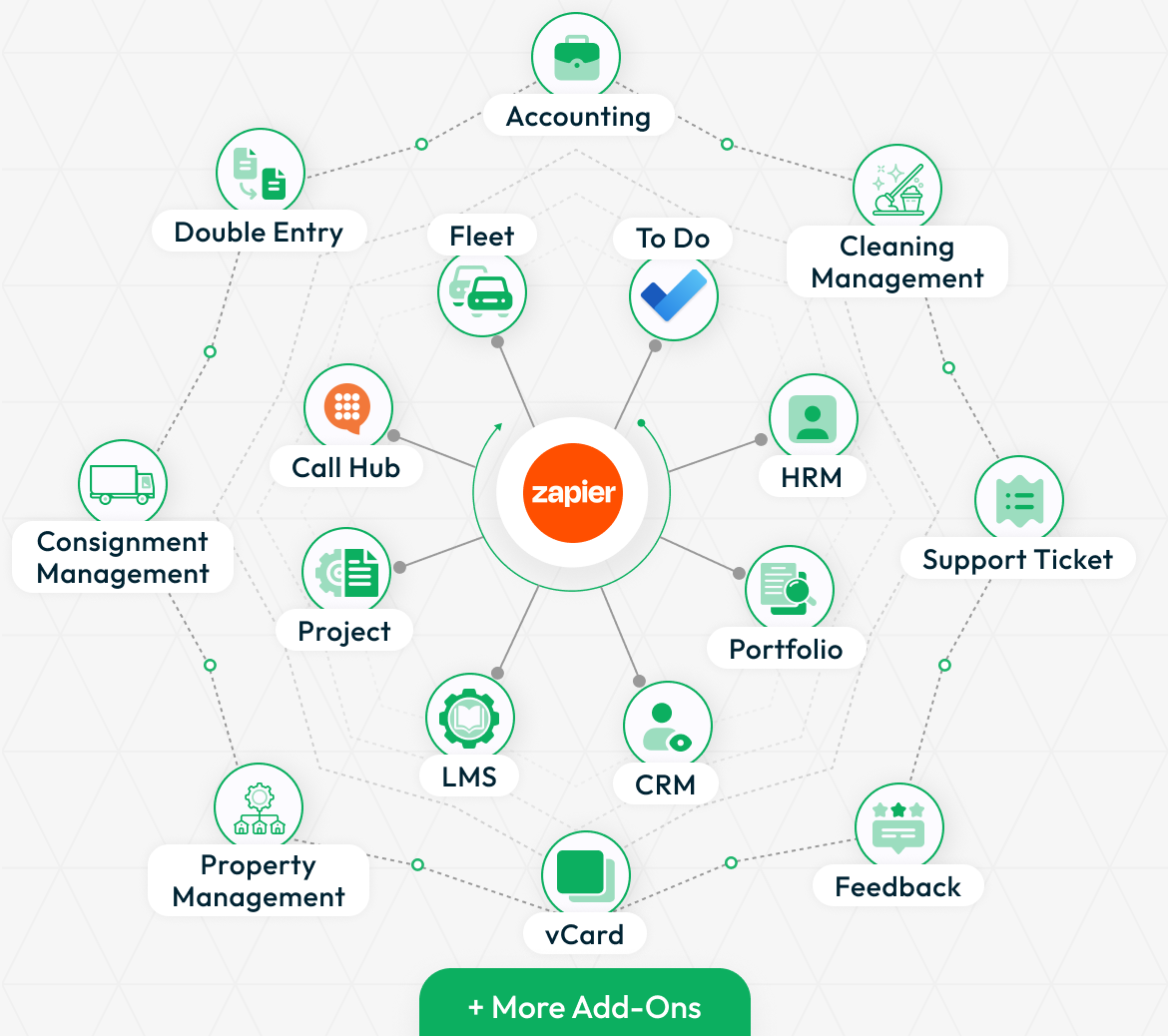
Integrate your system with Zapier to automate tasks across 5,000+ apps. From managing projects, CRM, HRM, and accounting to handling LMS, property, and fleet operations, Zapier makes it all seamless. Trigger actions based on real-time events like form submissions, support tickets, or task updates. Just configure your webhook, select the event, and instantly push data to your connected apps. No manual work—just smart automation that saves time and boosts productivity.
Automation that grows with you
Zapier provides workflows to automate the use of web applications together. It is often described as a translator between web APIs, helping to increase worker productivity by saving time through the automation of recurring tasks and business processes such as lead management.
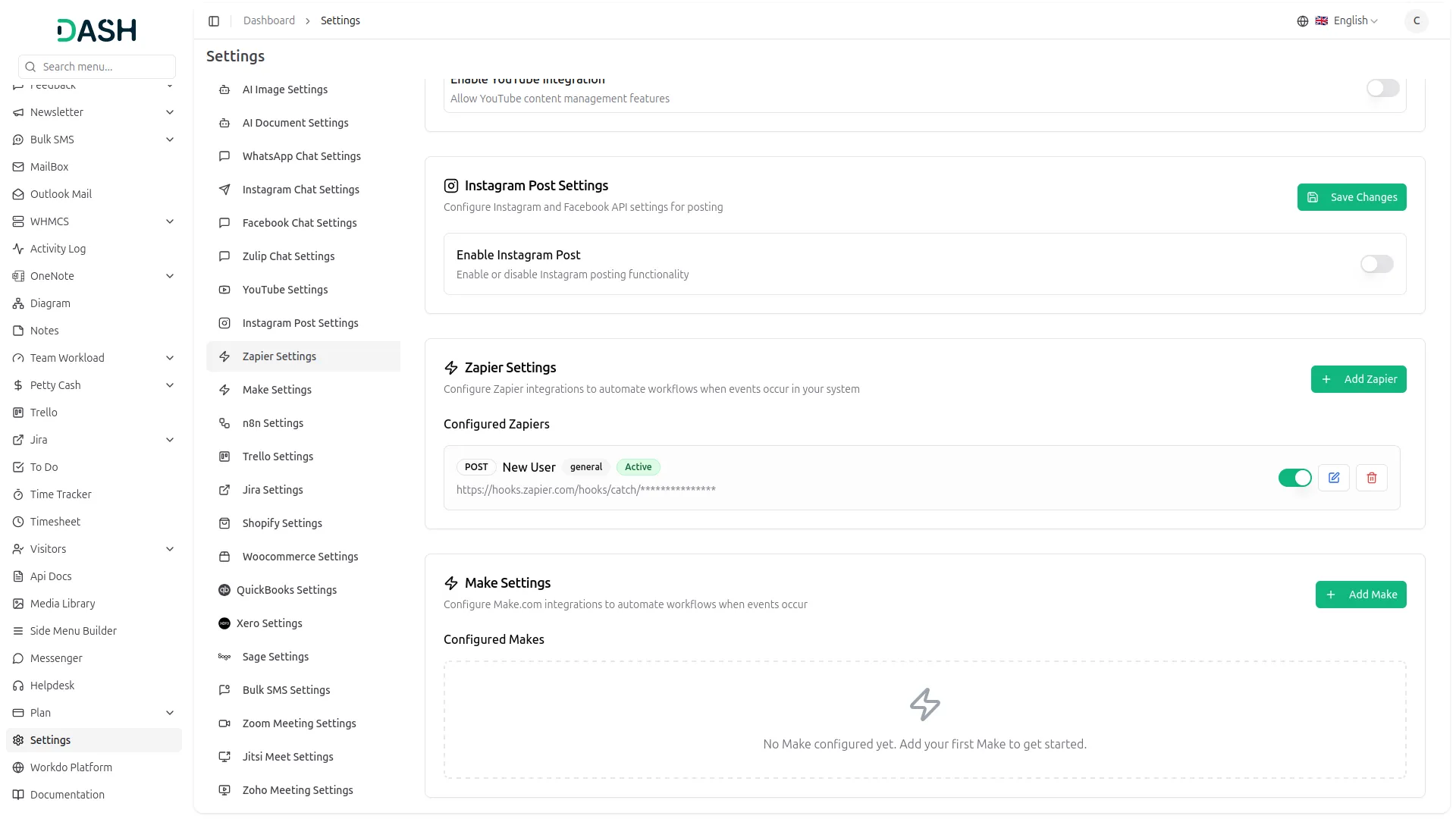
Easy Zapier Integration
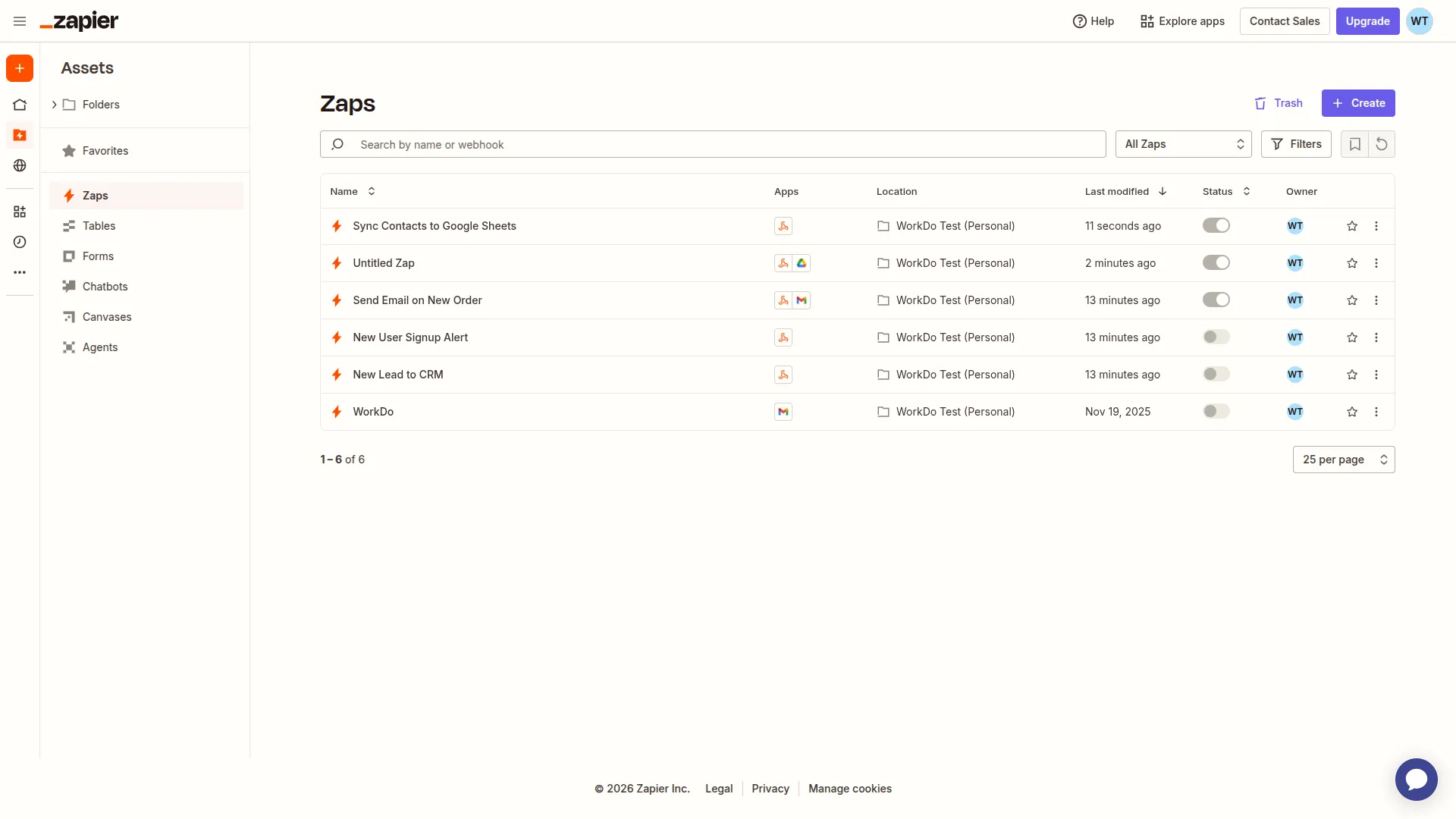
Connecting your system with Zapier is quick and effortless. Just head to Settings > Zapier and click the “Add Zapier” button. Choose the Add-On you want to automate such as CRM, HRM, Projects, or Feedback, and define the trigger event. Then, simply enter your Zapier webhook URL and save. From there, Zapier takes over, automatically sending real-time data to your connected apps. It’s a fast and simple setup that streamlines your workflow without any manual intervention.
Screenshots from our system
To explore the functionality and usage of these Add-Ons, refer to the accompanying screenshots for step-by-step instructions on how to maximize their features.
Discover More Add-Ons
Unlock even more functionality with additional Add-Ons, providing enhanced networking and customization options for your Dash SaaS experience.


Timesheet
Time recording is an important task in company operations, as it serves as a base for planning works according to the agenda. When initiating a new project, it is important to have a precise idea of the distribution of time for the tasks included. Recording the time spent on each task will help to examine the progress of the project.

Music Institute
The Music Institute Management System is a complete solution for managing music schools and academies.
Helpful and friendly support staff
Flexibility helps our workflow
the Team deserve 5 Star for following reason; 1- Customer Support2- Feature Availability3- Design Quality 4- Documentation Quality