
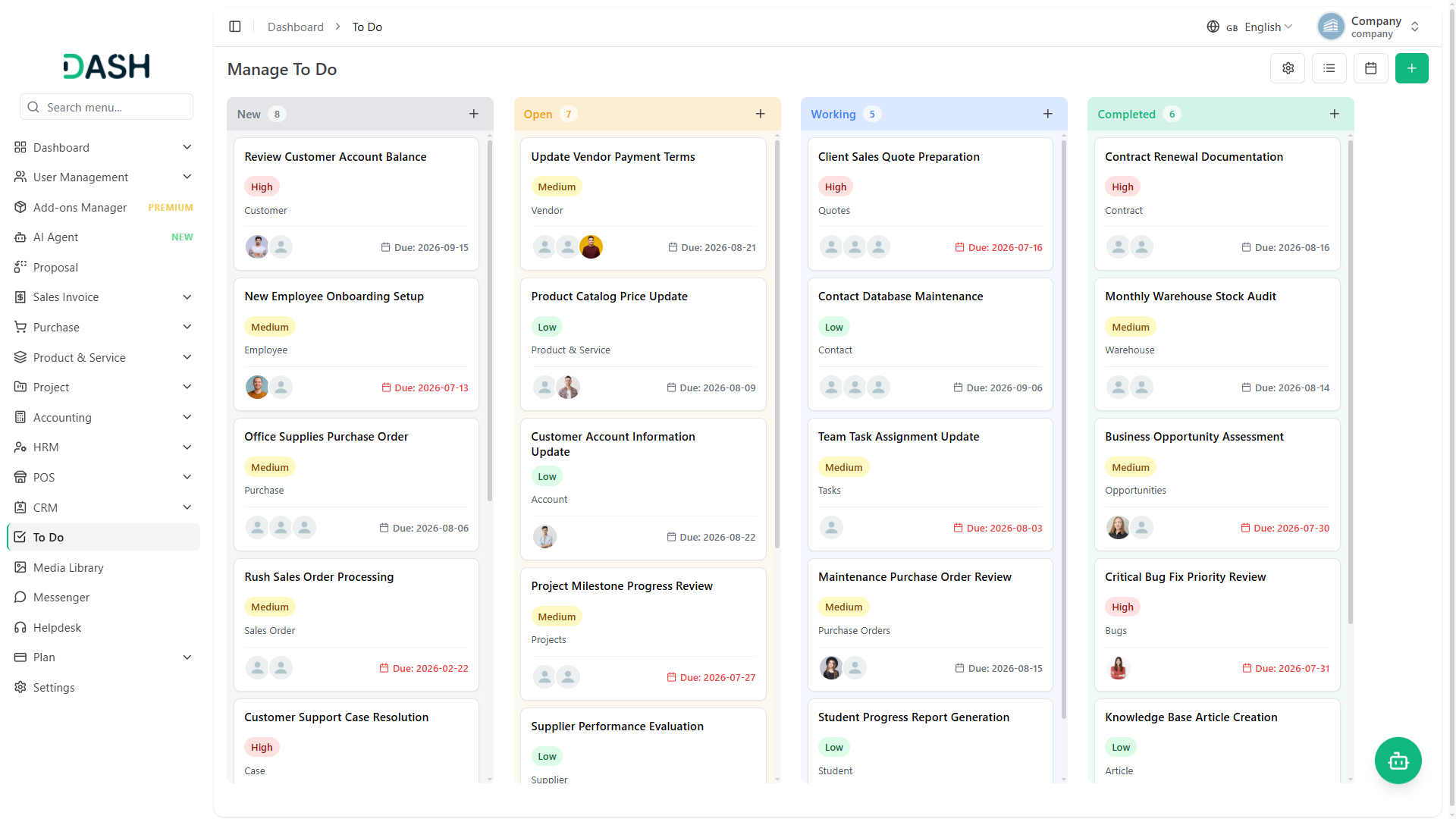
The To Do Add-On offers a comprehensive system to manage and track your daily tasks efficiently. You can create tasks by entering key details such as title, duration with date, assigning the task to specific users, and selecting relevant Add-Ons or sub-Add-Ons. The calendar view displays tasks based on their start and end dates, helping you plan work efficiently.
Seamless To Do Integration
The To Do Add-On serves as a centralized task management system that integrates seamlessly with various departments. It allows users to create, assign, and track tasks efficiently. With intuitive options to set priorities, assign responsibilities, and monitor deadlines, the Add-On ensures every task is organized and completed on time. It supports detailed task descriptions, categorization, and status updates, making collaboration and productivity effortless. Whether it’s managing performance metrics or coordinating with team members, the To Do Add-On keeps everything on track and in sync.
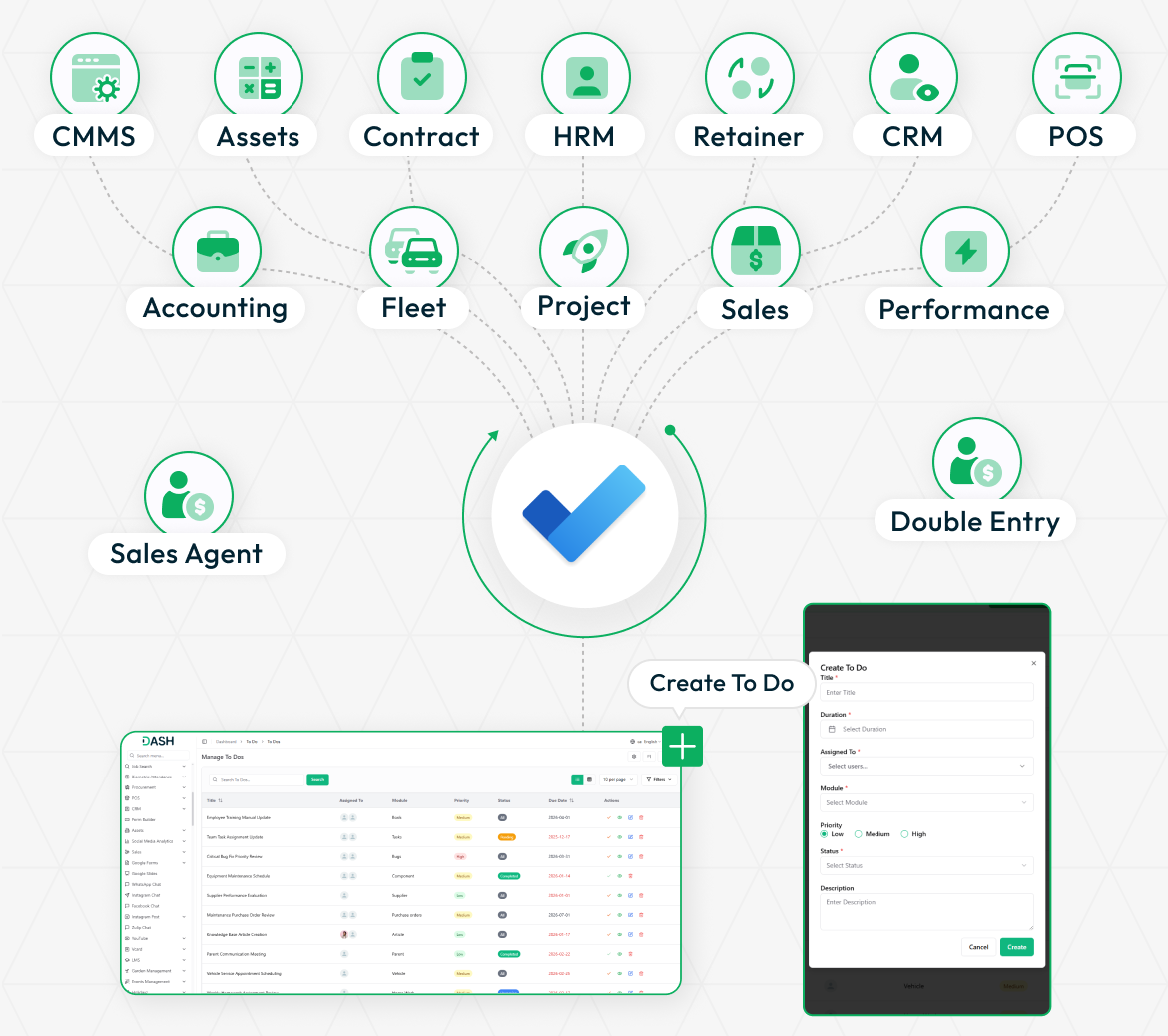
Board View Functionality
Visually manage tasks by stages using drag-and-drop cards. Each card displays key details like priority, title, assignee, duration, and more. Action buttons let you quickly mark as complete, view, edit, or delete tasks. View tasks grouped by custom status stages with color-coded labels. You can instantly update task status by dragging them between stages. The task count in each stage helps. Enhances team collaboration and keeps everyone aligned with progress.
- View tasks grouped by customizable status stages with color labels.
- Drag and drop tasks between stages to update their status instantly.
- Perform quick actions such as mark completed, view, edit, and delete from cards.
- Count of tasks per stage is visible to track workload distribution.
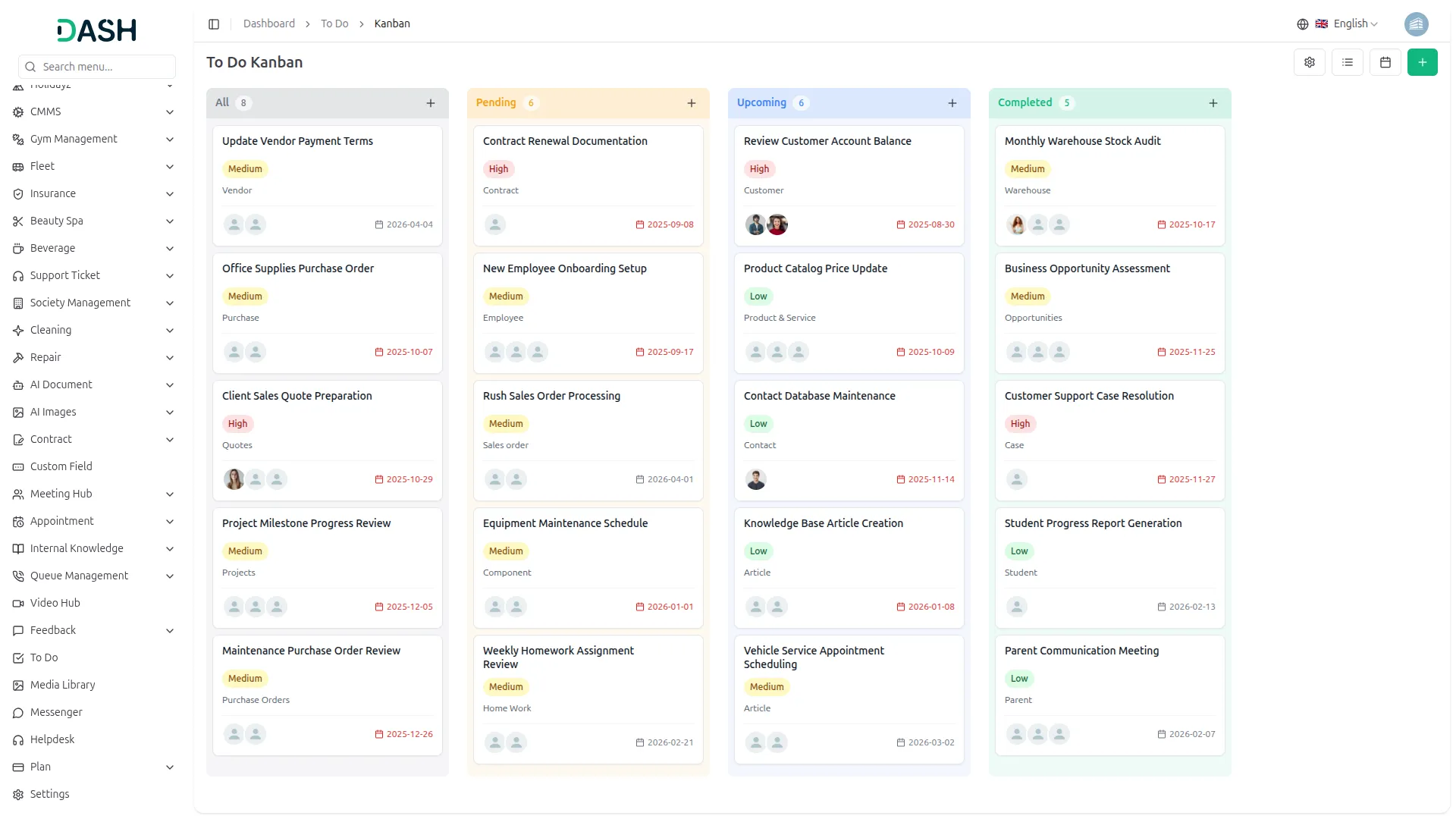
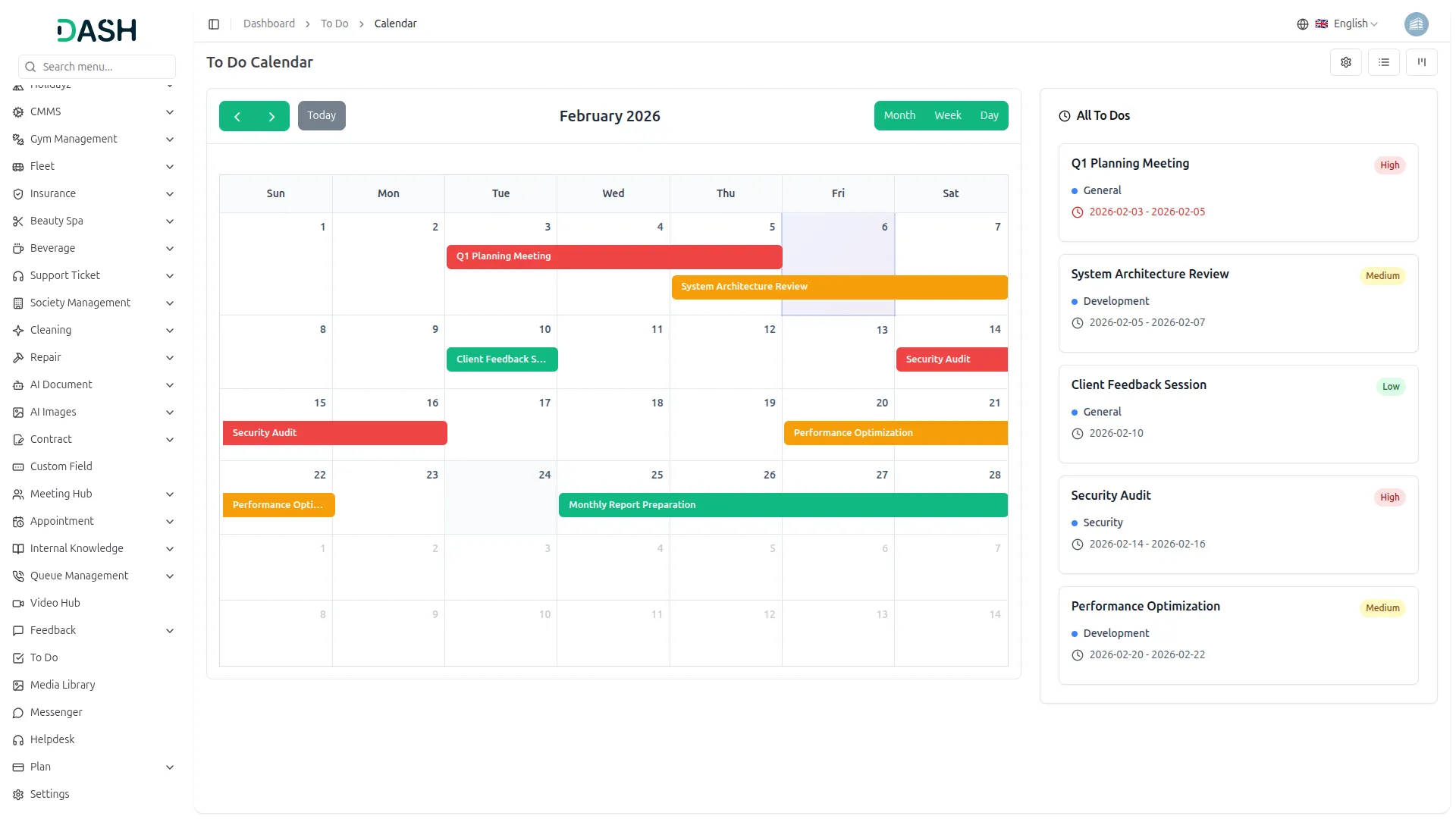
Calendar View Functionality
The calendar view displays tasks based on their start and end dates, helping you plan work efficiently. Each task appears on its scheduled date. Busy days are highlighted with task counts for quick insights. Besides the calendar, a view shows tasks by date with key info like name, priority, and duration. This layout ensures better deadline tracking and avoids scheduling conflicts.
- Display tasks on the calendar according to the scheduled start and end dates.
- Indicate number of tasks scheduled on each date for workload insight.
- Provide a date-organized list of tasks with key details below the calendar.
- Combine scheduling and task details for effective planning.
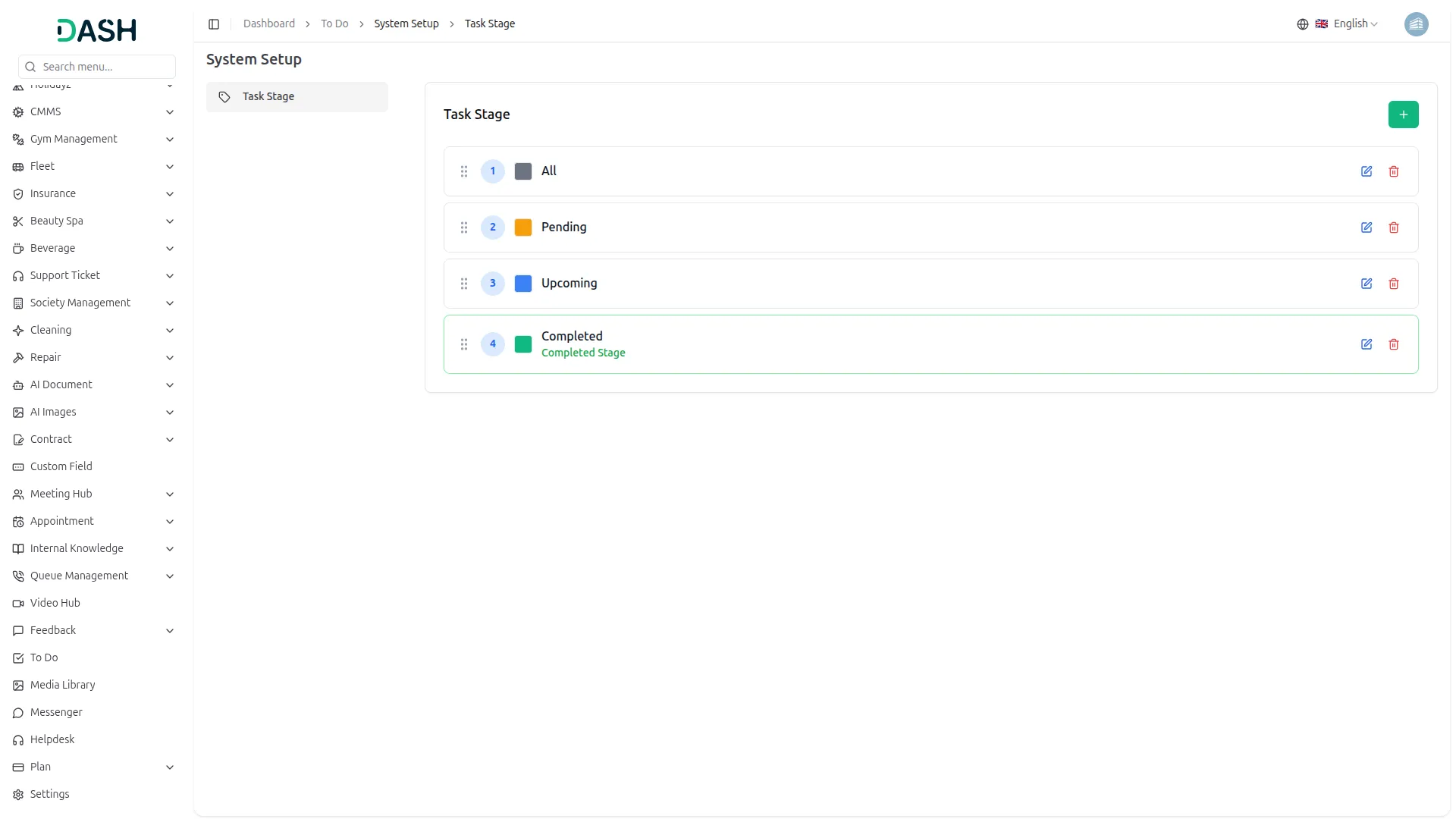
Task Stage Setup
This Add-On lets companies define and customize task stages for better workflow control. You can add, edit, or delete stages with custom names and colors for easy tracking. Stages can be reordered via drag-and-drop to match your process flow. Changes reflect instantly on the board view. It’s a flexible way to tailor task management to your project needs.
- Add or customize task stages with names and distinct colors.
- Reorder stages using drag and drop for preferred workflow sequence.
- Delete unused stages to maintain a clean task status list.
- Reflect stage changes immediately on the board view for real-time updates.
Screenshots from our system
To explore the functionality and usage of these Add-Ons, refer to the accompanying screenshots for step-by-step instructions on how to maximize their features.
Discover More Add-Ons
Unlock even more functionality with additional Add-Ons, providing enhanced networking and customization options for your Dash SaaS experience.

Smart Dashboard Analytics
Visualize business performance with Smart Dashboard Analytics. Track key metrics, monitor trends, and gain real-time insights to make faster, data-driven decisions confidently.

Cleaning Management
Cleaning management involves overseeing and coordinating various tasks related to cleanliness and hygiene within a facility or environment. This includes scheduling cleaning routines, managing cleaning staff, ensuring the proper use of cleaning materials, and maintaining high standards of cleanliness.


Great after sales support
Customization options are extensive and easy
Interface is attractive and functional
Workflow is very logical and easy
Code structure is organized and maintainable
Highly customizable for branding and workflow
Professional and attractive interface
Setup process is simple and straightforward
Easy to use with minimal setup
I was having issues and the support team was very responsive and resolved the issue.