
What is a Plugin in Software?
A plugin is a software component that adds features without changing the program’s core.

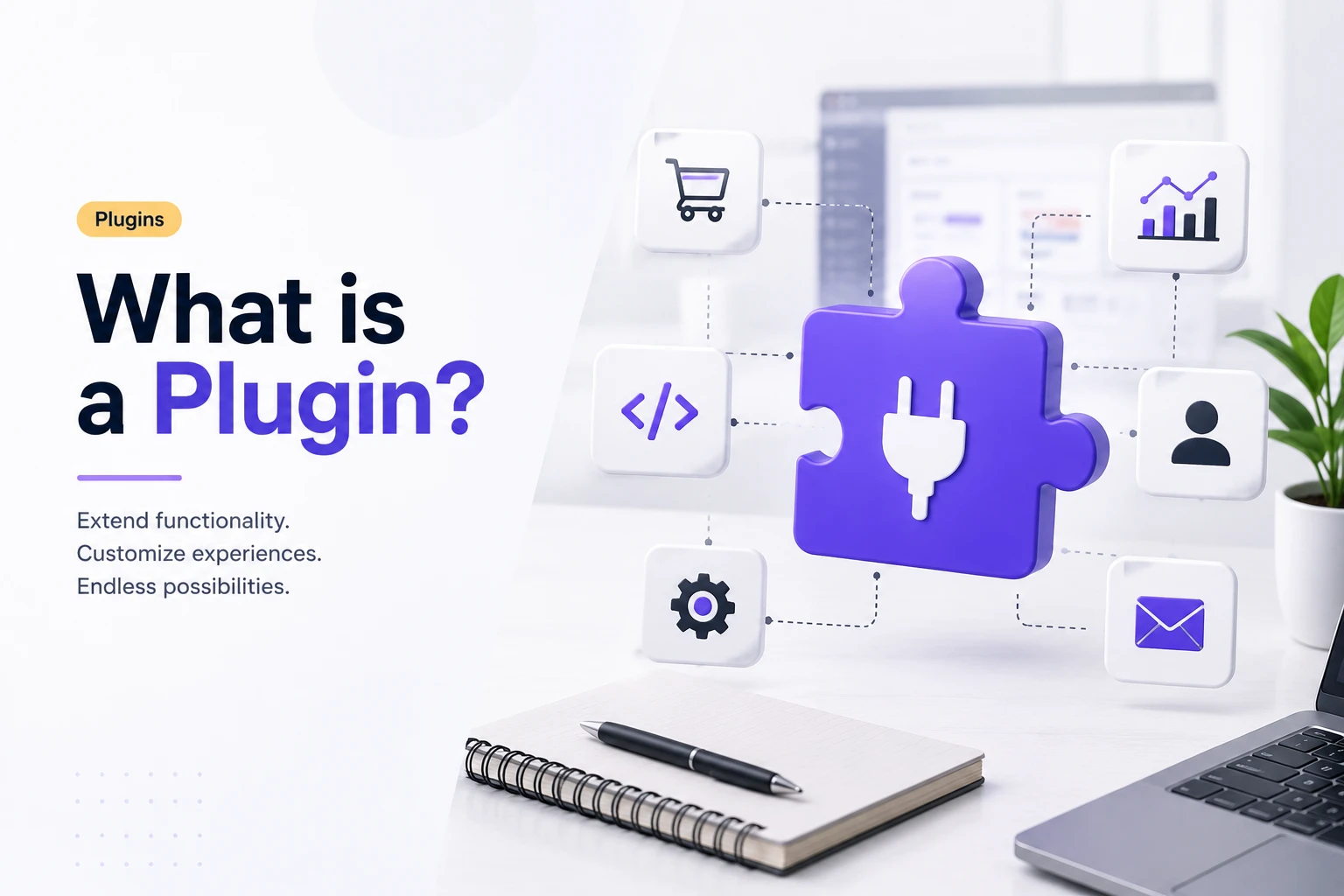
What is a Plugin in SaaS? A Complete Guide
In the SaaS ecosystem, flexibility is one of the biggest advantages for businesses and end-users alike. Modern organizations want tools that not only handle their core needs but also adapt to evolving processes. This is exactly where plugins step in. They act as modular extensions that can be added to cloud-based applications, allowing companies to customize their software experience without overloading the main product.
So, what is a plugin in this context? Simply put, it is a lightweight software component designed to “plug into” a SaaS platform and unlock new capabilities. Instead of offering a one-size-fits-all product, SaaS vendors can keep their core application lean while giving customers the freedom to tailor features with the plugins they find most valuable. Whether it’s enabling third-party integrations, adding analytics dashboards, or enhancing workflow automation, plugins empower SaaS solutions to remain scalable, agile, and relevant in dynamic business environments.
Explore All Plugin View pluguin Live Demo
Types of SaaS Plugins
Plugins are not limited to just one use case. They can serve different functions depending on the platform they connect with:
- Integration Plugins: Connect SaaS platforms with third-party software. Example: linking HubSpot with Slack for instant communication.
- Productivity Plugins: Add efficiency features to the workflow. Example: time tracking in project management tools like Asana or Jira.
- Analytics & Reporting Plugins: Provide advanced dashboards or KPIs. Example: integrating Google Analytics with a SaaS marketing dashboard.
- E-commerce Plugins: Support payments, shipping, and loyalty programs. Example: Stripe or PayPal plugins for SaaS-based e-commerce platforms.
- Security Plugins: Strengthen system reliability. Example: single sign-on authentication or fraud detection modules.
Each plugin type demonstrates how flexible SaaS software can become with the right add-ons.
Plugin Use Cases in SaaS Platforms
To better understand plugin applications, here are examples of how businesses commonly use them in SaaS environments:
- Customer Relationship Management (CRM): Adding WhatsApp or email marketing integrations as plugins for direct communication.
- Project Management Tools: Installing calendar sync or file storage plugins for smoother workflows.
- E-commerce SaaS: Using payment gateway plugins like Stripe for secure transactions.
- Marketing Platforms: Adding SEO or social media automation plugins to enhance campaigns.
- HR and Payroll SaaS: Integrating payroll providers or compliance tools to ensure local regulation support.
These plugin examples illustrate how companies extend the value of their SaaS investments with targeted, easy-to-install enhancements.
Why SaaS Relies on Plugins
The reason plugins are essential in SaaS comes down to three factors:
- Scalability: Businesses install features only when needed.
- Flexibility: Different industries can tailor the same SaaS platform to their niche requirements.
- Innovation: Third-party developers bring new ideas that expand a platform’s ecosystem.
This ensures that SaaS platforms remain lean at their core but endlessly powerful through plugins.
How Plugins Extend the Power of Your Software and Systems
In the SaaS landscape, one of the greatest strengths of a platform is its ability to grow alongside a business. Companies don’t want rigid tools that force them into a single way of working; they need adaptable systems that can scale, evolve, and integrate seamlessly. This is where plugins play a crucial role.
So, what is a plugin in SaaS software? It’s essentially a modular add-on that connects to the core application and introduces new functions without altering the main codebase. Instead of rebuilding features from scratch or constantly releasing heavy product updates, SaaS providers let customers enhance their software through plugins. For example, a project management platform may add time-tracking or advanced reporting via plugins, while a CRM can connect with email tools or payment gateways using third-party software integration.
The advantage of this approach is flexibility. Plugins empower businesses to customize their software environment based on their unique workflows. They help keep the central application lightweight while giving users the power to install only what they truly need. This means fewer unnecessary features for the SaaS vendor to maintain and more freedom for the customer to shape the system to their exact requirements.
What Makes a Plugin Work? Inside the SaaS of Software Extensions
Plugins in SaaS software work by integrating with the host application without altering its core code. The host provides APIs and predefined hooks or triggers that allow plugins to safely connect and respond to specific events. Through these APIs, plugins can exchange data not only with the host but also with third-party services like payment gateways or analytics tools.
To maintain stability, many SaaS platforms run plugins in isolated environments so that any failure in a plugin doesn’t impact the main system. For example, a CRM might manage customer data, while an email automation plugin extends its functionality by sending campaigns and tracking results, all without changing the CRM’s core framework. This design keeps the core software stable while allowing users to customize and extend functionality securely and flexibly.
Plugins in SaaS: A Balanced Look at Pros and Cons
In SaaS platforms, plugins give businesses the freedom to shape software to their unique needs. They provide an easy way to extend functionality, integrate external tools, and keep systems scalable without demanding heavy development efforts. But like any technology decision, relying on plugins brings both benefits and challenges that companies need to evaluate before building them into their tech stack.
The Benefits of Plugins
Plugins shine when it comes to customization and speed. They allow businesses to instantly extend SaaS software with new capabilities, from marketing automation and payment gateways to team collaboration tools, without waiting for the vendor to update its core product. This flexibility means companies can design workflows that align closely with their operations. For SaaS providers, it also creates an ecosystem effect, where third-party developers can contribute new plugins, giving customers more choice and innovation. Best of all, since plugins don’t directly alter core code, the risk of breaking the platform during system updates is significantly reduced.
The Challenges of Plugins
On the other side, plugins introduce complexity if not managed carefully. Having too many active plugins can slow down performance or create conflicting behaviors. Security is also a valid concern: plugins from unverified or poorly maintained sources may create vulnerabilities in an otherwise secure SaaS application. Dependence on multiple plugins can further complicate updates, especially if one falls behind in compatibility with the host system. For businesses that over-customize, the very simplicity of SaaS tools can become bogged down in unnecessary add-ons.
Striking the Right Balance
Plugins are most effective when used strategically. They are excellent for extending non-core features like analytics dashboards, third-party integrations, or industry-specific tools. However, for mission-critical business operations, it may be wiser to depend on built-in SaaS features or native integrations directly supported by the vendor. The goal should be balance: adopting plugins that drive efficiency and innovation while avoiding plugin overload that can cause instability.
How to Choose the Right Plugin: Compatibility, Security, and Performance
When selecting plugins for a SaaS platform, the decision goes beyond simply adding attractive new features. The wrong choice can have significant consequences, while the right one can extend functionality seamlessly. Let’s look at this in three dimensions, compatibility, security, and performance, to understand how each affects the decision-making process.
Compatibility: Fitting Into the Ecosystem
A plugin must fit neatly into your existing SaaS stack. If it doesn’t align with the current version of the platform or other plugins already in use, the result could be errors, crashes, or integration failures. Compatibility also involves ongoing maintenance: does the developer update the plugin consistently to match new platform releases? A strong track record of updates is one of the clearest indicators that the plugin will remain reliable in the future.
Security: Protecting Your Data and System
Every plugin you install introduces outside code into your SaaS environment. That means security has to be one of the top considerations. Look for plugins from trusted vendors, preferably those verified by official marketplaces or recommended communities. Check for regular security patches and transparent documentation. In SaaS, where sensitive business and customer data is often handled, a plugin that isn’t secure can compromise far more than just functionality, it can compromise trust.
Performance: Maintaining Efficiency
Even if a plugin is compatible and secure, it may still slow your system if it’s inefficiently built. Poorly optimized plugins might drain resources, create lag, or interfere with overall performance. Before rolling a plugin out organization-wide, test it in a smaller environment to see how it performs. A well-built plugin should enhance the value of your SaaS platform without becoming a burden.
Workdo’s Plugins: Custom software for Smarter Workflows
At Workdo’s, plugins are at the heart of how we deliver flexibility and scalability for businesses of all sizes. Rather than forcing every customer into the same set of features, Workflow lets you extend your platform with powerful plugins that suit your unique workflows.
Whether you need advanced project management tools, integrations with your favorite marketing platforms, financial and invoicing add-ons, or secure authentication and compliance modules, Workdo’s plugins are designed to plug seamlessly into your system. Every plugin is built with compatibility, security, and performance in mind, ensuring your platform stays stable while giving you the freedom to customize. With Workdo’s plugin ecosystem, your SaaS software grows alongside your business, giving you the tools you need, only when you need them.
Final Thoughts
Plugins have redefined how modern SaaS platforms like Workdo’s deliver value to businesses. Instead of offering a rigid, one-size-fits-all solution, plugins make software flexible, scalable, and tailored to your unique needs. They bring the power of customization without compromising stability, allowing teams to choose only the functionality that truly matters. From enabling third-party software integrations to improving productivity and extending core features, plugins act as the building blocks of growth in today’s digital ecosystem.
The key is balance, selecting plugins that add real value while keeping an eye on compatibility, security, and performance. With the right choices, your SaaS platform becomes more than just software; it transforms into a dynamic system that evolves with your business.
📌 Frequently Asked Questions (FAQs)
We're Here to Help - Let's Talk
Have questions about our solutions, customization services, or business tools? Our team is here to help you. let's talk.