

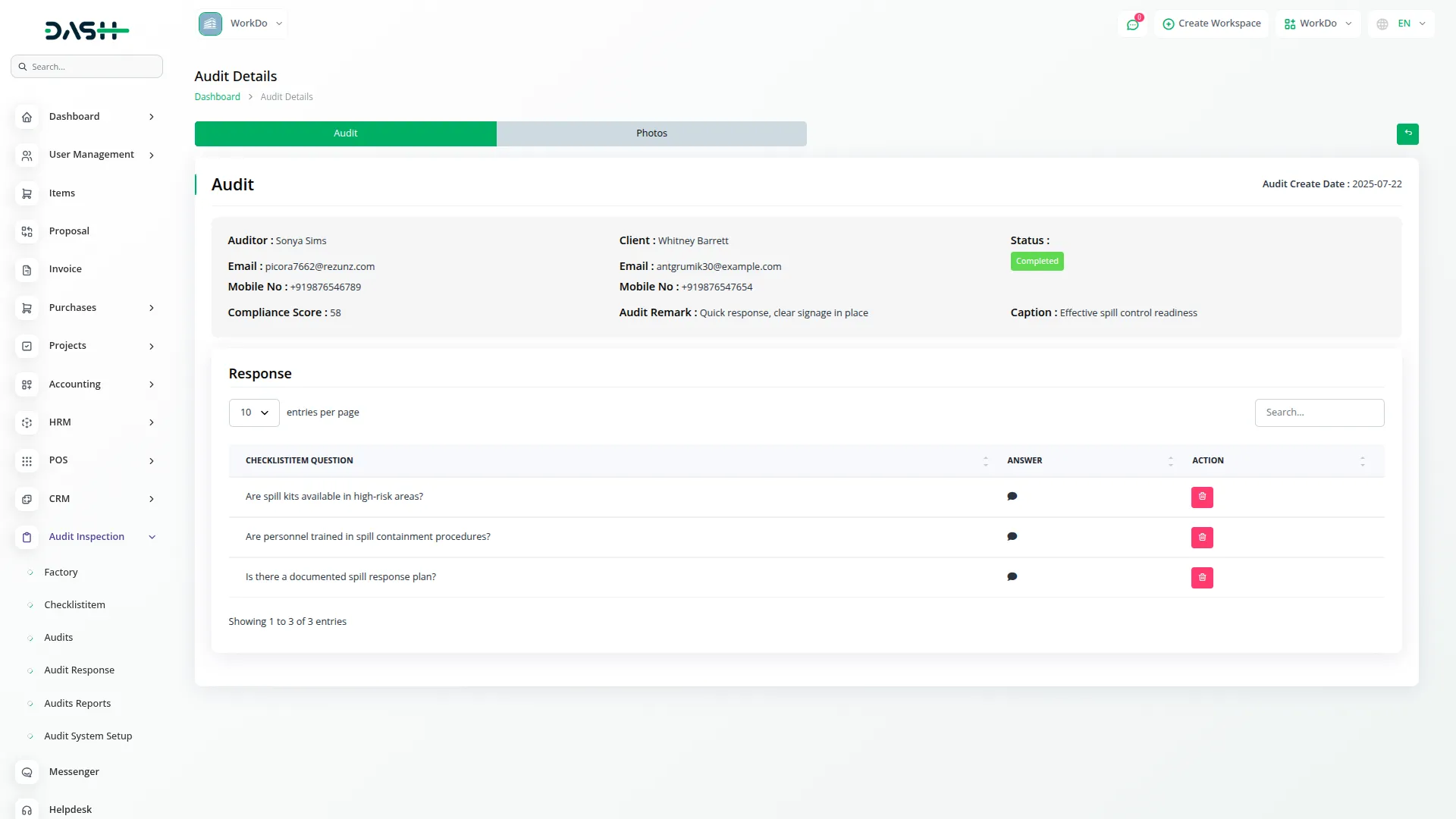
The Audit Inspection Add-On provides complete end-to-end management of audits, offering real-time visibility, automated compliance scoring, and structured execution for factories and clients. Its role-based dashboards and configurable checklists ensure every audit is organized, consistent, and easy to track.
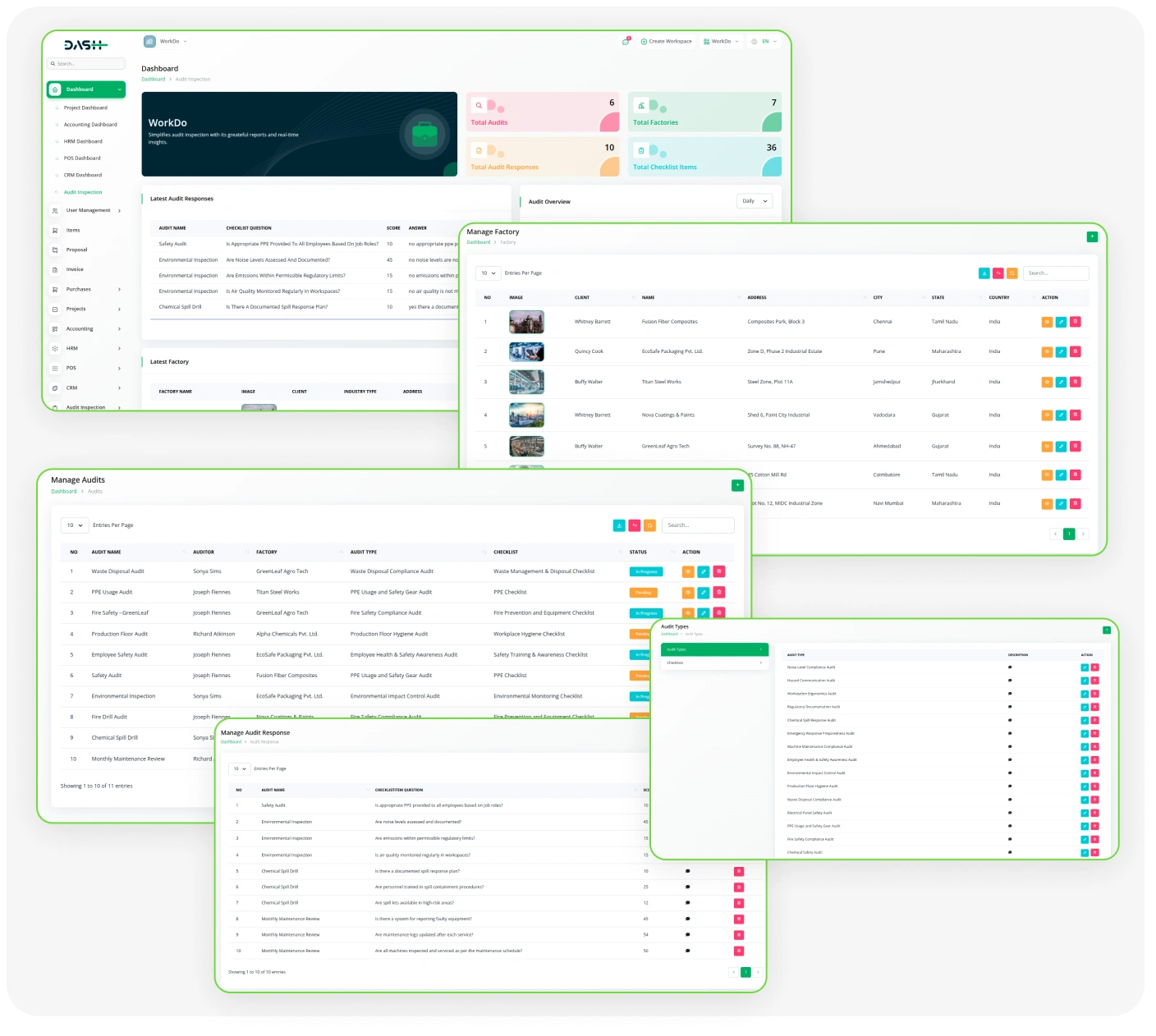
Powerful Audit Management Tools:
- End-to-End Audit Management
- Role-Based Dashboards
- Configurable Checklists & Types
- Factory & Client Management
- Scheduled Audit Tracking
- Automated Compliance Scoring
- Real-Time Audit Visibility
- Response-Based Result Generation
Complete Audit Oversight
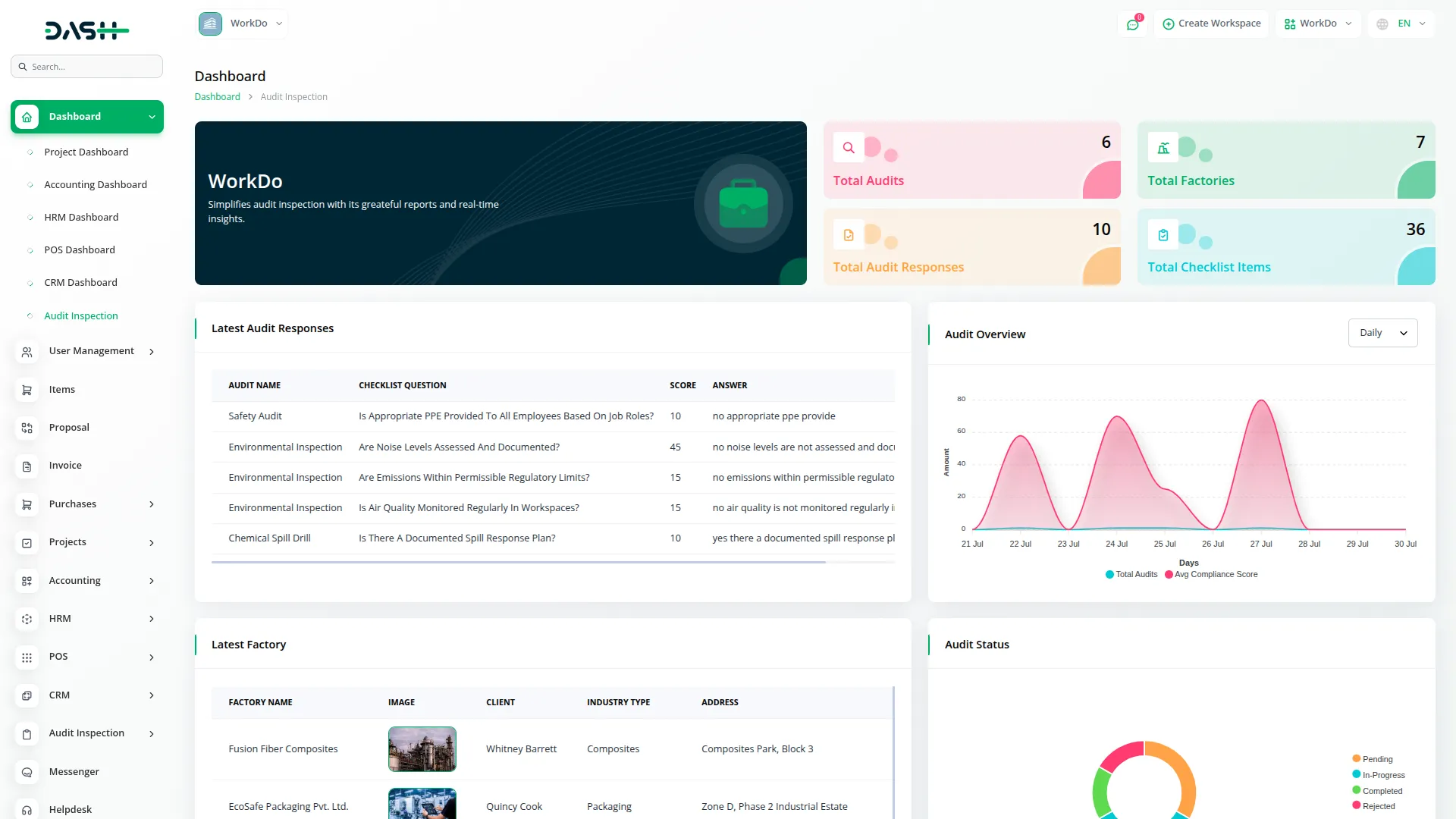
The Audit Inspection Dashboard gives every user a centralized view of all audit operations in real time. Administrators can monitor audits across all factories, track statuses, and review compliance outcomes at a glance. Auditors see only their assigned audits and today's schedule, keeping their work focused. Clients get a personalized view of their factory audits, compliance results, and inspection history.
- Administrators monitor all audits from one central dashboard.
- Visual charts display audit status and compliance scores easily.
- Auditors view only their assigned audits and schedule.
- Clients track their factory audits and compliance results.
Flexible System Configuration
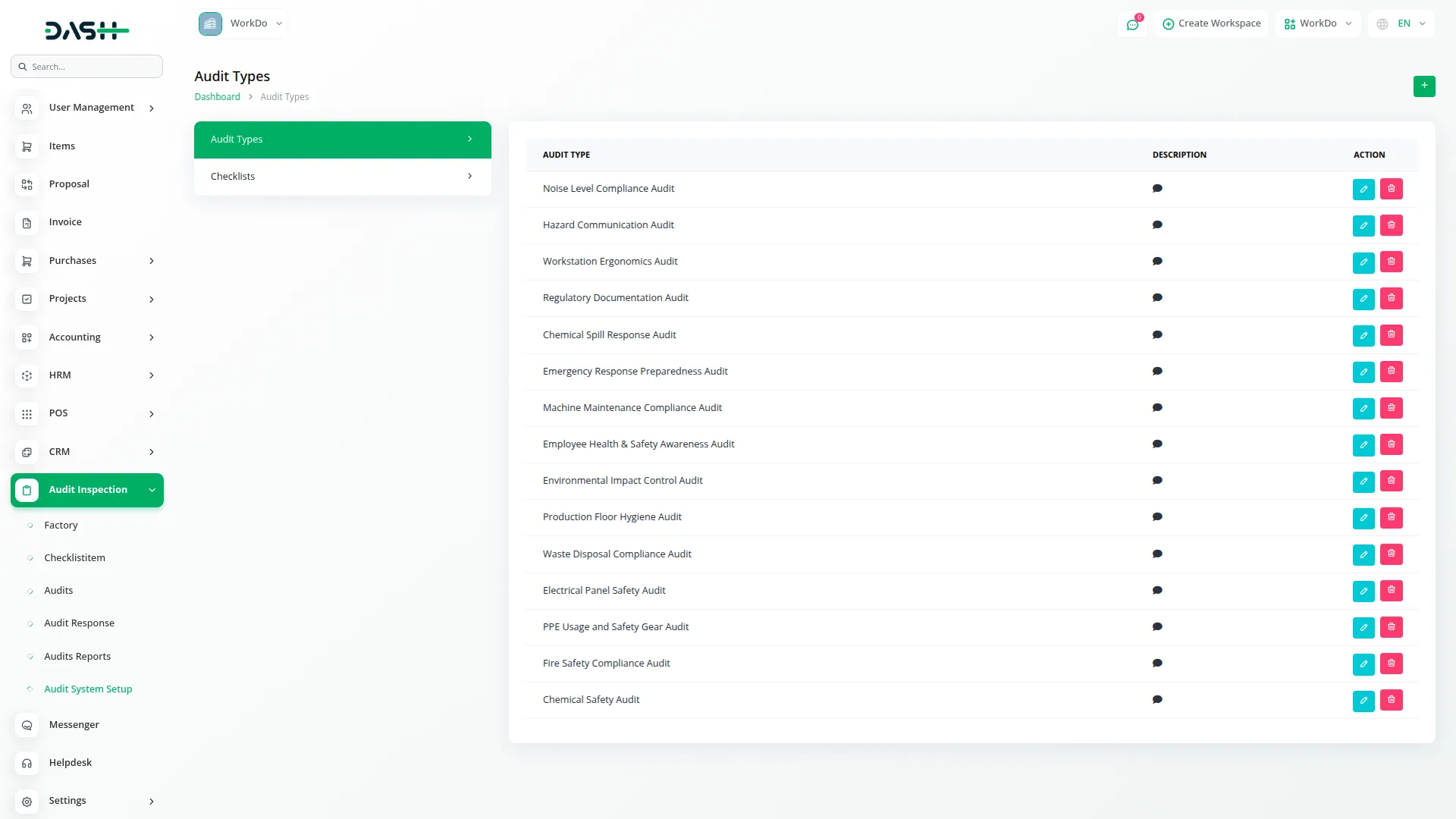
Before audits begin, administrators can set up the foundational building blocks that power the entire system. This includes creating checklist items with minimum score thresholds, grouping them into named checklists, and linking those checklists to specific audit types. Industry types can also be configured to categorize factories by their sector. All of these settings work together to ensure every audit follows a structured and consistent format.
- Administrators create checklist items with minimum score thresholds.
- Checklists are grouped and linked to audit types.
- Industry types categorize factories by their business sector.
- Settings ensure every audit follows a structured, consistent format.
Factory & Audit Tracking
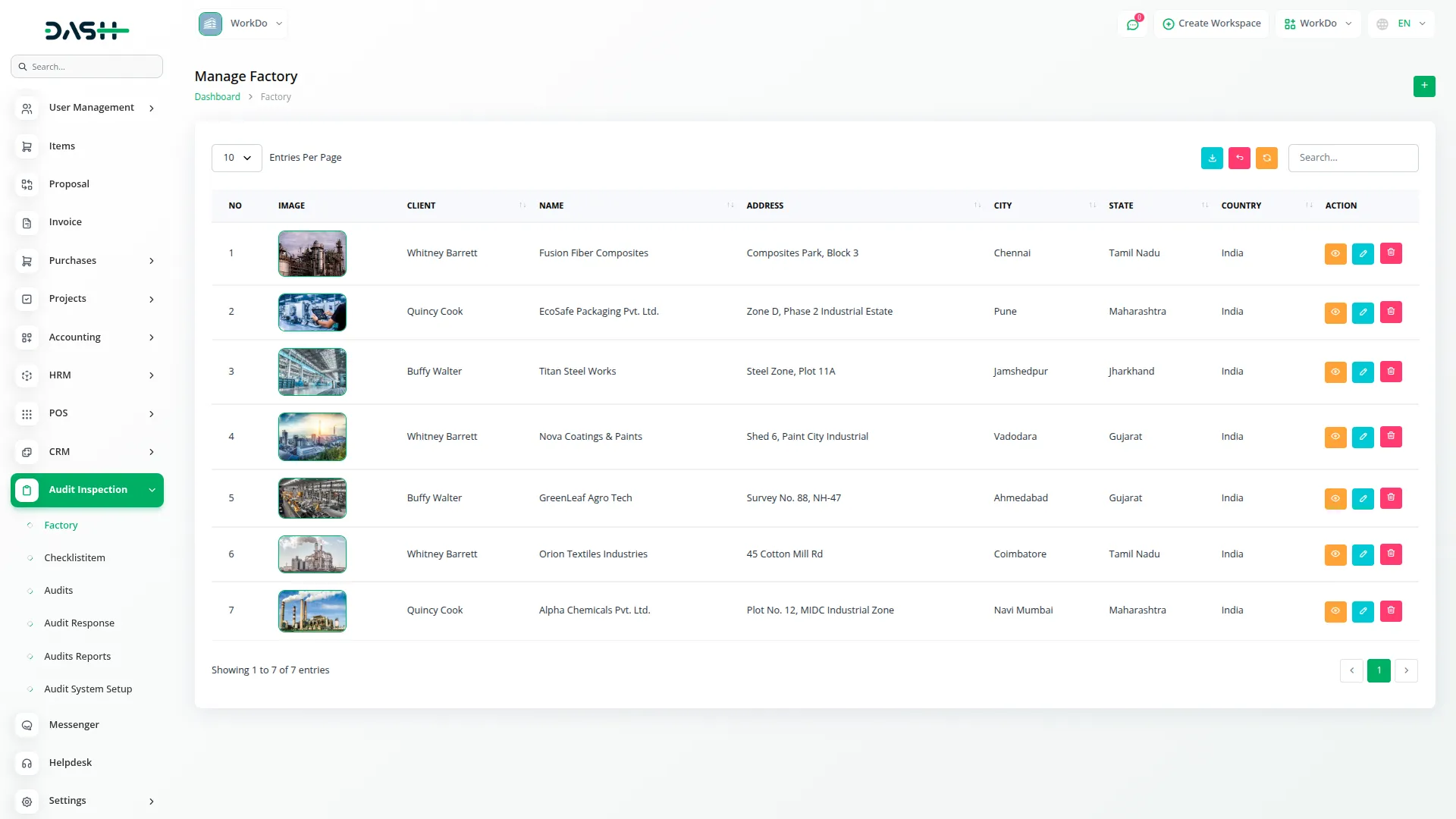
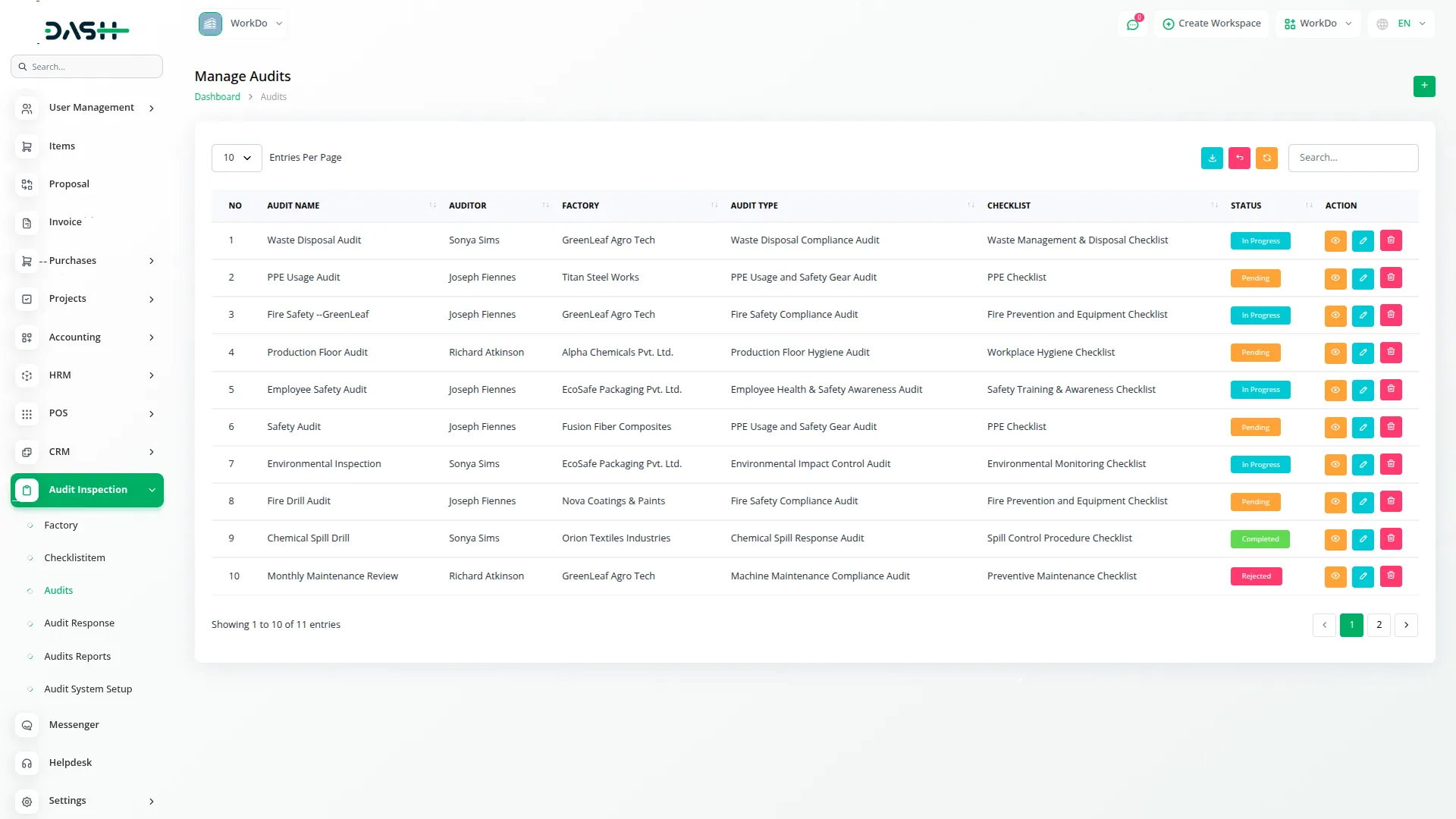
Manage multiple factories with client assignments, schedule audits, assign auditors, and track inspection status from scheduled to completed. Maintain detailed factory profiles with industry classifications and client relationships. Ensure visibility across audit progress and factory compliance performance. Streamline operations with centralized tracking for efficiency and accuracy.
- Multi-factory management with client-specific assignments
- Auditor assignment for scheduled inspection activities
- Schedule tracking across multiple factory audits
- Status monitoring from scheduled to completed inspections
Record Responses & Results
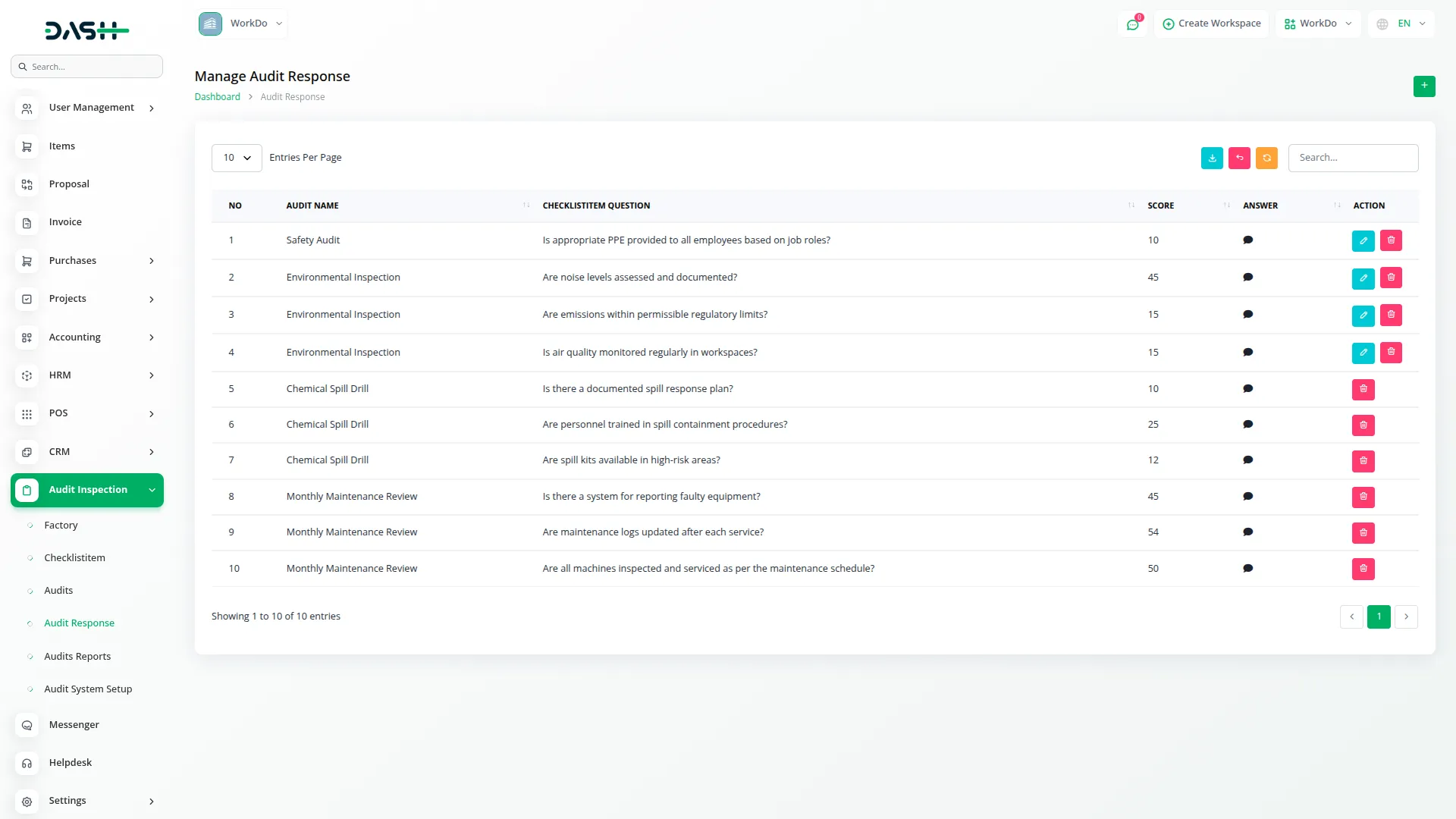
Record inspection responses with auto pass/fail calculation, generate compliance scores, and track audit results with detailed performance metrics. Monitor compliance trends and identify areas requiring improvement with data-driven insights. Ensure accuracy without manual calculation or subjective interpretation. Deliver transparent reporting for compliance assurance and operational improvements.
- Auto pass/fail evaluation with scored responses
- Compliance scoring ensures accurate audit outcomes
- Inspection results tracking with performance metrics
- Performance analytics highlight compliance improvement areas
Screenshots from our system
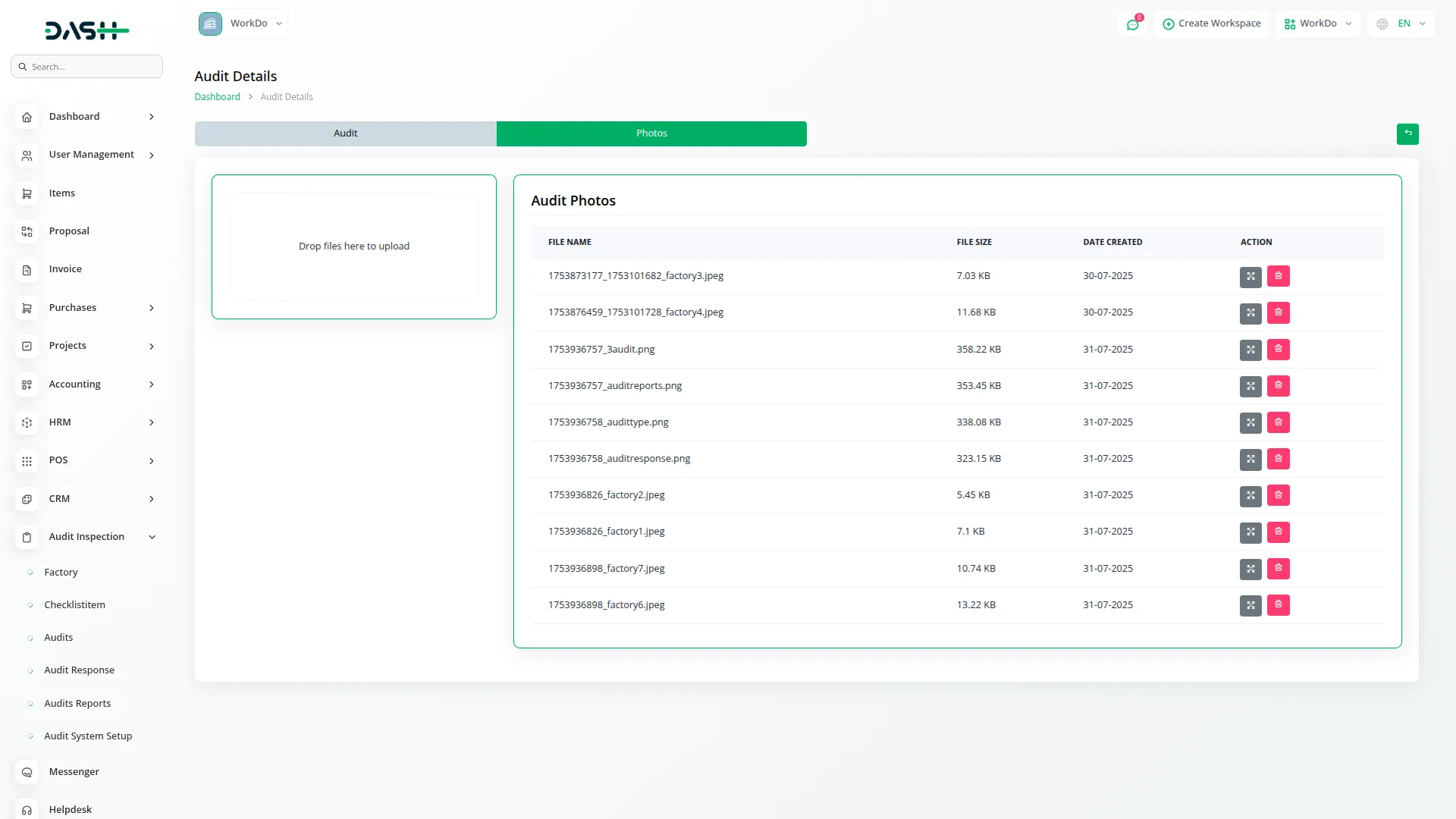
To explore the functionality and usage of these Add-Ons, refer to the accompanying screenshots for step-by-step instructions on how to maximize their features.
Discover More Add-Ons
Unlock even more functionality with additional Add-Ons, providing enhanced networking and customization options for your Dash SaaS experience.


Mobile Service Management
Dash SaaS presents the integration of Mobile Service Management, a solution designed to revolutionize customer service operations.

McKinsey 7-S Model
McKinsey 7-S Model Add-On offers a structured framework to assess and align critical elements of your organization including strategy, structure, systems, staff, skills, style, and shared values. Create and manage detailed models tailored to your business challenges, view them in dynamic formats like grid, kanban, or tree view, and gather feedback through built-in review and print features. This holistic tool empowers you to diagnose misalignments and drive continuous improvement with clarity and precision.

AuthorizeNet
AuthorizeNet is a trusted payment gateway that helps businesses accept online and in-store payments securely.
Well-organized layouts improve dashboard accessibility and clarity
Reliable background processing enhances performance stability
The support team was excellent — they responded quickly and guided us step by step during setup