
Customizable Ticket Number Format
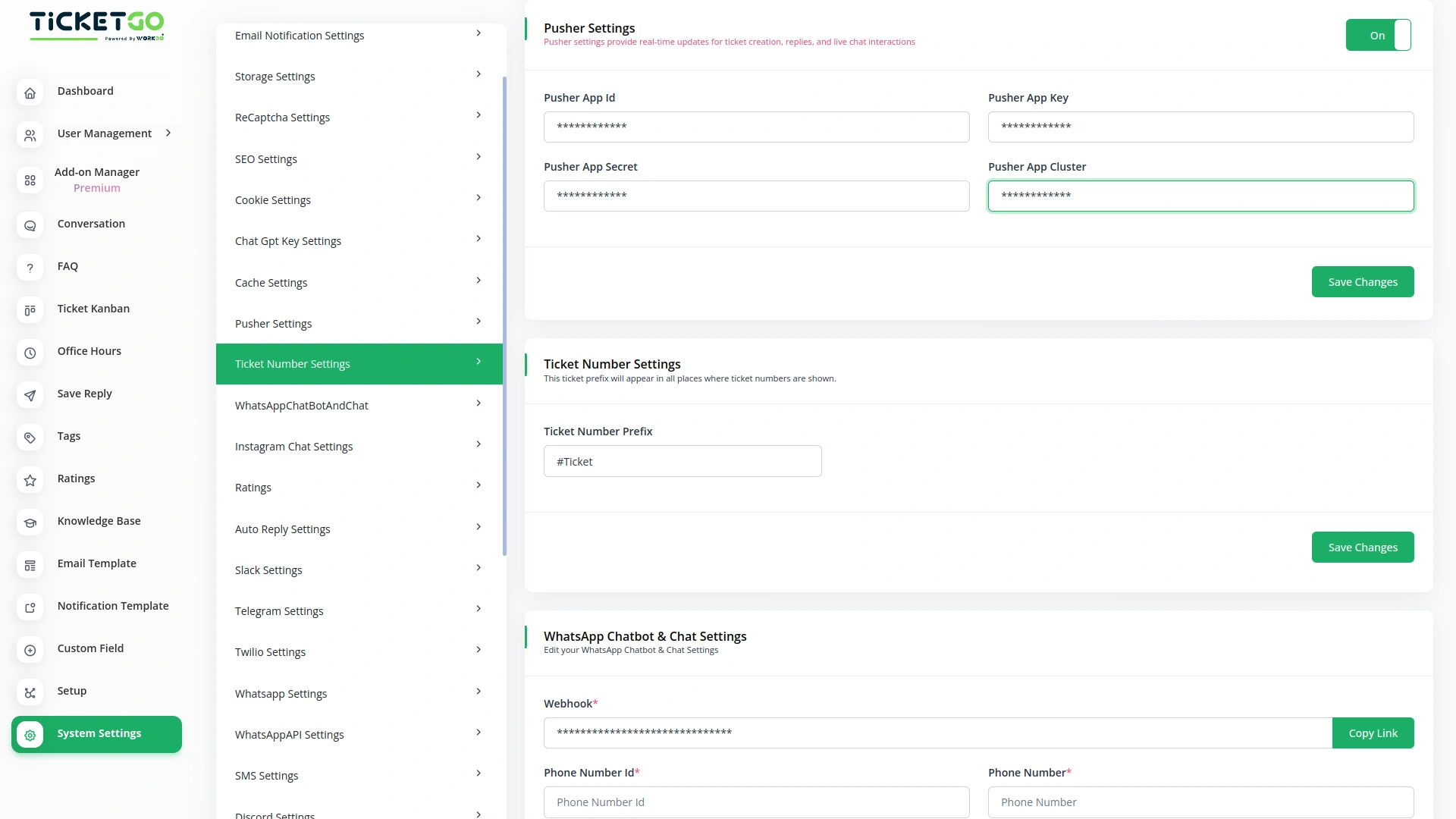
The Ticket Number module in TicketGo gives administrators full control over the format of ticket numbers. You can create a customized system that fits your business needs, such as sequential numbering, date-based identifiers, or a combination of both. This flexibility allows businesses to implement a ticketing structure that suits their workflow, helping to organize and track tickets efficiently.
Consistent and Clear Identification
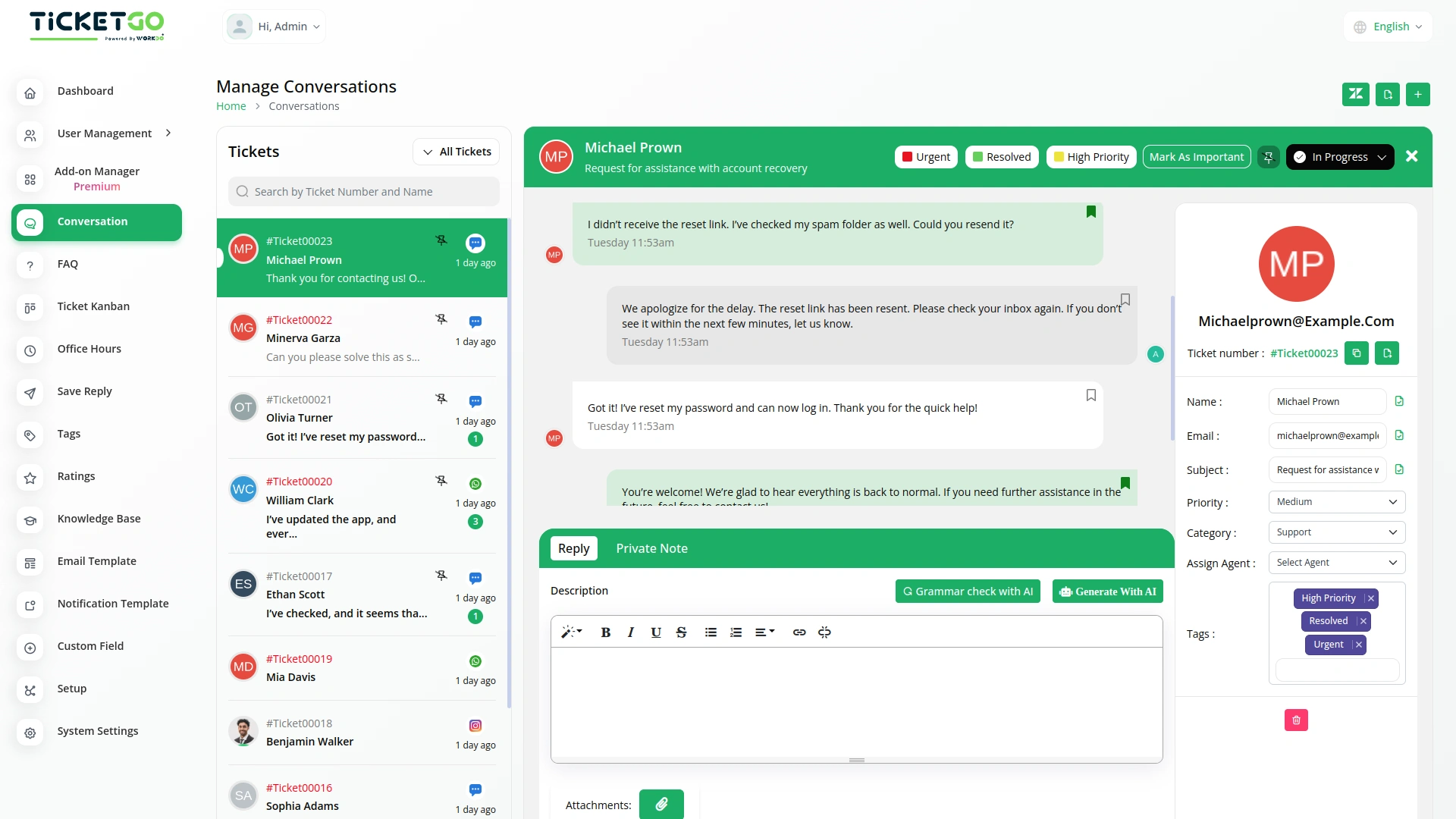
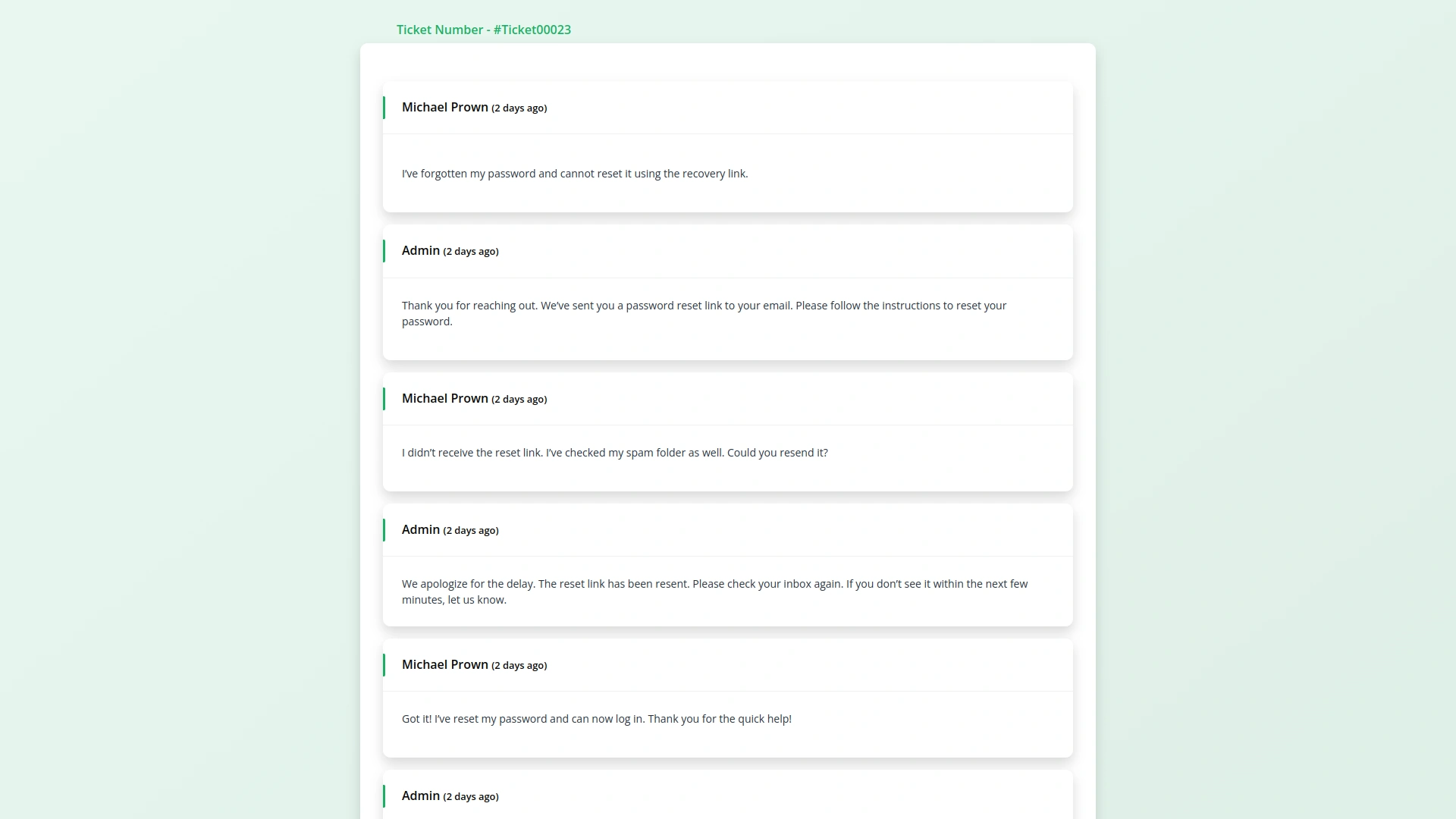
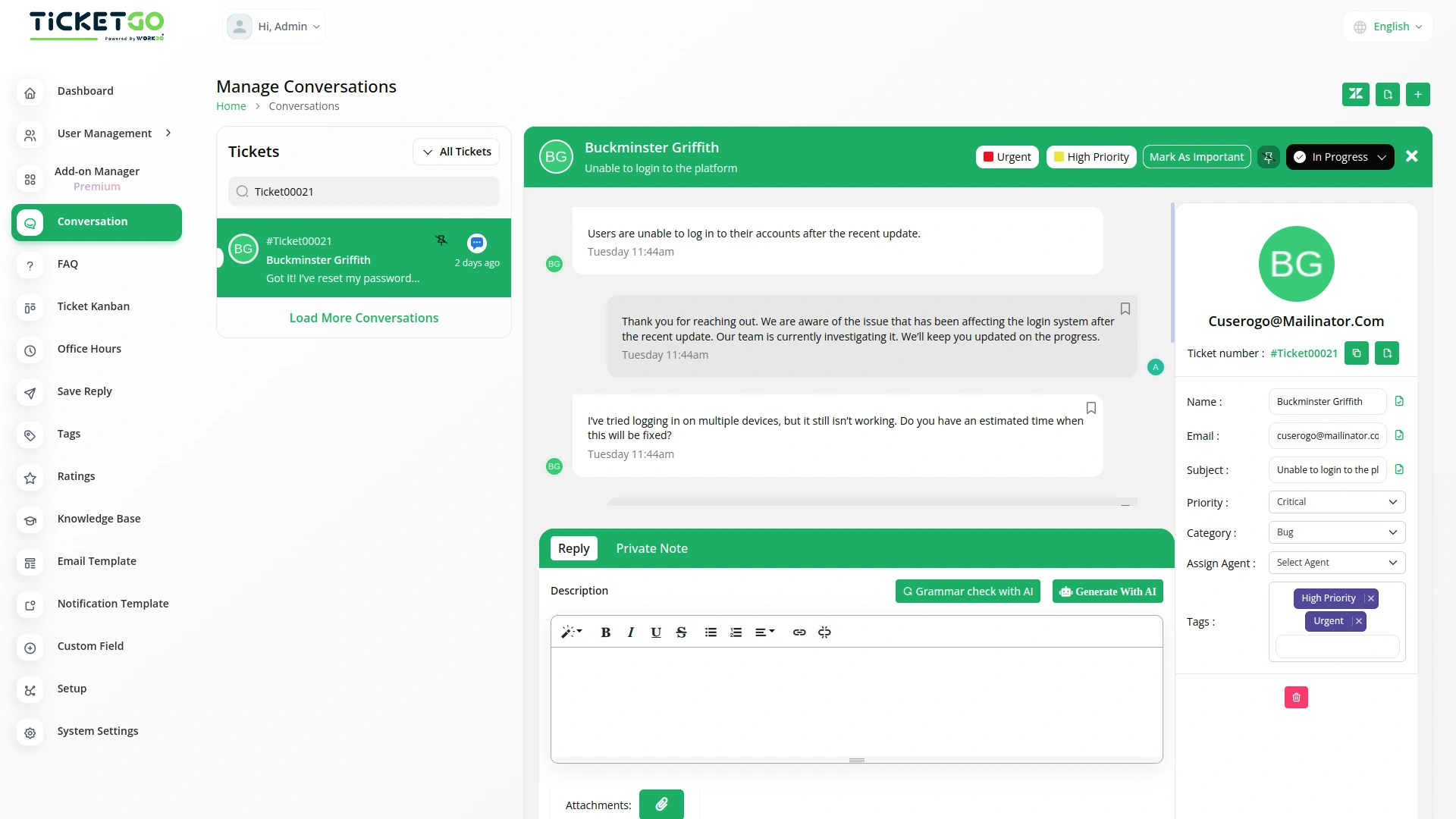
The ticket number is displayed consistently across the TicketGo platform, ensuring that both customers and agents can reference it at any point in the support process. Whether on the ticket creation page, the ticket details view, or while communicating with the customer, the unique number helps provide clear and consistent identification of each ticket, making interactions smoother and more organized
Visibility for Customers and Admins
With the customizable ticket number in place, it is visible to both customers and admins. When customers submit a ticket, they immediately receive a unique ticket number that they can use to track and reference their request. For admins, the ticket number appears prominently on the ticket page, making it easy to locate and manage the ticket within the system.
Streamlined Ticket Management
By customizing ticket numbers, businesses can streamline the management of support tickets. For larger teams or high-volume businesses, having a uniform ticket numbering system simplifies tracking and prioritization. Admins can easily categorize and search for tickets based on the defined format, ensuring that requests are handled efficiently and nothing gets lost in the process.
Screenshots from our system
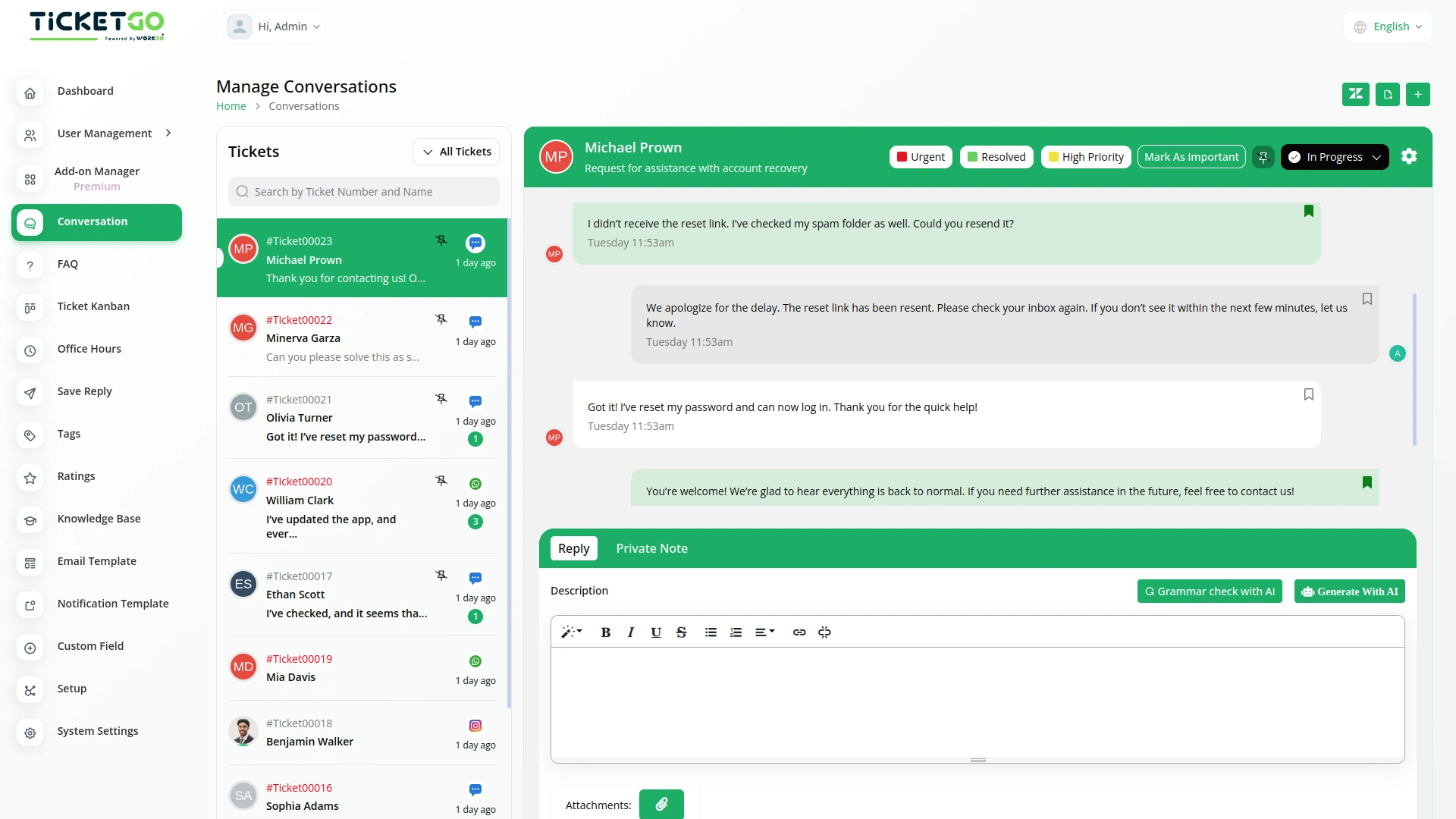
To explore the functionality and usage of these Add-Ons, refer to the accompanying screenshots for step-by-step instructions on how to maximize their features.
Discover More Add-Ons
Unlock even more functionality with additional Add-Ons, providing enhanced networking and customization options for your TicketGo Add-Ons experience.

Pabbly Connect
Pabbly Connect is a versatile automation platform seamlessly integrating 1000+ apps, from Google Sheets to Shopify. With its user-friendly interface, creating automated workflows becomes effortless. Boosting efficiency, Pabbly Connect enables scheduled workflows, advanced paths, and automated data extraction from emails. Imagine the potential for streamlined processes and real-time data synchronization, all achieved with this powerful, no-code automation solution.

Make
Make transforms TicketGo into a dynamic, automated support system, eliminating repetitive tasks and streamlining workflows. Whether it’s user creation, ticket creation, user updates, user deletes, or ticket deletes, Make connects TicketGo to your favorite apps, reducing manual work and increasing efficiency. No coding is required just seamless automation that keeps your team focused on what truly matters: delivering exceptional support.

Twilio
The Twilio integration in TicketGo revolutionizes how you communicate with your customers, making it easier than ever to stay connected through SMS. By automating ticket updates, notifications, and alerts, Twilio ensures that your team and customers are always on the same page, without the need for constant manual updates. From the moment a ticket is created to when it's resolved, Twilio keeps your communication streamlined and efficient, saving your team valuable time while enhancing the customer experience.

Mail2Ticket
Mail2Ticket makes customer support easier by turning incoming emails into organized support tickets.
The tools have helped us organize daily responsibilities with much better clarity
The interface design was visually pleasant and contributed to a better user experience
Options for deep customization
This add-on works perfectly for our support workflow. The automatic ticket numbering makes tracking and managing customer queries much easier. Setup was quick, and the documentation is clear. Definitely worth adding to TicketGo!
Highly flexible for agencies
Features are practical
Documentation is useful for all