
Pabbly Connect integrates 1000+ apps, enabling instant data transfer.
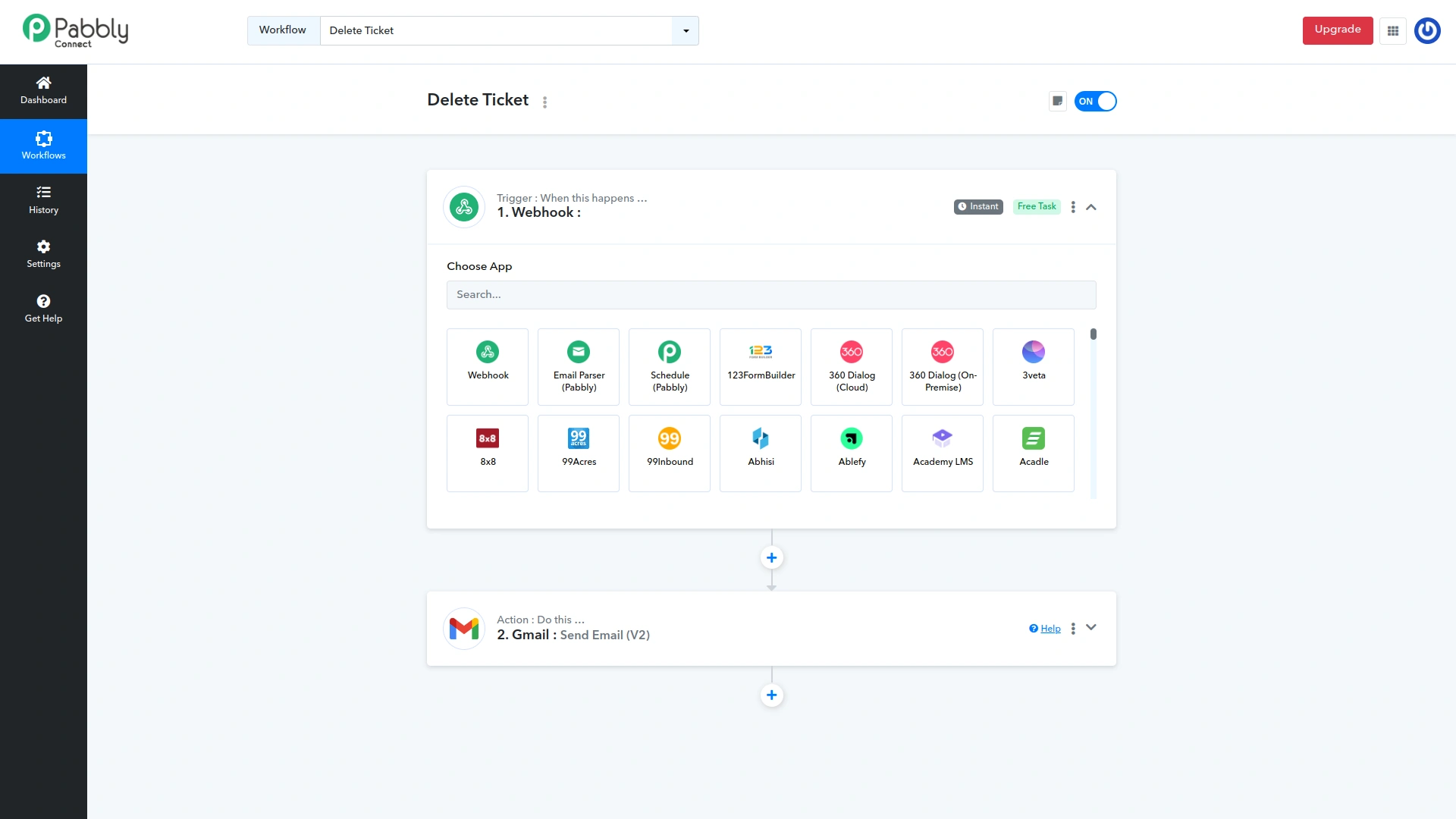
Easy-to-use built-in tools that help you create workflows with advanced capabilities like scheduling, delay, router, and many more.
- Schedule Workflows Set up a date and time at which you want the workflow to be executed. Like on a specific day, once a day, and every min/hour/day/week.
- Advance Workflows Create advanced workflows with the help of routers/paths. With the help of a router, you will be able to execute different actions based on the filter conditions you set.
- Delay Workflows The delay step allows you to delay performing the next action for a specified amount of period. The period can be either mins/hours/days/weeks or any specific date and time.
Automate for enhanced workflow Efficiency
- Connect Any Application Integrate to any application with an API using API modules. This module offers custom options and supports many different API structures.
- Email Parser Email Parser automatically extracts data from the incoming emails like email name, subject, the body of the email, attachments, etc. which can be processed further.
- Iterator Iterator divides a collection of data into numerous values, which are then processed one by one until the last value is reached. Each value can be passed to other action steps added after the Iterator step.
Screenshots from our system
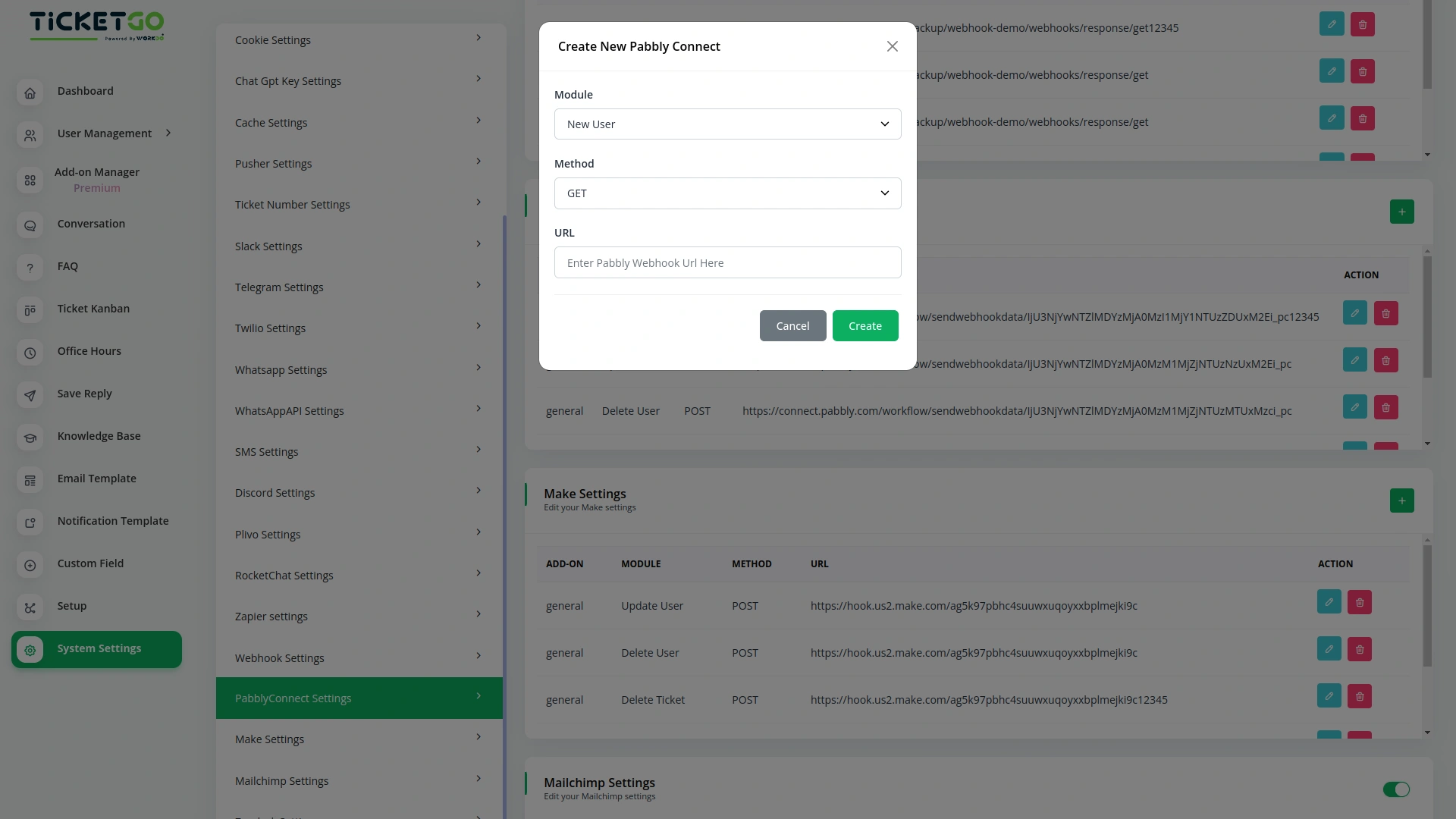
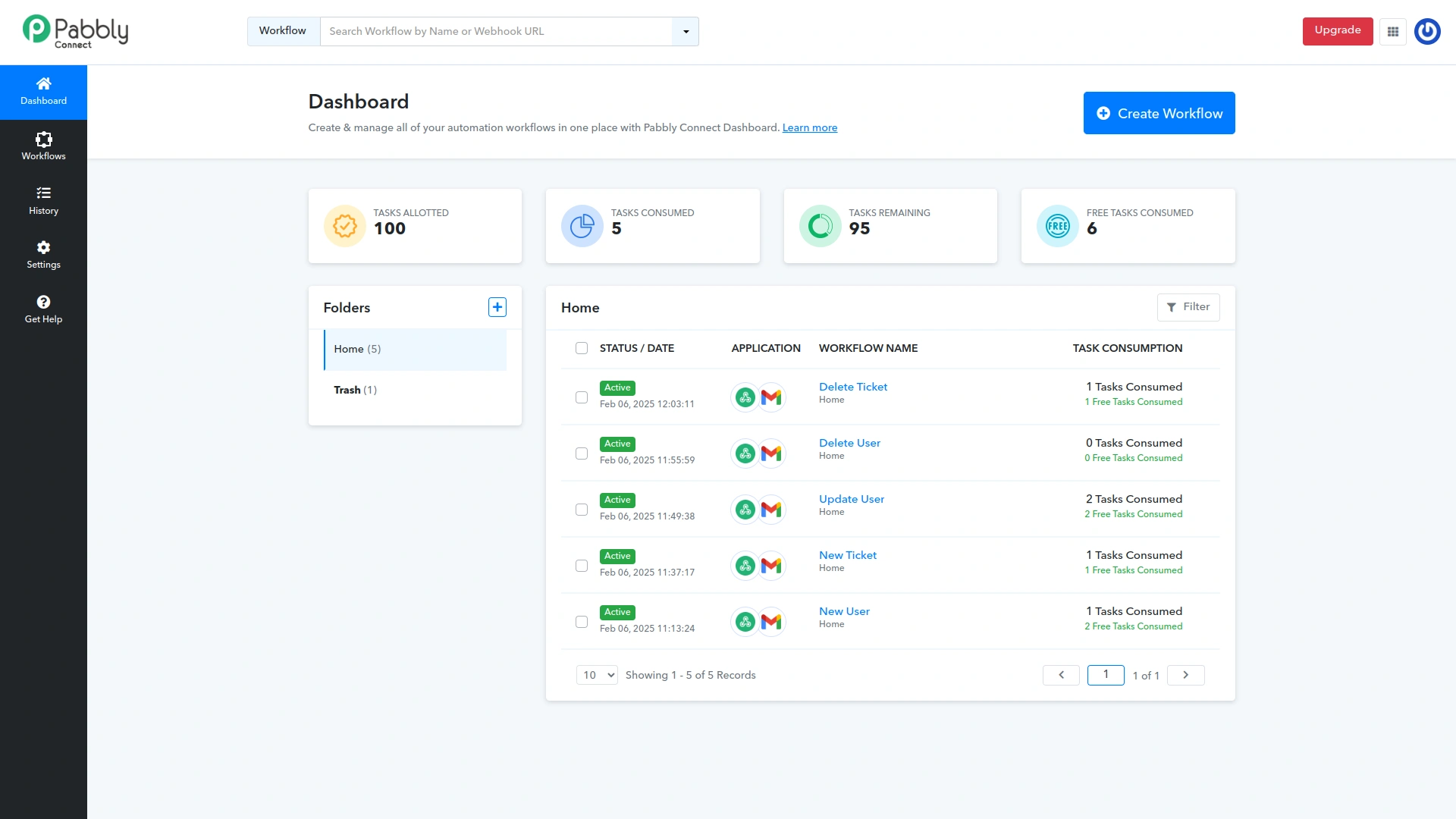
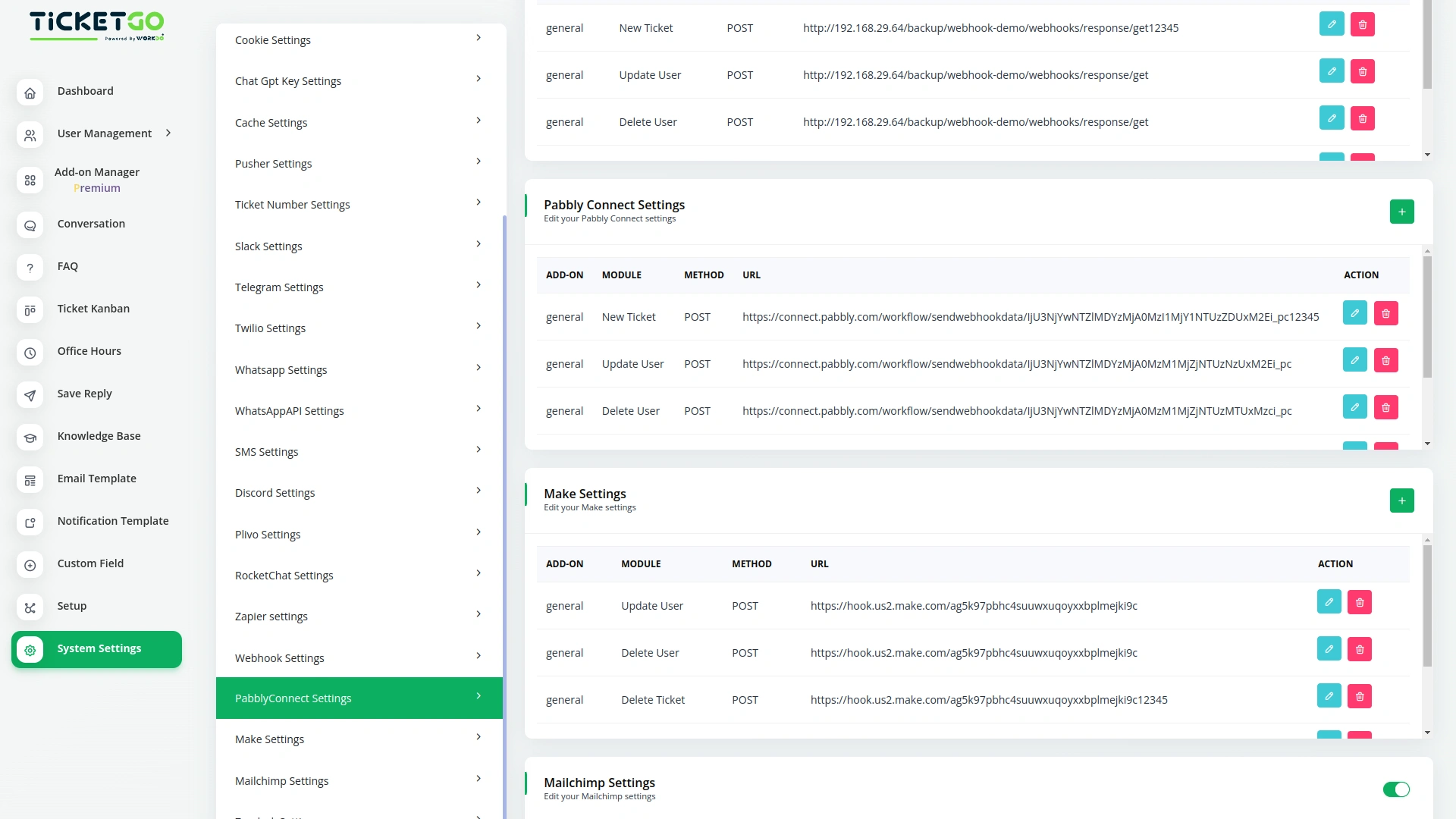
To explore the functionality and usage of these Add-Ons, refer to the accompanying screenshots for step-by-step instructions on how to maximize their features.

Discover More Add-Ons
Unlock even more functionality with additional Add-Ons, providing enhanced networking and customization options for your TicketGo Add-Ons experience.

Mailchimp
Transform the way you communicate with customers by integrating Mailchimp with TicketGo. This powerful add-on bridges the gap between customer support and email marketing, ensuring that every ticket interaction is an opportunity to engage, inform, and build lasting relationships. From automated ticket notifications to personalized follow-ups, Mailchimp integration keeps your customers in the loop while enhancing your brand’s communication strategy.

Office Hours
The Office Hours Module in TicketGo allows businesses to set their working hours for each day of the week. This helps customers know when your support team is available. By defining your office hours, you ensure that customers are aware of your business’s availability before they create a support ticket.

WhatsApp Chatbot & Chat
The WhatsApp Chatbot Addon in TicketGo enables customers to create support tickets effortlessly through WhatsApp. Instead of navigating through a website or app, users can simply send a message detailing their issue, and the chatbot will capture the necessary information to generate a ticket. This eliminates long wait times and ensures that queries are logged into the system instantly, allowing for a quick and efficient resolution process.

The solutions offered here significantly reduced the amount of manual work we previously handled