
Setting Up Discord in TicketGo
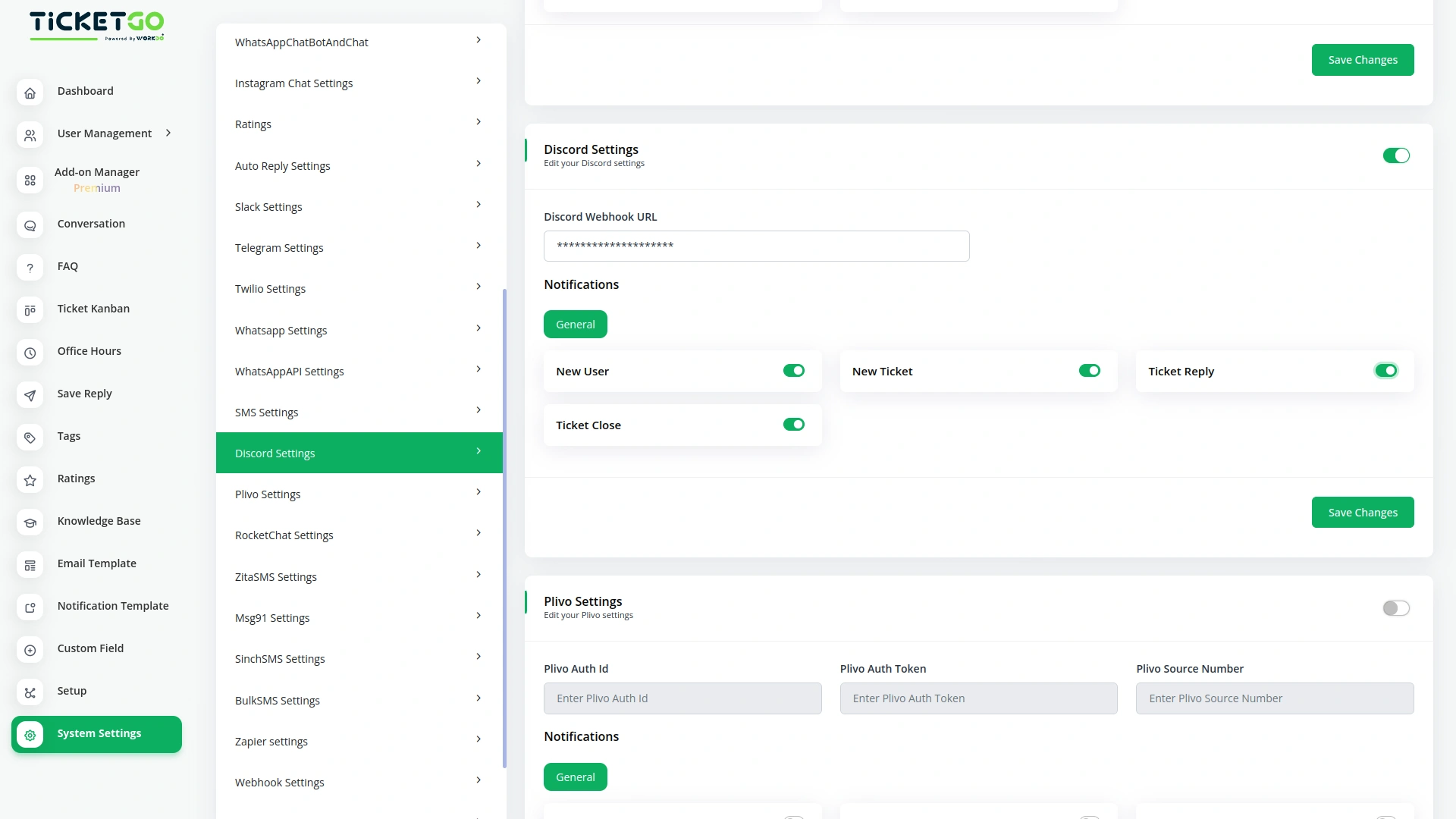
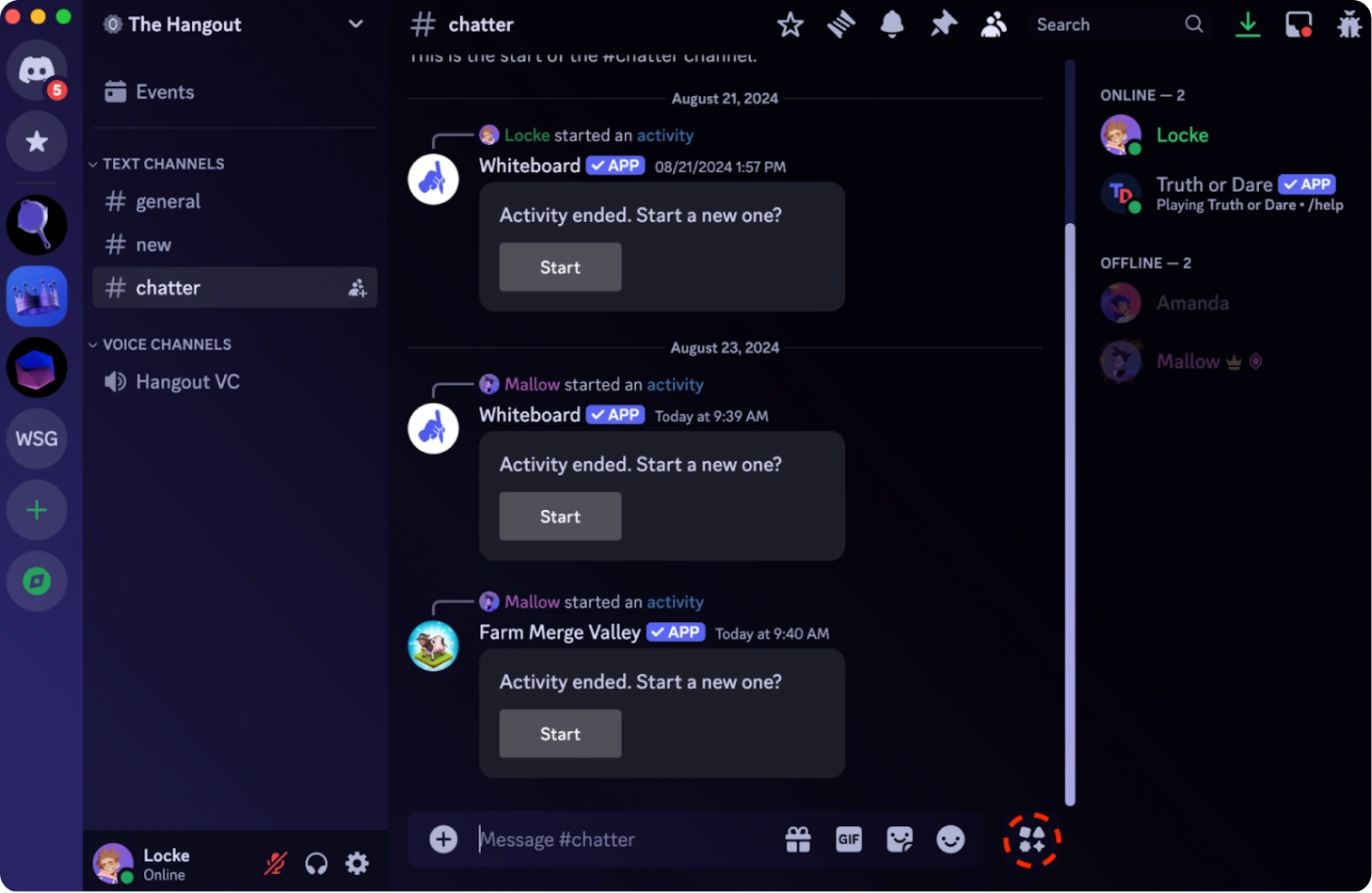
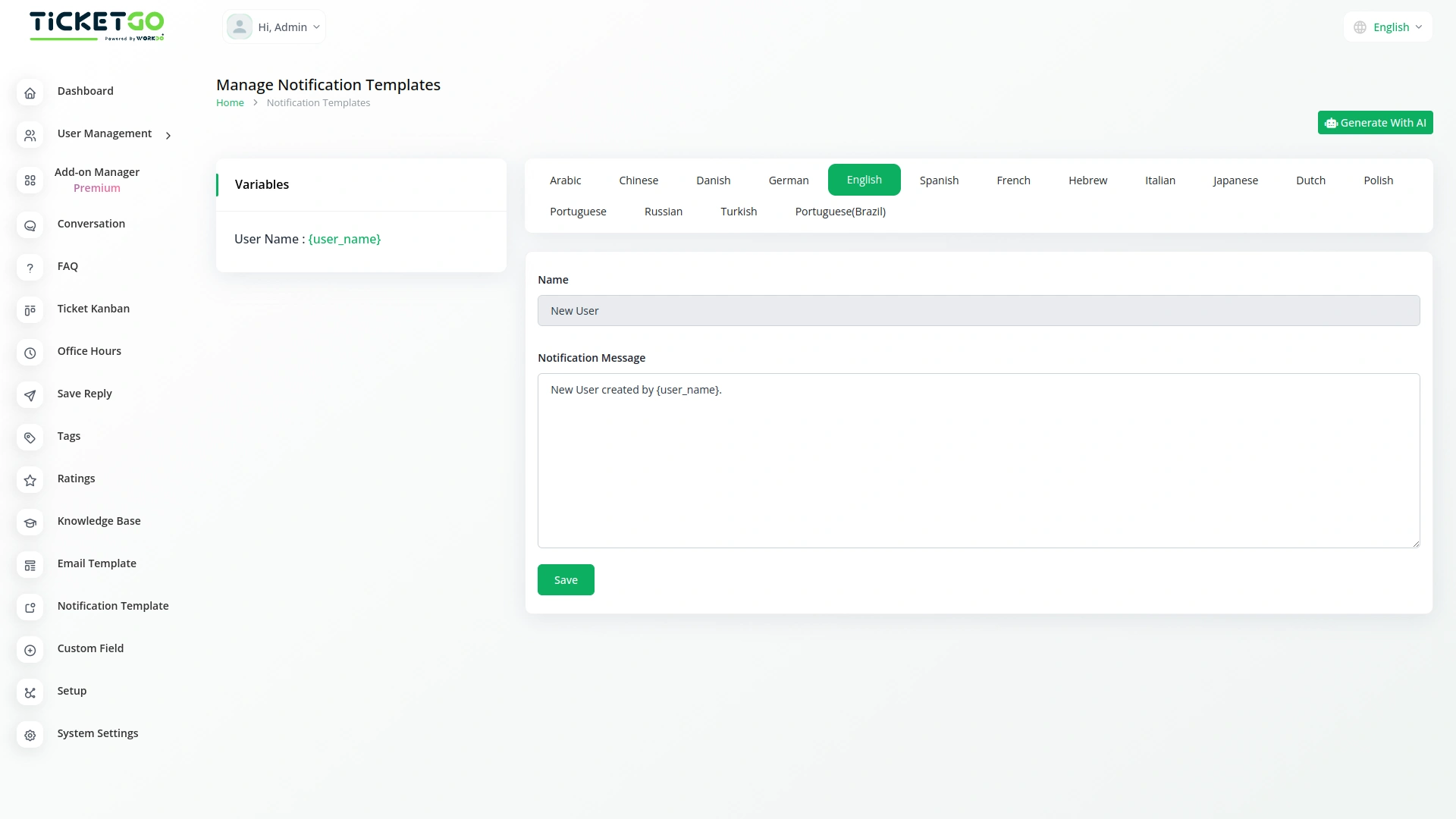
Integrating Discord with TicketGo is simple and requires generating a webhook URL from Discord. Users can enter this URL into the TicketGo settings to establish a secure connection. Once configured, TicketGo can send automated notifications about ticket creation, updates, and resolutions to a designated Discord channel, ensuring smooth communication.
Real-Time Ticket Notifications via Discord
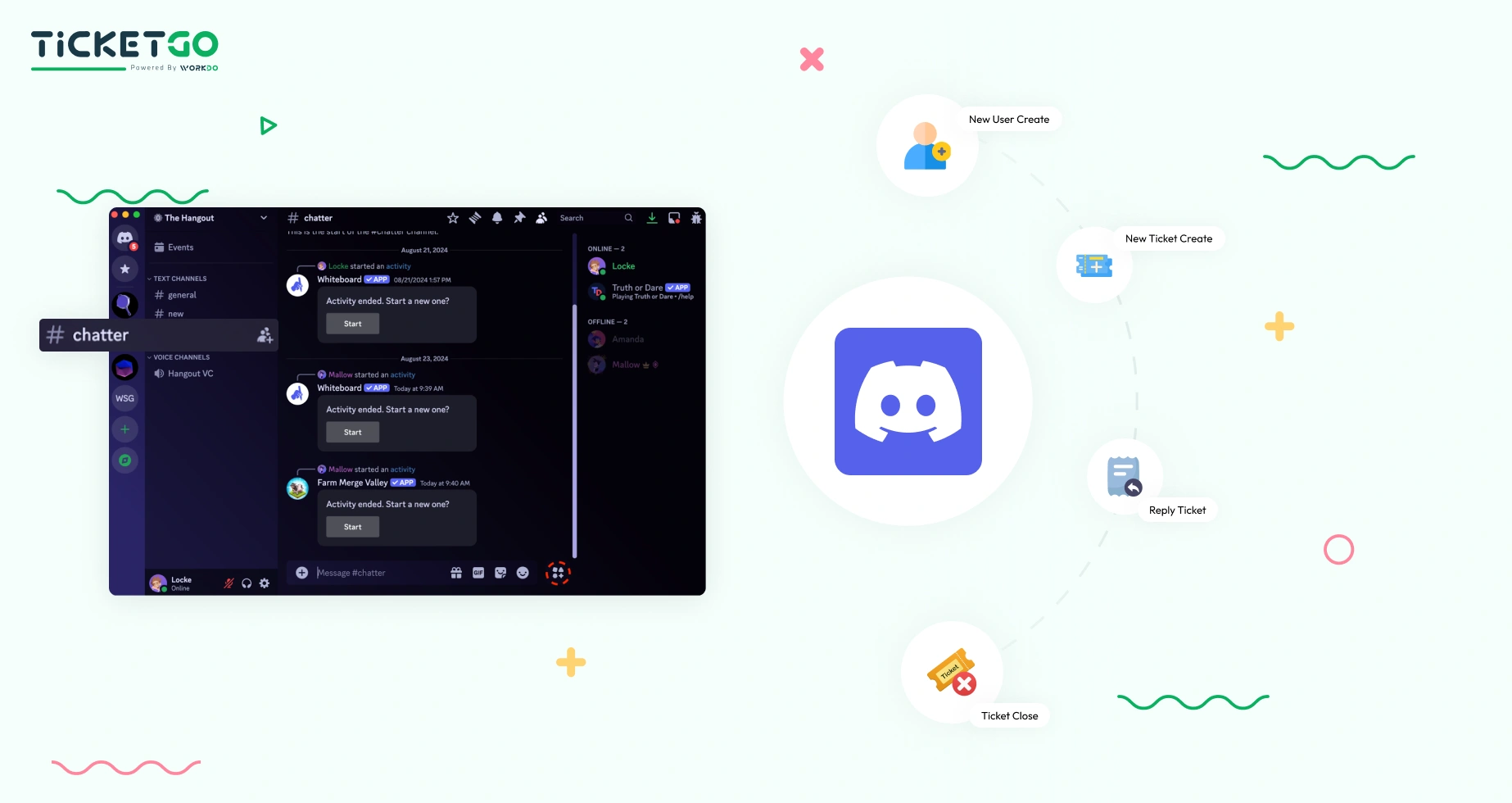
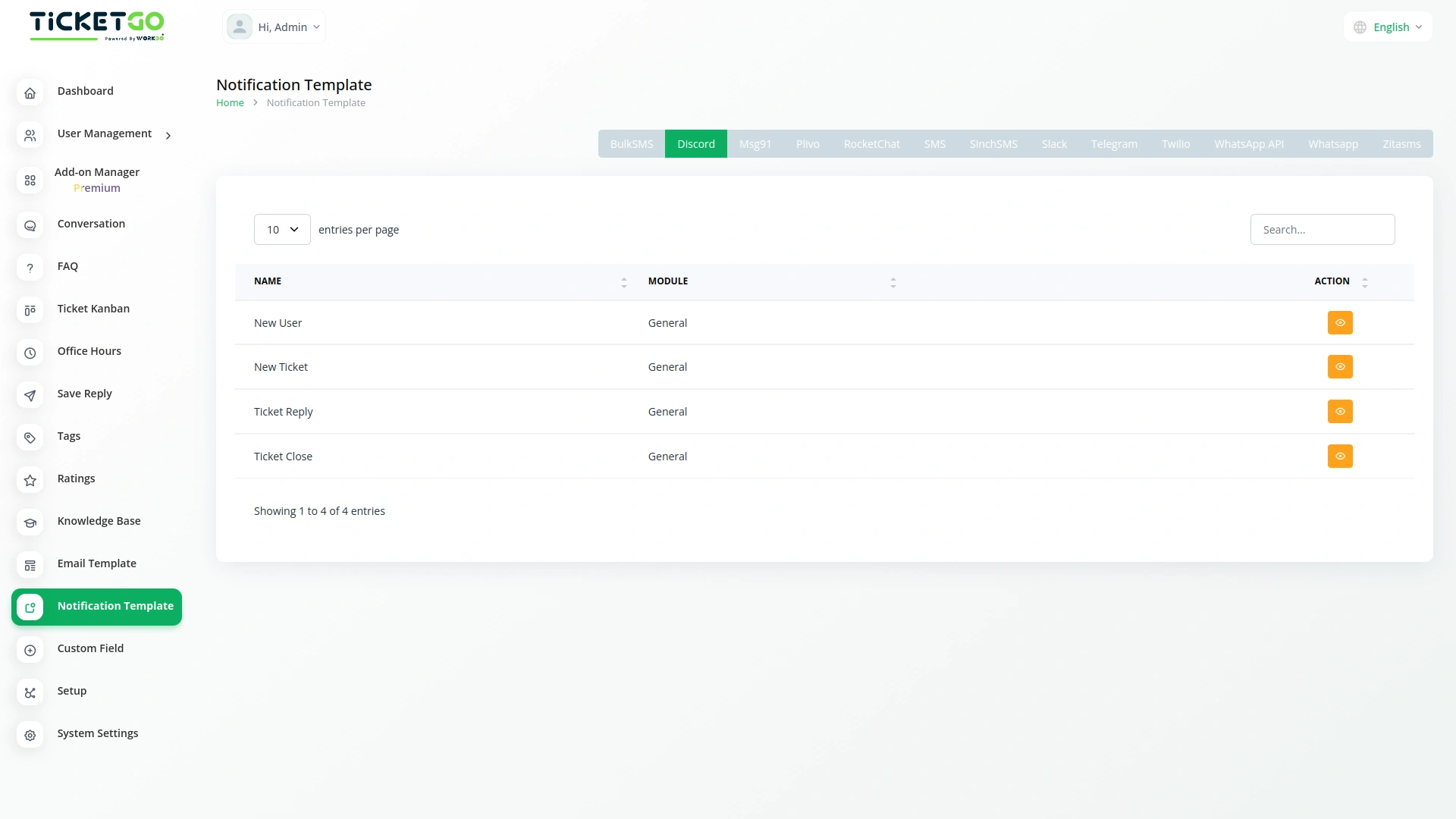
With Discord integration, TicketGo ensures that support teams receive instant notifications about ticket activities. Whether a new ticket is submitted, updated, or resolved, the system sends a message to the configured Discord channel. This real-time update helps teams respond quickly, improving efficiency and customer satisfaction.
Screenshots from our system
To explore the functionality and usage of these Add-Ons, refer to the accompanying screenshots for step-by-step instructions on how to maximize their features.

Discover More Add-Ons
Unlock even more functionality with additional Add-Ons, providing enhanced networking and customization options for your TicketGo Add-Ons experience.

Export Conversations
TicketGo’s Export Conversations feature ensures that all customer interactions are saved for future use. Whether for compliance, internal reviews, or training, having a record of past conversations helps businesses improve their customer service. Teams can revisit previous chats to understand customer concerns and refine their support strategies.

Facebook Chat
The Facebook Chat module on TicketGo allows businesses to handle all their customer conversations in one place without needing to switch between platforms.

Tags
Adding and managing tags is simple. Agents can create, edit, or remove tags as needed. You can assign tags when creating a ticket or update them later if necessary. If your business process changes, you can easily modify tags to keep everything up to date. Color-coded tags make it even easier to recognize different types of tickets at a glance, improving the way you handle support requests.

Instagram Chat
Customers often feel uncertain when they don’t receive an immediate response after submitting a query. The Auto Reply module addresses this concern by instantly sending a predefined message, confirming that the support team has received the request.
The platform’s ease of use shortened our training time and improved staff confidence