
Flexible Rating Options
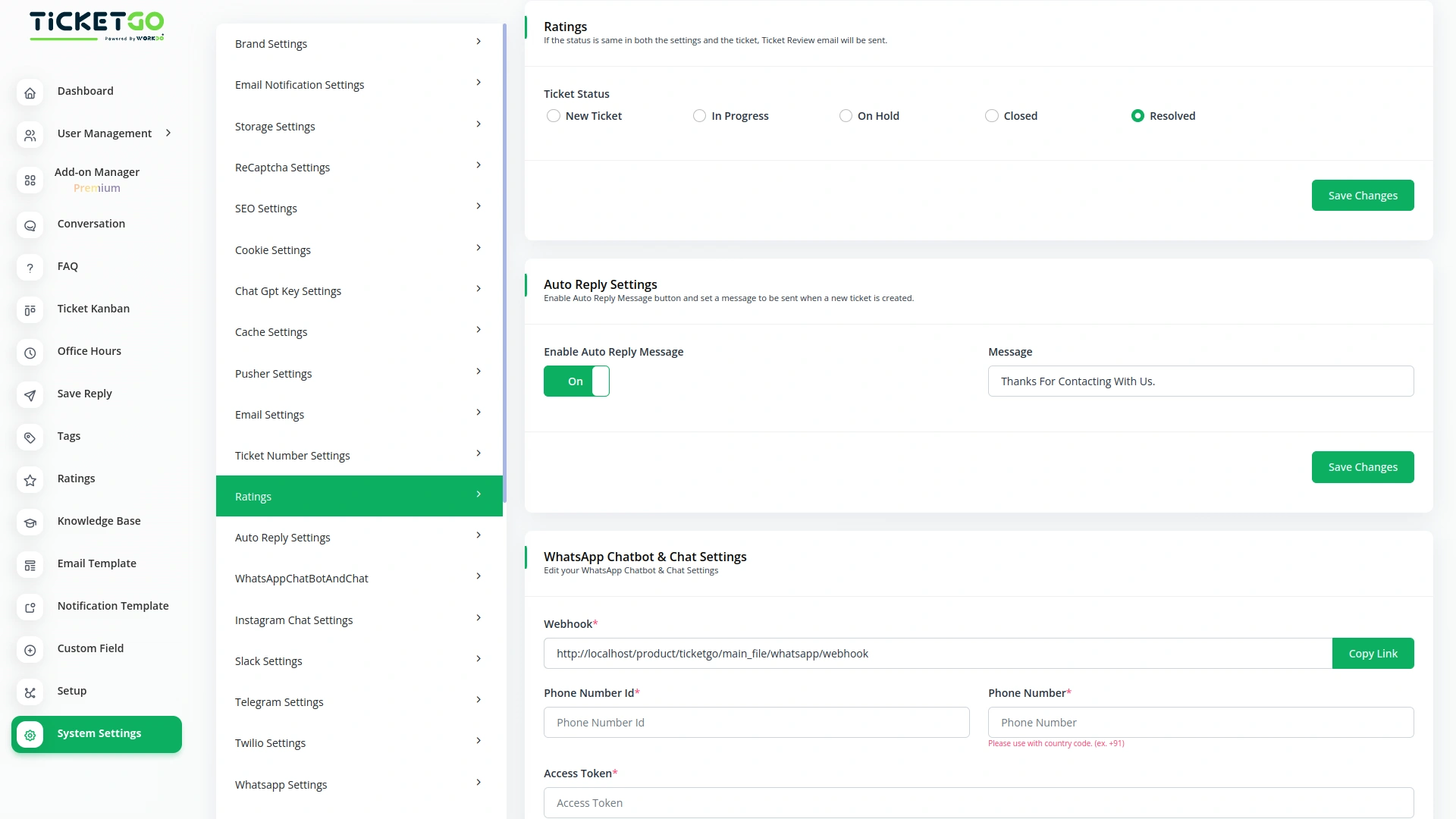
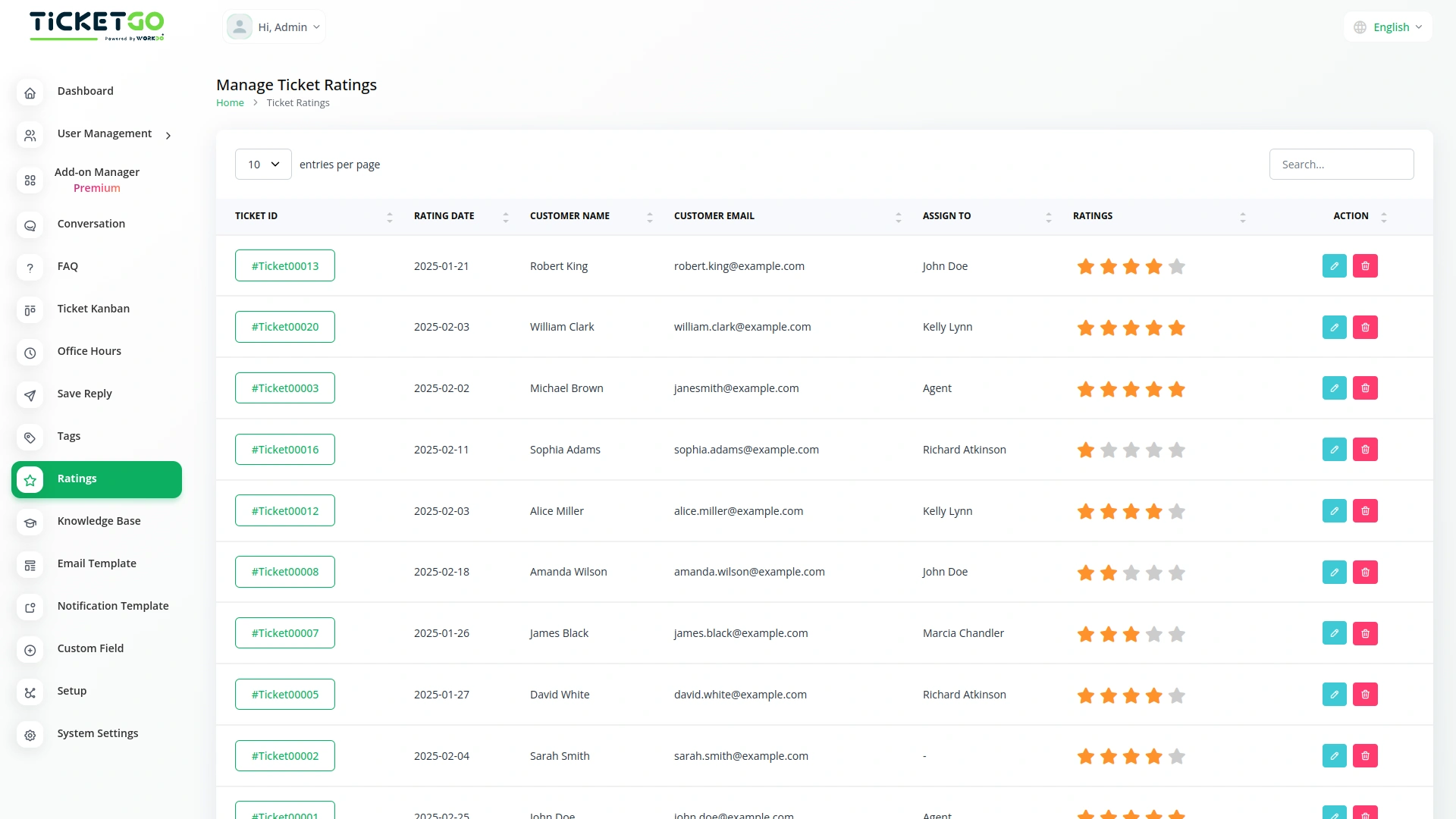
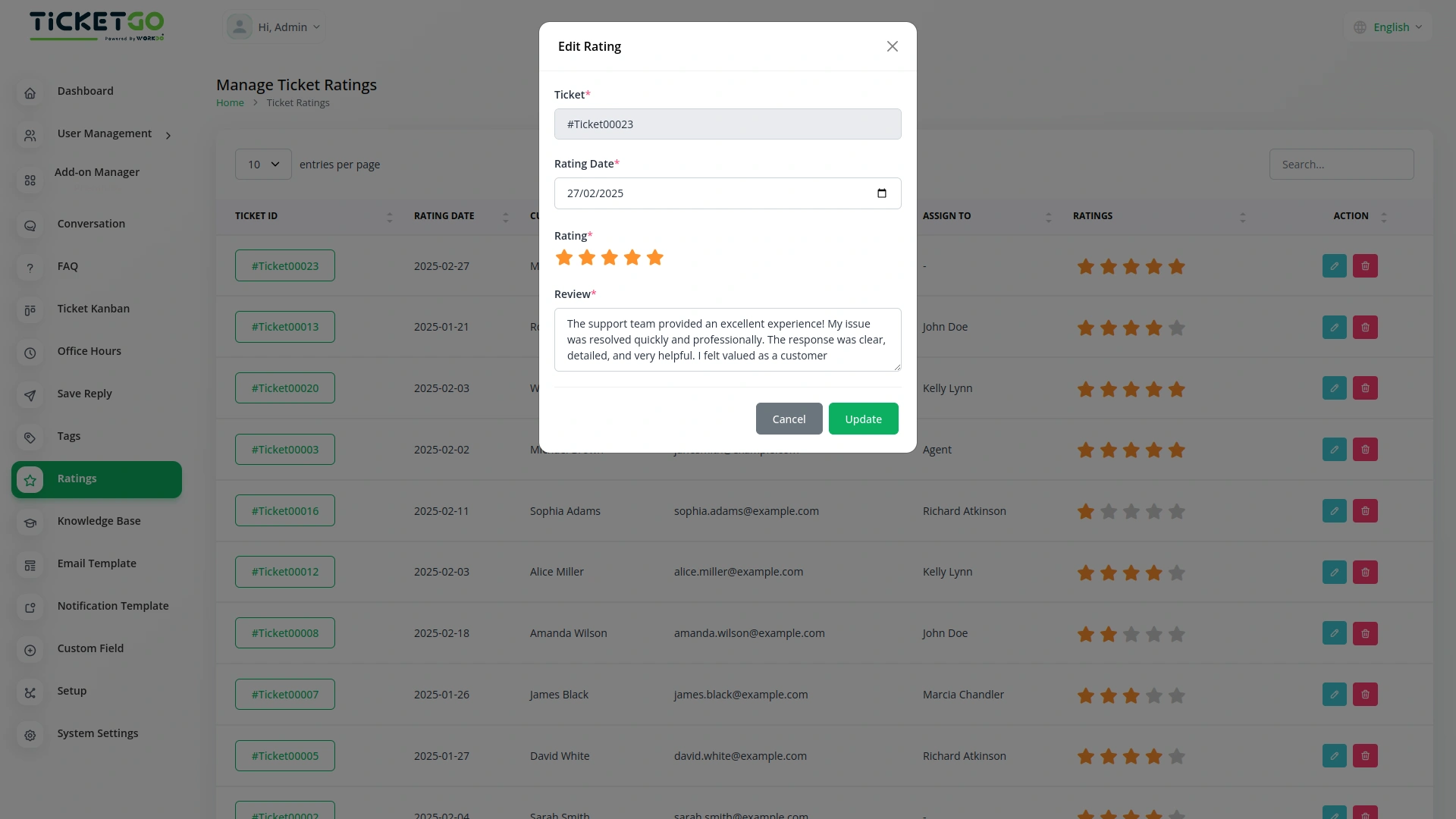
The Ratings Module offers a range of customizable rating options, including New Ticket, In Progress, On Hold, Closed, and Resolved. You can choose the stage at which you want to gather customer feedback, allowing you to focus on specific areas of the ticket lifecycle that matter most to you. Whether it's right after a ticket is created or after it’s resolved, you can collect the most relevant feedback.
Capture Timely Insights
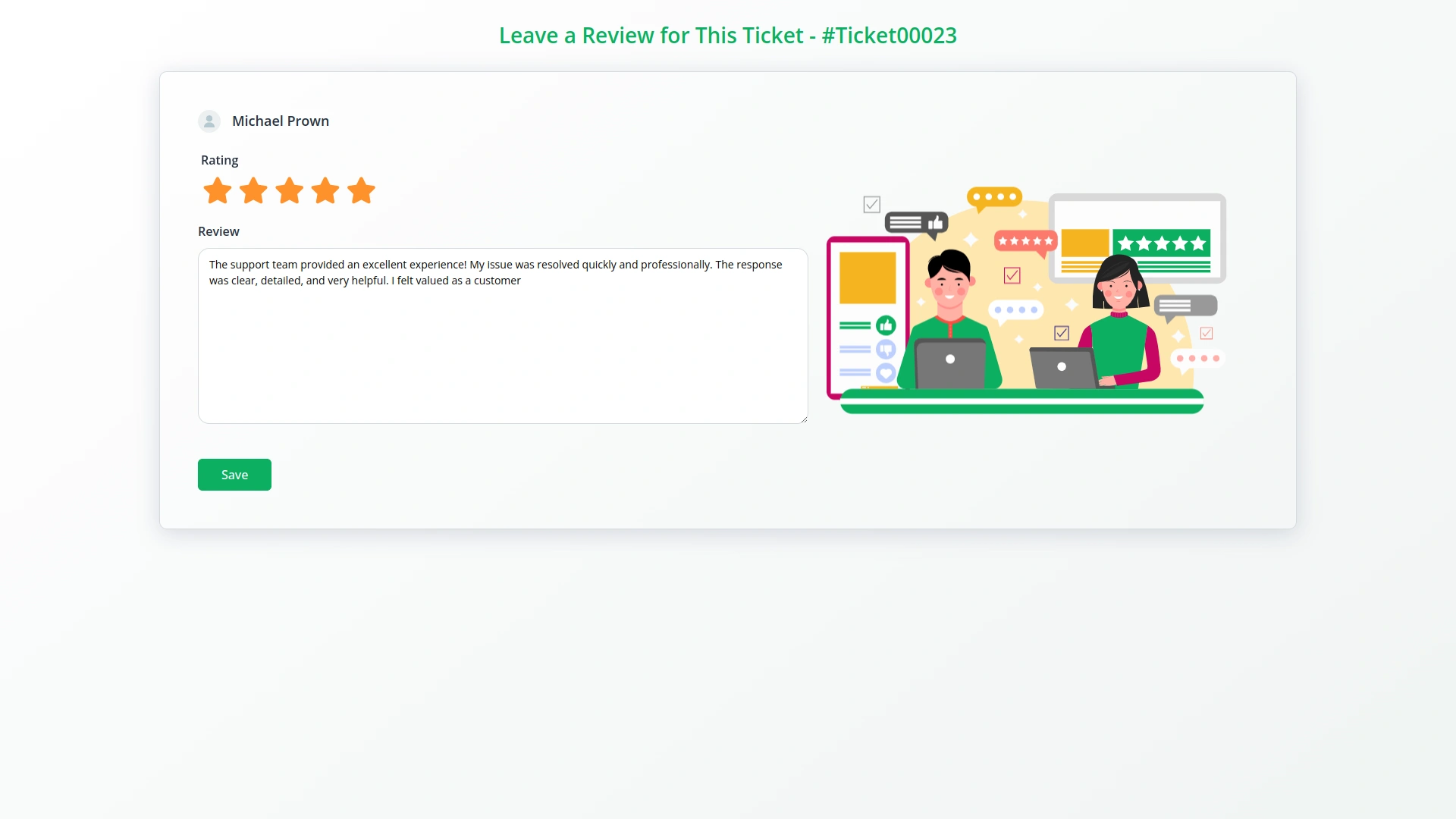
By selecting the appropriate rating stage, you can capture customer feedback exactly when it's most valuable. For example, you may send a rating request after a new ticket is created to gauge initial customer impressions, or after a ticket is marked as resolved to assess satisfaction with the resolution. This helps you stay on top of your service quality and customer satisfaction in real time.
Enhance Customer Satisfaction
The feedback you receive through the Ratings Module can provide key insights into customer satisfaction, allowing you to make informed improvements to your processes. By understanding how customers feel at various stages, you can identify pain points and enhance your ticket management system. This leads to better service, happier customers, and improved customer retention.
Screenshots from our system
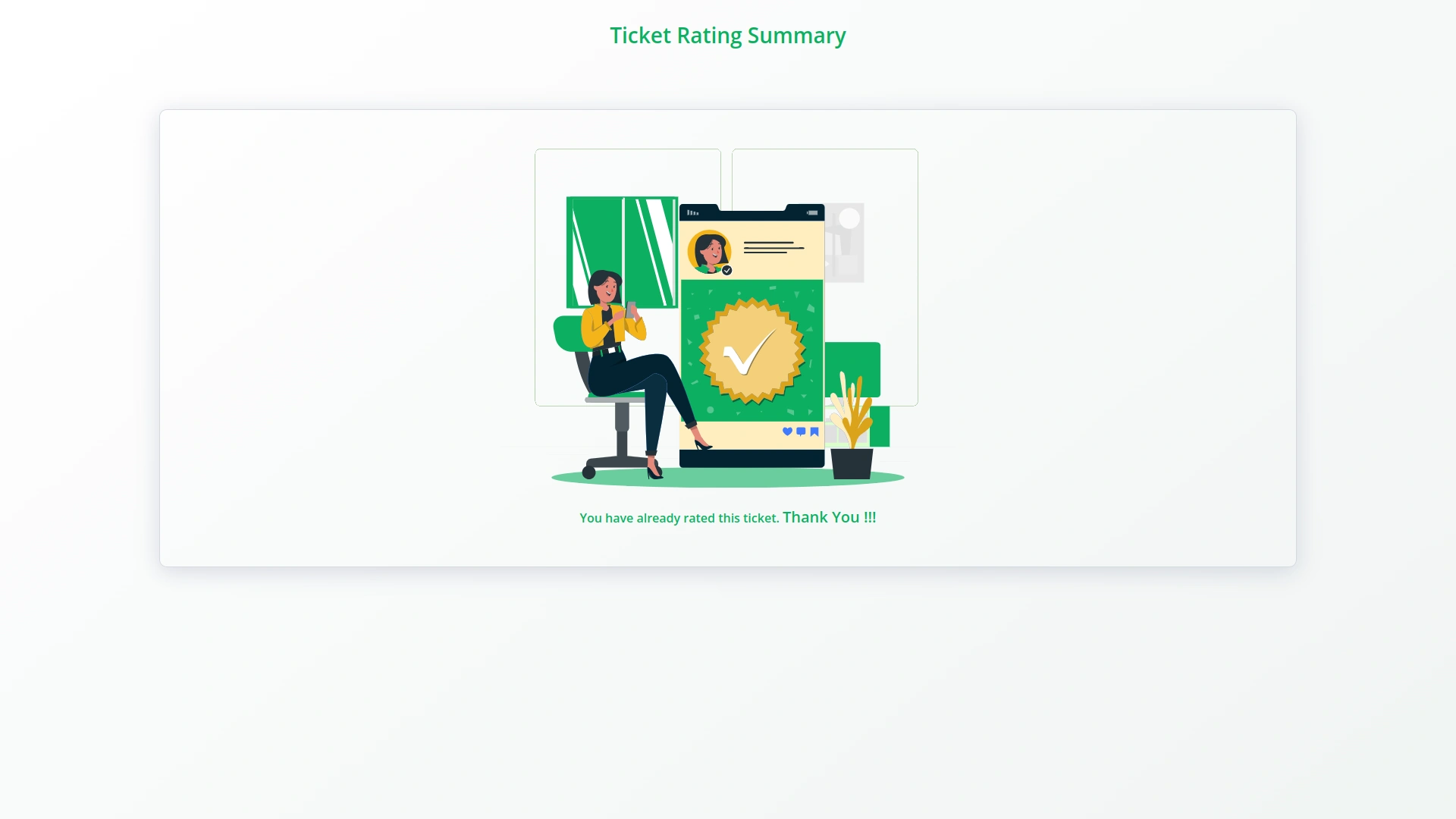
To explore the functionality and usage of these Add-Ons, refer to the accompanying screenshots for step-by-step instructions on how to maximize their features.
Discover More Add-Ons
Unlock even more functionality with additional Add-Ons, providing enhanced networking and customization options for your TicketGo Add-Ons experience.

Slack
Enhance your team’s communication and efficiency with the Slack integration in TicketGo. This powerful add-on allows your team to receive real-time updates, notifications, and ticket status changes directly in your Slack channels, streamlining your support ticketing workflow. By integrating Slack with TicketGo, you eliminate the need to juggle multiple platforms. Whether it’s assigning tickets, tracking progress, or resolving customer issues, the integration ensures your team stays informed, connected, and proactive, leading to faster resolution times and better project management.

Instagram Chat
Customers often feel uncertain when they don’t receive an immediate response after submitting a query. The Auto Reply module addresses this concern by instantly sending a predefined message, confirming that the support team has received the request.

Tags
Adding and managing tags is simple. Agents can create, edit, or remove tags as needed. You can assign tags when creating a ticket or update them later if necessary. If your business process changes, you can easily modify tags to keep everything up to date. Color-coded tags make it even easier to recognize different types of tickets at a glance, improving the way you handle support requests.

Make
Make transforms TicketGo into a dynamic, automated support system, eliminating repetitive tasks and streamlining workflows. Whether it’s user creation, ticket creation, user updates, user deletes, or ticket deletes, Make connects TicketGo to your favorite apps, reducing manual work and increasing efficiency. No coding is required just seamless automation that keeps your team focused on what truly matters: delivering exceptional support.
Easy-to-follow documentation accelerates deployment setup
The structured categories kept our workflow clean and easy to manage
Clean design layout
Actionable insights from ratings help refine ticket handling, elevate service standards, and improve customer satisfaction and retention .