
Benefits of Using the ChatPin Module
The ChatPin module offers several key benefits for businesses using TicketGo. By pinning important conversations, users can ensure that high-priority tickets are always visible and addressed quickly, improving response times and customer satisfaction. This feature helps to keep ticket management organized, preventing important issues from being buried under less urgent tasks. With the ability to pin conversations, agents can stay focused on the most critical matters, which enhances overall workflow efficiency.
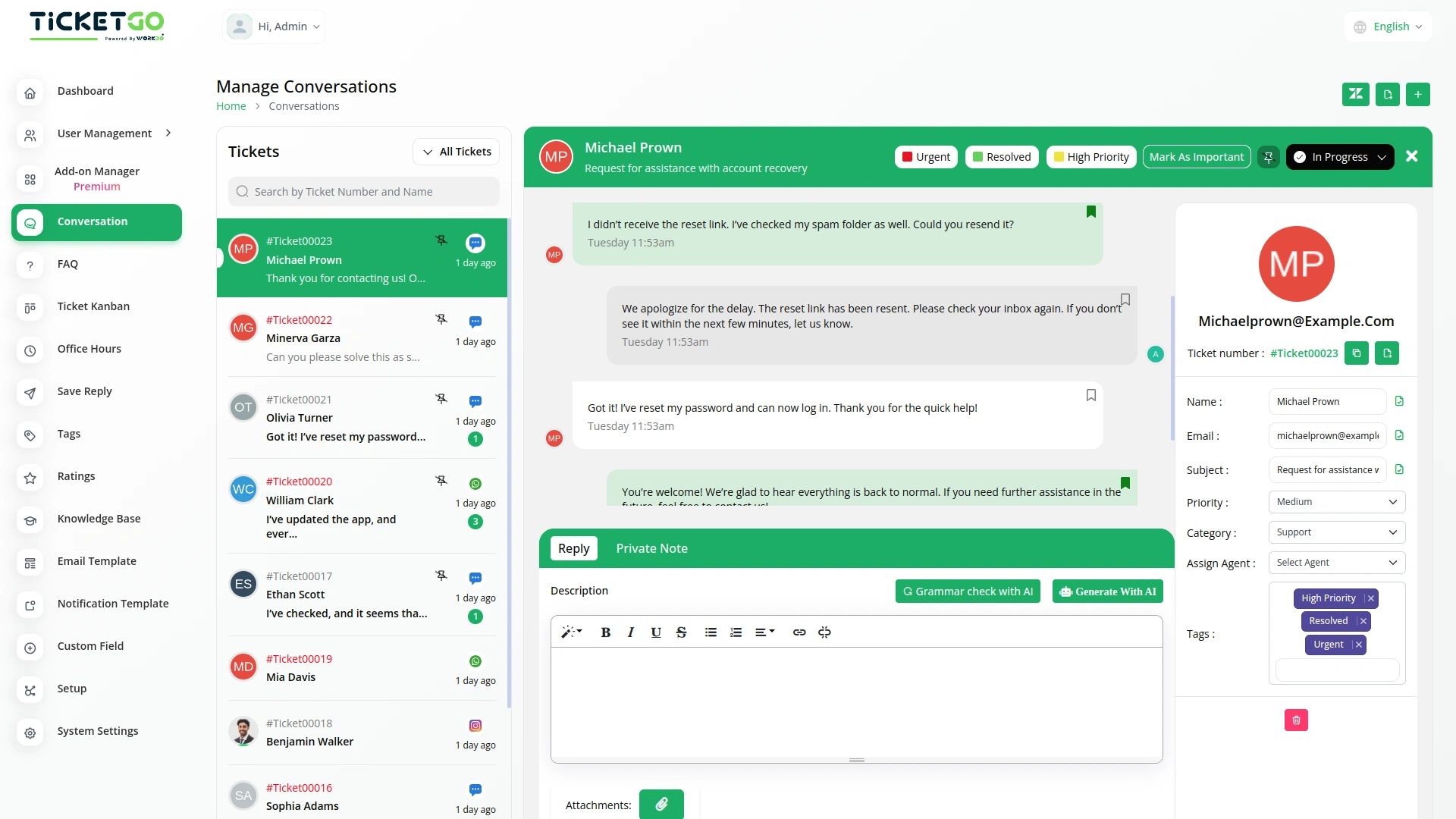
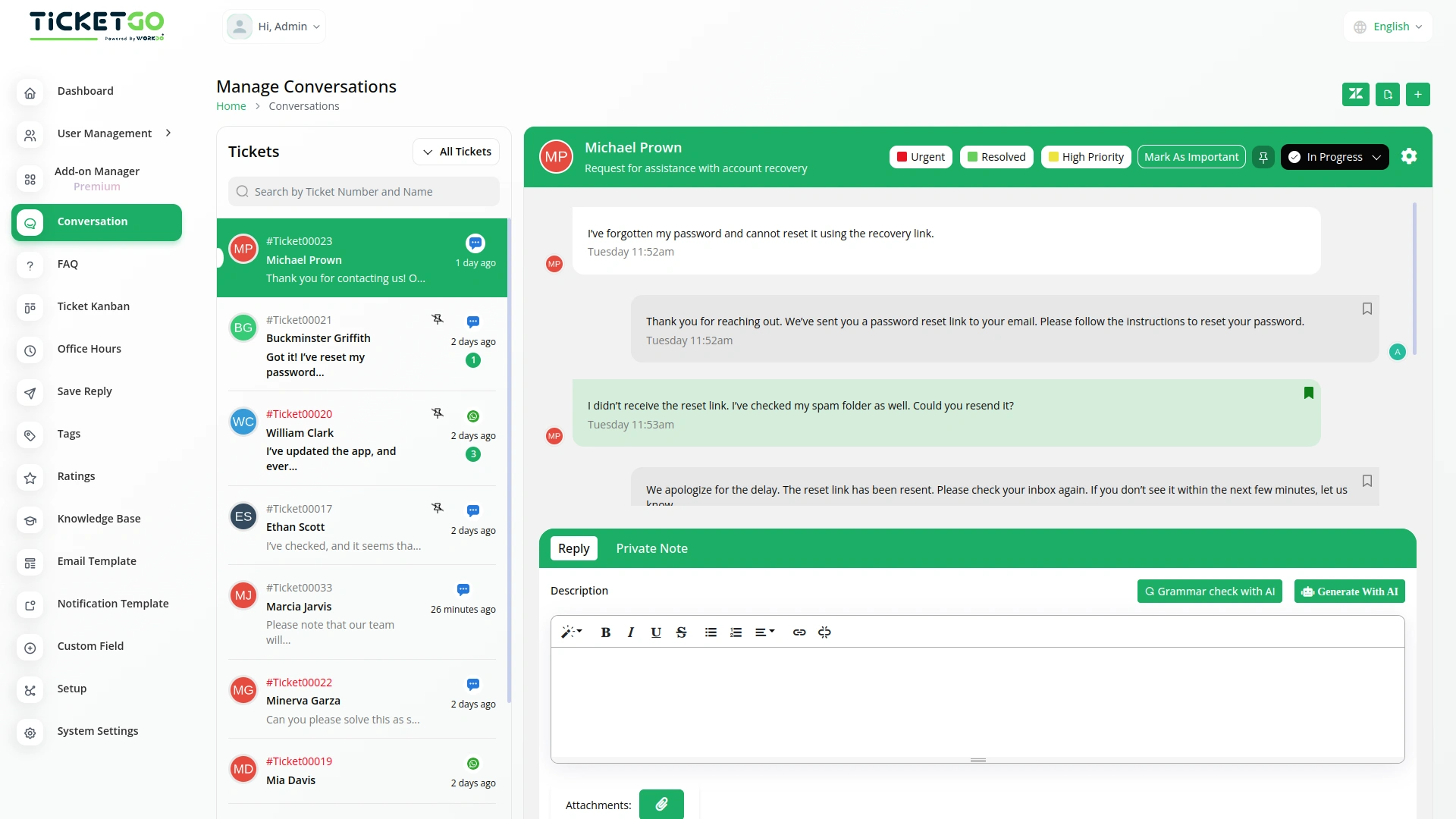
Resolving Issues with the ChatPin Module
If the ChatPin feature is not working as expected, first ensure that the module is enabled in your TicketGo account. If pinned conversations aren’t staying at the top or are behaving unexpectedly, check if there are any settings that may be affecting the visibility of pinned chats. Additionally, make sure that the user interface is functioning correctly. If issues continue, the TicketGo support team is available to assist and ensure that the ChatPin module works smoothly, allowing you to manage high-priority conversations effectively.
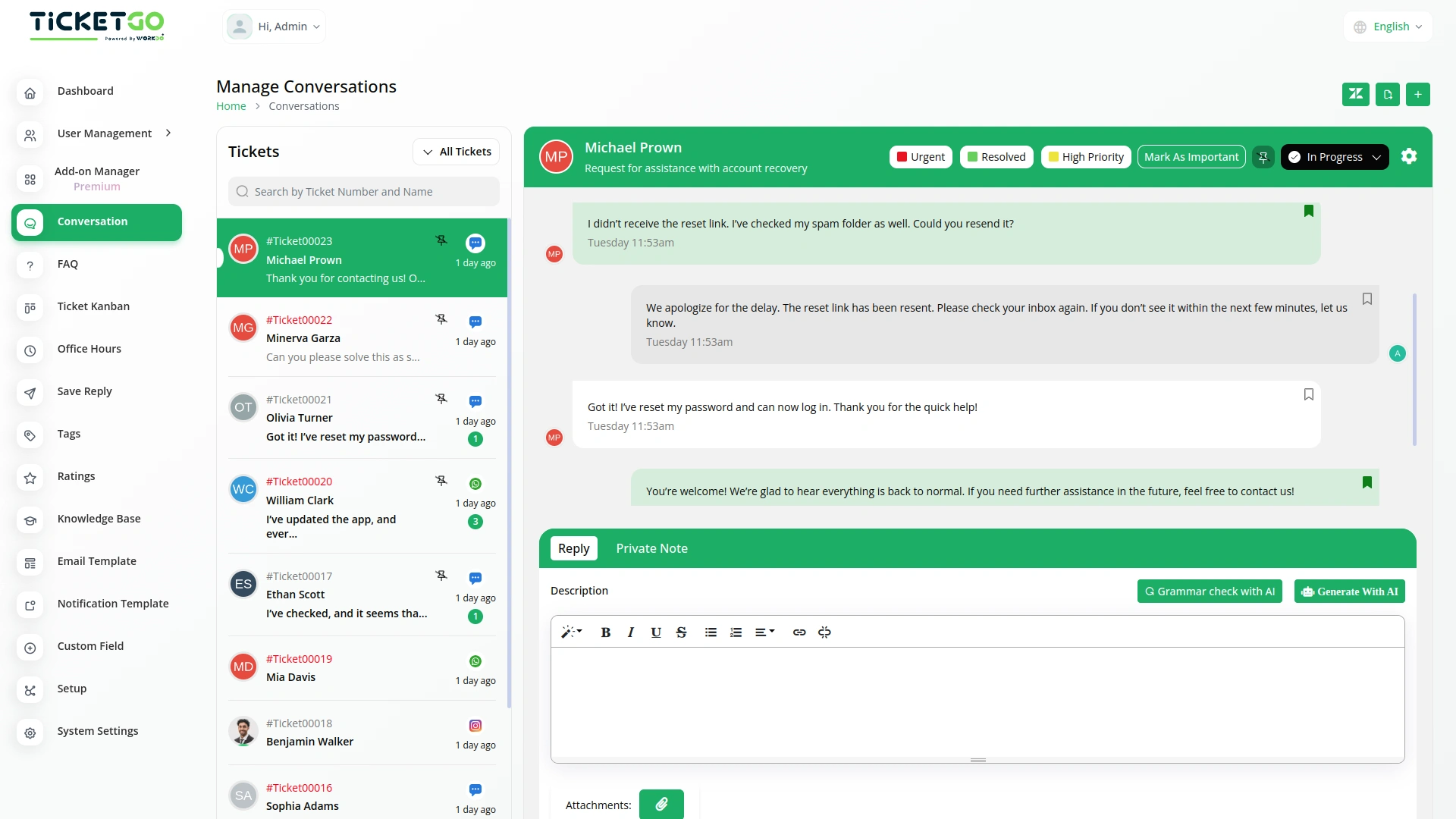
Screenshots from our system
To explore the functionality and usage of these Add-Ons, refer to the accompanying screenshots for step-by-step instructions on how to maximize their features.
Discover More Add-Ons
Unlock even more functionality with additional Add-Ons, providing enhanced networking and customization options for your TicketGo Add-Ons experience.

Facebook Chat
The Facebook Chat module on TicketGo allows businesses to handle all their customer conversations in one place without needing to switch between platforms.

Msg91
The MSG91 integration in TicketGo enables businesses to automate SMS notifications for various ticketing events, ensuring that all stakeholders—including customers, agents, and admins—receive timely updates. With this integration, businesses can enhance customer support efficiency, improve communication flow, and keep everyone informed in real time. By leveraging MSG91’s powerful messaging platform, TicketGo users can streamline their processes and offer superior customer service through SMS alerts, reducing response times and improving overall ticket management.

Twilio
The Twilio integration in TicketGo revolutionizes how you communicate with your customers, making it easier than ever to stay connected through SMS. By automating ticket updates, notifications, and alerts, Twilio ensures that your team and customers are always on the same page, without the need for constant manual updates. From the moment a ticket is created to when it's resolved, Twilio keeps your communication streamlined and efficient, saving your team valuable time while enhancing the customer experience.
Webhook
In the fast-paced world of customer support, instant communication is the key to efficiency. With TicketGo’s powerful webhook integration, businesses can automate workflows, ensuring real-time data sharing between TicketGo and external applications. Whether it's updating CRMs, notifying teams on Slack, or synchronizing analytics tools, webhooks eliminate the need for manual intervention. The result? A faster, smarter, and more connected support system that helps businesses scale effortlessly.
Scalable architecture supports long-term business expansion
Features add extra value
Documentation includes visuals and diagrams