
Real-Time Notifications for Instant Updates
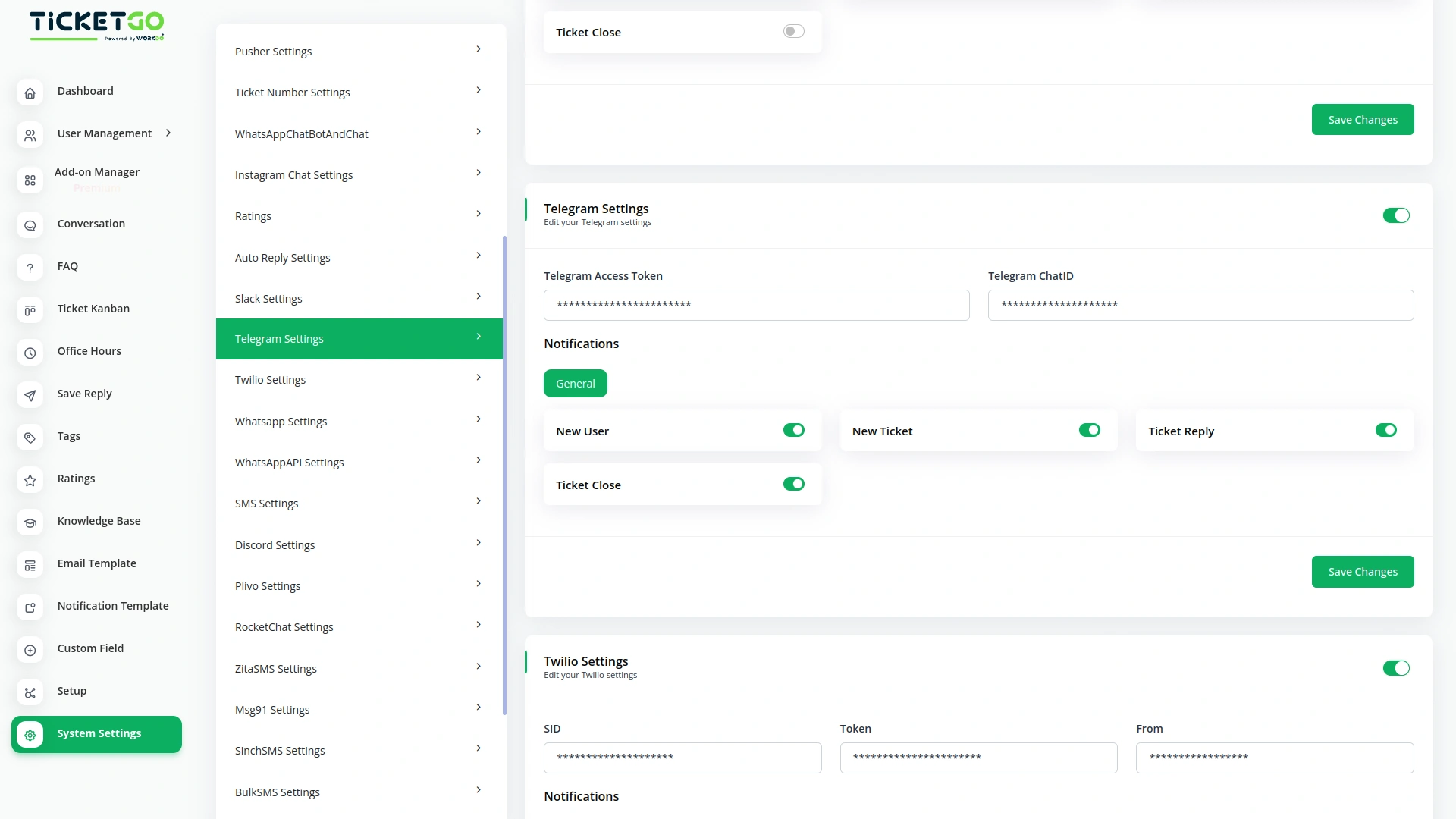
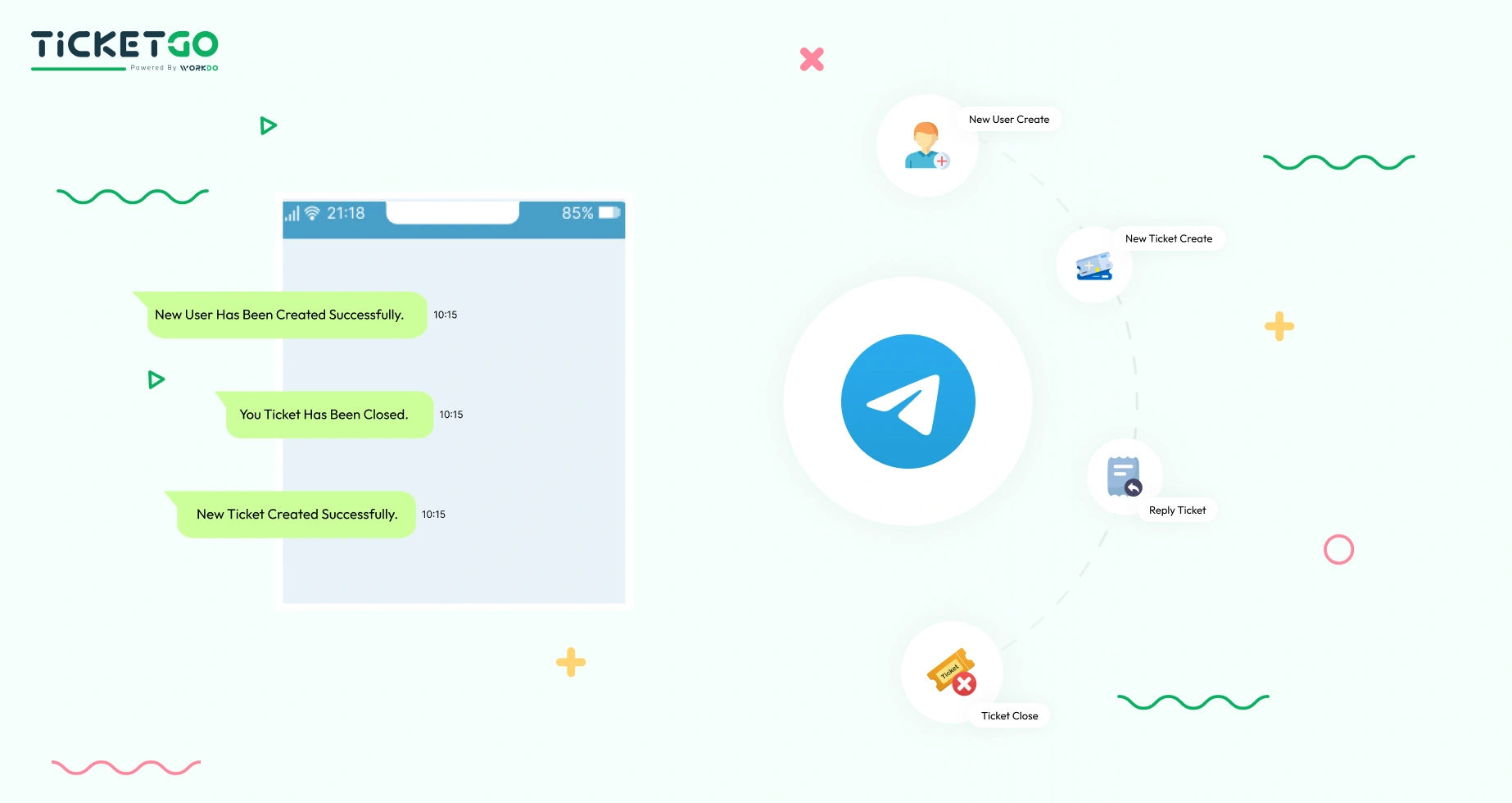
With Telegram integration, you receive instant alerts about essential activities, such as new user registrations, ticket assignments, replies, and closures. This ensures that your support team stays updated and can address issues proactively. Customizable notification preferences allow businesses to choose which events trigger alerts, ensuring that only relevant updates are received. This feature streamlines communication and enhances productivity by minimizing delays in response time.
Effortless Two-Way Communication
This integration offers a two-way communication channel between support agents and customers. Users can send messages directly via Telegram, and these messages automatically generate support tickets within TicketGo. This efficient exchange of information enhances customer engagement, providing a convenient way for users to interact with support teams. Agents can also respond to inquiries from Telegram, ensuring a smooth and effective resolution process without requiring customers to leave the messaging app.
Screenshots from our system
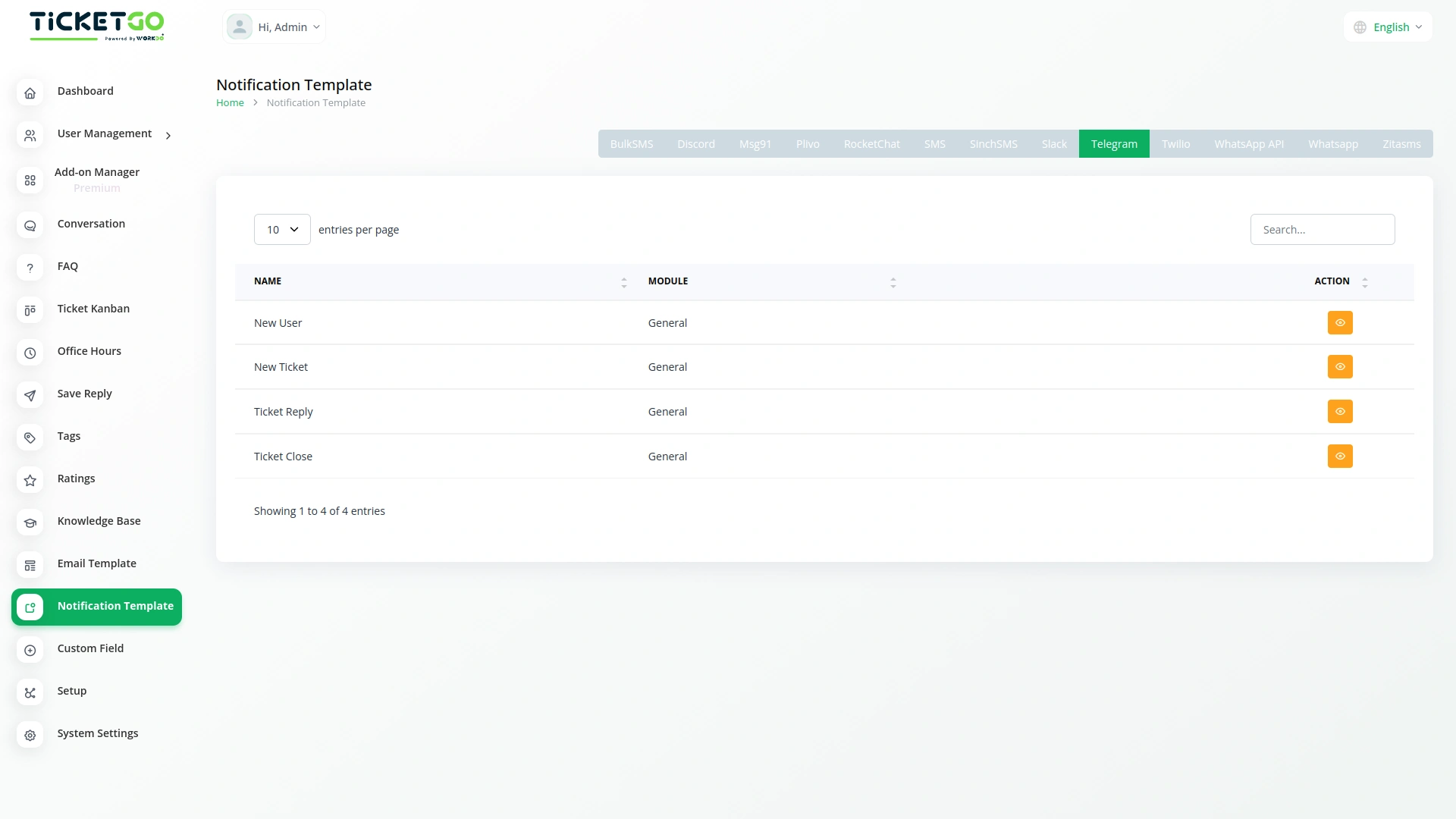
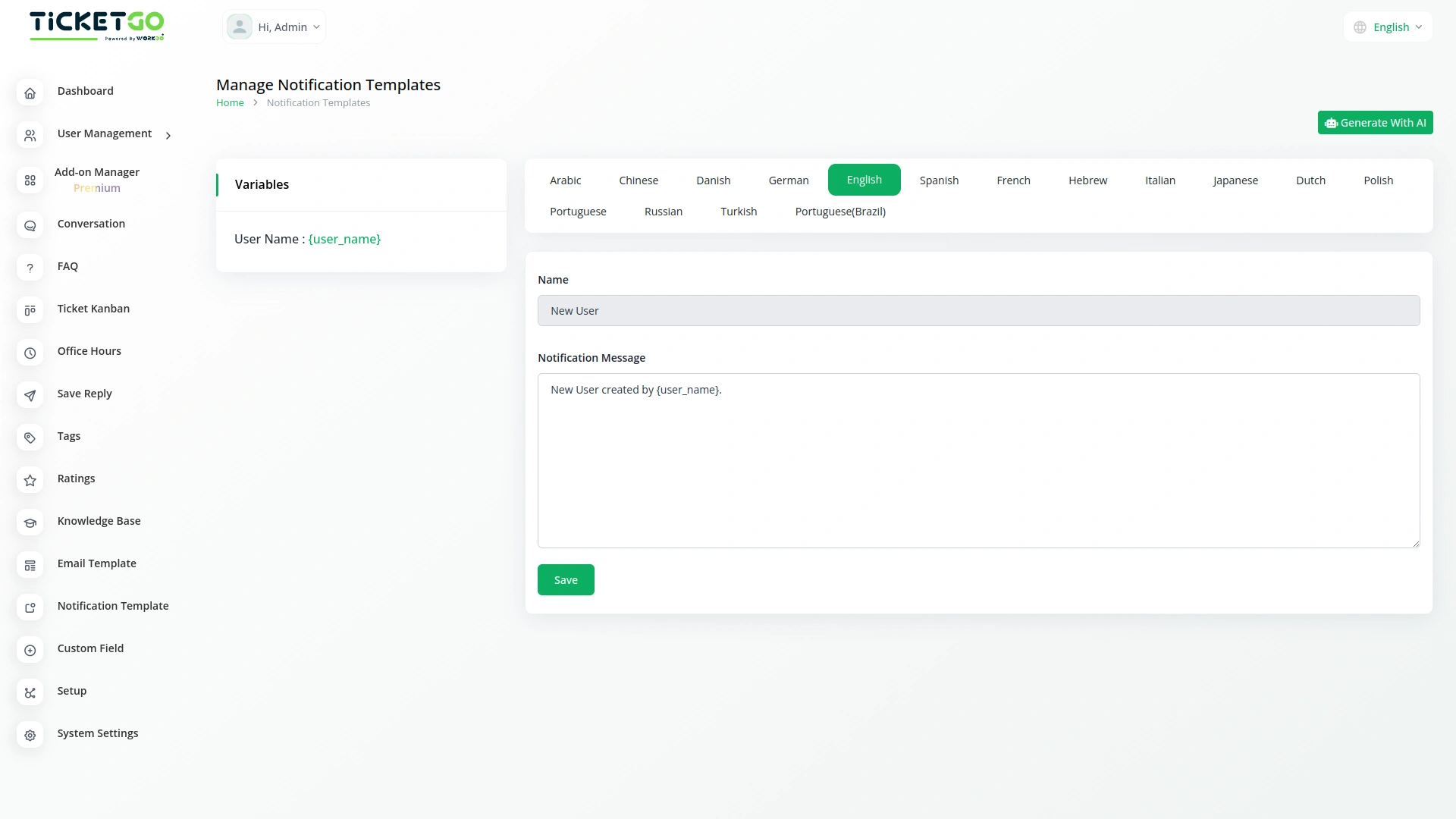
To explore the functionality and usage of these Add-Ons, refer to the accompanying screenshots for step-by-step instructions on how to maximize their features.

Discover More Add-Ons
Unlock even more functionality with additional Add-Ons, providing enhanced networking and customization options for your TicketGo Add-Ons experience.

Slack
Enhance your team’s communication and efficiency with the Slack integration in TicketGo. This powerful add-on allows your team to receive real-time updates, notifications, and ticket status changes directly in your Slack channels, streamlining your support ticketing workflow. By integrating Slack with TicketGo, you eliminate the need to juggle multiple platforms. Whether it’s assigning tickets, tracking progress, or resolving customer issues, the integration ensures your team stays informed, connected, and proactive, leading to faster resolution times and better project management.

Telegram
The Telegram integration with TicketGo provides a powerful and efficient way to stay connected with your support system. By linking Telegram to TicketGo, businesses can receive real-time notifications for critical events, ensuring quick responses and better service management. Whether it's task assignments, ticket updates, or invoice modifications, this integration keeps you informed instantly. The setup process is straightforward, allowing administrators to configure their Telegram credentials effortlessly and start benefiting from immediate notifications.


WhatsApp Chatbot & Chat
The WhatsApp Chatbot Addon in TicketGo enables customers to create support tickets effortlessly through WhatsApp. Instead of navigating through a website or app, users can simply send a message detailing their issue, and the chatbot will capture the necessary information to generate a ticket. This eliminates long wait times and ensures that queries are logged into the system instantly, allowing for a quick and efficient resolution process.
Strong synchronization between modules improves workflow accuracy
Great performance even with heavy usage