
Supported Countries: Nepal
Supported Currencies: NPR (Nepalese Rupee)
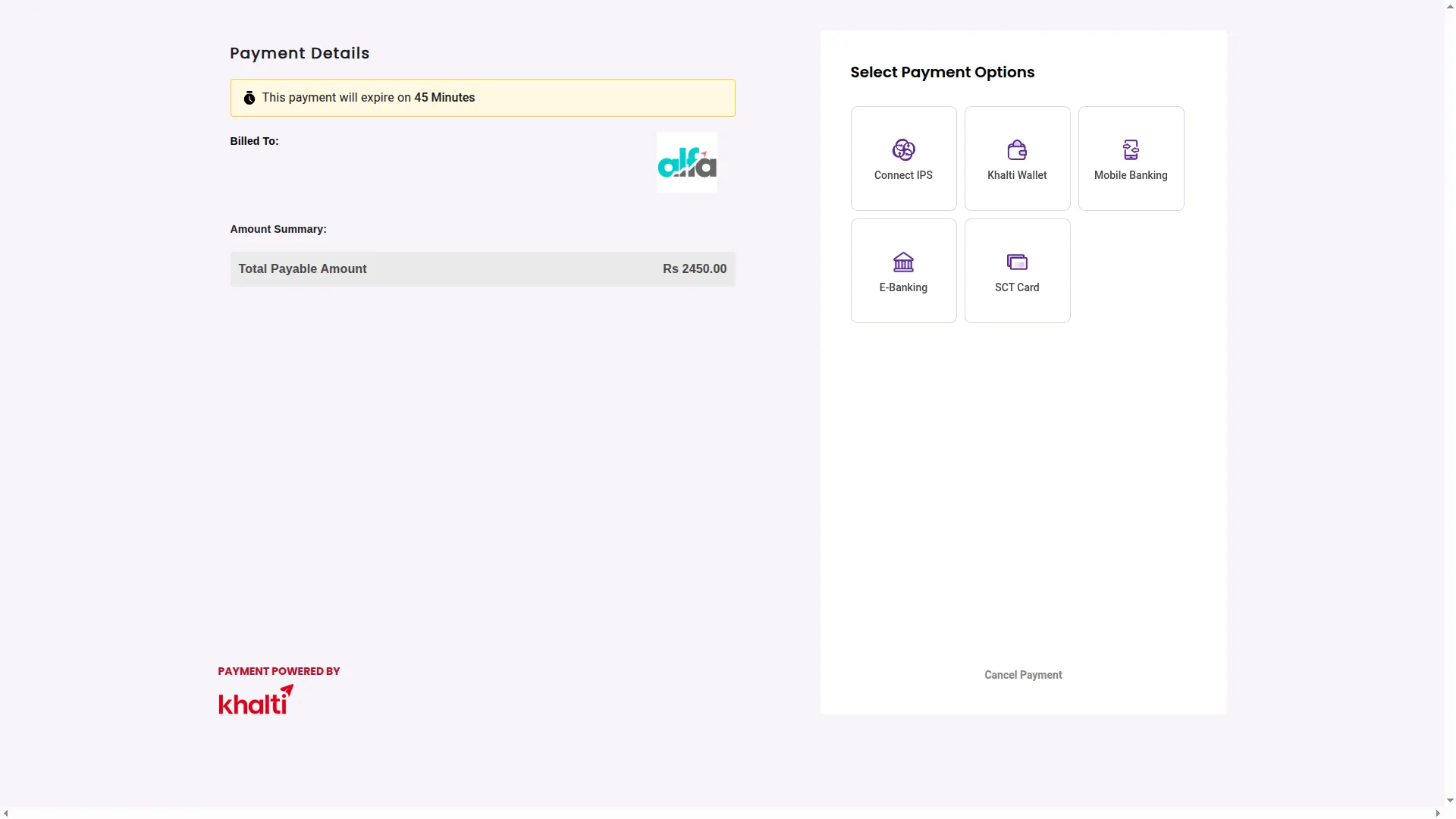
Khalti is a leading digital payment gateway designed to help businesses across Nepal accept secure and convenient online payments with ease. It connects merchants to a broad local customer base by supporting a range of payment methods, including E-banking, SCT cards, and locally preferred options. With a straightforward API, real-time transaction processing, and strong security standards, Khalti streamlines the entire payment experience and helps businesses of all sizes manage their financial operations efficiently and reliably.
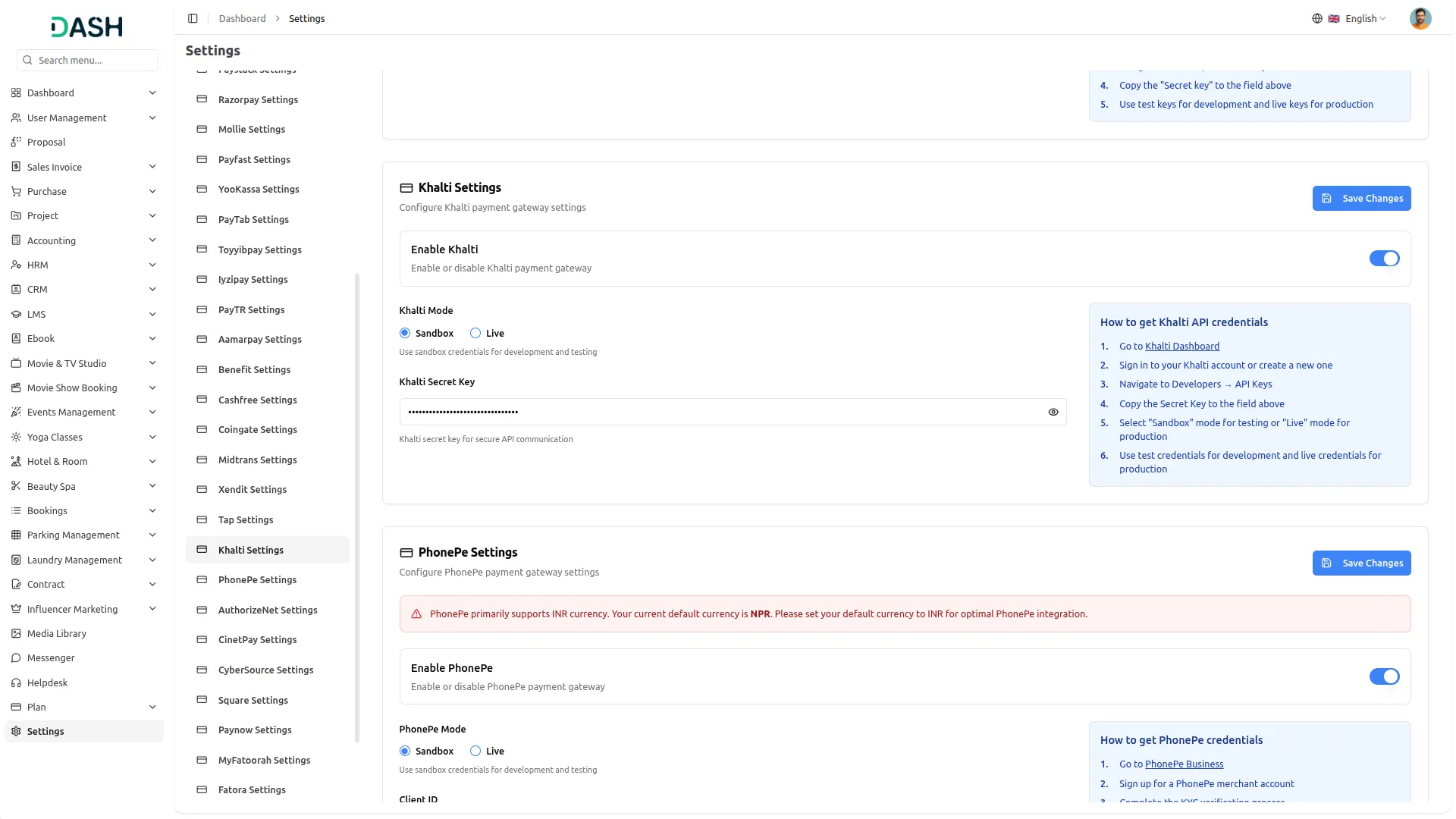
API Key Settings Page for Khalti Integration
The API Key Settings Page allows you to establish a secure and seamless connection between your platform and the Khalti payment gateway. By entering your credentials here, your system gains the ability to interact with Khalti services for smooth and reliable payment processing across all transaction types. Superadmin and Company accounts use separate integration setups, but both follow a unified integration structure to ensure consistency. The Superadmin focuses on subscription-based plan payments, while the Company manages customer-facing invoices, retainer billing, and other one-time transactions, ensuring a consistent and easy-to-use experience across the platform.
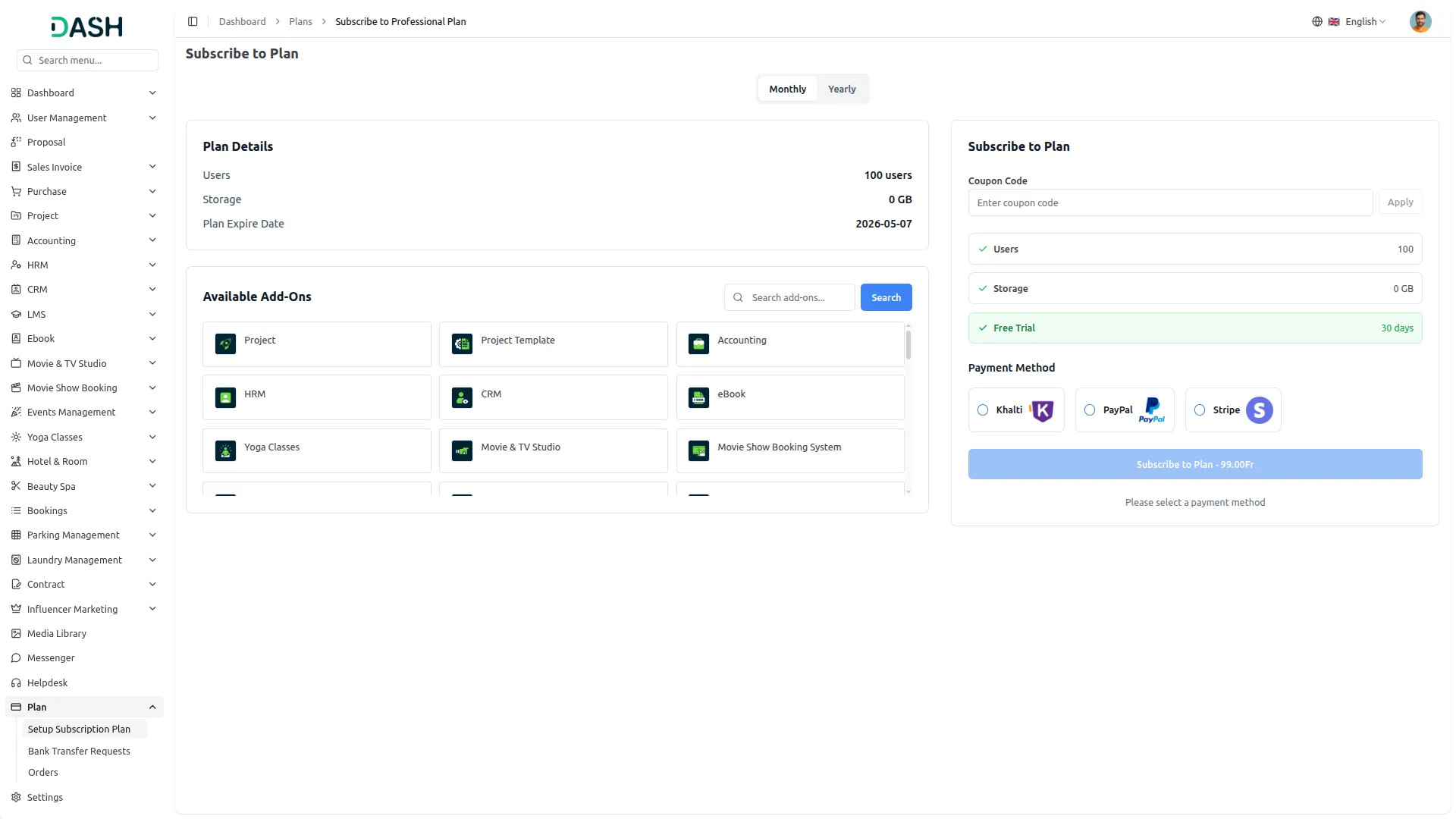
Seamless Plan Payments
This payment method operates on the Superadmin side, enabling customers to purchase platform plans through a secure and straightforward one-time payment process. All transactions are processed reliably through Khalti and updated in real time, ensuring complete accuracy and full financial transparency at every stage.
Payment Management
This payment method is used on the Company side to collect payments across a range of business services and customer transactions, including invoice collections and retainer billing. Companies can accept digital payments from their customers through Khalti using locally trusted and widely used payment methods, all processed securely with real-time tracking and complete transaction visibility.
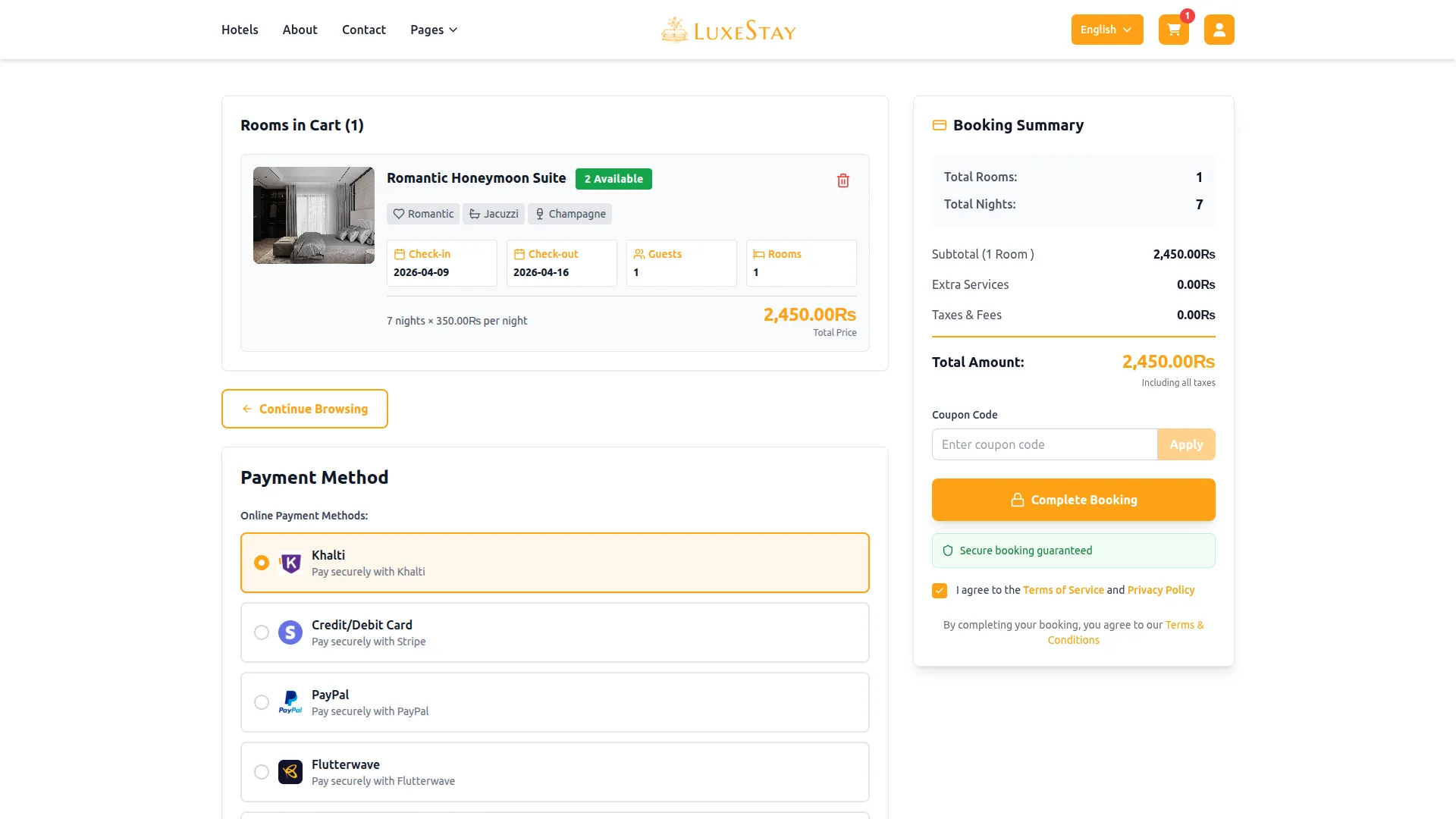
Screenshots from our system
To explore the functionality and usage of these Add-Ons, refer to the accompanying screenshots for step-by-step instructions on how to maximize their features.
Discover More Add-Ons
Unlock even more functionality with additional Add-Ons, providing enhanced networking and customization options for your Dash SaaS experience.

google-wallet
Google Wallet integration allows you to store and access your digital business cards directly from the Google Wallet app.

Vehicle Trade
The Vehicle Trade Management addon offers a complete end-to-end solution for handling vehicle listings, transactions, and ownership records. It streamlines the entire lifecycle from adding detailed vehicle specs and condition reports to tracking buyer-seller interactions, financial breakdowns, and insurance coverage.


AuthorizeNet
AuthorizeNet is a trusted payment gateway that helps businesses accept online and in-store payments securely.
The interface is clean and easy to understand