
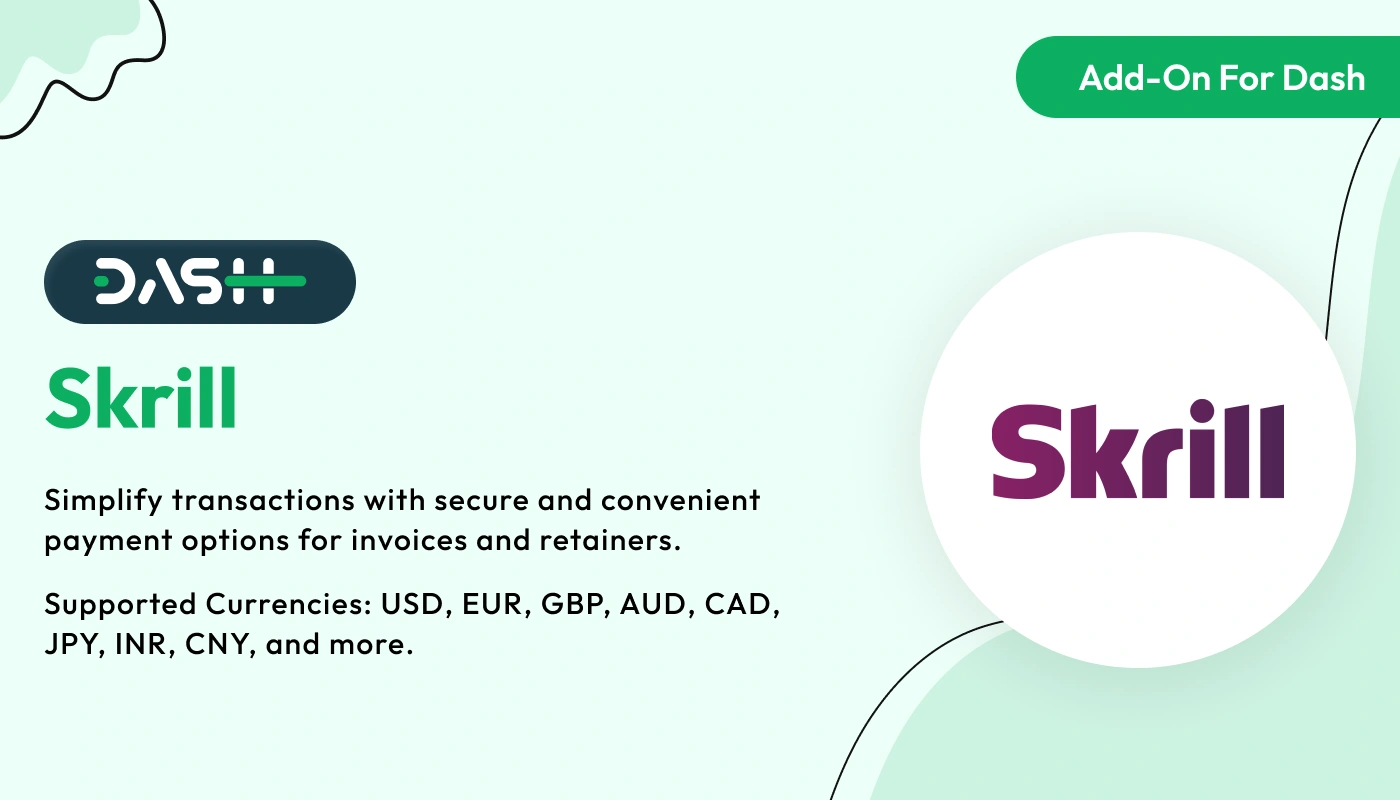
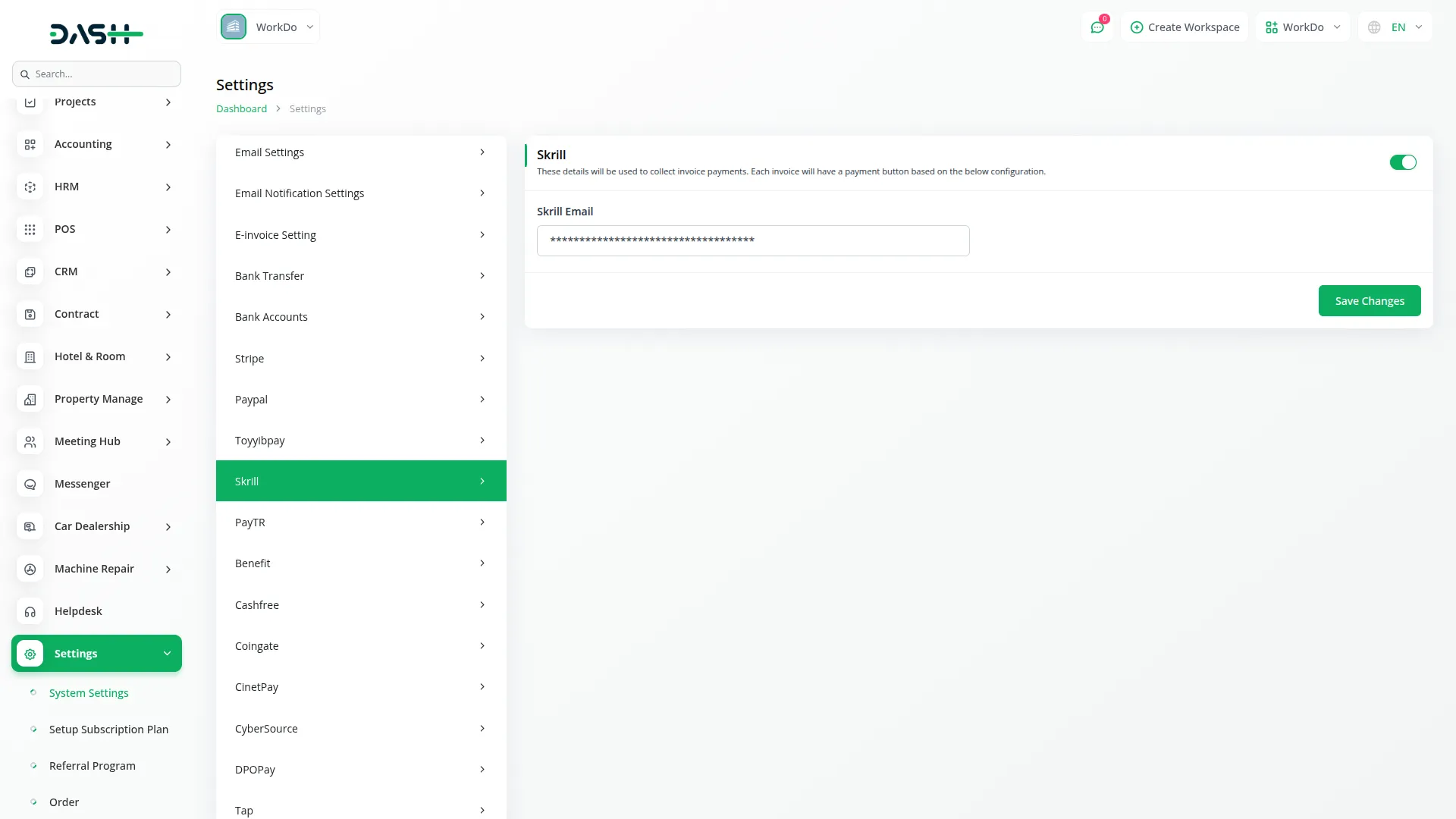
API Key Settings Page for Skrill Integration
The API Key Settings Page for Skrill Integration allows you to securely connect your application or website with the Skrill payment gateway. By configuring your API keys on this page, you enable your platform to interact with Skrill services, providing seamless payment processing and transaction management. Both Superadmin and Company accounts can utilize this integration, though each has a specific focus. The Superadmin integration is primarily for handling subscription-based payments, while the Company integration handles payments related to invoices and other one-time transactions. Both roles share the same integration setup, ensuring ease of use and consistency across the platform.
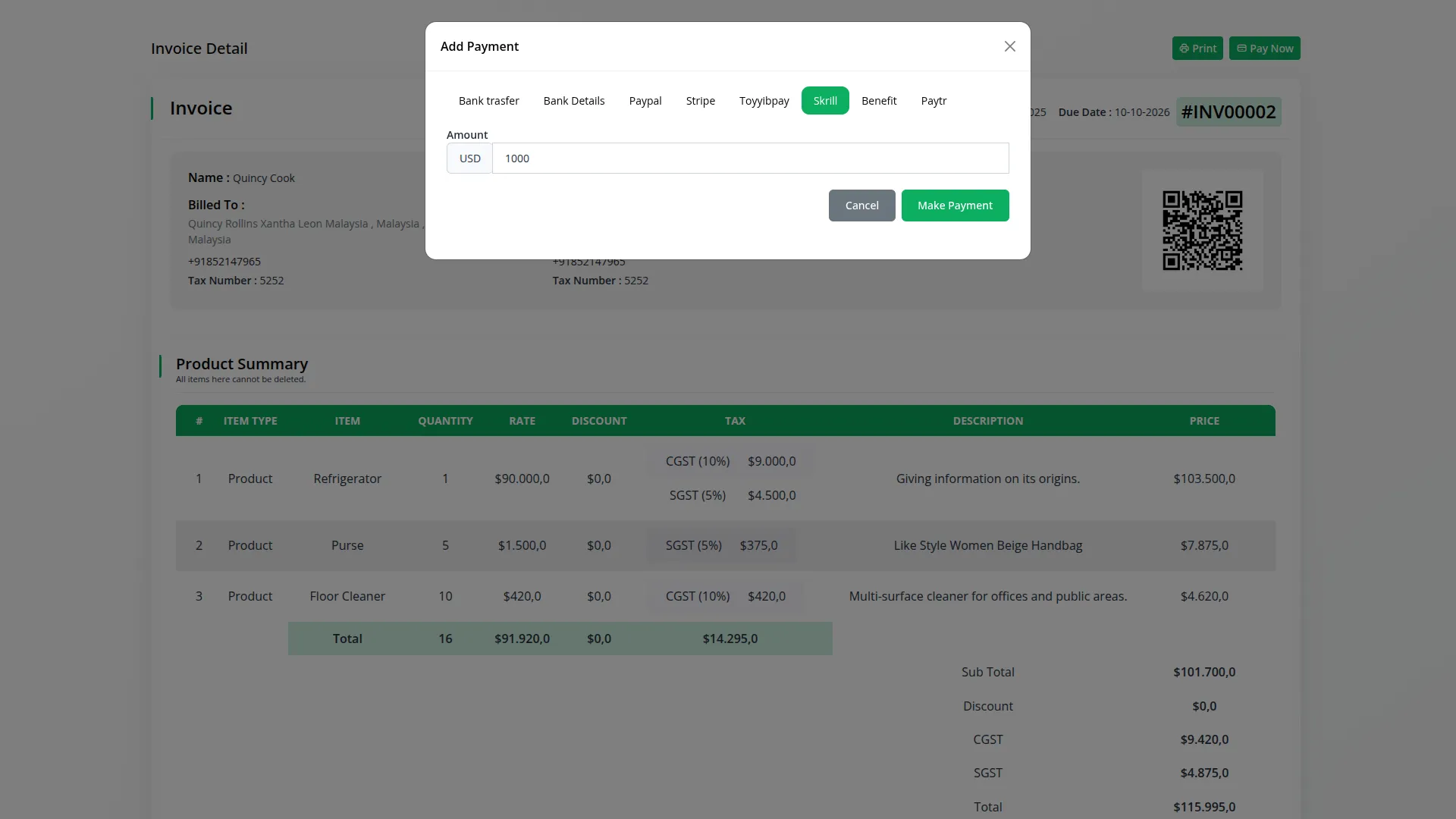
Invoices Made Easy
Simplify your billing process with Skrill Payment’s electronic invoice generation. Create, send, and manage retainer invoices for advance payments and sales invoices for completed transactions with ease. Ensure secure delivery and provide customers with a hassle-free payment experience.
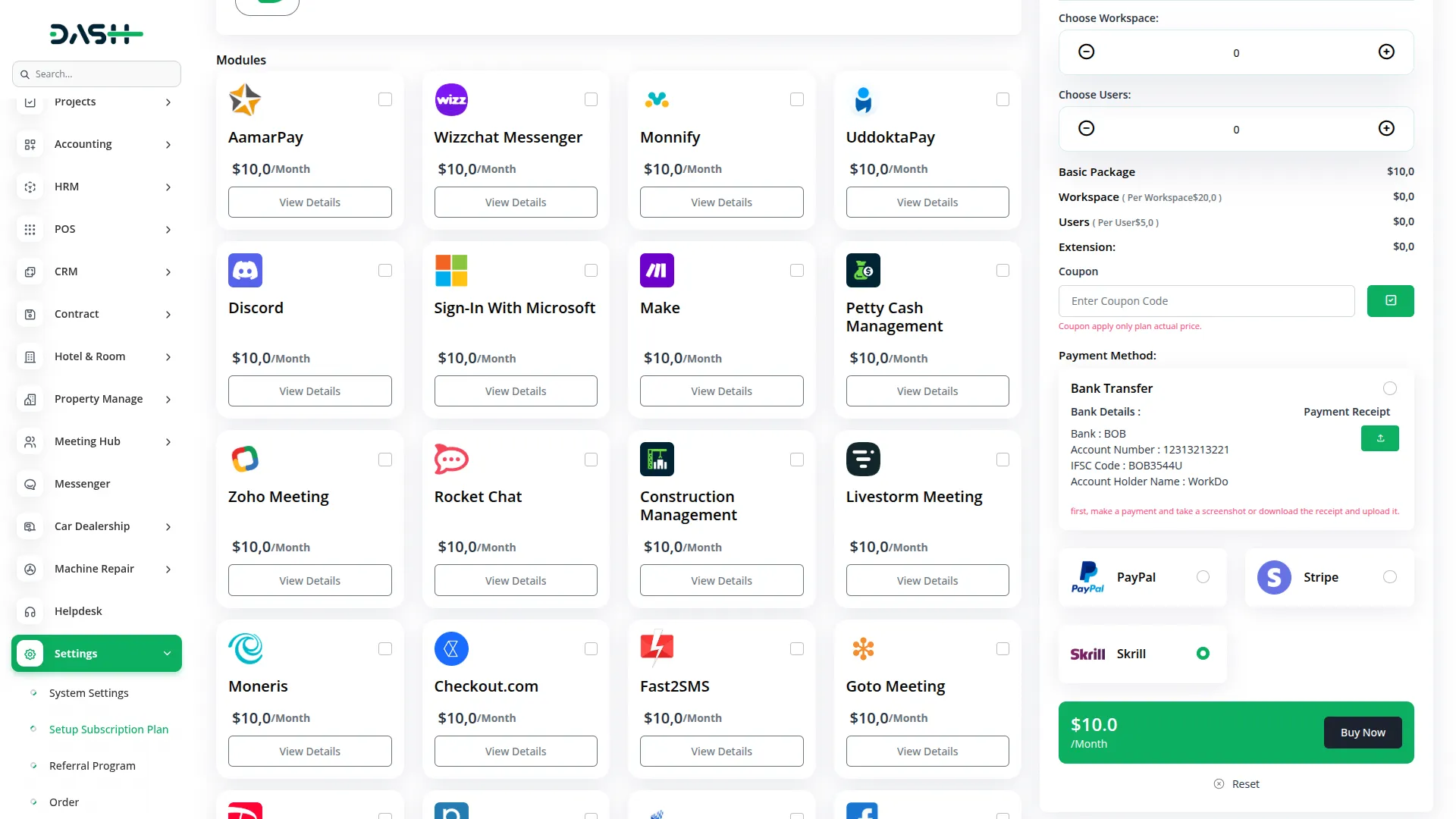
Seamless Plan Payments
Skrill Payment allows you to manage recurring payments for subscription-based plans effortlessly. Enable customers to initiate and authorize plan payments securely, ensuring a smooth and consistent payment process for ongoing services.
- Plan
- Invoice
- Retainer
- LMS
- Hotel Room Management
- More +
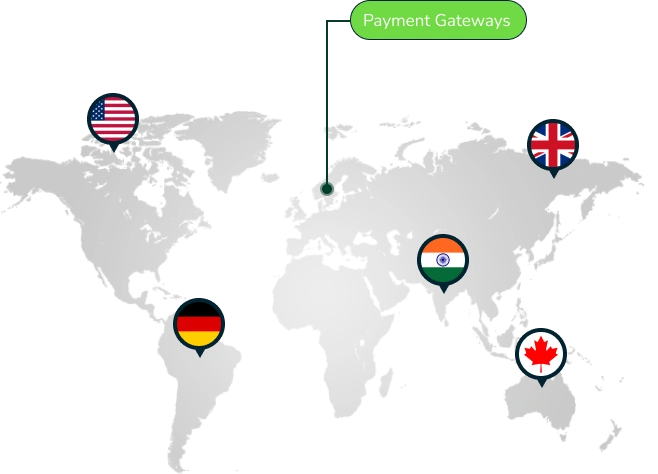
| Currency Name | Country |
|---|---|
| United States Dollar (USD) | United States |
| British Pound Sterling (GBP) | United Kingdom |
| Canadian Dollar (CAD) | Canada |
| Australian Dollar (AUD) | Australia |
| Euro (EUR) | Germany |
| Euro (EUR) | France |
| Euro (EUR) | Spain |
| Euro (EUR) | Italy |
| Brazilian Real (BRL) | Brazil |
| Indian Rupee (INR) | India |
| South African Rand (ZAR) | South Africa |
| Japanese Yen (JPY) | Japan |
Screenshots from our system
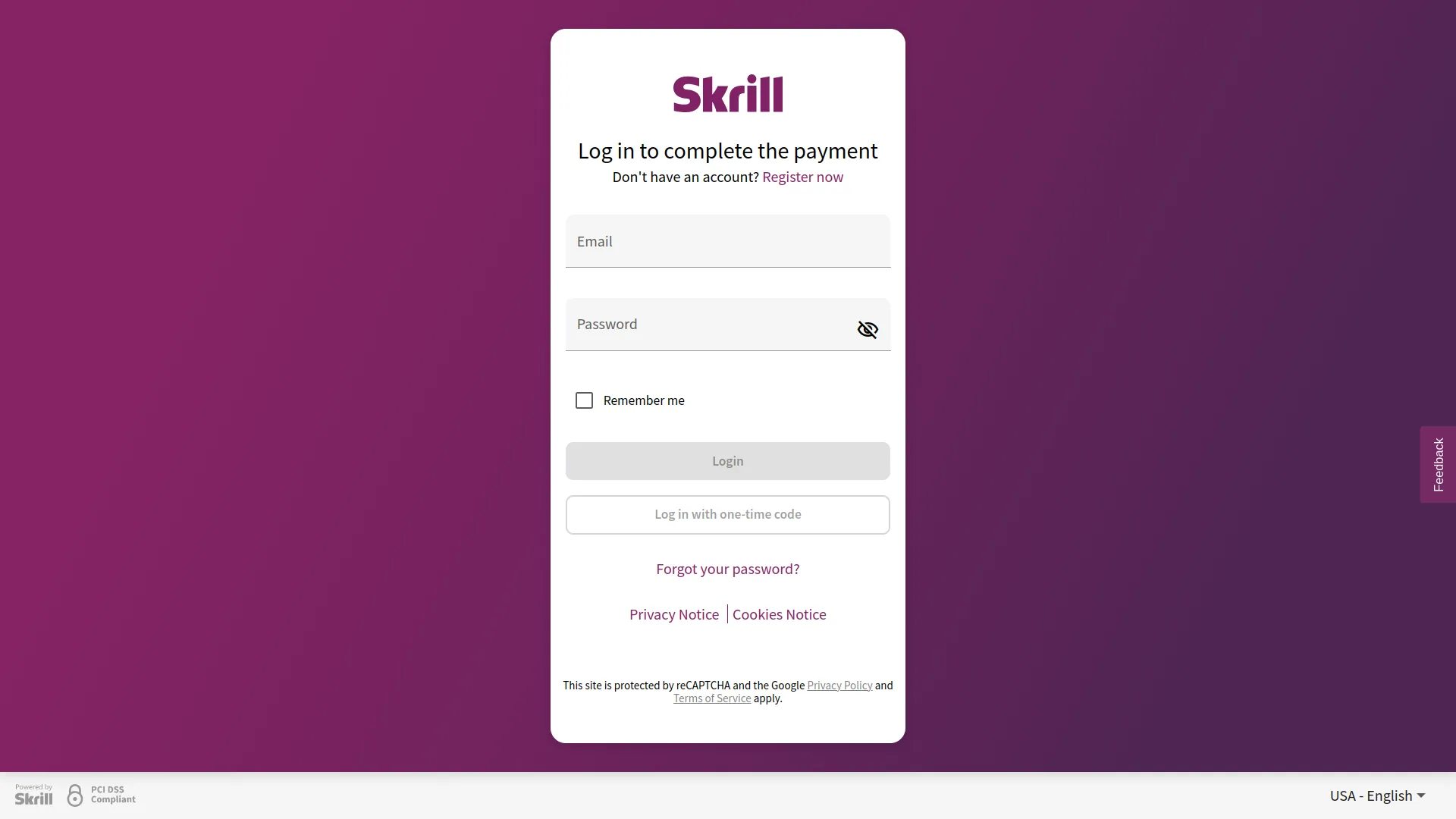
To explore the functionality and usage of these Add-Ons, refer to the accompanying screenshots for step-by-step instructions on how to maximize their features.
Discover More Add-Ons
Unlock even more functionality with additional Add-Ons, providing enhanced networking and customization options for your Dash SaaS experience.


Sign-In With Facebook
Simplify the login process for your users with the Sign In with Facebook module in Dash SaaS. This feature allows users to securely sign in using their Facebook credentials, eliminating the need to remember another set of login details.
View More

Restaurant Menu
Enhance your restaurant’s digital experience with the Restaurant Menu Add-On. Customers can easily browse the menu, scan QR codes for table orders, customize their selections with toppings and sizes, and track their order status seamlessly.
View More4 reviews for Skrill – Dash SaaS Add-On
| 5 star | 75% | |
| 4 star | 25% | |
| 3 star | 0% | |
| 2 star | 0% | |
| 1 star | 0% |
Comments
You must be logged in to post a comment.
There are no comment yet.
Contact Us for Support :
-
You will get immediate support from our support desk. Please visit here https://support.workdo.io/
Item support includes:
- Answer pre-sale questions or query
- Answering technical questions about item's features
- Assistance with reported bugs and issues
- Help with included 3rd party assets
- Free Installation services in some cases
However, item support does not include:
- Customization services
Check Documents & Tutorials
really loved the product
the Team deserve 5 Star for following reason; 1- Customer Support2- Feature Availability3- Design Quality 4- Documentation Quality
Excellent customer service, highly recommend!