
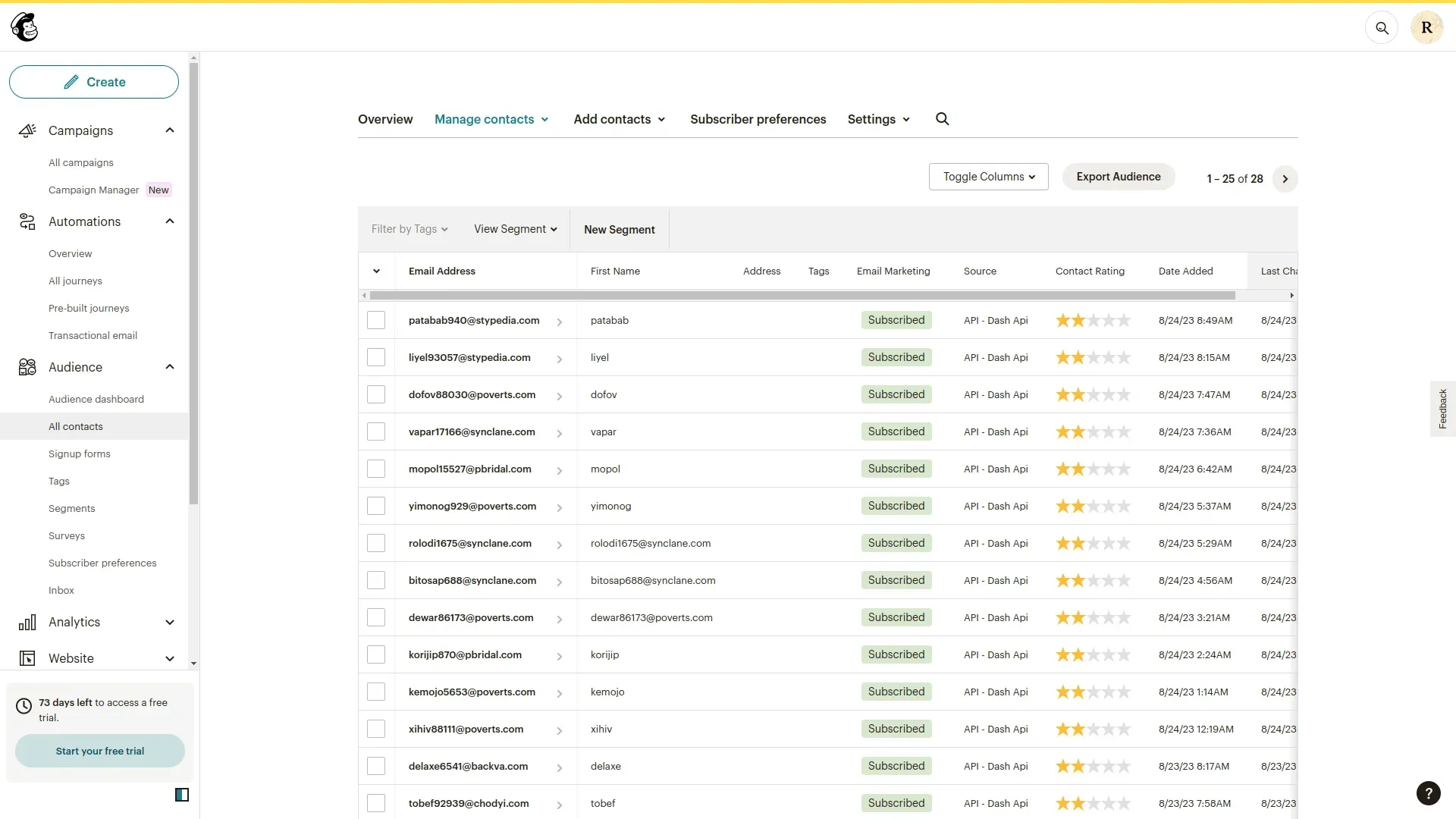
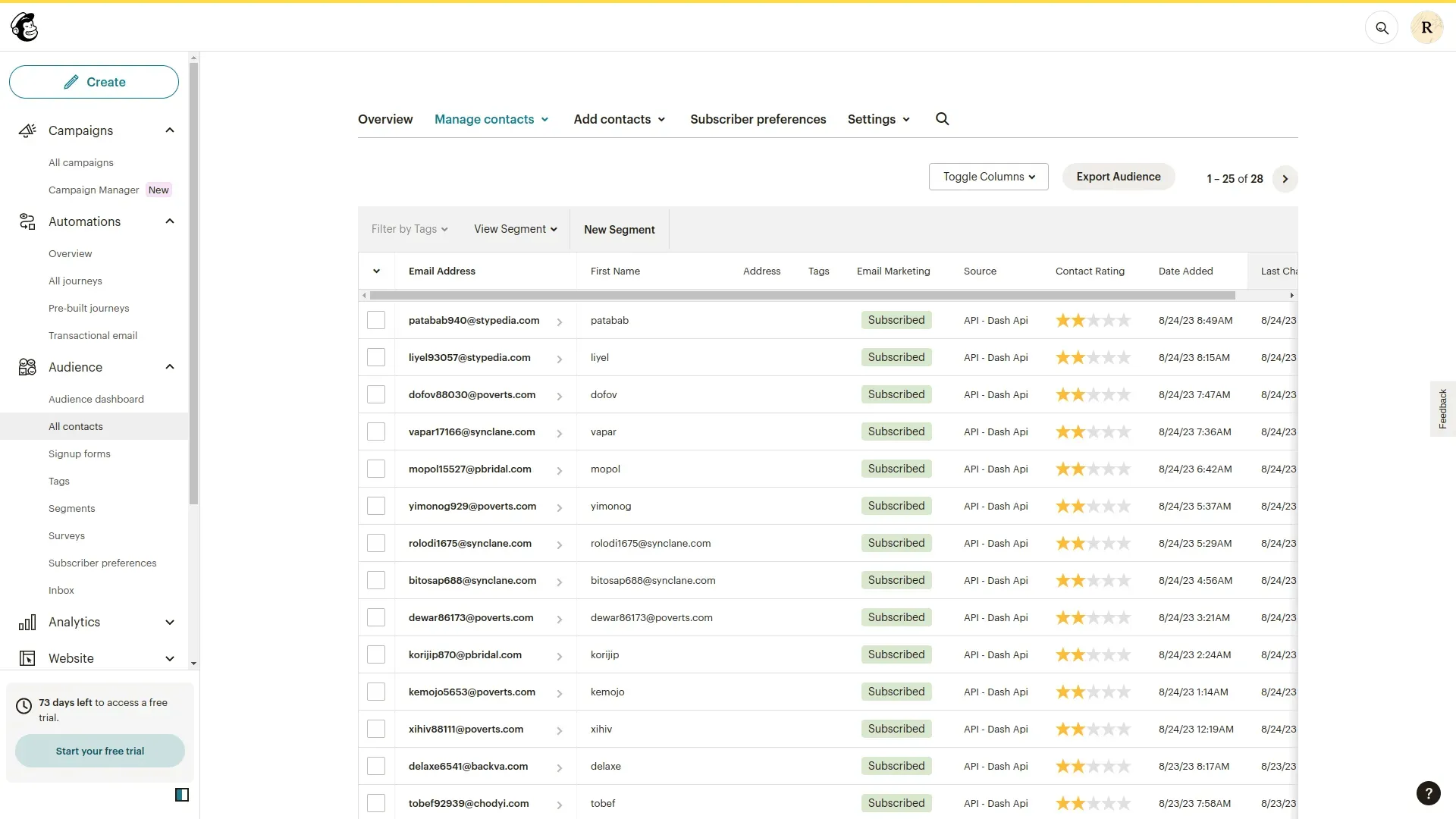
The Mailchimp Add-On seamlessly connects your platform with Mailchimp, empowering you to manage email marketing campaigns and automate customer communications more effectively. With this integration, you can automatically sync contacts from your Accounting or other Add-Ons, ensuring your audience lists are always up to date. Create and send targeted email campaigns based on customer behavior, status, or workflow triggers all without leaving your system.
Mailchimp Integration Dashboard
Easily manage your Mailchimp connection with a clear, centralized dashboard. View the current integration status, connected API key, and confirm which Add-Ons such as CRM, Sales, or HRM are actively linked. The dashboard shows real-time sync activity, ensuring your Mailchimp account stays updated with the latest data from supported Add-Ons. This helps automate your email campaigns with accurate, timely information. Stay informed and in control with seamless data flow between system and Mailchimp.
Mailchimp Integration Settings
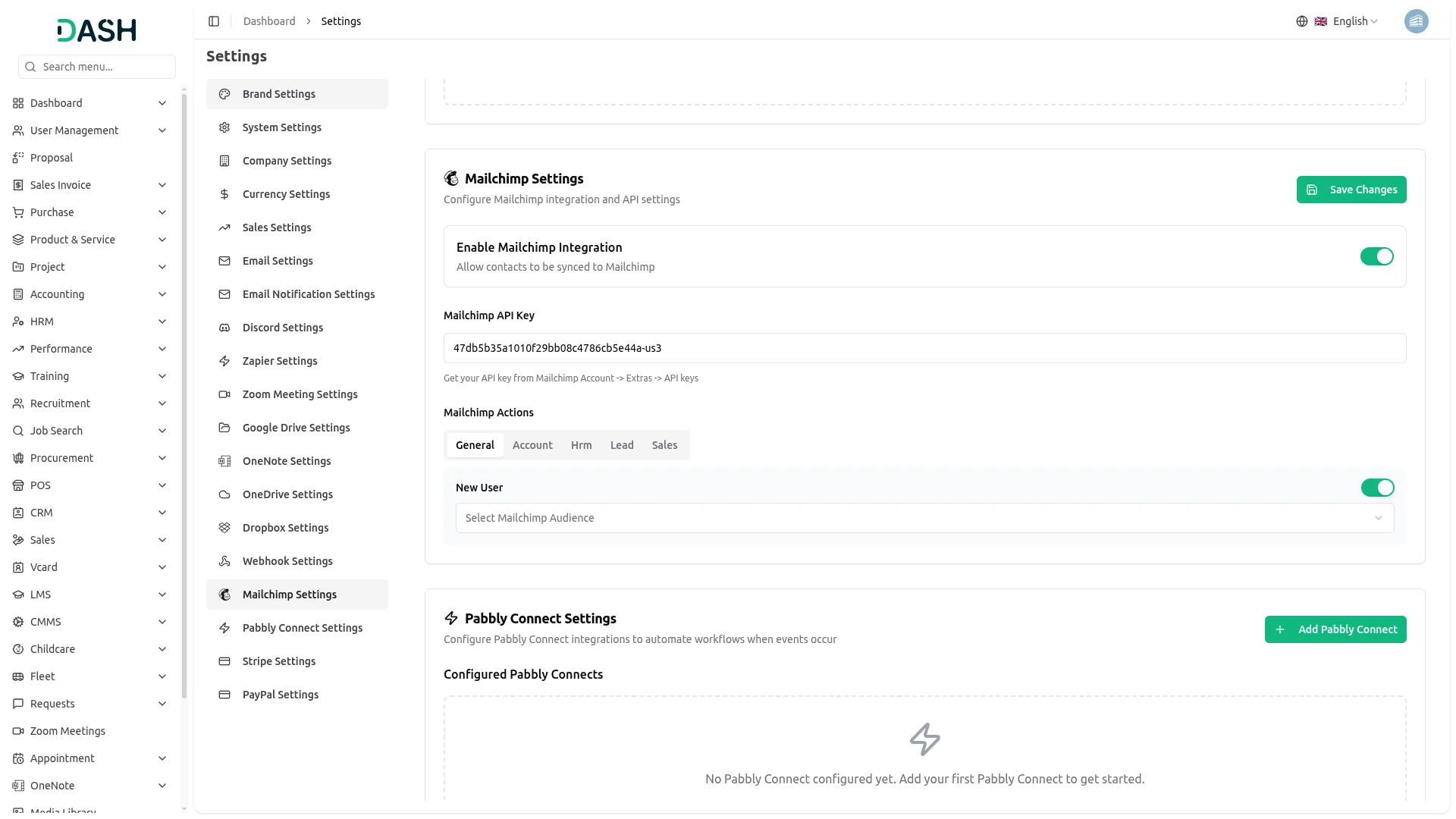
Securely connect your platform to Mailchimp by entering your API key in the integration settings. Once connected, Mailchimp automatically manages email sending triggered by supported Add-Ons like CRM, Sales, or HRM. You can enable or disable the integration at any time to control automated email delivery. This setup ensures that your email campaigns run smoothly and consistently in response to system actions. It provides a simple and reliable way to automate communication without manual intervention.
Mailchimp Contact Automation
Once Mailchimp integration is enabled with a valid API key, contact and email data automatically syncs with your Mailchimp audience whenever supported actions occur. For example, when you create a contact or send an email through integrated Add-Ons, the system auto-adds the contact to your Mailchimp list. This ensures your audience is always up to date without manual entry. You can manage this automation through a simple toggle in the settings, making email marketing seamless and efficient.
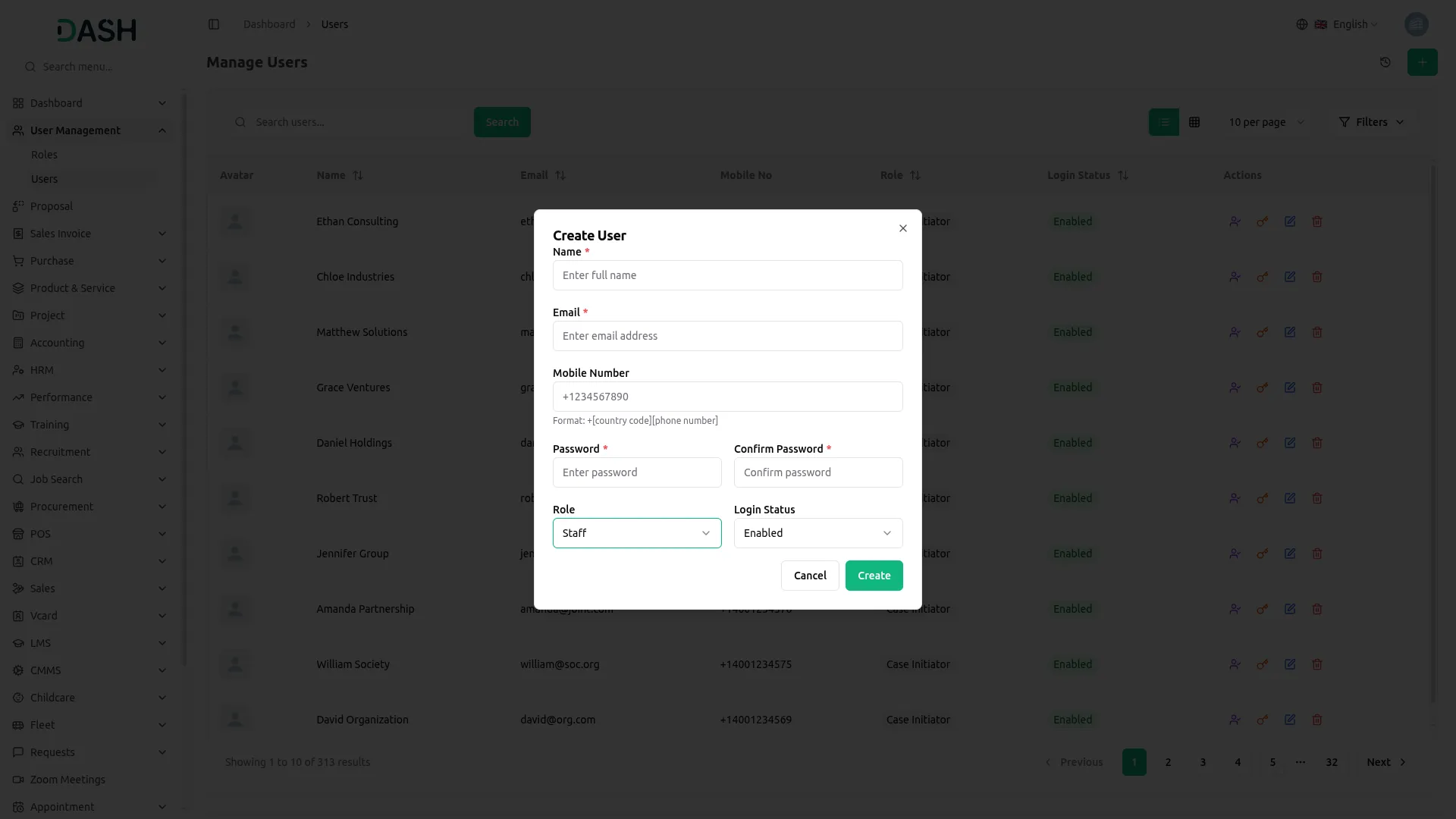
Screenshots from our system
To explore the functionality and usage of these Add-Ons, refer to the accompanying screenshots for step-by-step instructions on how to maximize their features.
Discover More Add-Ons
Unlock even more functionality with additional Add-Ons, providing enhanced networking and customization options for your Dash SaaS experience.

SWOT Analysis Model
The Dash SaaS SWOT Analysis Module empowers businesses with a structured framework to evaluate their Strengths, Weaknesses, Opportunities, and Threats.


MSG91
The MSG91 add-on in Workdo Dash enables businesses to send instant and reliable SMS notifications. Whether it's order updates, appointment reminders, payment confirmations, or promotional messages, MSG91 ensures quick and secure communication. With its smooth integration into Workdo Dash, businesses can enhance customer engagement, improve response times, and maintain seamless interactions with minimal effort.
Nice product with good features and the support team is awesome.
the Team deserve 5 Star for following reason; 1- Customer Support2- Feature Availability3- Design Quality 4- Documentation Quality
This product is fantastic! The team behind it is excellent, and the support they provide is outstanding.