
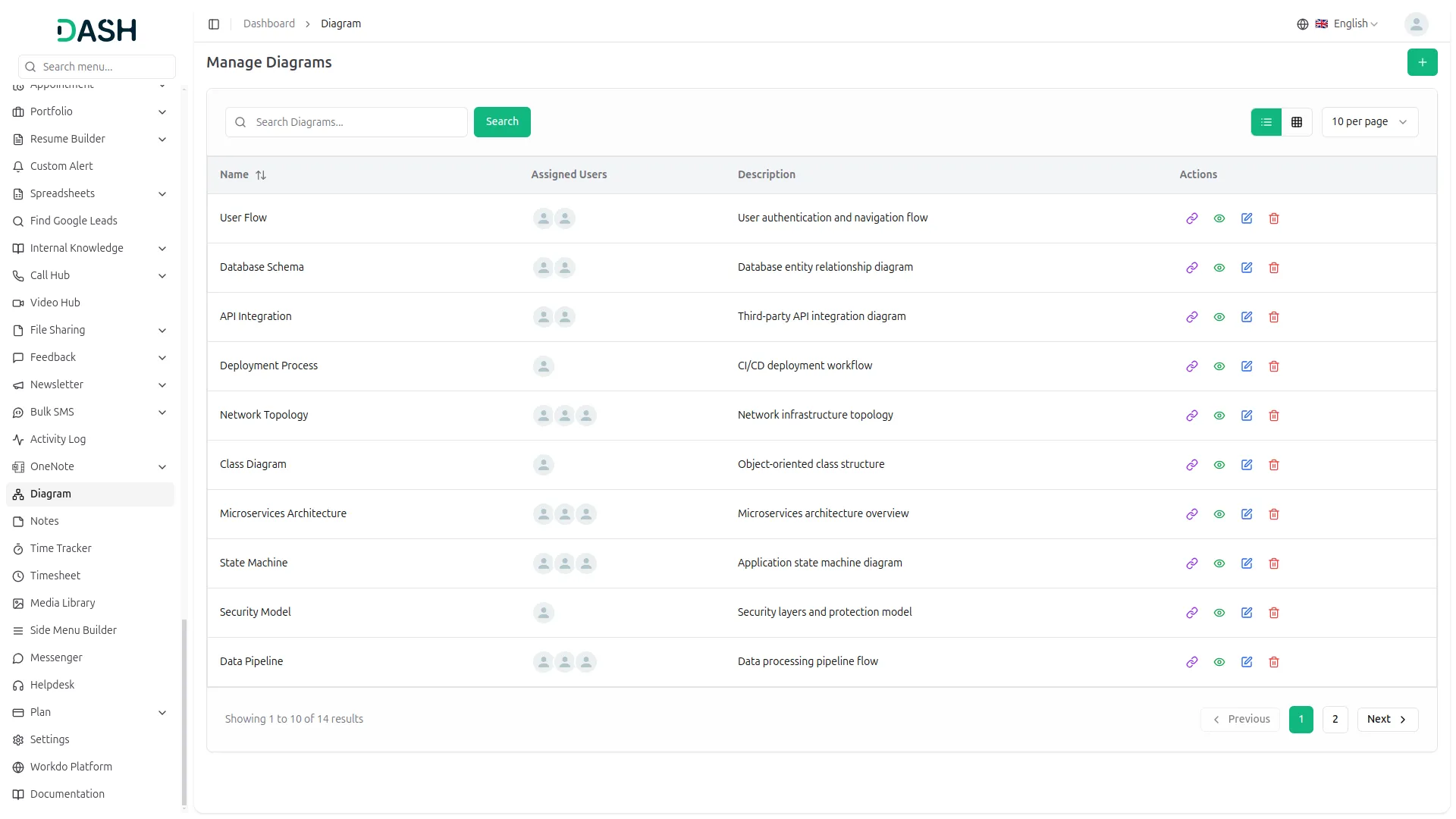
The Diagram Add-On is a versatile and user-friendly tool designed to help individuals and teams quickly create clear, professional diagrams such as flowcharts, mind maps, and project plans, enabling easy collaboration, real-time editing, and customizable design options to effectively visualize and communicate ideas across various roles and projects.
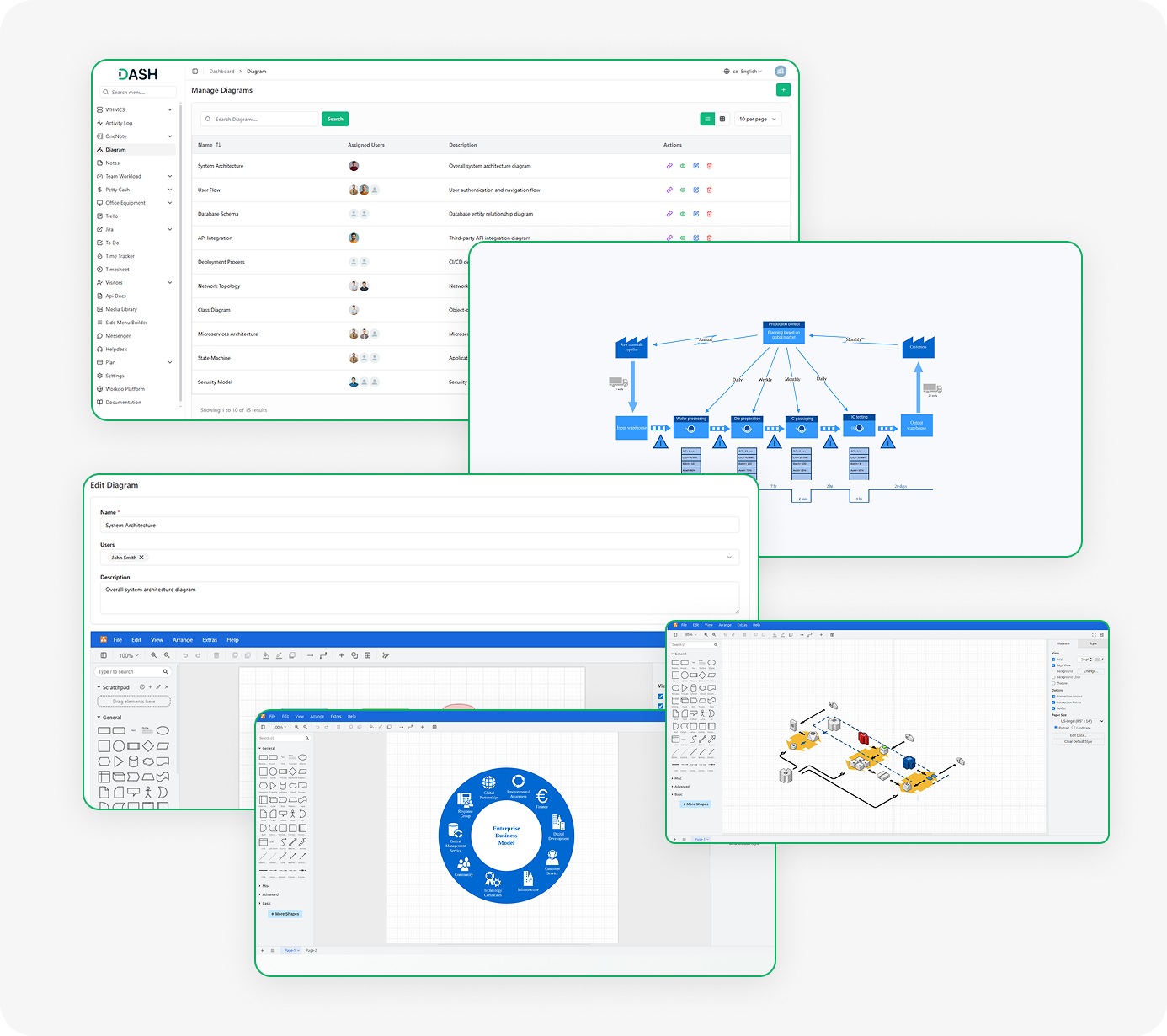
Visualize ideas and collaborate with a smart diagramming tool.
- Flowcharts, mind maps, and project plans
- Easy drag-and-drop creation
- Real-time collaboration with team members
- Public share links without login
- User-based view and edit controls
- Custom background and layout settings
- Adjustable arrows, grids, and guides
- Portrait or landscape orientation
- Professional and clean visuals
- Ideal for planning, training, and strategy
Turn Your Ideas into Clear Diagrams
The Diagram Add-On helps you turn your thoughts and plans into clear, easy-to-understand diagrams. Instead of writing everything out or explaining it over and over, you can create a visual that shows your full idea at a glance. This tool is great for teams, business owners, or anyone who needs to present a plan in a neat and visual way.
- Create new diagrams quickly with just a few clicks
- Present your ideas using flowcharts, mind maps, or project plans
- Make your work look clean and professional
- Save time by showing instead of explaining
Easy to Share and Work Together
You can easily share your diagrams with others using a special link. This link lets people view the diagram on the frontend without logging in. You can also assign users to each diagram, so your team can work together and update it whenever needed. It’s a great way to keep everyone on the same page.
- Share diagram links with anyone for easy viewing
- Assign team members to edit and update diagrams
- Control who can view or modify each diagram
- Collaborate in real time and stay organized
Make Diagrams Look the Way You Want
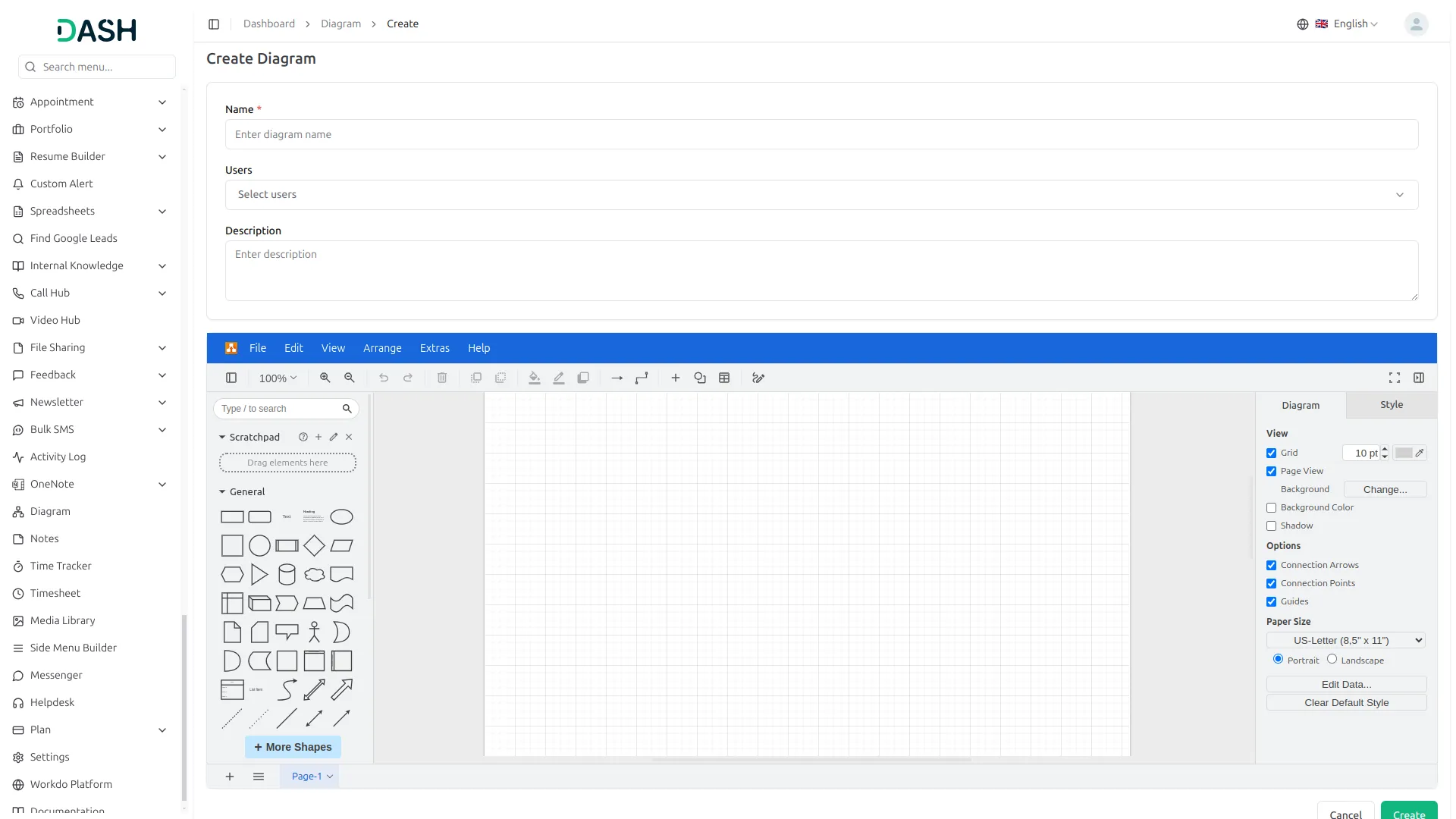
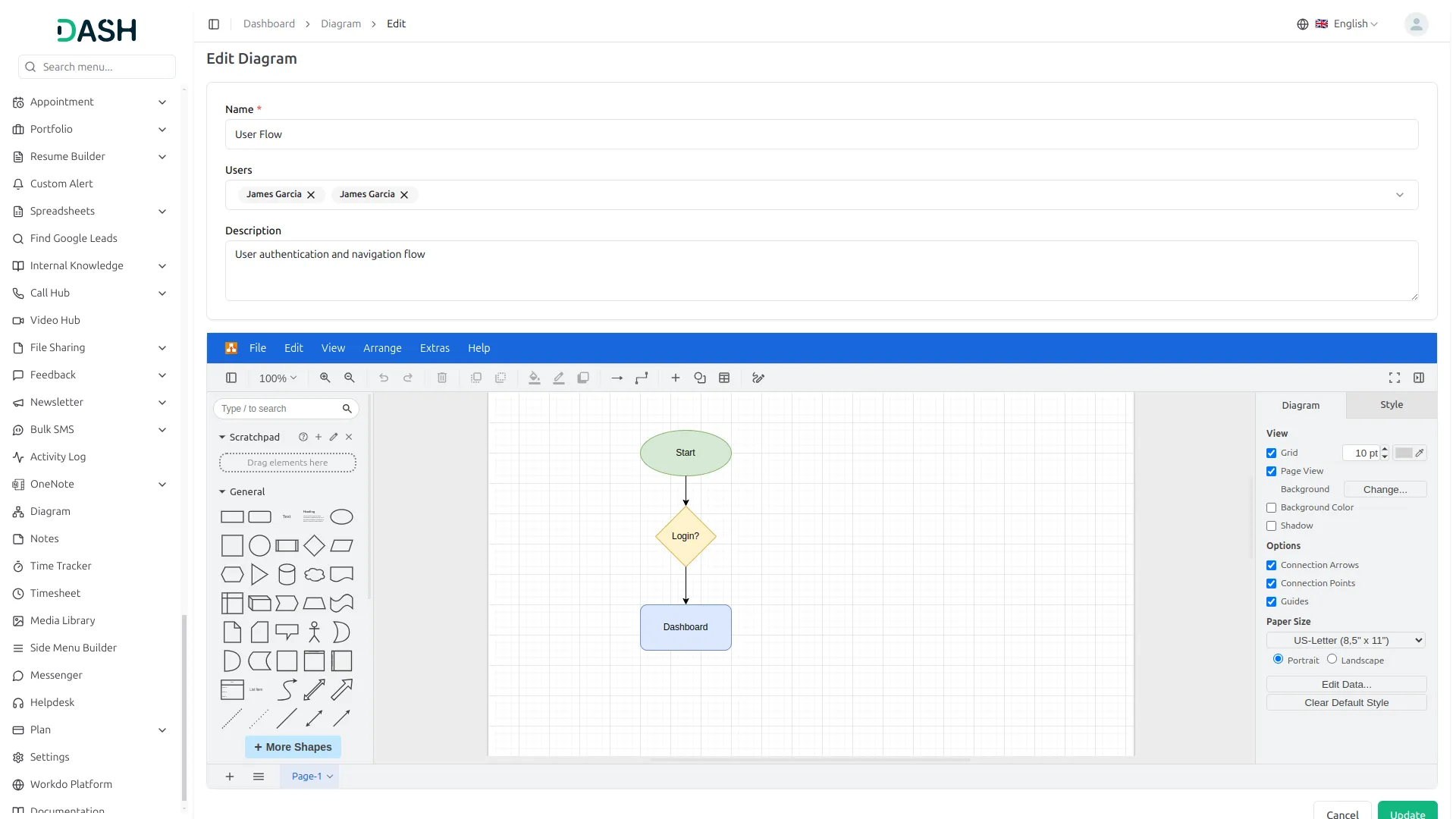
You can fully control how your diagram looks. Change the background colour, grid size, page size, shadows, and even the shape and direction of connection arrows. You can pick a portrait or landscape view, set up guides, and style the chart to match your needs. It’s all about giving you full freedom to design the way you like.
- Pick background colours and page layout that suit your work
- Adjust arrows, lines, and guide settings for better design
- Set your preferred paper size and direction (portrait or landscape)
- Match the diagram style with your project or company look
A Flexible Tool for Every Use
Whether you're planning a project, building a strategy, or making a simple chart, the Diagram Add-On is flexible and fits many needs. It’s designed to help people in all kinds of roles—from teachers to managers—create better visuals with less effort. You don’t need to be a designer to use it.
- Great for teachers, teams, project managers, and business owners
- Suitable for planning, training, or creative work
- Makes explaining ideas easy for both small and large teams
- Helps you work smarter by presenting clear visual steps
Screenshots from our system
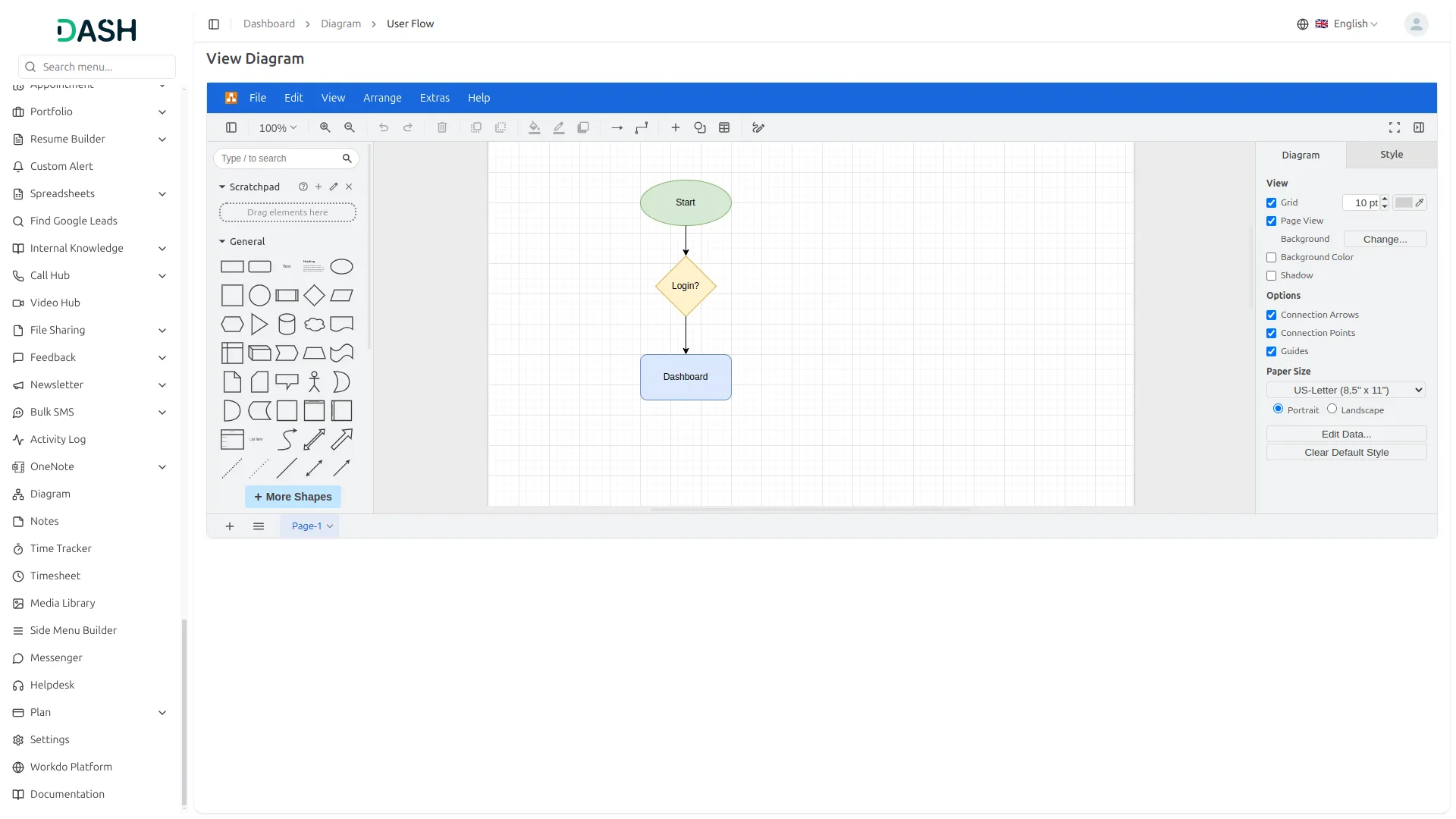
To explore the functionality and usage of these Add-Ons, refer to the accompanying screenshots for step-by-step instructions on how to maximize their features.
Discover More Add-Ons
Unlock even more functionality with additional Add-Ons, providing enhanced networking and customization options for your Dash SaaS experience.


WordPress (WooCommerce)
Integrate and manage your store`s products and inventory with WooCommerce using WooCommerce. Simplify product and coupon management while enhancing customer interactions for an optimized WooCommerce experience.


Visitor Management
The Visitor Management add-on offers a complete solution for tracking, verifying, and managing every visitor entering your premises.
Consistent code standards support maintainability
Stable performance during multi-workspace usage
No technical issues encountered
Bugs rarely show up